More ways to explain with ngram
Browser handoff, conversations, depth captions, technical animation, richer footage and reusable intro/outro slides: see what you can make in ngram.


Show real product workflows, explain ideas through conversation, and make footage easier to follow. These updates add new ways to direct the video while keeping its sources and message central.
Take over the live browser when a step needs you
Give ngram a URL and the workflow to explain. Watch its live browser, complete a sign-in or other step when control is handed to you, then choose Done so it can continue. Use an attended chat with a compatible director such as Opus 5.5.
Explore take over the live browser when a step needs you
Turn questions into a conversation
Choose Conversation for an interview, product Q&A or learner-and-expert explanation. Give each role a distinct voice and add presenters when useful. Describe the other speakers in the brief, then review their dialogue in the plan.
Explore turn questions into a conversation
Explain what generated footage is showing
Ask for labels or callouts over AI footage, or a full-frame graphic between shots. Use the graphic to explain the important idea before returning to the scene.
Explore explain what generated footage is showing
Keep the recording’s voice while adding context
Upload a recording and say which speech to keep, clean, replace or mute. Labels, callouts and diagrams can clarify the source while the original speech continues. The full HBase lecture below shows recording, graphics and returns to the instructor.
Explore keep the recording’s voice while adding context
Put emphasis words behind the presenter
Depth captions places selected large words behind a prominent presenter’s head and shoulders. These emphasis words are separate from ordinary subtitles, so you can choose whether to use both.
Explore put emphasis words behind the presenter
Show how a mechanism works
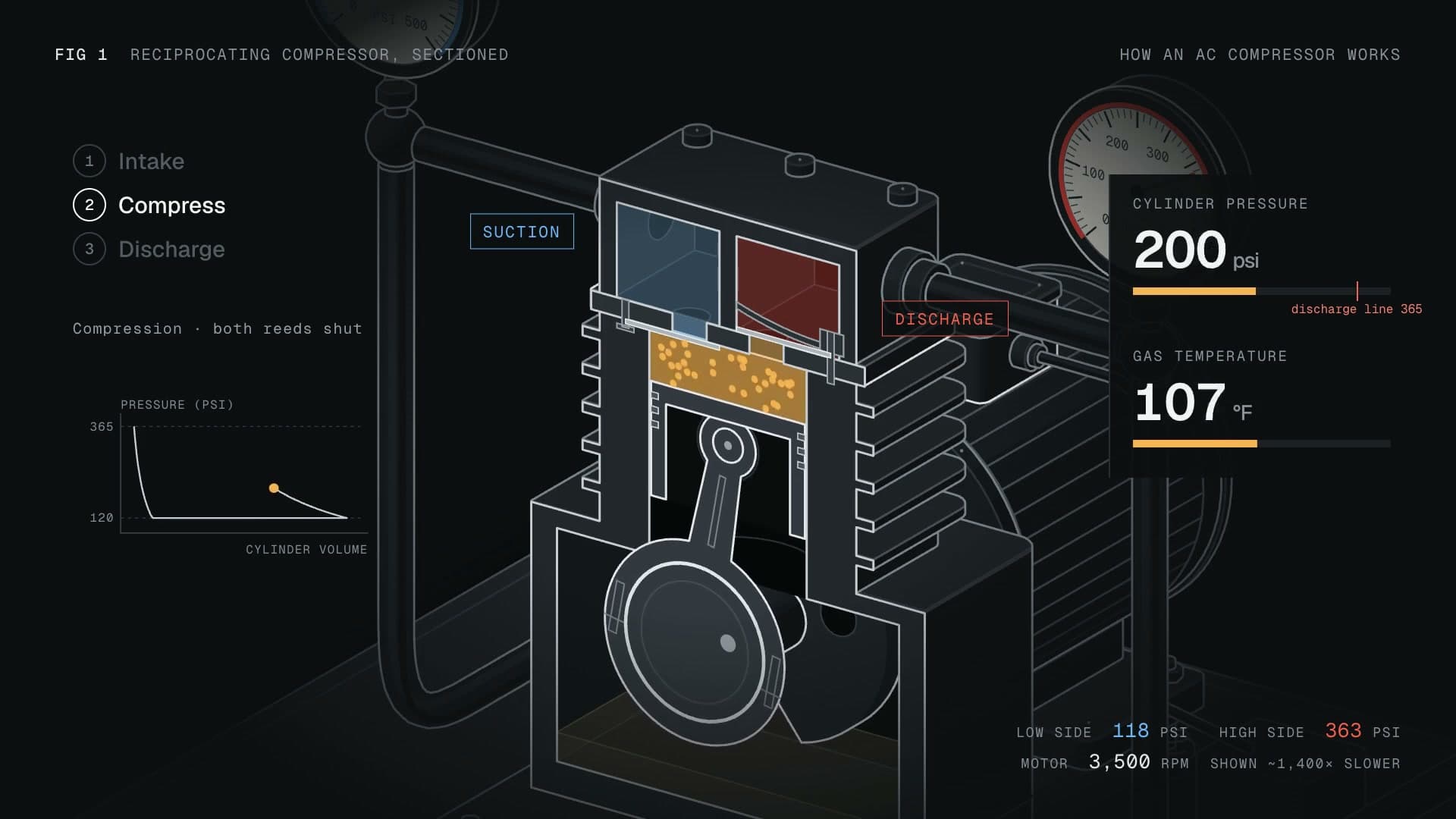
Choose Machine anatomy with Opus 5.5 for labeled cutaways, moving parts and narrated sequences. Supply the technical facts and check the resulting explanation against them. Watch the compressor and lock examples to see different mechanisms explained.
Explore show how a mechanism works
Save an opening and closing you can reuse
Create and edit intro/outro slide templates in Brand Kit on Premium or Ultimate. Start from a built-in design or describe your own, refine it, and save. Select the kit and the saved slides when starting a video; both slide choices begin Off.
Explore save an opening and closing you can reuse
Start from a tested brief
Create a product Q&A conversation
Past issues
Brand slides, pasted media, and direct editing
A new way to create videos with ngram
Product Update: Layered Image Editing, Timeline Controls, and GIF Downloads — September 28, 2026
Product Update: Try-On Videos, Scene Trimming, and Precise Image Controls — September 21, 2026
Product Update: Chapter Cards, Brand Color Roles, and Custom Bookends — September 14, 2026
Product Update: Generative Video Beta, Smarter Mode Guidance, and Attachment Previews — September 9, 2026

Product Update: Video Style Templates, Square Videos, and Avatar Layouts — August 31, 2026
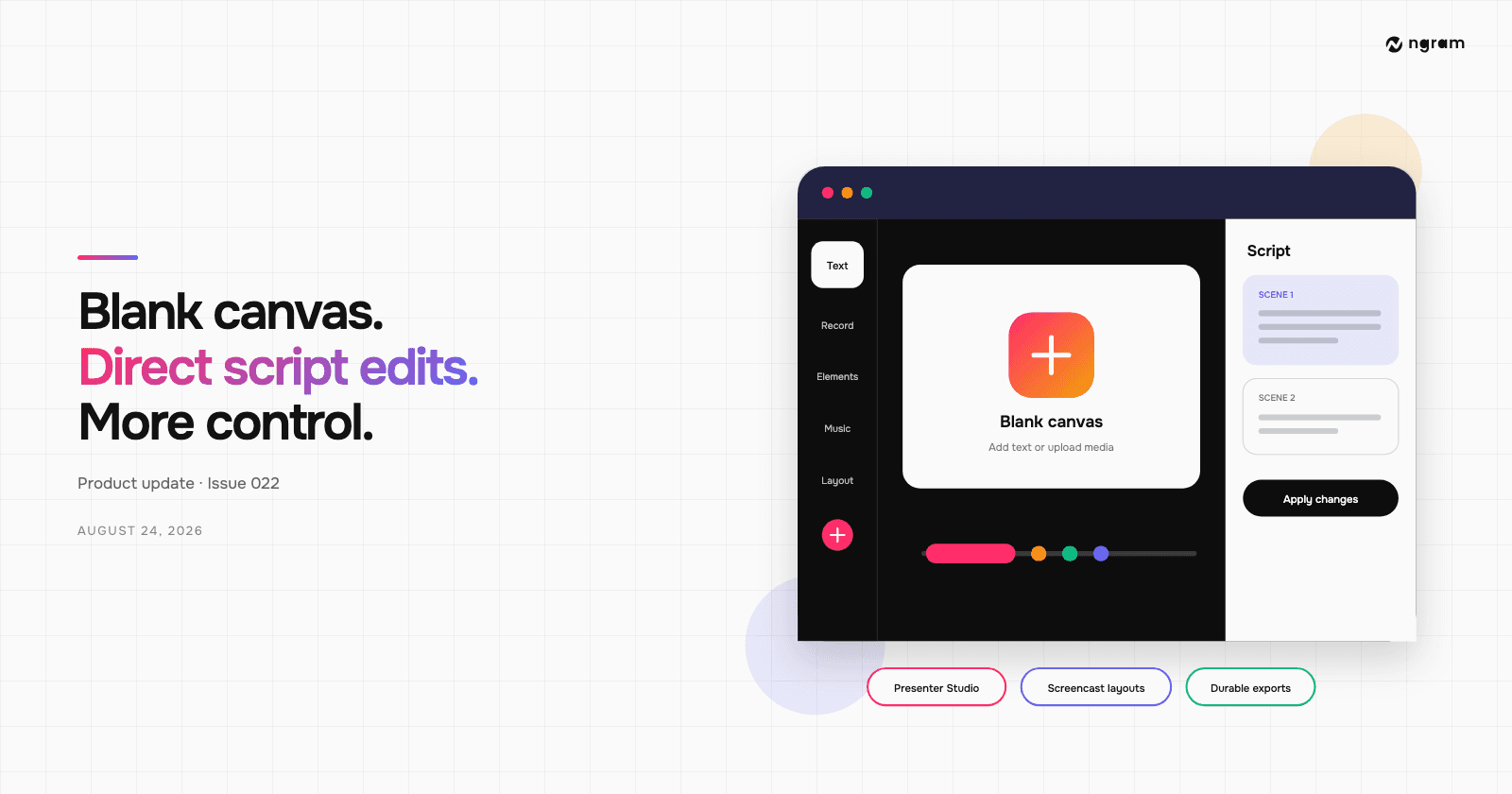
Product Update: Blank Canvas, Script Editing, and More Editor Controls — August 24, 2026