ngram
Pricing
Talk to salesLogin/Signup

ngram blog

The ngram Blog

Product updates, best practices, and insights on AI-powered video creation for modern teams.

AllArticleIndustry newsCompany newsAlternativesHow toCompare
Browse 57 topics
ngram257Comparison164AI Video152Pricing85Video Editing84How To79Video Generation67Alternatives66Video Marketing66Text to Video54Screen Recording44AI Tools42Product Demo40Video Documentation38Industry News36AI Avatar32Business Video32Avatar Video30Training Video26Video Tools24Explainer Video23Product Marketing23Content Creation21Content Repurposing20Product Launch20Short-Form Video20Video Messaging17Marketing Tools16Sales Video15Animated Video14Video Localization13Async Video11Enterprise Training11Personalized Video11Video Hosting11Tutorial Videos10Demo Video9AI Voice8Sales Enablement8Video Ads8AI UGC7AI Voiceover7Templates7Video Captions7AI Dubbing6AI Video Regulation6Content Marketing6Live Streaming6URL to Video6Podcasting5Startups5UGC Ads5Video Recording5AI Avatars4Motion Graphics4Podcast Tools4Video Translation4
How to5 min read

How to Create a Two-Host AI Video Podcast From an Article

Turn an article into a two-host AI video podcast. Choose source-backed takeaways, give each host a role and review a real worked example.

How TongramPodcast Tools
Rishikesh Ranjan
Rishikesh Ranjan
Growth Lead
Nov 5, 2026
How to Create a Two-Host AI Video Podcast From an Article
How to Brief a Teammate Who Picks Up a Complex Ticket Mid-Sprint
How to6 min read

How to Brief a Teammate Who Picks Up a Complex Ticket Mid-Sprint

Prepare a mid-sprint ticket handoff that separates the problem, confirmed evidence, open questions and first reproducible check. Use a short video only for something the next owner needs to see.

How Tongram
Rishikesh Ranjan
Rishikesh Ranjan
Growth Lead
Nov 2, 2026
How to Send the Right Onboarding Video When Sales Hands Off an Account
How to5 min read

How to Send the Right Onboarding Video When Sales Hands Off an Account

Turn a sales handoff into an onboarding video that teaches one first task. Choose between an existing lesson and a new draft, then verify what the customer receives.

How Tongram
Rishikesh Ranjan
Rishikesh Ranjan
Growth Lead
Nov 2, 2026
How to Give Customer Tutorials a Consistent Look Across Authors
How to5 min read

How to Give Customer Tutorials a Consistent Look Across Authors

Give customer tutorials a consistent opening, closing and review standard across authors, while leaving each lesson free to demonstrate its own task clearly.

How Tongram
Rishikesh Ranjan
Rishikesh Ranjan
Growth Lead
Nov 2, 2026
How to Deliver a Customer’s Video as Soon as It’s Ready
How to6 min read

How to Deliver a Customer’s Video as Soon as It’s Ready

Design an asynchronous video handoff that matches a finished job to the intended customer, checks the correct version and avoids duplicate notifications.

How Tongram
Rishikesh Ranjan
Rishikesh Ranjan
Growth Lead
Nov 2, 2026
How to Explain a Code Change to Customers Without Showing the Diff
How to5 min read

How to Explain a Code Change to Customers Without Showing the Diff

Translate a pull request into a customer-facing explanation. Use the shipped action, a visible before-and-after result and a written availability check instead of exposing the diff.

How Tongram
Rishikesh Ranjan
Rishikesh Ranjan
Growth Lead
Nov 2, 2026
How to Explain Quarterly Results on Video Without Sharing the Whole Spreadsheet
How to5 min read

How to Explain Quarterly Results on Video Without Sharing the Whole Spreadsheet

Build a quarterly video from a small approved extract. Show the metric, periods and arithmetic, keep the workbook private, and distinguish the result from the next-quarter goal.

How Tongram
Rishikesh Ranjan
Rishikesh Ranjan
Growth Lead
Nov 2, 2026
How to Handle Completed and Failed Video Jobs With Webhooks
How to7 min read

How to Handle Completed and Failed Video Jobs With Webhooks

Set up a signed ngram webhook receiver, verify the raw request, route video.completed and video.failed separately, and deduplicate retries without losing a new edit.

How Tongram
Rishikesh Ranjan
Rishikesh Ranjan
Growth Lead
Nov 2, 2026
How to Add a Diagram to a Recorded Lecture
How to5 min read

How to Add a Diagram to a Recorded Lecture

Add a diagram to a recorded lecture while keeping the instructor’s explanation. Choose the right passage, time the insert to the speech and check the return to the recording.

How Tongram
Rishikesh Ranjan
Rishikesh Ranjan
Growth Lead
Nov 2, 2026
How to Add a Quiz, Poll, or Clickable Button to a Video
How to5 min read

How to Add a Quiz, Poll, or Clickable Button to a Video

Add a quiz, preference poll or timed button to an ngram video. Check the result in Studio and test the shared destination before assigning it to viewers.

How Tongram
Rishikesh Ranjan
Rishikesh Ranjan
Growth Lead
Nov 2, 2026
How to Add Labels and Callouts to AI-Generated Video
How to6 min read

How to Add Labels and Callouts to AI-Generated Video

Add readable labels and callouts to AI-generated footage. Choose the moment, write a short label and decide when a full-frame graphic will explain more clearly.

How Tongram
Rishikesh Ranjan
Rishikesh Ranjan
Growth Lead
Nov 2, 2026
How to Add Your Own MP3 as Background Music in a Video
How to5 min read

How to Add Your Own MP3 as Background Music in a Video

Add an MP3 in ngram Studio, select it as the background music and check it against the narration before exporting the finished video.

How Tongram
Rishikesh Ranjan
Rishikesh Ranjan
Growth Lead
Nov 2, 2026
How to Animate the Moving Parts Inside a Machine
How to5 min read

How to Animate the Moving Parts Inside a Machine

Build a mechanical animation from a reference drawing. Identify the motion to explain, choose a cutaway view and verify each label and relationship before sharing.

How Tongram
Rishikesh Ranjan
Rishikesh Ranjan
Growth Lead
Nov 5, 2026
How to Create a Video From a Notion Database Row
How to6 min read

How to Create a Video From a Notion Database Row

Connect selected Notion pages to ngram, prepare a request row, set Action to Generate and find the finished video. Check permissions and handle a failed row without starting duplicate jobs.

How Tongram
Rishikesh Ranjan
Rishikesh Ranjan
Growth Lead
Nov 2, 2026
How to Customize an Embedded Video Player With Your Logo and Colors
How to5 min read

How to Customize an Embedded Video Player With Your Logo and Colors

Set a logo, website link and accent color on an ngram video player. Choose between account defaults and a single-video override, then test the embedded result.

How Tongram
Rishikesh Ranjan
Rishikesh Ranjan
Growth Lead
Nov 2, 2026
How to Make a Follow-Up Release Video With Assets You Already Have
How to5 min read

How to Make a Follow-Up Release Video With Assets You Already Have

Plan a follow-up release video around the new customer action. Reuse current footage from the first launch, replace outdated claims and review the result as a separate edition.

How Tongram
Rishikesh Ranjan
Rishikesh Ranjan
Growth Lead
Nov 2, 2026
How to Make a Neighborhood Market Update for Past Clients
How to5 min read

How to Make a Neighborhood Market Update for Past Clients

Create a neighborhood market update for past real estate clients using dated, sourced local figures, one explainable comparison and a useful follow-up question.

How Tongram
Rishikesh Ranjan
Rishikesh Ranjan
Growth Lead
Nov 2, 2026
How to Make a Q&A Video With Two Speakers
How to5 min read

How to Make a Q&A Video With Two Speakers

Build a two-speaker Q&A video in ngram. Assign each person a role, ground the answers in approved facts and revise a line without rewriting the conversation.

How Tongram
Rishikesh Ranjan
Rishikesh Ranjan
Growth Lead
Nov 5, 2026
How to Make Reusable Intro and Outro Slides for Your Videos
How to5 min read

How to Make Reusable Intro and Outro Slides for Your Videos

Create editable intro and outro slides in Brand Kit, save them as templates and select the right opening or closing for each new video.

How Tongram
Rishikesh Ranjan
Rishikesh Ranjan
Growth Lead
Nov 2, 2026
How to Mix Background Music So Viewers Can Hear Every Word
How to5 min read

How to Mix Background Music So Viewers Can Hear Every Word

Balance background music against narration using a repeatable listening test. Compare the same sentence with two different music levels and check the exported cut.

How Tongram
Rishikesh Ranjan
Rishikesh Ranjan
Growth Lead
Nov 2, 2026
How to Preview and Export a Video With the ngram MCP Server
How to5 min read

How to Preview and Export a Video With the ngram MCP Server

Create a video with the full ngram MCP profile, review its live preview, request a change and explicitly export the current version when you need an MP4.

How Tongram
Rishikesh Ranjan
Rishikesh Ranjan
Growth Lead
Nov 2, 2026
How to Publish a Tutorial to YouTube From ngram
How to5 min read

How to Publish a Tutorial to YouTube From ngram

Move a finished tutorial from ngram to the intended YouTube channel. Check visibility, review the title and play the published video as a learner.

How Tongram
Rishikesh Ranjan
Rishikesh Ranjan
Growth Lead
Nov 2, 2026
How to Put Captions Behind a Speaker in a Video
How to5 min read

How to Put Captions Behind a Speaker in a Video

Create behind-the-speaker emphasis in a presenter video. Pick a readable shot, request specific words and keep ordinary subtitles available for the full spoken message.

How Tongram
Rishikesh Ranjan
Rishikesh Ranjan
Growth Lead
Nov 2, 2026
How to Replace an Embedded Video Without Changing the Link
How to6 min read

How to Replace an Embedded Video Without Changing the Link

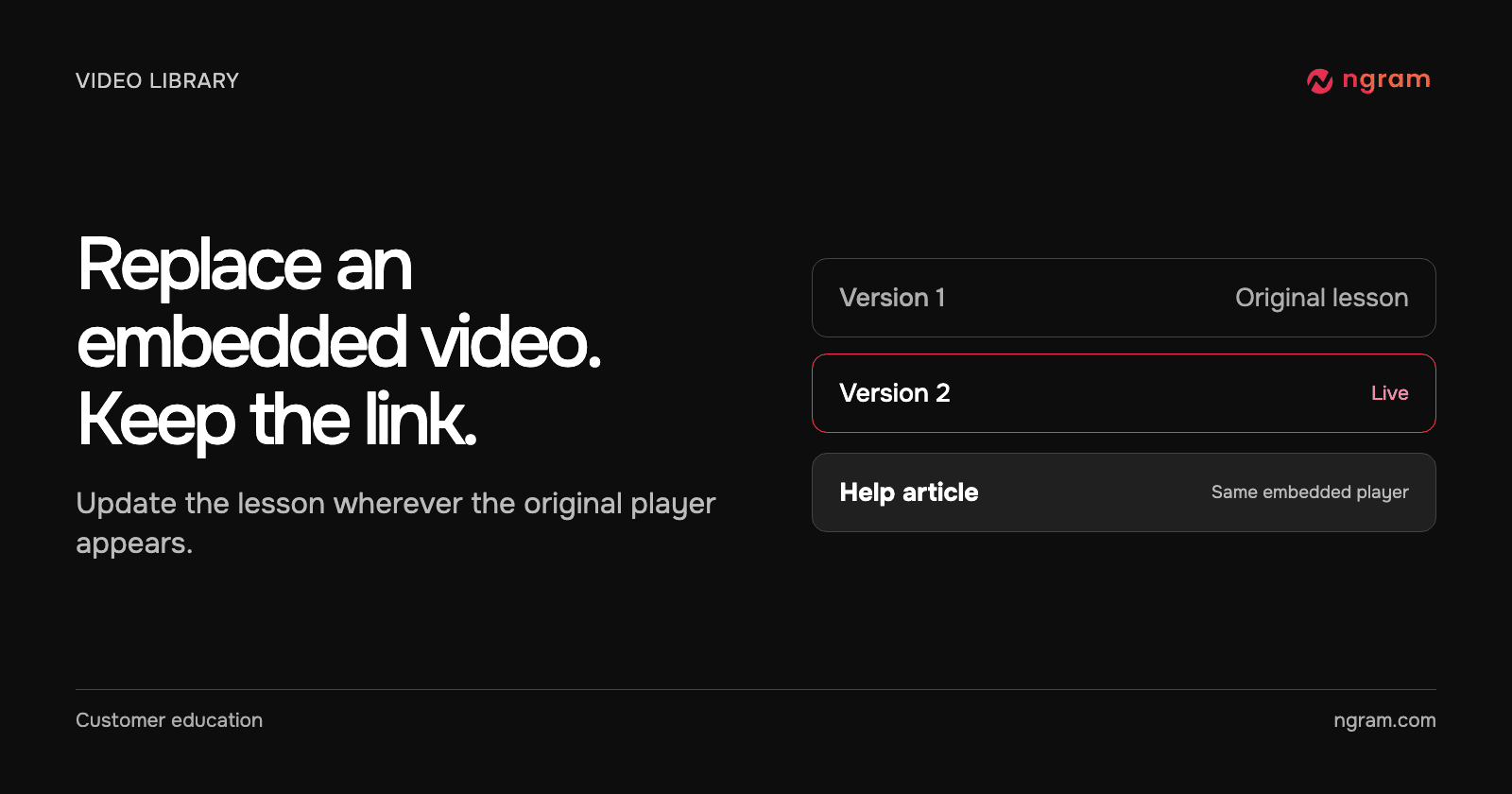
Replace an uploaded video in ngram without changing its embed code. Upload the revision, make it live, and verify the new footage on the original page.

How ToVideo Hosting
Rishikesh Ranjan
Rishikesh Ranjan
Growth Lead
Nov 2, 2026
1234
ngram

Company

  • About
  • Customer Stories
  • Product Updates
  • Partner Program
  • Blog Partner Program
  • Video Agency Directory
  • Video AI Models
  • Video Translator by Language
  • Media Kit
  • Careers (opens in new tab)
  • Talk to sales
  • Contact

Features

  • AI Explainer Video Maker
  • AI Video Generation
  • AI Visuals
  • AI Voiceover
  • Brand Kit
  • Browser Handoff
  • Captions & Subtitles
  • Collaboration
  • Conversation Mode
  • Custom video player
  • Depth Captions
  • Dynamic AI Avatar Talking Head
  • Image Lab
  • Intro and Outro Templates
  • Motion Graphics
  • ngram
  • Screencast Understanding and Editing
  • Script Generation
  • Social Publishing
  • Technical Animation
  • Translation & Localization
  • Video Editing
  • Video Hosting

Tools

  • AI Avatar Video Generator
  • AI Image Generator
  • AI Video Generator
  • AI Voice Generator
  • Add Music to Video
  • Add Subtitles to Video
  • Add Text to Video
  • Audio to Text
  • Audio to Video
  • Auto Subtitle Generator
  • Eye Contact AI
  • Image Background Remover
  • Remove Background Noise from Audio
  • Remove Background Noise from Video
  • Screen Recorder
  • Text to Speech Video
  • Video Caption Generator
  • Video Compressor
  • Video Converter
  • Video Cutter
  • Video Editor
  • Video Script Generator
  • Video Translator
  • Video to Audio
  • Video to GIF
  • Video to Text
  • Voice Dubber
  • YouTube Description Generator
  • YouTube Title Generator

Convert

  • Blog to Video
  • Docs to Video
  • Help Center Article to Video
  • Image to Video
  • PDF to Video
  • PPT to Video
  • Product Docs to Video
  • Release Notes to Video
  • Screen Recording to Video
  • Screenshots to Video
  • Text to Video
  • URL to Video
  • Webinar to Clips

Integrations

  • Claude
  • Cursor
  • ChatGPT
  • Notion
  • Public API
  • GitHub
  • ngram_ai X/Twitter bot
  • Chrome Extension
  • viaSocket
  • Zapier
  • n8n
  • MCP Server
  • Webhooks
  • LinkedIn
  • X (Twitter)
  • YouTube

Community & Support

  • Workflows
  • Docs
  • Made with ngram
  • Video Production Agencies
  • Examples
  • Templates
  • Video Style Templates
  • Ngram ROI Calculator
  • Help Center (opens in new tab)
  • Community Forum (opens in new tab)

Solutions

By Role

  • Product Managers
  • Product Marketing
  • Growth & Marketing
  • Founders
  • Sales Enablement
  • Customer Success
  • Developer Relations
  • Educators
  • HR & Internal Comms
  • Agencies
  • Support Teams
  • Content Creators

By Size

  • Enterprise
  • Startups
  • SMB
  • Solopreneurs
  • Remote Teams

By Industry

  • SaaS
  • E-commerce
  • Fintech
  • Healthcare
  • Real Estate

Blog

  • All blog posts
  • Articles
  • How-to
  • Alternatives
  • Industry News
  • Company News
  • Compare
  • Authors

Use Cases

  • Product Demo
  • Tutorial
  • Explainer
  • Customer Onboarding
  • Help Center
  • Training
  • Feature Announcement
  • Landing Page
  • Ad Creative
  • Sales Prospecting
  • Email Marketing
  • Customer Testimonial
  • LinkedIn
  • Webinar Clips
  • Newsletter
  • Changelog
  • Internal Communication
  • Meeting Recap
  • Event Recap
  • Bug Report
  • API Documentation
  • Competitive Comparison
  • Investor Pitch
All Use Cases

Compare

  • ngram vs Synthesia
  • ngram vs HeyGen
  • ngram vs Descript
  • ngram vs Camtasia
  • ngram vs InVideo
  • ngram vs Loom
  • ngram vs Pictory
  • ngram vs Veed
  • ngram vs Canva
All Comparisons

Recognized by G2 and Product Hunt

Summer and Fall 2026 High Performer, including Mid-Market recognition, in AI Video Generators and Synthetic Media, plus the Users Love Us badge.

ngram — #2 Product of the Day on Product Hunt (opens in a new tab)
Create your first video with ngramTalk to sales
PrivacyTermsPartner Termsllms.txtllms-full.txt

© 2026 ngram. All rights reserved.