Product Update: Creator Video Hosting, Unified Screencast Editing, and Cancellation Surveys — August 15, 2026
ngram's own video hosting is rolling out to a first cohort of creators — publish a finished video to a shareable link or embed it, then track views and manage recipients from a new hosting dashboard. Screencast videos now edit inside the same scene editor as everything else instead of a separate screen, and canceling or pausing a subscription now walks you through a short survey instead of Stripe's generic screen. Plus a refreshed home screen, invoice history on the Billing page, and 10 more bug fixes.
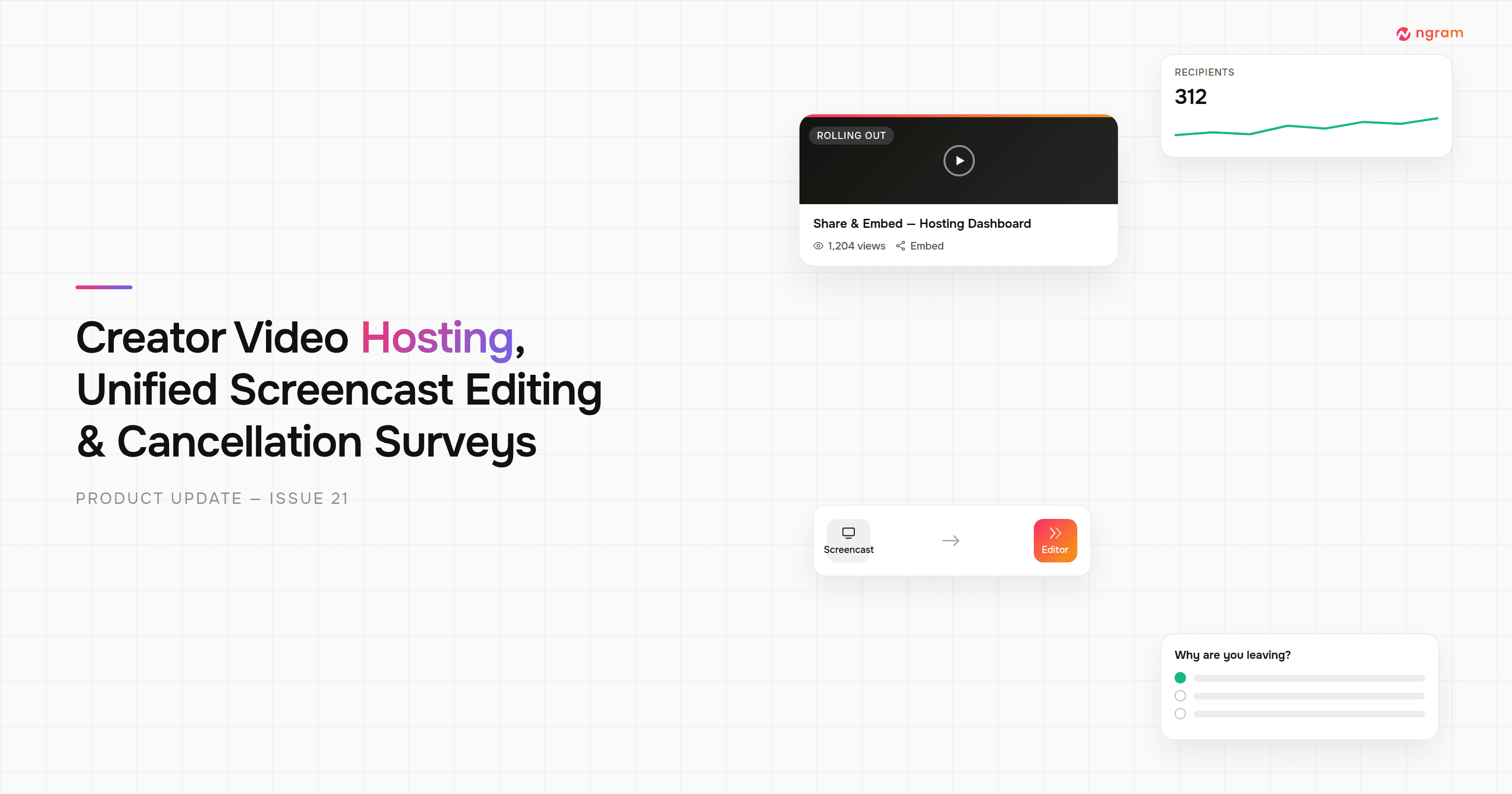


ngram's own video hosting is rolling out to a first cohort of creators: publish a finished video to a shareable ngram link or an embed code straight from agentic chat, then track views and manage recipients from a new hosting dashboard. Screencast videos now edit inside the same scene editor as every other video type instead of a separate screen. Canceling or pausing a subscription walks you through a short in-app survey instead of Stripe's generic cancellation screen. There's also a refreshed home screen, invoice history on the Billing page, and 10 more bug fixes across chat, voice, and the editor.
What's New
Creator Video Hosting
From the finished-video screen in agentic chat, Share and Embed actions now publish your video to a shareable ngram.com link or an embeddable script/iframe, backed by a new hosting dashboard with a video library, view analytics, recipient and contact management, and version history with restore. This is currently rolling out to a subset of creators rather than everyone at once — if you don't see the hosting dashboard yet, it's on its way.
Unified Screencast Editing
Screencast scenes now edit right inside the same scene editor as every other video type — no more jumping to a separate "Edit Video" screen. Style, content, background, motion, branding, and zoom controls all live in the editor rail alongside your canvas, and preview playback now covers your whole video instead of just the scene you're editing.
Cancellation and Pause Surveys
Canceling a subscription now shows a short consequence screen followed by a quick four-question exit survey, instead of handing you off to Stripe's generic cancellation flow. Pausing asks for a required reason (with an optional comment). It's a faster way to tell us what didn't work — and it helps us fix it.
Improvements
Refreshed Home Screen
The home screen has a friendlier rotating greeting, a wider prompt box that expands when you focus it, and the style-template gallery is now organized into browsable "Video Styles" rows by category instead of one long grid.
Invoice History and a Redesigned Subscription Card
You can now view and download your invoice history directly from the Billing page — no more digging through the Stripe portal or emailing support. The plan and credits section is now one clearer card, a paused subscription correctly shows when billing resumes instead of a next-payment date that was never going to happen, and the free-trial badge is now readable on the dark panel.
Clearer Agent Thinking Indicator
While ngram's agent works on your video, you now see a persistent status indicator with a live per-step timer and the current tool it's running, instead of an indicator that used to flicker in and out.
Screencast Panel Width Control
Screencast videos now have a Panel Width slider in Customize, so a portrait recording no longer gets stuck with a cramped points panel. Asking the agent in chat to tweak Screencast styling is also far less likely to silently fail or error out.
Bug Fixes
- The home-screen prompt box could snap shut right as you clicked Send — focus moving to a button inside the composer was collapsing it back to its unfocused height, sometimes swallowing the first click. Fixed.
- Videos generated from a product page or website link could show the wrong image — logos or unrelated thumbnails could sneak in instead of the actual product photo. Video generation now reliably extracts and uses the real product image.
- The "how did this turn out" feedback prompt could silently never appear after watching your generated video — fixed for both normal and inline-edited playback.
- A page reload during signup could falsely tell a brand-new user they'd been waitlisted — reloading mid-signup could misread an in-progress account as "not approved" and redirect to the waitlist screen. Fixed.
- Regenerating your script could silently change its length — picking a 30-second video and hitting Regenerate could come back as 60 seconds because the request used a stale duration value. Fixed.
- Voice accent handling was unreliable in a few places — asking your narrator for a specific accent (e.g. "make it Australian") could silently keep the default US accent, the voice picker's accent filters didn't always match the voices actually offered, and re-recording a single scene could come back sounding like a different voice than the rest of the video. Requesting an accent now actually changes it, the picker's filters line up correctly, and if a scene can't be re-recorded on its own to match, ngram asks before redoing (and re-charging for) the whole narration.
- The editor and storyboard could slow down with many scenes on screen — storyboard tiles and the timeline now use lightweight static thumbnails instead of live mini-players, fixing the memory buildup and sluggishness that came with it.
- Motion-graphics scenes could ignore your uploaded footage — instead of using the video you uploaded, the scene could quietly hand-recreate a fake version of your product UI. Motion-graphics scenes now actually use the footage you gave them.
- Small elements on the video canvas could look like they moved but not actually save — dragging or resizing a small element could visibly update on screen but silently fail to persist. Fixed.
- Public API and MCP video jobs could die mid-run on a low balance — creating a video through the API or MCP now checks your full estimated credit cost upfront and returns a clear "insufficient credits" response before anything is charged, instead of the job failing partway through with an opaque error.
Past issues
Product Update: Intent-First Onboarding, Tool Continuations, and Publish Fixes — August 8, 2026
Product Update: Clip Studio, Independent Editor Copies, and Embed Branding Controls — August 1, 2026
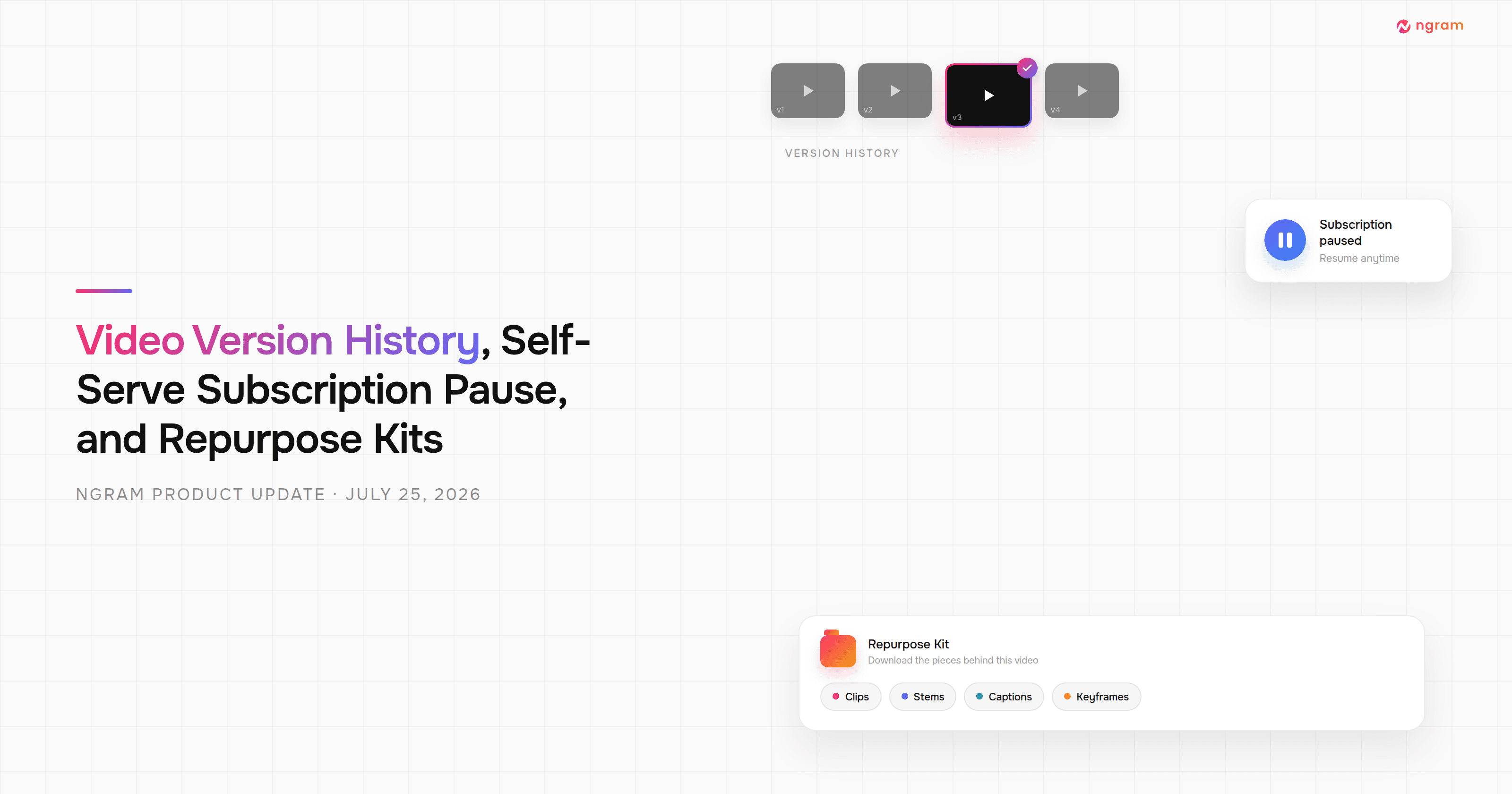
Product Update: Video Version History, Self-Serve Subscription Pause, and Repurpose Kits — July 25, 2026

Product Update: Multi-Speaker Voiceover, Custom Video Thumbnails, and On-Demand Background Music — July 18, 2026

Product Update: Lip-Synced Video Translation, Screencast + Avatar for Everyone, and Background Remover Backdrops — July 11, 2026
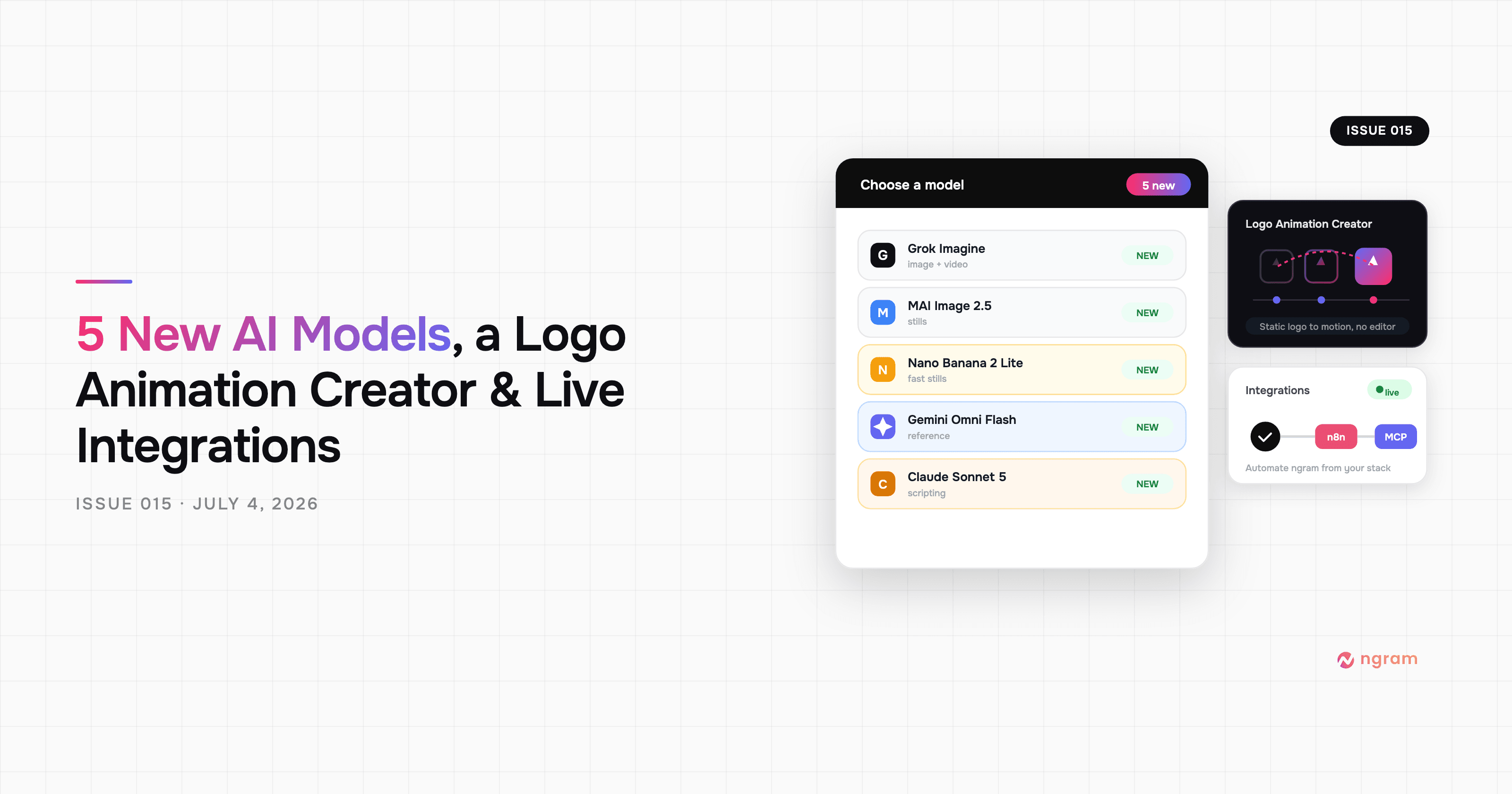
Product Update: New AI Models, Logo Animation Creator, and Live n8n/MCP Integrations — July 4, 2026
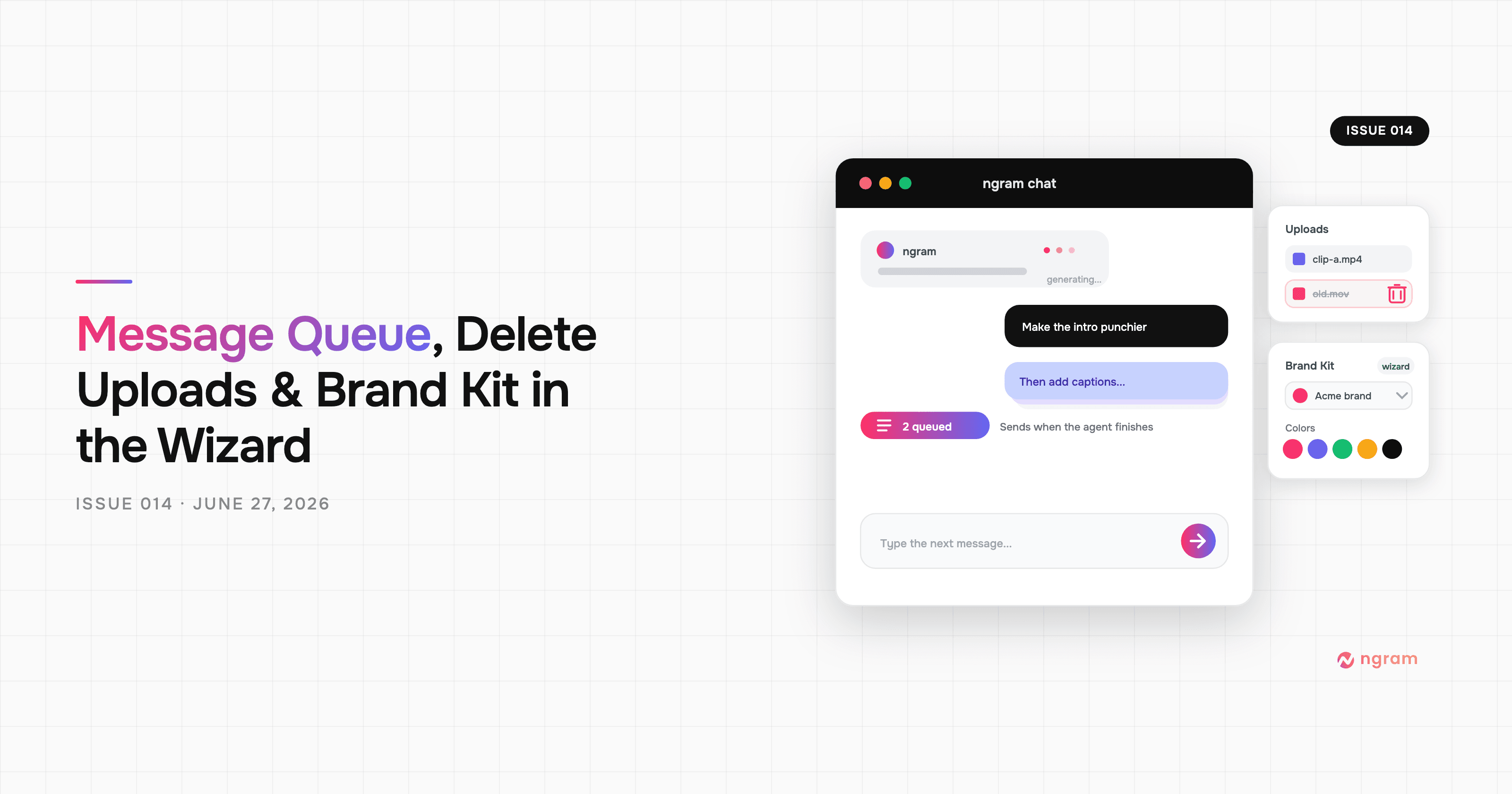
Product Update: Message Queue, Delete Uploads, and Brand Kit in the Wizard — June 27, 2026
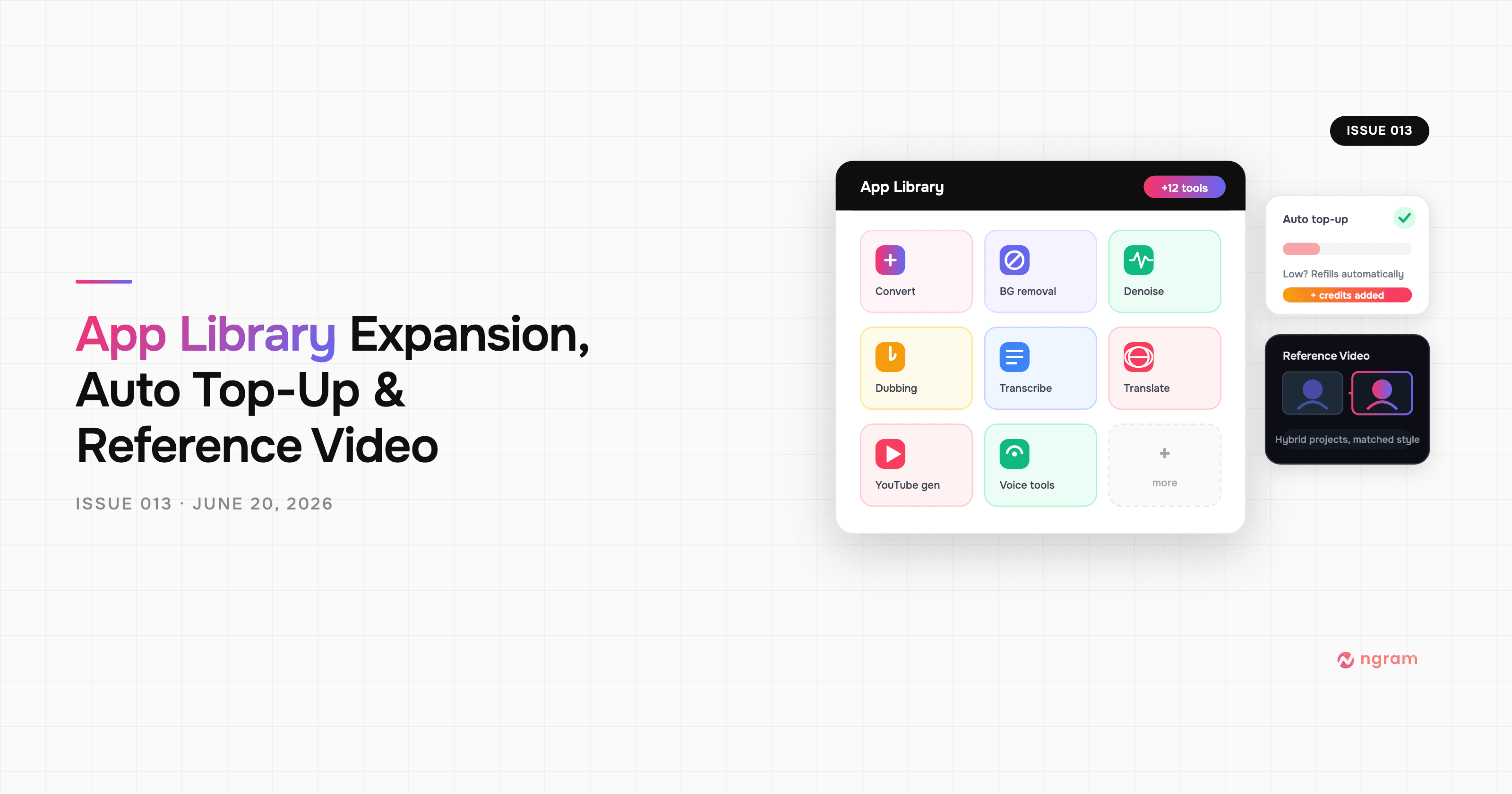
Product Update: App Library Expansion, Auto Top-Up, and Reference Video — June 20, 2026