One-person business. Full-team output.
A business video maker for consultants, coaches, course creators, and indie operators who run every part of the business alone. Ship marketing, client work, and course content from your laptop without hiring an editor.
Or pick a video type to get started
Video generation uses credits. Review your estimate in ngram. MP4 downloads require Basic or higher.
How credits workTrusted by teams at


Videos made by Solopreneurs with ngram
See how solopreneurs use ngram to ship professional video, faster.







Wear the Light
 by Robert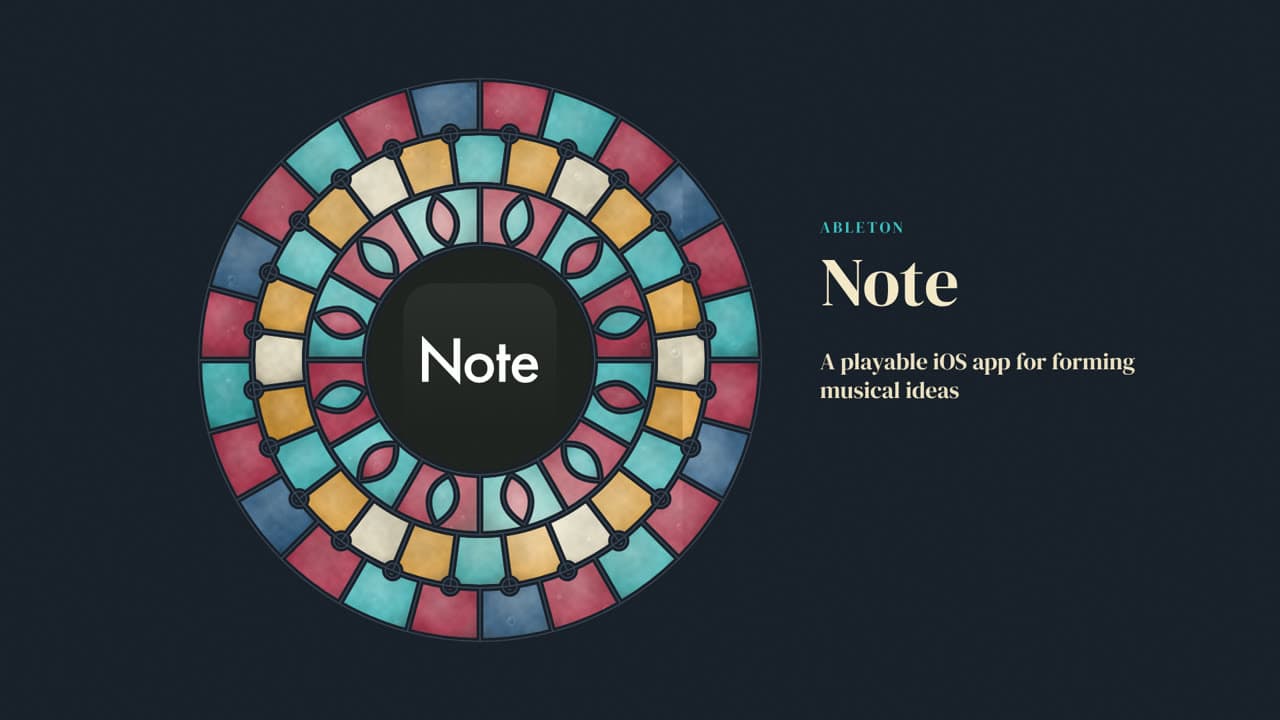
Ableton Note — Catch It Before It Slips
 by Rishikesh Ranjan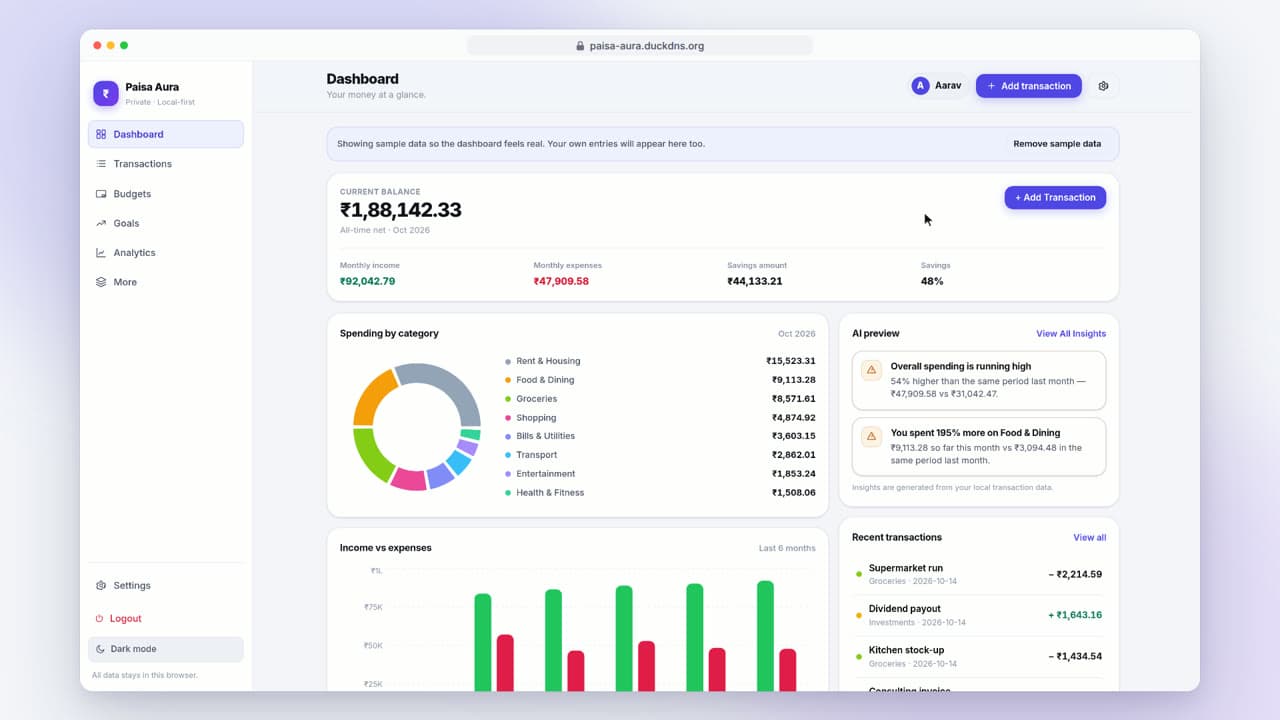
Paisa Aura — Your Personal Finance Companion (16:9)

POLO USA — sua loja de moda pronta pra vender

Holistic Better You — Portrait Brand Film
 by Gints
Campus Diaspora — Mille démarches. Un seul accompagnement.
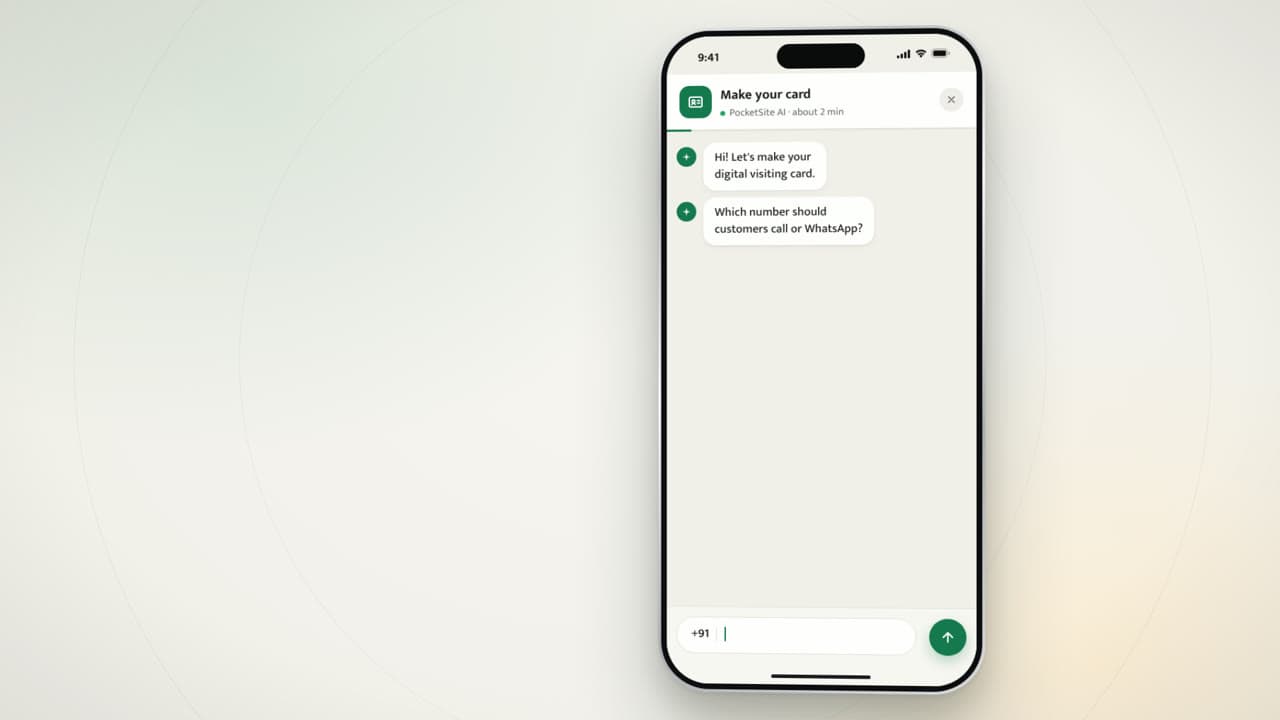
PocketSite — Clip 1 (premium motion upgrade)
 by Reeya
You are the marketing team. And sales. And ops.
Recording and editing eat the hours that pay you.
You blocked Friday afternoon to record one LinkedIn clip. Three hours later you have a half-edited file, an unanswered client email, and an invoice still queued in Stripe. The trade-off between content and billable work never feels worth it.
Hiring help defeats the point of working solo.
You left agency life to stop writing briefs and chasing revisions. Bringing on a freelance editor means kickoff calls, feedback rounds, and Slack pings about deadlines. You traded one kind of overhead for another and your evenings disappeared into project management.
Template tools produce template-looking videos.
Canva, CapCut, and the rest are easy but the output blends into every coach's feed. Generic transitions, stock music, the same layouts every solo operator in your niche uses. Your expertise is differentiated and your video should not look like it came from the same preset.
Posting cadence collapses when client work picks up.
You posted three reels in January. A big retainer landed and you went silent until April. The algorithm forgot you, the audience moved on, and rebuilding momentum from scratch is the kind of thing that pushes solopreneurs out of content entirely.
Your business needs the multiplier video provides. Your calendar does not have room for a production department of one.
Professional video. Zero delegation.
Create like you have a team. Work like you don't need one.
One place for every video
ngram gives solo operators a full video pipeline without the headcount.
Start from what you already have
Start from the assets you already have — a webcam take, a course outline, a service-page draft, a few bullet points from a client kickoff. ngram drafts the script, the scenes, and the storyboard in plain language so you review the story before anything renders.
Update once, regenerate everywhere
When the script reads like you, you generate. ngram applies your brand kit, layers in captions, music, and motion, and exports a finished cut sized for LinkedIn, Instagram, YouTube, your website hero, and your email newsletter — same project, no manual reformatting per channel.
Run a video program that covers marketing, client deliverables, and course content from a single workspace tied to your brand, so the work that converts gets shipped without stealing the week from billable hours.
ngram fits every team that ships video without a production crew.
Startups
Run lean and ship investor updates, demo videos, and launch reels without the production line a Series-B competitor can afford. Same workflow a solo operator uses, layered with brand kits and team workspaces when the first hire joins.
Content Creators
Solo creators on YouTube, Instagram, and Substack use the same pipeline solopreneurs do — batch raw takes, generate channel-specific cuts, hit publish. ngram handles the polish so the creator stays inside the work that grows the audience.
Founders
When the solopreneur graduates to a funded founder, ngram still covers investor updates, customer demos, and team-comms videos. Same chat-first workflow, with team workspaces and brand governance once the second hire joins the cap table.
Educators
Indie course creators, tutors, and online instructors use the same flow a coaching solopreneur uses for course modules. Drop lecture notes or an outline, get a scripted lesson with captions and chapter markers ready for Kajabi, Thinkific, or YouTube.
From product update to polished video in minutes
Drop in your recording, outline, or service brief
Upload a webcam take from your phone, a screen recording of your client process, a course outline, or even a few bullet points describing the service. ngram works with whatever raw input you already produced this week — no need to script everything from scratch.
Tell us who it's for
Name the audience: prospective clients reading your service page, students midway through your course, LinkedIn followers in your niche, or an existing client getting an async project update. ngram tunes tone, depth, and structure for that audience.
Review the script in plain language
Read the generated script and adjust anything that does not sound like you. Your personal voice is the product when you are the brand, so this is where you make sure the messaging carries your point of view before the render starts.
Generate the cut on brand
ngram produces a polished video with your logo, colors, fonts, captions, and pacing applied. You review a finished piece — not a raw timeline that needs an evening of post-work — and decide whether to ship or tweak.
Export everywhere at once
Download versions sized for your website, Instagram reels, LinkedIn, YouTube, and your email newsletter. One recording session becomes a week of distribution across every channel your audience uses.
Videos for every Solopreneurs workflow
What changes when video is easy
Reclaim billable hours
Move video from an evening project to a 15-minute task slotted between client meetings. The time you used to spend on timeline edits goes back into delivery work, sales calls, or your own course content.
Nobody to manage
No freelance editor briefs, no revision rounds, no Slack threads chasing a deadline. You record, ngram produces, you publish — the entire pipeline lives inside your own working session.
Compete with bigger players
Show up against agencies and venture-backed competitors with on-brand video your prospects can't tell came from a one-person shop. The polish lands; the personal service is the surprise after they hire you.
Posting cadence that survives client work
Batch raw takes when energy is high, schedule the cuts across the month, and let scheduled posts carry your audience through the weeks when client deliverables eat the calendar. Visibility stops collapsing every quarter.
Every feature a one-person video operation needs.
Wire ngram into the solo stack you already use.
Each integration plugs ngram into the channels and tools a one-person business actually runs. Pick the ones that map to your workflow and skip the rest.
whenA new lead fills your Calendly or Tally form
thenSend them a 60-second personalized service overview before the discovery call
whenYour weekly content batch is ready for the next post
thenSocial Publishing is in Beta for LinkedIn. Schedule the weekly series on a recurring schedule.
whenA course module is finished for your channel
thenYouTube publishing is in Beta. Confirm your OAuth-connected channel, then publish the module now.
whenYour tip-of-the-week video is ready for its recurring series
thenX publishing is part of the Social Publishing Beta. Schedule the tip series on a recurring schedule.
whenYou hit Make a video on a competitor's site or a client tab
thenGet a branded reaction or breakdown video back in a new tab without leaving the browser
whenClaude or ChatGPT calls the ngram tool from your weekly content agent
thenReturn a finished MP4 plus a shareable link straight back into the chat thread
Your service page, your outline, your screen recording — already a video draft.
Single-task tools for the in-between moments.
Questions from Solopreneurs like you
How much time does this actually save a one-person business?
Can I build course content for a paid cohort with this?
Do I need any video editing experience?
How is this different from hiring a freelance editor?
Can I keep posting consistently when client work spikes?
Create like you have a team behind you
Run a full video program — marketing, client work, course content, and async updates — without taking another evening away from the work that pays this month.