Build the video. Publish to LinkedIn.
Social Publishing Beta lets you connect a LinkedIn account, add a finished ngram video to the content calendar, compose the post, and publish it now or on a one-off or recurring schedule.
- Connect once in Settings — Use LinkedIn's OAuth flow, then confirm the connected destination before publishing
- Schedule from the editor — publish now, choose a one-off time, or set a recurring schedule in the calendar
- Compose in the calendar — add the video and post copy, review the destination, then publish the approved post
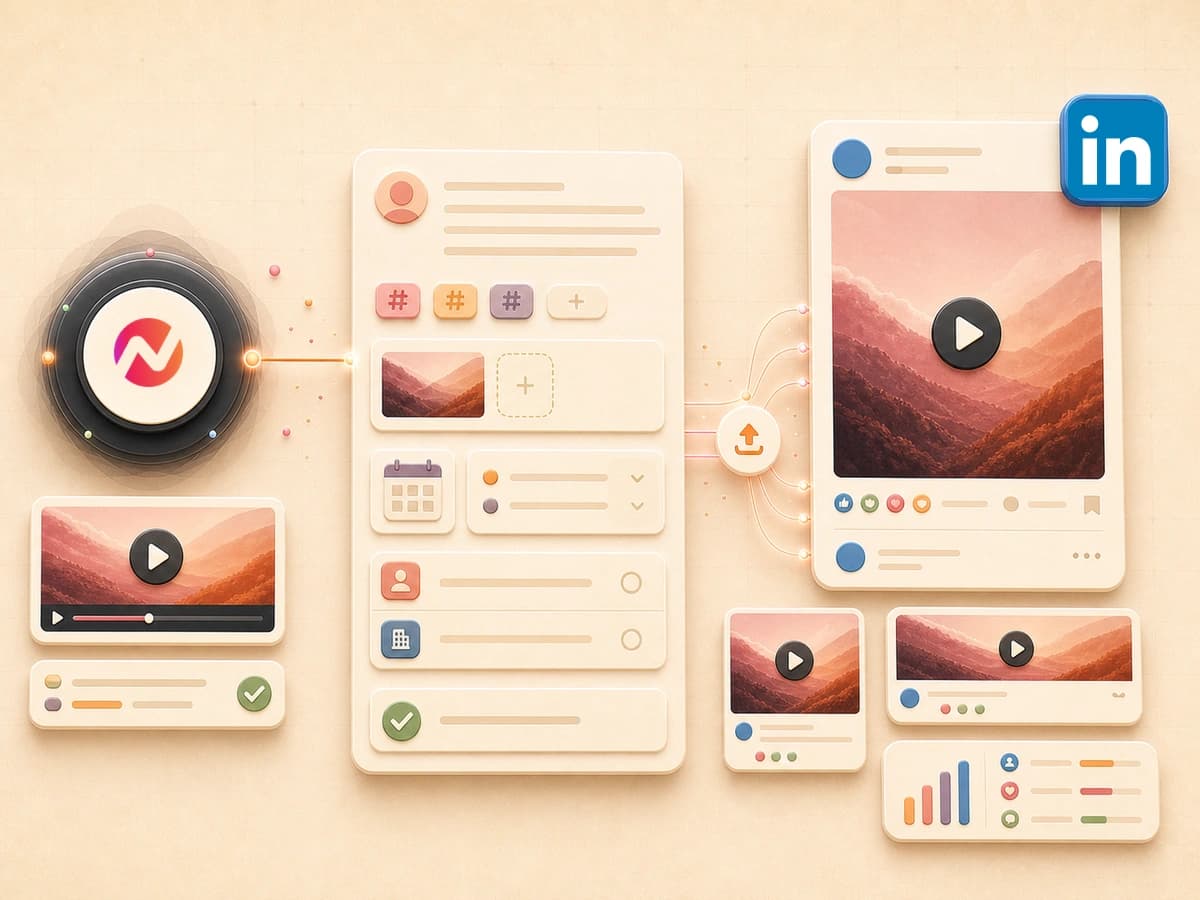
Four steps from final render to live LinkedIn post.
Connect LinkedIn, add a finished video to the calendar, and keep the post copy, timing, and destination together for review.
Connect a LinkedIn account
Open social settings, choose LinkedIn, complete the official OAuth flow, and confirm the intended destination appears as connected.
ConnectRender or pick a video
Choose a finished video from ngram and add it to a LinkedIn calendar post for review.
VariesWrite copy and schedule
Compose the post in the calendar, choose the connected destination, then publish now or set a one-off or recurring schedule.
ReviewLive on LinkedIn
Publish from the calendar, then open LinkedIn to verify the destination and the published post.
PublishEverything you would do in LinkedIn's uploader, inside the editor.
Review the finished video
Add the approved video to the LinkedIn post and check it before choosing when to publish.
Schedule for any time
Publish now, choose a one-off time, or set a recurring schedule in the content calendar.
Choose the destination
Select the connected LinkedIn destination for each calendar post and confirm it before publishing.
Compose post copy
Write and review the LinkedIn post copy beside the finished video before publishing or scheduling.
Verify before publishing
Review the video, post copy, timing, and connected destination before the calendar publishes it.
Check the published destination
After publishing, open LinkedIn and verify that the post appears on the intended destination.
Three jobs the LinkedIn integration brings into one calendar.
Feature launches when they ship.
Open the release note, render the launch video, compose the post in the calendar, and choose a one-off or recurring schedule for the connected destination.
See the feature announcement playbookSales videos with a clear destination.
Render a personalized walkthrough, add it to a LinkedIn calendar post, and verify the connected destination before publishing.
See the LinkedIn outreach playbookFounder updates on a recurring schedule.
Turn a blog post or essay into a LinkedIn video, compose the post, and place it on a recurring calendar schedule.
See the LinkedIn video playbookOne calendar for LinkedIn publishing.
Connect LinkedIn, compose a calendar post, choose when it should publish, and verify the destination after it goes live.
Everything that runs before the LinkedIn post goes live.
Every video that ships to LinkedIn goes through the same ngram pipeline. Here is what runs inside it.
AI Visuals
Scene-matched graphics in 30+ styles for the finished LinkedIn video.
Explore featureAI Voiceover
Choose from ngram's available voices and languages for the finished LinkedIn video.
See featureScript Generation
Generate and review a script for the LinkedIn video before composing its post.
See featureCaptions
Add frame-accurate burned-in or .srt captions to the video before publishing.
See featureVideo Editing
ngram selects background music from its hosted library to match the video's tone and pacing. In Edit > Music, you can browse, swap, and adjust the track volume.
See featureMotion Graphics
Add animated text and transitions to the finished video before publishing.
See featureBrand Kit
Apply the selected logo, colors, fonts, and intros to the finished video.
See featureCollaboration
Anchored comments and async review before a video hits the feed.
See featureTranslation
Translate scripts, captions, on-screen text, and voiceover before the finished video moves through this integration.
See featureEvery converter ships a cut LinkedIn knows how to render.
These converters create finished video drafts that you can add to a LinkedIn calendar post and review before publishing.
URL to Video
Convert a landing page or blog post into a LinkedIn-ready video without leaving ngram, then review it before publishing.
Convert from URLBlog to Video
Turn a blog post into a finished video draft for a LinkedIn calendar post.
Convert a blogRelease Notes to Video
Turn release notes into a launch video, then compose and schedule the LinkedIn post.
Convert release notesPolish and review before you post to LinkedIn.
Before the video hits the LinkedIn feed, run it through whichever ngram tool the cut needs. All inside the editor.
Who publishes to LinkedIn through ngram.
Teams that finish videos in ngram and need a visible LinkedIn calendar for composing, scheduling, and publishing.
Place launch videos on the LinkedIn calendar, choose when to publish, and verify the destination after it goes live.
Add a personalized walkthrough to a LinkedIn post, review the destination, and publish it from the calendar.
Turn blogs and essays into finished videos, then compose and place the LinkedIn post on a recurring schedule.
Turn each blog post into a finished video and add it to the LinkedIn calendar for review.
Build a LinkedIn presence by composing and publishing finished videos from one calendar.
Turn tutorials and integration guides into videos, then schedule the LinkedIn post from the calendar.
Place employer-brand videos on the LinkedIn calendar and choose a one-off or recurring schedule.
LinkedIn is one publishing destination. Here are the others - and the triggers.
ngram is the same rendering engine behind every integration. Pick the trigger that fits the moment, and the destination where the video needs to land.
 X (Twitter)publish
Compose and publish a finished video to X from its supported calendar workflow.
Explore X (Twitter) integration YouTubepublish
Connect YouTube to compose and publish a finished video from the content calendar.
Explore YouTube integration Chrome Extensioncreate
Pin ngram to your toolbar - turn any blog, doc or release note into a LinkedIn-ready video, then review it before publishing.
Explore Chrome Extension integration Zapiercreate
Wire ngram into 6,000+ apps, start a render from a CRM event, and route the finished video to your next step for review.
Explore Zapier integration n8ncreate
Self-hosted workflows that render LinkedIn-ready videos against events in your own stack.
Explore n8n integration Make.comcreate
Make.com is marked Coming Soon in Studio. Use a live publishing or automation path until its setup action is available.
See Make.com status MCP Servercreate
Claude, ChatGPT and other MCP-aware agents call the ngram rendering tool inside a conversation.
Explore MCP Server integrationPublishing to LinkedIn through ngram versus the alternatives.
ngram LinkedIn you are here | Native uploader LinkedIn.com | Hootsuite/Buffer social tools | Download + upload the old way | |
|---|---|---|---|---|
| Where the video is built | Inside ngram editor | Built elsewhere first | Built elsewhere first | Built elsewhere first |
| Post review | Review the finished video before publishing | Review before publishing | Review before publishing | Review before publishing |
| Post composition | Compose in the content calendar | Compose in LinkedIn | Compose in the scheduler | Compose in LinkedIn |
| Scheduling | Yes - now, later or queued | Yes - native scheduler | Yes - the core product | You re-open the post manually |
| Destination | Choose the connected destination | Choose in LinkedIn | Choose in the scheduler | Choose in LinkedIn |
| Destination verification | Open LinkedIn and verify the published post | Open LinkedIn and verify the post | Verify in the scheduler | Open LinkedIn and verify the post |
| Time from final render to live | Depends on review | Depends on review | Depends on setup | Depends on the workflow |
FAQ
Common questions about the LinkedIn integration
Still curious? Still curious? Chat with us
Compose the post. Choose the schedule. Publish.
Connect LinkedIn, prepare the post in ngram's calendar, and verify the published video on the destination.