YouTube Title Generator by ngram
YouTube Title Generator for titles that match the actual video

Use the working title, topic, niche, keyword, or audience the video targets
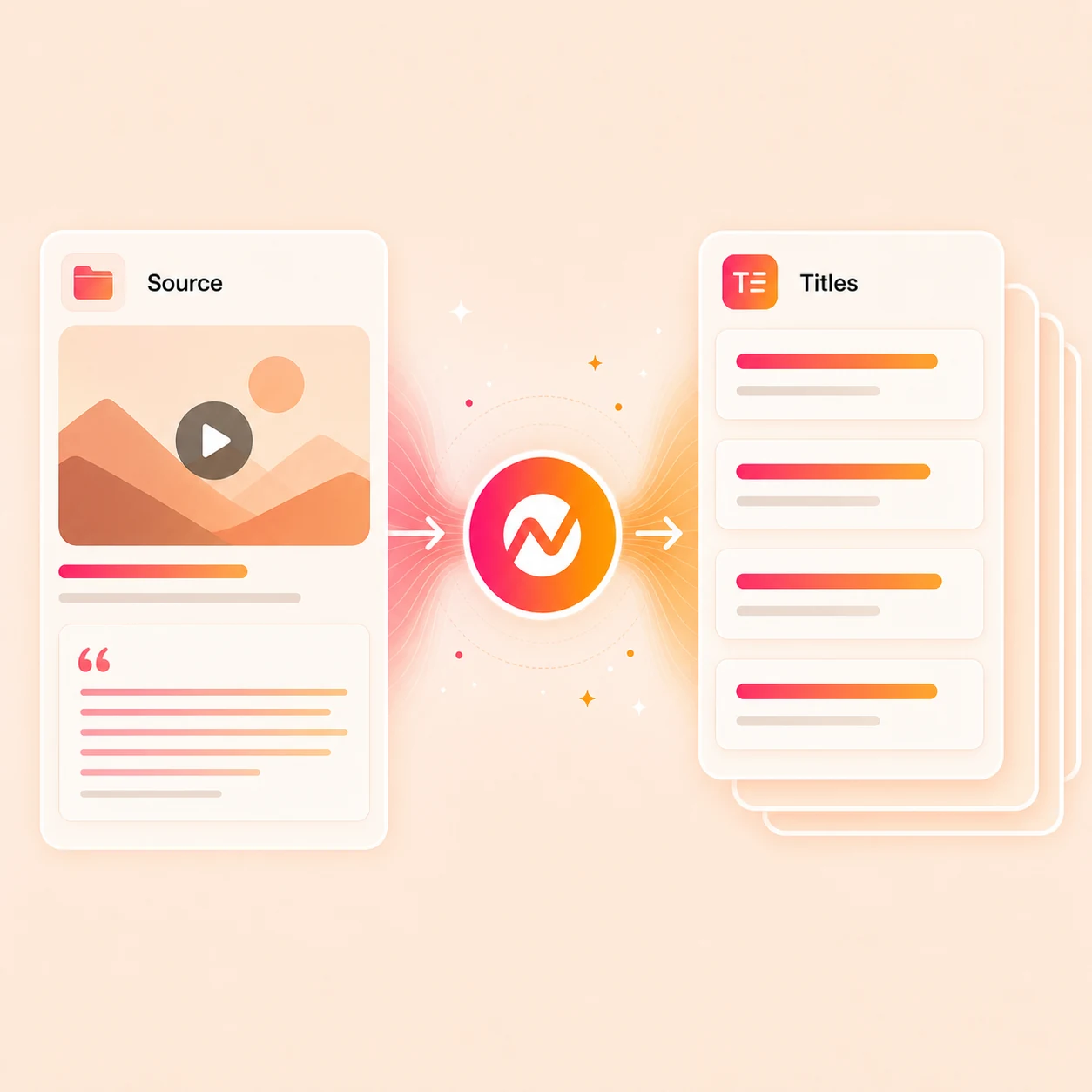
What it does
Generate title options from what the video genuinely delivers and who it is for. Compare the strongest angles, choose one your audience can trust, and keep it with the publishing project.
Trusted by teams at












How it works
From topic to a YouTube-ready title.
Give ngram the context behind the video, compare title angles, then keep the rest of the upload package in the same workflow.
Add the source behind the video
Paste the working idea, transcript, script, outline, or URL so the title starts from the actual promise of the upload.
Source context ready
Compare ranked title angles
ngram ranks distinct title options around the hook, target keyword, audience search intent, viewer takeaway, and fit with the actual video.
Title angles drafted
Tighten for CTR and honesty
Trim length, drop overclaims, match capitalization, and pick the option that fits both the search query and what the video actually delivers.
Title locked
Carry it into the upload
Use the chosen title to anchor the YouTube description, thumbnail concept, captions, social cuts, and the channel publishing step.
Ready for upload
What it can do
What the YouTube title generator handles.
Draft title options that earn the click without disconnecting from the actual video, thumbnail, and description.
Compare ranked, editable title options
Review distinct angles such as “CapCut vs Clipchamp: Which Editor Should You Pick?” and “Clipchamp vs CapCut for Windows and Mobile,” then edit the strongest option.
Keep the keyword in the title
Place the search query inside the title so the upload still has a shot at YouTube search ranking, without turning the headline into a tag list.
Match the click to the video
Test each option against the actual video promise so the title earns the click without overstating what viewers will get.
Pair the title with the description
Use the chosen title as the anchor for a YouTube description, chapters, links, and CTA copy generated in the same project.
Open description generatorSteer the thumbnail concept
Hand the locked title into Image Lab so the thumbnail repeats the same promise instead of competing with it.
Learn more about Image LabKeep brand voice in the headline
Apply brand tone, approved phrases, and blocked phrases so every generated title sounds like the channel, not a generic AI headline.
Learn more about brand kitBuilt for YouTube titles with full upload context
When it matters
Where the YouTube title sets the first click.
These use-case pages cover the videos where a sharper title decides whether the upload gets opened at all.
Product Demo Video
Turn product recordings and source notes into a clear demo video with captions, brand, and export settings kept together.
Open AI video use caseTutorial Video
Turn product steps and lesson notes into a tutorial video with clear structure, captions, and reusable exports.
Open AI video use caseTraining Video
Use this workflow to create training video assets from approved business source material.
Open AI video use casePMM Product Launch Video
Launch a feature on YouTube with a title that names the change, the audience, and the immediate payoff for clicking.
Open AI video use caseFeature Announcement Video
Wrap a release-notes upload in a title that highlights what shipped, who it helps, and why the click is worth the minute.
Open AI video use caseProduct Walkthrough Video Creator
Title walkthrough uploads around the buyer question they answer so the YouTube search result matches the video plan.
Open AI video use caseWebinar Clips Video
Turn a long webinar into short uploads, each with its own title that earns a click without copying the full session name.
Open AI video use caseMarketing Social Clips Video
Pair branded social clips with titles built for YouTube discovery, not LinkedIn-only feed copy or muted autoplay.
Open AI video use caseAd Creative Video
Spin title variants for YouTube ad uploads when the same creative needs to test different hooks, offers, or audience cuts.
Open AI video use caseProduct stack
What the title connects to in ngram.
A YouTube title is a small text field, but it only works when the script, thumbnail, description, brand, and export are all aligned.
Script Generation
Draft the script from the same topic or URL the title points to, so the headline and the first 15 seconds make the same promise.
Learn more about script generationImage Lab
Generate branded thumbnail concepts that echo the chosen YouTube title instead of pulling viewers in a different direction.
Learn more about Image LabCaptions
Burn captions from the actual voiceover so the language in the title still appears in the video for sound-off viewers.
Learn more about captionsBrand Kit
Hold tone, approved phrases, and blocked phrases for every generated title so the headline sounds like the channel, not the model.
Learn more about brand kitVideo Editing
Adjust scenes, captions, and pacing when reviewing the title reveals the cut needs a sharper open before the first cut lands.
Learn more about video editingScreencast Understanding & Editing
Reuse the transcript and key moments from a screen recording as the source the YouTube title points to.
Learn more about screencast editingMore tools
More tools for the YouTube upload.
Use these when the title is one piece of a bigger upload, repurposing, or channel-growth workflow.
Plan the upload package
Shape the metadata and copy the upload needs.
YouTube Description Generator
Turn the locked YouTube title into a description with summary, chapters, links, and CTA in the same project.
Open toolVideo Script Generator
Write the hook, body, and CTA the title is going to promise so the open of the video matches the headline.
Open toolAI Image Generator
Generate thumbnail concepts and supporting graphics that visually reinforce the chosen YouTube title.
Open toolPrepare the source
Turn raw recordings into cleaner input for title ideas.
Video to Text
Transcribe an existing recording so title options can start from the actual spoken content of the upload.
Open toolScreen Recorder
Record a tutorial or walkthrough in the browser, then title the polished upload from the same source.
Open toolAudio to Text
Transcribe a voice memo or podcast cut into text the title generator can use as the basis for YouTube titles.
Open toolFinish the video around the title
Polish the cut so it earns the promise the title makes.
Auto Subtitle Generator
Add timed subtitles so YouTube viewers with sound off still hear the angle the title set up.
Open toolAdd Text to Video
Add an opening title card or lower third that echoes the YouTube headline within the first few seconds.
Open toolVideo Editor
Trim, cut, caption, and tighten the upload before the title becomes a promise the video has to keep.
Open toolConvert
Start the upload from existing source material.
Convert docs, pages, webinars, recordings, and scripts into a video draft first, then generate the YouTube title from the same project.
Text to Video
Paste a script or outline behind the upload so the YouTube title is drafted from the same lines the video opens with.
Open converterURL to Video
Turn a launch page, blog post, or docs page into a video draft, then title the YouTube upload from the page promise.
Open converterWebinar to Clips
Cut a long webinar into short uploads and give each clip its own YouTube title instead of repeating the session name.
Open converterWho it is for
Teams that need YouTube titles their videos earn.
A YouTube headline only works when the people behind the video, thumbnail, and description are working from the same source.
Sales Enablement Teams
Turn demos, proposals, and follow-up recordings into polished assets sales can reuse with prospects.
See sales enablement workflowsGrowth & Marketing
Draft titles for campaign videos and YouTube ads when one cut needs to be tested across several search angles.
See growth workflowsProduct Marketing
Title launch, explainer, and demo uploads around the buyer question the video is built to answer.
See product marketing workflowsAgencies & Consultants
Generate client title options without rewriting the upload brief inside YouTube Studio for every deliverable.
See agency workflowsFounders
Name founder updates, product walkthroughs, and demo videos in a way YouTube viewers can decode in two seconds.
See founder workflowsDeveloper Relations
Title API, integration, and tutorial uploads around the search query developers are actually typing.
See DevRel workflowsEducators
Title lessons, course videos, and lecture recaps so students discover them through YouTube search rather than email digests.
See educator workflowsSaaS Teams
Title product overview, feature, and tutorial uploads so the marketing channel pulls intent traffic, not just brand traffic.
See SaaS workflowsIntegrations
Connect titles to the rest of the YouTube workflow.
Use live integrations to pull source context for title ideas, route approved metadata, and publish the finished upload alongside the headline.
Chrome Extension
CaptureWhenA competitor video, search result, or article should seed title ideas for the next YouTube upload
ThenSend the captured URL or page text into ngram so title angles start from real source material
Zapier
No-codeWhenA new YouTube video brief lands in a form, sheet, or content calendar tool
ThenTrigger ngram to draft the title options and matching description before the upload is built
n8n
WorkflowWhenA self-hosted workflow logs a new transcript, release note, or PR ready for YouTube
ThenPass the source into ngram and return title and description copy attached to the upload record
MCP Server
AgenticWhenClaude, ChatGPT, or another agent needs YouTube title options as part of a longer creator workflow
ThenUse MCP for supported video or image calls, then open ngram to draft title candidates and attach the video project link
Why ngram
How ngram compares for YouTube titles.
The closest alternatives are creator SEO suites and editing inside YouTube Studio. ngram is built for teams that want the title tied to the video, thumbnail, and channel publishing step.
| Compare | ngram | vidIQ | TubeBuddy | YouTube Studio |
|---|---|---|---|---|
| Workflow fit | Drafts title options from the same source the video script, captions, and description are built from. | vidIQ ships an AI title generator alongside view-prediction scores, keyword research, and a YouTube-focused dashboard. | TubeBuddy bolts an AI title generator and thumbnail tools onto a YouTube Studio companion extension. | YouTube Studio is where the final title, description, and chapters get pasted before publishing the upload. |
| How ngram fits | Keeps title, thumbnail concept, description, captions, and channel handoff inside one editable project. | Strong fit when the main job is YouTube keyword and CTR optimization on top of an already-edited upload. | Useful for optimizing an existing upload that is already loaded into Studio and ready to publish. | Manual editing in Studio works when the team already knows the exact title and thumbnail angle. |
| Best use | Best when the channel publishes product, launch, tutorial, or repurposed content from repeatable source material. | ngram is the better fit when the title needs to stay connected to the actual video, thumbnail, and brand assets. | ngram is the better fit when the upload still needs scripting, scenes, captions, brand, or repurposed cuts. | ngram helps draft and refine title options before the upload reaches the Studio paste step. |
FAQ
Common questions about the YouTube title generator
Still curious?
Name the upload for the click
Draft YouTube title options from the topic, transcript, notes, or URL behind the video, then keep the description, thumbnail, captions, and channel upload moving in the same ngram project.
Run the title generator now, then finish the full YouTube upload package in ngram.
Title, description, thumbnail, upload