Marketing video workflows at campaign speed
Turn campaign briefs, webinars, and blog posts into branded video for the channels your team runs every week. Review the script and scenes before you export each campaign version.
Or pick a video type to get started
Video generation uses credits. Review your estimate in ngram. MP4 downloads require Basic or higher.
How credits workTrusted by teams at


Videos made by Growth & Marketing Teams with ngram
See how growth & marketing teams use ngram to ship professional video, faster.







BEETRO Safety Shoes — 30s Vertical Commercial
 by SEDDIQ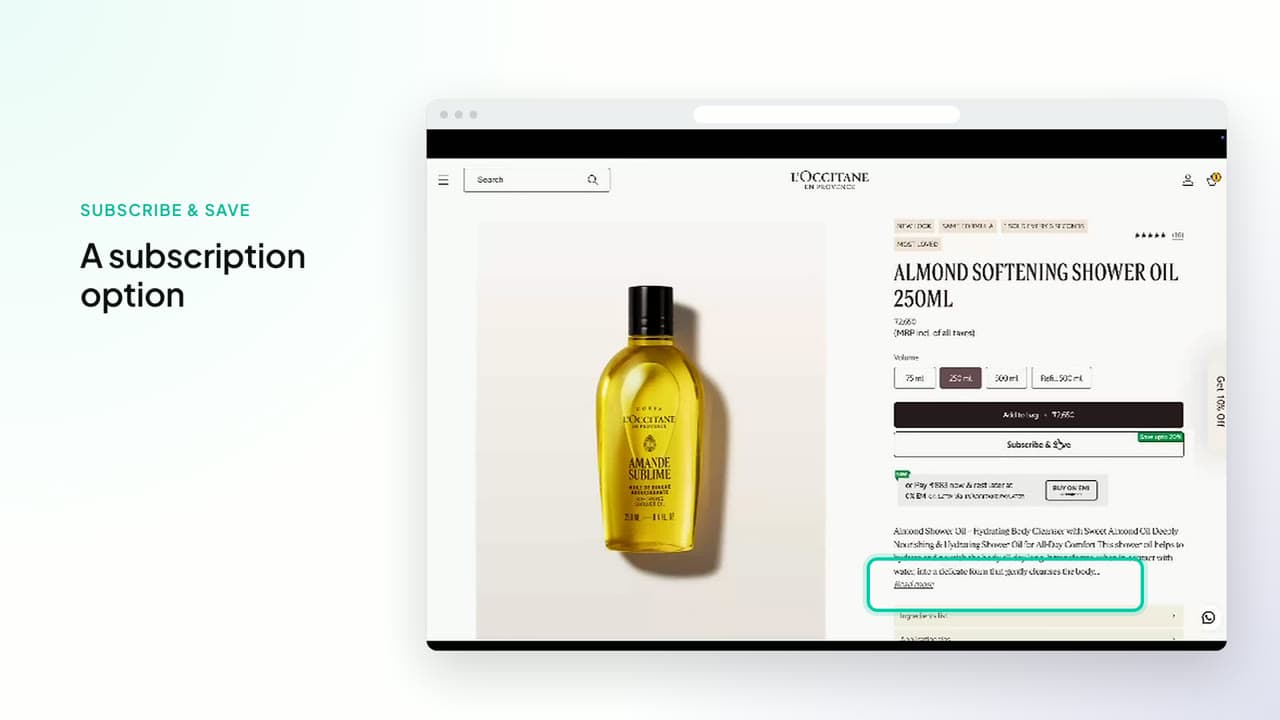
Shopflo Subscriptions — Growth on Repeat
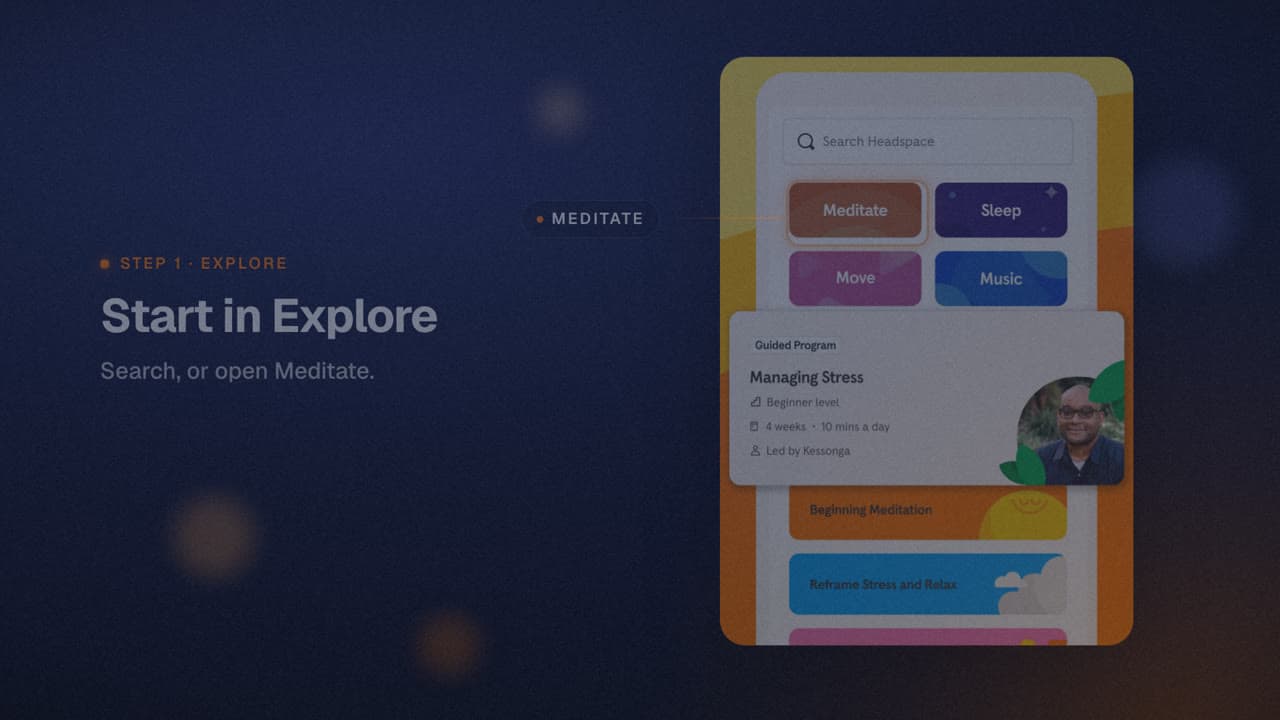
Headspace — A Place to Begin
 by Rishikesh Ranjan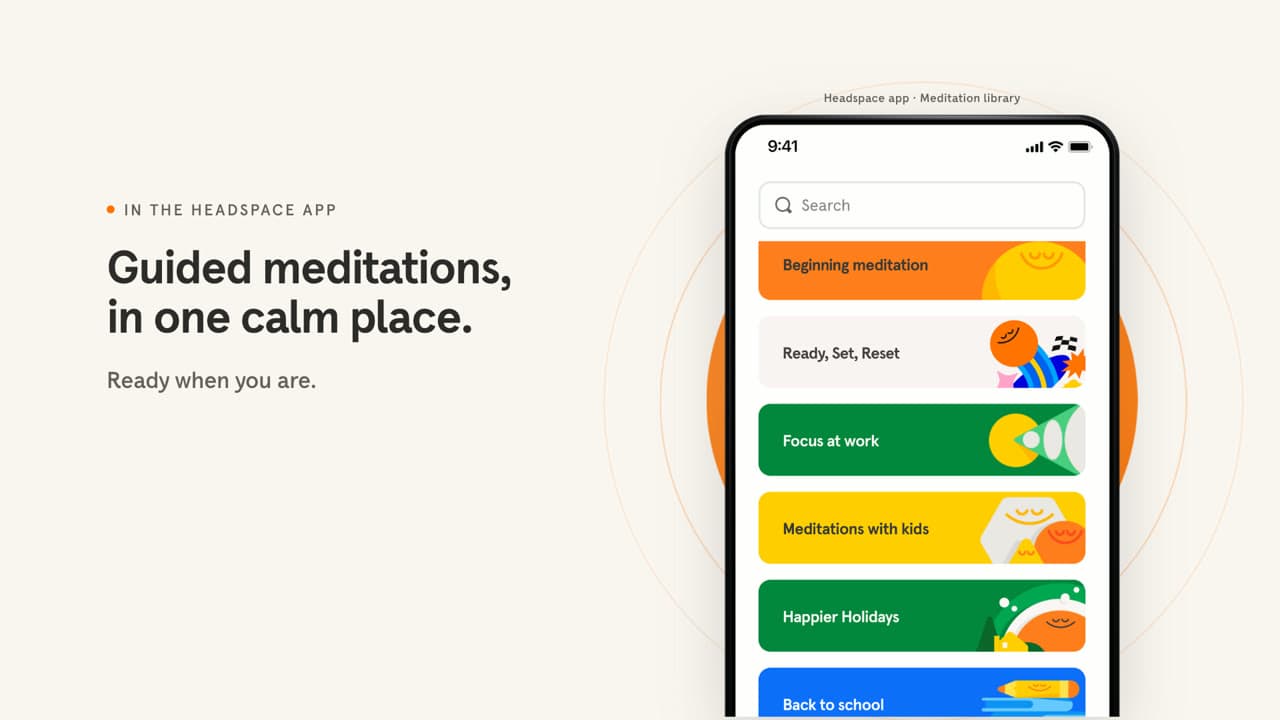
Headspace — Make Room
by Rishikesh Ranjan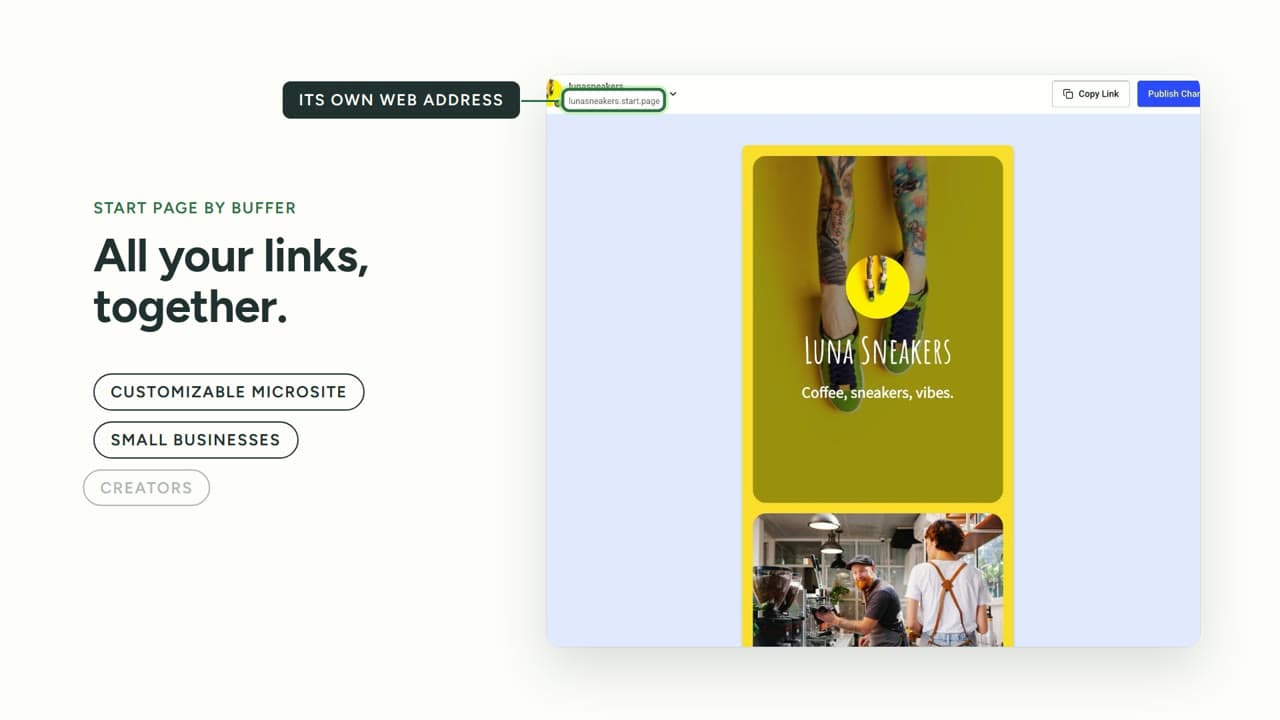
Buffer Start Page — One page for what you want to share
by Rishikesh Ranjan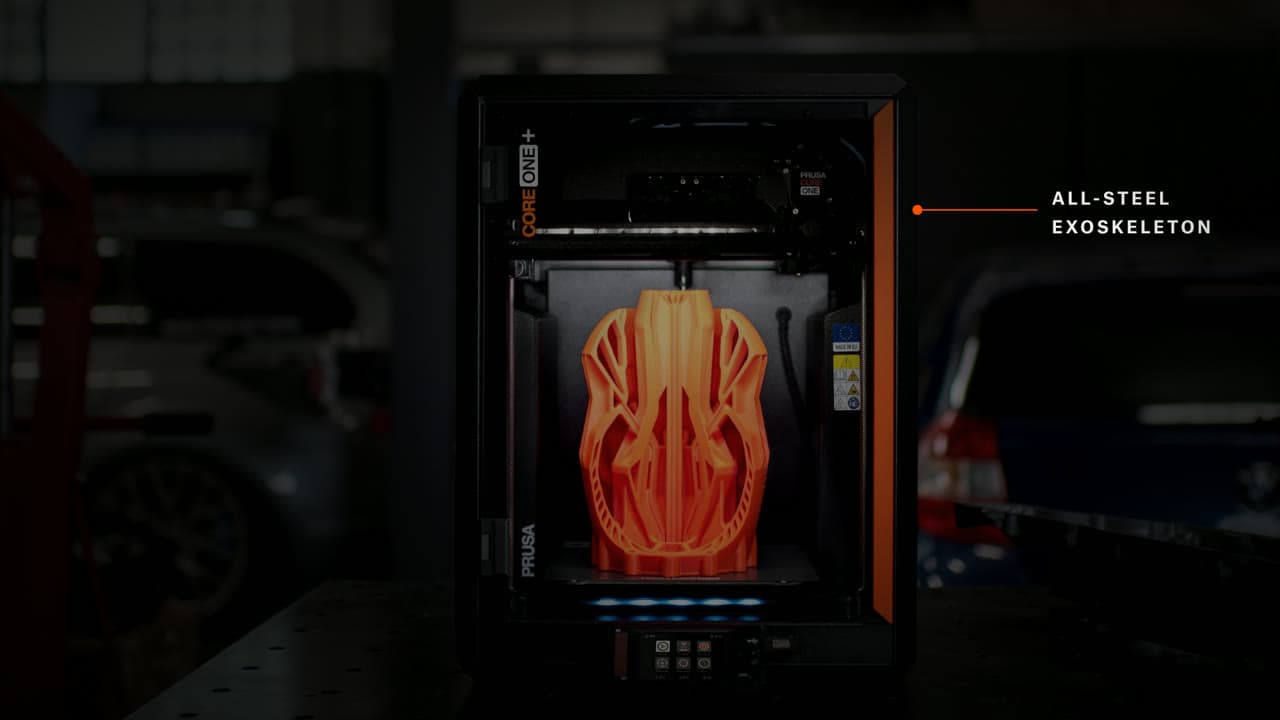
Prusa CORE One+ (Gen 2) — Room to Take Shape
by Rishikesh Ranjan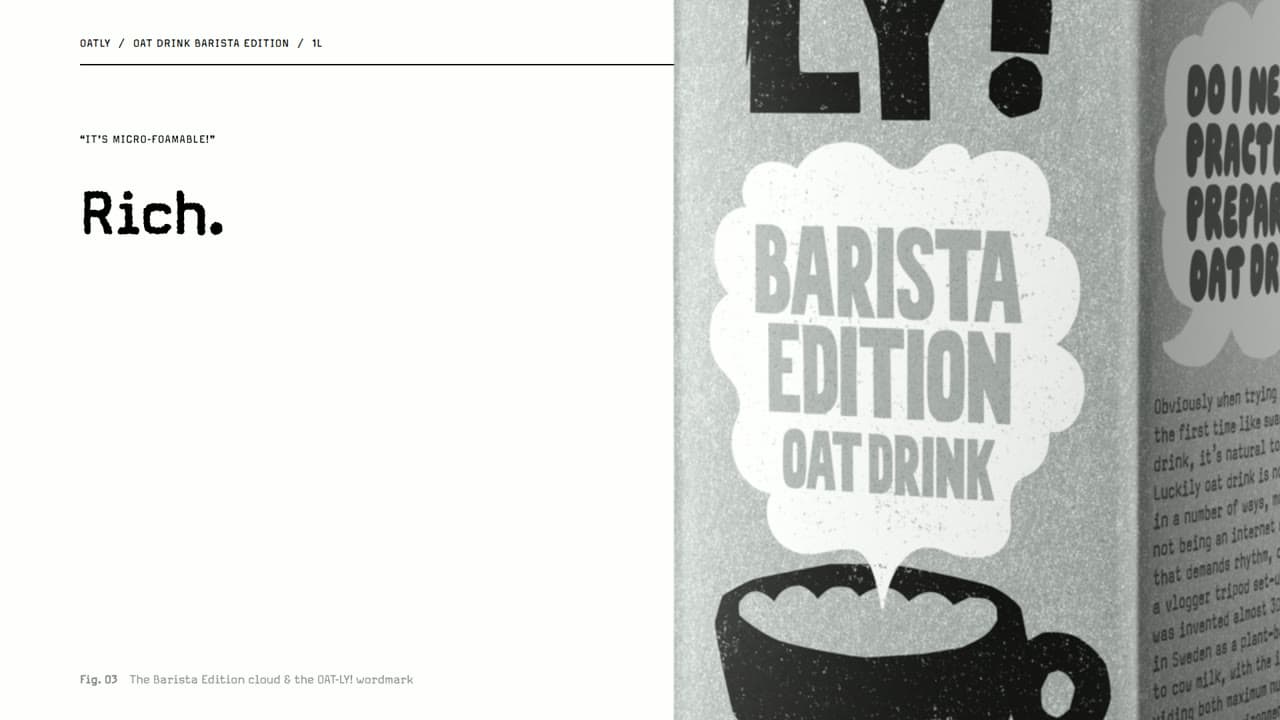
Oatly Barista Edition — Your morning coffee, with an oat-drink twist
by Rishikesh RanjanYour campaigns are ready. Your video backlog isn't.
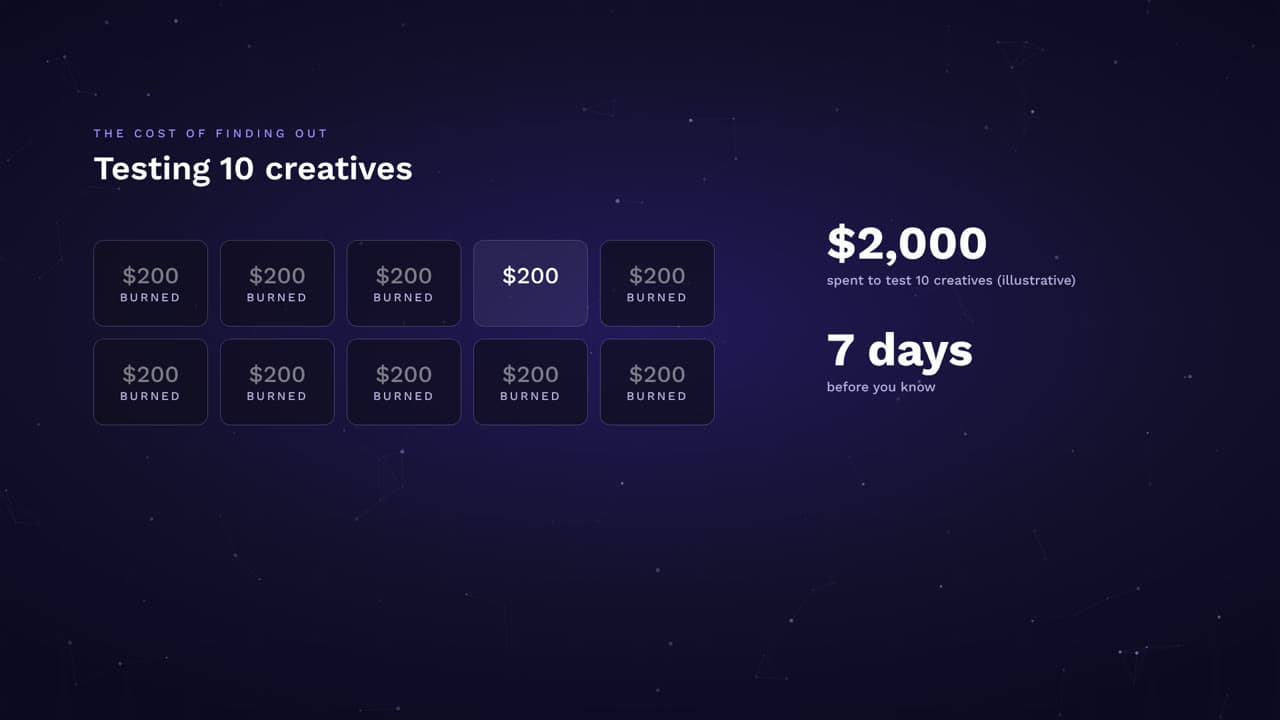
Creative testing bottlenecked by the design queue.
You want to run ten paid LinkedIn variants this week to learn what hook lands with the new ICP. Each variant means a separate creative ticket, a separate revision cycle, and a separate render. By the time the variants land, the audience insight you wanted to act on has gone stale.
Repurposing that lives permanently on the backlog.
You ran a webinar with 300 registrants and a 22-minute peak engagement window. You published a case study with a 3.5x ROI metric. Each should become a week of social clips, ad cuts, and email content. Each sits in a folder labeled 'to repurpose' because the next campaign launch always wins the sprint.
Landing pages that launch without their highest-converting asset.
Past tests prove a hero video lifts conversion by a clean double-digit margin. The new campaign page went live with a static hero image because the video request is still in the design queue. Every day without video is conversion left on the table — and the campaign budget keeps spending.
Platform-specific formatting that multiplies every deliverable.
One video needs to become 16:9 for YouTube pre-roll, 1:1 for LinkedIn feed, 9:16 for Reels and Stories, and a 15-second cut for TikTok. Each format has its own pacing, safe zones, and caption placement. What started as one creative becomes four production tasks that consume a sprint.
Campaigns move at audience-test speed. Video production needs to move with them, not three weeks behind.
A creative engine that runs at campaign velocity.
One brief. Every channel. Multiple variants.
One place for every video
Plan each audience or channel version as a separate edit, then review and download its finished MP4.
Build a growth video program that ships variants at audience-test speed, covers every channel in the paid and organic mix, and stops bottlenecking on the design queue.
ngram works for every team that ships paid and organic video.
Product Marketing
Pair growth marketing with PMM and share the same source script across paid creative, segment campaigns, and launch suites. Growth spins up paid variants without re-briefing PMM on every test, and the launch narrative stays consistent from paid LinkedIn to the press post.
Content Creators
Hand the in-house creator a system that already turns long-form into platform-tuned clips. Growth keeps the paid creative test cadence while the creator owns the always-on social calendar — both pulling from the same brand kit and source library.
Sales Enablement
Plug the SDR motion into the same source script growth marketing already uses for paid. Reps get prospect-specific demo cuts the same week marketing runs the campaign, and outbound stops trailing the demand-gen calendar by a sprint.
Founders
Founder-led ad creative and thought-leadership clips spin up from the same workspace growth runs paid tests in. The founder narrative reaches LinkedIn, X, and YouTube without a separate production process for every executive slot on the calendar.
From product update to polished video in minutes
Drop in the campaign brief or landing URL
Upload the campaign brief, the new landing page URL, the latest webinar recording, or a blog post. ngram uses your existing growth assets as source material — no need to write a separate creative brief or schedule a kickoff with design.
Tell us the audience and channel
Name the audience: paid LinkedIn prospects on the new ICP test, organic Instagram followers, email subscribers clicking through to a campaign LP, or YouTube pre-roll viewers. ngram adjusts pacing, length, hook, and CTA to the channel and the funnel stage.
Review the script and variants
ngram returns a script and scene plan for each variant before rendering. Adjust hooks, swap proof points, retune the CTA — all in chat. The marketer locks the narrative for every variant in the same plain-language review pass.
Generate every variant on brand
Once approved, ngram renders variants in parallel with motion graphics, captions, and the brand kit applied. The full test set lands at the same time so the campaign can start serving and learning from day one.
Export for every paid and organic channel
Plan each audience or channel version as a separate edit, then review and download its finished MP4.
Videos for every Growth & Marketing Teams workflow
What changes when video is easy
Test more, wait less
Generate ad variants in minutes instead of sprints. Run more tests, find winners faster, and scale what works before the campaign budget window closes — without filing a creative ticket for every iteration on the new hook.
One creative, every paid and organic channel
Create once, export everywhere. No more separate production cycles for LinkedIn feed, Instagram Reels, YouTube pre-roll, and email. The full channel mix ships from the same project the day the campaign goes live.
Launch the page with the video
Landing page videos ship with the page. Campaign videos ship with the campaign. The 'video coming soon' placeholder hero disappears from the marketing calendar because the video is no longer the gating dependency.
Repurposing actually ships
The webinar that ran last week, the case study that landed last month, the blog post that ranks — finally cut, captioned, and distributed across the social and email mix instead of sitting in a folder nobody opens.
Every feature a growth video program needs.
Wire ngram into the growth stack you already run.
Each integration ships with a working template tuned to a growth motion. Start from one, then customize against your CRM, ESP, or social scheduler.
whenA new campaign brief lands in your project tracker
thenAuto-generate the full variant set — paid LinkedIn, Reels, Stories, email — and notify the growth channel

whenA webinar recording finishes processing on your self-hosted instance
thenAuto-generate the highlight clip set for the next nurture send and social calendar
whenA campaign launch video gets creative approval
thenSocial Publishing is in Beta for LinkedIn. Schedule the campaign video once for launch day.
whenA product moment is approved for the next brand post
thenX publishing is in Beta. Compose the product video post for the connected brand account.
whenA webinar recap is ready for the marketing channel
thenYouTube publishing is part of the Social Publishing Beta. Confirm the OAuth-connected brand channel, then publish the recap now.
whenYou hit Make a video on a competitor ad library or landing page
thenGet a polished comparison clip back in a new tab, ready for the next test brief
whenClaude or ChatGPT calls the ngram tool from a growth automation agent
thenReturn a finished MP4 and a shareable link to the campaign workspace
You already have the campaign assets. Turn them into video.
Point tools for the growth moments in between.
Questions from Growth & Marketing Teams like you
Can growth and marketing teams create multiple ad variants from a single brief?
How does the brand kit stay consistent when we ship dozens of creatives per campaign?
Can we repurpose existing content like webinars and ranking blog posts?
What aspect ratios and platforms can we export to?
How is this different from running creative in Canva or hiring a freelance editor?
Run a creative engine that ships at campaign velocity
Join growth and marketing teams who ship paid variants, social cuts, and landing-page videos the same week the campaign launches.