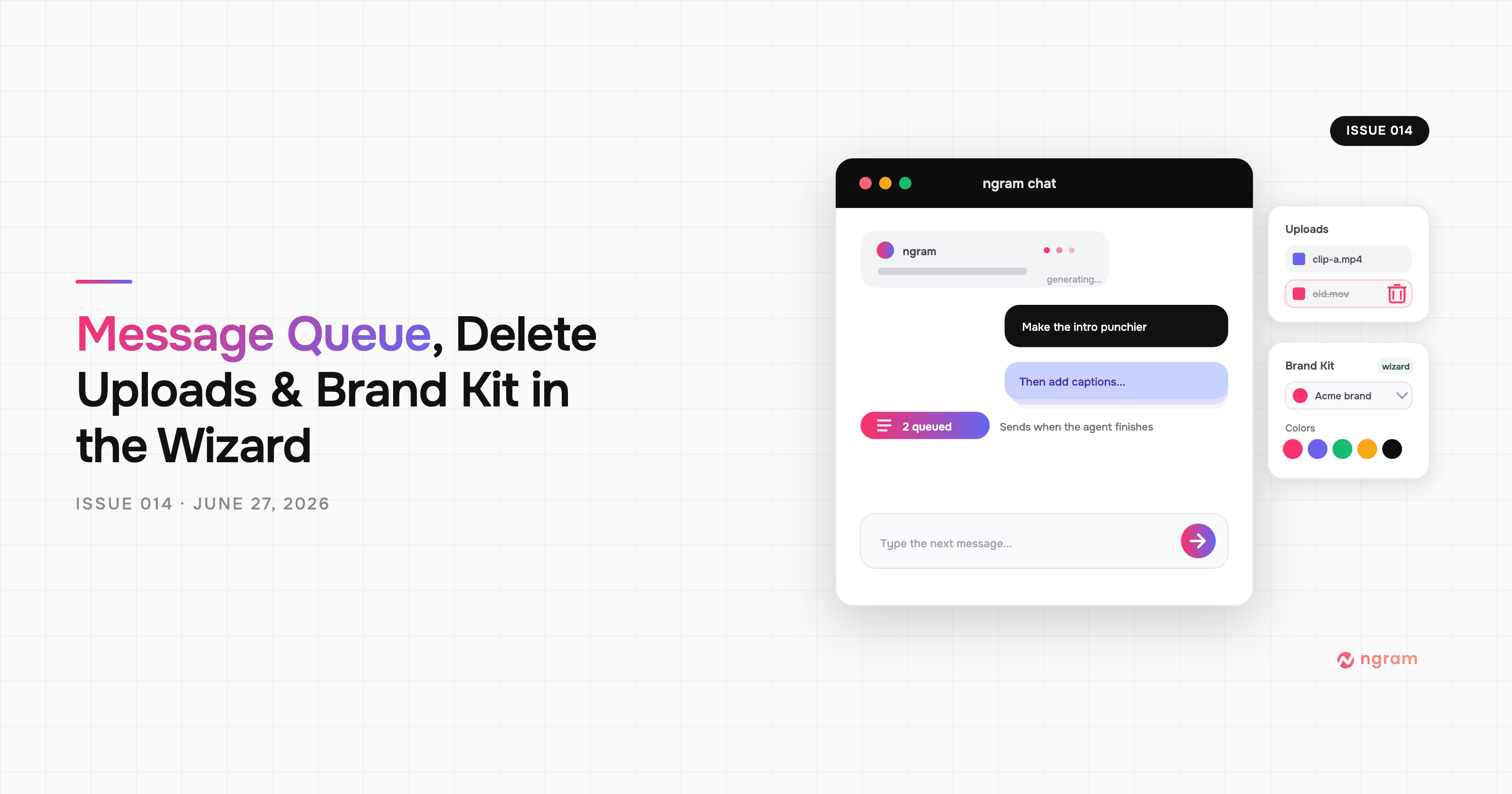
Product Update: Video Style Templates, Square Videos, and Avatar Layouts — August 31, 2026
Browse and reuse video style templates, create 1:1 square videos, and change presenter placement with new Avatar Layout controls. This release also refreshes Clip Studio models, brings quizzes and action buttons to hosted and embedded videos, and fixes publishing, previews, exports, and failed chat turns.


You can now browse video style templates on ngram.com, preview a look, and carry that choice into Studio. Agentic video creation also supports 1:1 square output, while finished Avatar scenes have new Layout controls for changing presenter placement without rewriting the scene. This release refreshes Clip Studio's model lineup, extends interactive playback to hosted and embedded videos, and fixes several publishing, preview, export, and chat-recovery problems.
What's new
Browse and reuse video style templates
The new video style template gallery groups active styles for product demos, how-to videos, screen recordings, and avatar videos. Open a style to watch its preview, compare related looks, then choose Reuse this style. After sign-in, Studio opens with that exact style selected for your next draft.
Create square videos
The aspect-ratio menu now includes 1:1 alongside 16:9 and 9:16. Pick it for square social posts, feeds, or any destination where equal width and height avoid a later crop. The square setting carries through planning, scene generation, previews, and export.
Change an Avatar scene's layout
Open a finished Avatar video, turn on Edit, select a scene, and choose Layout. Landscape and square videos offer Bottom right, Bottom left, Left side, Right side, and Center stage. Portrait videos replace the side layouts with Top section and Bottom section. After credit confirmation, ngram regenerates only the spatial arrangement while preserving narration, timing, presenter, content, brand styling, and audio.
More improvements
- Clip Studio's current selectors now include Wan 3.0, Wan 3.0 Prime, their reference variants, and MiniMax H3 Max. Gemini Omni Flash also moves to version 1.1. Older Wan, Veo, Seedance, and Kling choices that no longer belong in the active catalog have been removed.
- Ultimate videos with quizzes or action buttons now play those interactions on hosted pages and third-party embeds. Viewer responses can be submitted from an embedded player instead of working only on the same-origin watch page.
- Version previews now use the saved video's own aspect ratio, so portrait and square versions fit the dialog instead of being clipped inside a landscape frame.
- A failed agentic turn now leaves a clear assistant reply instead of an unanswered message. Very long conversations explain when to start a new chat and clone the current one to keep the video and settings.
Bug fixes
- Publishing after a fresh render works again, and existing /watch links resolve whether they use the saved slug or UUID form.
- Large uploaded videos use their HLS rendition for faster preview playback when available, with an automatic MP4 fallback. Sent attachments also stop counting twice against the upload cap.
- Screencast exports preserve recording media and font scale, remove blank scene tails, and keep authored media IDs intact. Legacy Remotion projects and archived Google fonts also play and export again.
- Motion-graphics exports now handle nested source videos, embedded-video buffering, overlay timelines, and scene ID collisions more reliably.
- Temporary Google image-fetch failures now retry through a backup path, reducing failed image, keyframe, and motion-graphics turns when a remote asset is briefly unavailable.
Past issues
Product Update: Blank Canvas, Script Editing, and More Editor Controls — August 24, 2026
Product Update: Creator Video Hosting, Unified Screencast Editing, and Cancellation Surveys — August 15, 2026
Product Update: Intent-First Onboarding, Tool Continuations, and Publish Fixes — August 8, 2026
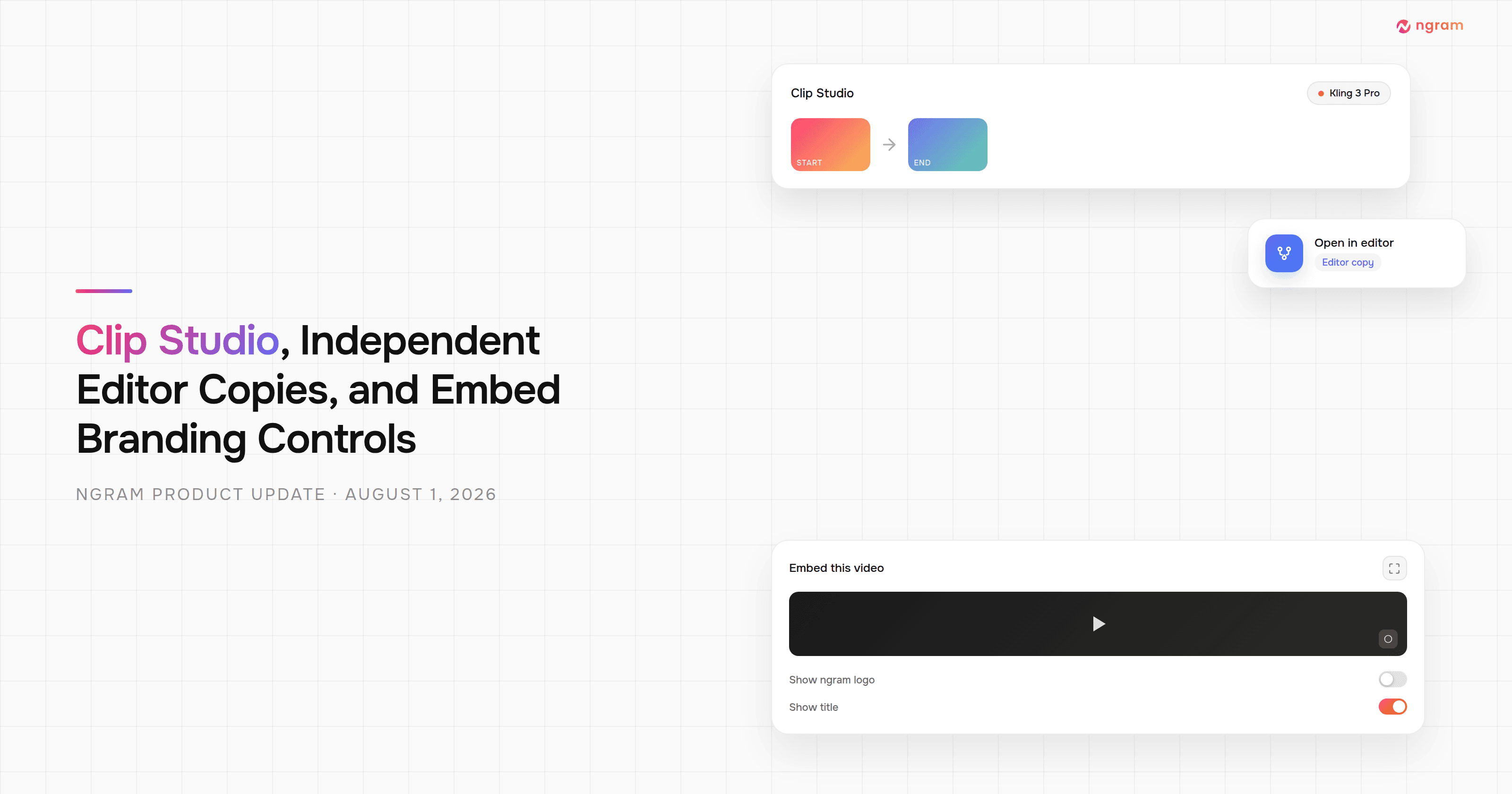
Product Update: Clip Studio, Independent Editor Copies, and Embed Branding Controls — August 1, 2026
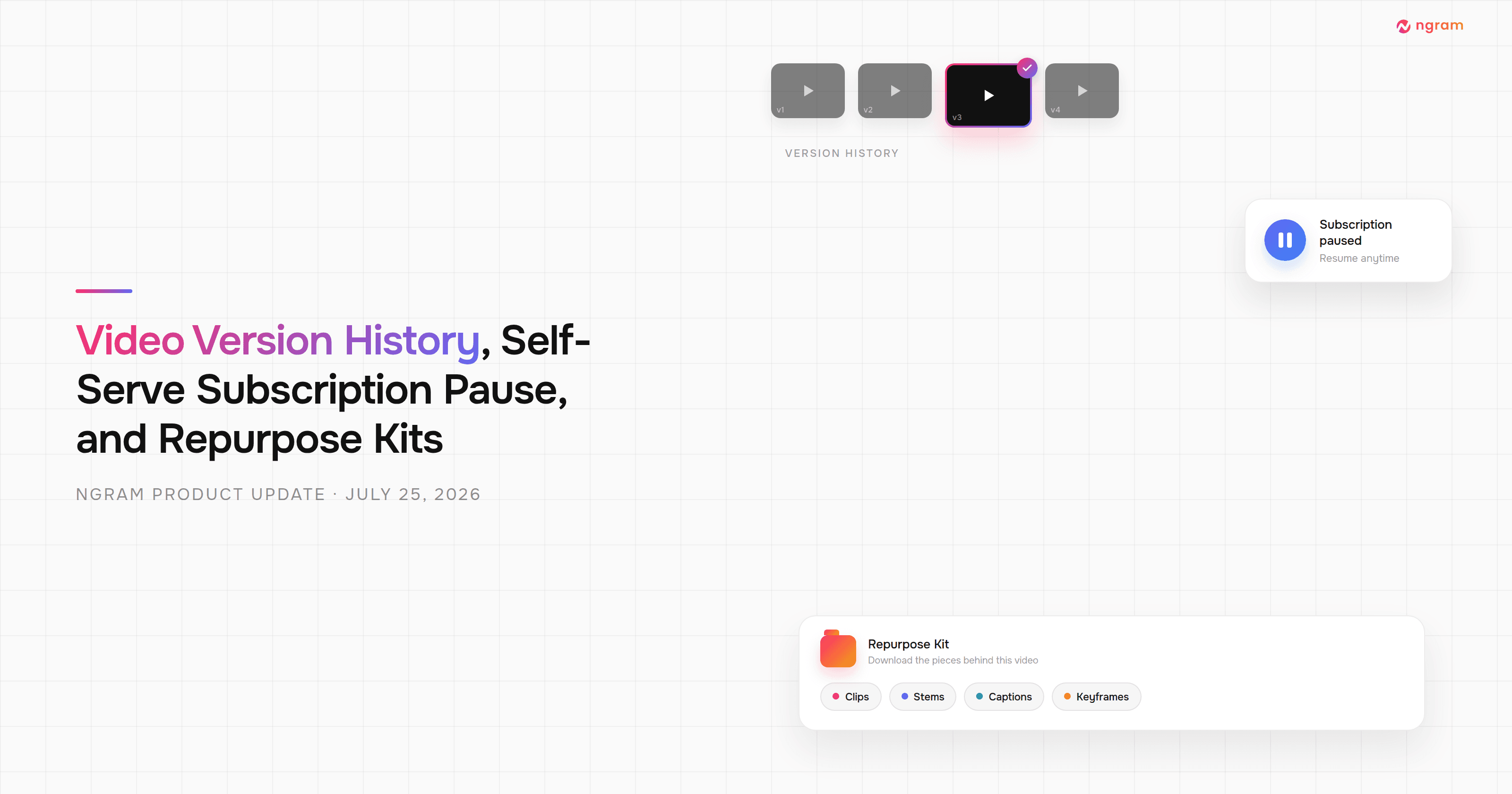
Product Update: Video Version History, Self-Serve Subscription Pause, and Repurpose Kits — July 25, 2026

Product Update: Multi-Speaker Voiceover, Custom Video Thumbnails, and On-Demand Background Music — July 18, 2026

Product Update: Lip-Synced Video Translation, Screencast + Avatar for Everyone, and Background Remover Backdrops — July 11, 2026
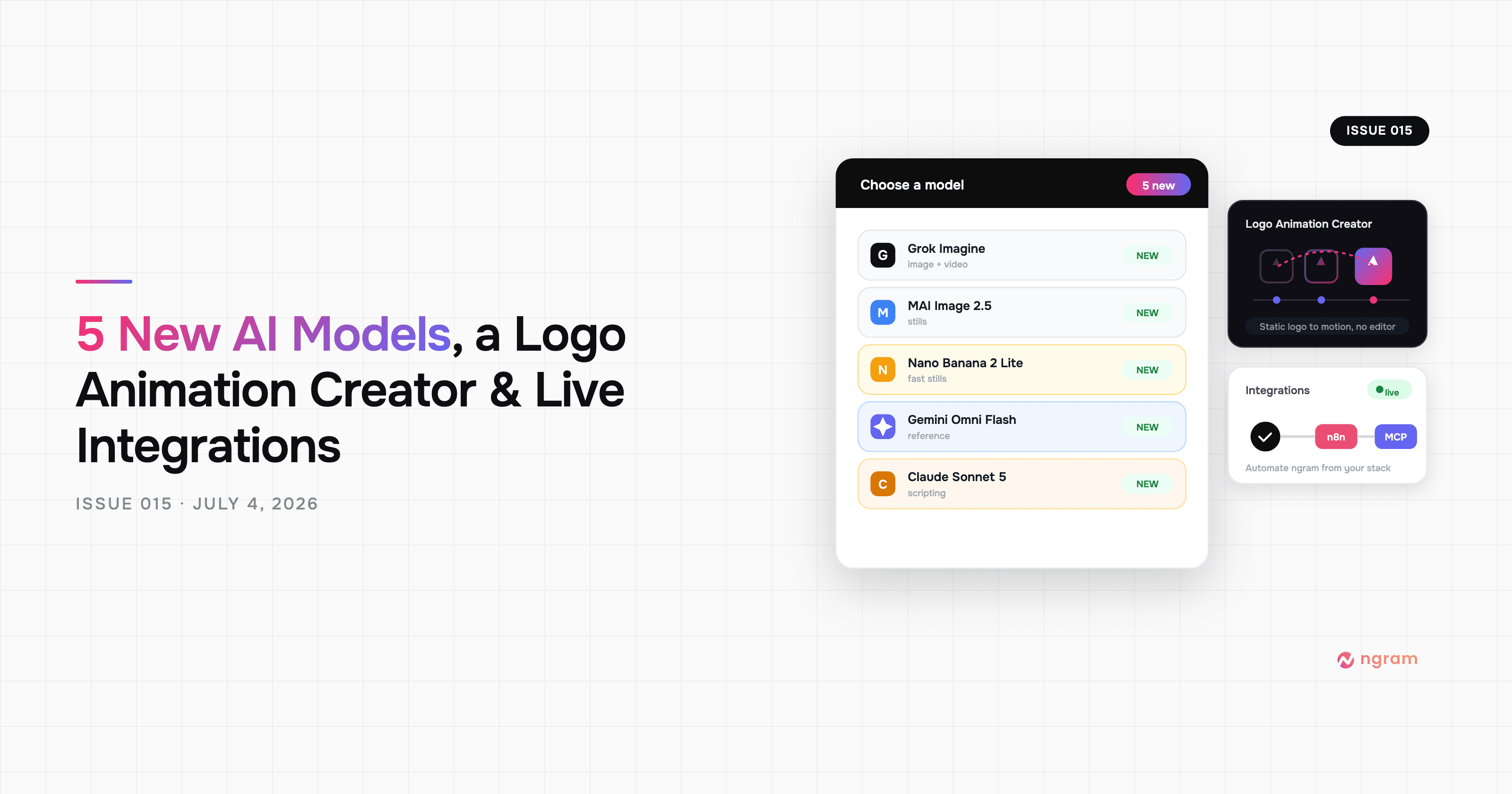
Product Update: New AI Models, Logo Animation Creator, and Live n8n/MCP Integrations — July 4, 2026