AI Image Generator by ngram
AI Image Generator for product campaign assets

Name the subject, use, style, aspect ratio, and brand direction the AI image generator should follow
What it does
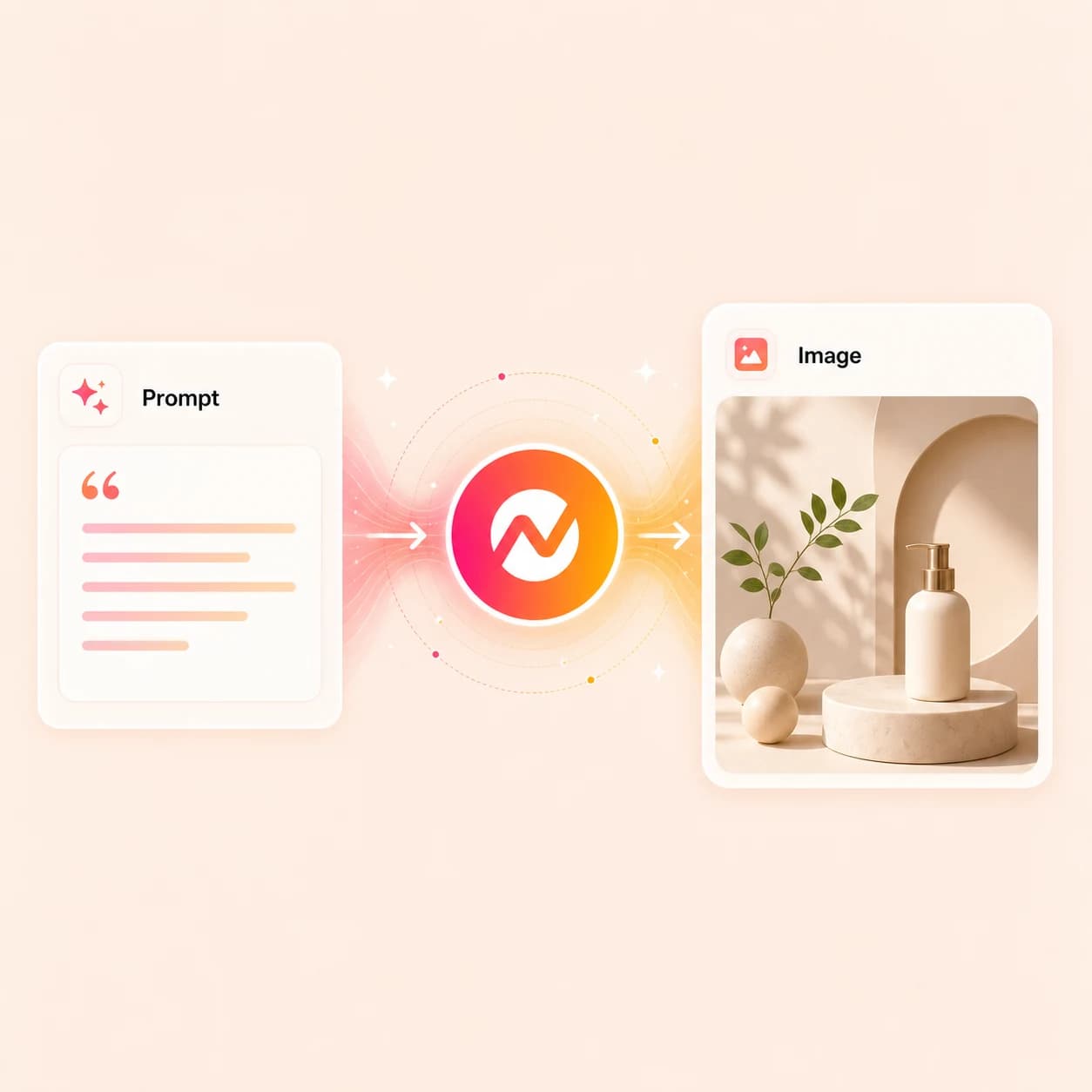
Create the images your product campaign is missing, from launch thumbnails to scene art. Keep every asset in Image Lab, apply your brand, and carry the result into the next video.
Trusted by teams at











How it works
How the AI image generator works inside Image Lab.
Describe the image, attach brand or source context, generate it in Image Lab, and keep the asset editable for video scenes and approved campaign work.
Describe the image you need
Name what the image is for: a launch thumbnail, scene background, product card, social post, ad still, or hero graphic. Add aspect ratio and reference style when the deliverable demands them.
Prompt ready
Attach brand or source context
Apply the brand kit, drop a reference image, send a source URL, or generate inside an existing video project so the output already belongs to the rest of the work.
Context attached
Generate at /app/image-lab
Image Lab routes the prompt through FAL (primary) and Replicate (fallback), with Grok Imagine for selective passes. Refine with natural-language edits, inpaint, outpaint, and modify specific elements in the same workspace.
Image refined
Reuse in video scenes and campaigns
Send the still into a video scene, animate it with image-to-video, export it as PNG or JPG, or reuse it as another approved campaign asset.
Ready to ship
What it can do
What the AI image generator does inside ngram.
Image Lab pairs the AI image generator with editing, brand styling, and reuse across the videos that need the same visual.
Generate stills from a prompt
Create thumbnails, product cards, scene backgrounds, ad stills, and social graphics from a text prompt without starting a full video project first.
Learn more about Image LabApply the brand kit on every run
Carry colors, fonts, image style, screenshot style, motion style, and approved phrases into each generation so the AI image generator stays close to the brand without re-prompting.
Learn more about brand kitInpaint, outpaint, edit elements
Edit the result with natural language, replace specific elements, and extend the canvas in the same Image Lab session.
Learn more about Image LabSend the still into a video scene
Drop the generated image into a video scene background, B-roll fill, opening frame, or image-to-video source without re-uploading the file or losing brand context.
Learn more about AI visualsBuilt for branded visual production at /app/image-lab
When it matters
Where the AI image generator earns a place in the workflow.
These are the nine ngram use-case pages where teams need branded stills next to the video.
Ad Creative Video
Draft hero stills, product shots, and supporting frames with the AI image generator before the paid ad video is built around them.
Open AI video use caseMarketing Social Clips
Use the AI image generator to produce matching cover images, quote cards, and thumbnail variants for the social video the team is already cutting.
Open AI video use caseShopify Product Videos
Feed product photos and copy into the AI image generator to produce video-ready hero cards, category images, and storefront stills for the same SKU.
Open AI video use caseProduct Launch Video Maker
Run the AI image generator on release notes and screenshots to draft launch hero stills, social cards, and announcement thumbnails for the whole rollout.
Open AI video use caseFeature Announcement Video
Generate the changelog graphic, feature still, and inline screenshot art so each channel announcing the feature shares the same visual story.
Open AI video use caseLanding Page Video
Use the AI image generator to produce hero stills, social previews, and supporting imagery that match the landing-page video from the same source brief.
Open AI video use caseMarketing Brand Video
Generate campaign cards, brand-led stills, and supporting visuals that hold the same look as the marketing brand video and ship alongside it.
Open AI video use caseProduct Demo Video
Use this workflow to create product demo video assets from approved business source material.
Open AI video use caseProduct Overview Video
Produce supporting product imagery, feature stills, and B-roll backgrounds the overview video needs before the storyboard moves into production.
Open AI video use caseProduct stack
The product stack behind the AI image generator.
These features connect Image Lab to video scenes, brand governance, and the final exports the image needs to land in.
Image Lab
The standalone image studio at /app/image-lab that runs the AI image generator on FAL and Replicate. Generate, inpaint, outpaint, and modify specific elements from one workspace.
Learn more about Image LabAI Visuals
When a generated still becomes a scene, AI Visuals reuses the same brand-aware generation pipeline to fill backgrounds, B-roll, and supporting imagery across the storyboard.
Learn more about AI visualsBrand Kit
Apply logos, colors, fonts, image style, screenshot style, motion style, voice, tone, and approved phrases to every image the AI image generator returns.
Learn more about brand kitMotion Graphics
Layer title cards, lower thirds, callouts, and animated graphics on the generated still once it lands inside a video scene.
Learn more about motion graphicsVideo Editing
Place the image on the timeline, swap a scene's still, and adjust the surrounding clip with chat, the script editor, and canvas controls.
Learn more about video editingMore tools
More tools that pair with the AI image generator.
Use these when the generated image needs motion, cleanup, narration, or a full video built around it.
Turn the generated still into video
Move from a static asset to motion without leaving ngram.
Image to Video
Animate the still the AI image generator just returned with a push-in, pan, parallax move, or subtle background motion.
Open toolAI Video Generator
Build a full multi-scene video around the generated image with script, voiceover, captions, and brand-applied scenes.
Open toolText to Video
Turn the script behind the image into a planned video draft when the still is one frame of a longer story.
Open toolPolish the asset before it ships
Clean the source or the generated still before it lands in a campaign.
Image Background Remover
Cut out the subject from a product photo or generated still and return a transparent PNG ready for layering.
Open toolAdd Text to Video
Place titles, labels, and product callouts on top of the generated visual once it lands in a video scene.
Open toolVideo Caption Generator
Caption the narrated video when the AI image generator's still is feeding into a voiceover or talking-head cut.
Open toolBuild the story around the image
Plan the script and narration the image is going to illustrate.
Video Script Generator
Draft the hook, scene plan, and CTA the AI image generator's still is going to illustrate inside the final video.
Open toolURL to Video
Use a public page as the source for the video, then reuse the same context to generate matching imagery.
Open toolAI Voice Generator
Add narration when the AI image generator's still becomes a scene in a voiceover or training video.
Open toolConvert
Source-to-video converters that pair with the AI image generator.
Use these when the next video starts from a still or a structured source the AI image generator can illustrate.
Image to Video
Turn a still the AI image generator returned into an editable clip with motion, captions, and brand treatment in the same project.
Open converterScreenshots to Video
Combine product screenshots with AI-generated supporting visuals to build a branded walkthrough or announcement video.
Open converterText to Video
Start from a script and let the AI image generator fill the scenes that need original visuals or product imagery.
Open converterWho it is for
Teams that ship branded images alongside their videos.
These teams need thumbnails, campaign visuals, product cards, and on-brand social images on the same cadence as the video.
Product Marketing
Generate launch hero images, feature stills, and announcement cards from the same brief the launch video uses.
See product marketing workflowsGrowth & Marketing
Run the AI image generator on campaign briefs to produce ad creatives, social cards, and thumbnail variants for paid and organic.
See growth workflowsEcommerce
Turn product photos and copy into clean storefront stills, category images, and campaign visuals tied to the same brand kit.
See ecommerce workflowsSales Enablement Teams
Turn demos, proposals, and follow-up recordings into polished assets sales can reuse with prospects.
See sales enablement workflowsAgencies & Consultants
Produce visual options for client campaigns with each project pinned to its own brand kit, image style, and approved direction.
See agency workflowsFounders & Solopreneurs
Draft launch images, founder-led content graphics, investor visuals, and social cards without starting from a blank canvas.
See founder workflowsStartups
Produce visuals for product announcements, landing pages, social launches, and investor updates from one shared brand kit.
See startup workflowsIntegrations
Wire the AI image generator into the rest of the stack.
Live ngram integrations route briefs into Image Lab, return the generated assets to where the team works, and publish the finished visuals.
Brief intake to branded image set
ZapierWhenA new campaign brief, asset request, or launch ticket lands in your intake tool.
ThenSend the prompt, brand kit reference, and required aspect ratios into the AI image generator and post the generated set back to the requester.
Approved doc to visual kit
n8nWhenA doc, release note, or landing page moves to an approved state in your CMS or workflow tool.
ThenTrigger the AI image generator with the source content, route the rendered set for design review, and attach the assets to the original record.
Agentic image generation
MCPWhenAn agent in Claude, ChatGPT, or another MCP client needs a branded thumbnail, scene image, or product card.
ThenInvoke ngram through MCP with the prompt, brand kit reference, and aspect ratio so the AI image generator returns a usable asset back to the agent.
Capture a page, generate matching visuals
ChromeWhenYou find a product page, article, or reference visual that should anchor the next set of branded images.
ThenSend the page into ngram from the browser so the AI image generator has the source context without copy-paste or screenshots.
Use these surfaces when the AI image generator runs alongside agents, automations, or browser-based capture.
Why ngram
How AI image generators compare for branded video work.
Most AI image generators return a one-off image from a prompt. ngram keeps generated images tied to brand context and available for reuse in video scenes.
| Compare | ngram | Midjourney | Ideogram | ChatGPT (GPT Image) |
|---|---|---|---|---|
| Workflow fit | Generates thumbnails, scene art, product cards, social graphics, and launch visuals at /app/image-lab backed by FAL (primary), Replicate (fallback), and Grok Imagine. | Public docs describe a prompt-driven web and Discord workflow with Omni Reference, Style Reference, and Character Reference for consistent image series. | Public docs describe Ideogram 3.0 as tuned for accurate text rendering inside images, with Magic Fill, Style References, and palette controls. | Public docs describe GPT Image inside ChatGPT, with conversational iteration, prompt rewriting, and built-in image generation across paid and entry-tier ChatGPT plans. |
| How ngram fits | Applies the brand kit (logos, colors, fonts, image style, screenshot style, motion style, approved phrases) on every run so the output stays close to the rest of the campaign. | Strong for art direction, mood boards, lookbooks, and stylized hero imagery where prompt craft is the primary signal. | Useful when the deliverable centers on copy on top of an image, like posters, t-shirt designs, and quote cards. | Useful for fast one-off images during chat sessions with light iteration through follow-up messages. |
| Best use | Keeps the asset editable through inpaint, outpaint, and natural-language element edits, then makes it available for reuse in ngram video scenes. | Compare it when standalone image craft matters more than brand-kit governance and reuse inside business video production. | Compare it when in-image typography is the main job rather than a brand-aware image studio connected to video scenes. | Compare it when conversational generation is the main need rather than a brand-governed image studio with reuse inside video production. |
FAQ
Common questions about the AI image generator
Still curious?
An image that already belongs to the brand and the video
Use the AI image generator inside Image Lab for thumbnails, scene art, product cards, and campaign stills, then reuse the approved asset in ngram video scenes.
Open Image Lab now, then keep refining the asset inside ngram.
Prompt, generate, edit, reuse