AI voiceover video generator for business videos
Use an AI voiceover video generator that keeps narration in the project where the script and scenes live. Choose a speaker, adjust pronunciation, and revise the audio without starting a separate recording workflow.
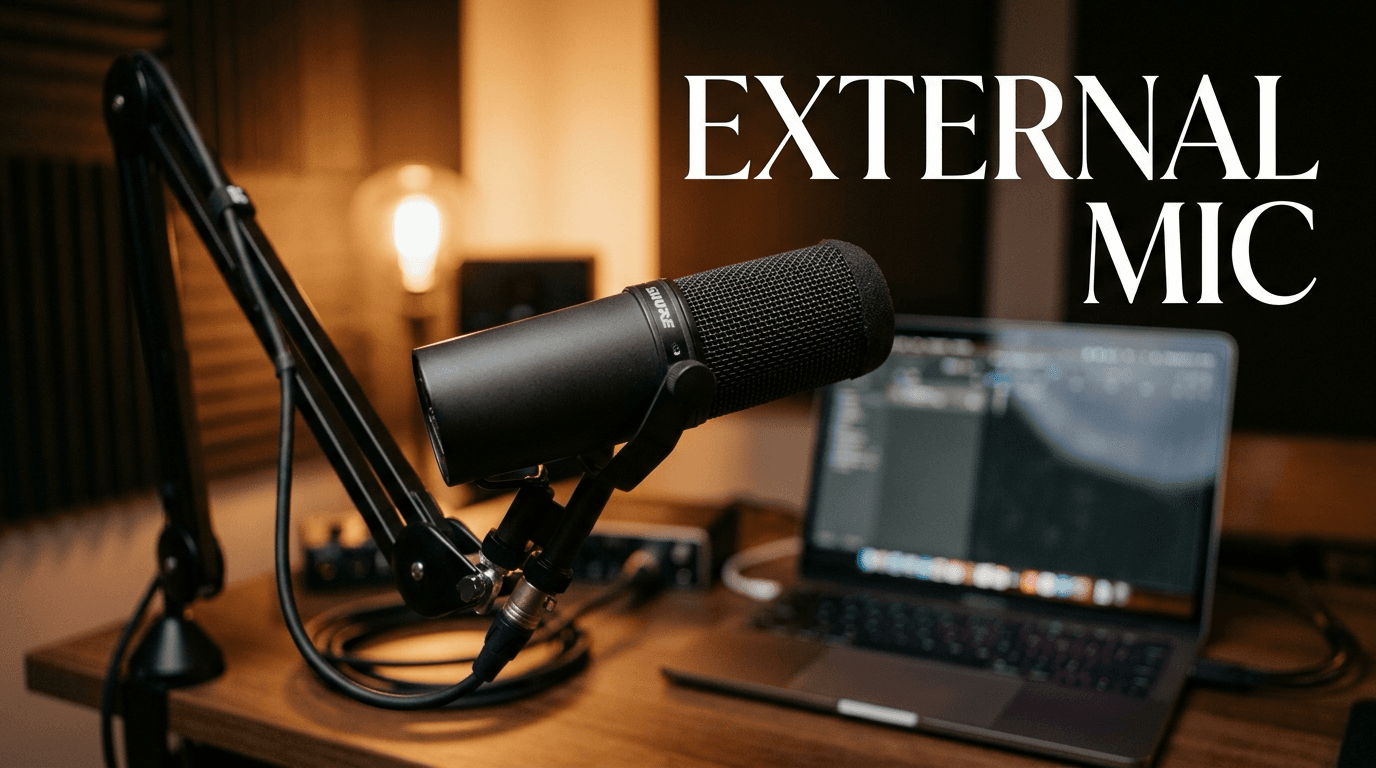
- Generate narration from the approved video script
- Choose a speaker, including two-speaker Conversation videos
- Set pronunciation and language before or after generation
- Re-voice affected scenes after script edits
Trusted by teams at


Keep narration in the same edit
Recording voiceover outside the project adds another file, another timing pass, and another round of revisions. A script change should not force the team back to a separate audio workflow.
A new line means another take
Small script improvements become recording requests when narration lives outside the video project.
Audio timing needs a second review
Narration, captions, and scene timing can drift when a revised track is exported and re-imported.
Language changes create duplicate work
A localized version is harder to maintain when its voiceover is disconnected from the source script and scenes.
AI Voiceover keeps the script, voice, and scene edits together.
Script and pronunciation in, revised voiceover out
AI Voiceover turns script text into narration inside the project, then lets you revise speakers, language, pronunciation, and affected scenes.
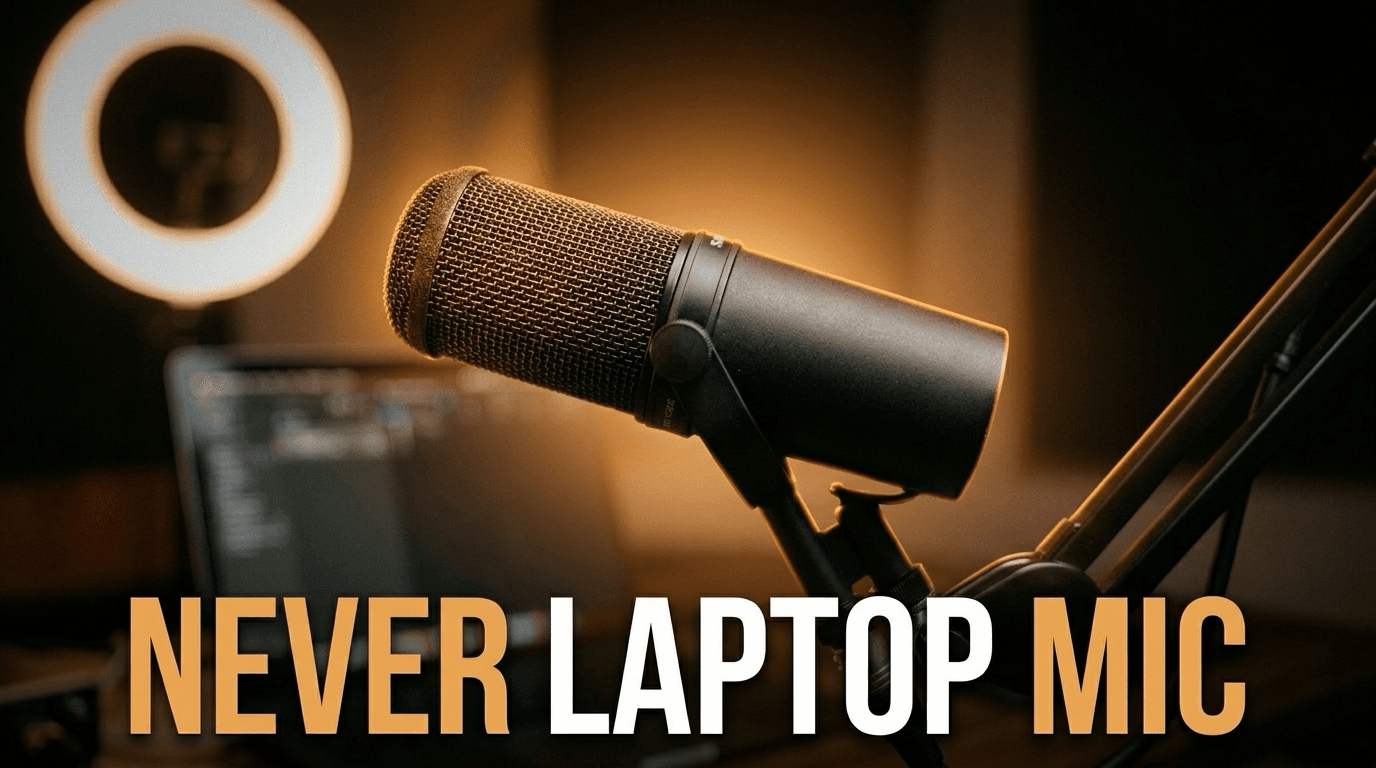
Narration follows the script and the scene plan.
Script-driven narration
Write or import the script, choose a voice, and generate audio that stays attached to the video's scene plan.
Speakers and team voices
Choose a voice for a single narrator, or use Conversation mode to give two speakers distinct voices. Approved custom voices can come from the team library.
Tune and patch the edit
Set a custom pronunciation, change the language, or edit a scene's narration and re-voice the affected audio while retaining the visuals.
Voice changes follow the video plan
AI Voiceover uses the project's script and scene structure, so speakers, language, pronunciation, and revised lines stay close to the edit.
Uses the active script
The voiceover is generated from the same copy the storyboard and captions use.
Give each speaker a voice
Conversation mode supports two speaker turns with a distinct voice for each speaker.
Fix names before they ship
Add a custom pronunciation and preview it before generation, then re-voice a changed scene when needed.
Re-voice translated scripts
Translate the script and generate matching voiceover for a localized version without rebuilding the project from scratch.
How AI voiceover works
Choose the script, set speakers and language, tune pronunciation, then patch the affected scene when the narration changes.
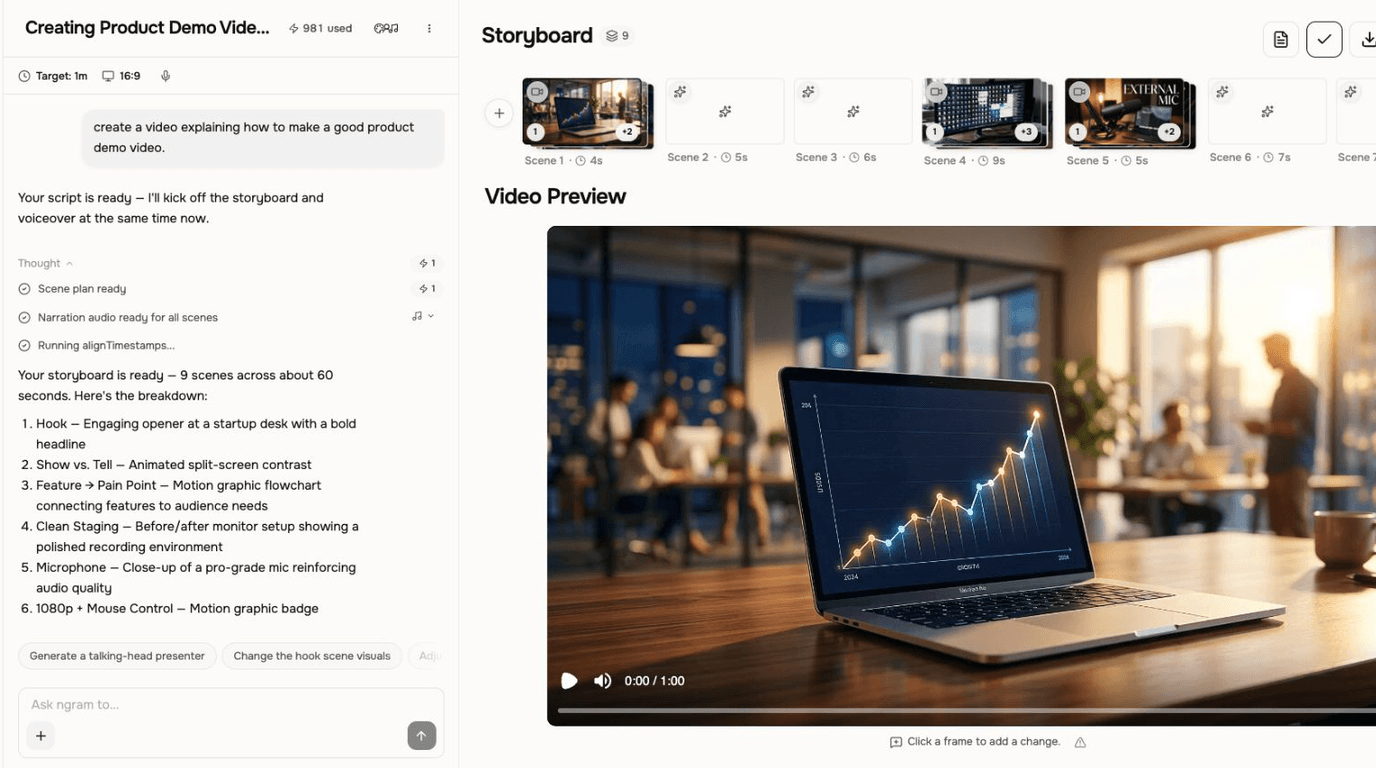
Choose the source
Use the generated script, edit it in Edit → Script, or bring approved narration into the project.
Set speakers and language
Pick a voice, turn on Conversation mode for two speakers, and choose the language for the narration.
Tune pronunciation
Add a custom pronunciation and preview it before generating the voiceover.
Patch the affected scene
Review the rendered voiceover, then edit a line and re-voice the affected scene while keeping its visuals.
Who uses AI Voiceover
AI Voiceover helps business teams turn approved scripts and source material into narrated videos without separating audio from the ngram edit.
Product marketing
Add generated narration to launch videos without recording every script revision.
Agencies
Create narrated client videos while keeping revisions tied to the script.
Customer success
Turn help content into narrated walkthroughs with clear pacing, captions, and scene-level revisions.
Founders
Create direct founder-style updates from approved scripts and a chosen or custom team voice.
Where AI Voiceover fits in the real work.
Use AI Voiceover in the moments where a business message needs to become a clear, polished video for a specific audience, channel, or workflow.
Explainer Video
Paste your landing page URL, a product doc, or a rough script and get a polished explainer video back inside 30 minutes. An explainer video maker built for SaaS — no animation skills, no agency brief, no six-week production cycle.
Training Video
Turn your SOPs, screen recordings, and process docs into a corporate training video in under thirty minutes. Smart zooms on every click, step labels on every menu, captions burned in, branded intro applied — ramp new hires faster without booking a video team.
Customer Onboarding Video
Turn help docs or a screen recording of the setup flow into a polished customer onboarding video new accounts actually finish. Reach first-value the same day, not the following week, without booking another live kickoff call.
Sales Demo Video
Record your product once. Spin up a prospect-specific sales demo video for every deal in your pipeline — branded, captioned, and ready in fifteen minutes. No SE waitlist, no agency invoice, no "picture your data here."
Help Center Video
A help center video maker built for support teams turns one screen recording into a polished tutorial customers actually finish — smart zooms on every click, captions for silent browsing, embed ready for Zendesk, Intercom, or any docs platform.
Internal Communication Video
Drop in a webcam recording, paste a written announcement, or upload the all-hands replay. An internal communication video maker built for distributed teams hands you back short, captioned, brand-matched updates employees finish across every timezone.
AI Voiceover compared with the usual alternatives
AI Voiceover is built into the ngram video workflow. The comparison below uses conservative workflow categories instead of unsupported competitor claims.
| Capability | ngram | Manual workflow | Template editor | Point tool |
|---|---|---|---|---|
| Script connection | ● Generated from the active video script | × Recorded outside the project | ~ Often tied to a separate audio file | ~ Generated in a separate tool |
| Revision workflow | ● Regenerate after script edits | × Record another take | ~ Export and re-import audio | ~ Create a new audio file |
| Localization | ● Pairs with translated scripts and captions | × Requires separate recordings | ~ Requires manual coordination | ~ Varies by tool |
| Team voice support | ● Workspace voice libraries when approved | × Depends on available speaker time | ~ Depends on vendor setup | ~ Usually separate from video editing |
AI Voiceover is stronger as part of a full video workflow
Use AI Voiceover with the adjacent ngram features that shape the script, visuals, brand, motion, and final edit.
Script Generation
Generate the script first, then turn the approved narration text into voiceover.
Brand Kit
Apply approved tone, visual style, logos, colors, and motion rules around the narrated video.
Video Editing
Finish the narrated video in Video Editing. Browse or swap the selected music and save its volume, or mute music without muting voiceover or sound effects.
AI Visuals
Generate scene-matched visuals that support the spoken script across the full video.
Collaboration
Share the project, assets, and conversation with teammates while the narration is still being revised.
Translation
Translate the script and captions, then create a matching voiceover for a localized version of the video.
Start AI Voiceover from the source you already have
Start with text, a PDF, blog post, audio track, recorded voiceover, or document, then refine the narrated draft in the editor.
Text to Video
Paste copy and generate a narrated draft with voiceover aligned to each scene.
PDF to Video
Turn written documents into narrated explainers without recording a voice track.
Blog post to Video
Convert articles into voiced videos with tighter pacing and visual structure.
Voiceover to Narrated video
Turn a recorded voiceover into a matched-visual video with captions, branded scenes, and editable timing.
Docs to Video
Create narrated training and update videos from written source material.
Small utilities that help finish AI Voiceover videos
Use these focused tools on their own or as part of a bigger ngram workflow when a video needs cleanup, captions, conversion, or packaging.
AI Voice Generator
Generate narration from text when the video needs a clean spoken track.
Text to Speech Video
Turn written narration into a finished video with voiceover, visuals, and captions.
Voice Dubber
Dub an existing video voiceover for localized versions and multilingual campaigns.
Video Translator
Translate video audio, captions, and on-screen text for localized variants.
Audio to Video
Turn a voice memo, podcast clip, or audio file into a visual video.
Video to Audio
Extract narration from a video when you need to reuse or edit the audio track.
Remove Background Noise from Audio
Clean voice recordings before turning them into narrated video assets.
Remove Background Noise from Video
Clean noisy video audio when a recorded take needs to stay in the final edit.
Connect ngram to the tools your team already uses
Use the live integration routes for automation, browser capture, agent access, and publishing. Keep video creation close to the work that starts it.

Zapier
Trigger ngram workflows from Zapier when a source event or form submission is ready for video.

n8n
Connect self-hosted or managed n8n workflows to ngram for repeatable video jobs.

MCP Server
Let AI agents call ngram through the Model Context Protocol endpoint when a video needs to be created.

Chrome Extension
Capture web context from the browser and send it into ngram as source material for a new video.

YouTube
Social Publishing is in Beta. Connect YouTube with OAuth and publish a finished AI voiceover tutorial now or on a one-off schedule.

Social Publishing is in Beta. Connect LinkedIn with OAuth and publish a finished AI voiceover launch video now or on a one-off schedule.

X (Twitter)
Social Publishing is in Beta. Connect X with OAuth and publish a finished AI voiceover update video now or on a one-off schedule.
Need an automated workflow? Use the API, completed-or-failed webhooks, or MCP route when your team needs a governed video pipeline.
Explore integrationsQuestions about AI Voiceover
Still curious?
Create your next video with AI Voiceover
AI Voiceover works inside ngram, so the script, scenes, brand, assets, and export path stay connected from first draft to final video.
Built for business video teams. Connected to the ngram workflow.