Add Text to Video by ngram
Add Text to Video with clear product callouts

Drop a video or click to upload
MP4, MOV, WebM, MKV - demos, tutorials, and social clips work best
What it does
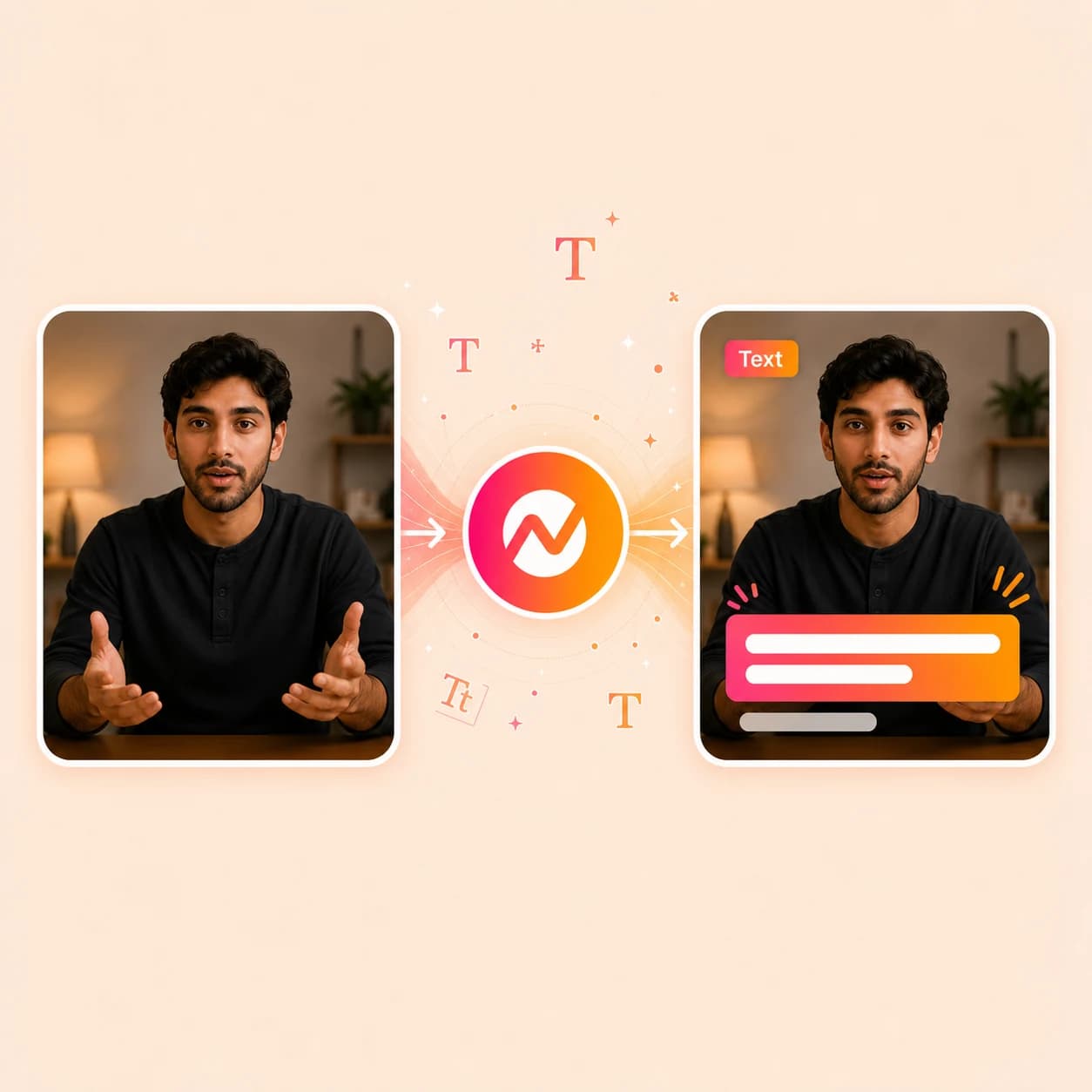
Add feature labels, product callouts, and on-screen instructions to the moments that need context. Keep the text, captions, voiceover, and brand treatment together in one editable video.
Trusted by teams at












How it works
Put the words where the viewer needs them.
Drop the clip in, layer the text the script asks for, style it to the brand, and keep the project ready for the rest of the edit.
Upload the video
Start with a demo recording, social clip, tutorial, webinar export, or a draft generated inside ngram.
Clip ready
Add the text layers
Place titles, lower thirds, speaker labels, step callouts, quotes, or animated taglines directly on the timeline where they belong.
Overlays placed
Brand and time each overlay
Apply brand-kit fonts, colors, and motion style, set in and out points, and preview how every line reads against the cut.
Brand styled
Export or keep editing
Render the file, or continue into captions, voiceover, music, translation, and MP4 export without leaving the project.
Ready for channels
What it can do
What the text overlay tool actually does.
Add text to video for every job a viewer needs help with on screen - naming a section, labeling a speaker, calling out a button, or animating a tagline.
Titles and section cards
Open a video with a strong title card, break a tutorial into chapters, and give every social clip a clear hook the viewer reads in the first second.
Lower thirds and speaker labels
Identify speakers, roles, customers, products, and quotes in demos, webinars, founder updates, and internal communications.
Product callouts and arrows
Point viewers at the button, menu, metric, or UI detail that matters inside a product walkthrough or feature announcement.
Animated text overlays
Use animated taglines, kinetic typography, and motion-styled callouts for launches, ads, and social clips without leaving the editor.
Learn more about motion graphicsBrand-matched type
Set brand-kit fonts, colors, and motion once so every title, label, and callout reads like part of the finished video, not an afterthought.
Learn more about brand kitPair overlays with captions
Use captions for spoken words and text overlays for titles, steps, speaker labels, and CTAs - both live in the same project.
Learn more about captionsBuilt for video that has to explain itself
When it matters
Where on-screen text carries the meaning.
The nine workflows below are the ones where titles, callouts, lower thirds, and animated text decide whether the viewer understands the video.
Product Demo Video
Add titles, step callouts, and product labels to demo recordings so prospects follow the workflow without a live walkthrough.
Open AI video use caseProduct Walkthrough Video
Layer step labels, UI callouts, and chapter titles onto a walkthrough so users move through the product one decision at a time.
Open AI video use caseTutorial Video
Add numbered step titles, on-screen instructions, and emphasis callouts so a tutorial works without narration playing.
Open AI video use caseHelp Center Video
Turn support articles into video guides where titles announce each step and callouts mark the click that resolves the ticket.
Open AI video use caseCustomer Onboarding Video
Use lower thirds for product areas and on-screen text for next steps so new users reach first value without a live call.
Open AI video use caseFeature Announcement Video
Add animated launch text, feature names, and benefit callouts so a release video reads cleanly on autoplay social feeds.
Open AI video use caseLinkedIn Video
Drop bold titles, animated quotes, and end-card CTAs onto LinkedIn cuts so the message lands while the feed plays muted.
Open AI video use caseExplainer Video
Add chapter titles, definition callouts, and key-stat overlays so an explainer carries the argument frame by frame.
Open AI video use caseSales Product Demo
Personalize the buyer demo with name lower thirds, account callouts, and CTA cards reps can swap before sending.
Open AI video use caseProduct stack
The product stack around text overlays.
Text overlays land harder when they share a project with captions, motion, voiceover, brand, and export.
Motion Graphics
Drive the animation behind every title, lower third, and product callout with motion-styled overlays that follow the brand kit.
Learn more about motion graphicsBrand Kit
Lock the fonts, colors, motion style, and logo treatment that every title and overlay should inherit by default.
Learn more about brand kitCaptions
Run timed captions for spoken words while text overlays handle titles, labels, and emphasis on top of the same cut.
Learn more about captionsScript Generation
Generate the script first so titles, callouts, and lower thirds map to the lines the viewer actually hears.
Learn more about script generationVideo Editing
Adjust the underlying clips, transitions, and audio after the text layers are in place without rebuilding the timeline.
Learn more about video editingAI Visuals
Generate clean scene backgrounds and B-roll that give titles, callouts, and lower thirds room to sit on the frame.
Learn more about AI visualsTranslation
Translate on-screen text alongside captions and voiceover when the same video has to ship in another language.
Learn more about translationMore tools
More tools that work alongside text overlays.
Use these before the text goes on, while it's being placed, and after the project is ready to ship.
Captions and on-screen copy
Cover spoken words and on-screen language with the right tool for each.
Add Subtitles to Video
Generate timed subtitles for speech while text overlays handle titles, callouts, and emphasis layers.
Open toolVideo Caption Generator
Create animated captions for short-form social cuts where the title cards stay readable in vertical safe zones.
Open toolAuto Subtitle Generator
Auto-transcribe the spoken track first so titles, lower thirds, and callouts can be timed against the captions.
Open toolVideo Script Generator
Draft the script that decides what every title, section label, and end-card CTA should say.
Open toolBuild or capture the source clip
Create or capture the underlying video before titles and callouts go on top.
Text to Video
Turn a written brief into a draft video that the text overlay tool can title, label, and animate.
Open toolAI Video Generator
Generate scenes that already follow the brand kit so the title cards and callouts sit cleanly on top.
Open toolImage to Video
Animate still images into scene-length clips that can hold a title card or animated text intro.
Open toolScreen Recorder
Capture a product walkthrough in-browser and bring it straight into the text overlay timeline.
Open toolFinish, localize, distribute
Polish the file after every title, lower third, and callout is in place.
Add Music to Video
Layer music under the text once the titles and callouts decide where the beats should hit.
Open toolVideo Editor
Fine-tune clip order, audio levels, and text layer timing without rebuilding the overlay placements.
Open toolVideo Translator
Translate captions, voiceover, and on-screen text into another language while keeping the original title positions.
Open toolVideo Compressor
Reduce file size after motion-heavy titles and animated overlays are rendered into the final cut.
Open toolVideo to GIF
Loop the text-led moment of a launch video into a GIF for email, Slack, or release-note embeds.
Open toolConvert
Start from a source that already needs labels.
These converters create the kinds of videos where titles, callouts, and lower thirds usually have to carry the meaning.
Screen Recording to Video
Turn a raw walkthrough into a polished cut where step titles, click callouts, and section labels guide the viewer.
Open converterRelease Notes to Video
Convert a changelog into a launch video where feature titles, benefit callouts, and CTA cards do the storytelling.
Open converterText to Video
Turn an outline or script into a draft video, then drop in section titles and animated taglines on the timeline.
Open converterWho it is for
Teams that need the viewer to see the point fast.
Text overlays do the most work when the video has to label steps, name speakers, point at the product, or sell a launch on autoplay.
Product Marketing
Launch reels and explainers that need animated titles, feature callouts, and end-card CTAs ready for paid and social channels.
See product marketing workflowsSales Enablement
Demo and follow-up videos where account-name lower thirds and CTA cards travel inside the cut a rep sends to a buyer.
See sales workflowsCustomer Success
Onboarding, QBR, and feature-education videos where step titles and product callouts replace another live call.
See CS workflowsSupport Teams
Help-center and ticket-response videos where every click and confirmation gets its own labeled callout on screen.
See support workflowsProduct Managers
Changelog, roadmap, and stakeholder updates where titles announce releases and callouts call out the changes that matter.
See product workflowsGrowth & Marketing
Ad and social cuts that need bold hook titles, kinetic taglines, and benefit overlays styled for autoplay feeds.
See growth workflowsEducators & Trainers
Course, training, and recap videos where chapter titles, term callouts, and quiz cards keep learners following along.
See educator workflowsAgencies & Consultants
Client deliverables where every title and lower third has to inherit the client's brand kit across many briefs.
See agency workflowsHR and Internal Comms
Create training, policy, and announcement videos from internal source material without starting from a blank timeline.
See internal comms workflowsIntegrations
Plug the text overlay tool into real work.
Trigger, route, or publish text-led video work using the integrations ngram supports today.
Zapier
No-codeWhenA new clip, transcript, or source asset lands in a folder, form, or sheet that needs title cards and callouts
ThenUse the documented video-generation action to start the request, then open ngram to add text overlays before sending the finished video link back
MCP Server
AgenticWhenClaude or ChatGPT is drafting a video and needs titles, lower thirds, or product callouts placed on a clip
ThenUse MCP for supported video or image calls, then open ngram to add text overlays and review the edited MP4
n8n
WorkflowWhenA CMS post, CRM stage, or release ticket flips to a status that needs a labeled launch video
ThenUse n8n's documented video-generation action, then open ngram to add the text-led treatment and route the result to the owner for review
Chrome Extension
CaptureWhenYou spot a product page, release note, or article worth turning into a labeled video clip
ThenSend the page context straight into ngram so the title and callout copy starts from the source
WhenReview is complete on the text-overlay video; LinkedIn is next.
ThenCompose the LinkedIn post and publish the text-overlay video now.
X (Twitter)
BetaWhenThe team has reviewed the text-overlay video for X.
ThenPrepare the X post; schedule the text-overlay video for one release.
YouTube
BetaWhenReview is complete on the text-overlay video; YouTube is next.
ThenDraft the YouTube post and schedule one release for the text-overlay video.
Why ngram
How ngram compares for adding text to video.
Most editors let you drop a text box on a clip. ngram connects that text to the script, brand kit, captions, voiceover, and publishing route of the same project.
| Compare | ngram | Kapwing | VEED | Canva Video |
|---|---|---|---|---|
| Workflow fit | Adds titles, lower thirds, callouts, and animated text inside the same project that owns script, captions, voiceover, brand, and export. | Browser editor with text, subtitle, audio, and template features for fast creator-style edits. | Web tool for adding text, subtitles, images, and audio to clips with a brand-kit feature for fonts and colors. | Design-led editor with templates, fonts, and animated text effects for social posts and short videos. |
| How ngram fits | Brand kit, motion graphics, and translation already understand the overlays placed on the clip. | Strong fit for one-off social clips, memes, and short videos that finish in one session. | Useful for quick text and caption edits on a single video at a time. | Best for design-first creators and teams already on Canva for static assets. |
| Best use | Built for business videos - demos, launches, onboarding, training - where text has to keep working across channels. | ngram fits when the same text overlay has to live next to a script, brand kit, captions, voiceover, and team handoff. | ngram is built for the whole production - source ingest, planning, overlays, localization, and multi-channel export in one project. | ngram is stronger when the text layer depends on a generated script, product context, captions, and downstream workflow handoff. |
FAQ
Common questions about adding text to video
Still deciding?
Put the message on screen
Drop in titles, lower thirds, animated callouts, and end-card CTAs - then keep the project moving through captions, voiceover, brand, and export inside ngram.
Open the focused text overlay tool now and finish the full video in the same workspace.
Titles, lower thirds, callouts, animated text, export