Product Update: Chapter Cards, Brand Color Roles, and Custom Bookends — September 14, 2026
Add a title card before a scene, give Brand Kit colors clear jobs, and use your own image or video for an intro or outro. This update also makes aspect ratio easier to set and improves exports and recovery.
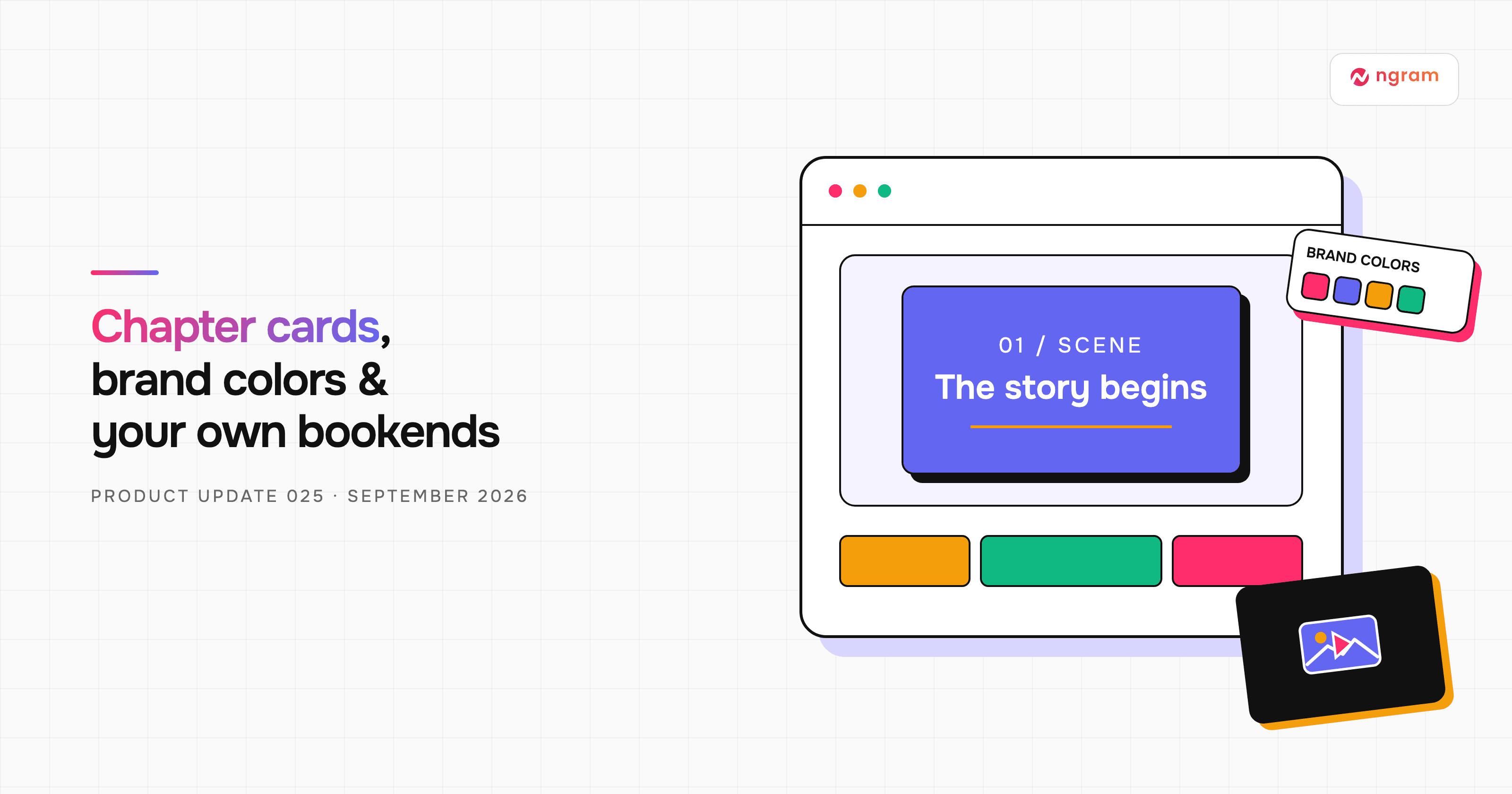


A scene can now open with its own Chapter card: a short title phase that stays attached to that scene. You can also give colors in Brand Kit specific jobs and use an image or video from your media library as an intro or outro. This week’s changes make the aspect ratio easier to find and improve several moments where editing or downloading could fail.
What's new
Put a Chapter card before a scene
Open a scene in the editor and choose Chapter card. Turn on Show before this scene, then edit the title, optional subtitle, scene number, and template. The one-second card appears before that scene in playback and export. It shares the scene’s number and timeline tile, so it does not add another scene to manage.
Give Brand Kit colors a purpose
In Brand Kit, a color can now be assigned to Primary, Secondary, Accent, Background, Text, or Muted text. You can also give a swatch your own name for a job the standard roles do not cover. Review imported colors and assign their jobs before creating a video; an unassigned role is chosen for readable contrast at render time.
Use your own intro or outro media
From the storyboard, choose Add scene, then Intro / Outro. Alongside the branded Slide templates, you can choose an uploaded image or video from your device or media library. Preview the selected media and add it as the opening or closing bookend. The new choice is for intro and outro scenes; it does not replace the media already used in the main story.
A clearer setup and steadier finish
The composer now shows the current aspect ratio beside the voice control. Select it to cycle through the ratios supported by the chosen video type. Public Screencast and Screencast + Avatar modes can use landscape, vertical, or square output; the separate fixed Screencast variants remain restricted to landscape.
Choose duration and aspect ratio
Agentic 4K downloads now use the intended output dimensions across landscape, portrait, and square frames, and Studio checks the conversation owner’s plan before accepting a quality choice. We also fixed narration staging and image resizing in Slide scenes, cancellation of scheduled subscriptions, and the credit-recovery message when a video turn runs out of credits. Uploaded-video setup now waits for processing before the initial script request proceeds.
Try it in Studio
Open a current project to add a Chapter card or intro/outro, or start a new video to choose its aspect ratio before generation. Check the preview and the displayed credit estimate before rendering new work.
Past issues
Product Update: Generative Video Beta, Smarter Mode Guidance, and Attachment Previews — September 9, 2026

Product Update: Video Style Templates, Square Videos, and Avatar Layouts — August 31, 2026
Product Update: Blank Canvas, Script Editing, and More Editor Controls — August 24, 2026
Product Update: Creator Video Hosting, Unified Screencast Editing, and Cancellation Surveys — August 15, 2026
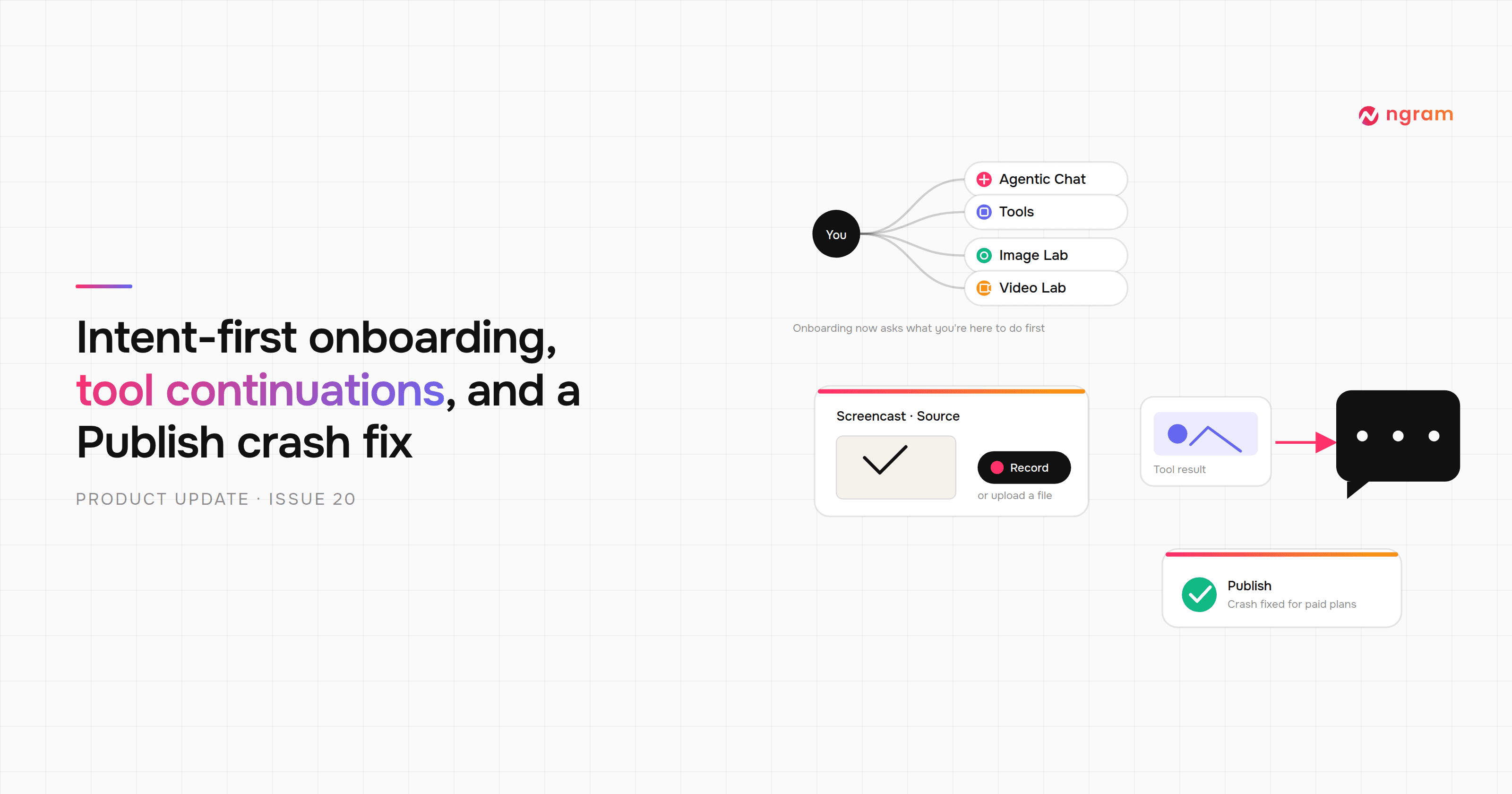
Product Update: Intent-First Onboarding, Tool Continuations, and Publish Fixes — August 8, 2026
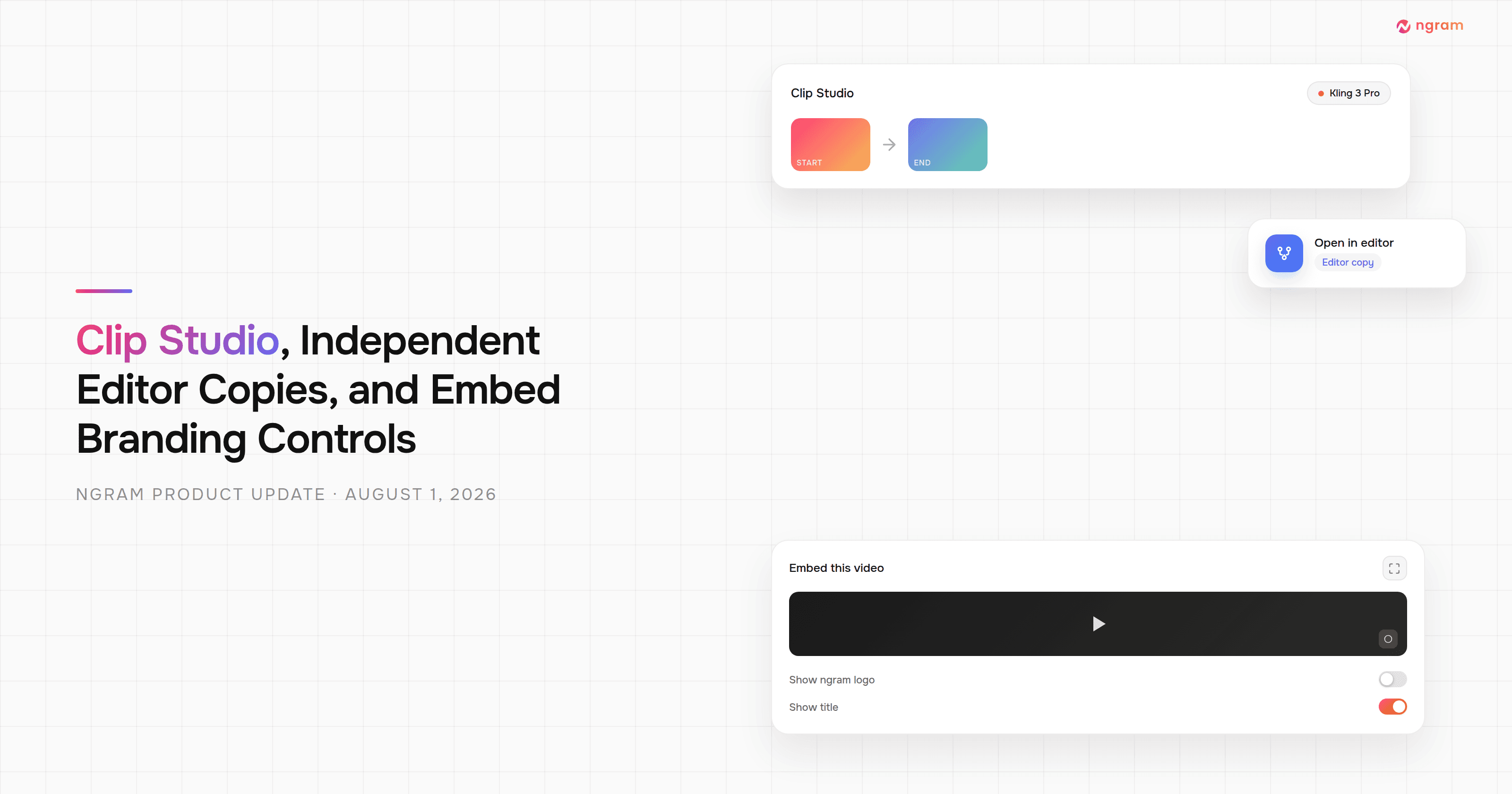
Product Update: Clip Studio, Independent Editor Copies, and Embed Branding Controls — August 1, 2026
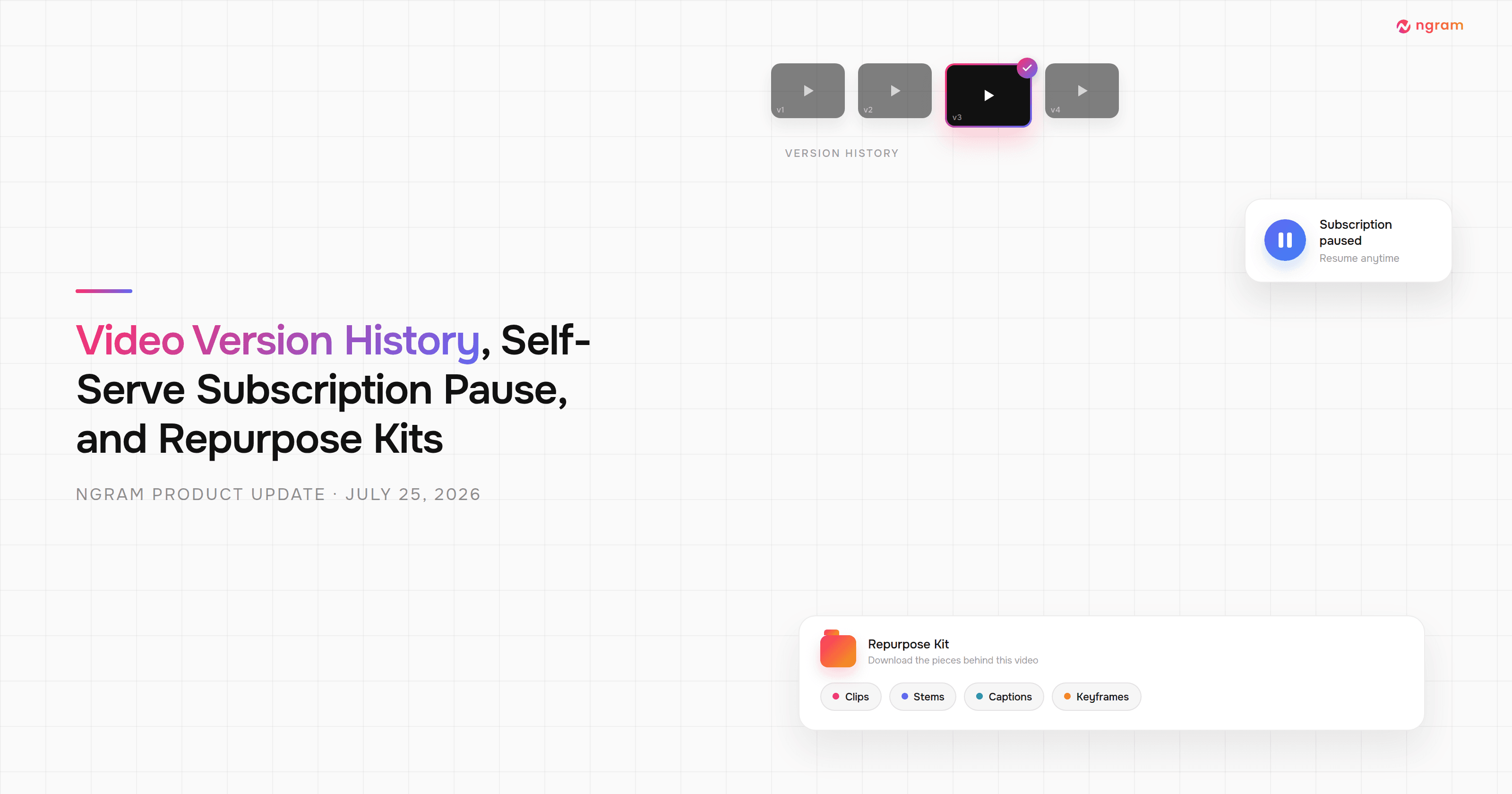
Product Update: Video Version History, Self-Serve Subscription Pause, and Repurpose Kits — July 25, 2026

Product Update: Multi-Speaker Voiceover, Custom Video Thumbnails, and On-Demand Background Music — July 18, 2026
