Publish on schedule. Without the editing marathon
YouTube uploads, short-form clips, brand deal deliverables, and course modules. ngram is the AI video tool for content creators who want to ship more without burning the weekend in Premiere.
Or pick a video type to get started
Video generation uses credits. Review your estimate in ngram. MP4 downloads require Basic or higher.
How credits workTrusted by teams at


Videos made by Content Creators with ngram
See how content creators use ngram to ship professional video, faster.
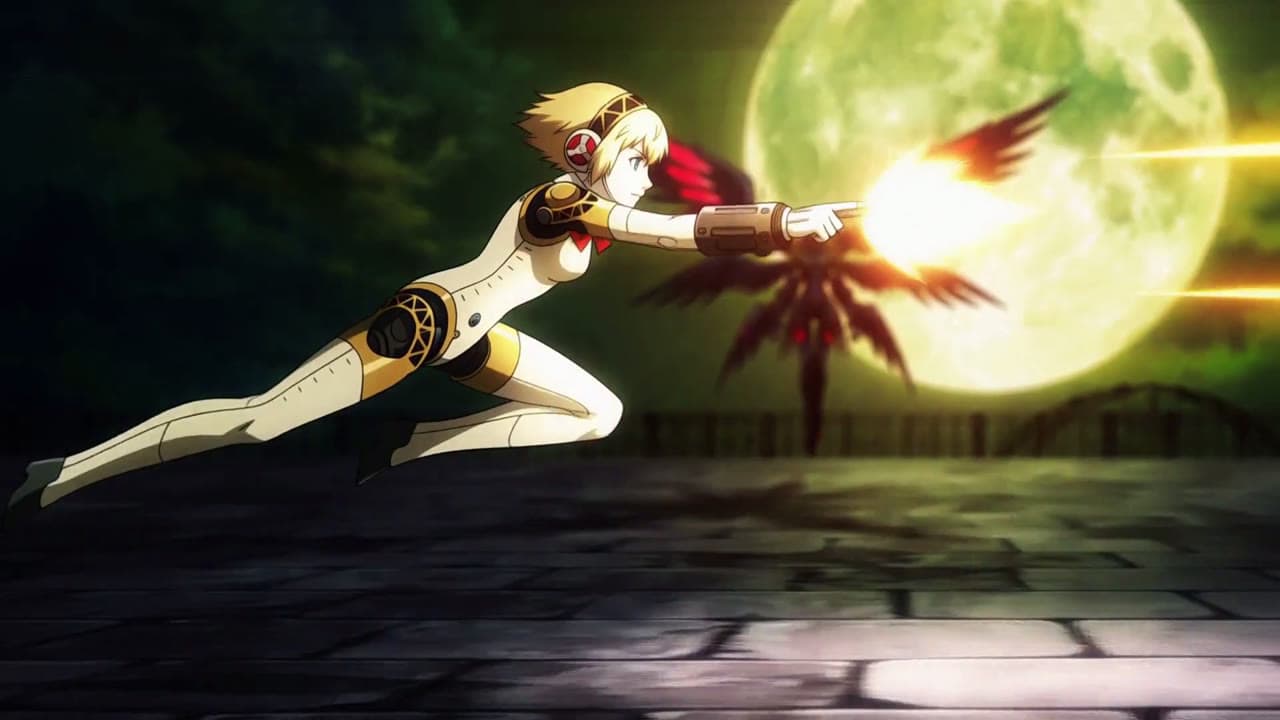
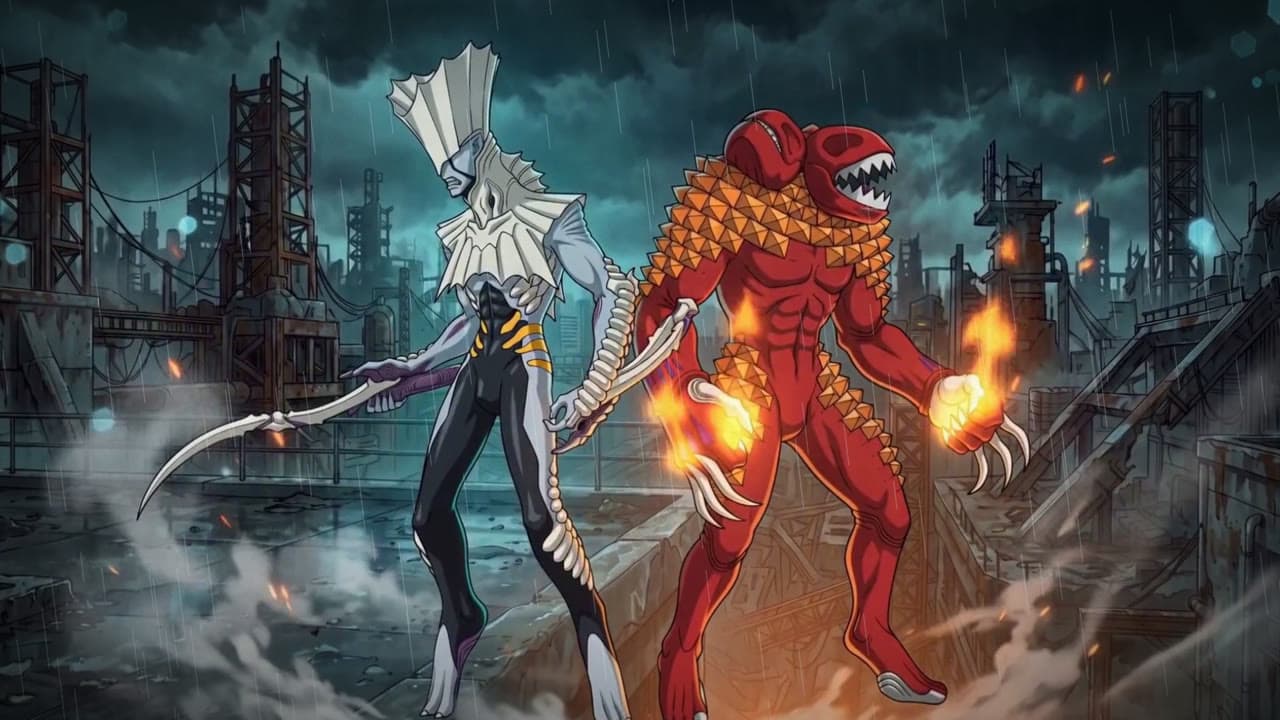
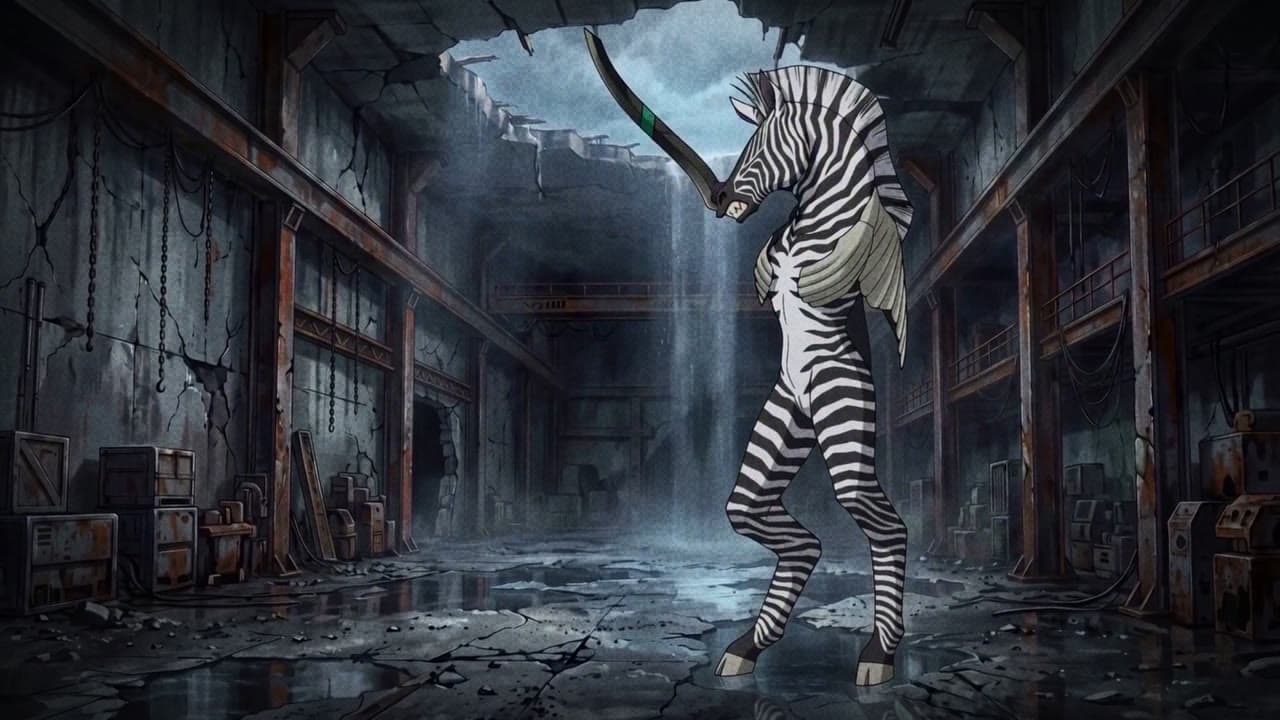

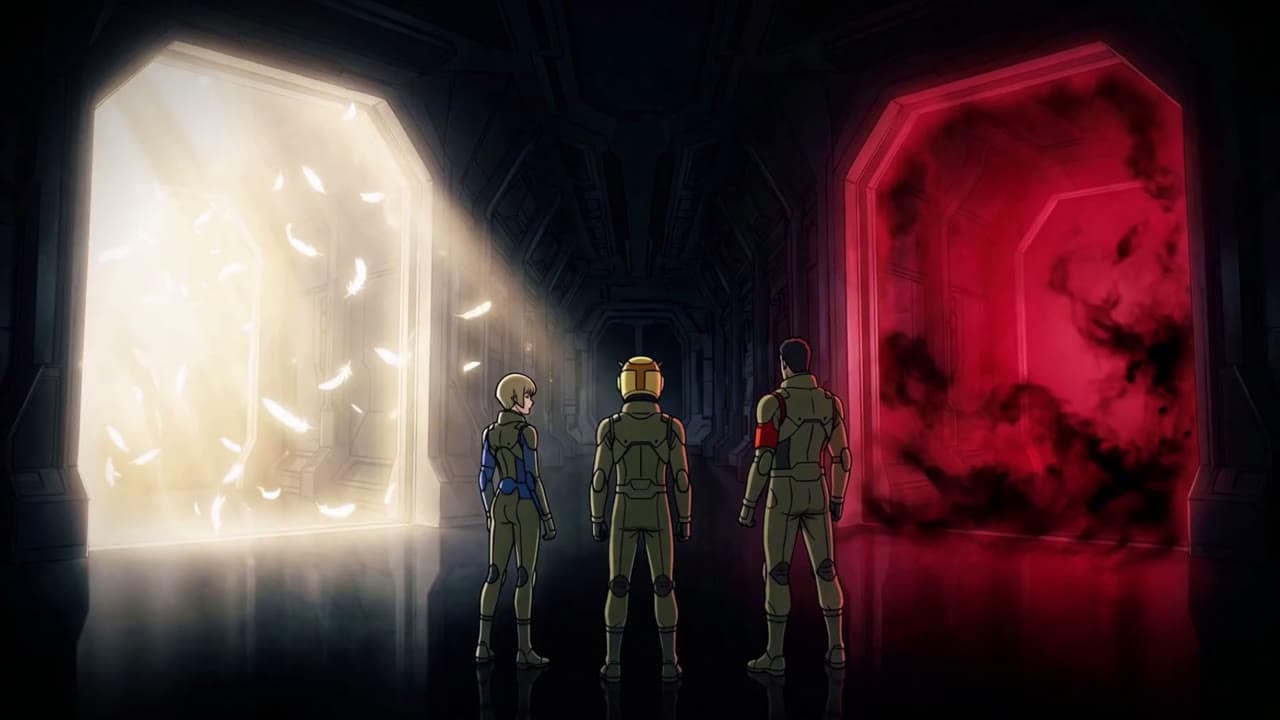
Strange Journey — Epoch (SMT anime edit)
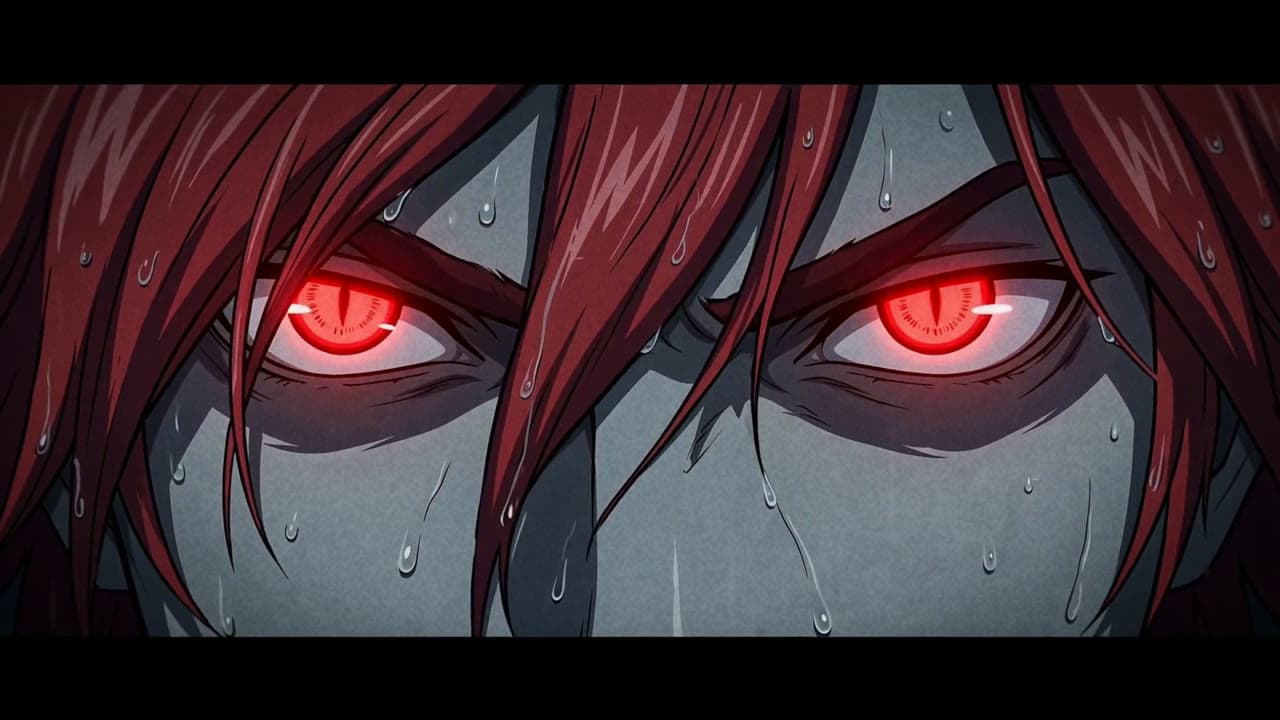
This Comes From Inside — Digital Devil Saga anime edit
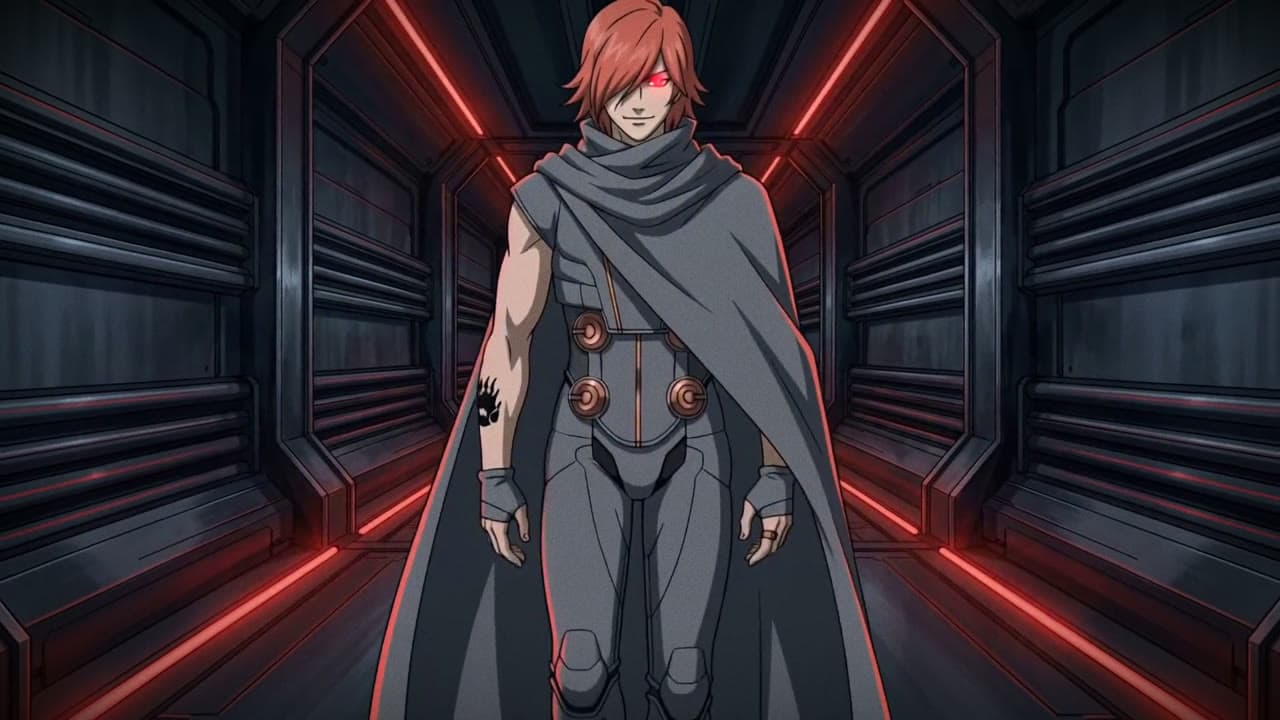
Heat — a Digital Devil Saga 2 anime edit
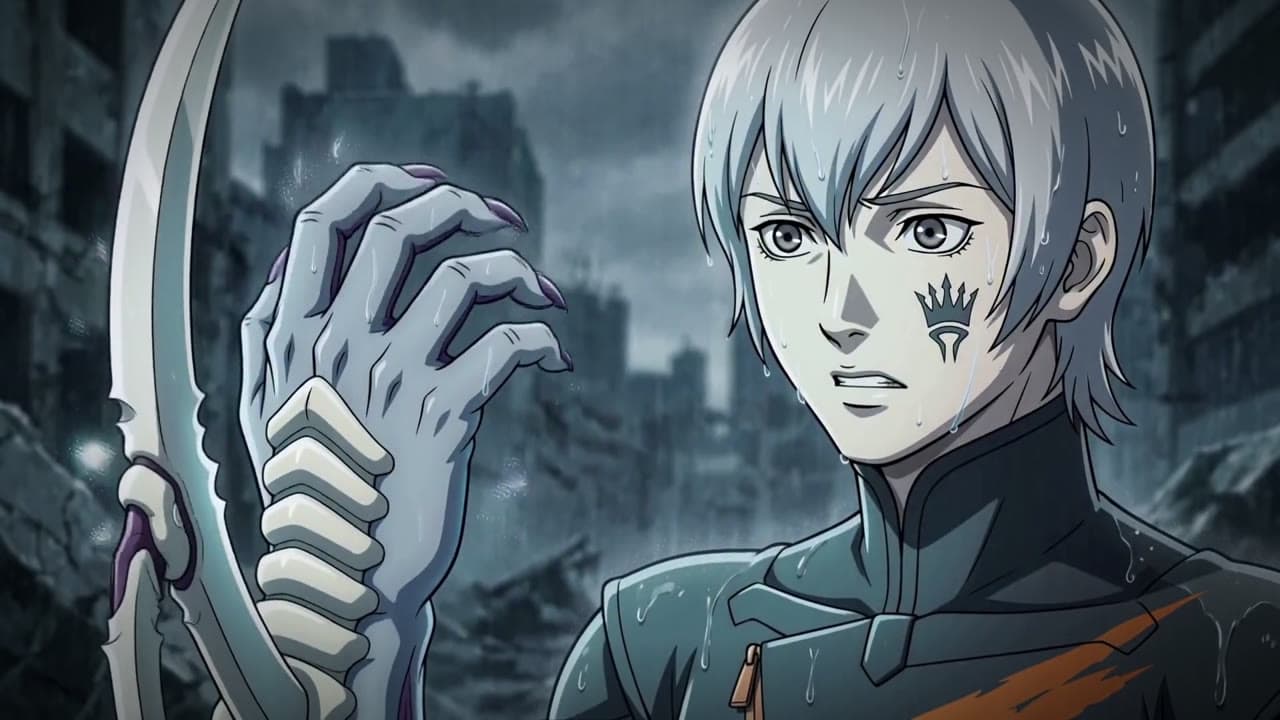
ECHO — Digital Devil Saga AMV

SMT IV — "Draw Me" anime edit
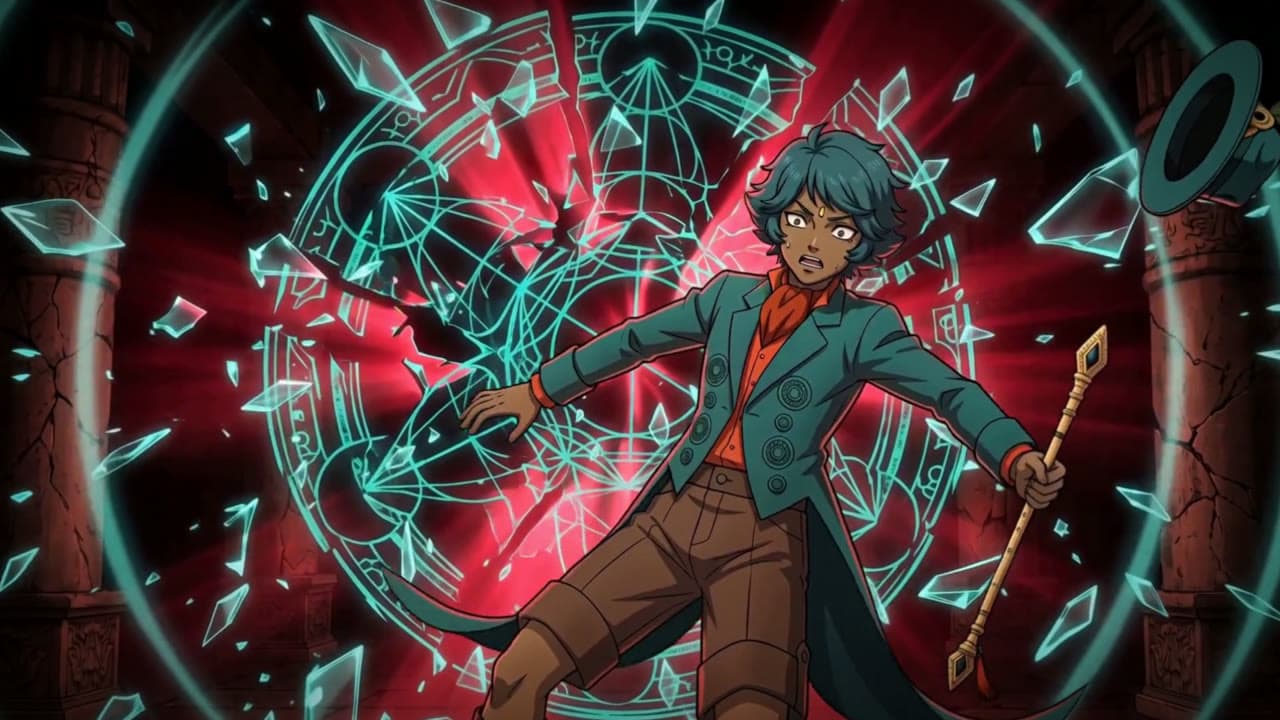
SMT IV – King of Hell (Lucifer & Walter vs Krishna)
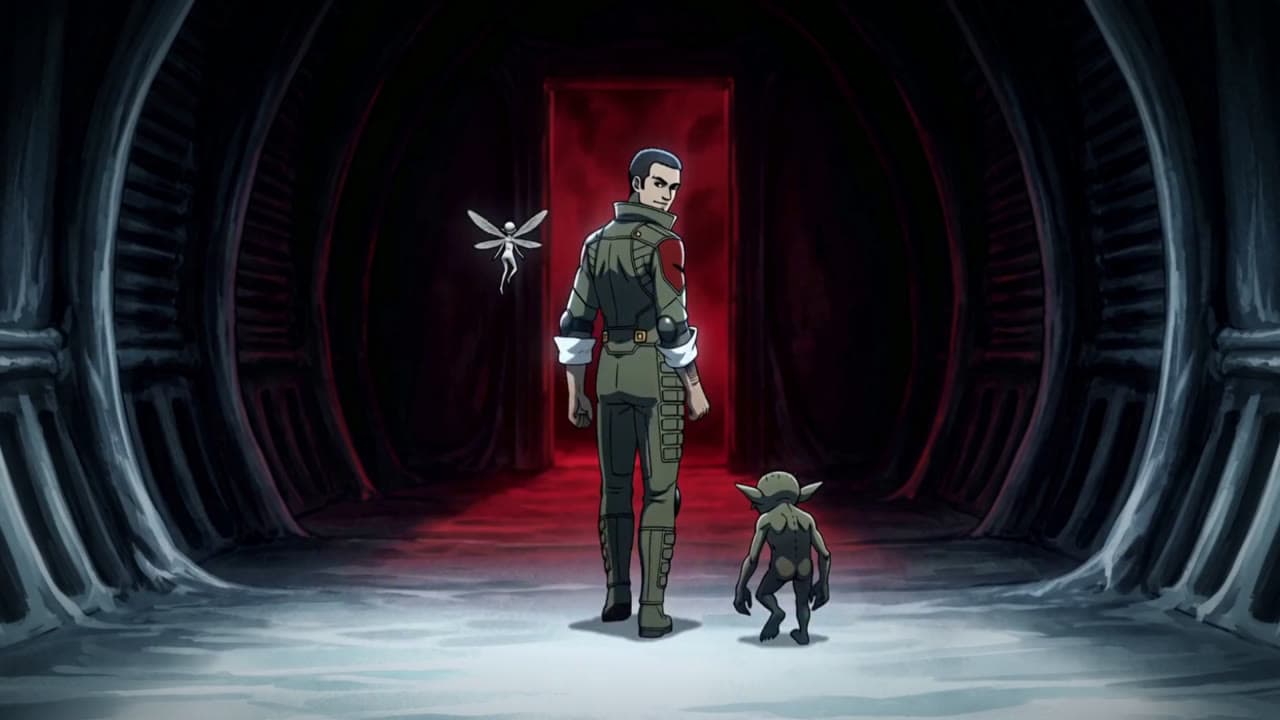
Shin Megami Tensei: Strange Journey — "Keep Behaving" (anime edit)
The algorithm rewards consistency. Your energy doesn't.
Editing keeps eating the week the algorithm rewards.
You shot the video in an hour. Now it is Wednesday night, you are deep in the NLE timeline cutting filler words and syncing b-roll, and the upload still has to happen tomorrow. The creative spark that drove the idea got buried under hours of mechanical cleanup, and the upload window keeps slipping by another day.
One recording stuck in one channel.
You published the YouTube video. TikTok needs a vertical with a hook in the first second. Reels needs sixty seconds. LinkedIn needs square with captions. Reformatting doubles the post-production time, so most of your best content only lives on one platform and the rest of your audience never sees it.
Posting cadence costing your weekends.
The shorts daily, the longform weekly, the newsletter on Friday — the cadence works only because you keep skipping rest. The algorithm punishes the moment you take a breather. There is no sustainable middle ground when every cut requires a full evening of manual editing.
Brand deals at a quality bar your edit bay can't hit.
Sponsors want polish, multiple cutdowns, and revision turnarounds inside the campaign window. You can hit the bar — once. Trying to hit it on five brand deals in a month while still uploading your own channel content turns the sponsorship into a stress test instead of a paycheck.
Your ideas deserve to reach people. Your edit timeline shouldn't be the bottleneck.
Professional content at creator speed.
Create once. Publish everywhere.
One place for every video
ngram is one workspace for everything you ship — long-form YouTube, vertical shorts, course content, sponsor cuts.
Start from what you already have
Drop in the recording or script, select your channel's saved Brand Kit, and turn on captions when needed.
Update once, regenerate everywhere
The work that used to live inside Premiere or Final Cut lives inside a chat-driven workflow your phone can handle.
Build a content engine that posts on cadence, keeps brand deals profitable, and clears the course backlog without trading another weekend to the timeline.
ngram works for every team adjacent to creator workflows.
Solopreneurs
Run the creator brand and the business itself out of one workspace. Marketing cuts, client deliverables, course modules, and social rollouts share the same brand kit instead of living in five different folders across five different tools.
Educators & Trainers
When your creator work crosses into teaching, ngram covers the curriculum side too — course modules, lecture recaps, student feedback. The same workspace handles both the YouTube channel and the paid cohort without splitting brand or pacing.
Agencies & Consultants
If you partner with creator-led brands or repackage your own creator content for agency clients, ngram runs both the creator channel and the client work side by side. One brand kit per account keeps the streams from colliding.
Growth & Marketing
Creator content often becomes paid acquisition fuel. Hand the growth team your channel's source assets and they can spin up ad variants, landing-page hero cuts, and email-ready videos that stay aligned with the brand you built on the channel.
From product update to polished video in minutes
Drop in raw footage, a script, or a recording
Upload your camera take, a screen recording, podcast audio, a long-form interview, or just a written outline. ngram works with the source material you already have — the polished take, the rough phone take, or the script you wrote in the notes app on the train.
Tell us where it's going
Name the channel and the audience — your YouTube subscribers, your TikTok feed, a course module for paid students, a sponsor's brand campaign. ngram tailors pacing, hook length, and tone to what performs on that surface instead of one master cut everywhere.
Review the plan containing the script
ngram returns a script and scene-by-scene plan with suggested cuts, hooks, and pacing. Edit the storyline, reorder segments, or tighten the intro — all in plain language. Approve the structure before render so you stay in creative control of your own voice.
Generate the polished cut
Ask for the cuts, labels and graphic inserts the recording needs, including which original speech to retain. Select your channel’s Brand Kit and any saved intro or outro, then generate and review the cut. Use chat or the editor to refine pacing, graphics and audio.
Export for every channel
Ship landscape for YouTube, vertical for Shorts, Reels, and TikTok, square for LinkedIn, and any other ratio your distribution mix needs. Captions burn in per format. One recording session becomes the week's calendar across your entire platform presence.
Videos for every Content Creators workflow
What changes when video is easy
Hours back in your creative week
Editing that used to fill the calendar from Tuesday through Friday compresses to a single review session. The time you reclaim goes back into ideas, research, and shooting — not into trimming filler words in the timeline at midnight.
Posting cadence you can actually sustain
Ship the upload schedule the algorithm rewards without trading away your sleep, weekends, or social life. Sustainable cadence stops depending on whether you can muscle through one more late-night export.
One recording, every channel covered
The same shoot feeds YouTube, TikTok, Reels, LinkedIn, X, and the newsletter without rebuilding each cut from scratch. Reach multiplies across platforms without your workload multiplying alongside it.
Brand deals that stay profitable
Hit sponsor expectations on polish, format coverage, and revision speed without spending half the deal in post. The work clears in a sitting instead of consuming a week, and the next brand deal stops feeling like a stress trade.
Every feature a creator content program needs.
Wire ngram into the publishing stack your channel already runs.
Each integration ships with a working template for creators. Start from one, then customize against the platform you ship into the most or the brand deal pipeline you already manage.
whenA creator finishes a long-form tutorial for the next upload
thenYouTube publishing is in Beta. Publish the finished tutorial to the connected channel now.
whenA creator approves a tip video for the next post
thenX publishing is in the Social Publishing Beta. Compose the tip post for the connected account.
whenA sponsored creator video is cleared for the agreed campaign date
thenLinkedIn publishing is in Beta. Schedule the sponsored video once for that post date.
whenA new brand deal lands in your sponsor pipeline tracker
thenSpin up the sponsor's brand kit, draft the deliverable scope, and queue the matching cut templates

whenYou finish recording a course module locally
thenProcess the cut on your self-hosted infra and deliver it directly to the LMS your students use
whenYou hit Make a video on a reference article, competitor channel, or trending topic
thenGet a polished react-style cut or topical short back in a new tab, ready to refine before posting
Whatever you recorded today. Turn it into the week.
Point tools for the production moments in between.
Questions from Content Creators like you
Can I keep my channel's unique style and voice?
How does turning long-form into shorts actually work?
Can I create content without being on camera?
How fast can I turn around a brand deal?
How is this different from hiring an editor?
Ship the channel at creator speed
Join content creators who post on schedule, hit brand deal deadlines, and clear the course backlog without trading another weekend to the timeline.