Product Updates
Every ngram release in one place — new features, model upgrades, and improvements we ship for video creators and teams.
All issues
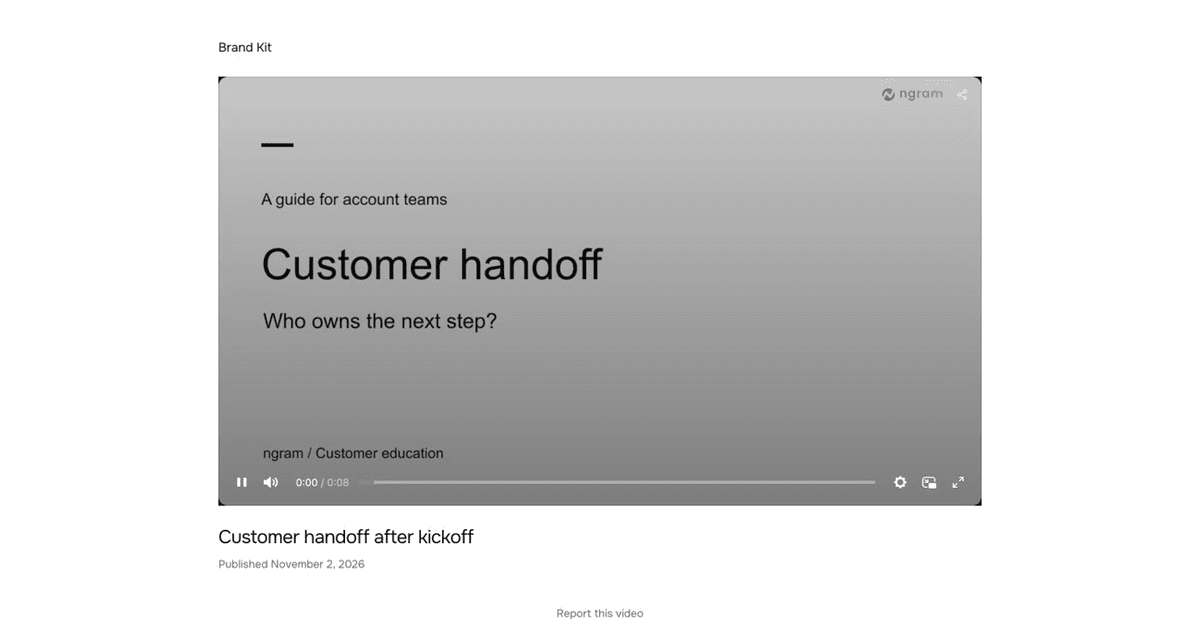
From prompt to play button
ngram now hosts the videos it makes. Upload or share them in Projects › Hosted videos, embed them anywhere, replace them without changing the link, and customize the player.
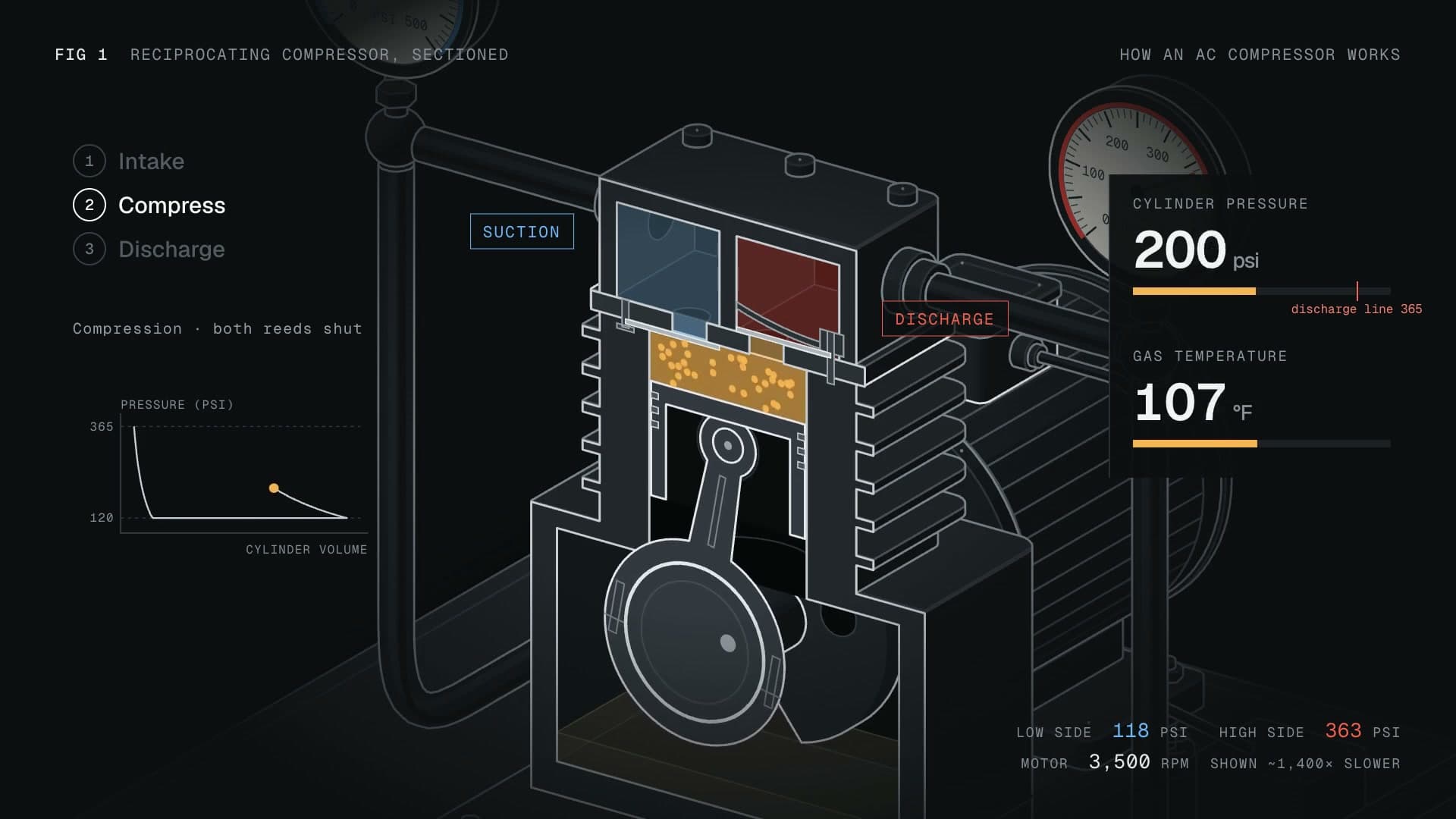
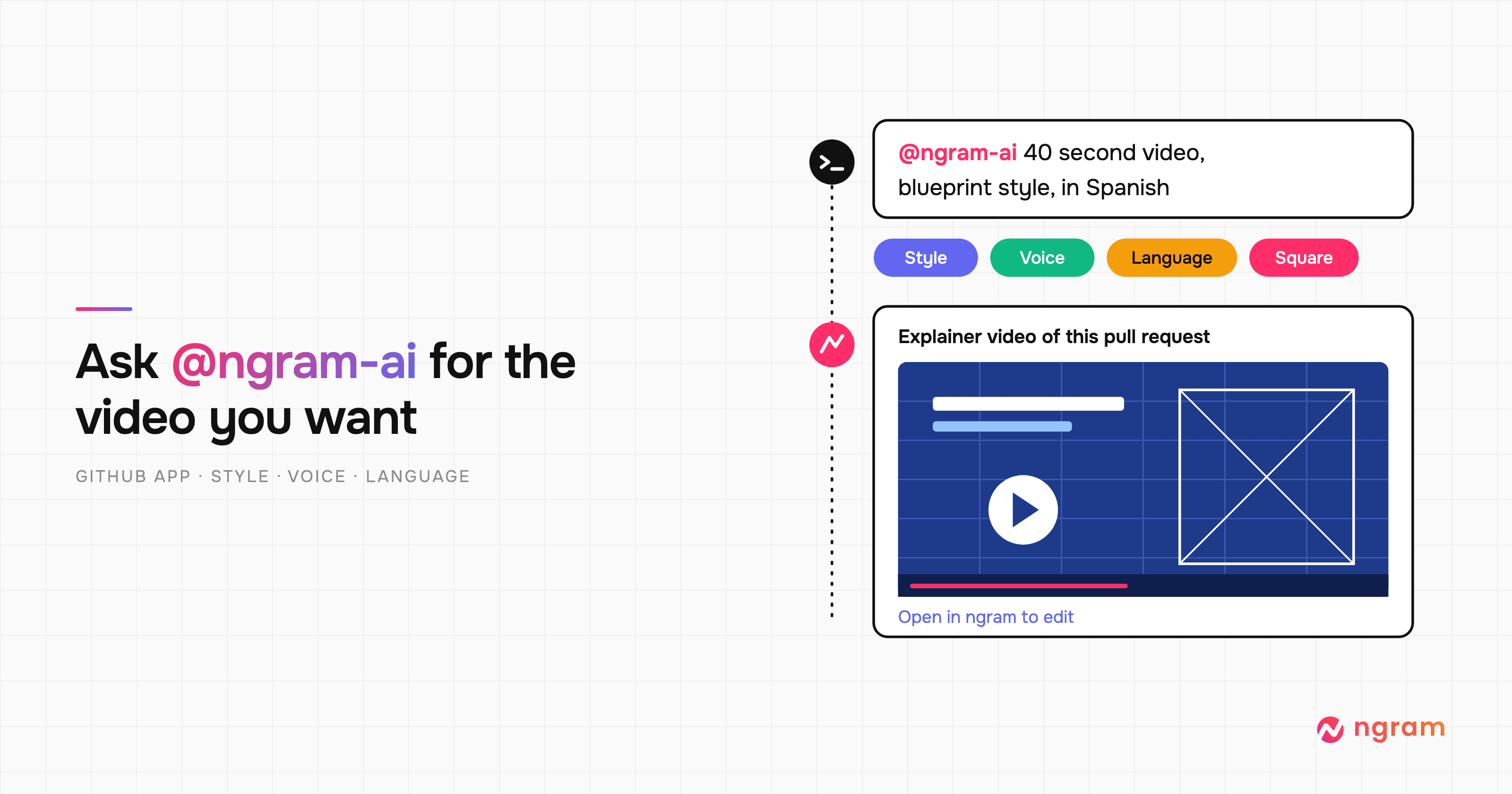
More ways to explain with ngram
See presenters that gesture as they speak, depth captions and graphics that help explain footage. Plus browser handoff, conversations and technical animation.
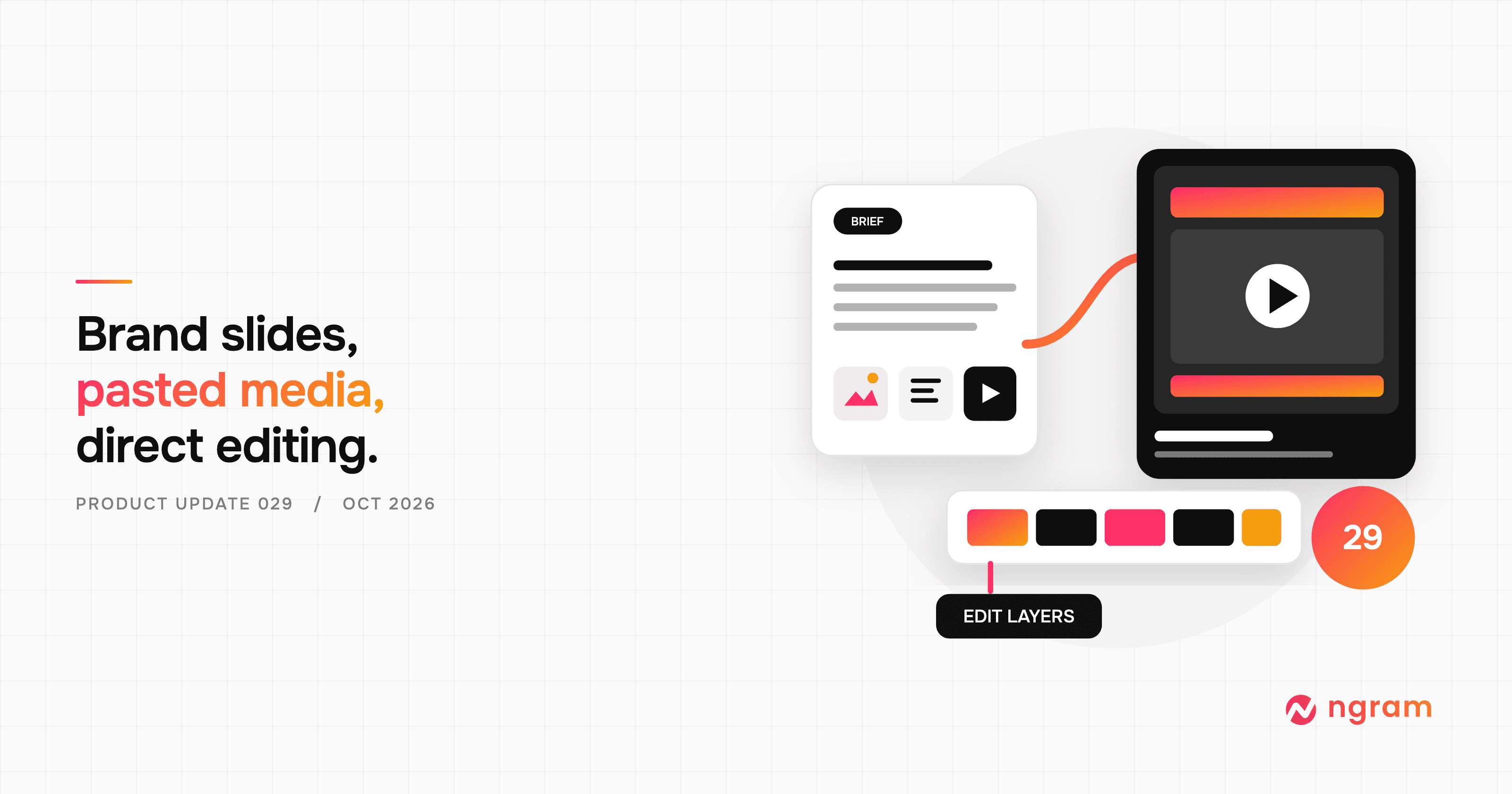
Brand slides, pasted media, and direct editing
Creation Studio choices, reusable Brand Kit slides, pasted media in chat, and direct editing for eligible videos.
A new way to create videos with ngram
Turn your brief into a video with ngram. See finished launch films and explainers, and explore the new creation experience in Product Update 028.
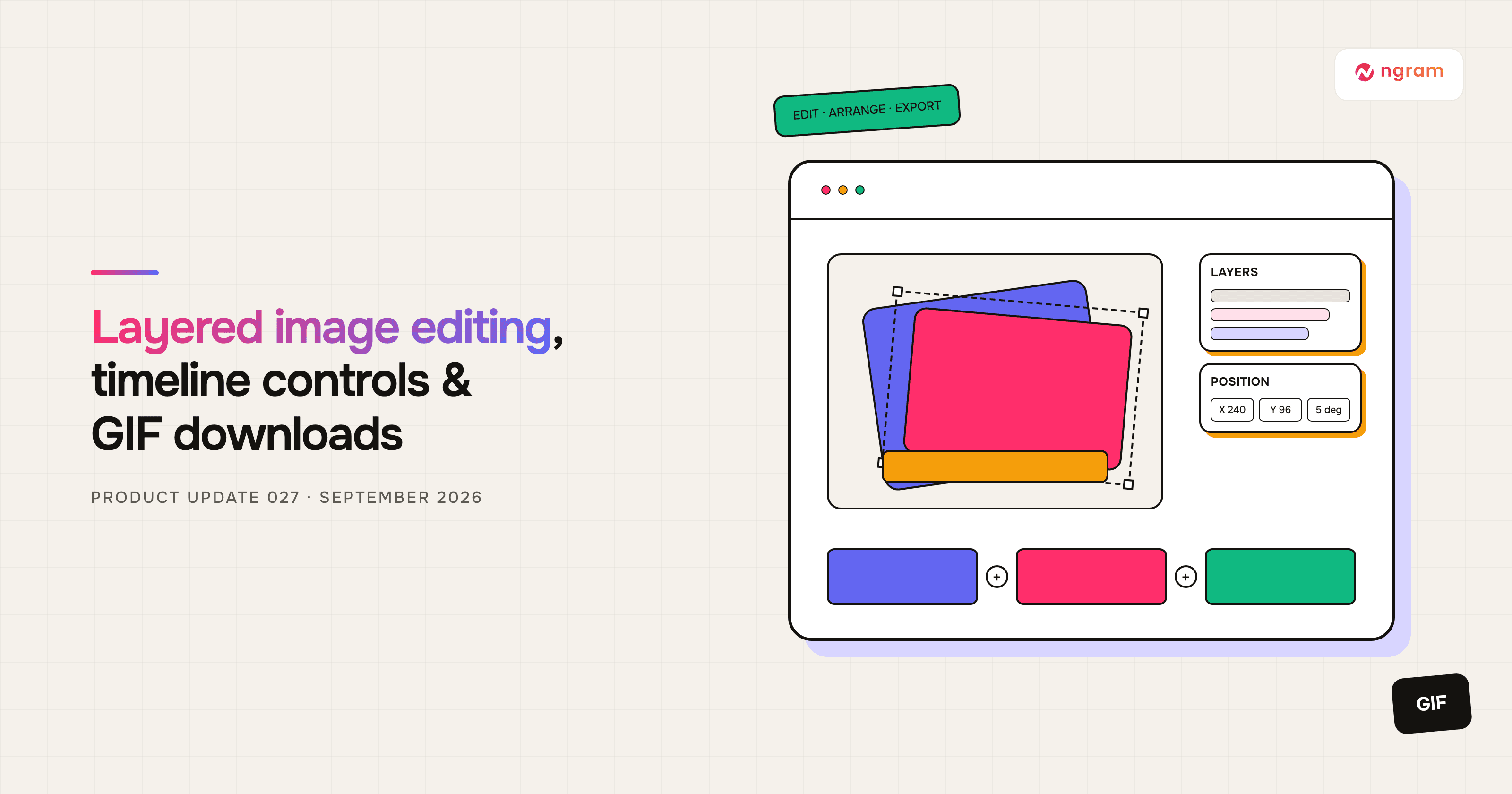
Product Update: Layered Image Editing, Timeline Controls, and GIF Downloads — September 28, 2026
Layered Image Lab editing, faster timeline changes, precise canvas and caption controls, GIF downloads, and the full ngram toolset in Claude.
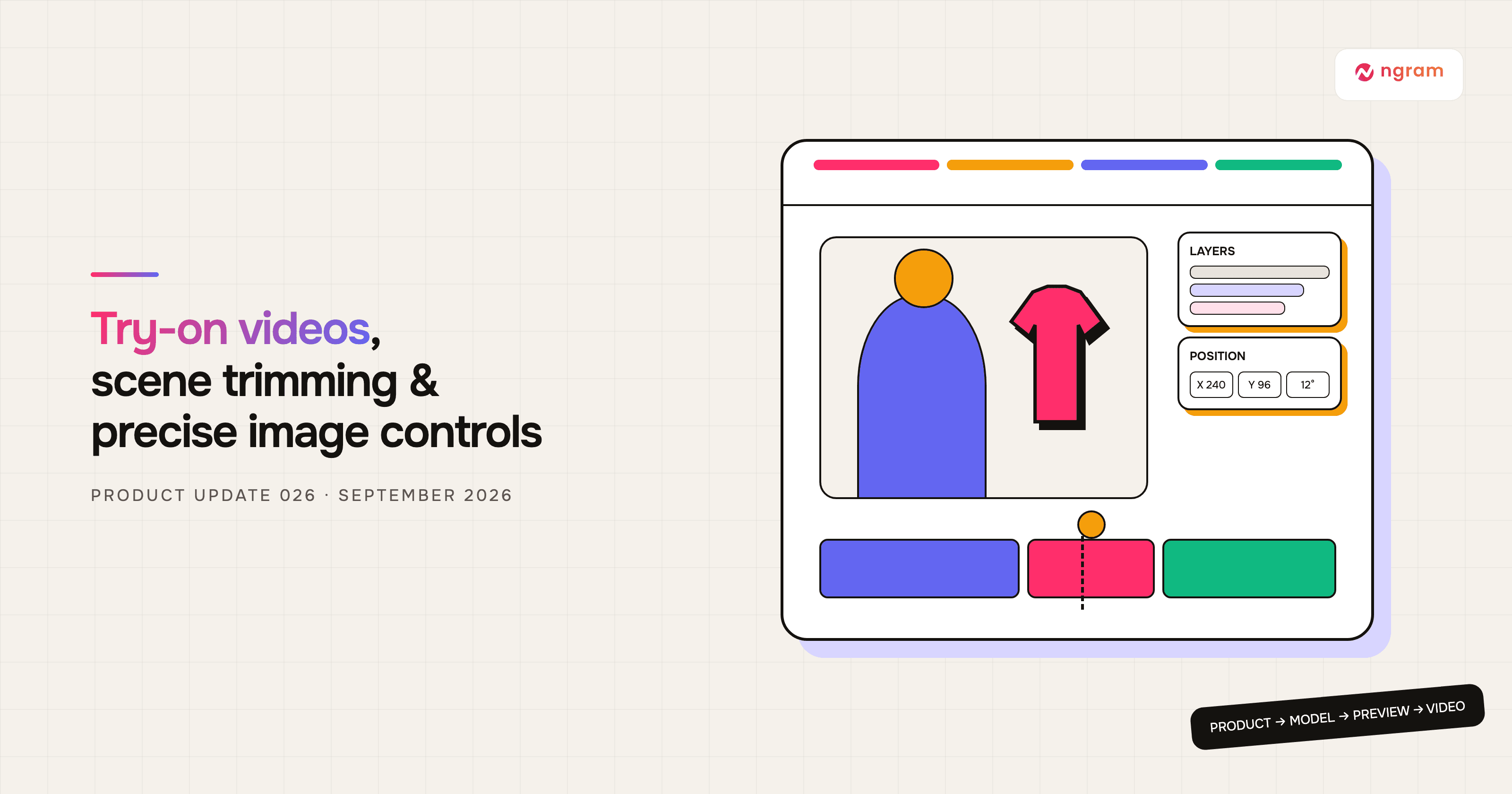
Product Update: Try-On Videos, Scene Trimming, and Precise Image Controls — September 21, 2026
A guided Try-On Video Generator, direct scene trimming and splitting, a searchable Layers panel, precise image controls, and editing reliability fixes.
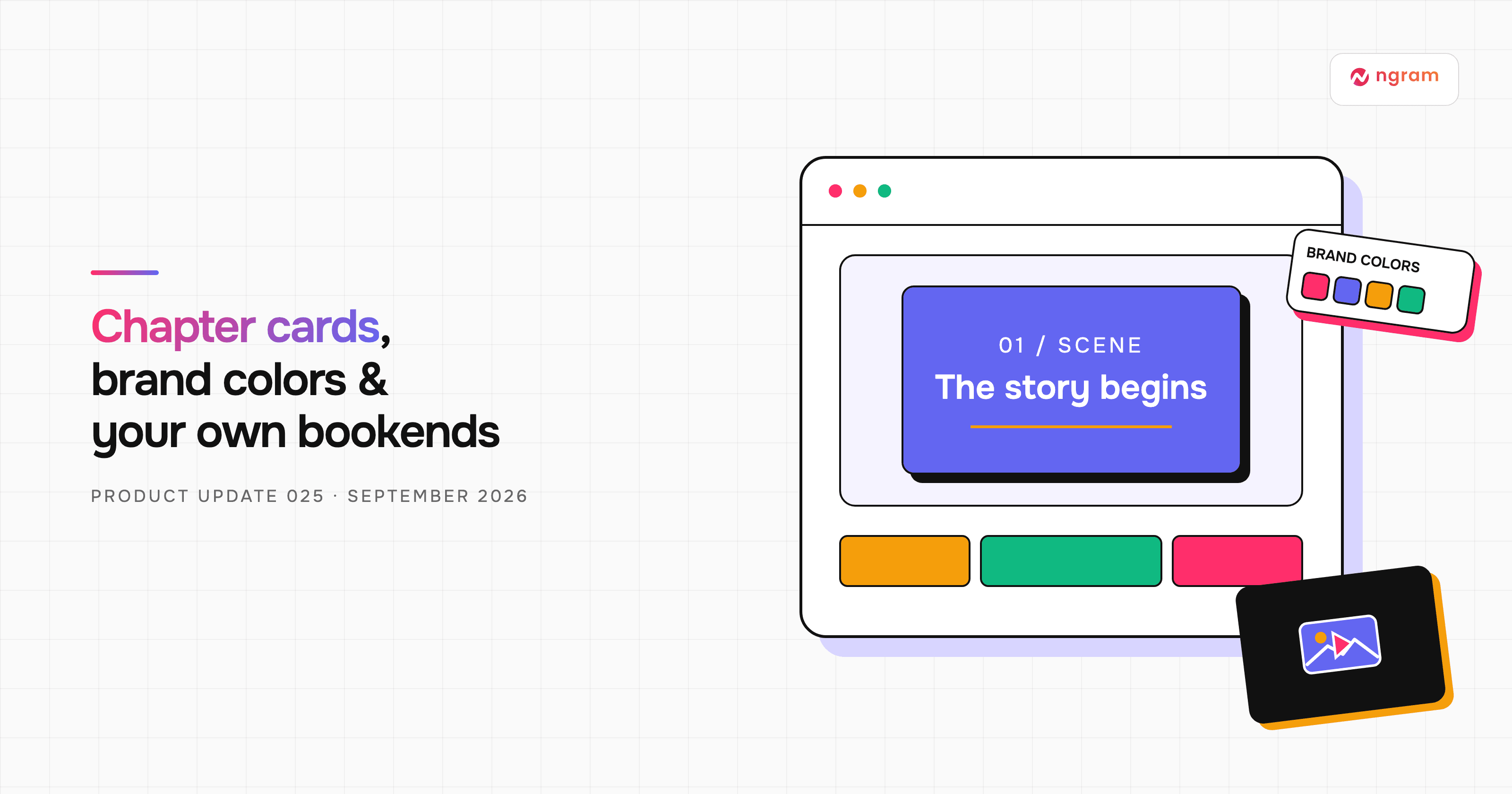
Product Update: Chapter Cards, Brand Color Roles, and Custom Bookends — September 14, 2026
Scene-attached Chapter cards, clearer Brand Kit color roles, custom media intros and outros, a visible aspect-ratio control, and more reliable downloads.
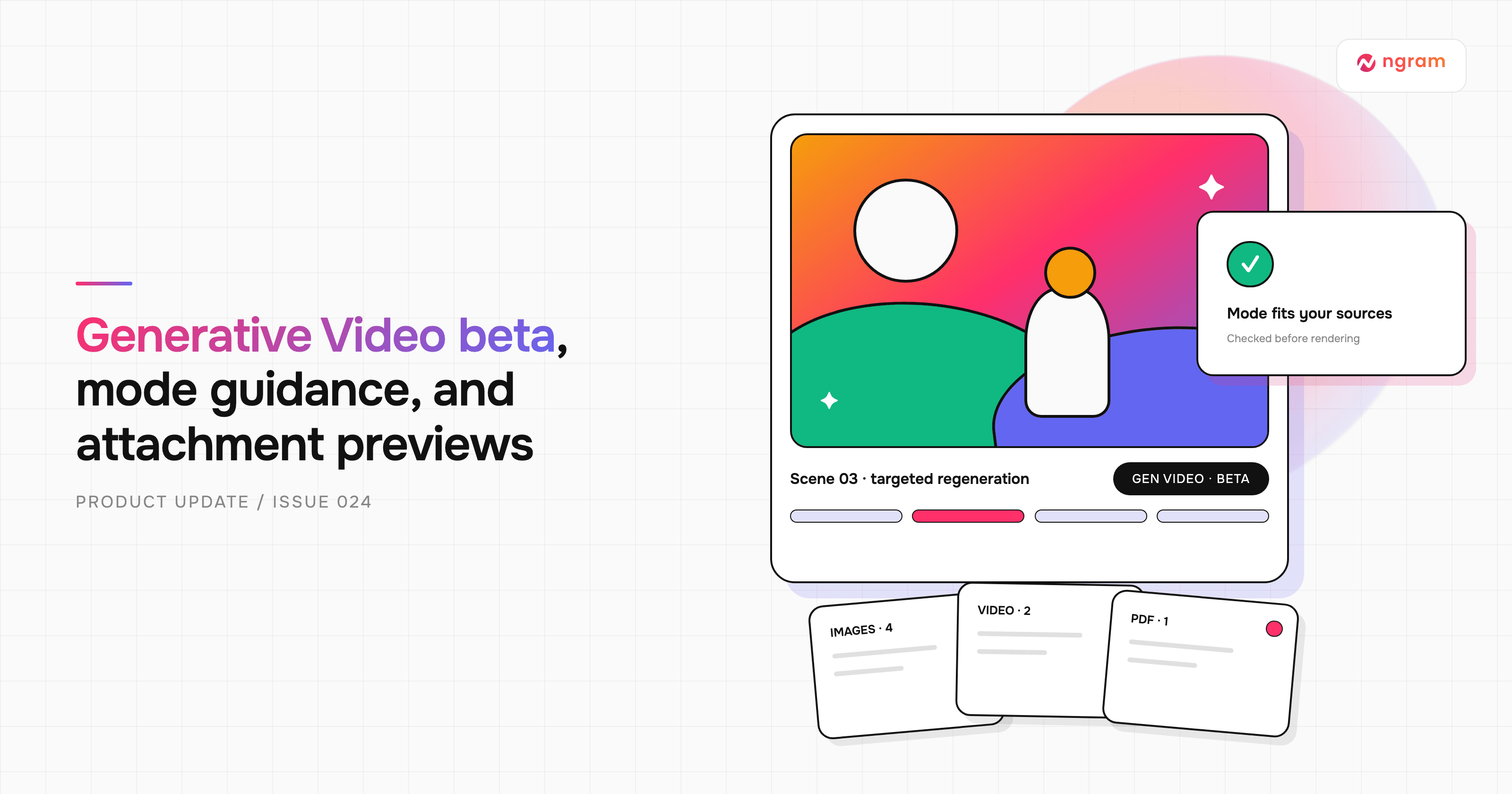
Product Update: Generative Video Beta, Smarter Mode Guidance, and Attachment Previews — September 9, 2026
A gradual Generative Video beta, targeted AI-video edits, smarter mode guidance, attachment previews, natural narration pacing, clearer downloads, and fixes across Studio.

Product Update: Video Style Templates, Square Videos, and Avatar Layouts — August 31, 2026
Public video style templates, 1:1 creation, new Avatar Layout controls, refreshed video models, hosted interactivity, and fixes across publishing, previews, exports, and chat recovery.
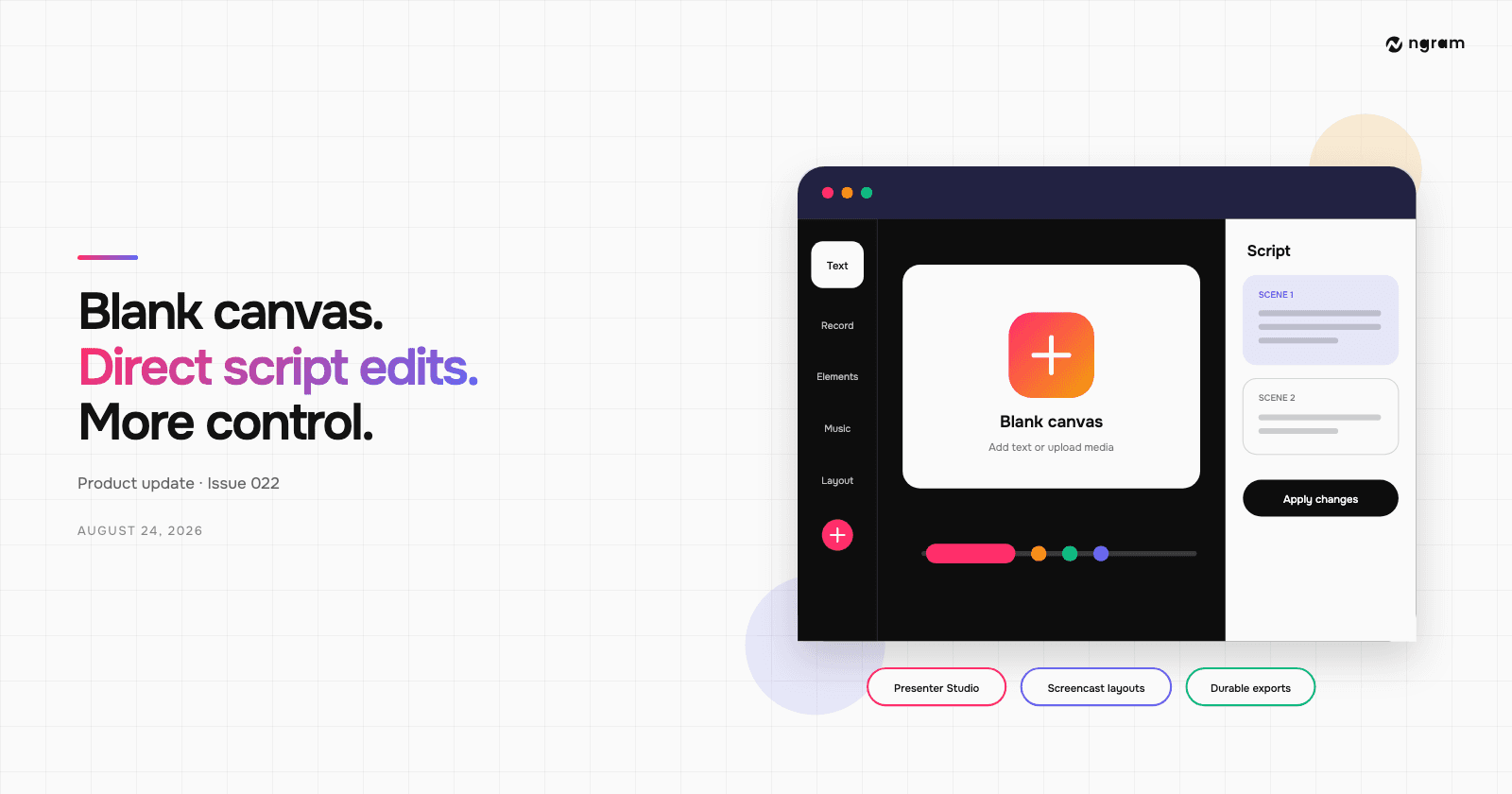
Product Update: Blank Canvas, Script Editing, and More Editor Controls — August 24, 2026
Blank-canvas video creation, scene-by-scene narration editing, Presenter Studio, more direct editor controls, and nine fixes across exports, billing, setup, and projects.
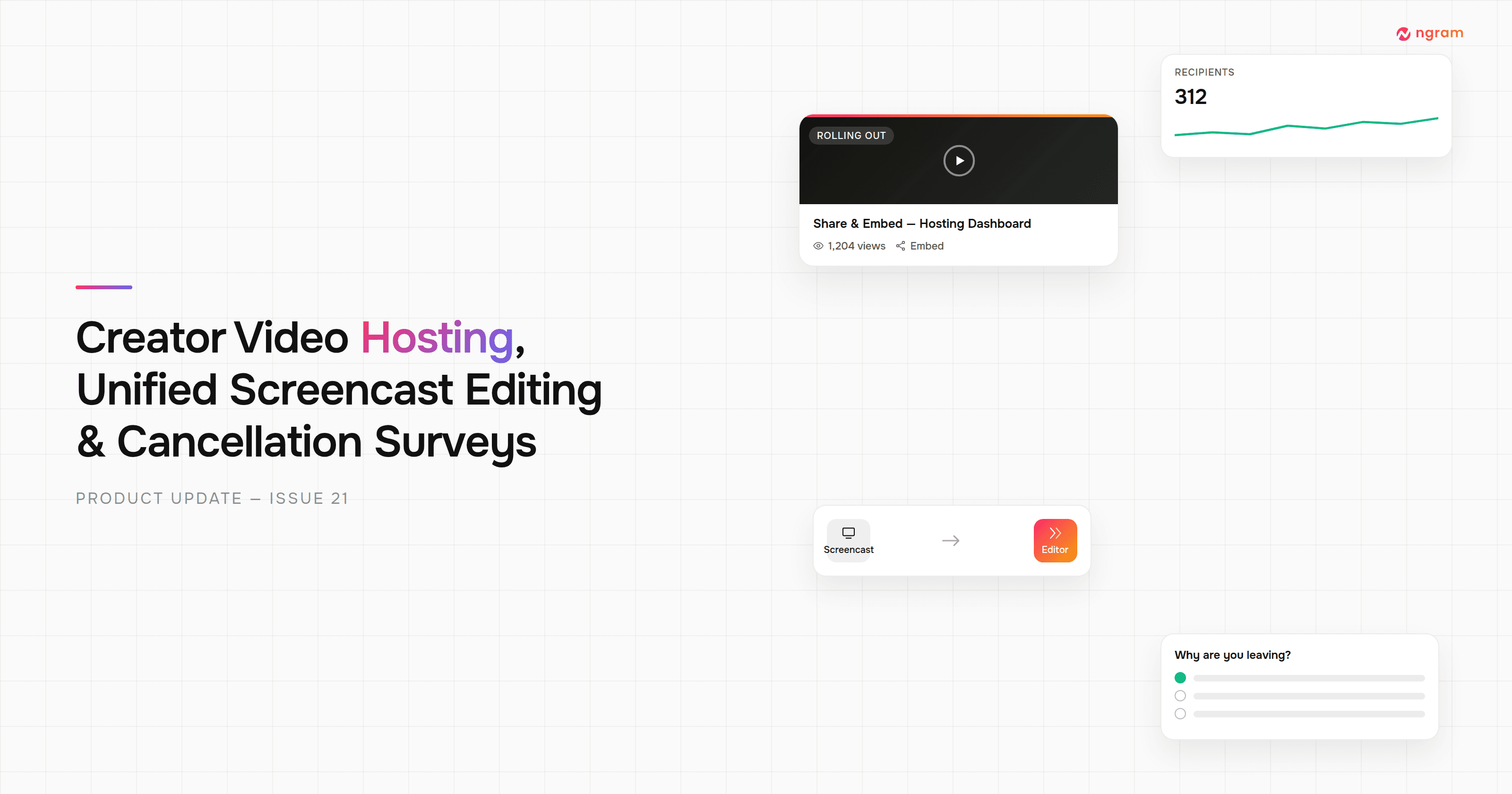
Product Update: Creator Video Hosting, Unified Screencast Editing, and Cancellation Surveys — August 15, 2026
Creator video hosting rolling out to a first cohort, screencast editing merged into the main scene editor, cancellation/pause surveys, invoice history, a refreshed home screen, and 10 more bug fixes.
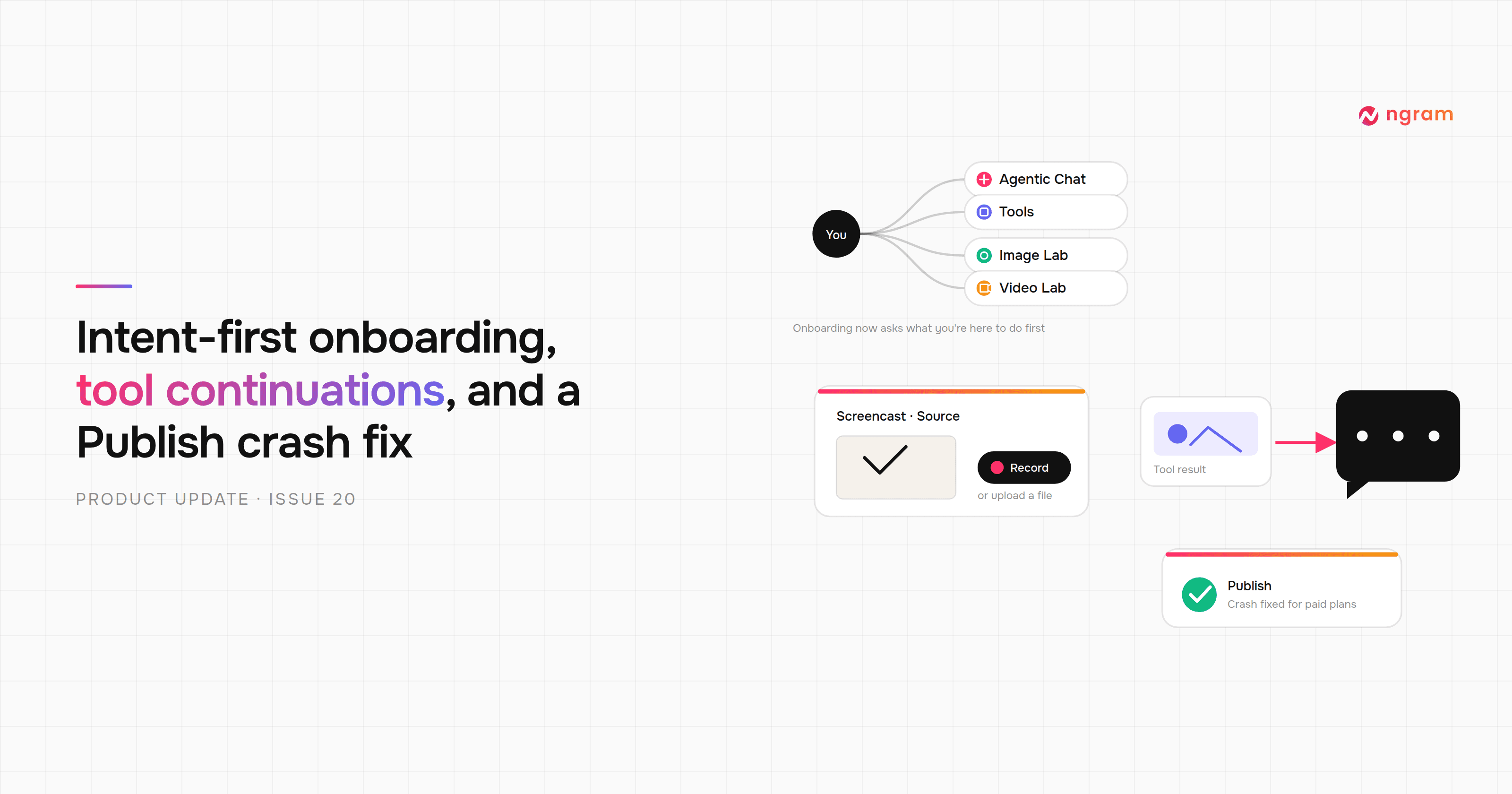
Product Update: Intent-First Onboarding, Tool Continuations, and Publish Fixes — August 8, 2026
Intent-first onboarding, in-browser screen recording for Screencast, tool-result continuations into chat, a fix for Publish crashing on paid plans, and 8 more bug fixes.
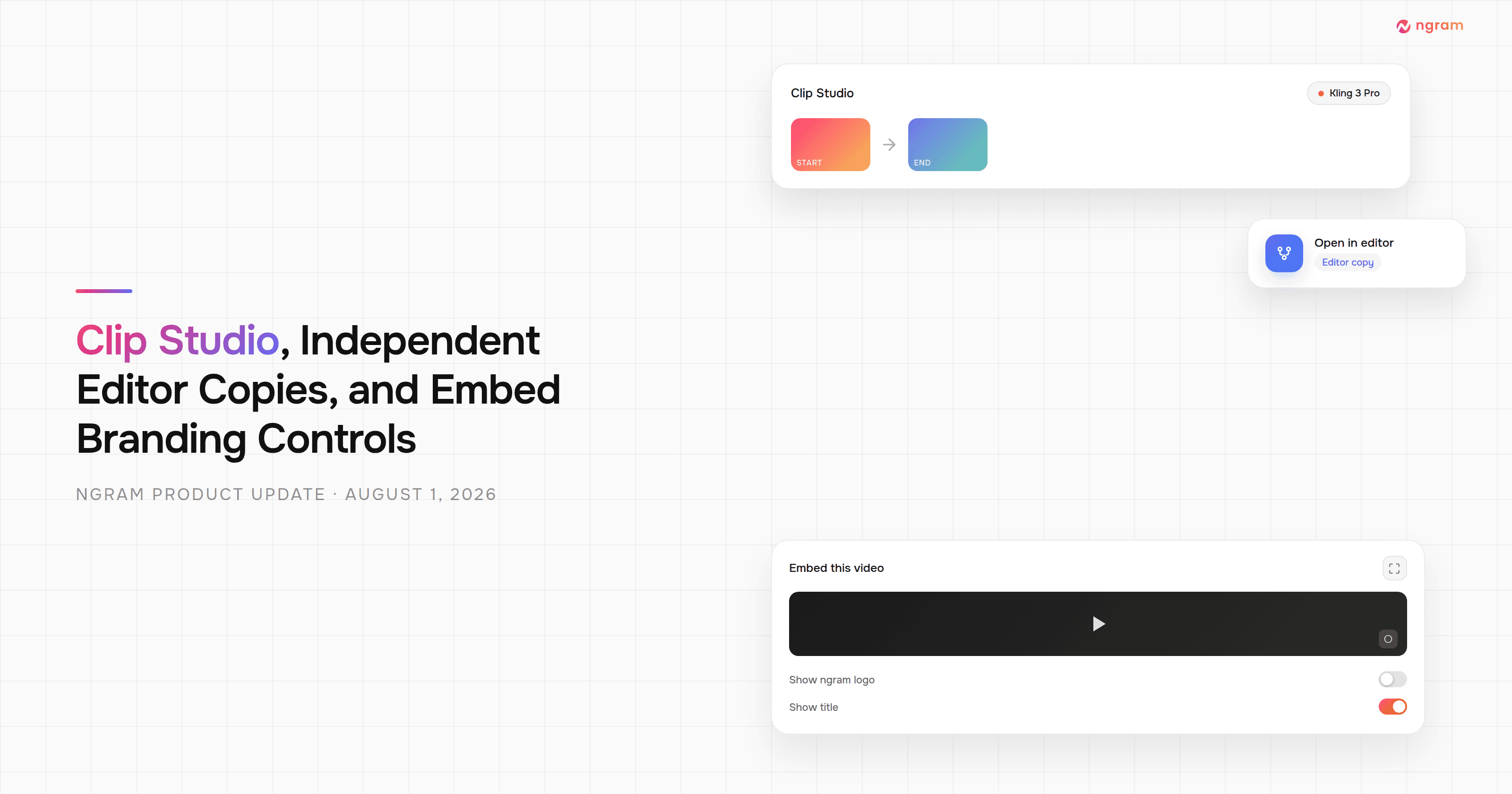
Product Update: Clip Studio, Independent Editor Copies, and Embed Branding Controls — August 1, 2026
Clip Studio for single short clips, independent editor copies, an embed modal with logo/title controls, fullscreen video previews, faster generation, and 10 bug fixes.
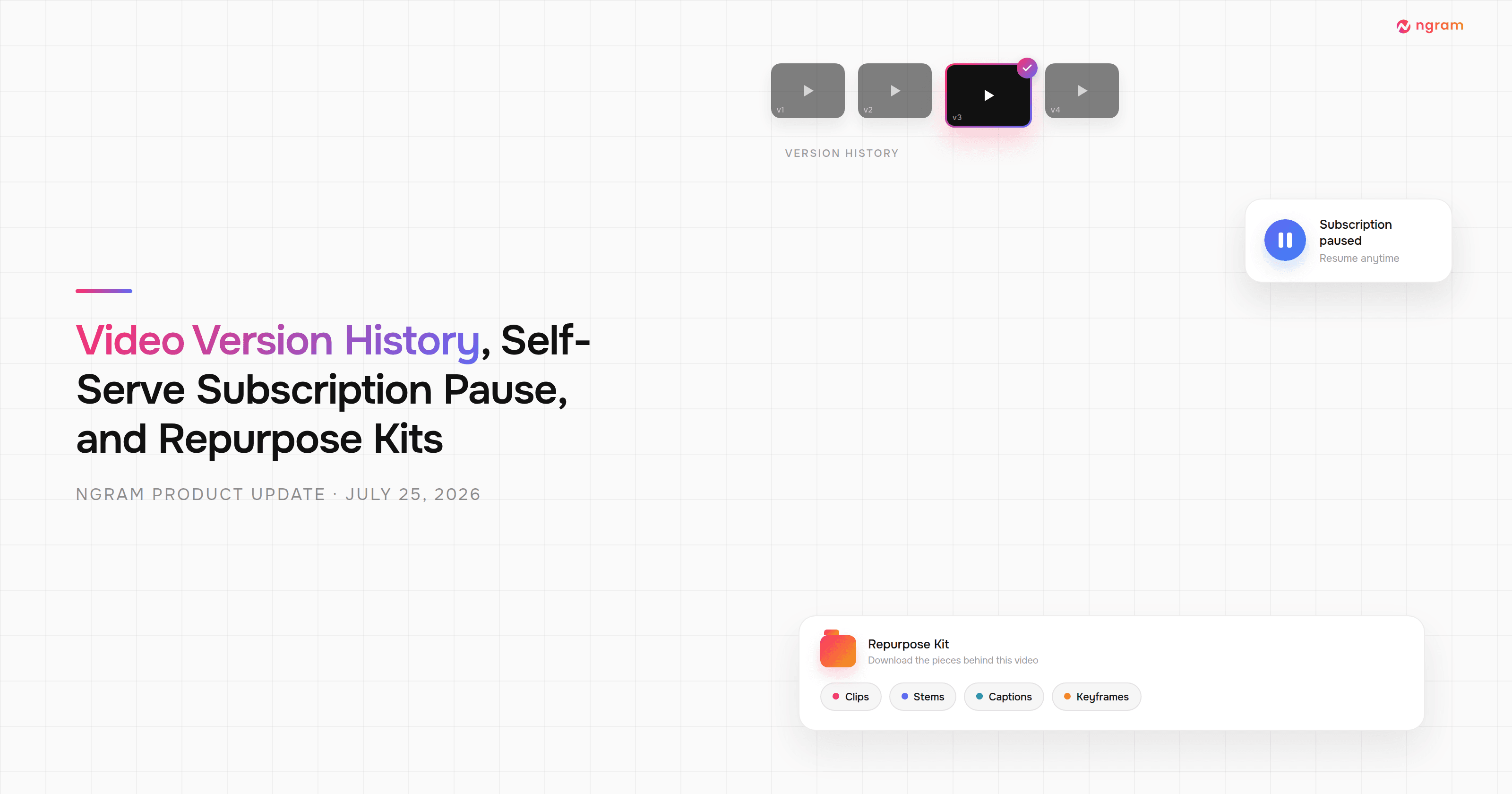
Product Update: Video Version History, Self-Serve Subscription Pause, and Repurpose Kits — July 25, 2026
Video version history, self-serve subscription pause, Repurpose Kit exports, live export progress, updated billing plan names, and 13 bug fixes.

Product Update: Multi-Speaker Voiceover, Custom Video Thumbnails, and On-Demand Background Music — July 18, 2026
Multi-speaker conversation voiceovers, custom video thumbnails, on-demand background music changes, an independent sound effects mute toggle, Markdown file uploads, a verified n8n community node, faster agent responses, and nine bug fixes.

Product Update: Lip-Synced Video Translation, Screencast + Avatar for Everyone, and Background Remover Backdrops — July 11, 2026
Lip-synced Video Translator (plus Brazilian Portuguese), Screencast + Avatar mode opened to everyone, a new Background Remover backdrop picker, independent music/voiceover mute toggles, a faster start to new conversations, and nine bug fixes including lingering make-changes pins and a stuck Auto style.
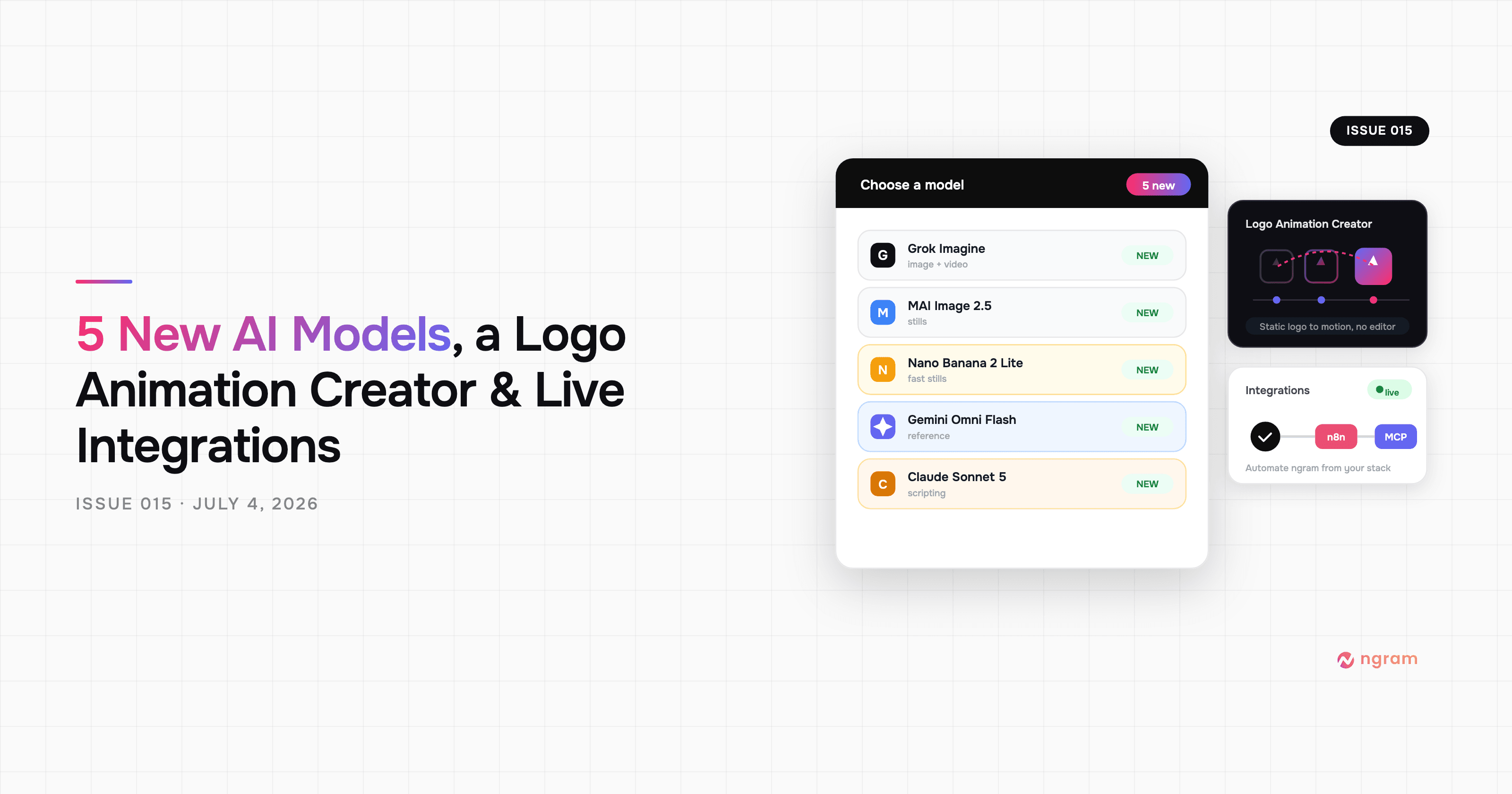
Product Update: New AI Models, Logo Animation Creator, and Live n8n/MCP Integrations — July 4, 2026
Five new AI models (Grok Imagine, MAI Image 2.5, Nano Banana 2 Lite, Gemini Omni Flash Reference, Claude Sonnet 5), a new Logo Animation Creator tool, and n8n + MCP Server integrations going live with their own Integrations page. Chat can now redirect you to a dedicated tool when that fits better, the 200MB upload limit is gone, and a dozen chat/playback/generation bugs are fixed.
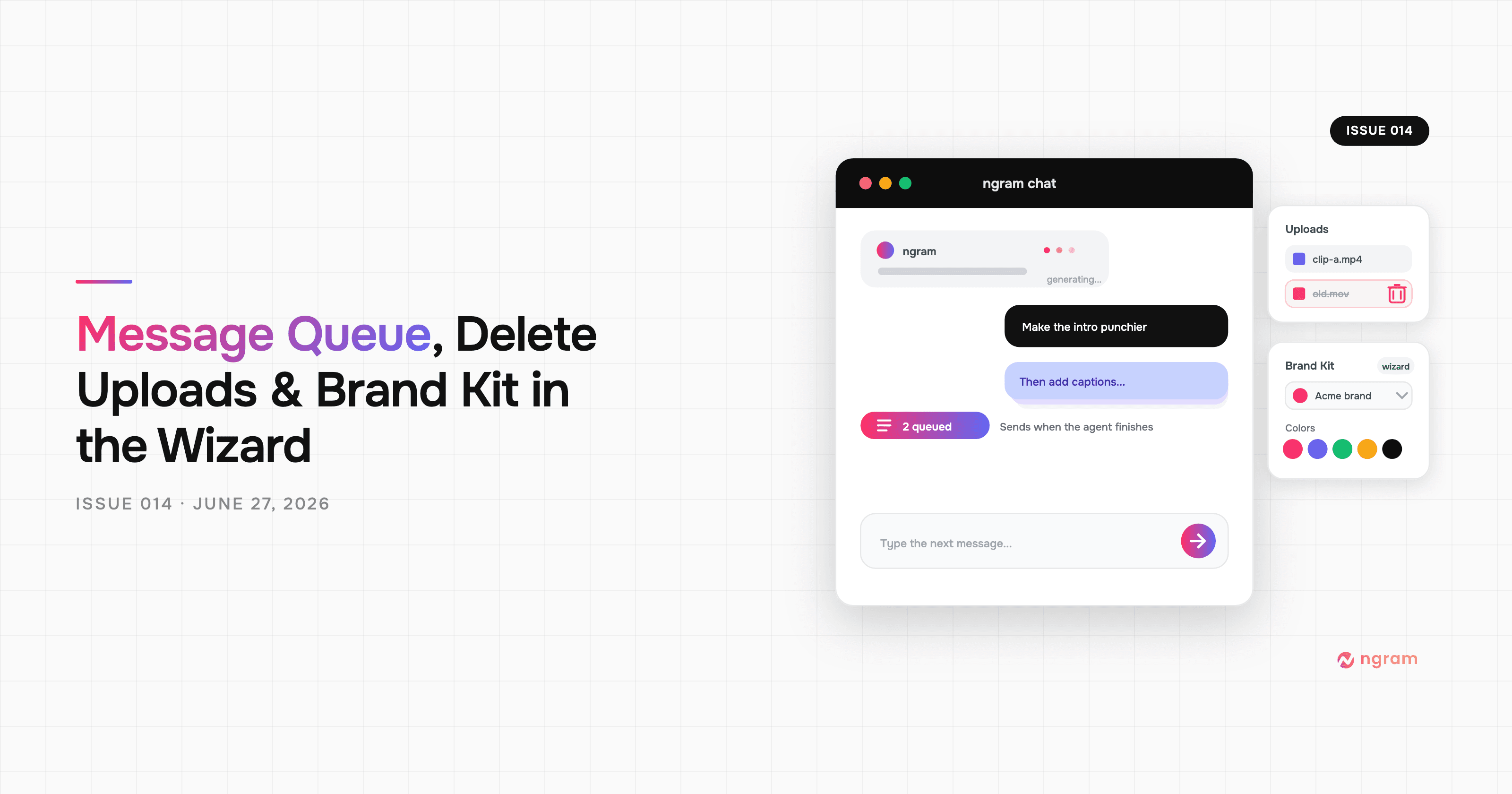
Product Update: Message Queue, Delete Uploads, and Brand Kit in the Wizard — June 27, 2026
Type the next message while ngram is still generating — it queues automatically and sends when the agent finishes. Delete uploaded files mid-conversation. Pick your brand kit in the creation wizard before the first generation. Plus a Voiceover and Avatar control merge, scene edit bug fix, translation link fix, and lower reference video credit cost.
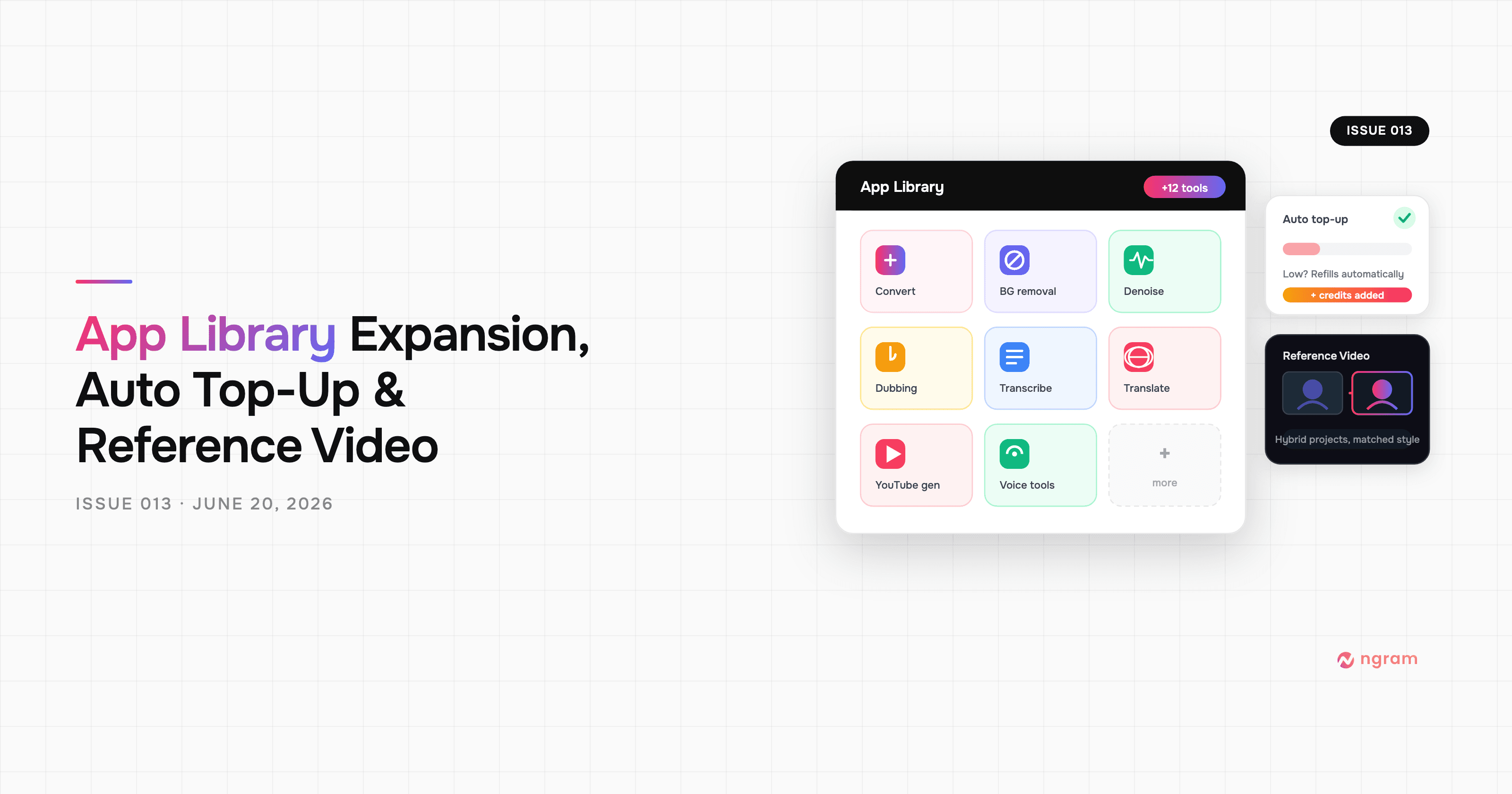
Product Update: App Library Expansion, Auto Top-Up, and Reference Video — June 20, 2026
Over a dozen new App Library tools — media conversion, background removal, noise removal, voice dubbing, transcription, translation, and YouTube generators. Plus auto top-up credits, Reference Video for hybrid projects, style template filters, and three bug fixes.
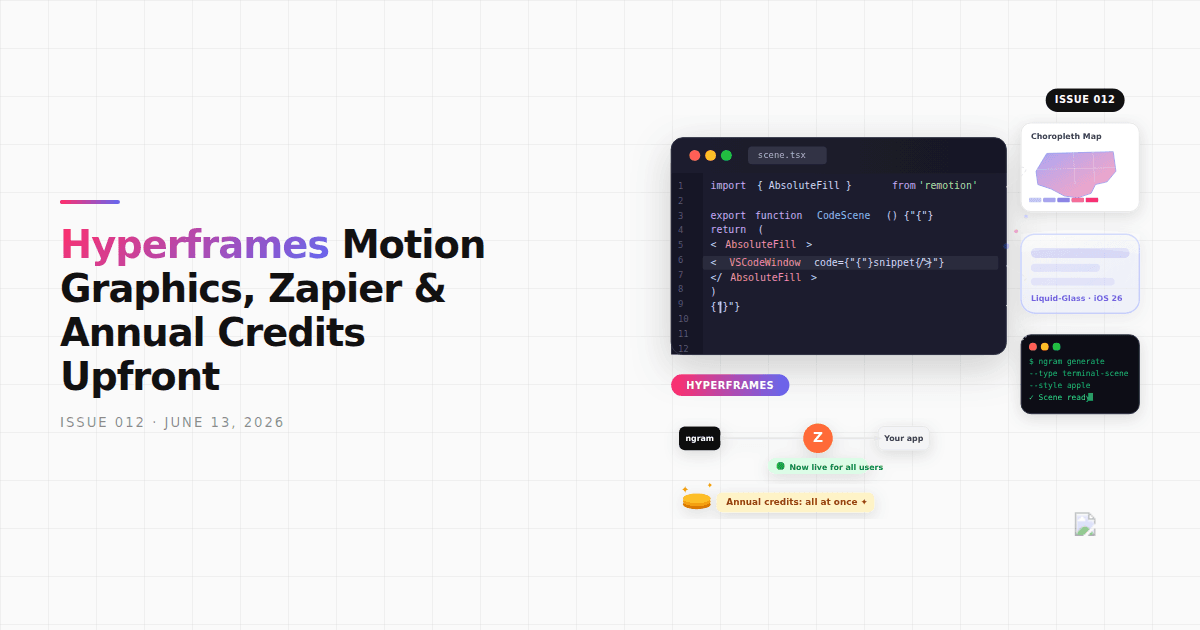
Product Update: Hyperframes Motion Graphics, Zapier, and Annual Credits Upfront - June 13, 2026
Hyperframes brings 17 new motion graphics types including code snippets, choropleth maps, and liquid-glass surfaces. Zapier is publicly live, annual plans get credits upfront, and major script rewrites now fork your conversation instead of clearing it.
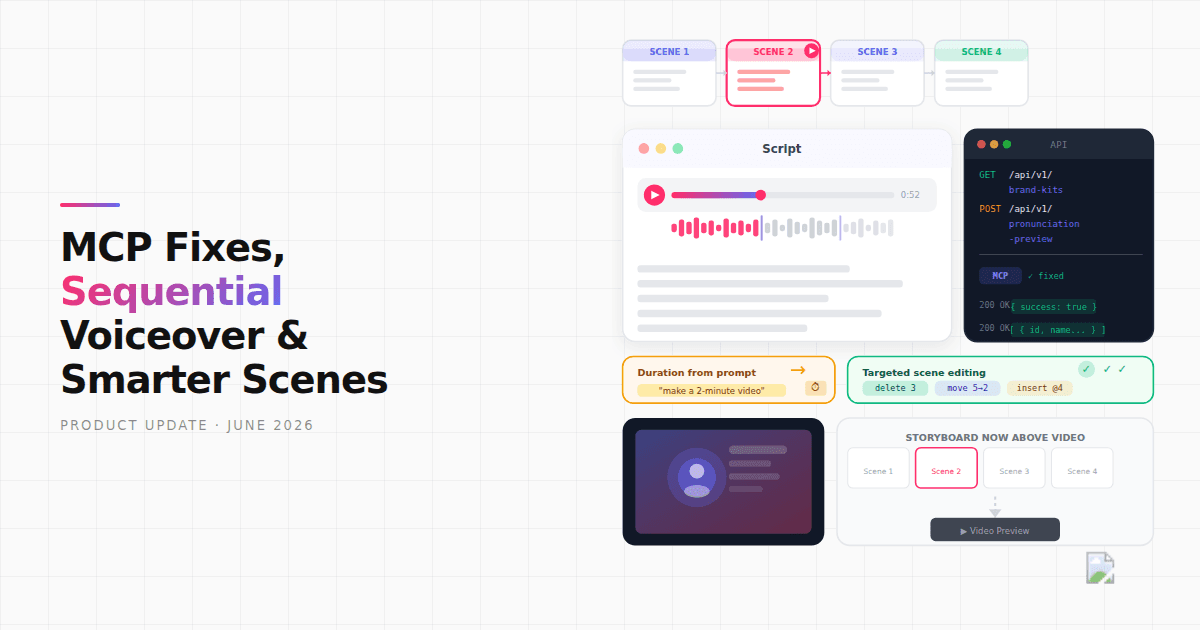
Product Update: MCP Fixes, Sequential Voiceover, and Smarter Scene Editing - June 7, 2026
MCP video generation fixed, new brand-kit and pronunciation API endpoints, script modal plays voiceover end-to-end, storyboard above the video, duration from prompt overrides the picker, and targeted scene delete/move/insert.
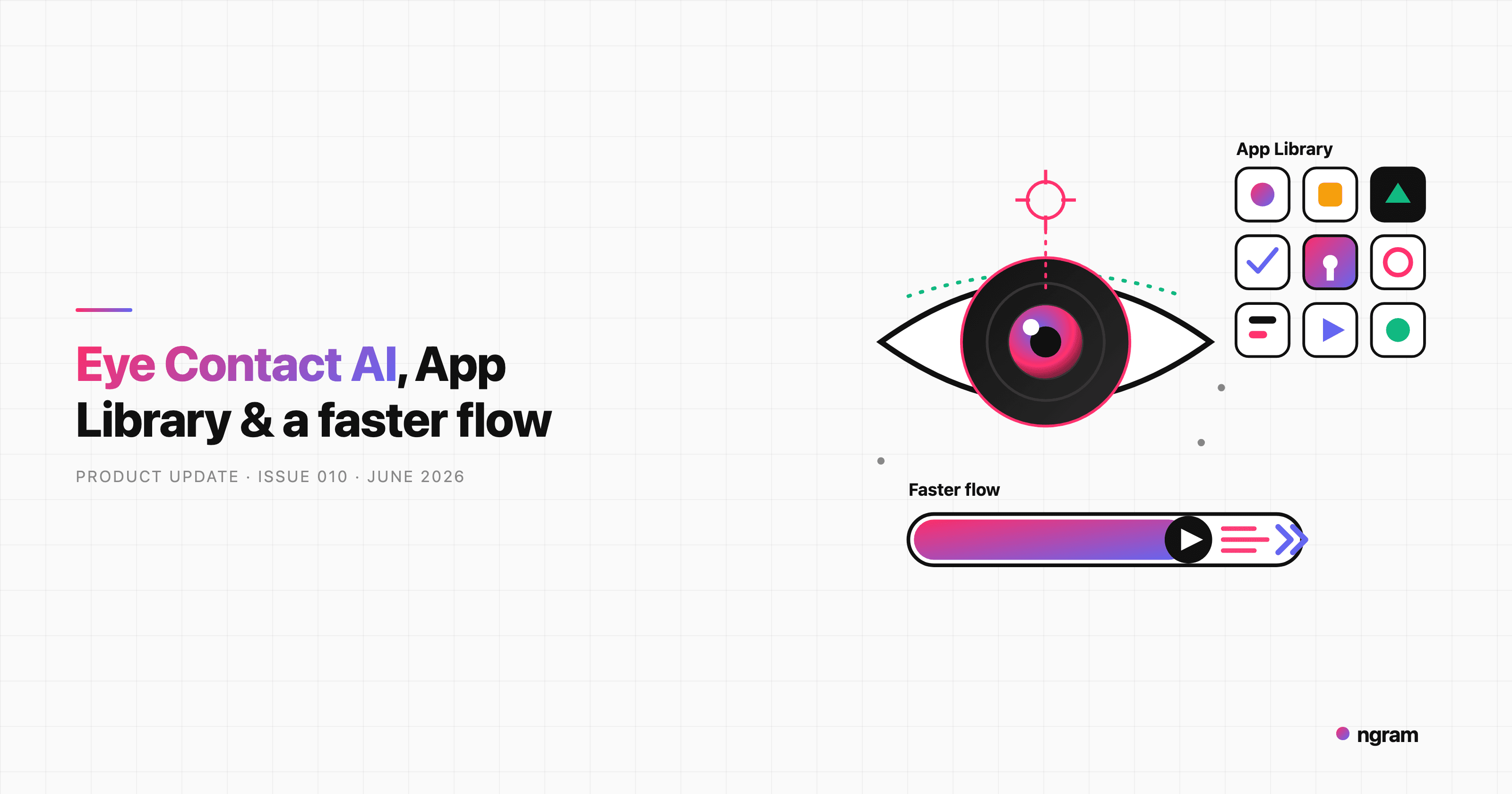
Product Update: Eye Contact AI, App Library, and a Faster Video Flow - June 4, 2026
Eye Contact AI for perfect on-camera gaze, an in-app App Library, Brand Kit import from a URL or PDF, new YOLO and PRO agent modes, caption styling, and a faster path from prompt to video.

Product Update: Image Lab, Avatar Videos, and Automation APIs - May 5, 2026
Image Lab, Avatar videos with face library, MCP server for AI agents, Make.com and n8n integrations, music library picker, and a redesigned storyboard.
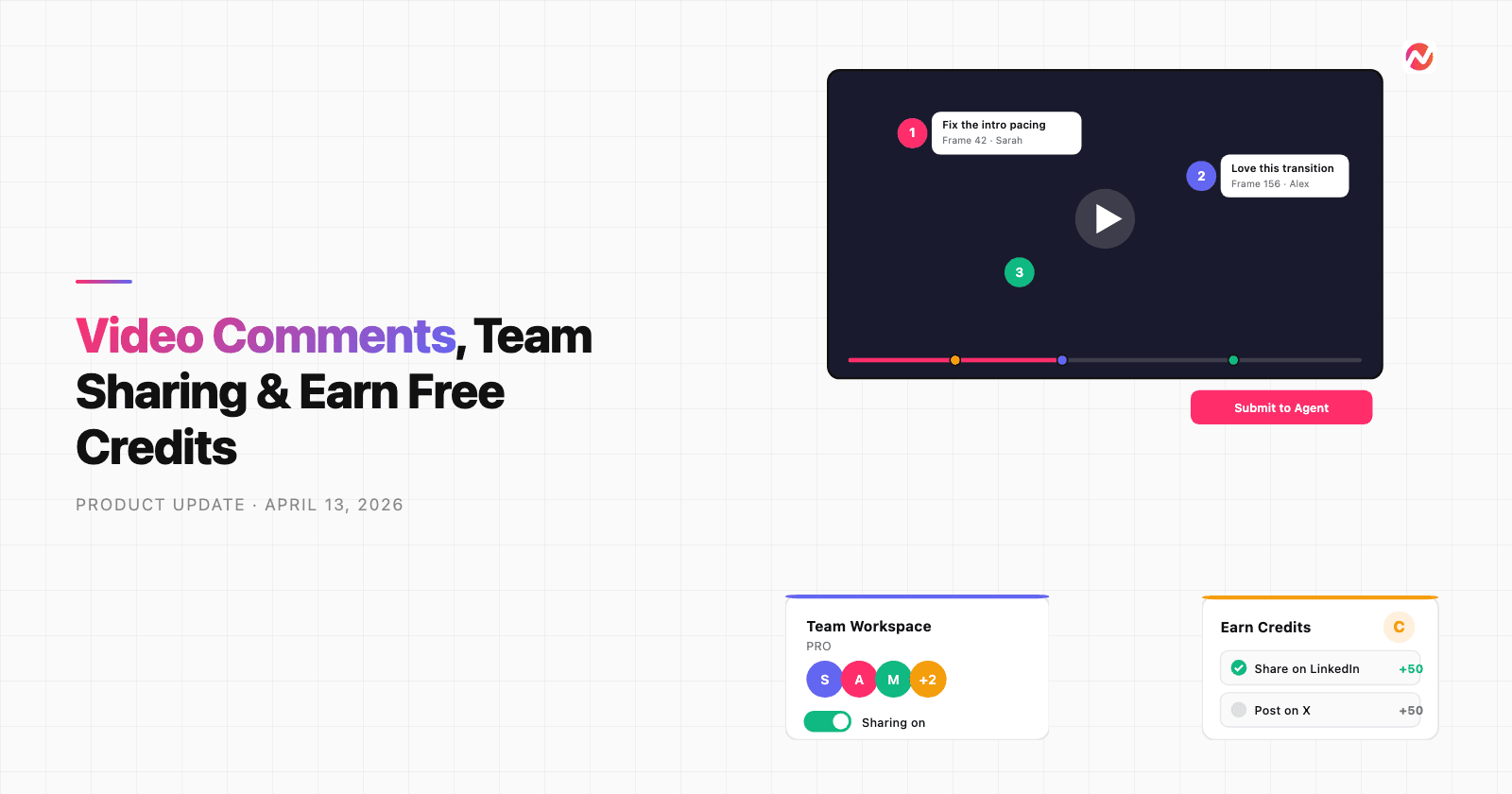
Product Update: Video Commenting, Earn Credits, and Team Enhancements - April 13, 2026
Video commenting with AI-powered revisions, earn free credits through social sharing, drag-and-drop uploads, and major team collaboration upgrades.
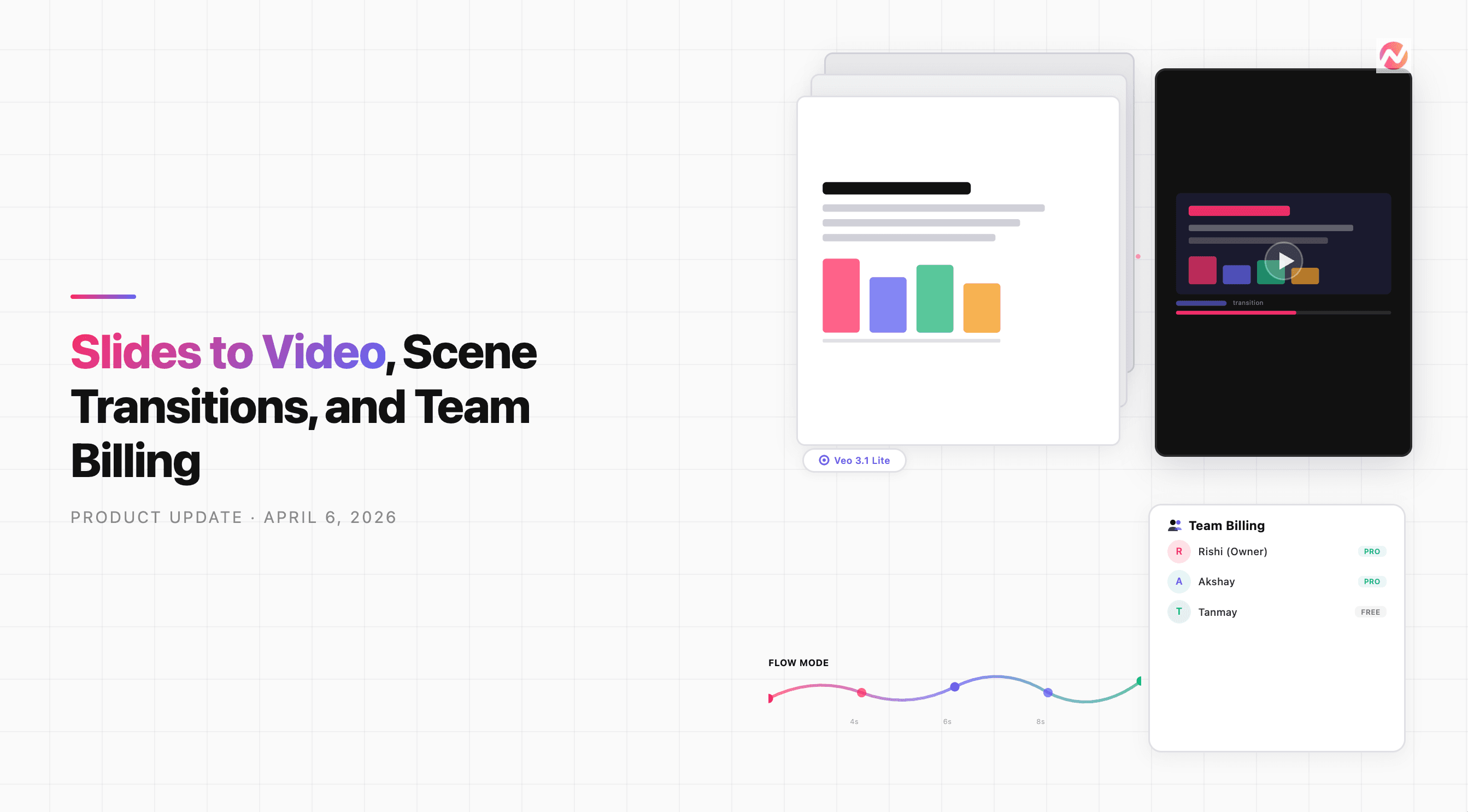
Product Update: Slides Animation, Scene Transitions, and Team Billing - April 6, 2026
Animate slide decks into videos, smooth AI scene transitions, flow animation mode, use case navbar, team sponsored billing, and Veo 3.1 Lite.
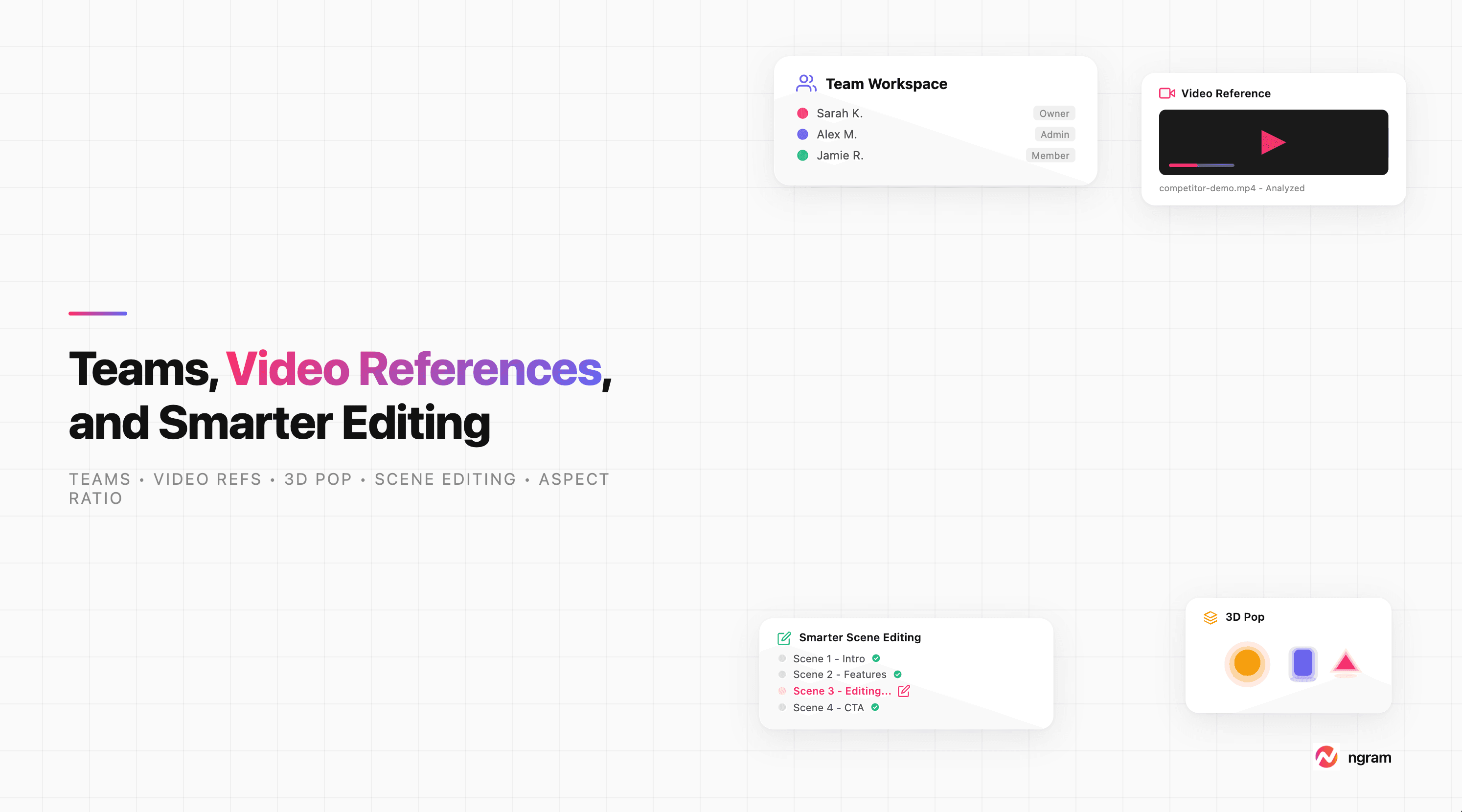
Product Update: Teams, Video References, and Smarter Editing - March 30, 2026
Teams for Pro plan users, video references, 3D Pop visual style, smarter scene editing, and motion graphics aspect ratio support.
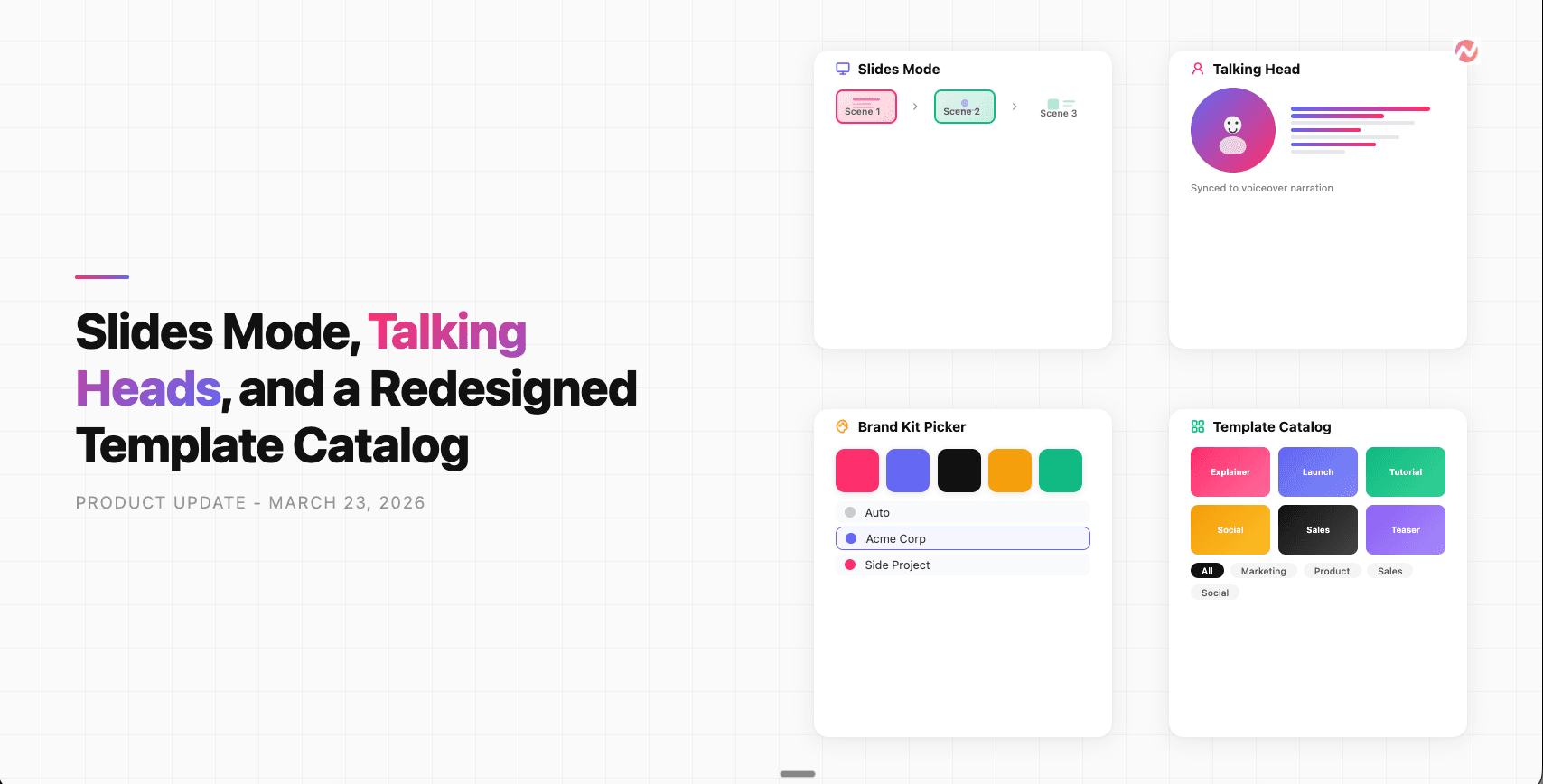
Product Update: Slides Mode, Talking Heads, and a Redesigned Template Catalog - March 23, 2026
Slides animation mode, talking head videos, brand kit picker, and a redesigned template catalog with richer customization options.
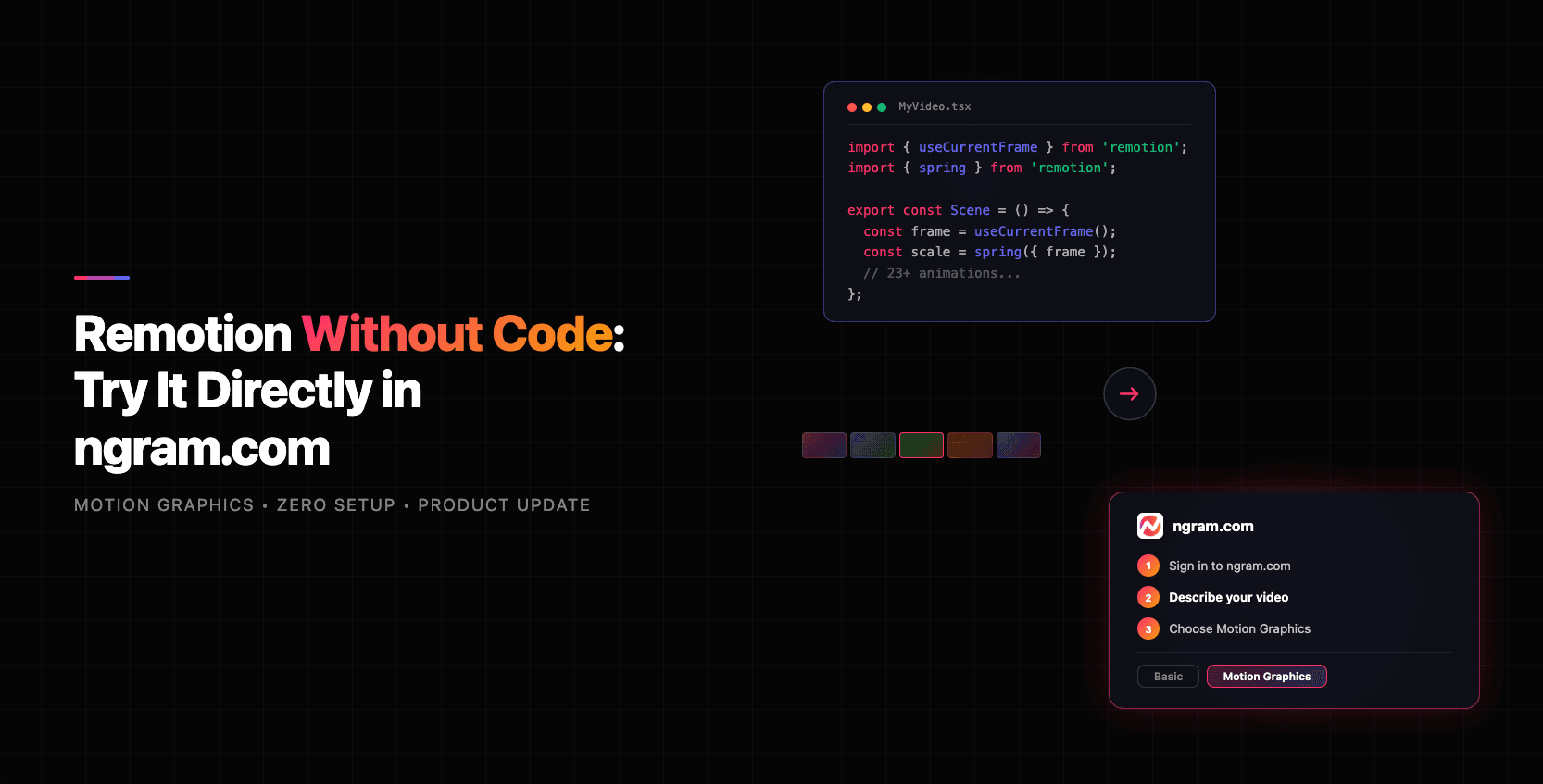
Remotion Without Code: Try It Directly in ngram.com
Create Remotion-powered motion graphics in ngram without writing code. Sign in, describe your video, choose Motion Graphics.
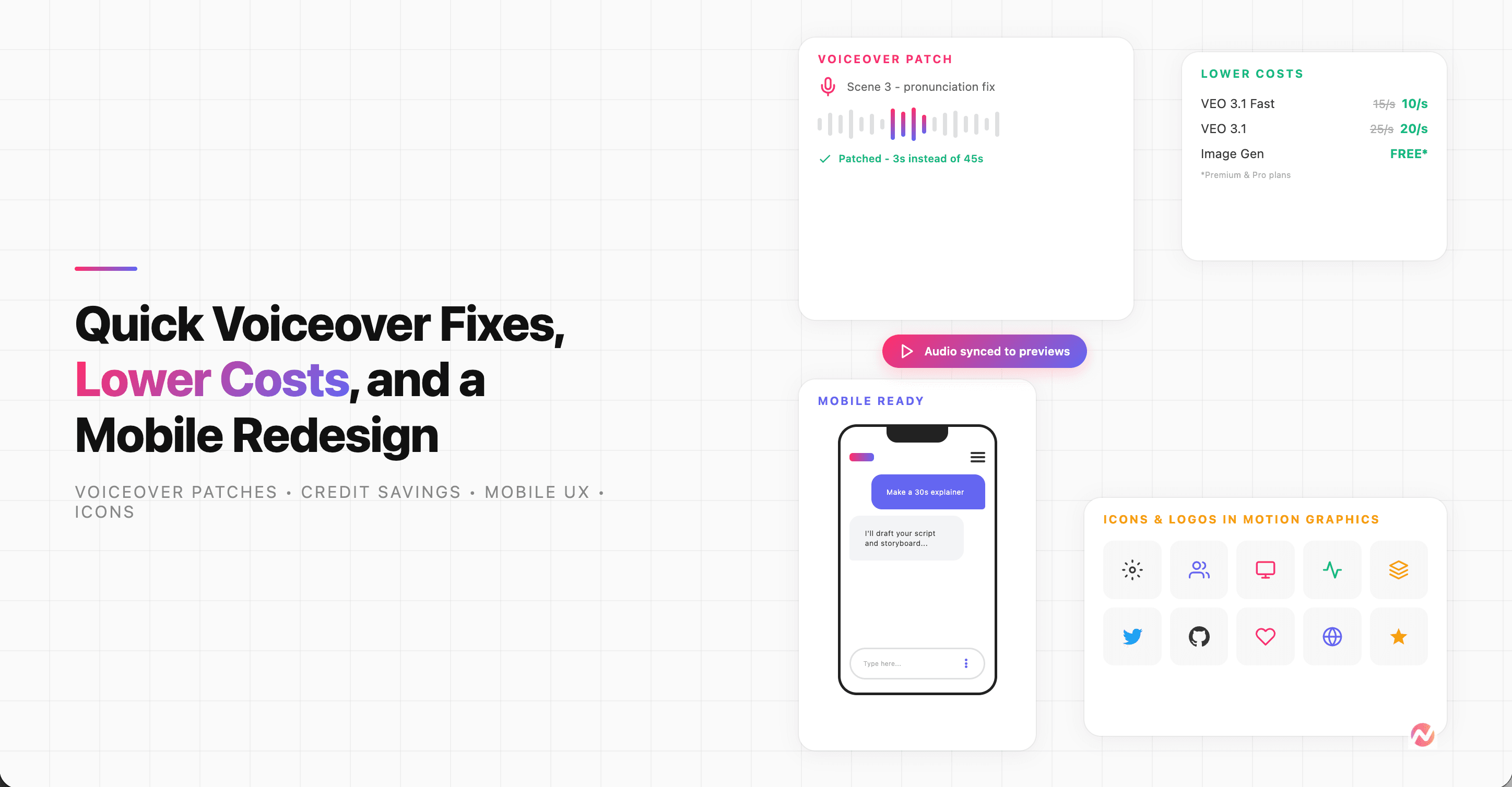
Product Update: Quick Voiceover Fixes, Lower Costs, and a Mobile Redesign - March 16, 2026
Quick voiceover patches, lower credit costs, free image generation for Premium/Pro, a full mobile redesign, icons in motion graphics, and five bug fixes.
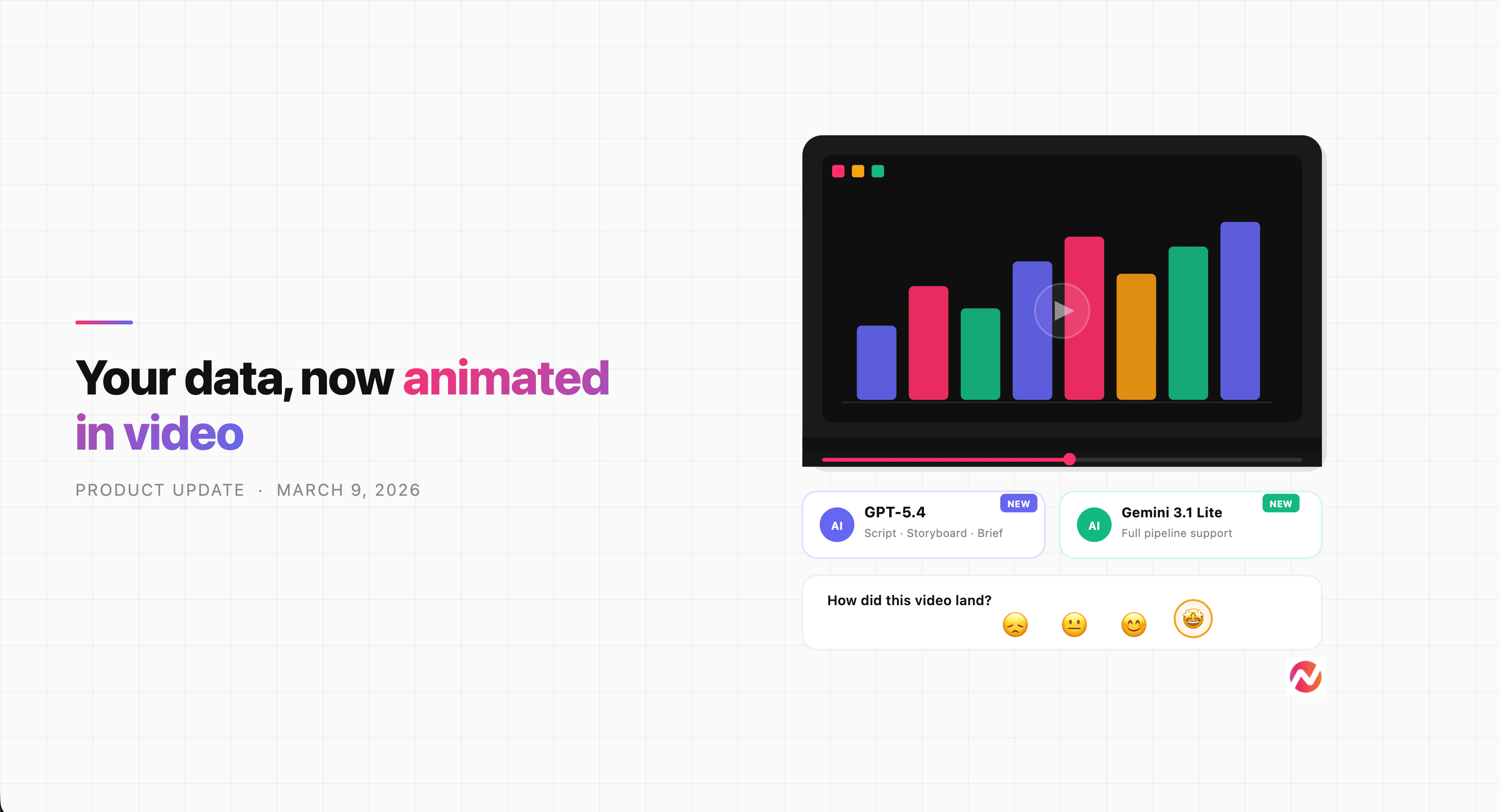
Product Update: Data Charts in Videos, New AI Models - March 9, 2026
Data charts in motion graphics, GPT-5.4 and Gemini 3.1 Flash Lite model support, video feedback rating, plus faster generation and two bug fixes.
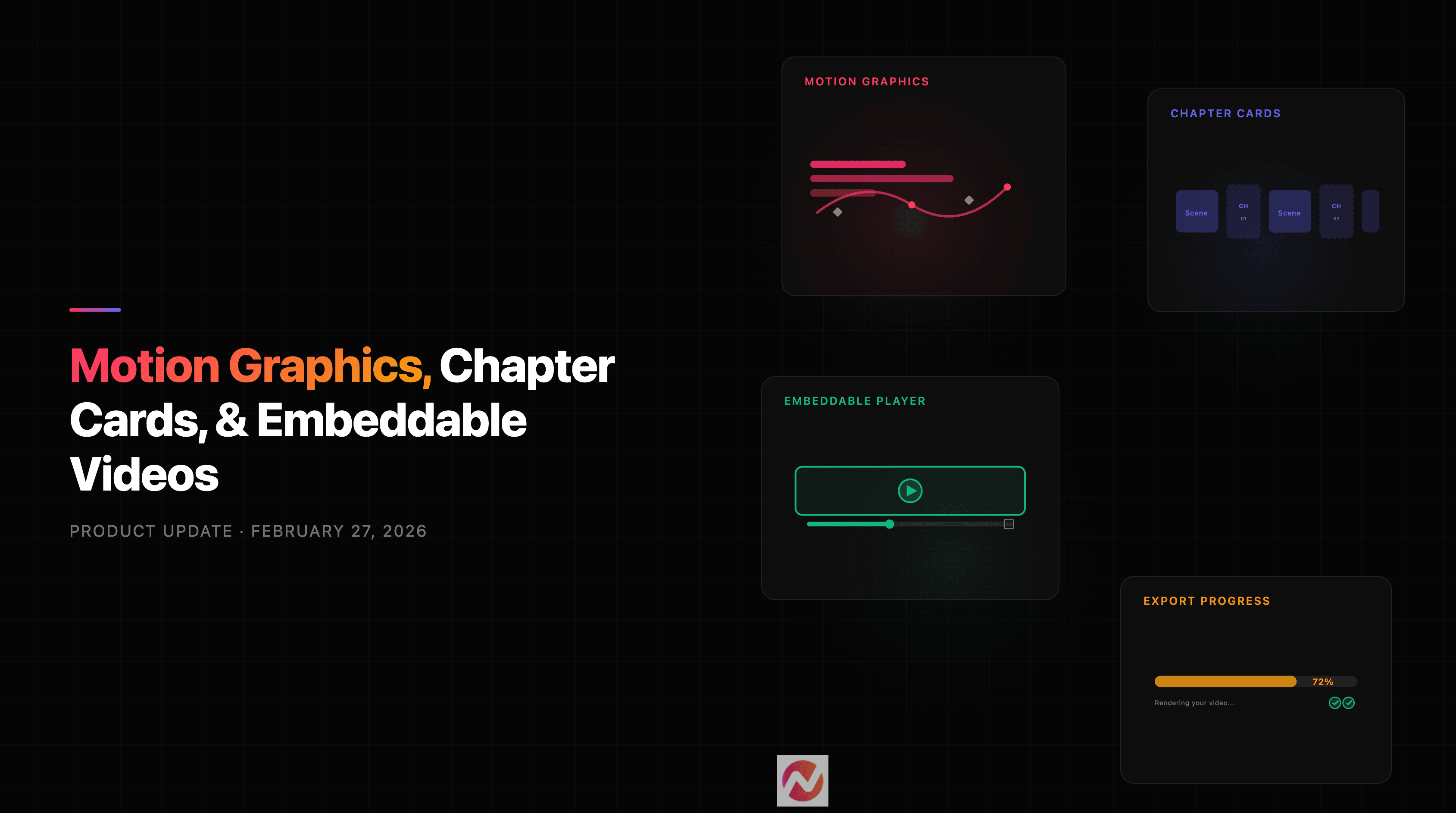
Product Update: Motion Graphics, Chapter Cards, and Embeddable Videos - February 27, 2026
Motion Graphics mode, chapter title cards, embeddable video player, background music energy levels, inline script editing, and real-time export progress.