Create campaign stills with an AI image generator
Image Lab is ngram's standalone AI image generator for branded campaign stills. Start with a prompt or reference image, edit it in plain language, and apply your brand kit before you use or download the final asset.
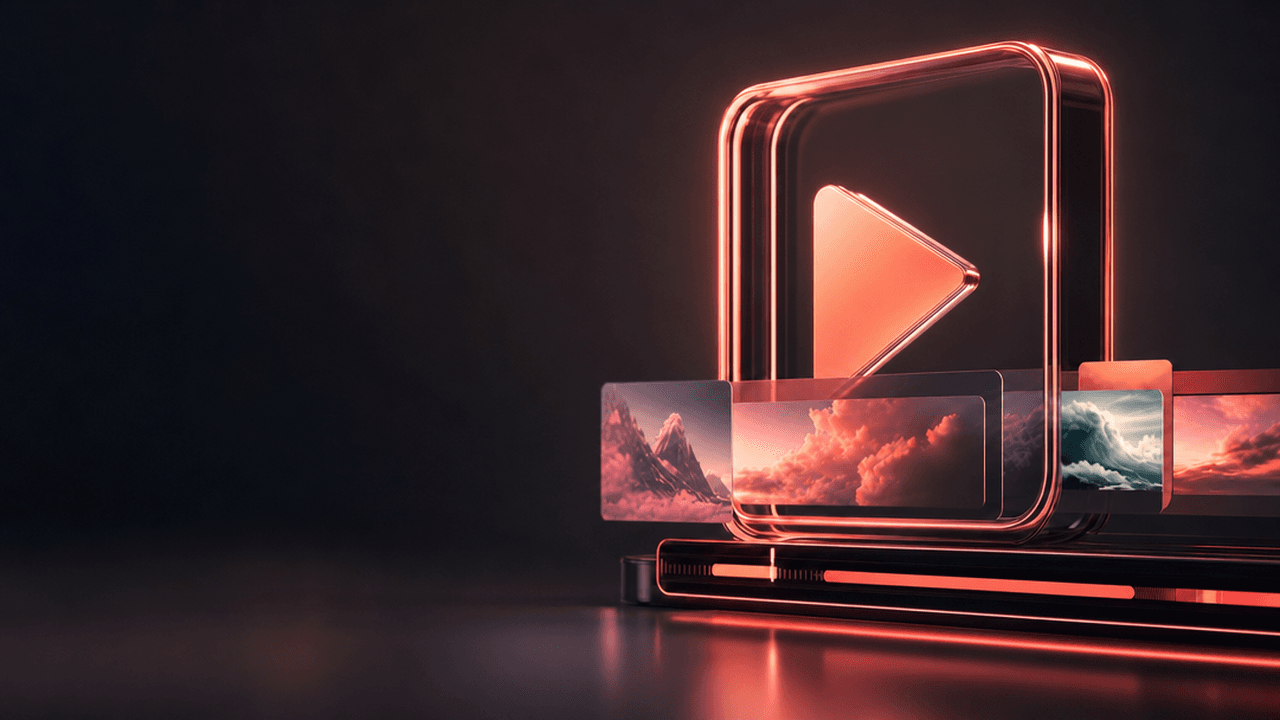
- Generate a campaign still, thumbnail, or product card from a prompt
- Upload a reference image and change a specific element with a written request
- Apply your brand kit and choose a platform or aspect preset for the final still
- Start from a template when a campaign needs a repeatable visual direction
Trusted by teams at









Campaign images lose their direction when the brief and reference live in different places
A marketer may have a product shot, a rough prompt, and a brand kit, yet still has to rebuild the visual direction in a separate image app. Small revisions turn into a trail of exports and new versions.
The reference image gets detached from the request.
A product shot or earlier campaign still should be useful input, not a file that has to be described again in a new tool.
One wrong detail can spoil an otherwise useful image.
Replacing a prop, extending a scene, or changing one visual element should not require recreating the whole composition.
Brand choices are repeated by hand.
Teams lose time restating colors, typography, tone, and approved visual direction for every new campaign image.
A usable format is chosen too late.
The image needs a deliberate platform or aspect preset before it becomes a thumbnail, product card, or campaign still.
Image Lab keeps the prompt, reference, edit request, brand kit, and final image in one standalone workflow.
Turn a prompt or reference into a branded final still
Image Lab creates standalone images from a prompt or uploaded reference, then lets you revise the image in natural language before applying brand and format choices.
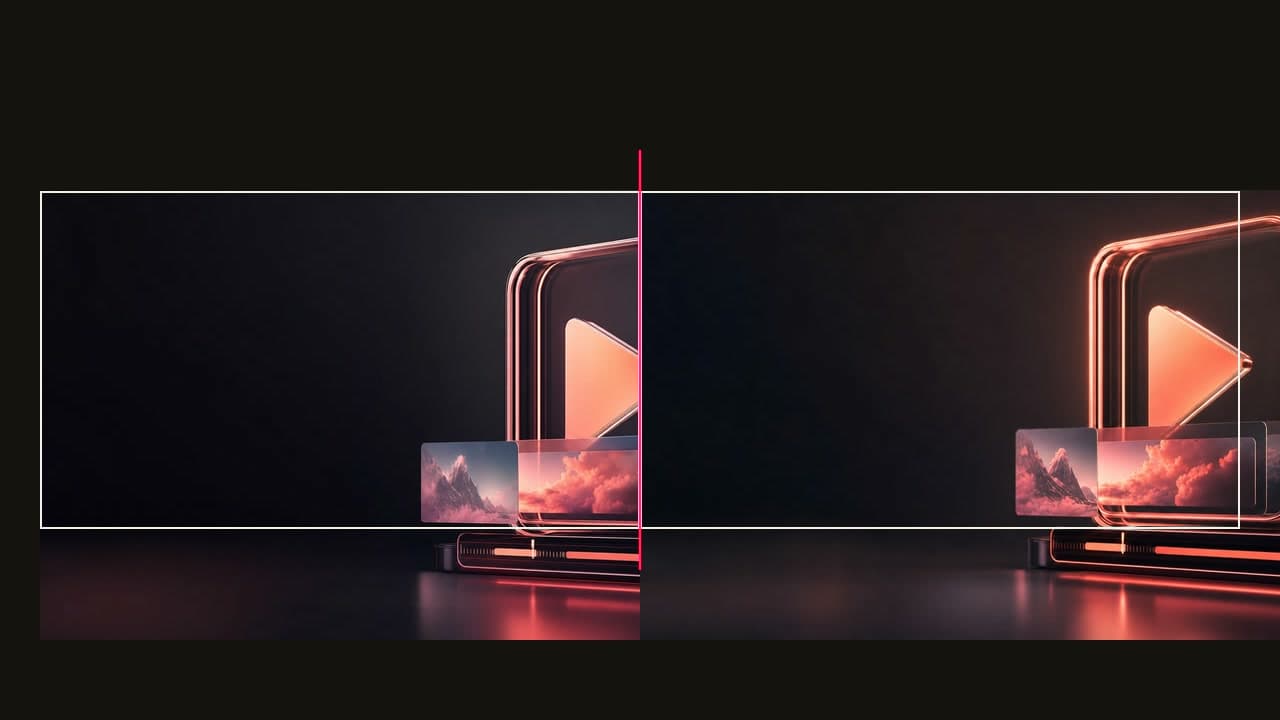
Keep the visual direction intact while you make the image usable for the campaign.
Start with the material you have
Write a prompt for a new image or upload a product shot, screenshot, or earlier campaign still as a reference.
Refine one element at a time
Ask Image Lab to extend the image, replace an object, adjust a region, or make another specific visual change.
Finish for the intended surface
Apply the brand kit, choose a platform or aspect preset, and use or download the finished campaign still, thumbnail, or product card.
An image studio for the work around a campaign
Image Lab is separate from the video pipeline. Use it when the deliverable is a finished image, whether that image supports a video campaign or stands on its own.
Generate the first visual direction
Describe the scene, product, mood, and audience, then generate a starting image without opening a video project.
Use an uploaded image as input
Bring in a product shot, screenshot, or campaign still when the new image needs to stay close to a real source.
Make targeted changes in plain language
Use natural-language image editing for inpainting, outpainting, and specific element modifications instead of starting the image over.
Apply the visual direction you already approved
Use brand-kit styling, platform and aspect presets, and the template library to keep recurring campaign images consistent.
Generate, refine, apply brand, then use the still
Image Lab keeps a short image workflow focused on the final asset rather than the video timeline.
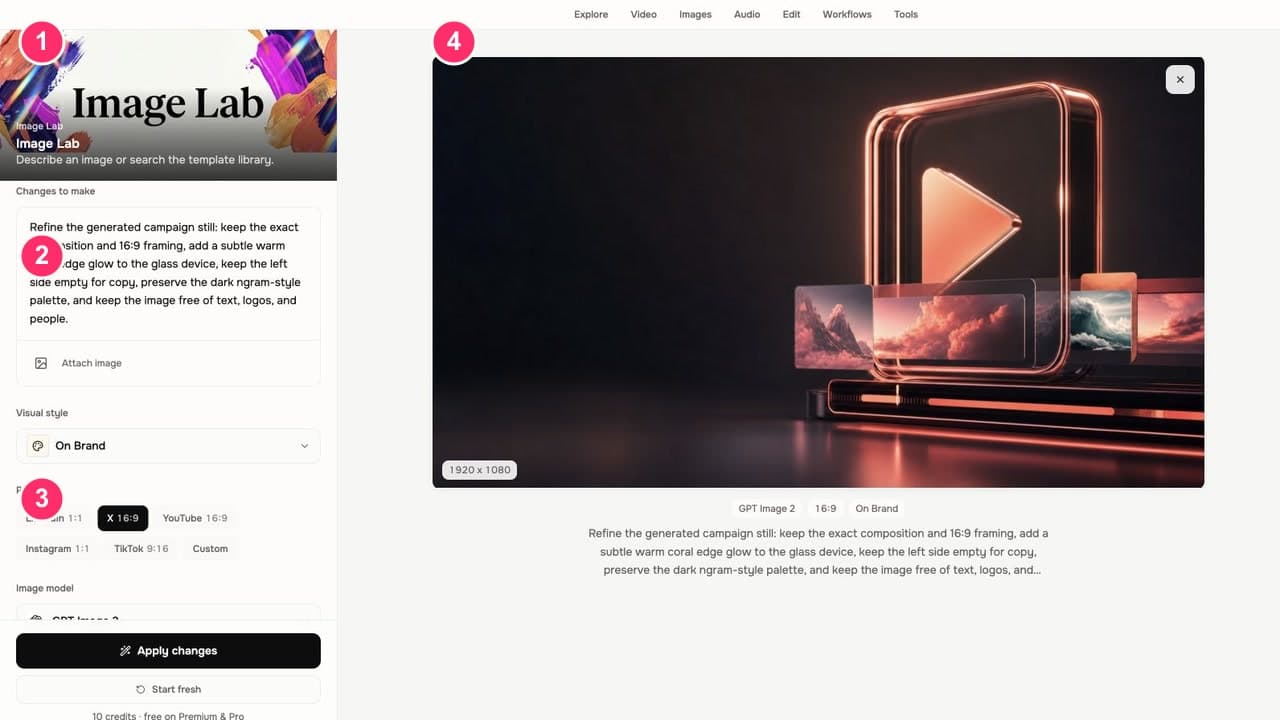
Generate or add a reference
Open Image Lab, write the image prompt, or upload a source image that sets the direction.
Refine the result
Ask for an inpaint, outpaint, or a specific element change until the composition is right.
Apply brand and format
Select the brand kit and a platform or aspect preset, or begin with a template that fits the campaign.
Use or download the final image
Keep the finished still for the campaign, thumbnail, or product card, and bring it into a video only when that next step is needed.
For teams making the stills a campaign needs
Image Lab helps teams create standalone visual assets with a clear message and a repeatable brand direction.
Product marketing
Turn a feature brief, product image, or launch concept into an on-brand still for the work around the release.
Growth teams
Generate and edit a reference-led ad or campaign image, then keep the approved brand direction in the finished asset.
Agencies
Use a client brand kit and reference image to make campaign stills and product cards without rebuilding the visual direction.
E-commerce teams
Upload a product image, direct the edit in plain language, and finish a branded product card for a campaign surface.
Where can you use Image Lab?
Use an Image Lab still as the visual starting point or companion asset for a product launch, feature announcement, campaign, landing page, or product story.
PMM Product Launch
Stop briefing agencies while your launch window closes. A product launch video maker built for PMMs turns your positioning doc, screen recording, and brand kit into the hero film, the social cuts, and the sales walkthrough — all rendered the same afternoon.
PMM Feature Announcement
Drop a screen recording, paste the release notes, or point at the PR — ngram gives you back a feature announcement video with smart zooms on every new interaction, captions, and your brand kit, built for B2B PMMs whose marketing velocity keeps falling behind engineering's.
PMM Social Content
Stop posting screenshots while competitors post 30-second product clips. A social media video maker built for PMMs spins a webinar recording, a product walkthrough, or a blog URL into platform-ready cuts for LinkedIn, Reels, Shorts, and TikTok in under twenty minutes.
Marketing Ad Creative
A marketing ad creative pipeline built for brand and demand-gen teams who need every campaign launched with a full library of variants, not a single hero cut. Drop in a product clip or a campaign brief. Get back twenty captioned, on-brand video ads ready for every paid placement.
Marketing Landing Page
Drop in your existing copy, a quick product walkthrough, or a URL. A landing page video maker built for growth teams hands you back a 60-second hero clip with captions and brand polish — ready to embed above the fold.
Shopify Product Video
Drop in a Shopify product URL or your existing product photos. A Shopify product video maker hands you back a captioned, on-brand video ready for the product page, TikTok, and Reels — no videographer, no agency invoice, no $3,000 per minute of footage.
Image Lab compared with a disconnected image workflow
A manual workflow can make strong images, but it often separates the prompt, reference, revision notes, and brand direction. Image Lab keeps those decisions in the same image workspace.
| Capability | ngram Image Lab | Manual image workflow |
|---|---|---|
| Prompt or reference-led starting point | ● Start with a written prompt or uploaded reference image | ~ Depends on the files and brief already prepared |
| Natural-language image refinement | ● Request inpainting, outpainting, or a specific element change | × Requires direct editing work or a new handoff |
| Brand kit and template direction | ● Apply the selected brand kit and begin from a template | ~ Brand rules must be carried into each new file |
| Platform and aspect choices | ● Choose a platform or aspect preset for the intended still | ~ Set the canvas and export settings by hand |
Pair Image Lab with the next production step
Use Image Lab for the standalone still, then move to the feature that carries the approved visual direction into a branded video or animated scene.
Brand Kit
Set the logos, colors, fonts, image style, and other visual rules that Image Lab applies to branded image-generator outputs.
AI Visuals
Use Image Lab campaign stills as a reference when AI Visuals needs to establish an on-brand direction for a video scene.
Motion Graphics
Take an approved Image Lab still into a video where motion graphics can add callouts, text overlays, and movement around the same campaign idea.
Start a video from the image or source behind it
Image Lab is for standalone image work. These conversion pages cover the separate video workflows that can begin with the finished still or its original campaign material.
Image to Video
Animate a finished Image Lab campaign still when the approved composition needs motion in a video project.
Screenshots to Video
Use product screenshots and Image Lab companion stills to build a narrated product story with visual context.
Product page to Video
Turn approved product-page details into a video, then create a separate campaign still in Image Lab for the same release.
Document to Video
Turn the campaign brief or product document into a video while Image Lab supplies a distinct still for the launch package.
Use the focused tool that fits the next job
Image Lab handles standalone image generation and editing. These tools cover adjacent jobs such as starting an image workflow, animating a finished still, removing a background, or editing the video that uses it.
AI Image Generator
Open the focused image-generator tool when the job is a campaign asset, then continue refining it in Image Lab.
Image to Video AI
Animate a completed Image Lab still when the campaign needs a short moving scene rather than another static asset.
Background Remover
Use the separate App Library background-removal tool when a source image needs a transparent cutout before the next workflow.
Online Video Editor
Place an approved campaign still in a video project when the final deliverable also needs a script, timeline, captions, and export.
Use Image Lab assets alongside connected video work
These integrations connect to ngram's video and automation workflows. They do not create automatic Image Lab channel variants or publish standalone images from Image Lab.

Zapier
Use Zapier to start an ngram video workflow from a campaign event after Image Lab work has established the still-image direction.

MCP Server
Use the MCP server when an external agent needs to call ngram's available workflow tools; confirm the requested action in the connected workflow.

Social Publishing is in Beta. Connect LinkedIn with OAuth and publish a finished ngram video that uses an Image Lab still now or on a one-off schedule.

YouTube
Social Publishing is in Beta. Connect YouTube with OAuth and publish a finished ngram video that uses an Image Lab still now or on a one-off schedule.
These are live ngram integration routes. Image Lab remains a separate standalone image surface.
Explore integrationsImage Lab questions
Is Image Lab separate from the video editor?
Can I generate images from a prompt?
Can I upload my own image to Image Lab?
What edits can I make in Image Lab?
Does Image Lab use my brand kit?
Does Image Lab make automatic channel variants?
Can I remove a background or resize an image in Image Lab?
Make the campaign still your brand would approve
Use Image Lab for campaign stills, thumbnails, product cards, and standalone visuals. Bring the final image into a video only when the next deliverable needs motion.
Generate an image, refine the detail that is wrong, apply the brand kit, and use the finished still where the campaign needs it.
Prompt, reference image, natural-language edit, brand kit, preset, template