Your agent calls ngram like any other tool.
ngram exposes a native Model Context Protocol server. Claude Desktop, Cursor, Cline, eligible ChatGPT apps and credentialed custom MCP clients can render videos, fetch status, list past renders and read credit balances inside the same chat - no UI, no copy-paste.
- Native MCP server — public video, image, account, and catalog operations exposed as typed tools
- Hosted HTTP transport — point remote-capable MCP clients at mcp.ngram.com; header-capable clients can send bearer auth, while connector UIs handle auth in their own flow
- Connector auth — Claude and ChatGPT complete authentication inside their connector UI; header-capable clients can use a self-service bearer key
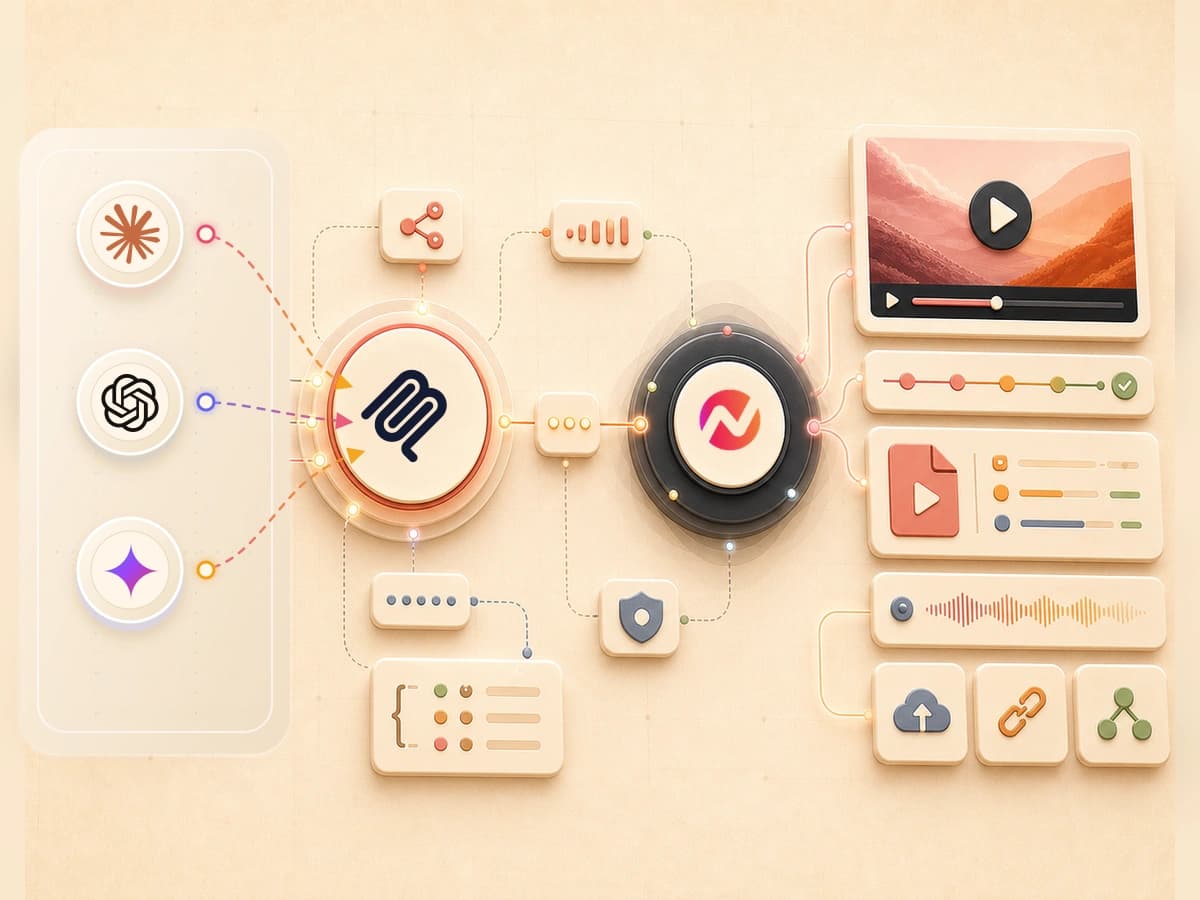
Four steps from MCP config to a rendered video in chat.
ngram speaks the open MCP spec end to end. Add the hosted URL, complete connector auth or add the bearer header your client supports, restart, and ask the assistant for a video. No SDK, no glue code.
Choose the authentication path
Claude completes authentication inside its connector UI. ChatGPT create-video actions require the web app on Business, Enterprise, or Edu with developer-mode and workspace app access. Every signed-in ngram user can create a bearer key for a header-capable client.
ConnectPoint your MCP client at ngram
Add ngram as a remote MCP server in Claude Desktop, Cursor, Cline, Notion AI or an eligible ChatGPT app. Use mcp.ngram.com as the hosted URL; header-capable clients can add the bearer header.
ConfigureAsk the assistant for a video
Open chat and describe the video. The agent picks the right tool from the exposed schema - create, status, list, credits - and fires the call directly against ngram.
however long you talkGet the final video link in the thread
Rendering runs server-side and the final video URL returns to the same chat. You can open ngram to review progress while the job runs.
VariesPublic ngram operations, mapped to typed tool calls.
Works across MCP-aware clients
Claude Desktop, Cursor, Cline, Notion AI and eligible ChatGPT apps can connect to the hosted endpoint. Compatible custom clients use the same tool schema with connector auth or a bearer header.
Connector auth, validated per request
Connector-based clients use their built-in auth flow. Every signed-in ngram user can create an ngs_ credential for a header-capable client. Credentials are validated on every request.
Tool surface mirrors the public API
create_video_from_text, get_video_status, list_videos, get_credits_remaining, cancel_video - each ngram endpoint maps to a discrete MCP tool with typed inputs and outputs.
Streaming tool output for long renders
Video render time varies by scene complexity. Status returns to the client while the job runs, and the ngram app provides an optional progress view.
Every call observable in PostHog
The client receives typed tool results and errors for each request, so the agent can show the current outcome.
Hosted endpoint
Point MCP clients at the managed mcp.ngram.com endpoint. Header-capable clients can send a self-service bearer credential, while connector UIs handle auth in their own flow.
Three agent workflows that collapse into a single tool call.
Agent-driven render in a longer workflow.
An agent researches a topic, drafts the script, fires create_video_from_text, polls get_video_status, then hands the MP4 to the next step. The render is just a tool call inside a longer chain.
See the explainer playbookDev assistants that ship release videos.
Wire ngram into Cursor or your internal IDE assistant. The same chat that writes the changelog also renders the demo video that ships with it.
See the changelog playbookKnowledge bases that produce videos on demand.
Pair Notion AI or an internal RAG agent with ngram. When a customer asks a question, the agent answers in text and renders a 45-second video walkthrough in the same response.
See the help center playbookFive clients we test against. Plus the open MCP spec.
If a client implements MCP 1.0, ngram connects. The clients below are what our team uses day-to-day - the rest of the ecosystem inherits the same protocol.
What runs when the agent fires the render tool.
Every MCP tool call routes into the same ngram pipeline that powers every other integration. Here is what happens inside it.
AI Visuals
Scene-matched graphics in 30+ styles, generated from the prompt the agent passed in.
Explore featureAI Voiceover
40+ voices in 20 languages, auto-synced to the generated timeline.
See featureScript Generation
Scripts written from the agent prompt or any source URL the tool call references.
See featureVideo Editing
ngram selects background music from its hosted library to match the video's tone and pacing. In Edit > Music, you can browse, swap, and adjust the track volume.
See featureMotion Graphics
Auto-animated text, transitions and charts. Zero timeline work for the agent.
See featureCaptions
Burned-in or .srt captions, frame-accurate and editable by humans after the agent hands off.
See featureBrand Kit
The same brand kit applies regardless of trigger - the agent gets the same output a human would.
See featureTranslation
Translate scripts, captions, on-screen text, and voiceover before the finished video moves through this integration.
See featureEvery tool call is a converter invocation.
Agents call ngram with a source - URL, text, doc, file. The MCP server routes the call to the right converter based on input type, so the agent never has to pick.
URL to Video
Agents that browse the web hand off URLs to the converter. The render call returns an MP4 URL back into the conversation.
Convert from URLText to Video
When the agent has already written a script or summary, the text converter renders it directly without a source page.
Convert textDocs to Video
Agent context often includes a doc. Route it to the docs converter for a structure-aware video walkthrough.
Convert docsWhat an agent can call after the first render.
Every ngram tool is reachable from the MCP server. Polish, translate or re-cut the output without leaving the agent loop.
Who reaches for the MCP server first.
Developers building agent-augmented products. Ops teams running agentic workflows. AI-native teams who live in chat clients all day.
Wire ngram into the same MCP client your team uses to ship code. Release demos and API walkthroughs render from the same chat.
An MCP-aware agent can use approved release-note text to request a changelog video for review.
One AI assistant, every artifact. Investor updates, blog posts and explainer videos all get rendered from the same chat thread.
An internal agent can read approved support context and request a walkthrough video for a human to review.
Reps stay in their assistant. The agent fires a render against the help center article, then returns the video to the ticket workflow for review.
An agent can turn approved release-note context into a launch-video draft for review.
The MCP server is one trigger. Here are the others.
Same rendering engine behind every integration. Pick the trigger that matches the agent or workflow you already run.
 Chrome Extensioncreate
Pin ngram to your Chrome toolbar. The human-facing trigger turns any page into a publish-ready video for review.
Explore Chrome Extension integration Zapiercreate
Wire ngram into 6,000+ apps through Zapier when a managed workflow should start a render.
Explore Zapier integration Make.comcreate
Make.com is marked Coming Soon in Studio. Use MCP or another live route until its setup action becomes available.
See Make.com status n8ncreate
Self-hosted workflows. The render API is the only thing leaving your infrastructure - everything else stays in your container.
Explore n8n integration LinkedInpublish
Compose and publish an agent-rendered video to LinkedIn from its supported calendar workflow.
Explore LinkedIn integration X (Twitter)publish
Compose and publish an agent-rendered video to X from its supported calendar workflow.
Explore X (Twitter) integration YouTubepublish
Connect YouTube to compose and publish an agent-rendered video from the content calendar.
Explore YouTube integrationWhen MCP is the right trigger, and when it isn't.
ngram MCP you are here | REST API raw HTTP | HTTP webhook event hook | Zapier automation | |
|---|---|---|---|---|
| Who triggers it | An AI agent in chat | Your application code | An upstream event in another system | An automated multi-step Zap |
| Setup time | Configure the endpoint | Depends on engineering | Depends on the endpoint | Depends on the Zap |
| Auth model | Connector auth or self-service bearer key | Self-service bearer key per request | Signed HMAC payload | Stored OAuth or API key |
| Schema for the caller | Agent-friendly JSON schema per tool | Raw OpenAPI spec | Single payload contract | Action form fields in the Zap editor |
| Streaming status | Yes, tool output streams progress | Yes, via polling or SSE | No, fire-and-forget | No, polled by Zapier |
| Best for | Chat-driven agents and copilots | Embedding ngram inside your product | Reacting to upstream system events | No-code multi-step pipelines |
FAQ
Common questions about the MCP server
Still curious? Still curious? Chat with us
Point your agent at ngram. Render in chat.
One hosted endpoint, connector-native authentication, and typed tools for ngram's public video, image, account, and catalog operations.