Generate videos inside your own n8n stack.
Install the ngram community node - verified by n8n - from the Nodes panel in self-hosted n8n or n8n Cloud. Create videos, check status, and react to the exact video.completed or video.failed webhook events in your workflow.
- Verified, self-hosted-first install — add n8n-nodes-ngram from the Nodes panel - works on your own self-hosted n8n or n8n Cloud, no vendor in the path
- Six capabilities cover the full lifecycle — Create Video, Create From Text, Create From URL, video.completed, video.failed and Get Status
- HMAC-SHA256 signed callbacks — every push is signed with your account secret in the X-Ngram-Signature header
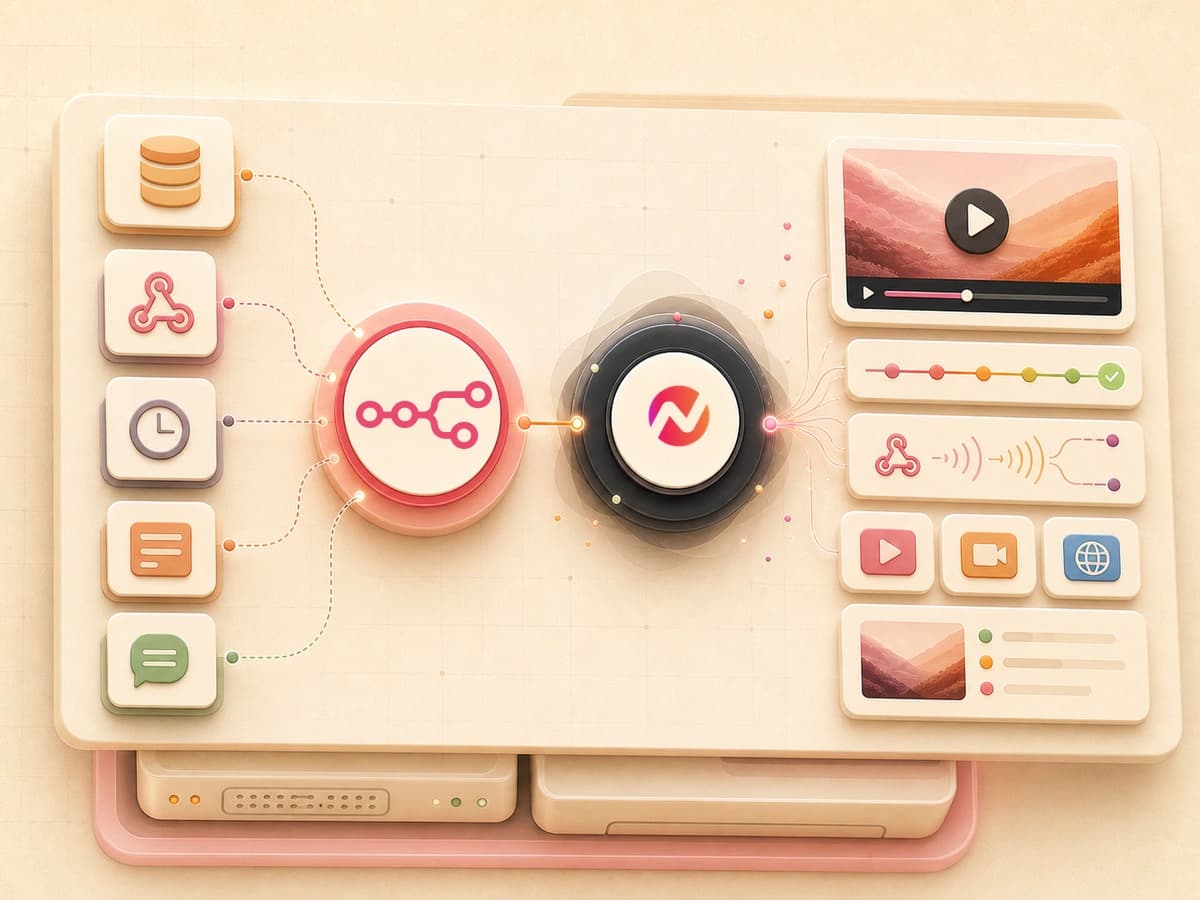
Four steps from install to first render.
Install the verified node from the Nodes panel - or from the n8n.io listing - on self-hosted n8n or n8n Cloud. Activate the workflow when you want its webhook subscription, then deactivate it when you are done.
Create an API key
Every signed-in user can create a bearer key from Settings, then save it in the n8n credential form. Keep the key in n8n's credential store rather than a workflow field.
SetupInstall the community package
Click + in the Nodes panel and search Ngram - it's a verified community node, so it's discoverable directly on self-hosted n8n and n8n Cloud. An instance owner approves it once; after that anyone on the instance can add it. See the docs for the full walkthrough.
ConfigureWire the node into a workflow
Drop a create, status, or terminal-event node onto the canvas, pick the ngram credential, and connect upstream and downstream nodes.
BuildActivate and watch it reconcile
Hit Active. n8n calls our subscribe endpoint and registers the hook URL. Deactivate later and the subscription is torn down - no orphans across redeploys.
OpenOne community node, the full ngram lifecycle.
The node covers creation, status, and the two terminal event paths while running in n8n Cloud or your own n8n instance.
Cover the full render lifecycle
The package covers Create Video, Create From Text, Create From URL, Get Status, and the video.completed and video.failed terminal events.
Never leak orphan triggers
Activation reuses existing hook subscriptions; deactivation tears them down. Redeploys don't pile up stale endpoints on the ngram side.
Run it in your own container - or n8n Cloud
Install n8n-nodes-ngram from the Nodes panel in self-hosted n8n, or use the same verified node on n8n Cloud. No vendor lock-in, no SaaS account hops required for self-hosted teams.
React to terminal events
The video.completed and video.failed events fire when a video reaches a terminal state, so the workflow can continue without a polling loop.
Block hostile hook targets
Hook destinations must resolve to a public address. RFC1918, localhost and link-local ranges are rejected at subscribe time.
Verify every push you receive
Each delivery includes an HMAC-SHA256 header keyed on your secret. The trigger preserves the raw request body in _raw so you can recompute and verify.
Wire failures into Slack or PagerDuty
Chain the video.failed event into a Slack or PagerDuty node. The full error_code and error_message land in the payload, ready to route.
Route one render downstream
Use a terminal event to branch into the downstream steps your team needs after a render completes.
Four workflows that get easier with the community node.
CRM-triggered videos. Per record, per stage.
Watch new HubSpot or Salesforce records in n8n, fire Create Video, and write the rendered URL back onto the contact or deal. The whole loop runs without a human in the path.
See the sales prospecting playbookForm submissions become personalized videos.
Pipe Typeform, Tally, or another form webhook into n8n. Render a personalized clip per submission and route the result to your next workflow step.
See the customer onboarding playbookSlack alerts on every successful render.
Chain the video.completed and video.failed events into Slack or another downstream node when the render reaches a terminal state.
See the internal communication playbookScheduled weekly report videos.
Use n8n's cron node to render a weekly metrics video on a fixed schedule, then route it to email or shared drives. The team gets a watchable update without anyone editing one.
See the changelog video playbookEight upstream nodes the ngram node loves to sit downstream of.
The ngram node is happiest at the end of an n8n chain. Anything n8n can watch - CRM events, form webhooks, cron, queues, databases - can fire a render. These are the upstream patterns we see most.
What ngram does when the n8n node fires.
Every render goes through the same ngram pipeline. Here is what runs inside it once Create Video hits the API.
AI Visuals
Scene-matched graphics in 30+ styles, generated per render request from the input payload.
Explore featureAI Voiceover
40+ voices in 20 languages, auto-synced to the script the workflow sends.
See featureScript Generation
Scripts written from the source content the n8n node passes in - blog text, CRM notes, form answers.
See featureVideo Editing
ngram selects background music from its hosted library to match the video's tone and pacing. In Edit > Music, you can browse, swap, and adjust the track volume.
See featureMotion Graphics
Auto-animated text, transitions and charts. The workflow ships the data; ngram animates it.
See featureCaptions
Burned-in or .srt captions, frame-accurate and editable. Toggle per render.
See featureBrand Kit
Logo, colors, fonts and intros applied on every export, scoped per workspace.
See featureCollaboration
Share workspace projects, assets, and conversations with teammates before the finished video moves through this integration.
See featureTranslation
Render the same source in multiple languages by passing a locale array to the node.
See featureEvery n8n trigger is a converter input.
n8n webhooks, cron nodes and HTTP requests deliver source content in formats these converters already understand. Drop the field into the Create node and ship.
URL to Video
The most common n8n payload is a URL - product page, release note, landing page. Hand it to the converter that powers the extension.
Convert from URLText to Video
Webhook bodies, form submissions, internal updates - feed the text straight into a storyboarded video.
Convert textDocs to Video
Internal doc sites, Confluence, Notion - pipe the structured doc through the docs converter for an on-prem walkthrough.
Convert docsPolish, translate or re-cut what n8n renders.
After the workflow hands off, every ngram tool can run on the output - either from the editor or via further API calls from inside the same n8n graph.
Who runs ngram through n8n.
Teams that already host their own n8n graph reach for the community node first. It keeps the automation surface they trust and adds video rendering to it.
Already running n8n on your own infra. Install the ngram node and keep video creation under your roof - no new SaaS account, no new vendor.
Trigger a render when a release lands or a doc updates. The community node sits alongside the GitHub and Linear triggers your team already wires.
Wire ngram into the same n8n graph that runs your other internal automations. One canvas for forms, CRM events, scheduled jobs and now video.
Trigger ngram from your product backend via n8n. No new pipeline to maintain - reuse the queue, retry and observability you already trust.
Stay on-prem. ngram pushes events to your hook URL with HMAC-SHA256 signatures; the rest of the workflow never leaves your infrastructure.
Watch HubSpot deal-stage changes, render a personalized clip and write the URL back onto the deal - all on the n8n graph your RevOps team already maintains.
The n8n node is one trigger. Here are the others.
Same rendering engine, different triggers. Pick the one that fits your stack - a click, a managed Zap, a visual scenario, an agent tool call or a publish destination.
 Chrome Extensioncreate
Pin ngram to your Chrome toolbar. Click the icon on any blog, release note or doc and get a publish-ready video back in the same tab.
Explore Chrome Extension integration Zapiercreate
The managed-cloud counterpart. Wire ngram into 6,000+ apps when you don't want to host the workflow runner yourself.
Explore Zapier integration Make.comcreate
Make.com is marked Coming Soon in Studio. Check its status before replacing this n8n workflow with a Make scenario.
See Make.com status MCP Servercreate
Claude, ChatGPT and other MCP-aware agents call the rendering tool directly inside a conversation - no workflow runner needed.
Explore MCP Server integration LinkedInpublish
Compose and publish a finished video to LinkedIn from its supported calendar workflow.
Explore LinkedIn integration X (Twitter)publish
Review a finished video and its post copy before publishing it to X from the Social Publishing Beta.
Explore X (Twitter) integration YouTubepublish
Connect YouTube to compose and publish a finished video from the content calendar.
Explore YouTube integrationWhen the n8n node is the right tool, and when it isn't.
n8n is the cloud-or-self-hosted workflow option. Zapier is managed automation, MCP serves agent clients, and the REST API serves application code.
ngram on n8n you are here | Zapier managed cloud | REST API for products | MCP Server agent clients | |
|---|---|---|---|---|
| Where it runs | Your own container or n8n Cloud | Zapier's managed cloud | Inside your application code | Hosted MCP endpoint |
| Install path | Nodes panel - verified, one-click | Two-click connect in Zapier UI | Add the SDK to your codebase | Add the remote server in the MCP client |
| Lifecycle coverage | Create, Create From Text, Create From URL, On Ready, On Failed, Status | Create, On Ready, On Failed, Status | Full REST surface | Typed video, image, account, and catalog tools |
| Webhook signing | HMAC-SHA256, your secret | Zapier-managed signing | HMAC-SHA256, your secret | Authenticated tool requests |
| Orphan trigger cleanup | Auto-reconciled on (de)activate | Managed by Zapier | You manage subscriptions | Client manages the connection |
| Best for | Self-hosted, privacy-sensitive teams | Marketing and RevOps teams | Embedding ngram in your product | Agent-driven video workflows |
| Setup time | Depends on setup | Depends on the workflow | Depends on engineering | Depends on the MCP client |
FAQ
Common questions about the n8n node
Still curious? Still curious? Chat with us
Install once. Render forever.
Add the verified ngram community node to self-hosted n8n or n8n Cloud and turn any workflow into a video pipeline - signed, reconciled, on your own terms.