Pin ngram to your tab bar. Any page becomes a video.
Open the source page, click the ngram icon, and review the video brief before sending it to ngram. Supported Product Hunt and AppSumo pages open dedicated campaign modes for launch, teaser, explainer and social/share-video outputs.
- Start from any page — blogs, docs, release notes, landing pages, Product Hunt, AppSumo, Notion, Confluence and more
- Marketplace campaign modes — dedicated Product Hunt and AppSumo choices for launch, teaser, explainer and social/share-video assets
- Review before rendering — edit the generated brief and choose the available video settings before sending the job to ngram
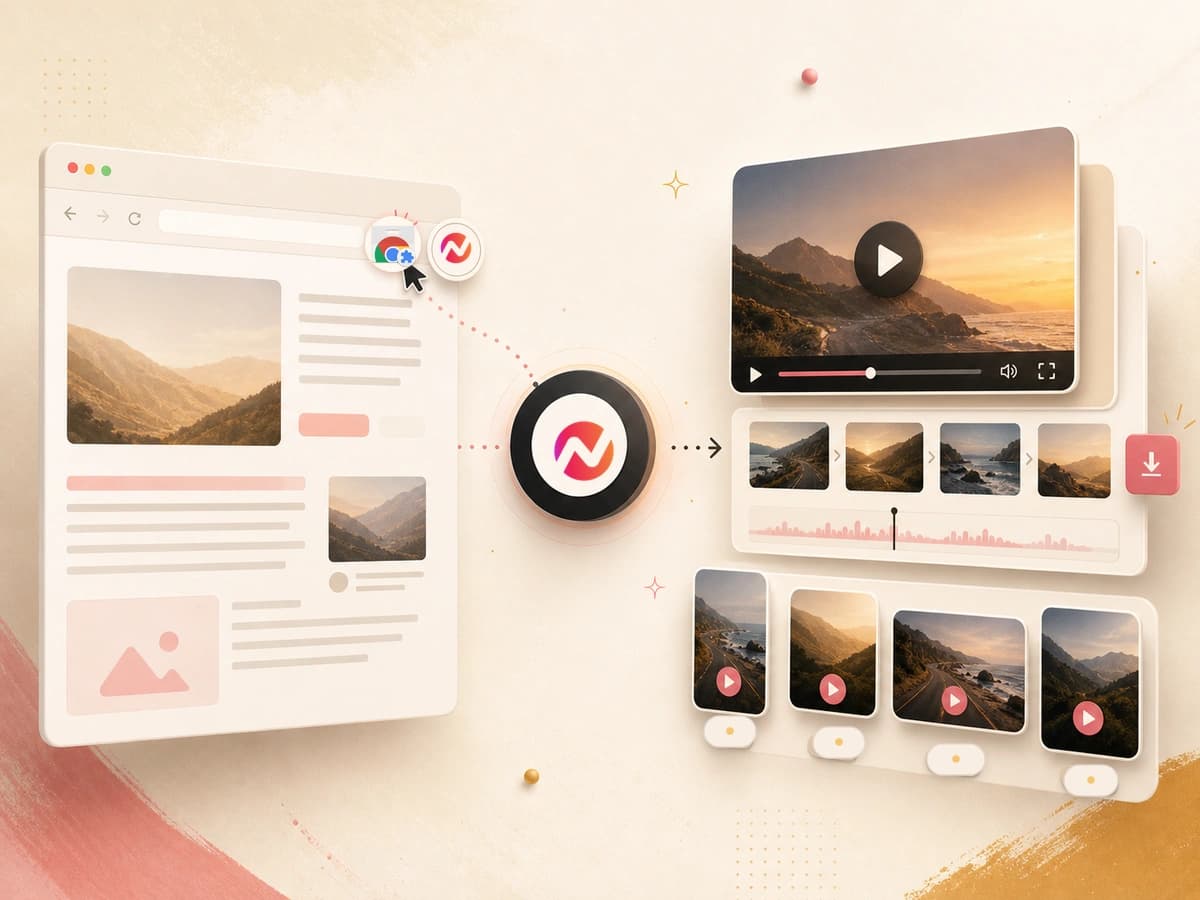
Four steps from source page to render.
Open a source page, choose the output, review the generated brief, and send the job to ngram. Render time varies with the number and complexity of the scenes.
Pin it to your toolbar
Install from the Chrome Web Store. The ngram icon lives next to your URL bar so you can start from any page.
OpenOpen the source page
Navigate to the webpage you want to use, then open the extension. Product Hunt and AppSumo product pages activate their matching campaign mode.
ReviewChoose and refine the output
Select a launch, teaser, explainer or social/share-video option where campaign mode is available, then edit the brief and video settings.
VariesReview the video in ngram
Send the job to ngram, then use the app or editor to monitor progress and review the completed video before using it.
variesOne extension, the whole content surface of the web.
Works on any structured page
Start from the webpage currently open in Chrome and review the generated brief before creating the video.
Campaign modes for launch pages
Open a supported Product Hunt or AppSumo product page and the popup switches into campaign mode, with launch video, teaser, explainer and social/share-video choices ready to use.
Edit the generated brief
Adjust the audience, angle, call to action and other prompt details before sending the render request.
Choose a campaign format
Product Hunt and AppSumo campaign modes expose launch, teaser, explainer and social/share-video choices.
Set the available video options
Review the voice, style, duration and other controls shown for the selected campaign before rendering.
Keep the source and brief together
The popup keeps the source page context, selected campaign type and editable brief visible in one place.
Hands off to the editor
Send the rendered video into the ngram editor for trimming, captions and review.
Three jobs the extension brings into one flow.
Release notes to launch video. Same hour.
Open the release note you just shipped, click the extension, refine the generated brief, and send the video job to ngram for review.
See the feature announcement playbookProduct Hunt and AppSumo pages to launch assets.
Open the launch page or deal page, choose launch video, teaser, explainer or social/share video from campaign mode, then review the generated brief before rendering.
See the Product Hunt workflowLanding pages to personalized intros.
Open the prospect's pricing page or a tailored landing page, then use the extension to prepare a focused walkthrough brief for review in ngram.
See the sales prospecting playbookHelp center articles to video answers.
Reps can open the relevant help article, prepare a video brief from that source, and review the result before using it in a support response.
See the help center playbookMarketplace modes, tuned surfaces, and the open web.
Product Hunt and AppSumo pages use dedicated campaign modes. Other webpages use the general page-to-video workflow described by the extension.
What ngram does when you trigger the Chrome extension.
Every render goes through the same ngram pipeline. Here is what runs inside it.
AI Visuals
Scene-matched graphics in 30+ styles, generated to fit the source page.
Explore featureAI Voiceover
40+ voices in 20 languages, auto-synced to the timeline.
See featureScript Generation
Scripts written from the structured content of the source page.
See featureVideo Editing
ngram selects background music from its hosted library to match the video's tone and pacing. In Edit > Music, you can browse, swap, and adjust the track volume.
See featureMotion Graphics
Auto-animated text, transitions and charts. No timeline required.
See featureCaptions
Burned-in or .srt captions, frame-accurate and editable.
See featureBrand Kit
Logo, colors, fonts and intros on every export.
See featureCollaboration
Anchored comments, version history, async review.
See featureTranslation
Translate scripts, captions, on-screen text, and voiceover before the finished video moves through this integration.
See featureConvert any page you click on.
The extension reads structured content from the page in your tab. These converters cover the most common entry points; the open-web fallback handles the rest.
URL to Video
Paste a public URL and get a storyboarded video draft - the same pipeline the extension uses on the open web.
Convert from URLBlog to Video
Long-form posts are the extension's bread and butter. Use the same converter as a standalone tool when you don't have the tab open.
Convert a blogRelease Notes to Video
Turn shipped changelog pages into concise launch-video briefs, then review the generated cut in ngram.
Convert release notesPolish, translate or re-cut what the extension renders.
After the extension hands off, every ngram tool can run on the output without leaving the editor.
Who uses the ngram Chrome extension.
Anyone who ships content to the web can ship a video version of it without leaving their browser.
Release notes, launches and explainers rendered straight from the source page.
Prospect-tailored intro briefs prepared from the relevant landing page, ready for review before rendering.
Onboarding articles become videos customers actually finish - rendered from the docs your CS team already maintains.
Help center pages become 60-second answers attached to every ticket - no recording session needed.
READMEs, changelogs and API docs ship with a video walkthrough generated from the doc itself.
Investor updates and blog posts get a watchable 90-second cut without hiring a video editor.
Roadmap docs and release notes ship as a changelog video, generated from the doc the team wrote anyway.
The Chrome extension is one trigger. Here are the others.
ngram is the same rendering engine behind every integration. Pick the trigger that fits the moment - a click, a webhook, a CRM event, or an agent tool call.
 Zapiercreate
Wire ngram into 6,000+ apps. When a CRM deal moves to Demo Sent, start a personalized clip and route the finished video to your next step.
Explore Zapier integration Make.comcreate
Make.com is marked Coming Soon in Studio. Check its status page before planning a scenario around ngram.
See Make.com status n8ncreate
Self-hosted workflows. The video render API is the only thing that leaves your infrastructure - everything else stays in your container.
Explore n8n integration MCP Servercreate
Claude, ChatGPT and other MCP-aware agents call the rendering tool directly inside a conversation.
Explore MCP Server integration LinkedInpublish
Move a reviewed video into ngram's LinkedIn workflow when it is ready for distribution.
Explore LinkedIn integration X (Twitter)publish
Post finished videos to X after composing the copy and reviewing the destination.
Explore X (Twitter) integration YouTubepublish
Connect YouTube to review and publish a finished video from the content calendar.
Explore YouTube integrationWhen the Chrome extension is the right tool, and when it isn't.
ngram Chrome you are here | Zapier automation | REST API for products | Loom screen recorder | |
|---|---|---|---|---|
| Who triggers it | A human looking at a page | An automated event | Your application code | A person hitting record |
| Source content | Any structured web page | Event payload from another app | Structured JSON you send | Webcam plus screen capture |
| Setup time | Review | Depends on the Zap | Depends on engineering | Review |
| Best for | Ad-hoc renders from existing content | Always-on automated pipelines | Shipping ngram inside your product | Personal touch, talking-head clips |
| Brand kit applied | Chosen during setup | Yes, per Zap config | Yes, per render call | No, raw recording |
| Typical output | Publish-ready MP4 | Publish-ready MP4 | Publish-ready MP4 | Raw recording, edit-yourself |
FAQ
Common questions about the Chrome extension
Still curious? Still curious? Chat with us
Open the page. Start the right video.
Add ngram to your toolbar, choose a Product Hunt or AppSumo campaign mode on the source page, then review the completed video in ngram.