Ship polished product demos in minutes not weeks
Drop in a rough screen recording or paste your product URL. A product demo video maker built for SaaS hands you back a clean walkthrough with smart zooms, captions, and brand polish — no timeline editor in sight.
Or pick a video type to get started
Video generation uses credits. Review your estimate in ngram. MP4 downloads require Basic or higher.
How credits workTrusted by teams at


Product Demo Video videos made with ngram
Real videos created by teams using ngram for product demo video.
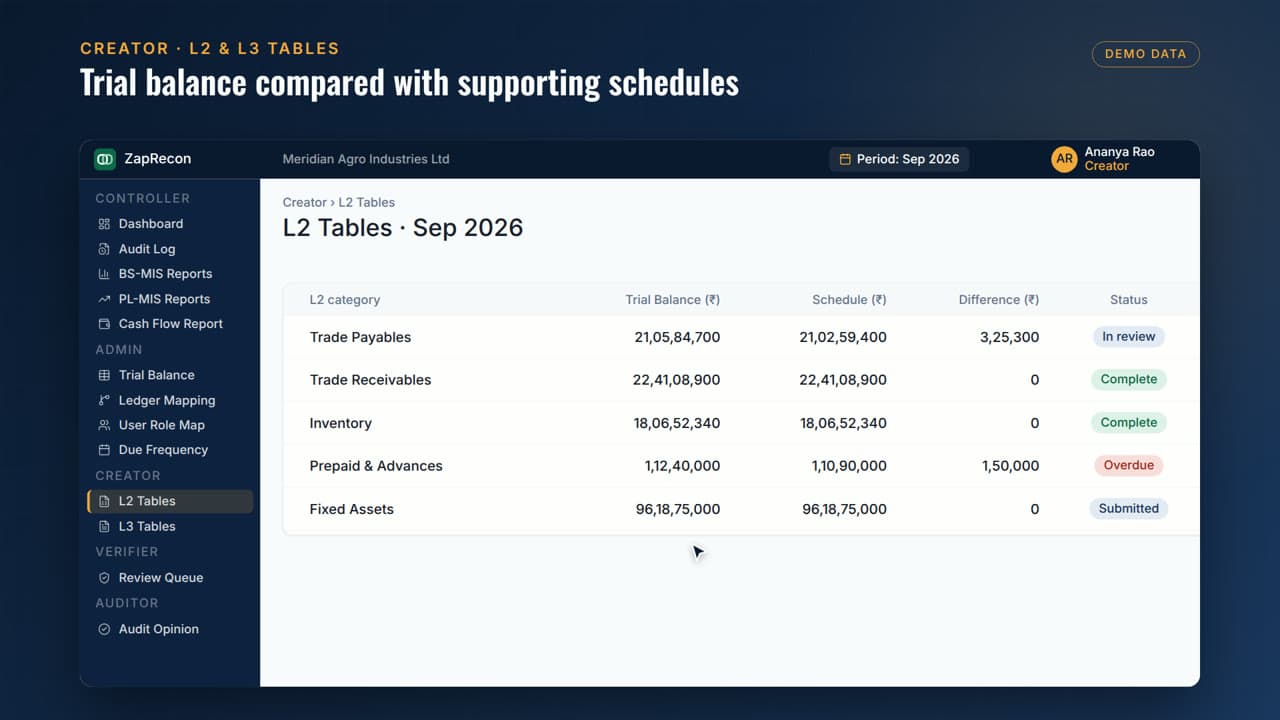

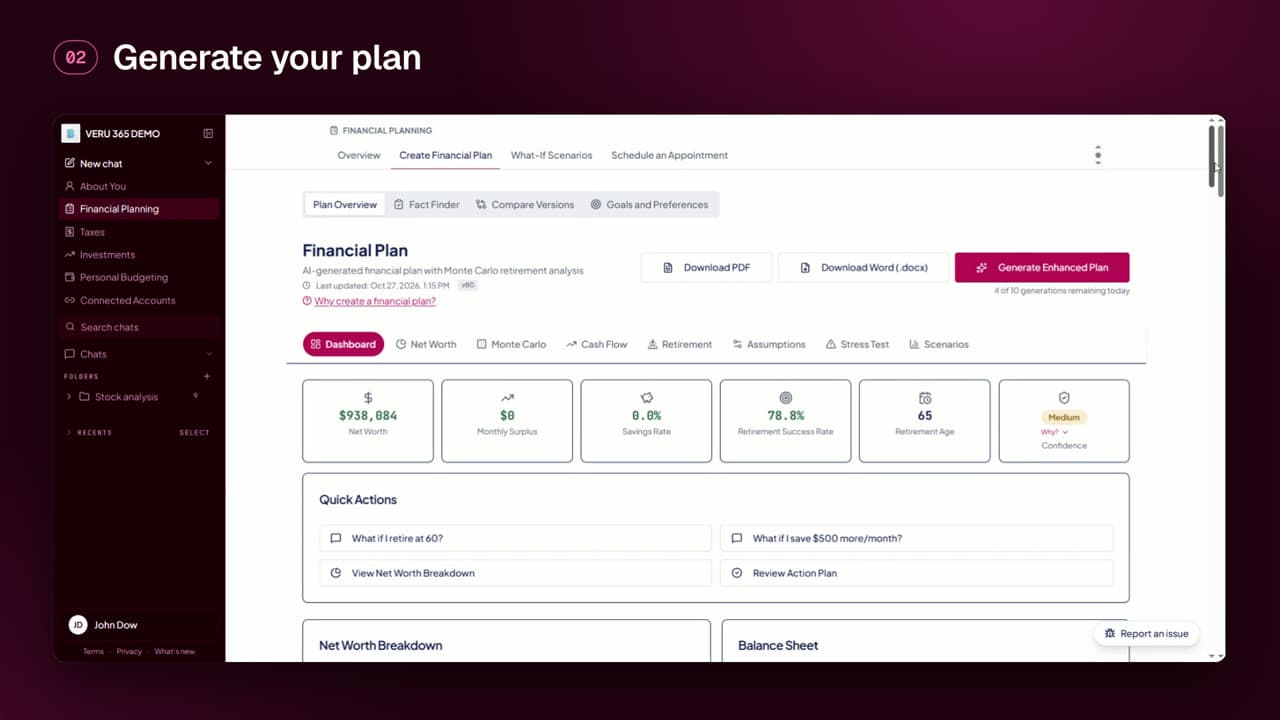

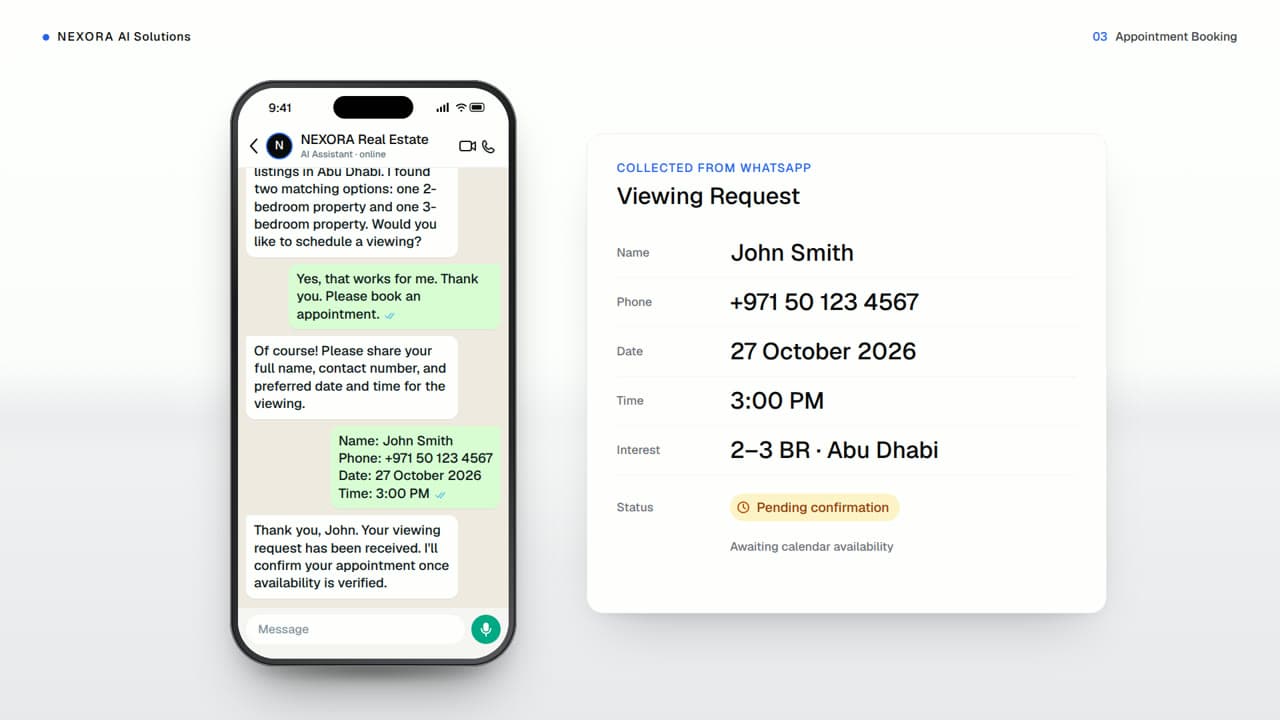

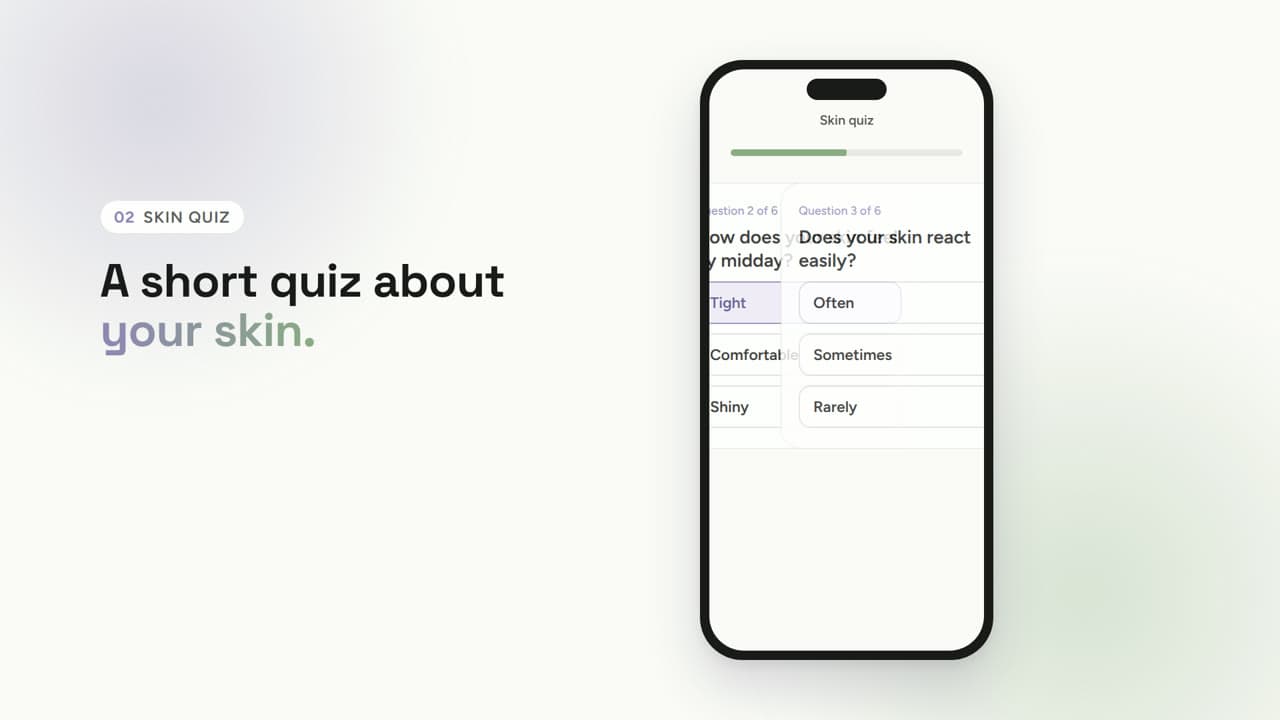
Vetted Vanity — product demo
 by Kristina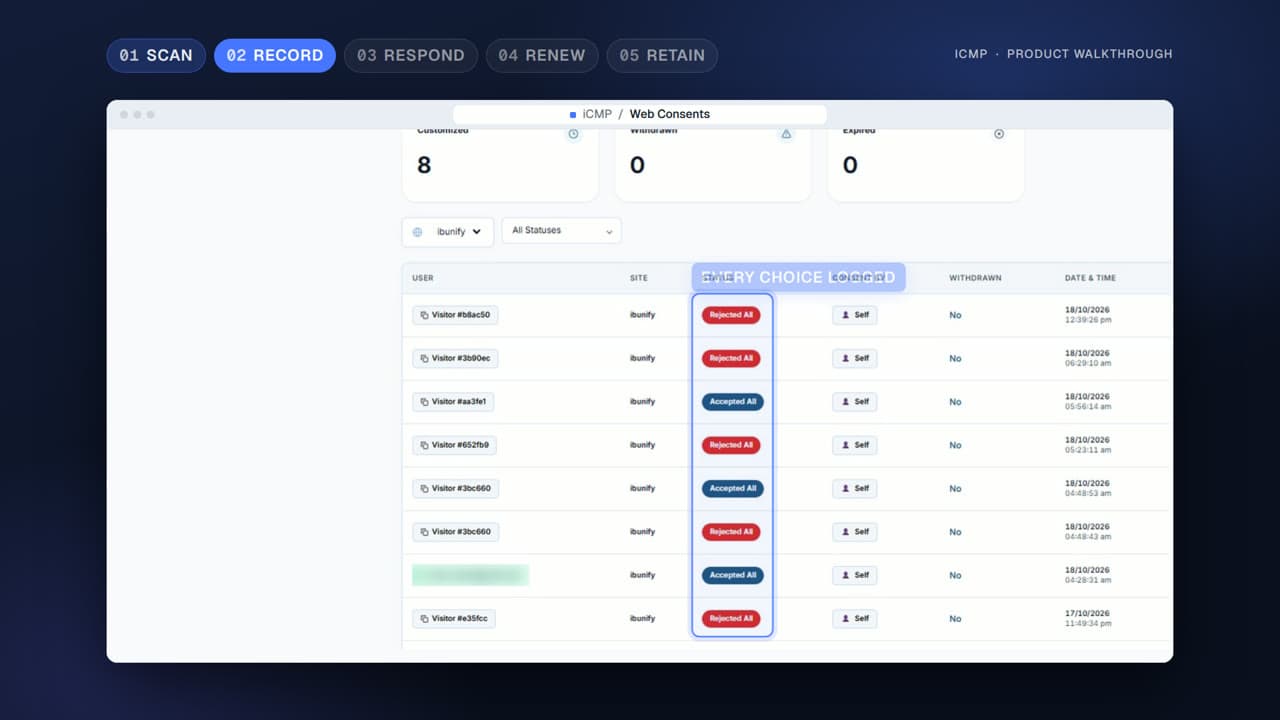
iCMP product demo: from cookie scan to audit trail
 by Kaarthikeya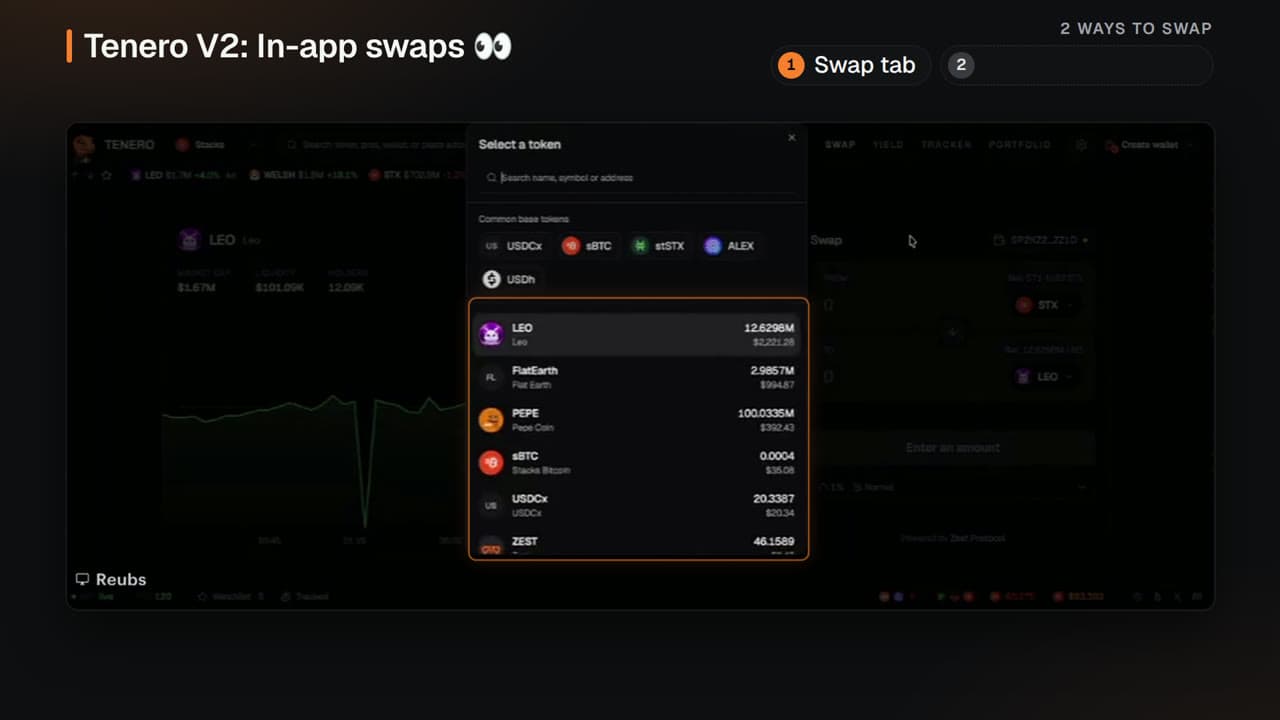
Tenero V2: In-app swaps (Stacked Up Ep. 3 clip)
 by shehu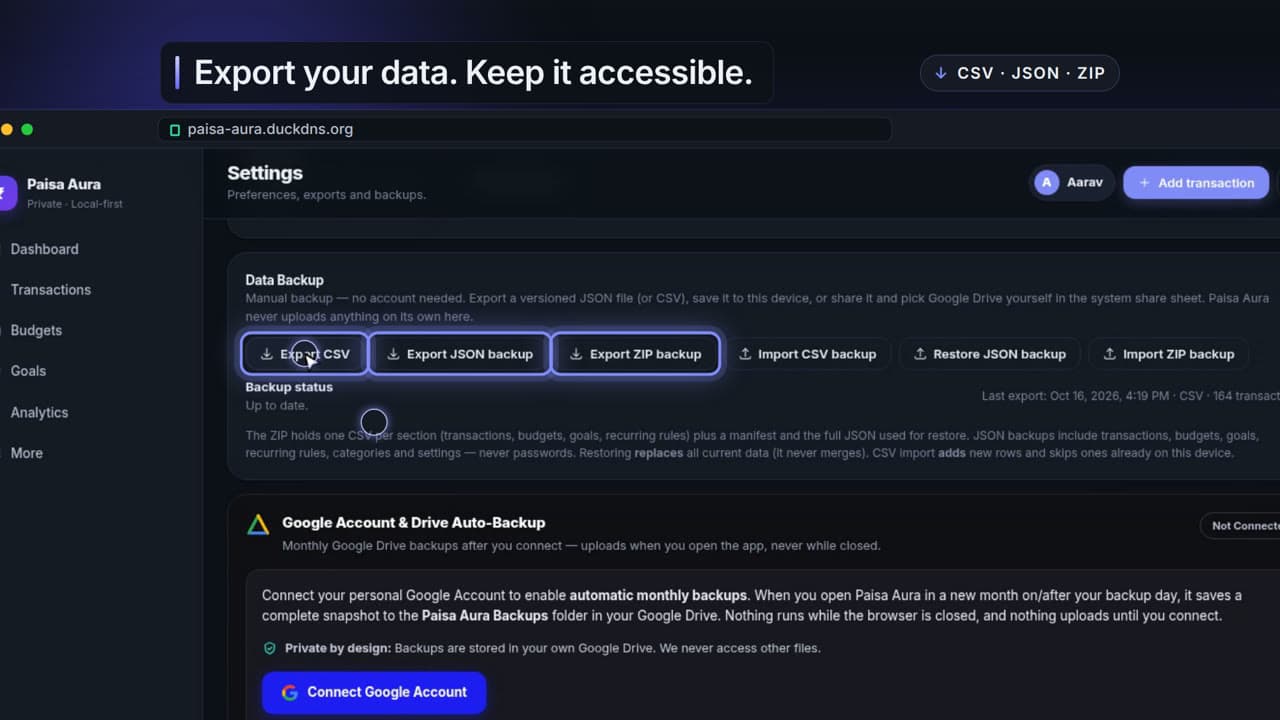
Paisa Aura — Product Demo
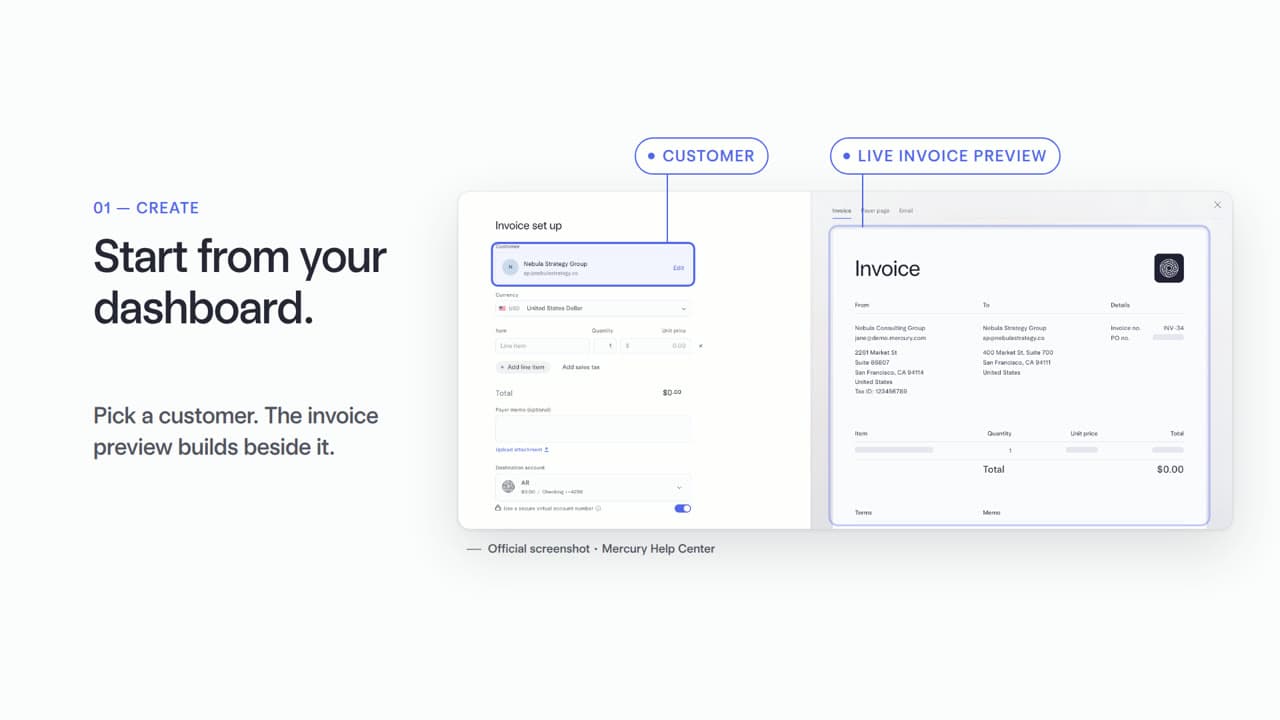
Mercury Invoicing — From work to invoice
 by Rishikesh Ranjan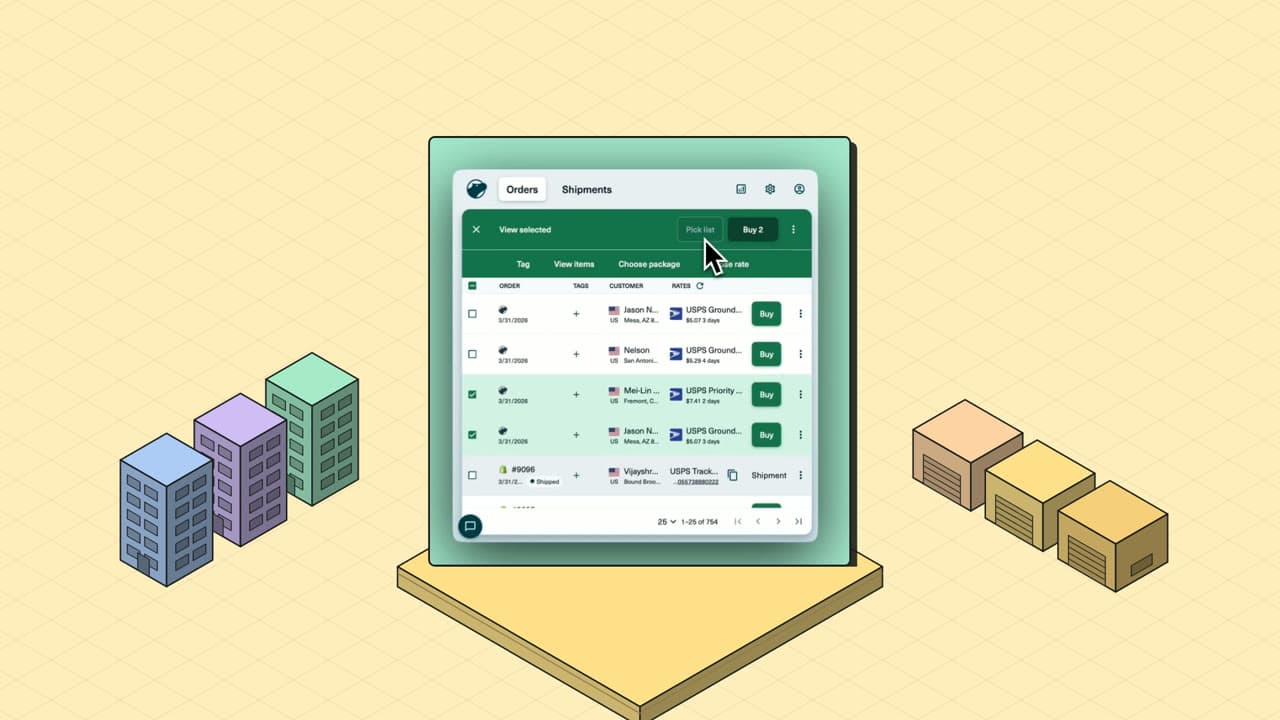
Shippo — orders, rates, labels in one place
by Rishikesh Ranjan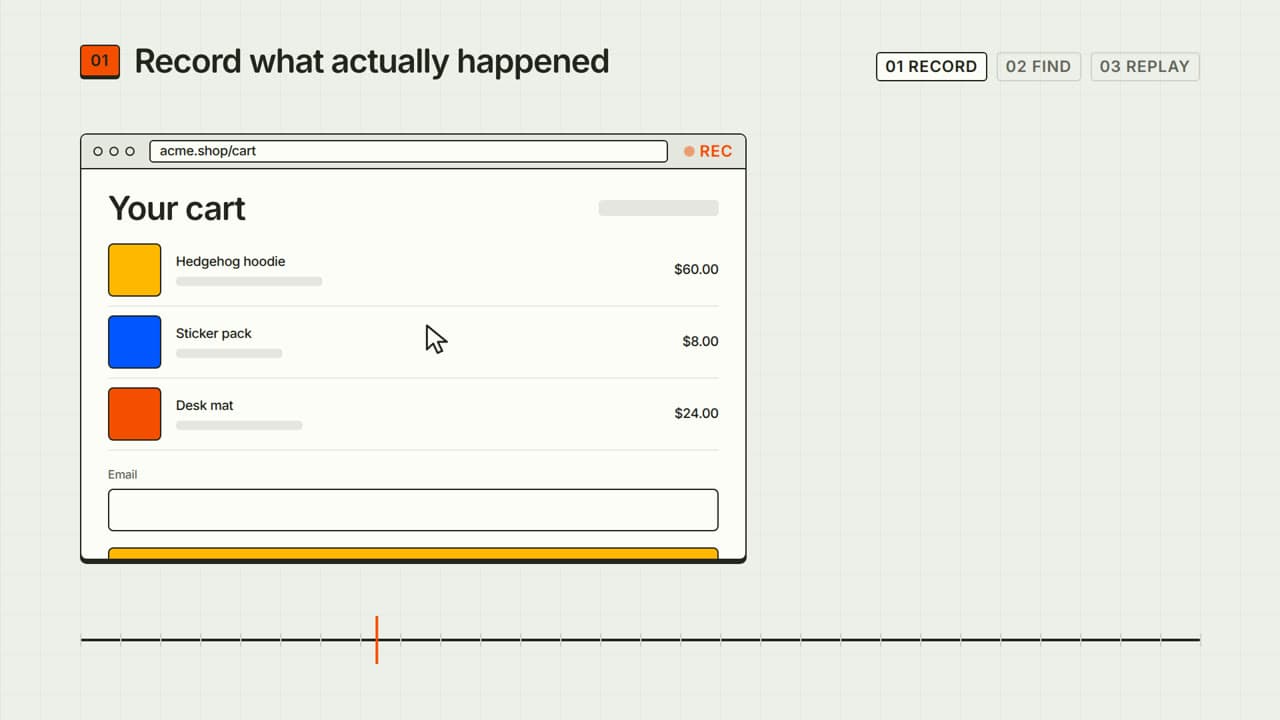
PostHog Session Replay — 30s explainer
by Rishikesh Ranjan“I recorded a 3-minute walkthrough. Then spent the rest of my day trying to make it look professional.”
- 9:42am
Open the screen recorder for take three. Takes one and two had wrong-tab clicks and a cat walking across the desk. No script, so the cleanup is going to be a slog.
- 10:18am
Recording done. Twelve minutes of footage — half of it dead air, six "umms", and a thirty-second stretch where the cursor wanders the settings panel like it's lost.
- 11:20am
Drop the file into iMovie. Start cutting. Realize you also need transitions, captions, a branded intro and the same lower-thirds the last demo used. None of which exist as a template.
- 2:14pm
Export complete. File is 1.4 GB. Re-render at lower bitrate. The export bar freezes at 67 percent. Re-render again. Lunch is now coffee at the desk.
- 4:30pm
Give up. Ship the raw .mov to a freelancer with a vague brief. Two weeks of revisions queued ahead — by then the dashboard in scene three has shipped a redesign.
- +14 days
Final cut arrives. Looks great in isolation. Three of the screens are already stale. The prospect already evaluated two competitors and the demo lands as a follow-up artifact, not a deal driver.
of B2B buyers prefer watching a demo video over reading docs — but most product teams can't produce them fast enough to keep up with their own release cycle.
“And by the time it shipped, the UI in scene three had already changed.”
From "just send them the Loom" to "who's your video agency?"
Monday morning you record a walkthrough. There's forty-seven seconds of dead air, three filler words per sentence, and the part where you click into the wrong settings tab before realizing it.
You upload that same rough recording. Fifteen minutes later — dead air cut, filler words removed, smart zooms on every click, captions styled to your brand, a clean intro that makes the series A startup look like it has a real production budget.
You either spend the evening learning Premiere Pro keyboard shortcuts or you send the raw .mov anyway, hoping the prospect won't judge an unscripted mess of a cursor bouncing around the screen. They judge.
Your prospect watches to the end. They reply within the hour asking about pricing. Your CEO asks which agency you hired. You smile and add a feature demo for the renewal call later in the week.
When a prospect asks for a walkthrough of a different workflow, you start the whole painful cycle over. Record. Edit. Export. Repeat. Each demo costs an afternoon you didn't budget for.
When engineering ships a UI change on Friday, you re-record just the screens that moved and re-render those scenes on Monday before standup. Five minutes. The product demo video stays current, the pipeline stays warm.
Professional demos from whatever you have
Bring a rough recording or just a URL. ngram turns either one into a product demo video that converts — same smart zooms, same captions, same brand polish, no editing skills required.
Start from a screen recording
Drop your messy walkthrough into ngram. It cuts the dead air, removes filler words, adds smart zooms on every click, emphasizes the cursor, and adds captions when you enable them. Review the plan containing the script before render. Export a polished product demo video without touching a timeline.
Screen Recording to VideoOr start from a doc or URL
Start with your feature brief or product URL. To demonstrate the actual app, describe the exact workflow in Studio and use a director that supports browser handoff. Follow the live browser preview, take over to sign in when asked, then click Done so ngram can continue gathering the product screens for the demo.
URL to VideoOne polished product demo video
Looks intentional. Planned. Like someone with real video skills made it on purpose.
Starting from a deck or a release-notes doc instead? Run it through PPT to Video or Release Notes to Video first — the polish step downstream is identical.
What changes when product demo video takes minutes
Every feature finally gets its own demo
Top benefitFifteen minutes per demo, not fifteen days. Sales gets walkthrough ammo for every objection. Docs get visual guides users actually follow. The library expands as fast as the product does.
Sales reps using personalized video demos see roughly 3× higher response rates than reps sending a generic slide deck on the same outreach sequence.
Demos never go stale
Ship a feature Monday. Re-render the relevant scenes Tuesday. No more "that screenshot is from last quarter" disclaimers on the support thread.
Enterprise-ready polish
Same intro, outro, type, and pacing across every video. The whole library reads as one production team — exactly the maturity enterprise buyers screen for.
Raw recording → polished demo in 3 steps
Drop in your raw walkthrough
Upload a walkthrough or provide the app URL and the precise task to show. For a browser-led demo in Studio, watch the live preview and complete sign-in yourself when ngram hands over control. Click Done to let it resume.
Review the AI edit
ngram auto-cuts dead air, adds smart zooms on every click, and adds captions when you enable them. Scrub the storyboard and tweak any scene that needs a different angle before render.
Export and share
Choose the destination and framing for this version before the edit, review its captions and motion, then download the finished MP4. Create differently framed channel versions as separate edits.
Built for product demo video, specifically
Who ships product demos in your company?
Product Marketing
Ship launch films, feature demos, and segment-specific walkthroughs without an agency retainer. Product demo videos become a managed library you maintain — not a one-off project you chase down before every launch window.
Sales Enablement
Hand reps personalized demos that get prospects to actually reply about pricing. Build a library by persona and objection so every deal stage has the right walkthrough loaded — not a generic deck the rep has to apologize for.
Product Managers
Ship a polished product demo video alongside every release instead of pulling marketing into the sprint. Roadmap recaps, internal updates, and changelog clips all flow from the same screen recording you would have shared anyway.
Founders
Investor updates, pitch demos, and Product Hunt launch films that look like you hired a studio. Replace the agency invoice with a fifteen-minute workflow you can run between meetings.
Developer Relations
API walkthroughs, SDK demos, and integration guides that ship as fast as the code they document. Turn a screen recording or a doc page into a polished product demo before the next release branches off main.
Customer Success
Onboarding flows, feature education, and renewal narratives customers actually watch through. Re-render screens in minutes when the product UI changes so CS never sends a customer a walkthrough that's already out of date.
Growth & Marketing
Plan each audience or channel version as a separate edit, then download the finished MP4.
Support Teams
Visual help-center responses and ticket-resolution demos that close the loop in one reply. Auto-zoom on the click that matters; turn the long thread of "can you screenshot it again?" into a single answer.
Explore more use cases
Other ways teams use ngram to ship business video without a production cycle.
You don't need a recording to make a demo.
Bring whatever you already have. Each converter drops you into the same smart-zoom, caption, and brand-kit pipeline the screen-recording flow uses.
Every tool the demo pipeline runs on.
The old way vs. the ngram way
| DIY Editing | Synthesia / Canva | ngram | |
|---|---|---|---|
| Time to first demo | 4-6 hours | 1-2 hours | Under 15 minutes |
| Cost per demo | Your time + software license | $22-$67/mo (limited) | Included in plan |
| Learning curve | Steep (Premiere, Final Cut) | Moderate (template-based) | None (AI handles editing) |
| Time to update one scene | Hours of re-editing | Rebuild from template | Under 5 minutes |
| Screen recording support | Manual editing only | No smart editing of recordings | Auto-cut, smart zoom, cursor emphasis |
Wire demos into the workflow you already run.
Each integration ships with a working template. Trigger a polished product demo from a CRM stage, a release, or a chat agent — or build your own with the REST API.
whenA new screen recording lands in /demos/inbox
thenPolish the destination-specific demo, render its MP4, and post the link to #product-launch
whenClaude or ChatGPT calls the demo tool with a feature spec
thenReturn a finished product demo video and a share link
whenYou hit 'Make a demo' on the product tab you have open
thenGet a polished MP4 back in a new tab inside fifteen minutes

whenA self-hosted release pipeline ships a new feature build
thenAuto-generate a product demo for the changelog on your VPC
whenThe product demo is set for the company feed.
thenCompose the product demo as a company feed video post and choose its calendar time.
whenThe product demo cut is ready for the social feed.
thenSet a one-off social feed calendar time for the product demo.
whenThe product demo cut is ready for the video channel.
thenSet a one-off video channel calendar time for the product demo.
Will it work for my situation?
How do I make a product demo video?
What is a product demo video?
Will the demos look professional enough for an enterprise sales cycle?
What if my screen recordings are rough and full of mistakes?
What happens when my product UI changes after I've published a demo?
Your next product demo is 15 minutes away
Create your account to bring a recording, product URL, or product docs into ngram, then build, review, and export a polished product demo.