Product Update: Generative Video Beta, Smarter Mode Guidance, and Attachment Previews — September 9, 2026
Generative Video is entering a gradual public beta with targeted visual edits, while mode guidance helps prevent a poor-fit render. This release also adds attachment previews, natural voiceover pacing, clearer download results, and fixes across screencasts, publishing, editing, and exports.
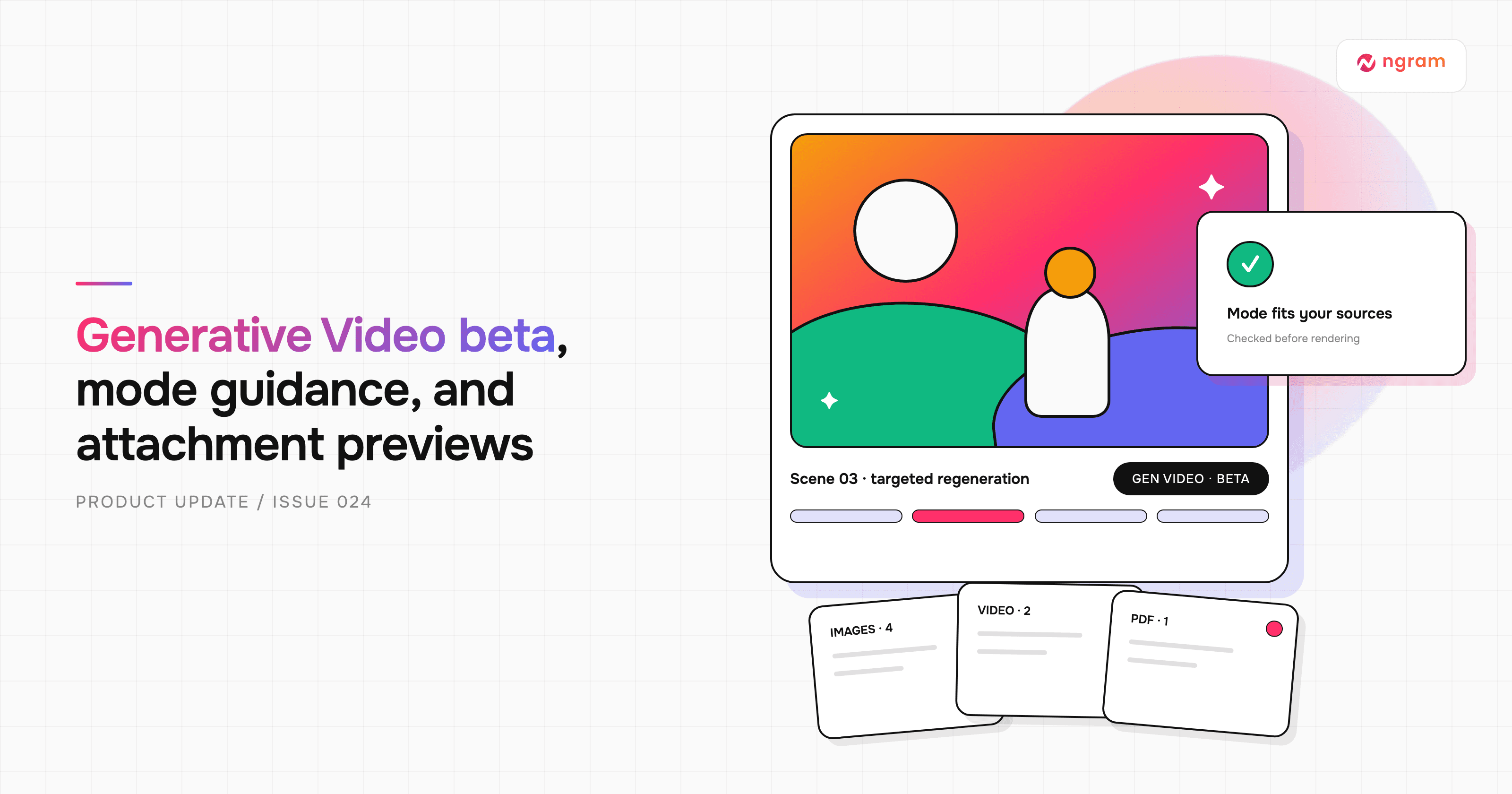


Generative Video is entering a gradual public beta. When the option is available in your account, ngram can turn each storyboard scene into a native AI video clip grounded in the images and references you provide. You can now request targeted visual changes without rebuilding every clip. This release also catches poor-fit animation modes before rendering, adds file previews for attachment stacks, keeps regenerated narration at a natural pace, and makes download outcomes easier to understand.
What's new
Create and revise with Generative Video beta
Generative Video is rolling out through the animation-mode picker. Eligible accounts see a Generative Video card with a badge showing the current rollout percentage. Choose it when you want each storyboard scene rendered as an AI-generated video clip, with your images, products, mascots, screenshots, and brand references available as visual grounding. The rollout is gradual, so the card may not appear in every account yet.
After a Generative Video draft is ready, describe a visual edit in chat or use Make changes to pin feedback to a moment in the preview. ngram regenerates the affected existing segments, preserves their timing and resolution, and reuses untouched clips. Older scenes without editor-ready source information may need one fresh scene render before targeted editing works. The visual Edit workspace is not available for Generative Video scenes.
For a practical mode comparison and current availability, read Choose a video type.
Catch the wrong animation mode before rendering
Interactive creation now compares the selected animation mode with your request and sources before the storyboard render begins. If the fit is poor, ngram explains the mismatch and recommends a better mode once, before render credits are spent. You can keep the current choice or start a new video in the recommended mode. The same check can appear later when a new upload changes what the video needs, such as adding a product recording to a mode that cannot show the real interface well. Automated API creation continues without this interactive stop.
Preview attachment stacks before you send
The composer now groups pending files into image, video, PDF, and audio stacks. Open a stack to preview supported files, move between items with the arrows or thumbnail rail, and remove the selected attachment without closing the dialog. PowerPoint files and other unsupported previews offer an Open attachment link instead. The stack stays in sync while a PDF or deck is converted into page images, including when you remove it during processing. See Use sources and attachments for the full workflow.
More improvements
- Narration regenerated after a script, voice, or language change now keeps its natural speaking pace. Compatible Motion Graphics scenes follow the new audio length and retain their visual work instead of speeding up or slowing down the voice to fit an old duration. Screencast and slide timing rules remain unchanged because their source footage and fixed holds are meaningful.
- Every conversation download path now opens a clear result dialog after the browser save begins, or explains a safe failure without exposing internal details. If damaged authored audio blocks an otherwise valid export, ngram can omit the unreadable source and preserve the remaining video and healthy audio; a final visual-only fallback remains available when necessary.
- Website-based projects can now carry selected page images into research alongside the extracted text. Visual references are inspected and reused more deliberately when they are suitable, which helps keep products, mascots, and recurring subjects grounded in the sources you supplied.
- Screencast and Screencast + Avatar now show their 16:9 requirement throughout creation and disable incompatible portrait or square choices. When a recording and canvas have different orientations, the planner preserves the complete recording inside a designed layout instead of cropping away most of the frame.
- MiniMax H3 Max is now available for reference-to-video work and is used by the reference-video path when no explicit model override is selected. The main app picker keeps its existing default.
Bug fixes
- Script drafts stay mounted while you move between scenes, pasted formatting no longer creates invalid scene breaks, and narration regeneration keeps the last good presenter and audio until the replacement is ready.
- The Edit-mode preview remains above the timeline as panels open and close, and canvas selection and deletion agree on which object is under the pointer.
- Gallery publish and unpublish work again after a production outage. Hosted quizzes, polls, and action buttons also authorize correctly on active hosted links.
- First image-overlay saves and later scene edits accept the platform's own playback dependencies and the stored document's existing media URLs, while new foreign URLs remain blocked.
- Conversation clones fail cleanly when a source is incomplete, removed narration and music no longer return from stale tool output, and standalone-tool results reach Agentic Chat without losing their file type or composer state.
- Motion Graphics exports keep direct video frames, hide inactive scenes, preserve every scene voiceover, isolate repeated GSAP selectors, and render animated captions without overlapping copies. Non-Latin symbols receive verified font coverage, and Avatar downloads no longer add a duplicate presenter.
- Generated HTML animations now reject clipped or overlapping text and excessive image cropping before delivery, with a bounded repair pass using the exact failing timestamp and element.
- Standalone media-tool downloads now match the preview's real duration, aspect ratio, audio, and backdrop instead of falling back to a 60-second silent landscape export. The tool page also shows why a download failed.
Past issues

Product Update: Video Style Templates, Square Videos, and Avatar Layouts — August 31, 2026
Product Update: Blank Canvas, Script Editing, and More Editor Controls — August 24, 2026
Product Update: Creator Video Hosting, Unified Screencast Editing, and Cancellation Surveys — August 15, 2026
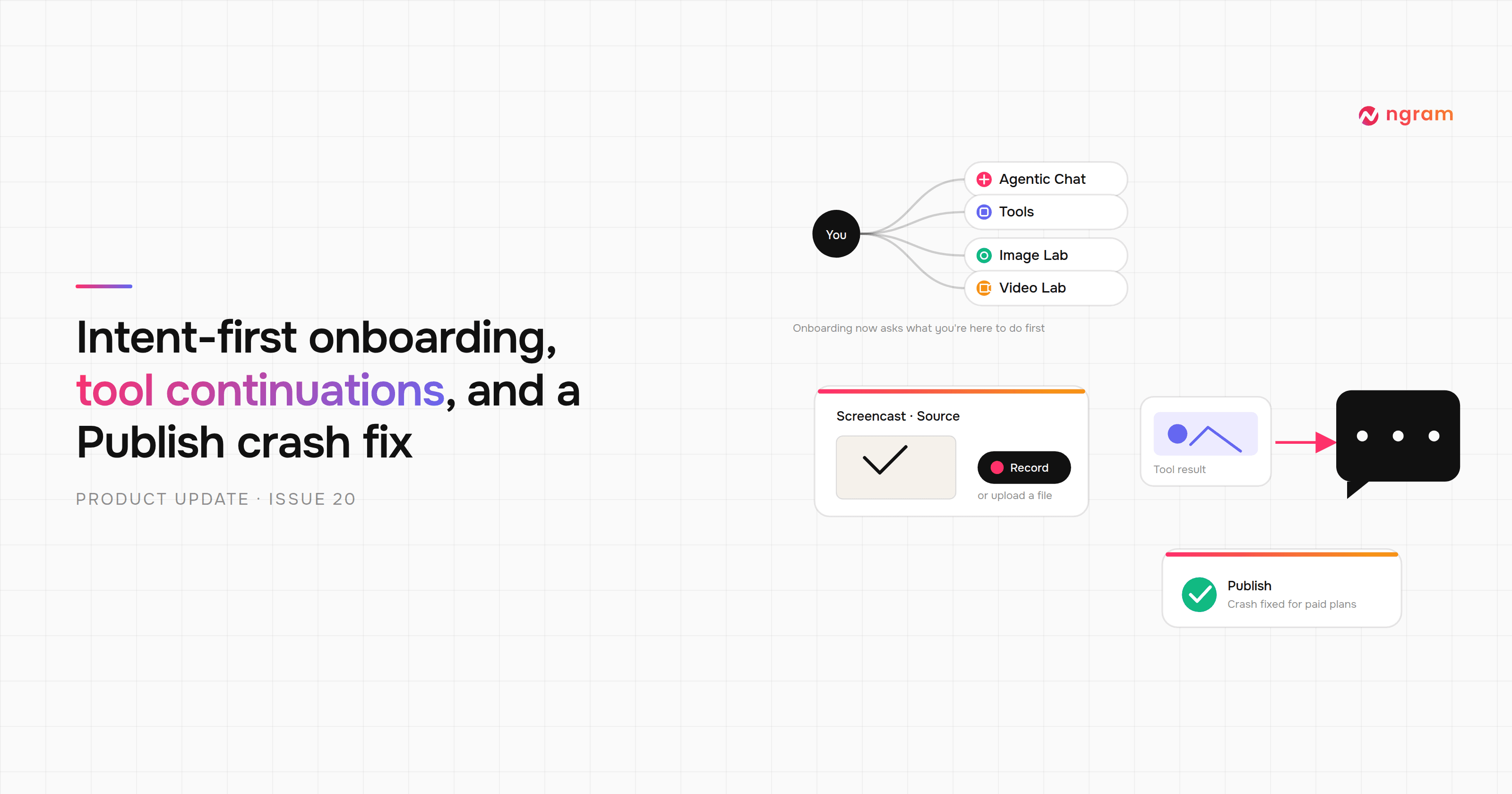
Product Update: Intent-First Onboarding, Tool Continuations, and Publish Fixes — August 8, 2026
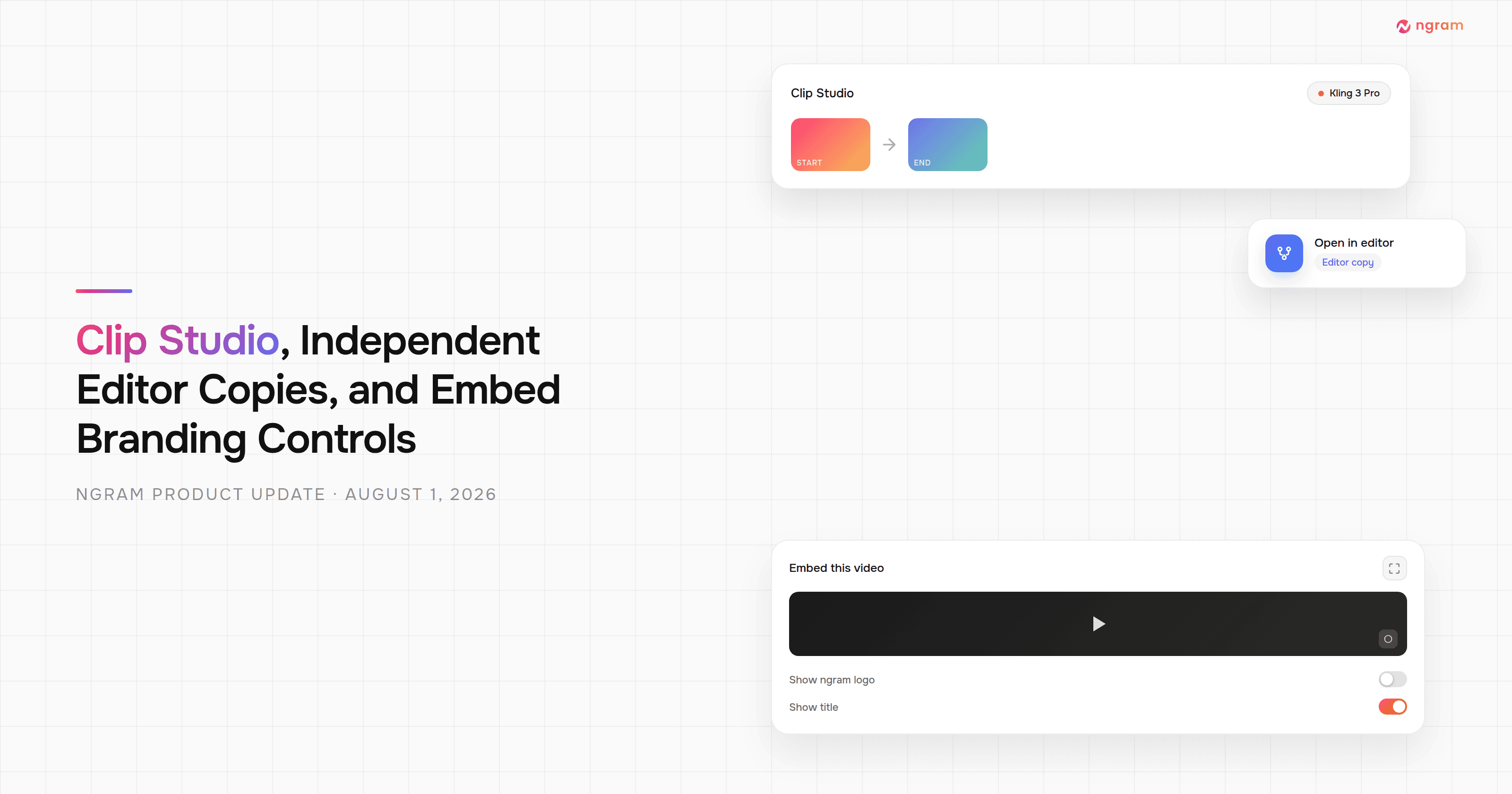
Product Update: Clip Studio, Independent Editor Copies, and Embed Branding Controls — August 1, 2026
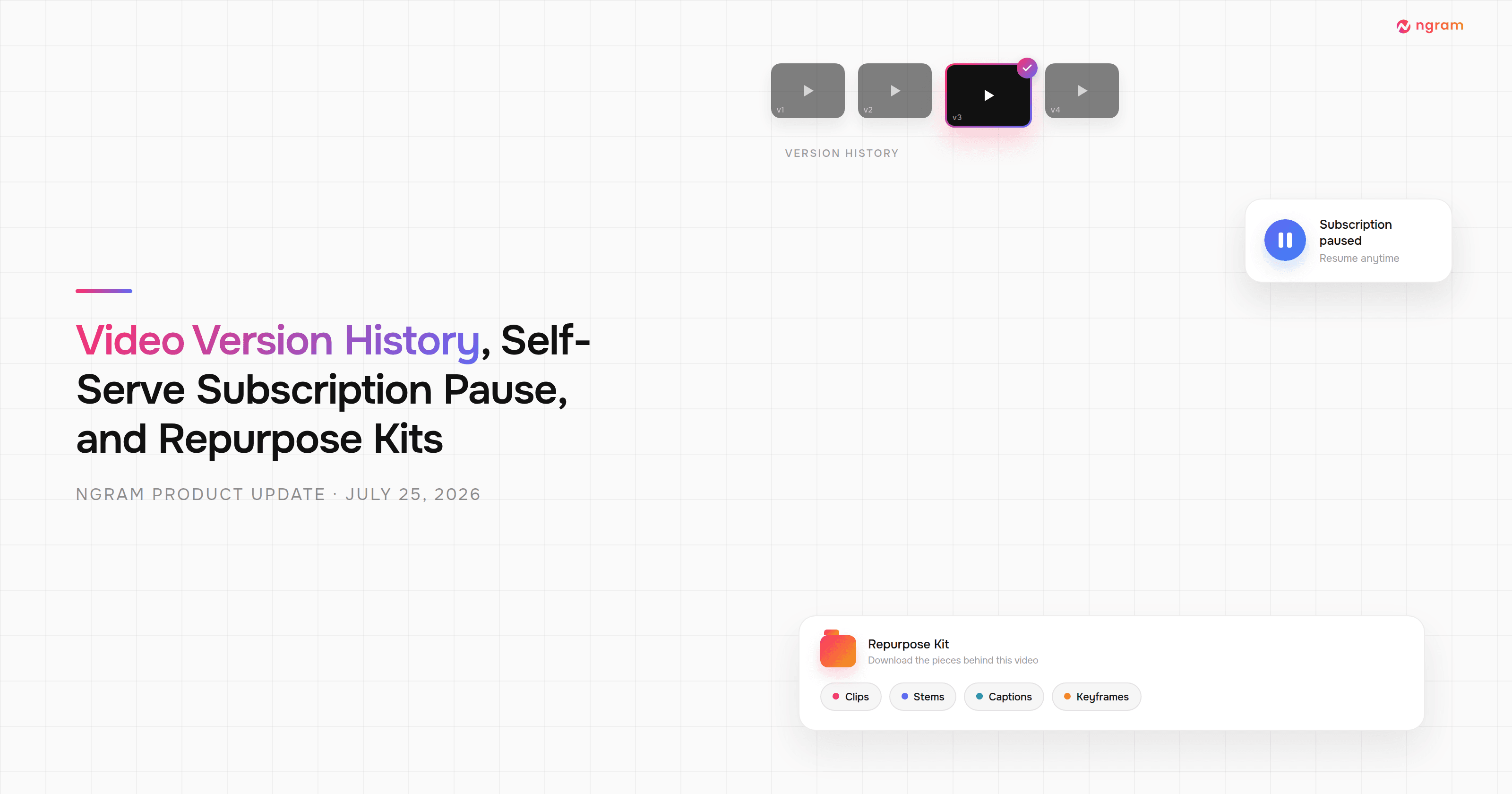
Product Update: Video Version History, Self-Serve Subscription Pause, and Repurpose Kits — July 25, 2026

Product Update: Multi-Speaker Voiceover, Custom Video Thumbnails, and On-Demand Background Music — July 18, 2026

Product Update: Lip-Synced Video Translation, Screencast + Avatar for Everyone, and Background Remover Backdrops — July 11, 2026