AI Consulting Video Maker by ngram
AI Consulting Video Maker for client-ready deliverables

Name the audience, engagement context, source material, review needs, tone, length, and CTA
What it does
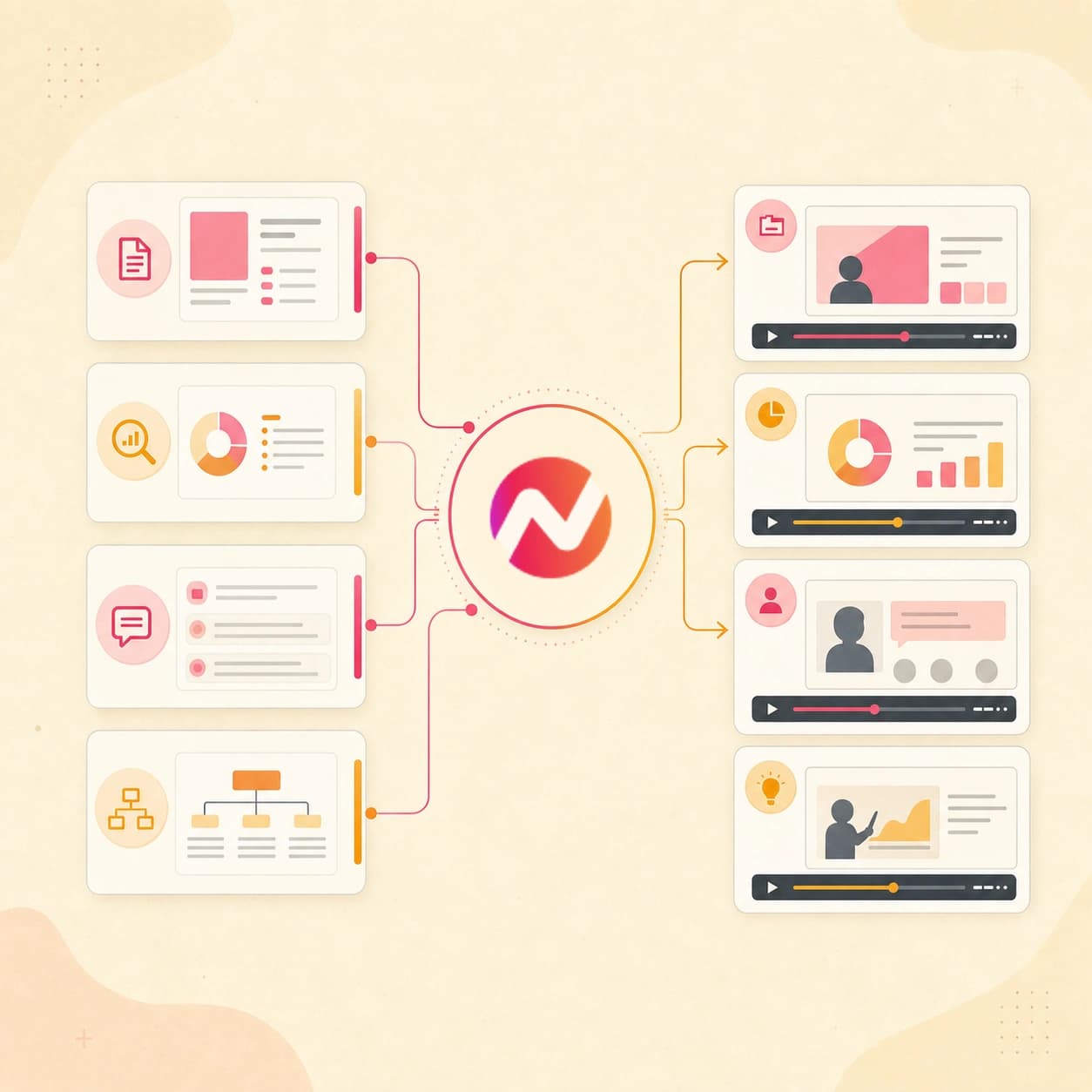
Turn your proposal, findings, or workshop output into an executive video clients can absorb quickly. Keep the project editable for stakeholder feedback and follow-up versions.
Trusted by teams at












How it works
How the AI consulting video maker works.
Bring the consulting material, review the plan, then generate an editable video asset while approvals, delivery, and engagement management stay in the systems your team already controls.
Add the consulting source
Start from a prompt, proposal PDF, insight report, deck export, approved chart, image, doc, owned public service page, or URL. Include the audience, context, and claims the video must avoid.
Source ready
Review the script and storyboard
ngram turns the source into a consulting narrative with scene timing, narration, visual direction, proof points, caption plan, and CTA before rendering starts.
Plan reviewed
Generate the consulting video
The project gets AI visuals, motion graphics, voiceover, captions, intro and outro treatment, and active brand kit styling tied to the approved plan.
Draft generated
Edit and export versions
Use chat, script edits, canvas controls, or the timeline to revise the draft and download the finished MP4. Prepare and review each client or channel edit separately.
Ready for review
What it can do
What the AI consulting video maker builds.
Create consulting proposal videos, insights explainers, client updates, service-line videos, webinar recaps, and thought-leadership clips from approved source material.
Consulting script and storyboard
Turn a brief, proposal, deck, insight report, doc, image, or URL into a reviewable video story with scenes, talk track, proof points, and CTA.
Learn more about scriptsDeck and report structure
Convert a PowerPoint or PDF proposal deck into video scenes so the recommendation, chart context, and next step follow the approved source order.
Convert PPT to VideoAI visuals for insight stories
Generate supporting frames, section dividers, concept visuals, and branded fills around the consulting message and uploaded references.
Learn more about AI visualsVoiceover and captions
Generate narration from the approved consulting script, add captions by default, and keep both editable when the client or partner revises the message.
Learn more about voiceoverBrand kit and message controls
Apply logos, colors, fonts, tone rules, approved phrases, blocked phrases, intros, outros, and CTA cards across every consulting video version.
Learn more about brand kitBuilt for consulting video assets, not advisory outcomes or client delivery systems
When it matters
Where AI consulting videos fit.
Use these workflows when consulting source material needs to become a clear video asset for clients, partners, prospects, or internal stakeholders.
Agency client deliverable video
Use the AI consulting video maker to turn scoped client work, engagement notes, screenshots, PDFs, and URLs into a polished video deliverable for review.
Open deliverable workflowAgency pitch video
Create a consulting pitch video from a proposal deck, service-line narrative, case study proof, or partner introduction before the next prospect meeting.
Open pitch workflowSales proposal walkthrough video
Convert a consulting proposal PDF, SOW, pricing deck, or scope summary into a narrated walkthrough stakeholders can review before the live discussion.
Open proposal workflowCS QBR video
Turn client update decks, performance summaries, dashboard screenshots, and quarterly insight notes into a concise recap video for account stakeholders.
Open QBR workflowPMM explainer
Use consulting frameworks, service pages, product notes, or research summaries as the source for an explainer that clarifies a complex business message.
Open explainer workflowPMM sales enablement
Turn positioning notes, objection guidance, comparison material, or practice insights into a short video consultants and sales teams can review together.
Open enablement workflowAgency case study video
Convert client proof, project summaries, quotes, approved charts, and result snapshots into a consulting case study video for future proposals.
Open case study workflowMarketing webinar clips
Repurpose a consulting webinar, briefing, or analyst-style session into captioned recap clips that preserve the strongest insights from the recording.
Open webinar workflowLinkedIn video
Turn a point of view, consulting framework, client-safe insight, or service-line idea into a short video sized for thought-leadership review and export.
Open LinkedIn workflowProduct stack
The product stack behind consulting videos.
Each feature page below covers a part of ngram that turns consulting material into a planned, branded, editable video project.
Script generation for consulting narratives
Turn prompts, PDFs, URLs, decks, reports, and notes into the script and scene plan that guide the consulting video draft.
Learn more about scriptsAI visuals for abstract ideas
Generate supporting frames and scene imagery when the source is a framework, insight, or consulting concept rather than footage.
Learn more about AI visualsAI voiceover for narrated briefs
Create narration from the approved script and revise the audio when the proposal language, insight order, or CTA changes.
Learn more about voiceoverCaptions for async client review
Add captions to proposal walkthroughs, client updates, and thought-leadership clips so the message works in email, chat, or a quiet review setting.
Learn more about captionsBrand kit for every engagement
Carry logos, colors, fonts, tone rules, approved phrases, blocked phrases, intros, outros, and CTA cards into each consulting video.
Learn more about brand kitVideo editing after the draft
Use chat, the script editor, canvas controls, scene regeneration, and timeline editing to revise the consulting video without rebuilding it.
Learn more about editingMore tools
More tools around consulting video creation.
Use these when the consulting job starts from a narrower source, needs a neighboring video format, or requires polish after the first draft.
Adjacent consulting video makers
Start here when the consulting asset is closer to a pitch, agency deliverable, sales asset, or explainer.
AI Agency Video Maker
Create client-facing deliverables from briefs, approved files, service pages, case studies, and URLs when the consulting work is packaged like agency output.
Open toolAI Pitch Video Maker
Turn pitch decks, proposal notes, images, docs, and URLs into an editable video when the consulting story needs to support a presentation.
Open toolAI Sales Video Maker
Build proposal walkthroughs, demo leave-behinds, and account education videos from consulting sales material while keeping outreach elsewhere.
Open toolAI B2B Video Maker
Create broader B2B videos when the consulting source needs product, customer story, webinar, or sales enablement framing.
Open toolAI Explainer Video Maker
Create a structured explainer when the consulting asset needs to clarify a framework, process, service line, or complex insight.
Open toolSource-specific starts
Use these tools when the input shape is already clear before the consulting video brief is written.
PPT to Video
Turn consulting decks and PDF slide exports into narrated scenes before revising the script, captions, and client-ready export.
Open toolURL to Video
Paste an owned public service page, report page, article, or case study URL and let ngram draft the video around that source.
Open toolVideo Script Generator
Draft the consulting hook, body, and CTA from prompts, source notes, PDFs, URLs, decks, or recordings before generating the full video.
Open toolPolish and reuse
Use these tools after the consulting draft exists and the team needs captions, editing, or shorter reusable assets.
Video Editor
Open the consulting draft for timeline edits, script changes, canvas tweaks, scene regeneration, and export cleanup.
Open toolVideo Caption Generator
Generate and style captions for consulting proposal videos, insight clips, and client update drafts before review.
Open toolAI Webinar Video Maker
Turn consulting webinars, briefings, and replay notes into recap videos or source clips that can feed a thought-leadership sequence.
Open toolConvert
Converters that feed consulting videos.
These converters cover the source formats that often become consulting proposal videos, insight explainers, client updates, and webinar recaps.
Proposal to Video
Convert a proposal PDF, SOW, or pricing summary into a narrated consulting walkthrough before editing the final message in ngram.
Open converterDeck to Video
Use a consulting deck, client briefing, or service-line presentation as the structure for a narrated video draft.
Open converterReport to Video
Turn a research report, performance recap, or quarterly findings PDF into a concise insights video with narration and captions.
Open converterWho it is for
Teams that use consulting video workflows.
These teams already have strategy material, client context, or business source files. ngram turns that material into a video asset they can review and export.
Agencies and consultants
Create pitch videos, case studies, client updates, and service-line explainers from the material each engagement already produces.
See consultant workflowsSales enablement
Turn consulting proposal notes, buyer education points, and approved service narratives into videos reps can review before handoff.
See sales workflowsProduct marketing
Use the same source-to-video workflow for market insights, launch narratives, analyst-style explainers, and sales enablement updates.
See PMM workflowsCustomer success
Create client update videos, QBR recaps, feature education, and training assets from account notes, decks, and dashboard screenshots.
See CS workflowsGrowth and marketing teams
Turn consulting reports, webinar insights, thought-leadership notes, and landing pages into social clips or campaign video drafts.
See marketing workflowsEnterprise teams
Use team workspaces, brand kits, and guardrails when consulting-style communications need reviewable scripts and consistent visual treatment.
See enterprise workflowsSolopreneurs
Turn a solo consultant's framework, client-safe insight, proposal, or course note into a polished video without adding a separate editor.
See solo workflowsIntegrations
Wire consulting video creation into your stack.
Live integrations can trigger or route consulting video work around briefs, approved source URLs, agents, and browser capture while review stays inside ngram.
Zapier
AutomationWhenA consulting intake form or approved workflow captures a brief, audience, source URL, and target CTA.
ThenCreate an ngram request for a proposal walkthrough, client update, or insight explainer for human review.
n8n
Self-hostedWhenA self-hosted workflow has an approved consulting summary, report URL, and target video brief.
ThenSend the structured prompt into ngram and return the project status to the workflow after generation.
Chrome Extension
BrowserWhenA consultant is viewing an owned public service page, article, report page, or case study that should become a video.
ThenSend the page context to ngram so the consulting video maker can draft the script and scenes from that source.
MCP Server
AgentWhenAn AI agent has the consulting brief, source notes, audience, and review constraints ready in the conversation.
ThenInvoke ngram through MCP with the prompt, file context, URL, and export notes for the video request.
Use these surfaces when consulting video requests need to run alongside agents, browser capture, or automation.
Why ngram
How consulting video workflows compare.
Some tools start from templates. Others only polish existing recordings. ngram is built for consulting teams starting from prompts, files, URLs, decks, reports, and approved business context.
| Compare | ngram | Template editor | Manual editing workflow | Point AI clip tool |
|---|---|---|---|---|
| Workflow fit | Turns prompts, proposal PDFs, decks, docs, images, and owned or public URLs into a script, storyboard, scenes, captions, and voiceover. | Useful when the consulting team already knows the script, layout, timing, and visual treatment. | Good for high-touch custom cuts when an editor has time to interpret the consulting material. | Helpful when the source is already a recording, webinar, or long clip that needs trimming. |
| How ngram fits | Applies brand kit, approved phrases, blocked phrases, intros, outros, and CTA cards across consulting video versions. | Usually asks the user to translate reports, proposals, and decks into scenes by hand. | Requires separate work for script, narration, captions, brand review, exports, and revision tracking. | Less direct when the consulting video needs to be generated from a prompt, proposal, report, deck, image, or source URL. |
| Best use | Keeps the draft editable through chat, script edits, canvas controls, timeline, scene regeneration, and MP4 export. | Can work for repeat formats, but each client update or proposal change still needs manual rebuild work. | Slower when the consulting team needs several client-specific versions from the same source material. | Often stops before the full script, storyboard, brand kit, voiceover, captions, and export workflow is finished. |
FAQ
Common questions about the AI consulting video maker
Still curious?
Turn consulting source material into editable client videos
Bring the prompt, proposal PDF, deck, doc, image, insight report, owned public URL, or webinar notes. ngram plans the story, generates the draft, adds voiceover and captions, applies the brand kit, and exports the versions your team needs.
Start the consulting video now, then finish the project in the editor.
Prompt, file, URL, script, voice, captions, export