AI B2B Video Maker by ngram
AI B2B Video Maker for product marketing and sales

Name the audience, source material, product angle, length, tone, and review goal.
What it does
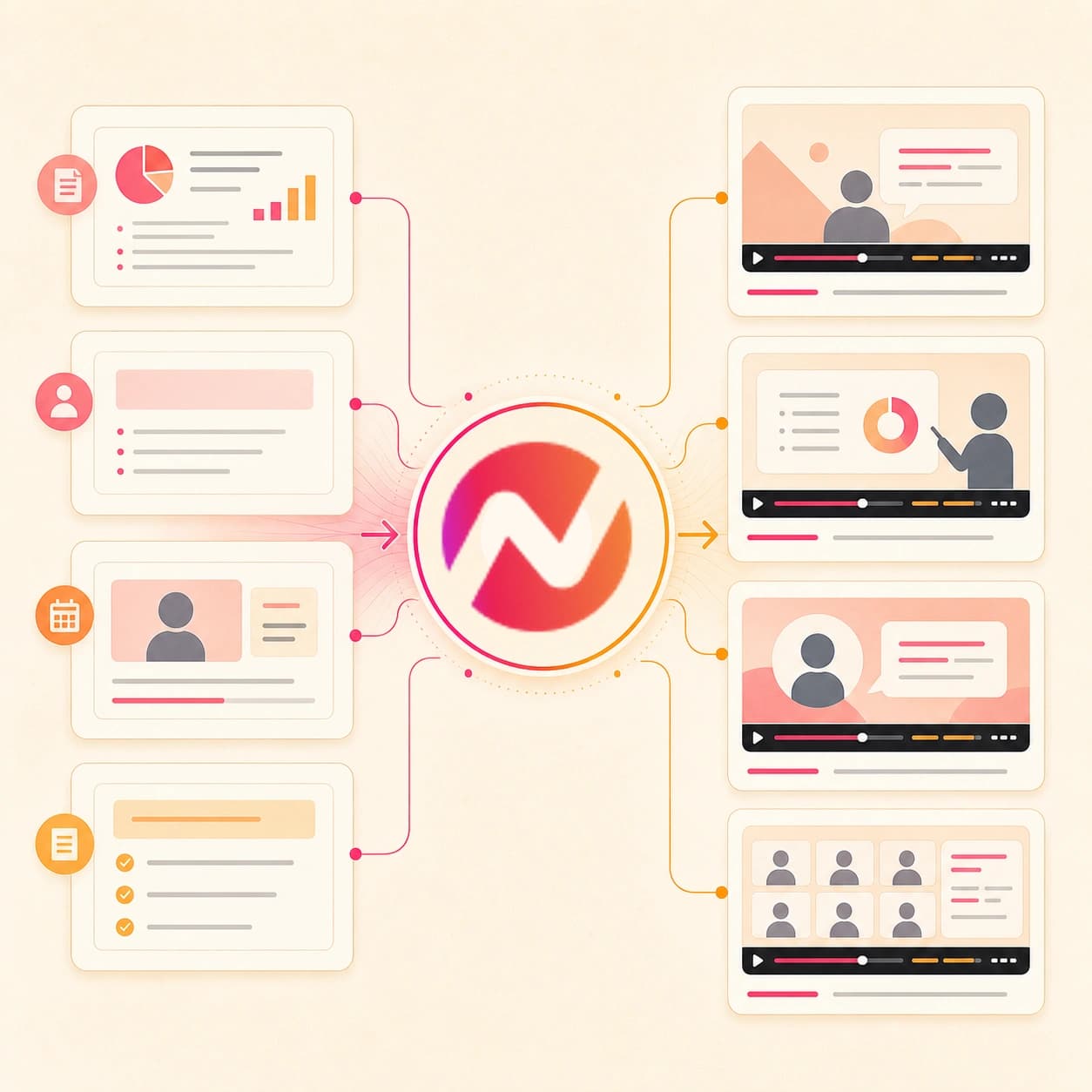
Turn the source material your B2B team already has into product explainers, sales videos, and customer education. Keep the message, brand, and audience variants connected in one project.
Trusted by teams at












How it works
How the AI B2B video maker works.
Bring the business source, review the plan, then refine an editable video draft for product, sales, customer, webinar, or internal enablement work.
Add the B2B source
Start from a prompt, script, owned or public URL, PDF, doc, deck, image, screenshot, screen recording, proposal, or approved customer story source.
Source ready
Review the script and storyboard
ngram turns the source into a hook, scene order, narration plan, visual direction, caption plan, timing, and CTA before the first video draft renders.
Plan reviewed
Generate the B2B video draft
The project can include AI visuals, product callouts, motion graphics, voiceover, captions, music, branded intro and outro treatment, and brand kit styling.
Draft generated
Edit and export variants
Use chat, script edits, scene regeneration, canvas controls, or the timeline to revise the message, then download the finished MP4.
Ready to export
What it can do
What the AI B2B video maker builds.
Create reviewable B2B video projects from the material your team already owns. Keep audience selection, delivery, channel work, and business reporting in the systems that own them.
Script and storyboard from source
Turn prompts, scripts, docs, PDFs, decks, images, and URLs into a reviewable B2B video plan with scene timing, narration, visual direction, and CTA.
Learn more about script generationAI visuals for business context
Generate supporting scene imagery, product-adjacent visuals, and motion-ready frames from the script, source material, and brand direction.
Learn more about AI visualsVoiceover from the reviewed script
Create narration from the approved script, choose a voice, and regenerate affected audio when the B2B message changes.
Learn more about AI voiceoverCaptions for review and reuse
Burn in captions by default so product explainers, sales videos, customer stories, webinar clips, and internal updates stay clear when watched without sound.
Learn more about captionsBrand kit controls
Apply logos, colors, fonts, motion style, screenshot style, voice, tone, approved phrases, blocked phrases, intros, outros, and CTA treatment.
Learn more about brand kitEditable scenes and timeline
Revise scenes with chat, visual chat, the script editor, canvas controls, scene regeneration, and timeline editing instead of rebuilding the full video.
Learn more about video editingBuilt for editable B2B video drafts, not campaign operations
When it matters
B2B video workflows this tool supports.
Use the AI B2B video maker when approved business context needs to become an explainer, demo, enablement asset, customer proof, recap, or internal update.
Business video creation
Turn business prompts, docs, URLs, and recordings into editable B2B video drafts with script, storyboard, visuals, voiceover, captions, brand kit, and export options.
Open business video use caseProduct explainer videos
Use product docs, landing pages, screenshots, or rough walkthroughs to create a B2B product explainer with a clear story and reviewable scene plan.
Open explainer use caseProduct demo videos
Create demo videos from product pages, screen context, screenshots, or a script so buyers and internal teams can see the workflow in motion.
Open demo use caseSales product demos
Turn approved discovery notes, product context, or a workflow recording into an account-relevant demo video while keeping delivery, meetings, and deal tracking in your existing workflow.
Open sales demo use casePMM sales enablement
Convert positioning, battlecards, launch briefs, and approved talk tracks into enablement videos reps can review and share through the tools your team already uses.
Open enablement use caseCustomer story videos
Shape approved customer proof, case study notes, quotes, and product context into a B2B customer story video with editable claims and branded captions.
Open customer story use caseWebinar clips and recaps
Repurpose webinar recordings, transcripts, and recap notes into shorter clips or summary videos with captions, speaker context, and brand treatment.
Open webinar clips use caseProposal walkthrough videos
Turn a proposal PDF, pricing deck, or scope document into a narrated walkthrough that explains the source material without replacing the sales process.
Open proposal use caseInternal product updates
Convert release notes, roadmap docs, sprint summaries, and screen recordings into internal enablement videos teammates can watch after the meeting.
Open internal update use caseProduct stack
Product features behind the AI B2B video maker.
These ngram features support the B2B workflow from source material to editable draft, review, and export.
Script Generation
Build the B2B script and scene plan from prompts, URLs, docs, decks, PDFs, recordings, and approved notes before rendering starts.
Learn more about scriptsAI Visuals
Generate scene imagery and visual fills tied to the B2B script, product context, uploaded references, and brand direction.
Learn more about visualsAI Voiceover
Turn the approved B2B video script into narration, choose a voice, and regenerate audio after copy changes.
Learn more about voiceoverCaptions
Add burned-in captions to explainers, demos, customer stories, webinar clips, and internal updates so each draft stays readable.
Learn more about captionsBrand Kit
Apply logos, colors, fonts, motion style, screenshot style, voice, tone, approved phrases, blocked phrases, and CTAs to each B2B video.
Learn more about brand kitVideo Editing
Revise the generated B2B draft through chat, visual chat, script edits, scene regeneration, canvas controls, and timeline controls.
Learn more about editingCollaboration
Keep source material, generated assets, brand kits, and team review work close to the B2B video project.
Learn more about collaborationMore tools
Related ngram tools for B2B video work.
Use these tools when the source, deliverable, or editing task is narrower than the broad AI B2B video maker workflow.
Start from B2B source material
Choose the entry point that matches the source you already have.
AI Video Generator
Use the broader generator when the B2B brief spans prompts, scripts, pages, decks, images, recordings, and several possible video types.
Open toolText to Video
Paste an approved B2B script, outline, positioning note, or talk track and turn the text into an editable video draft.
Open toolURL to Video
Paste an owned or public product page, release note, case study, help article, or launch page as the video source.
Open toolVideo Script Generator
Plan the B2B message first when the team wants to approve the hook, scene order, and CTA before video generation.
Open toolAI SaaS Video Maker
Use the SaaS-focused workflow for product pages, screenshots, release notes, onboarding, feature education, and demo videos.
Open toolAI Consulting Video Maker
Turn consulting proposals, insight briefs, client updates, and service-line context into B2B-friendly video drafts.
Open toolFocused B2B deliverables
Open a narrower tool when the team already knows the final asset type.
AI Demo Video Maker
Create B2B walkthroughs from prompts, images, PDFs, and URLs when the deliverable is a demo for sales, onboarding, or training.
Open toolAI Case Study Video Maker
Turn approved proof, case study PDFs, customer story pages, and project summaries into editable customer story videos.
Open toolAI Webinar Video Maker
Turn webinar recordings, briefs, transcripts, or recap notes into editable follow-up videos and shorter clips.
Open toolVideo Editor
Tighten the B2B draft with timeline controls, script edits, visual chat, captions, and export settings in the same project.
Open toolAdd Subtitles to Video
Generate, edit, style, and burn subtitles into a demo, webinar cut, customer story, or internal video after the first draft exists.
Open toolConvert
Converters that feed B2B video drafts.
Use these converters when your B2B source already exists as a prompt, document, URL, deck, proposal, case study, or recording.
Prompt to Video
Start with the B2B idea, audience, source context, and CTA, then review the generated script and storyboard before render.
Open converterDocs to Video
Turn product notes, internal docs, enablement material, and SOPs into a video plan with narration and branded scenes.
Open converterURL to Video
Use an owned or public product page, case study, release note, help article, or landing page as the source for a B2B video draft.
Open converterWho it is for
B2B teams that use this workflow.
These teams already own the source material. The AI B2B video maker turns it into video drafts they can review, edit, and export.
Product Marketing Managers
Turn launch briefs, positioning docs, battlecards, and segment narratives into product explainers, sales enablement videos, and customer proof assets.
See product marketing workflowsSales Enablement
Convert talk tracks, demo context, proposal docs, and objection handling notes into B2B videos reps can review and share from their own tools.
See sales enablement workflowsGrowth & Marketing Teams
Create campaign explainers, landing page videos, webinar clips, and social cutdowns from briefs, pages, recordings, and customer proof.
See growth workflowsCustomer Success
Turn onboarding docs, feature education, QBR notes, help articles, and renewal narratives into customer-facing video drafts.
See customer success workflowsProduct Managers
Use PRDs, release notes, roadmap docs, screenshots, and recordings to make demos, changelog videos, and internal product updates.
See product manager workflowsSaaS Companies
Create SaaS product demos, feature launch videos, onboarding cuts, and help-center walkthroughs from product material the team already maintains.
See SaaS workflowsEnterprise
Use shared source material, brand kits, workspaces, and review workflows to keep B2B video creation consistent across teams.
See enterprise workflowsHR & Internal Comms
Turn policy docs, training material, leadership notes, and company updates into internal B2B communication videos with captions and brand treatment.
See internal comms workflowsIntegrations
Connect source workflows to B2B video creation.
Use live create integrations to send approved source material into ngram. Keep delivery, follow-up, reporting, and channel work in the systems that already own them.
Approved brief to B2B video draft
ZapierWhenA content request, launch brief, case study summary, or enablement intake form is marked ready for video.
ThenSend the approved prompt, audience, source links, and file context to ngram so the AI B2B video maker can create a reviewable project.
Self-hosted review queue to video
n8nWhenA self-hosted workflow collects approved B2B source material and routes it to a video review queue.
ThenCreate the ngram video draft, check its status, and pass the project link to the internal review step.
Agent-prepared source to video project
MCPWhenAn AI agent has the approved B2B prompt, source summary, audience, and brand direction ready.
ThenInvoke ngram through MCP to create the video project and return status for the next review step.
Page context to B2B draft
ChromeWhenA marketer or PMM is reviewing an owned or public product page, case study, release note, help article, or webinar recap.
ThenSend the page context into ngram from the browser and start a B2B video draft without rewriting the brief by hand.
Use these surfaces when B2B video creation needs to start from approved source workflows, agentic tools, or browser context.
Why ngram
How AI B2B video maker workflows differ.
B2B teams need more than a one-off clip. The useful workflow starts with business source material, keeps the plan editable, and exports finished assets without taking over delivery systems.
| Compare | ngram | Avatar-led video maker | Template editor | Manual production workflow |
|---|---|---|---|---|
| Workflow fit | Accepts prompts, scripts, owned or public URLs, docs, decks, PDFs, images, screenshots, screen recordings, and approved source material. | Works well when the B2B asset mainly needs a presenter reading an approved script. | Gives teams layout control but usually depends on someone turning the B2B source into a script, scene list, and visual plan. | Useful when a team needs a custom shoot, executive recording, or complex creative direction outside an AI draft. |
| How ngram fits | Plans the script and storyboard before render, then generates visuals, voiceover, captions, motion graphics, brand treatment, and editable scenes. | May ask the team to prepare the story, source extraction, supporting visuals, and account context before video creation starts. | Can work for simple social clips when the message is already short and the brand treatment is already built. | Usually adds handoffs for brief, script, storyboard, edit, captions, brand review, and export variants. |
| Best use | Exports MP4 while keeping delivery, follow-up, channel posting, and reporting outside the tool. | Best compared when the decision is between presenter narration and a fuller source-backed storyboard with product scenes, callouts, and B-roll. | Often needs separate passes for voiceover, captions, aspect-ratio variants, and source updates. | Best reserved for projects where live production is the requirement, not for routine B2B explainers, recaps, and enablement drafts. |
FAQ
AI B2B video maker FAQs
Answers for B2B source-to-video workflows.
Start the AI B2B video maker with your source material
Bring a prompt, script, deck, doc, PDF, image, owned or public URL, case study, proposal, or webinar recap. ngram plans the story, generates the draft, adds voiceover and captions, applies your brand kit, and keeps the project editable.
Built for B2B product explainers, sales enablement, customer stories, webinar recaps, account-specific drafts, and internal enablement.
Your team stays in control of the source, review, export, and delivery.