
Articles by Rishikesh Ranjan (186)
How to Explain Quarterly Results on Video Without Sharing the Whole Spreadsheet
Build a quarterly video from a small approved extract. Show the metric, periods and arithmetic, keep the workbook private, and distinguish the result from the next-quarter goal.

How to Handle Completed and Failed Video Jobs With Webhooks
Set up a signed ngram webhook receiver, verify the raw request, route video.completed and video.failed separately, and deduplicate retries without losing a new edit.
How to Add a Diagram to a Recorded Lecture
Add a diagram to a recorded lecture while keeping the instructor’s explanation. Choose the right passage, time the insert to the speech and check the return to the recording.
How to Add a Quiz, Poll, or Clickable Button to a Video
Add a quiz, preference poll or timed button to an ngram video. Check the result in Studio and test the shared destination before assigning it to viewers.
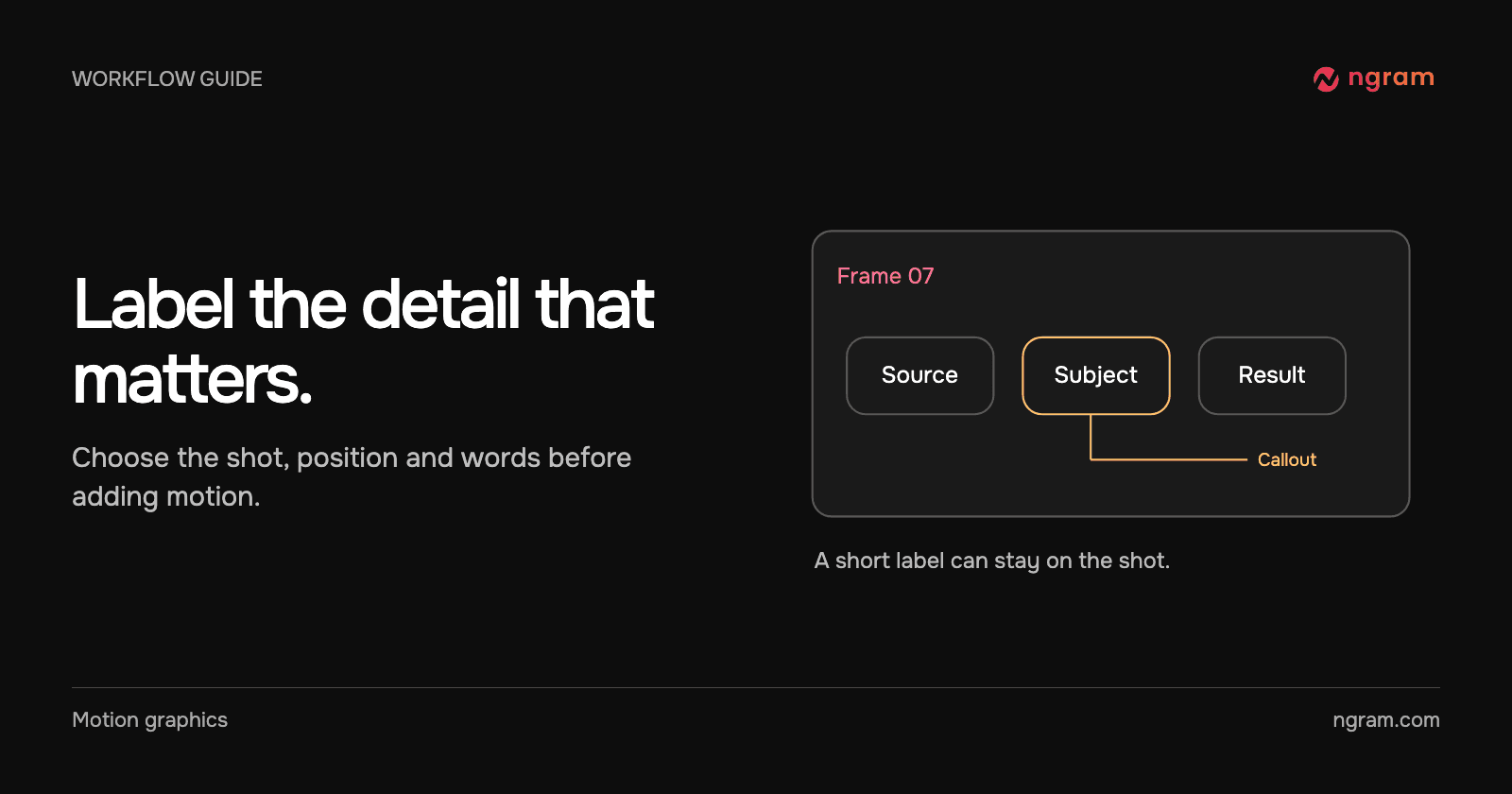
How to Add Labels and Callouts to AI-Generated Video
Add readable labels and callouts to AI-generated footage. Choose the moment, write a short label and decide when a full-frame graphic will explain more clearly.
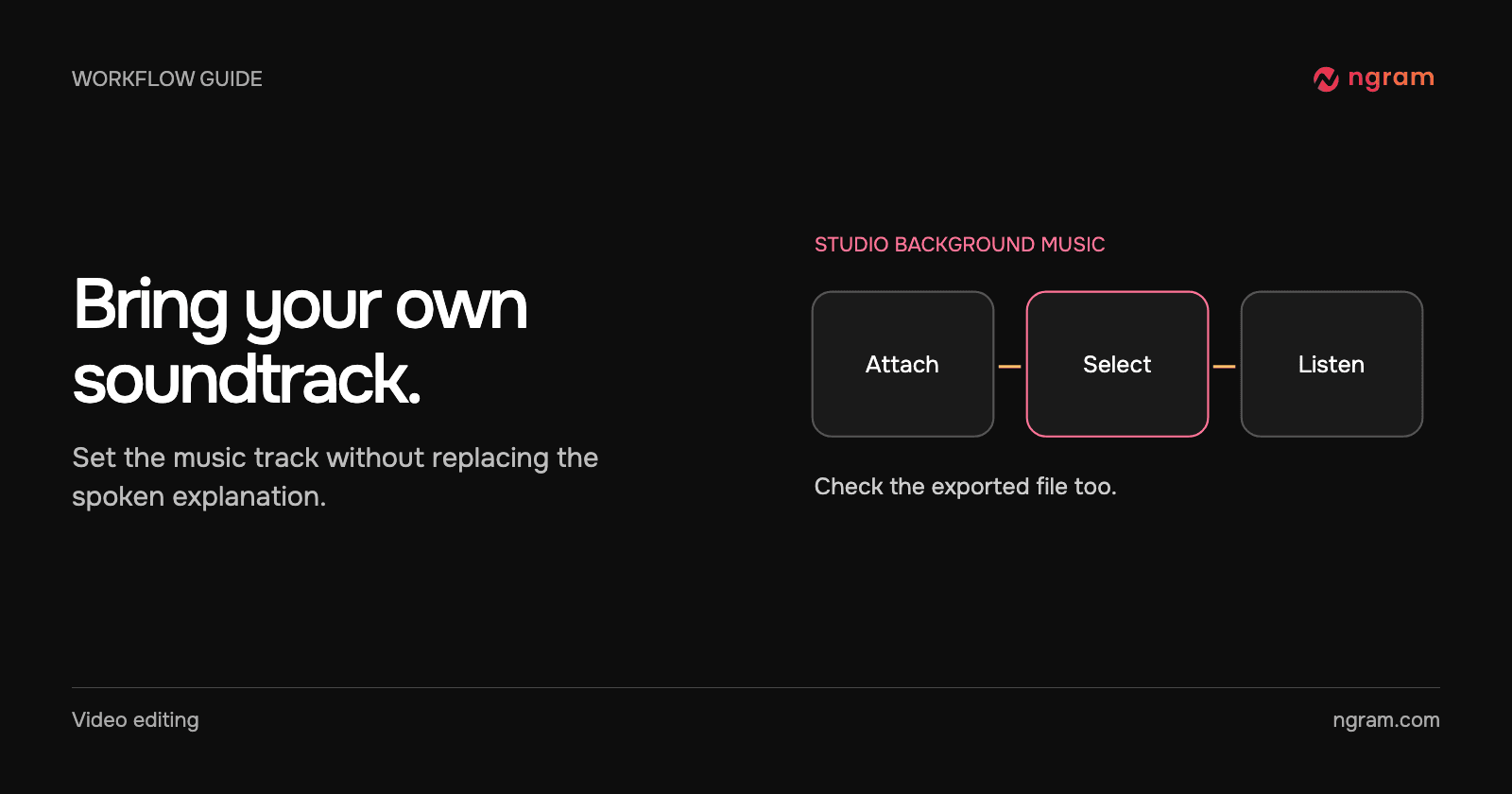
How to Add Your Own MP3 as Background Music in a Video
Add an MP3 in ngram Studio, select it as the background music and check it against the narration before exporting the finished video.
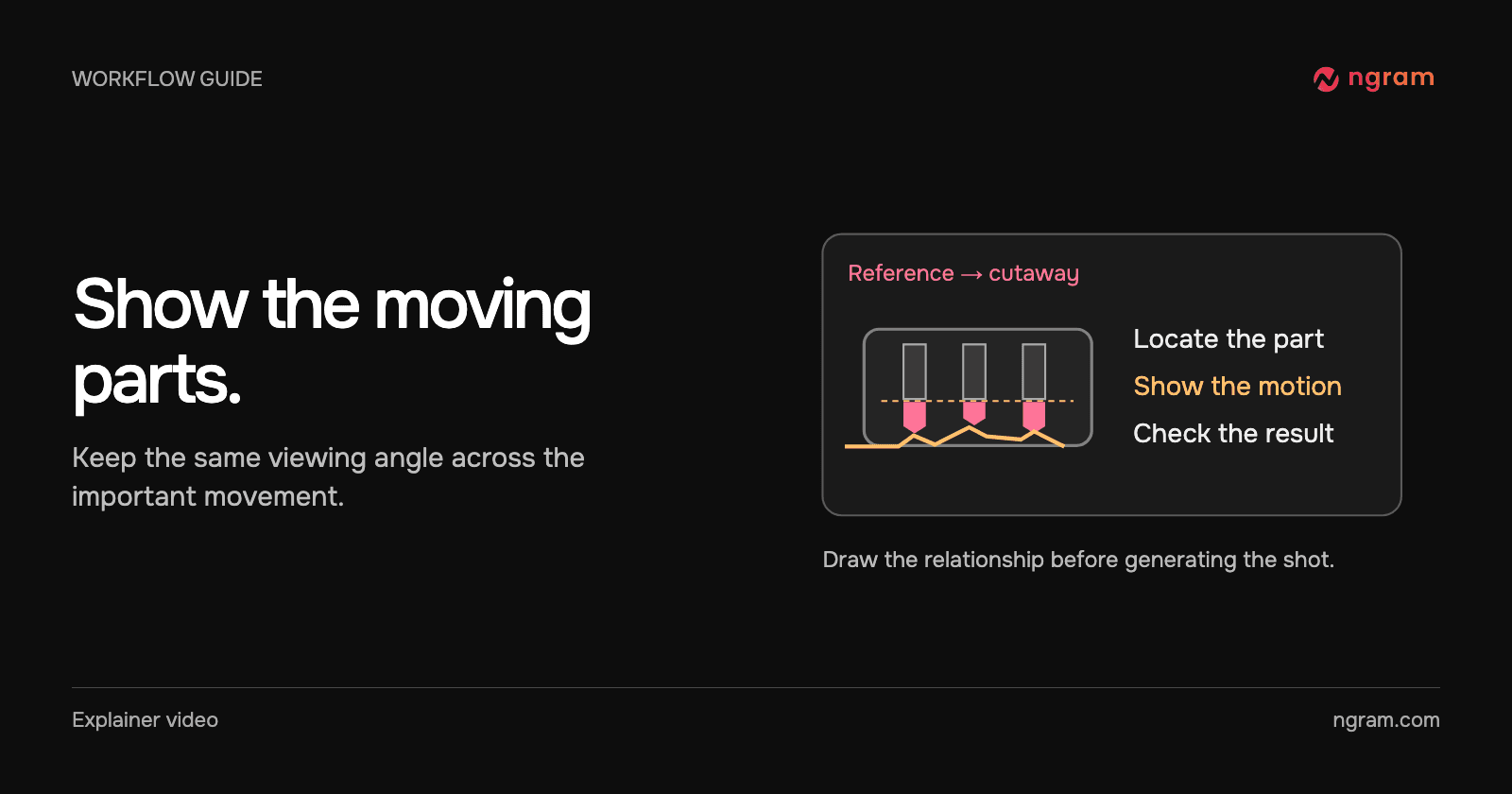
How to Animate the Moving Parts Inside a Machine
Build a mechanical animation from a reference drawing. Identify the motion to explain, choose a cutaway view and verify each label and relationship before sharing.
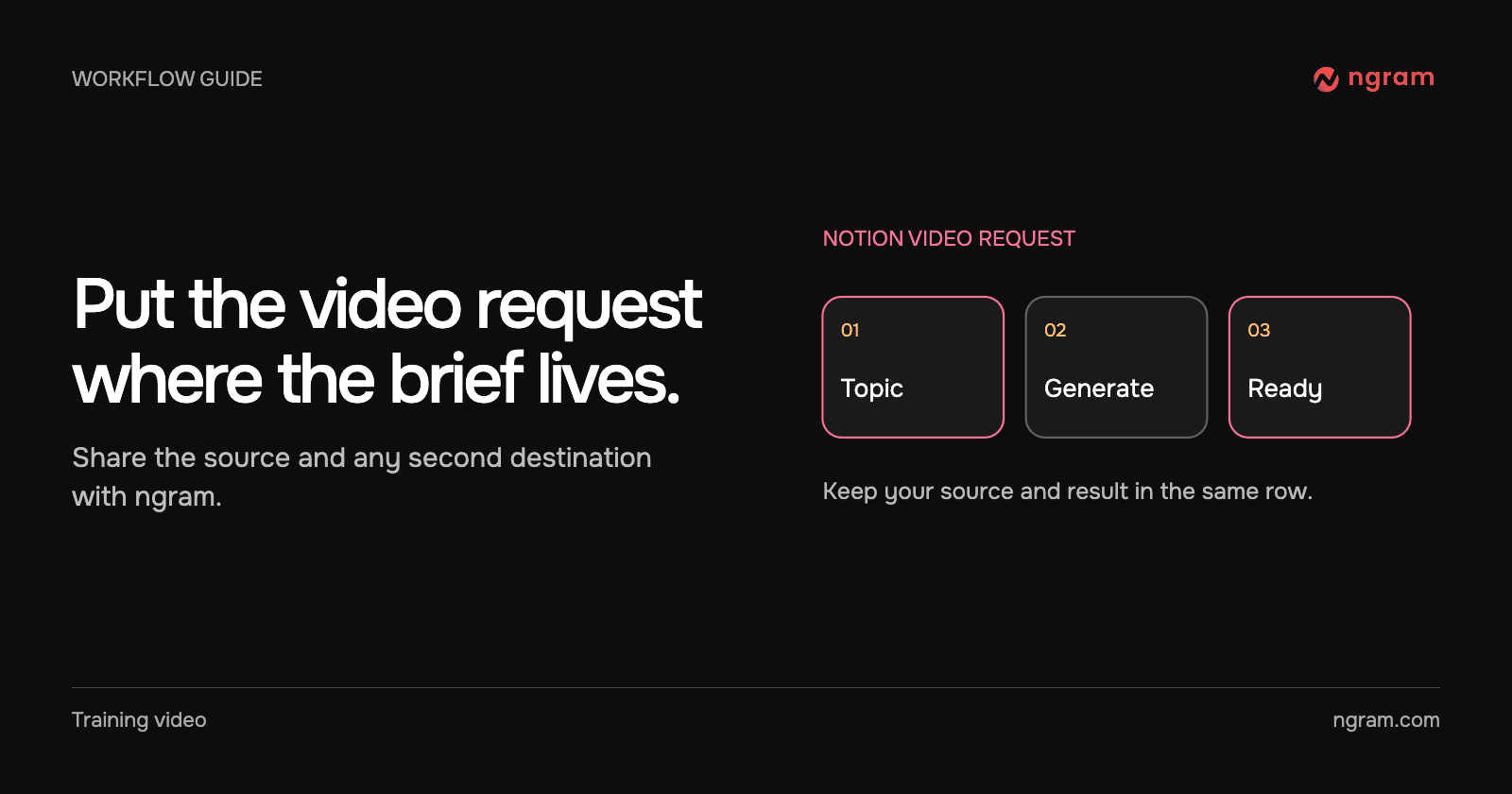
How to Create a Video From a Notion Database Row
Connect selected Notion pages to ngram, prepare a request row, set Action to Generate and find the finished video. Check permissions and handle a failed row without starting duplicate jobs.
How to Make a Follow-Up Release Video With Assets You Already Have
Plan a follow-up release video around the new customer action. Reuse current footage from the first launch, replace outdated claims and review the result as a separate edition.
How to Make a Neighborhood Market Update for Past Clients
Create a neighborhood market update for past real estate clients using dated, sourced local figures, one explainable comparison and a useful follow-up question.
How to Make a Q&A Video With Two Speakers
Build a two-speaker Q&A video in ngram. Assign each person a role, ground the answers in approved facts and revise a line without rewriting the conversation.
How to Make Reusable Intro and Outro Slides for Your Videos
Create editable intro and outro slides in Brand Kit, save them as templates and select the right opening or closing for each new video.