Back to How to
How to

How to Add a Quiz, Poll, or Clickable Button to a Video

Add a quiz, preference poll or timed button to an ngram video. Check the result in Studio and test the shared destination before assigning it to viewers.

How to Add a Quiz, Poll, or Clickable Button to a Video
3 min read•Updated at November 2, 2026
Written and edited by
Rishikesh Ranjan
Rishikesh Ranjan
all thing growth @ ngram.com

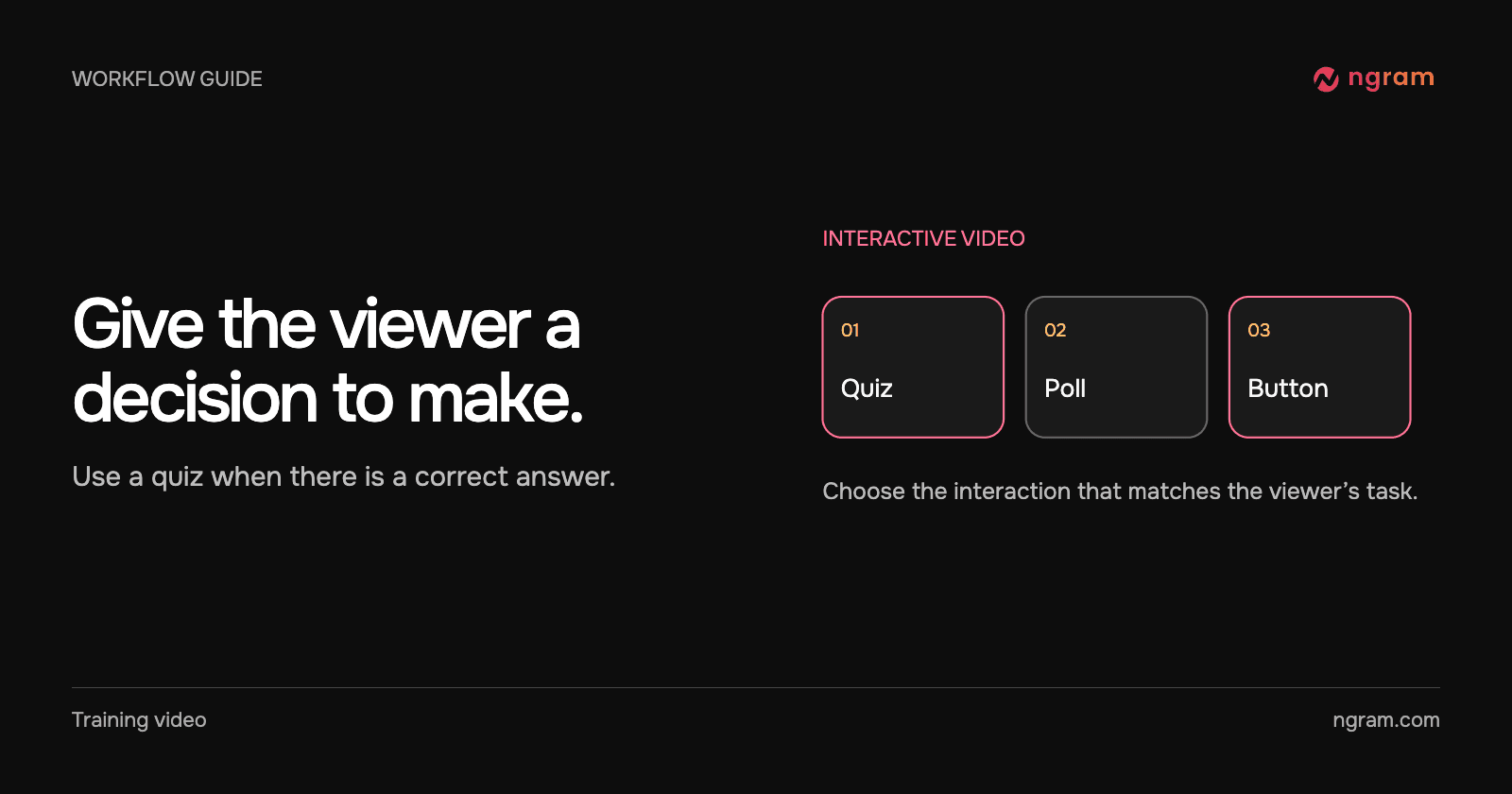
A trainer wants people to recognize a complete handoff note. “Was that clear?” is a poor quiz because there is no correct answer. “Which note names the action, owner and due date?” gives the viewer something they can demonstrate.

Add a quiz when the answer matters

For an eligible new lesson, choose Interactive in Studio and describe the scene and question. In an existing finished video, the desktop editor offers scene-level quizzes and buttons on Ultimate and Enterprise. Select the scene, open Interactivity and choose Quiz. Supply the choices, identify the correct answer, save the edit and play through the scene. See the interactive video guide for the two authoring paths.

In this Studio preview, the viewer selects “Alex will send the checklist by Friday.” The Correct feedback explains why the answer works: it names the action, owner and due date. Test the wording against what the scene actually taught.

Use a poll for a preference

Start in Interactive and ask for a poll with two meaningful options and no correct answer. For example, ask a support workshop which topic to practice next. Review the plan, open the scene with the poll and inspect Timing. In this example the poll stops at the end of the scene and the settings allow viewers to skip it.

Add a button for a destination

Choose an action button for a link viewers may want while the video continues. Set a label that says what opens, enter the destination and check the timing against the scene. In the recorded Studio panel, the button starts 0.8 seconds into a 4.8-second scene and stays visible for 3.8 seconds. Those are example values. Give your audience enough time to recognize and use the link.

Save the edit, then use Share and try the resulting link in a separate browser session. Submit a test answer, check any feedback and try the button destination. If sharing fails or the state returns to Not published, keep the lesson in Studio and place the assessment in the LMS before sending it to learners.

If you hit that state, keep the lesson in Studio and send Support the project URL, scene, interaction type and approximate attempt time. If a class starts today, export the video and put the question or link in the learning platform. An MP4 on its own will not accept a quiz answer.
Related articles

How to Create a Video From a Notion Database Row
How to3 min read

How to Create a Video From a Notion Database Row

Connect selected Notion pages to ngram, prepare a request row, set Action to Generate and find the finished video. Check permissions and handle a failed row without starting duplicate jobs.

How Tongram
Rishikesh Ranjan
Rishikesh Ranjan
Growth Lead
Nov 2, 2026
How to Explain Quarterly Results on Video Without Sharing the Whole Spreadsheet
How to3 min read

How to Explain Quarterly Results on Video Without Sharing the Whole Spreadsheet

Build a quarterly video from a small approved extract. Show the metric, periods and arithmetic, keep the workbook private, and distinguish the result from the next-quarter goal.

How Tongram
Rishikesh Ranjan
Rishikesh Ranjan
Growth Lead
Nov 2, 2026
How to Send the Right Onboarding Video When Sales Hands Off an Account
How to3 min read

How to Send the Right Onboarding Video When Sales Hands Off an Account

Turn a sales handoff into an onboarding video that teaches one first task. Choose between an existing lesson and a new draft, then verify what the customer receives.

How Tongram
Rishikesh Ranjan
Rishikesh Ranjan
Growth Lead
Nov 2, 2026
How to Set an Expiration Date on a Video Link
How to3 min read

How to Set an Expiration Date on a Video Link

Set a deadline on a hosted ngram video, verify playback while the link is valid and confirm what a viewer sees after the saved expiration time.

How Tongram
Rishikesh Ranjan
Rishikesh Ranjan
Growth Lead
Nov 2, 2026
How to Turn a Policy Change Into a Video That Shows Employees What to Do
How to3 min read

How to Turn a Policy Change Into a Video That Shows Employees What to Do

Use the approved policy to teach the changed action, the exception and where to ask for help. A real hosted-video expiry illustrates the difference between a rule and what a customer sees.

How Tongram
Rishikesh Ranjan
Rishikesh Ranjan
Growth Lead
Nov 2, 2026
How to Turn Support Call Notes Into a Follow-Up Video for One Customer
How to3 min read

How to Turn Support Call Notes Into a Follow-Up Video for One Customer

Turn approved support notes into one customer follow-up with a clear task, an owner and a follow-up day. Check the finished video against the approved account summary.

How Tongram
Rishikesh Ranjan
Rishikesh Ranjan
Growth Lead
Nov 2, 2026

Ready to create your first video?

Turn your source material into a video. Shape the brief, review the plan and make it yours.