Back to How to
How to

How to Make Reusable Intro and Outro Slides for Your Videos

Create editable intro and outro slides in Brand Kit, save them as templates and select the right opening or closing for each new video.

How to Make Reusable Intro and Outro Slides for Your Videos
3 min read•Updated at November 2, 2026
Written and edited by
Rishikesh Ranjan
Rishikesh Ranjan
all thing growth @ ngram.com

Three authors are preparing videos for the same onboarding series. Each author has a different opening card, and the closing screen points to a different version of the support site. Fix the two repeated elements once: a recognizable opening and an accurate destination at the end.

Decide what belongs in the template

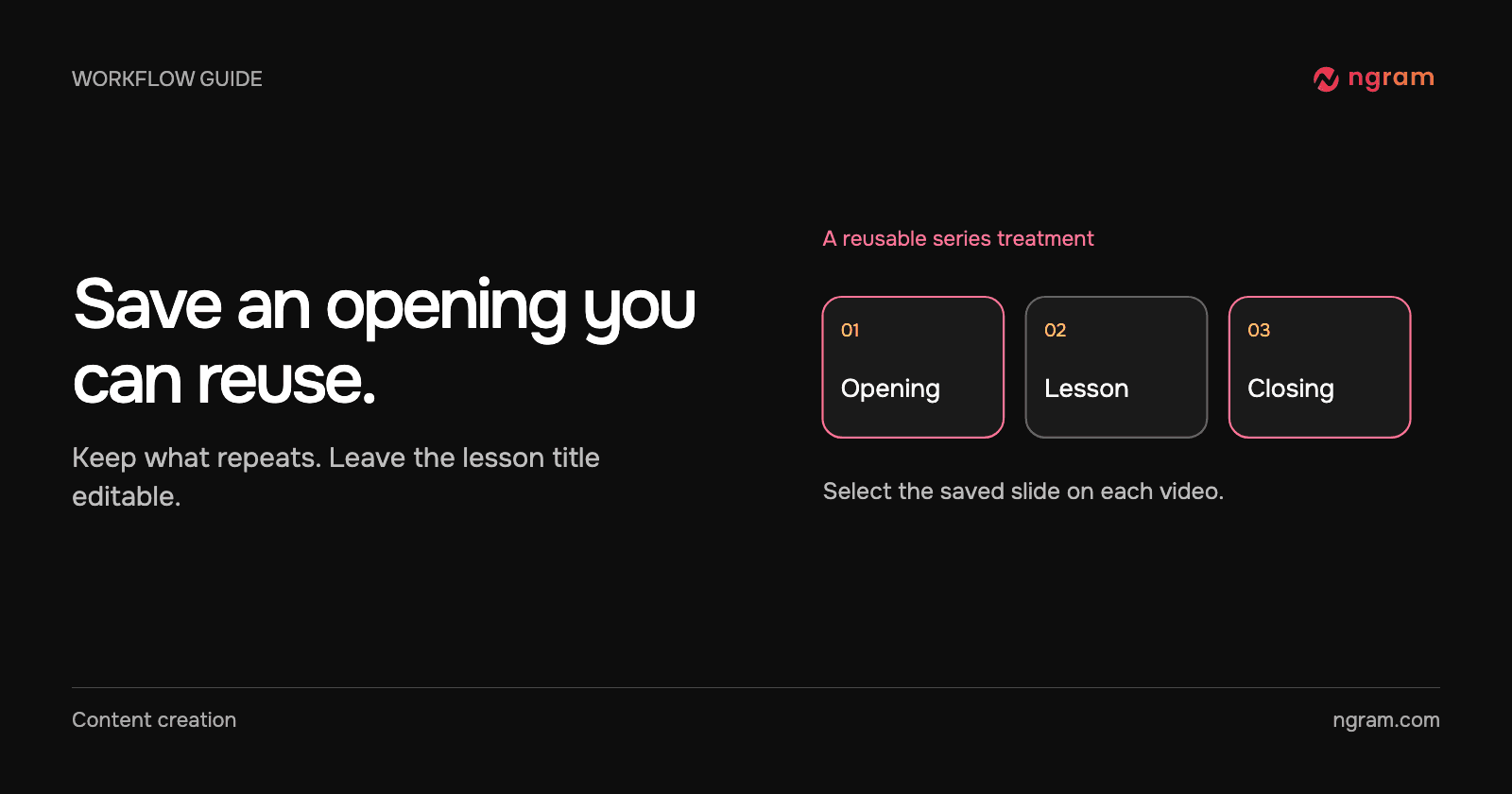
Keep the logo, series name and visual treatment consistent. Leave room for the particular lesson title. A useful opening might read “Account setup” followed by “Invite your first teammate.” A reusable closing might invite the viewer to continue with the setup checklist. Keep a campaign date or temporary offer out of the shared template unless every video truly needs it.

Create the slide in Brand Kit

Open Brand Kit on a plan that supports slide authoring; the current guide lists Premium and Ultimate. Choose Create template to start a design or Add from templates to adapt one. Supply a reference image if it helps establish the intended look. For example: “Create a simple opening slide for our customer tutorials. Keep the series name small, leave a clear area for the lesson title and use the logo from the kit.”

Use the editor to check the text, images, layers and timing. Save a name that tells another author whether it is an intro or an outro. The intro and outro guide covers the creation and selection path.

See the editable design

The example moves from Brand Kit into the slide editor. A written direction becomes a design that can be adjusted before saving. Watch where the text is placed: a long lesson title needs enough space to wrap without crowding the logo.

Select the slide when you create a video

Choose the relevant kit and select the saved intro, outro or both for the new video. Those choices start Off. A short troubleshooting clip can open straight on the control the viewer needs and use only the closing slide.

Check the transition into the first real scene and the timing of the last one. If the opening delays the answer, shorten it or leave it off. If the closing points to an outdated destination, correct the saved design and verify the exact version you intend to publish. Use the intro and outro feature page for eligible controls and Brand Kit guide for the assets shared across the series.
Related articles

How to Show Technicians What Happens Inside a Sealed Compressor
How to3 min read

How to Show Technicians What Happens Inside a Sealed Compressor

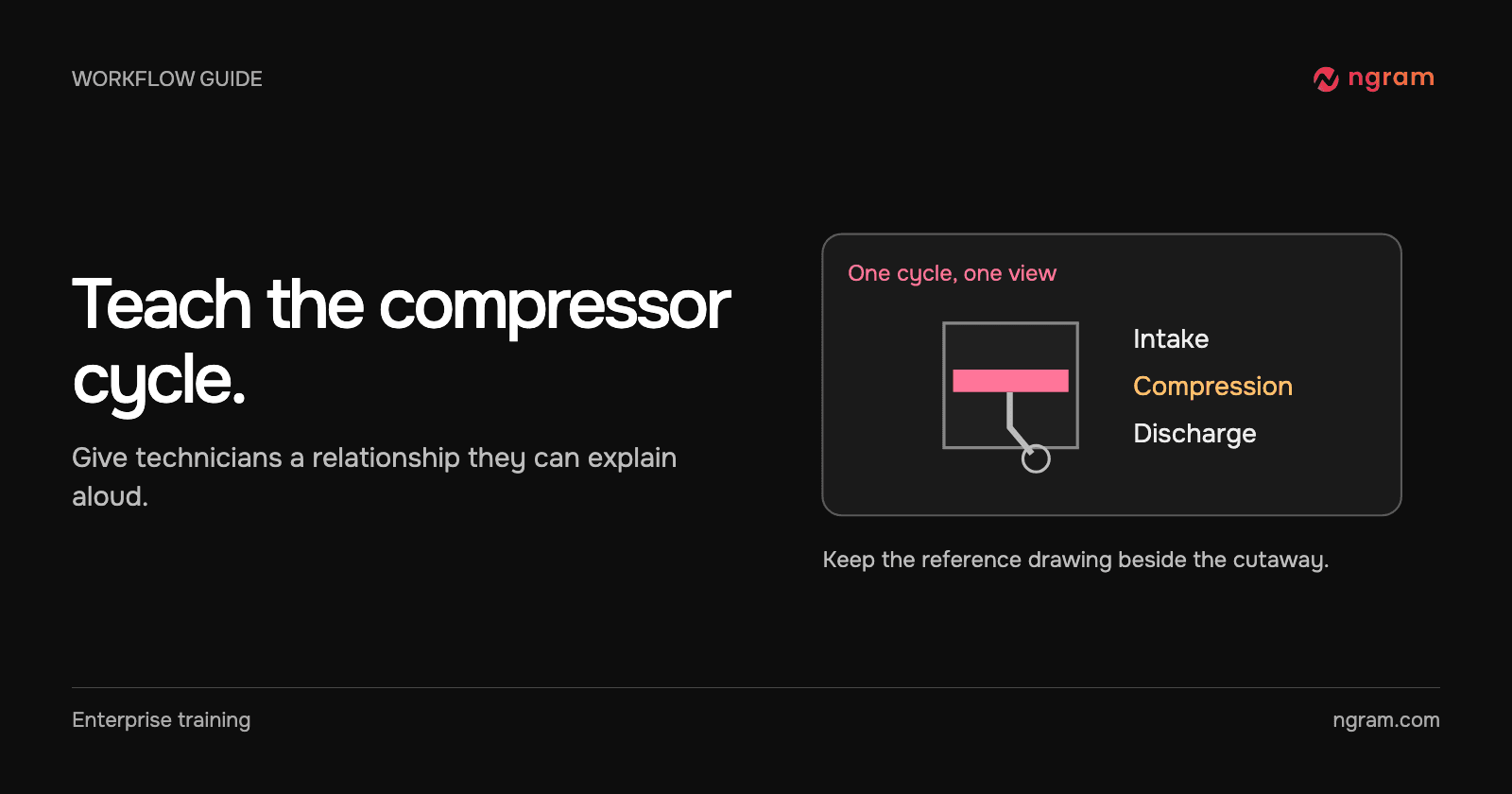
Use a reviewed cutaway to explain a sealed reciprocating compressor. Plan the visible sequence, check it against the manufacturer’s reference and give technicians a reasoning task.

How Tongram
Rishikesh Ranjan
Rishikesh Ranjan
Growth Lead
Nov 2, 2026
How to Turn Listing Photos Into a Narrated Property Tour
How to3 min read

How to Turn Listing Photos Into a Narrated Property Tour

Turn approved listing photos and property facts into a narrated tour. Choose a buyer viewpoint, plan the room order and check every detail before sharing.

How Tongram
Rishikesh Ranjan
Rishikesh Ranjan
Growth Lead
Nov 2, 2026
How to Give Customer Tutorials a Consistent Look Across Authors
How to3 min read

How to Give Customer Tutorials a Consistent Look Across Authors

Give customer tutorials a consistent opening, closing and review standard across authors, while leaving each lesson free to demonstrate its own task clearly.

How Tongram
Rishikesh Ranjan
Rishikesh Ranjan
Growth Lead
Nov 2, 2026
How to Create an AppSumo Promo Video From a Deal Page
How to12 min read

How to Create an AppSumo Promo Video From a Deal Page

Create an AppSumo promo video from a live deal page with verified offer details, a focused teaser brief, render monitoring, and a final deal-term review.

ngramHow To
Rishikesh Ranjan
Rishikesh Ranjan
Growth Lead
Jul 20, 2026
How to Make a Software Tutorial Video in 2026 (Step-by-Step)
How to14 min read

How to Make a Software Tutorial Video in 2026 (Step-by-Step)

Learn how to create professional software tutorial videos from scratch. Step-by-step guide covering planning, recording, editing, and publishing - with real data and pro tips.

ngramTutorial Videos
Rishikesh Ranjan
Rishikesh Ranjan
Growth Lead
Sep 15, 2026
How to Use Chapters to Make a Long Training Video Easy to Navigate
How to3 min read

How to Use Chapters to Make a Long Training Video Easy to Navigate

Add useful chapter titles and timestamps to a hosted training video. Name procedures learners return to, verify their start times and recheck the list when the cut changes.

How Tongram
Rishikesh Ranjan
Rishikesh Ranjan
Growth Lead
Nov 2, 2026

Ready to create your first video?

Turn your source material into a video. Shape the brief, review the plan and make it yours.