Back to How to
How to

How to Make a Neighborhood Market Update for Past Clients

Create a neighborhood market update for past real estate clients using dated, sourced local figures, one explainable comparison and a useful follow-up question.

How TongramMarketing StrategyVideo Marketing
How to Make a Neighborhood Market Update for Past Clients
3 min read•Updated at November 2, 2026
Written and edited by
Rishikesh Ranjan
Rishikesh Ranjan
all thing growth @ ngram.com

A past client has no immediate reason to watch a video tour of a property they do not want to buy. They may have a reason to watch a short update about what changed in their neighborhood. The useful question is local and bounded: “What did this month’s figures show about homes like those in our area?”

Choose a comparison you can defend

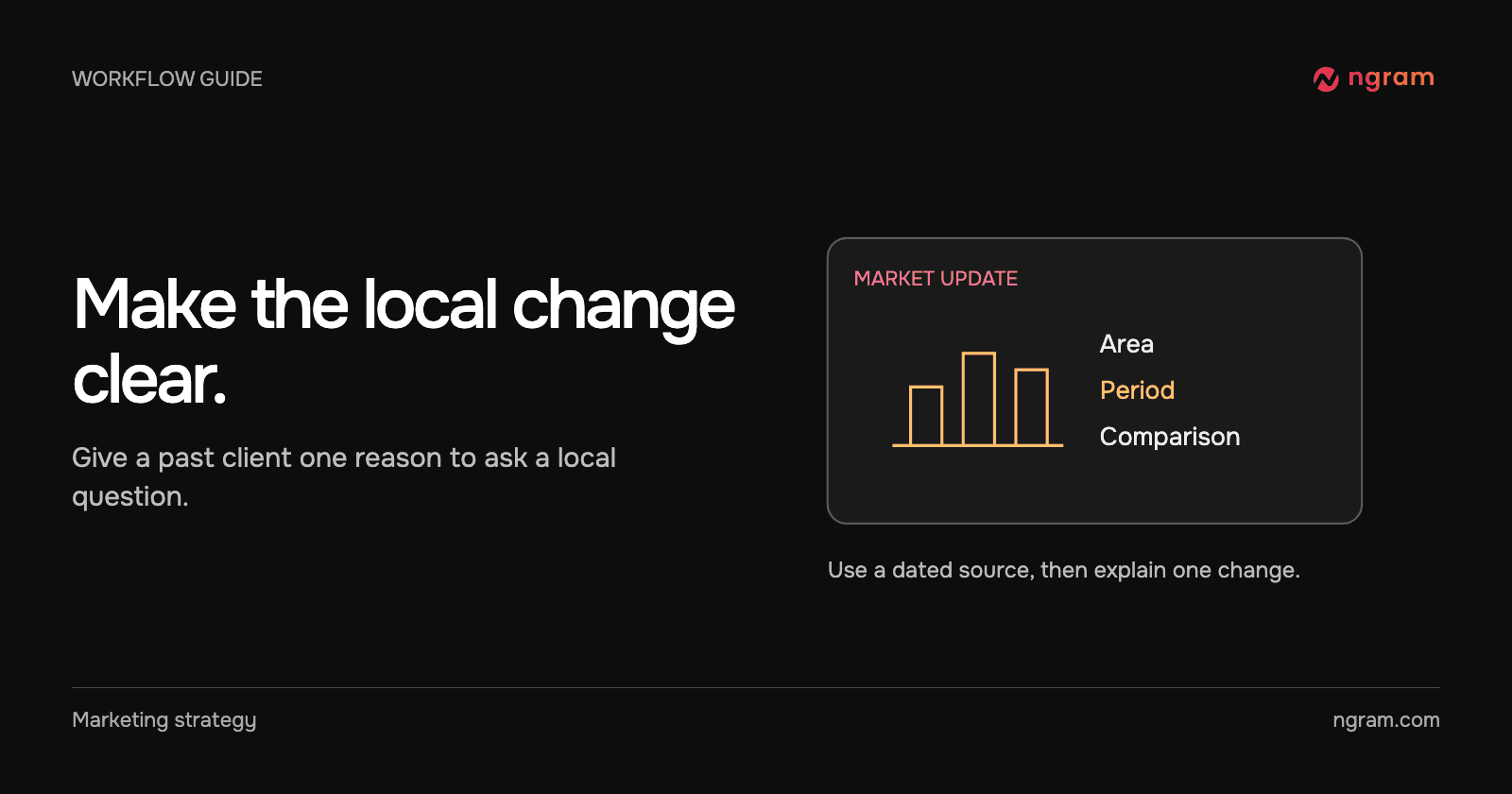
Start with a named area, reporting period and data source you can reproduce. Decide whether you are comparing with the previous month or the same period last year. Use the same geographic boundary and measure on both sides. If only a handful of homes sold, describe the limited sample rather than turning one unusual sale into a trend.

Separate the observed figure from the interpretation. A median sale price is a statistic for the reported transactions. It does not by itself establish what a particular client’s property is worth.

Build one short narrative

Introduce the area and period, show one figure or comparison and explain what question it raises for a homeowner. Keep the detailed table available for interested readers. A brief might read: “Use the attached monthly market report for the named neighborhood. Show the reporting month and approved data source. Explain the change in days on market. End by inviting past clients to ask about their street.”

Use data to video for the underlying figures and the real estate solution page for the distinction between listing and market videos.

See how the sample labels its figures

The Lakeview Realty example labels its figures as sample data. It identifies the ZIP code and month, shows a median-price card and a days-on-market card, then closes with a contact invitation. Use the arrangement as an example. Replace every figure, date and interpretation with evidence from your own current report.

Give the viewer a reason to reply

A past client who owns a home nearby may want to understand a particular street, property type or time horizon. Invite that question rather than assuming they want an immediate sales appointment. Send the supporting report when the client needs exact comparisons.

For email distribution, use the marketing email video workflow to connect the short update with a written note. Before sending, verify the destination, contact information, reporting period and source label in the published cut.
Related articles

How to Add a Diagram to a Recorded Lecture
How to3 min read

How to Add a Diagram to a Recorded Lecture

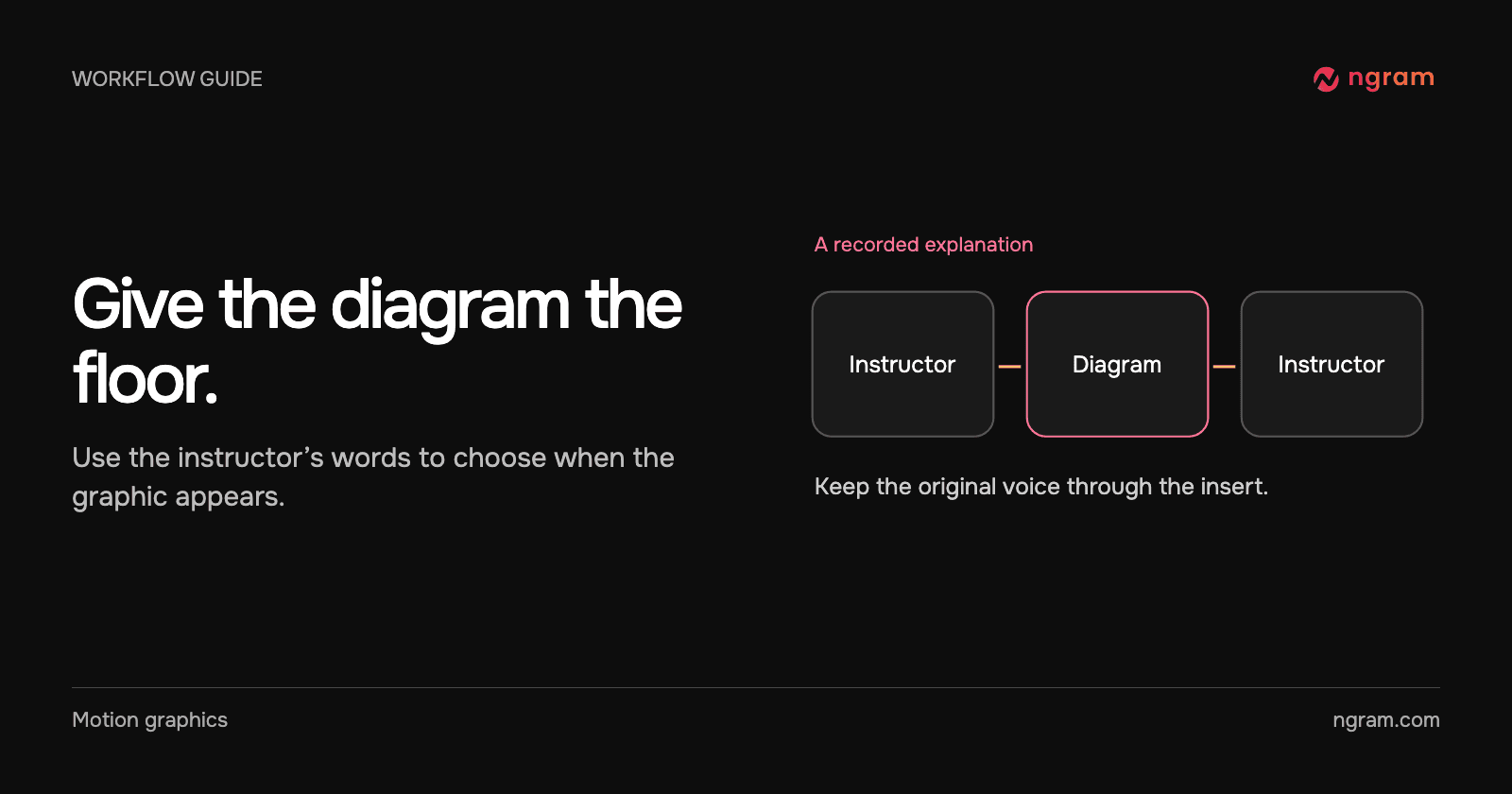
Add a diagram to a recorded lecture while keeping the instructor’s explanation. Choose the right passage, time the insert to the speech and check the return to the recording.

How Tongram
Rishikesh Ranjan
Rishikesh Ranjan
Growth Lead
Nov 2, 2026
How to Make a Q&A Video With Two Speakers
How to3 min read

How to Make a Q&A Video With Two Speakers

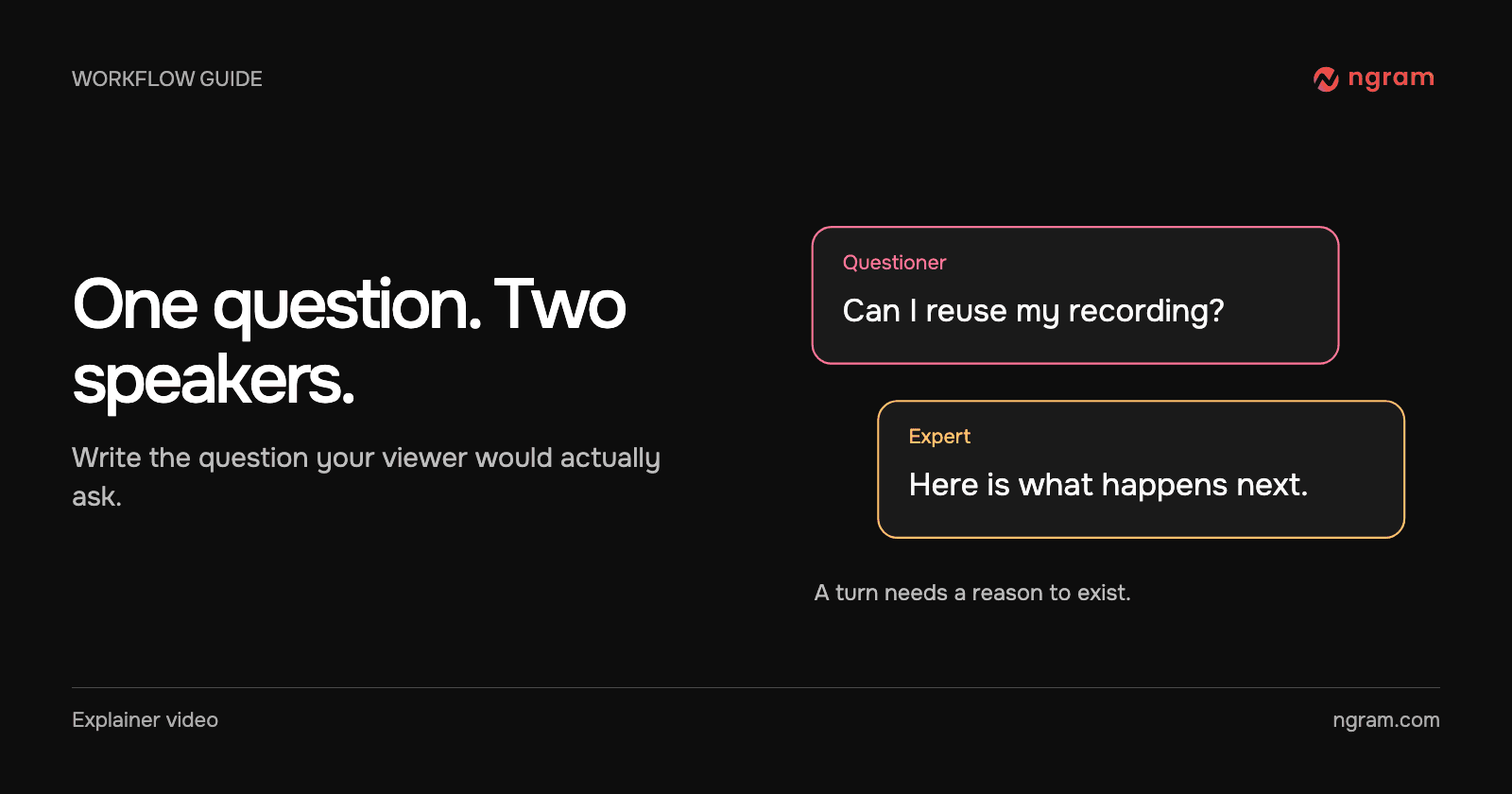
Build a two-speaker Q&A video in ngram. Assign each person a role, ground the answers in approved facts and revise a line without rewriting the conversation.

How Tongram
Rishikesh Ranjan
Rishikesh Ranjan
Growth Lead
Nov 2, 2026
How to Create a Product Launch Teaser Video That Converts (2026 Guide)
How to11 min read

How to Create a Product Launch Teaser Video That Converts (2026 Guide)

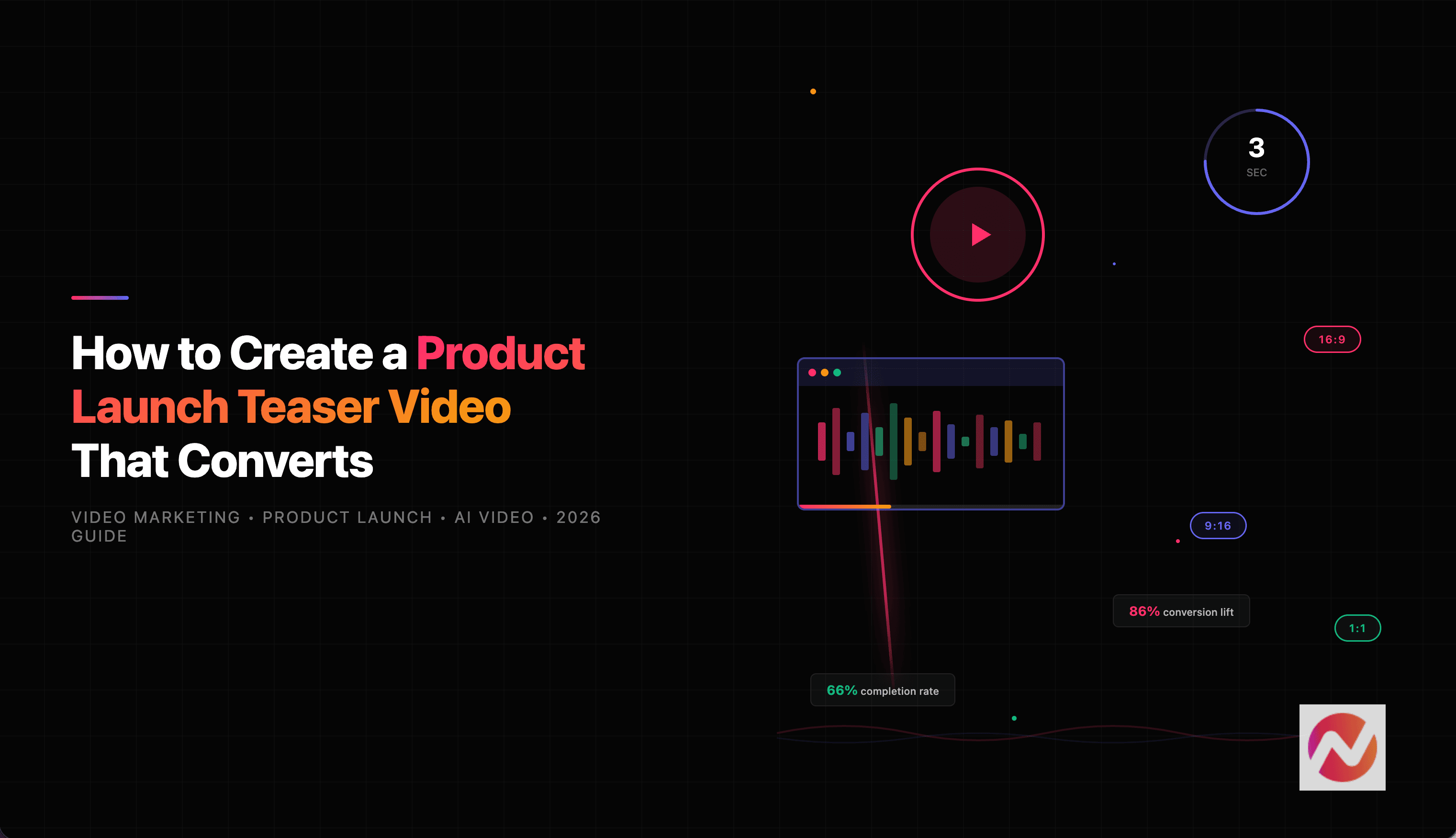
Learn how to create product launch teaser videos that build anticipation and drive conversions. Step-by-step guide with data, examples, and AI-powered workflows.

ngramVideo Marketing
James Crawford
James Crawford
Content & Insights
Oct 15, 2026
How to Create Explainer Videos for Your Startup with ngram (2026)
How to15 min read

How to Create Explainer Videos for Your Startup with ngram (2026)

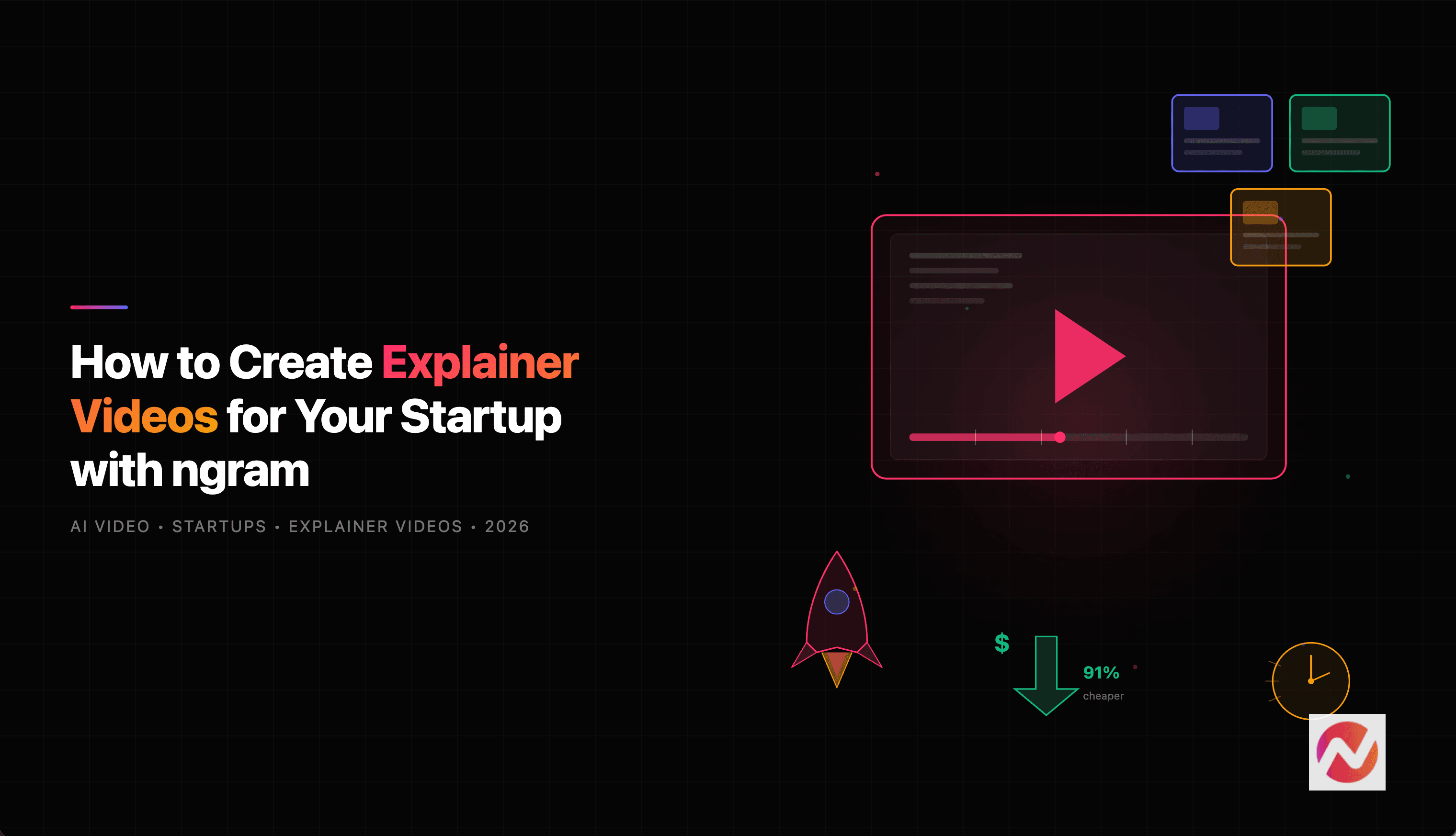
Learn how startups can create professional explainer videos in minutes using ngram's AI-powered video creation platform - no editing skills or big budgets required.

ngramExplainer Video
Kyra Rachitsky
Kyra Rachitsky
Content & Insights
Oct 15, 2026
How to Create an AppSumo Launch Video From a Deal Page
How to11 min read

How to Create an AppSumo Launch Video From a Deal Page

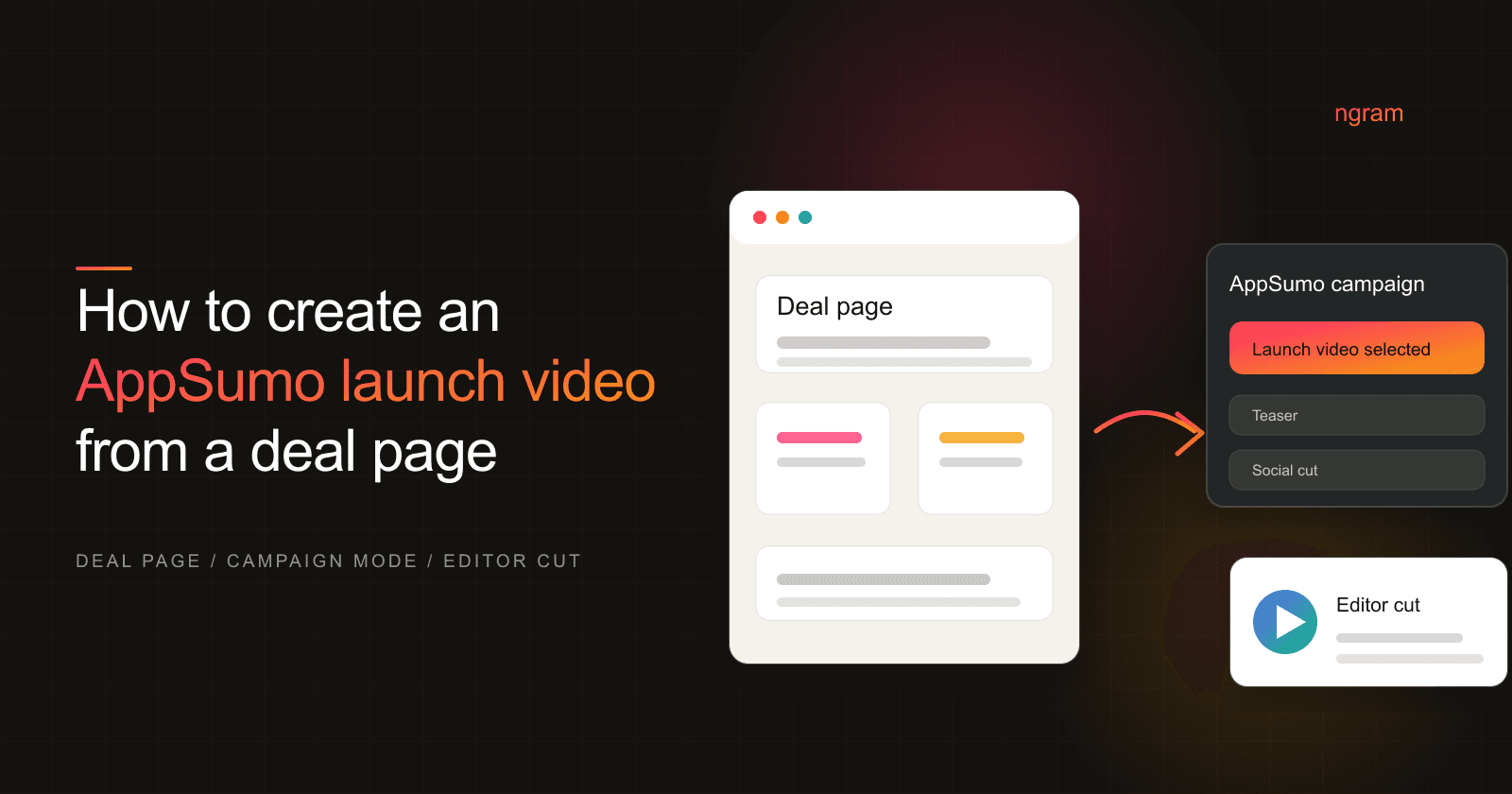
Turn an AppSumo deal page into a launch video with ngram's AppSumo campaign mode, from offer audit to editor review and deal-asset handoff.

ngramHow To
Rishikesh Ranjan
Rishikesh Ranjan
Growth Lead
Oct 15, 2026
How to Create an AppSumo Offer Explainer Video From a Deal Page
How to13 min read

How to Create an AppSumo Offer Explainer Video From a Deal Page

Create an accurate AppSumo video from a deal page by separating stable product facts from mutable offer facts, rendering in ngram, and running a line-by-line deal review.

ngramHow To
Rishikesh Ranjan
Rishikesh Ranjan
Growth Lead
Jul 20, 2026

Ready to create your first video?

Turn your source material into a video. Shape the brief, review the plan and make it yours.