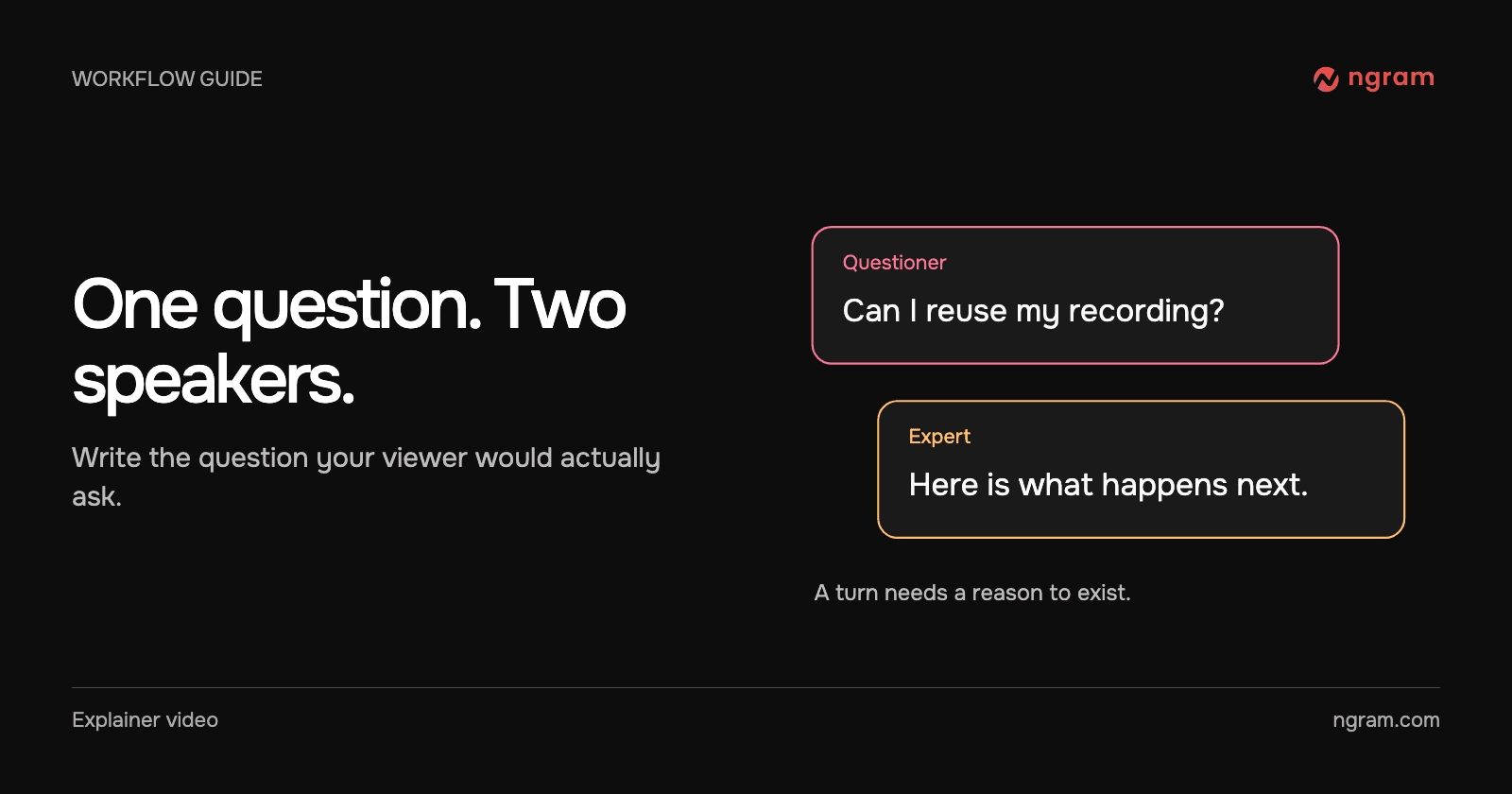

A viewer hears “you can start from a recording” and asks what happens to the original footage. That is a good question for a second speaker. Give the first person the viewer’s uncertainty, and give the second person the material needed to resolve it. If both speakers merely take turns reading a description, a single narrator would be easier to follow.
Write the exchange before choosing the faces
Use one approved source, such as the help article that describes the feature. Write the question in the words a new user would use. Then outline the answer in two parts: the action the user takes and what they should see afterward. If you need a third fact, turn it into a follow-up question.
A usable brief: “Make a short Q&A for a support lead. Maya asks whether an existing screen recording can become a customer tutorial. Devon answers using the attached recording brief. Show the recording while Devon explains what it contributes. End with Maya asking what she needs to review.” Replace these names and source details with your own.
Set up the two speakers in ngram
Open Studio and choose a compatible model. Under Start from a style, choose Conversation. Set the lead voice or presenter. In Video brief, identify the second speaker and explain the difference in their delivery. Ask for a side-by-side introduction if it matters that viewers see both people before either starts speaking. The Conversation feature page shows the setup and available treatments.
Read the plan aloud in two voices before generating. Does the second line still make sense if the viewer has never heard the product name? Does the follow-up ask for information the expert has not already given?
Watch what happens during the answer
In this product Q&A, the question about turning a recording into an explanation appears on screen. The film cuts between individual presenters and a view of the source recording. The visual earns its place by showing what the expert is referring to. Use the product Q&A template if your own answer needs a similar handoff from dialogue to evidence.
Fix one line without losing the exchange
Name the speaker, identify the sentence and say what must stay. For example: “Shorten Devon’s first answer to one sentence. Keep Maya’s question and the source recording on screen.” Replay the transition into the next turn; cutting an explanation can leave the follow-up referring to something the viewer no longer heard.
For a line-level change, use the guide to revising a video. If you need the audience to ask its own questions, a scripted Q&A is only the introduction. Follow it with a discussion or a place to submit questions.