Back to How to
How to

How to Make a Follow-Up Release Video With Assets You Already Have

Plan a follow-up release video around the new customer action. Reuse current footage from the first launch, replace outdated claims and review the result as a separate edition.

How to Make a Follow-Up Release Video With Assets You Already Have
3 min read•Updated at November 2, 2026
Written and edited by
Rishikesh Ranjan
Rishikesh Ranjan
all thing growth @ ngram.com

A product shipped a reporting dashboard last quarter. This month customers can schedule the report. The original video may already contain the right introduction and a clear view of the dashboard, yet replaying the first launch would hide the reason for this follow-up: customers can now choose a delivery time.

Decide whether this is a new video or a correction

Make a new release video when the old one still answers the question it was made for. Reuse its approved material selectively. If the old video now gives incorrect instructions and its audience has not changed, correct that video instead. A follow-up announcement should not leave an obsolete tutorial in circulation unexamined.

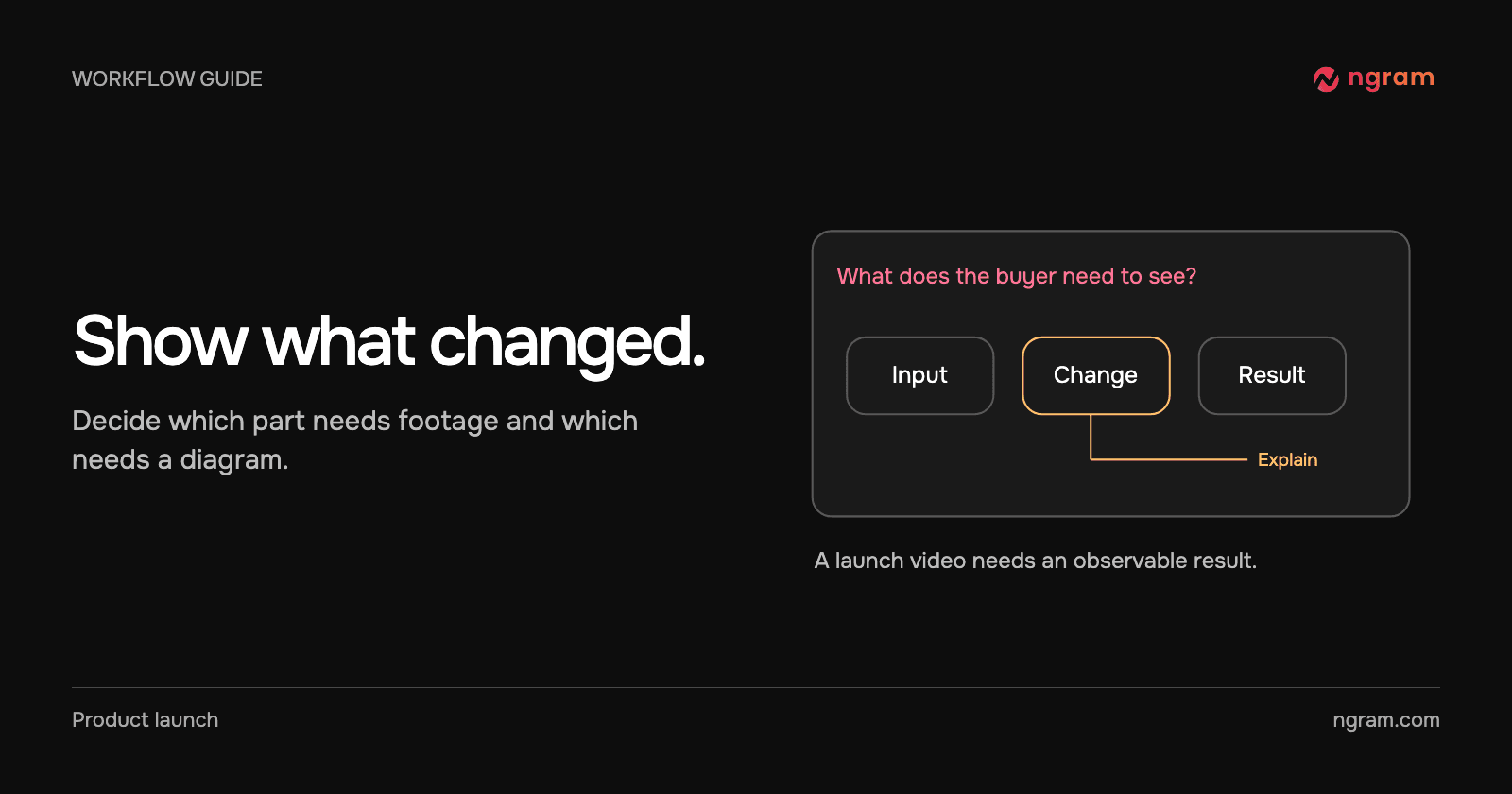
Write one sentence that only the new release can support. In this example: “A report owner can schedule delivery after choosing a reporting interval.” Verify those controls before drafting either the narration or an animated callout.

Inventory the old cut by scene

Keep a screen only if its navigation, terminology and visible result are current. Keep a graphic only if it still explains the same relationship. Replace a screenshot when it would send the viewer to an old menu. Check dates, plan requirements and calls to action separately; these often expire before the visuals do.

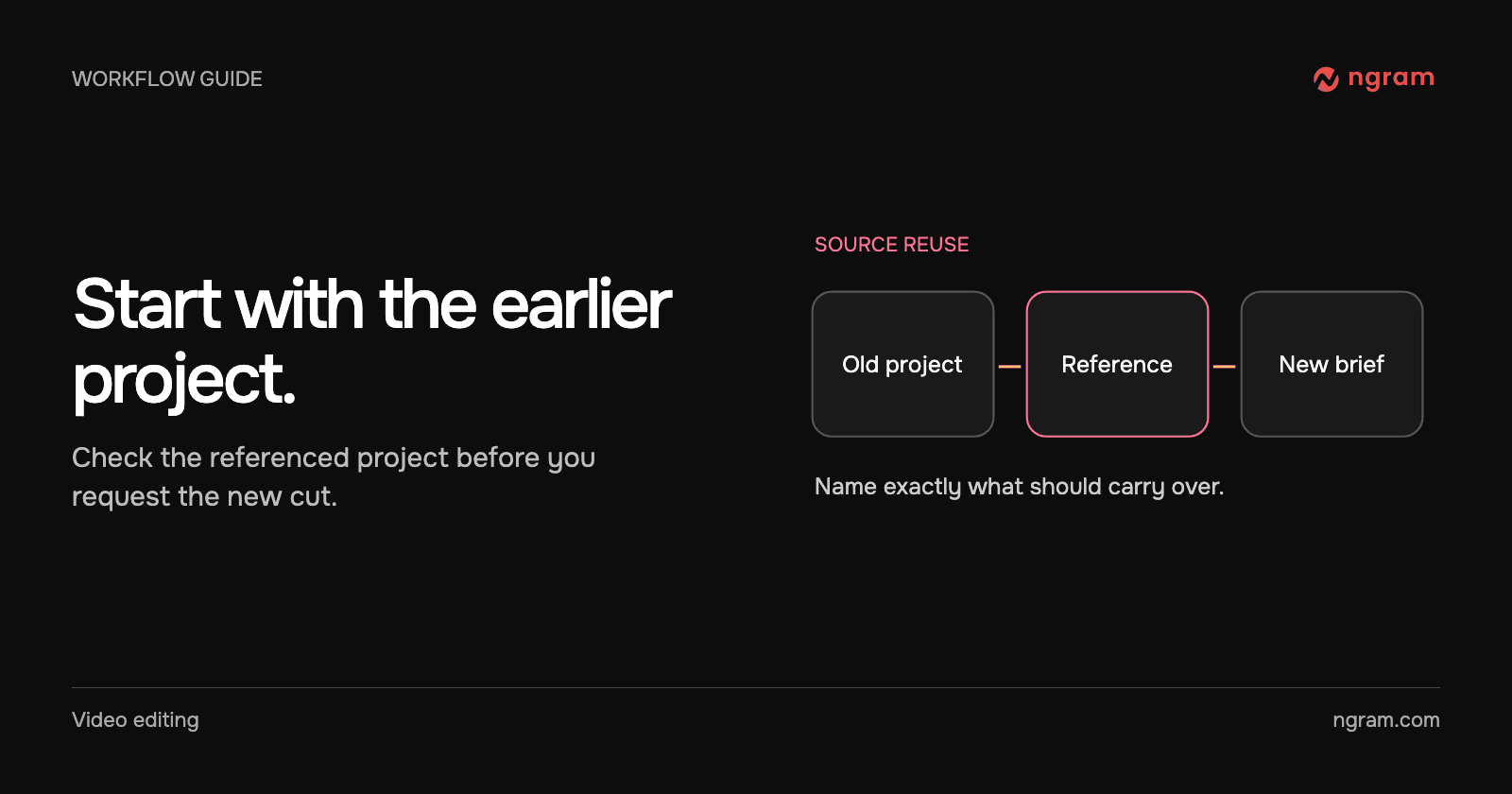
Start the new brief with an owned conversation reference when the source project is yours. The example below shows the named reference in the composer. Its presence identifies the source; your instructions decide what belongs in the new story.

Write a brief around the difference

For example: “Use the earlier dashboard introduction only long enough to orient existing customers. Show the new scheduling control using the current screenshot. Explain who receives the report and where the owner can check the schedule. Use this month’s release note for the facts.”

Keep new and returning customers distinct. An existing customer may need only the changed step. A new user may need the original tutorial first. The feature announcement workflow can serve the former, while release notes to video can supply the source for a broader update.

Review with the first video open

Play both cuts through once. Can you tell what is new by the first meaningful example? Can the customer perform the new action from the follow-up alone? If a reused scene suggests a feature still works as it used to, replace that scene even when its production quality is excellent.
Related articles

How to Create a Product Hunt Launch Teaser From a Product Page
How to12 min read

How to Create a Product Hunt Launch Teaser From a Product Page

Create a focused Product Hunt video teaser from a product page with ngram's Product Teaser Video campaign mode, then review the brief, render, and final cut.

How ToProduct Marketing
Rishikesh Ranjan
Rishikesh Ranjan
Growth Lead
Jul 20, 2026
How to Explain a Technical Feature in a Launch Video
How to3 min read

How to Explain a Technical Feature in a Launch Video

Explain a technical product feature to customers by choosing a visible change, showing the evidence behind it and using a diagram only where the mechanism is hidden.

How Tongram
Rishikesh Ranjan
Rishikesh Ranjan
Growth Lead
Nov 2, 2026
How to Reuse Footage and Graphics From an Earlier ngram Conversation
How to3 min read

How to Reuse Footage and Graphics From an Earlier ngram Conversation

Reference an owned ngram conversation in a new video brief. Specify the footage or graphics you want to reuse, what changed and what to check in the resulting edit.

How Tongram
Rishikesh Ranjan
Rishikesh Ranjan
Growth Lead
Nov 2, 2026
How to Add Your Own MP3 as Background Music in a Video
How to3 min read

How to Add Your Own MP3 as Background Music in a Video

Add an MP3 in ngram Studio, select it as the background music and check it against the narration before exporting the finished video.

How Tongram
Rishikesh Ranjan
Rishikesh Ranjan
Growth Lead
Nov 2, 2026
How to Create an AppSumo Launch Video From a Deal Page
How to11 min read

How to Create an AppSumo Launch Video From a Deal Page

Turn an AppSumo deal page into a launch video with ngram's AppSumo campaign mode, from offer audit to editor review and deal-asset handoff.

ngramHow To
Rishikesh Ranjan
Rishikesh Ranjan
Growth Lead
Oct 15, 2026
How to Create a Product Hunt Demo Video for Your Launch Gallery
How to13 min read

How to Create a Product Hunt Demo Video for Your Launch Gallery

Create a Product Hunt video for the launch gallery with ngram's Product Explainer Video mode. Edit the brief into a compact walkthrough, render, and run QA.

ngramHow To
Rishikesh Ranjan
Rishikesh Ranjan
Growth Lead
Jul 20, 2026

Ready to create your first video?

Turn your source material into a video. Shape the brief, review the plan and make it yours.