AI Recruitment Video Maker by ngram
AI Recruitment Video Maker for candidate-ready hiring videos

Name the role, candidate audience, source material, tone, length, and review context.
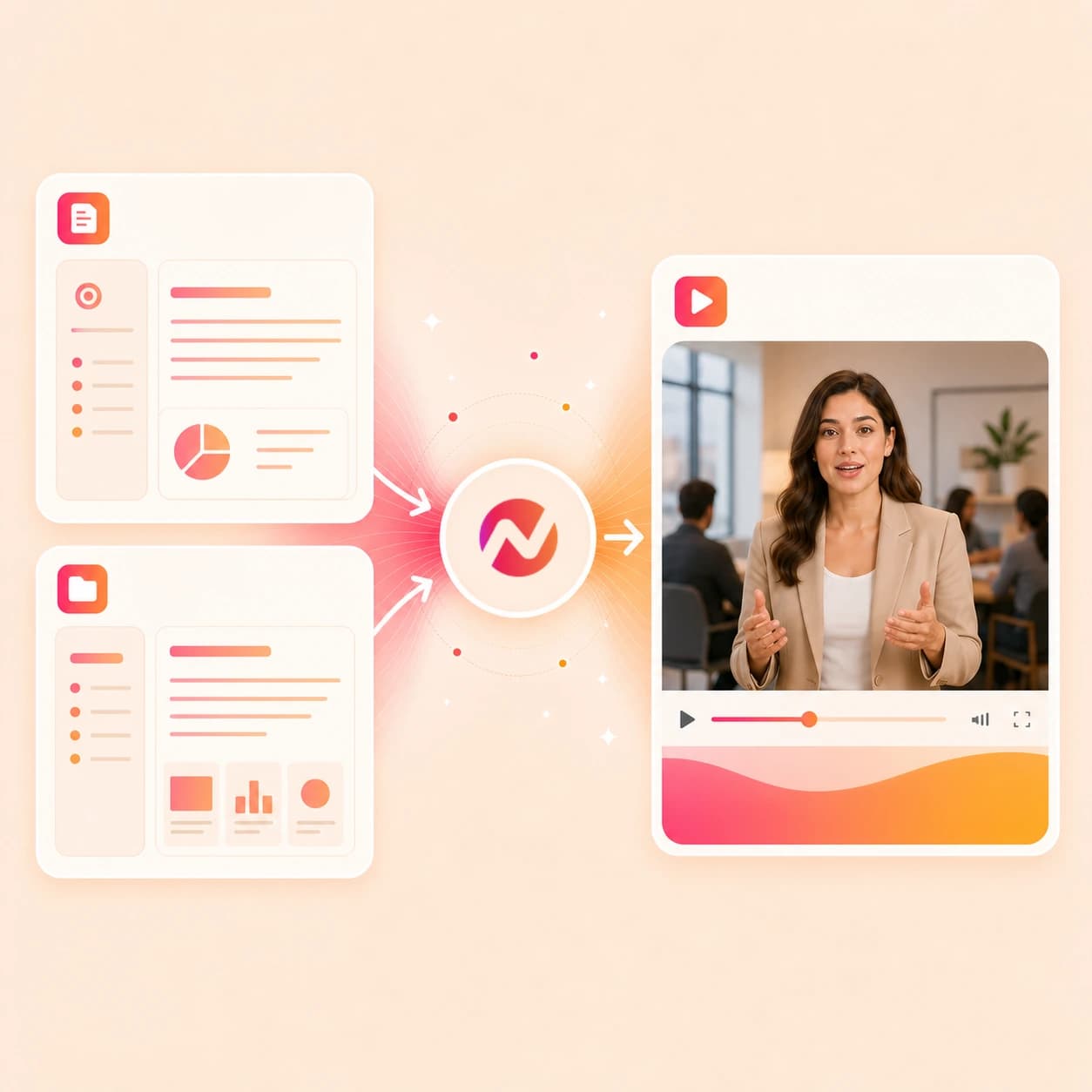
What it does
Create role and culture videos from the hiring material your team has approved. Adapt the same project for different roles, locations, and recruiting campaigns.
Trusted by teams at












How it works
How the AI recruitment video maker works.
Give ngram the hiring context, review the plan, then refine the generated recruitment video before the team exports it.
Bring the hiring source
Start from a prompt, PDF, approved image, source URL, role brief, culture doc, script, or storyboard. ngram reads the material for the role, audience, message, and candidate context.
Source ready
Review the script and storyboard
ngram turns the source into a script, scene plan, visual direction, timing, and CTA. The hiring team can edit the plan before any video renders.
Plan reviewed
Generate the recruitment video
The draft can include scene visuals, voiceover, captions, motion graphics, music, transitions, and brand kit treatment tied to the approved source material.
First cut generated
Edit variants for handoff
Use chat, the script editor, canvas controls, or the timeline to refine the message, make role-specific variants, localize captions, and export files for review.
Ready for review
What it can do
What this AI recruitment video maker can create.
The tool is built for candidate-facing video assets from approved hiring and culture material, not for sourcing candidates or running recruiting operations.
Role explainers from source material
Turn a role brief, job description, PDF, or careers page into a script and storyboard that explain the team, work, responsibilities, and next step.
Learn more about script generationCulture clips from approved team material
Use employee notes, culture docs, team images, or approved recordings as context for short culture videos that feel specific to the team.
Open culture video use caseVoiceover for hiring messages
Generate narration from the approved recruitment script, choose a voice, and regenerate audio when the team edits the role story.
Learn more about AI voiceoverCaptions for muted candidate viewing
Add burned-in captions styled to the brand kit so role explainers and culture clips still work when candidates watch without sound.
Learn more about captionsEmployer brand kit applied
Keep logos, colors, fonts, motion style, tone, approved phrases, blocked phrases, intros, outros, and CTAs attached to every generated hiring video.
Learn more about brand kitEditable drafts for review
Revise the script, regenerate a scene, adjust captions, change overlays, and export a new cut when the hiring manager or people team changes the message.
Learn more about video editingBuilt for editable employer brand and hiring video work
When it matters
Recruitment video workflows this tool supports.
Use these pages when the same hiring source material needs a culture clip, role explainer, founder message, email cut, or LinkedIn-ready asset.
HR Culture Content Video
Create recruitment video assets from approved employee stories, team rituals, culture notes, or workplace images so candidates can understand the work before they apply.
Open AI video use caseLinkedIn Video
Turn a hiring post, team message, or careers page into a captioned LinkedIn video draft that keeps the role story tied to approved source material.
Open AI video use caseMarketing Brand Video
Build employer brand videos from company positioning, culture notes, team visuals, or a careers URL while keeping the output inside the same brand system.
Open AI video use caseEmail Marketing Video
Create short candidate nurture videos from a role brief or hiring team note, then hand the approved clip to the email workflow your team already uses.
Open AI video use caseHR Company Announcement Video
Adapt approved leadership notes or people-team messages into hiring team videos when candidates need to hear why the role, team, or company moment matters.
Open AI video use caseHR Employee Onboarding Video
Connect the candidate promise to the new-hire experience by turning handbooks, orientation notes, and team intros into video modules for later handoff.
Open AI video use caseFounder Explainer Video
Turn founder notes, a company page, or a product explainer into a candidate-facing story about what the team is building and why the role exists.
Open AI video use caseProduct Overview Video
Give candidates a clearer view of the product or business they would join by turning a product URL, feature notes, or demo source into a concise overview.
Open AI video use caseAI Video Creator for Business
Use the broader business video workflow when recruiting material draws from mixed prompts, PDFs, URLs, scripts, recordings, and brand-approved notes.
Open AI video use caseProduct stack
Product features behind the recruitment video workflow.
These ngram features help turn hiring source material into a planned, branded, editable candidate-facing video project.
Planning
Script generation for hiring briefs
Convert a prompt, PDF, role page, culture doc, or hiring manager note into a script with scene breaks, narration, visual direction, and CTA.
Learn more about script generationBrand
Brand kit for employer brand
Apply approved logos, colors, fonts, motion style, tone, phrases, intros, outros, and closing cards across every recruitment video draft.
Learn more about brand kitNarration
AI voiceover for role explainers
Generate narration from the approved hiring script and update the voiceover when role details or candidate messaging changes.
Learn more about AI voiceoverCaptions
Captions for candidate viewing
Burn captions into recruitment videos, style them to the brand kit, and translate captions for localized candidate-facing cuts.
Learn more about captionsVisual clarity
Motion graphics for role details
Add lower thirds, team labels, role requirements, timeline cards, callout boxes, smart zooms, and transitions around the message.
Learn more about motion graphicsEditing
Video editing after the first draft
Revise candidate-facing scenes through chat, script edits, visual chat, canvas controls, scene regeneration, or the timeline.
Learn more about video editingLocalization
Translation for global candidate audiences
Translate scripts, captions, and on-screen text, then generate localized voiceover when a hiring video needs regional versions.
Learn more about translationMore tools
Related tools around recruitment video production.
Use these tools when the recruitment video starts from a broader idea, needs a channel-specific cut, or needs a final polish pass.
Hiring video cluster
Pair recruitment videos with HR, onboarding, company story, and channel-ready hiring content.
AI HR Video Maker
Use the HR workflow when the recruitment video needs policy-safe employee communication, role context, and internal review.
Open toolAI Corporate Video Maker
Create a broader company video when the hiring message should sit inside a larger employer or business story.
Open toolAI Onboarding Video Maker
Turn approved role or team context into onboarding videos that help new hires understand the company after they join.
Open toolLinkedIn AI Video Maker
Adapt an approved recruitment video into LinkedIn-ready clips with captions, framing, and brand treatment.
Open toolCreate candidate-facing variants
Adapt the same hiring source into LinkedIn, social, corporate, or presenter-style drafts for different candidate touchpoints.
LinkedIn AI Video Maker
Create a business-facing LinkedIn cut from a role brief, hiring post, culture note, or careers page source.
Open toolAI Social Media Video Maker
Adapt the recruitment video into social variants while keeping captions, pacing, and brand treatment connected.
Open toolAI Corporate Video Maker
Use the company-video workflow when the hiring asset needs to explain the business, team, or leadership message.
Open toolPresenter AI Video Maker
Turn an approved hiring script into a presenter-style video draft with narration, captions, and brand styling.
Open toolPolish the hiring asset
Finish the draft with subtitles, overlays, music, translation, timeline edits, and file-size work before handoff.
Add Subtitles to Video
Add timed, branded subtitles to a finished recruitment clip or rough hiring team recording.
Open toolAdd Text to Video
Place role details, location notes, team names, lower thirds, and CTA overlays on the recruitment video draft.
Open toolAdd Music to Video
Add a background track that fits the employer brand tone and keep it balanced under voiceover.
Open toolVideo Translator
Create localized recruitment video variants by translating captions, on-screen text, script, and voiceover.
Open toolVideo Editor
Open the generated recruitment draft for timeline edits, script changes, visual chat, captions, callouts, and export review.
Open toolVideo Compressor
Reduce file size for review links, email handoff, and asset libraries while preserving readable text and captions.
Open toolConvert
Converters that feed recruitment video projects.
Use these source-to-video workflows when your hiring message already lives in a prompt, job description, URL, PDF, script, deck, or approved image.
Prompt to recruitment video
Start with one paragraph describing the role, candidate audience, tone, and goal, then review the generated script and storyboard.
Open converterJob description to hiring video
Paste the approved role brief and turn responsibilities, requirements, team context, and culture notes into a candidate-facing video draft.
Open converterURL to recruitment video
Paste a public role page, careers page, team page, or hiring landing page and use the page context as the video source.
Open converterWho it is for
Teams that use recruitment video workflows.
These team pages match the most common recruitment video requests: employer brand, role explainers, candidate nurture, hiring team messages, and culture clips.
HR and internal comms
Turn role briefs, culture notes, people-team announcements, and onboarding material into videos the hiring team can review before handoff.
See HR workflowsGrowth and marketing teams
Adapt employer brand stories and hiring campaigns into channel-ready video variants without separating the message from the brand kit.
See growth workflowsFounders
Create founder-led candidate messages from notes, company pages, product context, or a role pitch when the story needs the builder's voice.
See founder workflowsStartups
Build recruiting videos from pitch decks, product pages, culture notes, and hiring briefs when the team needs senior candidates to understand the mission fast.
See startup workflowsEnterprise teams
Use shared brand kits, content guardrails, and reviewable projects when multiple teams create recruitment videos from approved material.
See enterprise workflowsRemote teams
Explain remote work norms, team rituals, and async practices with videos candidates can watch before deciding whether the role fits.
See remote team workflowsSmall and medium business
Create role explainers and culture clips from the materials the team already has when there is no dedicated video producer on staff.
See SMB workflowsProduct marketing
Turn positioning, product pages, launch notes, and team context into recruitment videos for candidates who need to understand the market and product.
See product marketing workflowsIntegrations
Live integrations for recruitment video intake.
These integrations can send approved prompts, files, URLs, and source context into ngram for reviewable recruitment video draft creation.
Zapier
AutomationWhenA form, spreadsheet, or content request collects a role brief, careers page, and reviewer notes.
ThenStart an ngram recruitment video draft and return the project link to the hiring team for review.
n8n
Self-hostedWhenA self-hosted workflow gathers approved role copy, culture notes, source files, and brand direction.
ThenCreate a video project in ngram and send the generated draft status back to the workflow.
MCP Server
AgentWhenClaude, ChatGPT, Cursor, or another MCP-aware agent has approved hiring source material to turn into video.
ThenCall ngram with the recruitment brief and receive a project reference the human reviewer can open.
Chrome Extension
BrowserWhenYou are viewing a role page, careers page, team page, or employer brand article you want to use as source context.
ThenSend the page into ngram as source material for a recruitment video draft.
Why ngram
How AI recruitment video maker options compare.
Recruitment video work usually starts from hiring context, not a blank timeline. Compare the workflow shape before choosing a tool.
| Compare | ngram | Template editor | Manual video editor | AI job-ad generator |
|---|---|---|---|---|
| Workflow fit | Starts from prompts, PDFs, source URLs, scripts, storyboards, and approved employee or culture source material. | Useful when the script, scene order, and visual layout are already decided. | Gives detailed control when a video specialist has footage, time, and a locked hiring script. | Useful when the only deliverable is a short hiring ad built from role copy. |
| How ngram fits | Drafts the script and storyboard before rendering, so the hiring message stays reviewable. | Often requires manual rewrites when the role, team, or employer brand message changes. | Usually splits script writing, voiceover, captions, brand review, and format exports across separate steps. | Often focuses on one job-post asset rather than a reusable culture, role explainer, and hiring message library. |
| Best use | Adds voiceover, captions, brand kit, motion graphics, editing controls, and MP4 export. | Best for assembling known assets rather than planning the recruitment story from source material. | Slows down when a hiring manager changes the role details after the first cut. | Check fit carefully when the need is sourcing, outreach, ATS work, HRIS work, or channel scheduling, because ngram is not built for those jobs. |
FAQ
AI recruitment video maker FAQ
Answers for hiring teams creating recruitment videos from source material.
Turn hiring source material into candidate-ready recruitment videos
Bring a prompt, PDF, image, source URL, job description, script, or culture note. ngram turns the material into a reviewable video project with script, storyboard, voiceover, captions, brand styling, editing controls, and export formats.
Built for employer branding, role explainers, hiring team messages, culture clips, and candidate-facing video assets.
CTA opens ngram sign-in. The editable project starts after authentication.