AI Onboarding Video Maker by ngram
AI Onboarding Video Maker for every new customer or hire

Name the audience, first task, source material, tone, and where the video will be used.
What it does
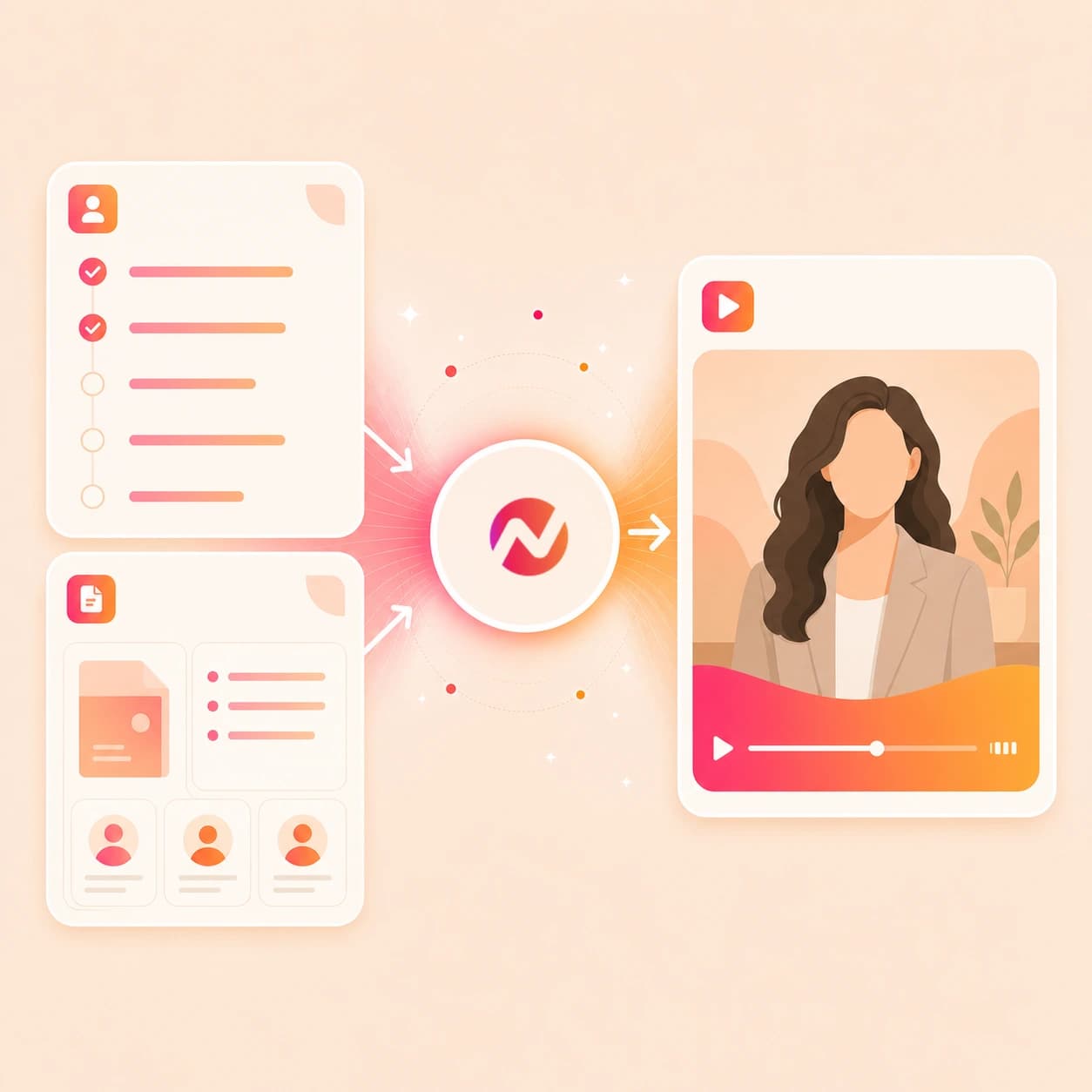
Create onboarding videos from the guides and walkthroughs your team already maintains. Update the source once, then tailor the project for new customers, roles, or regions.
Trusted by teams at











How it works
From onboarding source to editable welcome video.
Give ngram the setup material and audience. It turns the source into a planned video draft that can be revised before the final export.
Add the onboarding source
Start with a prompt, PDF, image, source URL, script, storyboard, help article, setup checklist, or welcome message. ngram reads the source for audience, task order, and key details.
Source ready
Review the script and storyboard
The source becomes a scene plan with narration, timing, product moments, callout notes, and the first action the viewer should take.
Plan reviewed
Generate the onboarding draft
ngram builds scenes with AI voiceover, burned-in captions, product callouts, smart zooms, motion graphics, and brand kit styling around the approved plan.
Draft generated
Edit and export the right cut
Rewrite a step, regenerate one scene, update captions, change the voiceover, or download the finished MP4. Prepare any alternate framing separately in the editor.
Ready to export
What it can do
What this ai onboarding video maker can create.
Use ngram when onboarding material needs to become a clear video asset that stays tied to the approved source and remains editable after generation.
Script and storyboard from onboarding context
Turn prompts, PDFs, URLs, scripts, and storyboards into a reviewable welcome script and scene plan before any video renders.
Learn more about script generationProduct callouts for first steps
Add arrows, labels, highlights, and step markers around the interface moments new customers or employees need to notice.
Learn more about motion graphicsSmart zooms for walkthroughs
Focus each scene on the right part of a screenshot, product page, or screen recording so the onboarding step is easy to follow.
Learn more about screencast editingVoiceover and captions
Generate narration from the approved onboarding script, choose a voice, set pronunciation guidance, and burn captions into the video.
Learn more about AI voiceoverBrand kit on every welcome asset
Apply logo, colors, fonts, motion style, screenshot treatment, tone, approved phrases, blocked phrases, intros, and outros.
Learn more about brand kitEditable drafts and MP4 export
Refine the generated video through chat, script editing, canvas controls, scene regeneration, or timeline edits, then export the needed formats.
Learn more about video editingBuilt for onboarding video assets and editable drafts
When it matters
Onboarding video workflows this tool supports.
These use cases match the customer, employee, product, support, and first-week walkthrough jobs this page is built to turn into video.
Customer Onboarding Video
Use the ai onboarding video maker to turn setup guides, kickoff notes, and product screenshots into a customer welcome video with captions and callouts.
Open AI video use caseUser Onboarding Video Maker
Create a user onboarding video from help docs or screen context so the first product flow has a clear script, zooms, labels, and brand styling.
Open AI video use caseCS Onboarding Video
Give customer success teams a source-backed onboarding video draft they can revise when setup steps or account guidance changes.
Open AI video use caseHR Employee Onboarding Video
Turn handbook sections, first-week notes, and welcome decks into employee onboarding videos without claiming HR record or training completion automation.
Open AI video use caseFounder Customer Onboarding
Convert founder notes, product setup advice, and a rough welcome script into a polished onboarding draft that still sounds specific to the product.
Open AI video use caseProduct Walkthrough Video Creator
Use product docs, screenshots, or a recorded flow to create an onboarding walkthrough with step labels, smart zooms, and editable narration.
Open AI video use caseTutorial Video
Turn a first task, feature setup, or help article into a tutorial-style onboarding video with a clear order of steps and source-based wording.
Open AI video use caseSupport Help Video
Create onboarding help videos from troubleshooting articles and setup notes when users need a visual answer during early product use.
Open AI video use caseTraining Video
Use onboarding docs, SOPs, and team notes as training source material when the video needs narration, captions, brand kit, and reusable exports.
Open AI video use caseProduct stack
The product stack around onboarding video creation.
These features carry onboarding source material through planning, narration, captions, product emphasis, brand treatment, editing, and export.
Script Generation
Turns onboarding prompts, PDFs, URLs, scripts, and storyboards into a script and scene plan the team can review before rendering.
Learn more about script generationAI Voiceover
Narrates the approved onboarding script with a selected voice and keeps audio connected when a step, phrase, or product term changes.
Learn more about AI voiceoverCaptions & Subtitles
Adds burned-in captions to onboarding scenes so welcome videos remain understandable in quiet workspaces and replay contexts.
Learn more about captionsBrand Kit
Applies the same logo, colors, fonts, tone, screenshot style, intros, outros, approved phrases, and blocked phrases across onboarding assets.
Learn more about brand kitMotion Graphics
Adds lower-thirds, step labels, arrows, product callouts, transitions, and title cards around the onboarding moments that need emphasis.
Learn more about motion graphicsScreencast Understanding and Editing
Turns recorded setup flows into clearer onboarding walkthroughs with transcript-aware cuts, click emphasis, cursor polish, and smart zooms.
Learn more about screencast editingVideo Editing
Keeps the generated onboarding draft editable through chat, visual chat, script editing, scene regeneration, canvas controls, and the timeline.
Learn more about video editingMore tools
Tools that pair with an ai onboarding video maker.
Use these tools when the onboarding source starts in a narrower format, or when the generated draft needs captions, localization, or timeline edits.
Employee enablement cluster
Use these related tools when onboarding content overlaps with training, HR, corporate updates, or tutorials.
AI Training Video Maker
Convert onboarding notes, decks, and SOPs into repeatable training videos with voiceover, captions, and edit controls.
Open toolAI HR Video Maker
Create HR-centered onboarding videos from policy material, employee guidance, and approved people-team messaging.
Open toolAI Corporate Video Maker
Use the corporate workflow when onboarding needs a company overview, leadership message, or business-context video.
Open toolTutorial AI Video Maker
Build step-by-step onboarding tutorials from product docs, workflows, screenshots, and source URLs.
Open toolPrepare the onboarding story
Use these when the first task needs a clearer script, presenter, or screen capture.
Video Script Generator
Draft the onboarding hook, scene order, narration, and closing action from rough notes before building the video.
Open toolScreen Recorder
Record the setup flow in the browser, then turn that capture into an onboarding walkthrough with callouts and captions.
Open toolAI Avatar Video Generator
Create a presenter-led onboarding section from an approved script when a welcome message needs a face or avatar.
Open toolFinish the onboarding draft
Use these after the first draft needs text, language, or timeline polish.
Add Subtitles to Video
Add or revise styled captions on an onboarding video that already has approved narration or recorded speech.
Open toolVideo Translator
Translate the onboarding script, captions, on-screen text, voiceover, and avatar lip sync for regional versions.
Open toolVideo Editor
Open the full editor when an onboarding video needs timeline cuts, caption fixes, callout changes, or export variants.
Open toolConvert
Converter pages for onboarding source material.
Use these converters when the job starts from a specific source instead of a broad ai onboarding video maker prompt.
Docs to Video
Convert onboarding docs, setup notes, and handbook pages into a planned video with narration, captions, and editable scenes.
Open converterPDF to Video
Upload a PDF guide, welcome packet, or one-page setup document and turn it into an onboarding video draft.
Open converterURL to Video
Paste a public setup page, product doc, help article, or onboarding guide and generate a video from that source.
Open converterWho it is for
Teams that turn onboarding sources into video.
These solution pages match the roles most likely to use an ai onboarding video maker for welcome flows, setup guidance, and first-week walkthroughs.
Customer Success
Turn kickoff docs, setup notes, and account guidance into customer onboarding videos that CSMs can review and update from the same source.
See CS workflowsDemo Videos for Customer Onboarding
Create demo-style welcome videos from product pages, docs, and screen context when a new customer needs the first flow explained visually.
See onboarding demo workflowsHR & Internal Comms
Convert first-week notes, policy summaries, and employee welcome material into onboarding videos without handling employee records.
See HR workflowsSaaS Companies
Use product setup pages, feature docs, and screenshots as source material for onboarding videos tied to the actual software flow.
See SaaS workflowsSupport Teams
Turn recurring setup questions and help articles into onboarding help videos with captions, smart zooms, and clear step labels.
See support workflowsProduct Marketing
Create product welcome videos from positioning notes, launch docs, and feature pages while keeping script, brand, and export variants editable.
See product marketing workflowsRemote Teams
Give distributed employees a reusable onboarding video asset built from the same handbook, setup docs, and company source material.
See remote team workflowsEducators & Trainers
Turn onboarding lessons, course starts, and module notes into narrated videos with captions, brand treatment, and reusable exports.
See educator workflowsIntegrations
Automate onboarding video work around approved sources.
These live integrations fit onboarding workflows where a source arrives in another system, an agent needs a video draft, or browser context should become source material.
Zapier
No-codeWhenA new onboarding brief, setup checklist, or customer welcome request is approved upstream
ThenSend the source context to ngram, create an editable onboarding video draft, and route the project link to the reviewer
n8n
WorkflowWhenA self-hosted workflow detects an approved onboarding PDF, support article, or product setup page
ThenRun the onboarding video workflow and write the draft status back to the originating record
MCP Server
AgenticWhenClaude, ChatGPT, Cursor, or another MCP-aware agent has onboarding source context and needs a video project
ThenCall ngram with the prompt, files, URL context, and audience notes, then return the editable project link
Chrome Extension
CaptureWhenYou are viewing a public setup guide, help doc, product page, or handbook section in the browser
ThenSend that page context into ngram so the onboarding video starts from the exact source you were reading
Why ngram
How onboarding video workflows differ.
The right option depends on whether the source should become an editable video project, a template clip, a recorded walkthrough, or a manually produced asset.
| Compare | ngram | Template video editors | Screen recording tools | Manual production |
|---|---|---|---|---|
| Workflow fit | Turns prompts, PDFs, images, URLs, scripts, and storyboards into an onboarding script, storyboard, voiceover, captions, callouts, brand treatment, and editable draft. | Useful when a team wants to pick a layout and manually place welcome text, screenshots, icons, and clips into a preset structure. | Useful when the onboarding asset should closely follow a real product setup flow captured from the screen. | Useful when a team needs custom footage, stakeholder interviews, or frame-level creative direction for a high-touch onboarding asset. |
| How ngram fits | Best when customer, employee, or product welcome videos need source context and later revisions from the same project. | Less direct when the source is a long PDF, help doc, product page, or storyboard that first needs a script and scene plan. | Often needs separate work for narration, captions, product labels, brand styling, and export variants after recording. | Requires the script, storyboard, voiceover, captions, brand system, and versioning plan to be assembled by hand. |
| Best use | Keeps the edit together through the finished MP4 download. Alternate framings are prepared and reviewed separately. | A good fit for repeat visual formats when source interpretation and draft editing are less important. | A better fit for raw walkthrough capture than onboarding videos built from mixed source material. | A better fit for bespoke productions than recurring onboarding videos from docs, product pages, and setup notes. |
FAQ
Common questions about the ai onboarding video maker.
Still choosing the right onboarding source?
Turn onboarding source material into an editable welcome video
Start with a prompt, PDF, image, URL, script, or storyboard. ngram drafts the script, scene plan, voiceover, captions, callouts, brand treatment, and export-ready onboarding video in one editable project.
Use the source material your team already approved.
Prompt, file, URL, script, storyboard, voiceover, captions, brand, export