Ship a product overview video the homepage actually deserves in 15 minutes
Drop in your product URL, feature docs, or a rough screen recording. A product overview video maker built for SaaS hands you back a polished cut with AI narration, motion graphics, captions, and your brand kit — replacing the gap on the marketing site where prospects bounce in ten seconds.
Or pick a video type to get started
Video generation uses credits. Review your estimate in ngram. MP4 downloads require Basic or higher.
How credits workTrusted by teams at


Product Overview Video videos made with ngram
Real videos created by teams using ngram for product overview video.
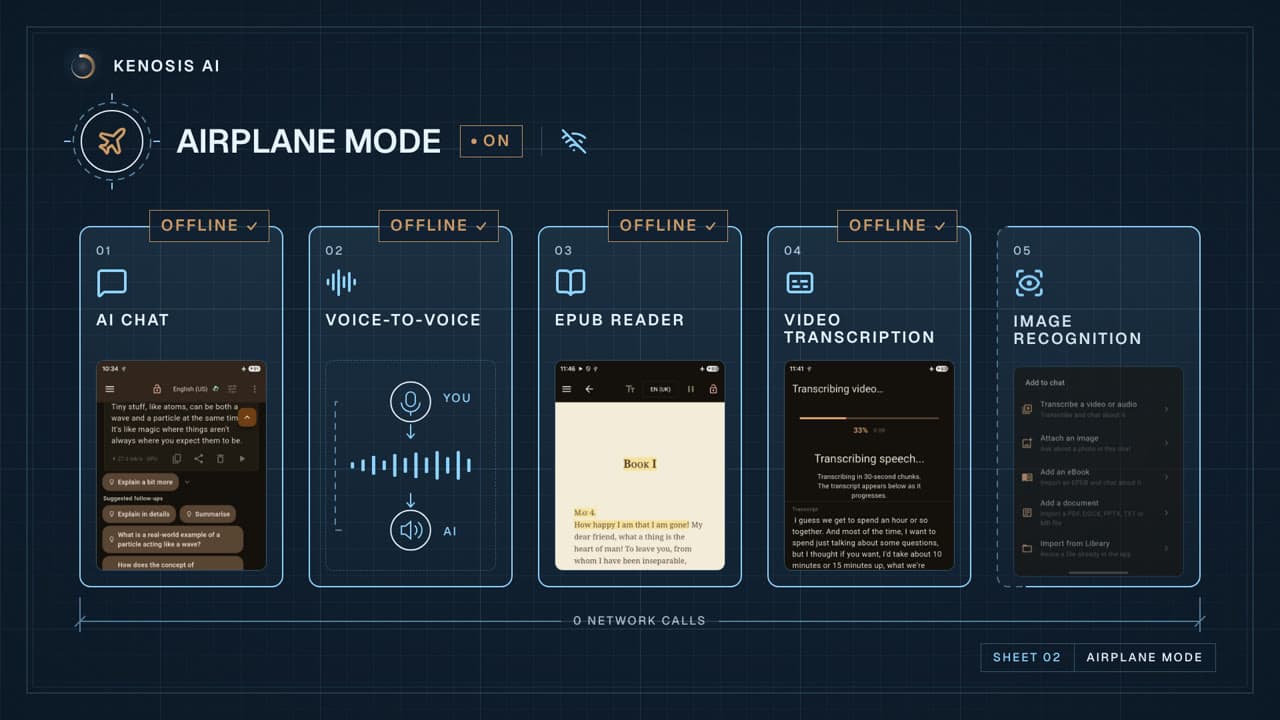



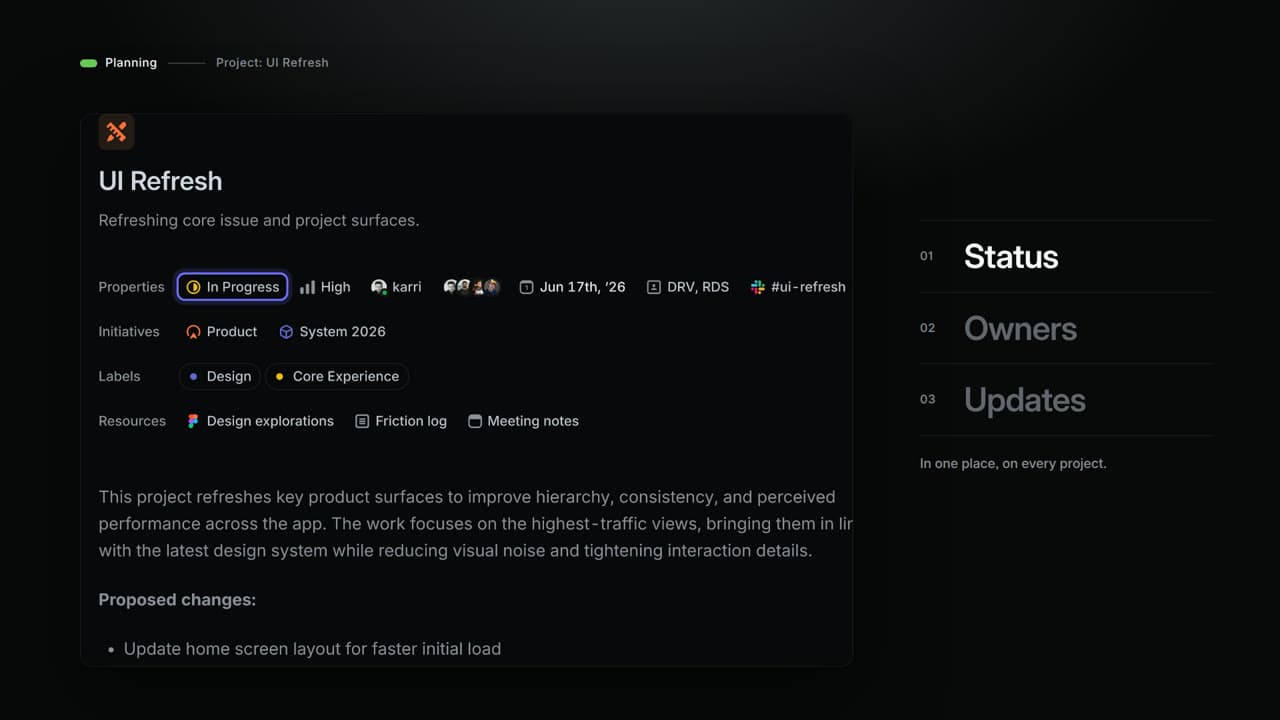
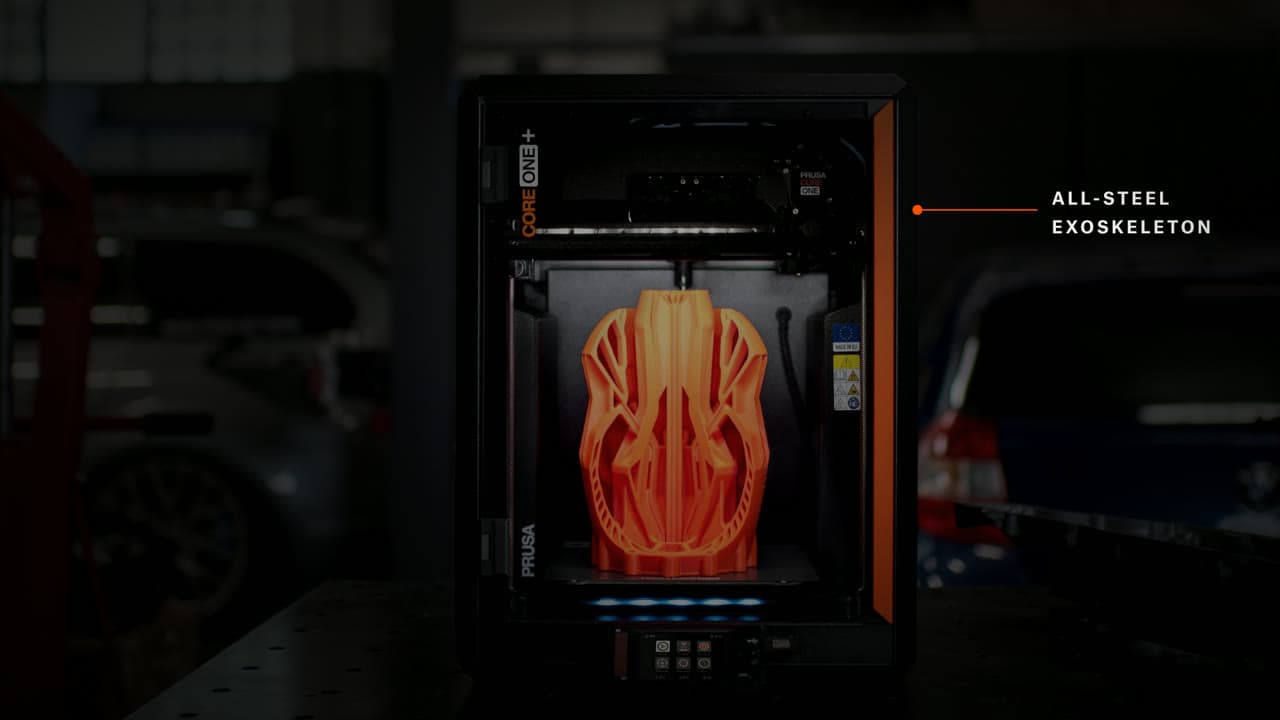

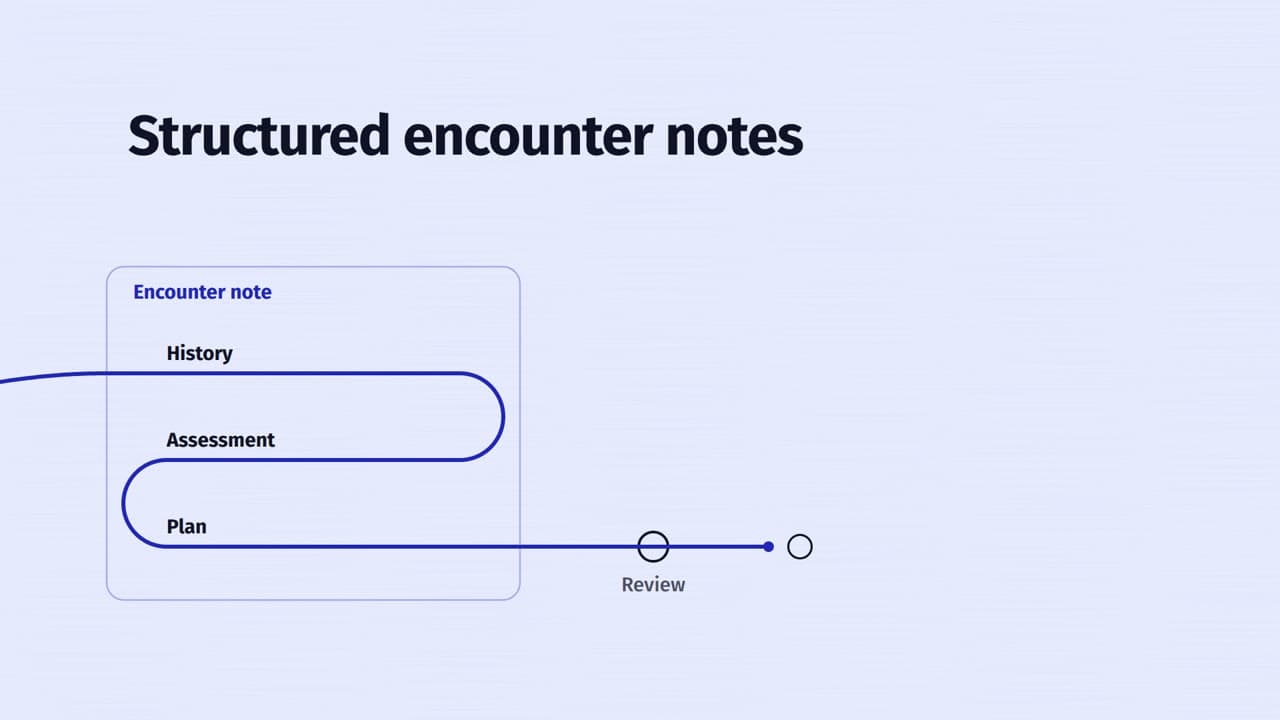
Nabla — one thread, from documentation to care
 by Rishikesh Ranjan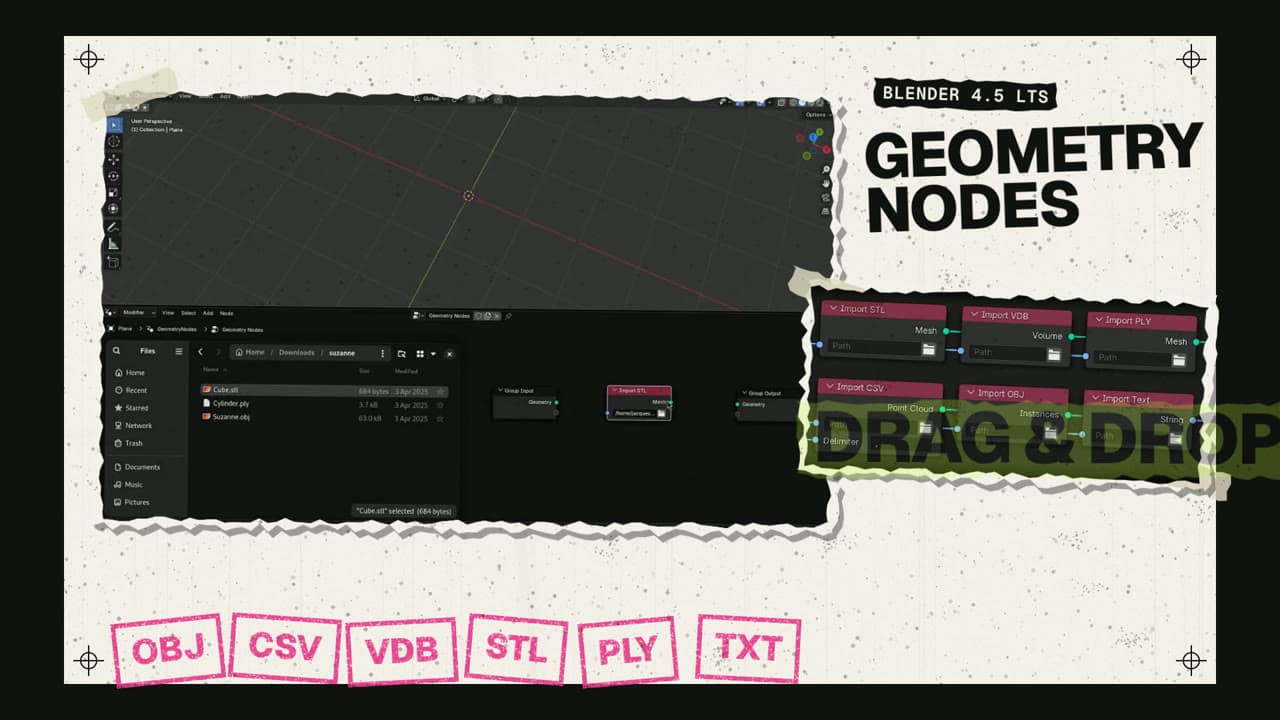
Blender 4.5 LTS — Bring Your Ideas Into the Scene
by Rishikesh Ranjan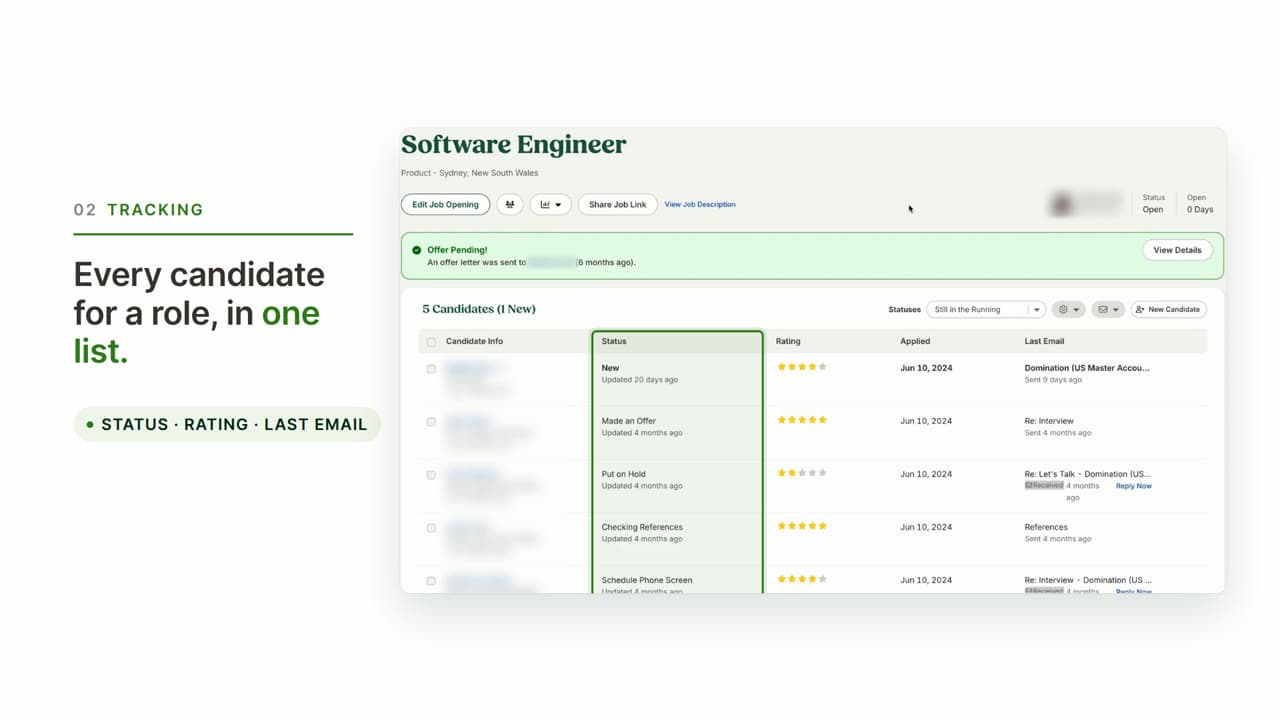
BambooHR ATS — From scattered to in one place
by Rishikesh Ranjan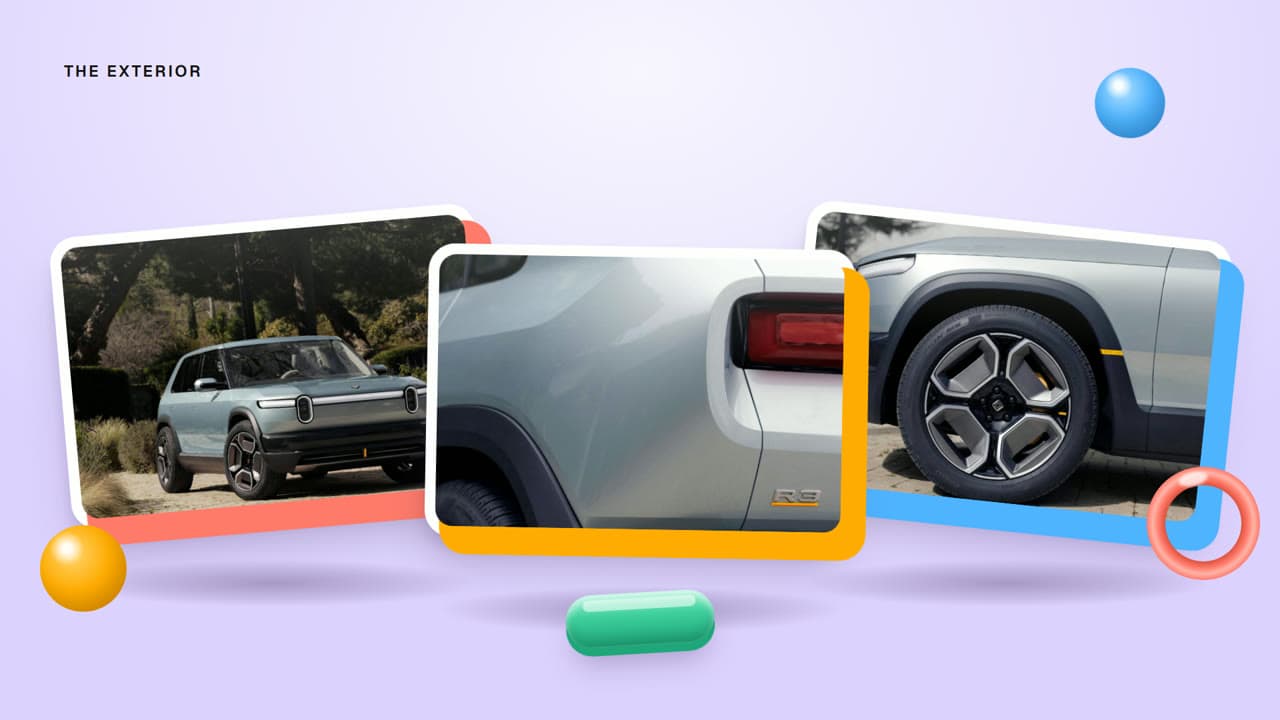
Rivian R3 — Meet R3
by Rishikesh Ranjan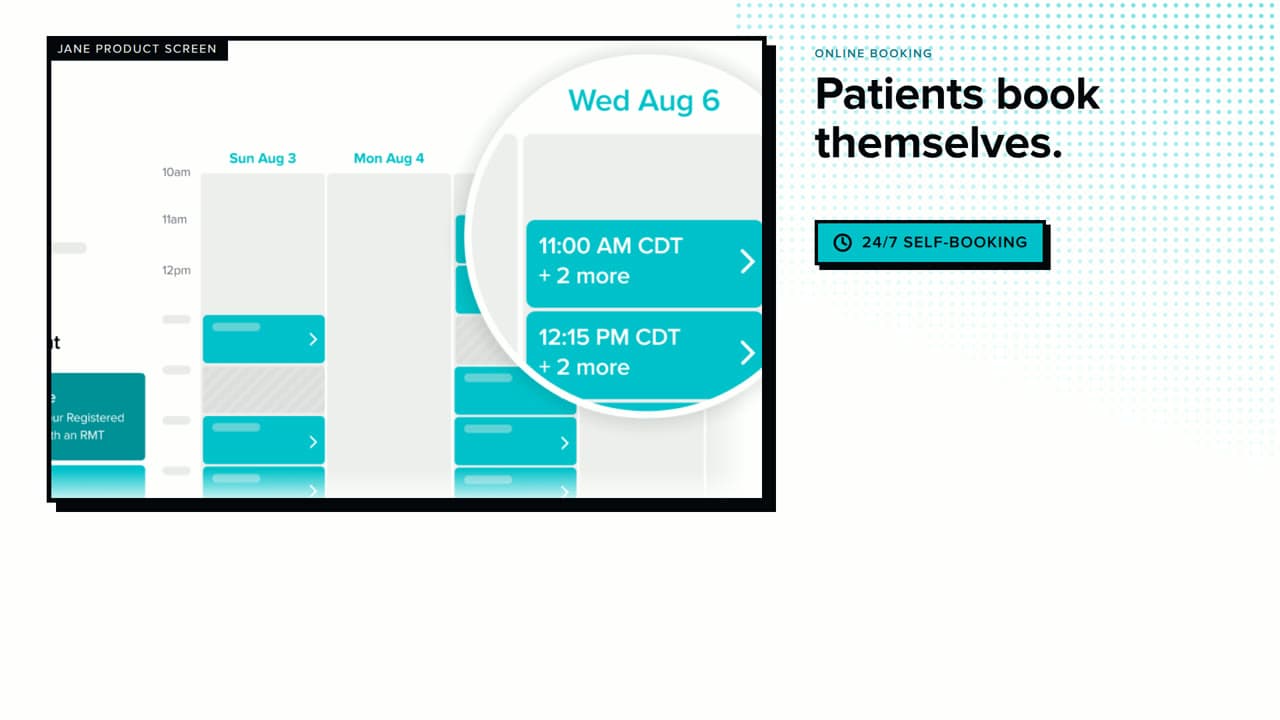
Jane Online Booking — 30s story-panel explainer
by Rishikesh Ranjan
Oura Ring 5 — A Clearer View
by Rishikesh Ranjan
LifeSaver Overview
“We've been about to make our product overview video for six months.”
- Quarter 1
The OKR doc says "ship a product overview video for the homepage hero." The PMM owner books a freelancer kickoff. Two weeks of script revisions follow. Sales is asked for input. Two of the four stakeholders disagree on the value-prop framing. Nothing renders.
- Quarter 2
The freelancer delivers a first draft at the end of the second sprint. Pacing drags, the voiceover undersells, the screenshots are from a build that already shipped a redesign. PMM sends notes. The freelancer asks for another two weeks and a change-order fee.
- Quarter 3
PMM gives up on the freelancer and tries Canva. After two hours, you have five slides with stock illustrations that look nothing like the product. Someone records a Loom and the team debates whether to use it. Nobody ships anything.
- Quarter 4
The CEO asks for an overview video for the investor pitch Thursday. The fire drill begins. Someone re-records a Loom, someone else rewrites the script, leadership disagrees on the messaging, and the cut that ships feels rushed and doesn't represent what the product actually does.
- +1 month
The competitor's overview video lands on their homepage. Forty thousand views in six weeks. Their sales team sends it in every outreach email. Yours is still a 12-slide deck nobody opens past slide three, and the homepage gap is now twelve months old.
- +1 year
The overview-video OKR rolls over for the fifth quarter. PMM stops mentioning it on the all-hands. Prospects still land, scan for ten seconds, and leave. The bounce rate on the homepage settles at 65%, and the pipeline that never started is the cost.
of B2B buyers prefer watching a short product video to reading marketing copy when first learning about a tool — but most SaaS homepages still ship with a hero headline, a subheadline, and a gap where the overview should be.
“Meanwhile prospects land on the homepage, scan for ten seconds, and bounce because they can't visualize what we actually do.”
From "we'll get to the video eventually" to "wait, you made this in-house?"
The marketing site has three paragraphs explaining what the product does. Nobody reads past the first sentence. Prospects scan for fifteen seconds, can't visualize the value, and bounce. Homepage bounce rate sits at 65 percent because the value prop never gets shown — only described.
You paste your product URL and a few value-prop bullets into ngram. Fifteen minutes later: a 90-second product overview video with AI narration, motion graphics on each key workflow, branded captions, and the marketing-site palette carried through every scene.
Sales sends a 12-slide deck before every intro call. Half the prospects never open it. The other half skim the first three slides and arrive at the demo asking "so what does your product actually do?" Reps burn 15 minutes per call on the same orientation pitch.
Sales puts the overview link in every outbound thread. Prospects arrive at the demo already understanding the workflow and asking specific questions about their use case. The intro call skips the basics and the deal cycle compresses by a full meeting.
Engineering ships a UI refresh in Q3. The 18-month-old overview video is now half-stale. PMM books another freelancer for the re-cut. Two weeks and $1,200 later, the new version lands. By then the next UI iteration is in design review and the cycle starts again.
Engineering ships the same UI refresh. PMM swaps the affected scenes in the storyboard, re-renders only those scenes, and pushes the updated overview live Monday before standup. The product overview video tracks the live product, not last quarter's screenshots.
Polished overviews from what's already on the marketing site
Bring a rough screen recording or just the product URL. ngram turns either one into a product overview video that finally communicates the value prop — AI narration, motion graphics, captions, brand kit, no agency invoice.
Start from the product URL or docs
Paste the marketing-site URL, a feature doc, or release-notes page. ngram extracts the value-prop language, writes the overview script, plans the visual flow, and assembles a complete 90-second cut with AI narration and motion graphics. You review the script before any scene renders.
URL to VideoOr start from a screen recording
Record a rough walkthrough showing what your product does. ngram trims the dead air, adds smart zooms on every click, overlays captions, and wraps everything in a branded intro and outro. Your messy recording becomes a polished overview without you opening a timeline editor.
Screen Recording to VideoOne product overview, every channel and format
Choose the audience, destination, and framing for each version before editing. Review that version's captions and motion, then download the finished MP4.
Starting from a launch deck or a press-release doc instead? Run it through PPT to Video or Docs to Video first — the overview polish step downstream is identical.
What changes when product overview video takes minutes
The homepage finally converts instead of confusing
Top benefitProspects understand the product in 90 seconds instead of bouncing after ten. Sales calls start with context instead of cold intros. The bounce rate on the marketing site drops and the demo-request rate climbs — because the value prop finally gets shown, not just described.
B2B SaaS sites with a product overview on the homepage hero tend to drive roughly 2-3× more qualified demo requests than sites with only static screenshots and copy in the same position.
Sales calls start with context
When prospects watch the overview before the call, reps skip the 15-minute orientation pitch and jump to the conversation that matters. Reps reclaim hours each week previously spent re-explaining what the product does.
The overview tracks the live product
Ship a UI refresh Monday, update the overview Tuesday. No agency invoice, no two-week wait. The product overview video always reflects what the product does today, not what it did the last time a freelancer captured screenshots.
Product URL → overview video in 3 steps
Drop in your product URL or recording
Paste your marketing-site URL, a feature doc, or upload a rough screen recording. ngram extracts the value props and starts the storyboard from whatever you hand it — no creative brief required.
Review the plan containing the script
ngram drafts a structured narrative with scenes, AI voiceover script, and visual plan. Rearrange sections, tighten the messaging, or approve as-is before render — every change happens in plain English.
Export and embed
Choose the destination and framing for this version before the edit, review its captions and motion, then download the finished MP4. Create differently framed channel versions as separate edits.
Built for product overview video, specifically
Who ships the product overview at your company?
Product Marketing
Ship the overview video the homepage has been waiting on for six months. Maintain it as a living asset that updates the same week as a UI refresh — not a one-off agency engagement you brief once a year and watch go stale by Q2.
Founders
Investor-pitch overviews, homepage hero cuts, and partner-deck embeds that look like marketing hired a studio. Replace the freelancer cycle with a workflow you can run between meetings — and update before the Thursday investor call when the deck changes.
Sales Enablement
Give reps a 90-second overview to send before every intro call. Prospects arrive informed, the rep skips the orientation pitch, and the demo conversation starts on the use case — not on "so what does your product actually do?"
Growth & Marketing
Plan each audience or channel version as a separate edit, then download the finished MP4.
Product Managers
Internal product overviews for the all-hands, the board update, and the cross-functional onboarding deck — all rendered from the same product source the PRD already lives in. The PM ships a real overview alongside every roadmap update.
Customer Success
Onboarding-stage product overviews for new accounts that need a refresher after the sales handoff. Re-render the affected scenes in minutes when the product UI changes so the overview never sends a new customer a stale walkthrough during the first 30 days.
Developer Relations
API overview videos, SDK introductions, and integration walkthroughs that ship the same week the docs do. Turn a docs page or a code-walk recording into an overview the developer audience actually watches before evaluating the product.
Support Teams
Help-center overviews that answer the "what is this product" question before the support thread starts. Auto-zoom on the right interaction; turn the long onboarding ticket into a single reply with the relevant overview scene embedded inline.
Explore more use cases
Other ways product and marketing teams ship video around the homepage and the sales motion.
You don't need a recording to make the overview.
Bring whatever the marketing folder already has. Each converter drops you into the same script, storyboard, captions, and brand-kit pipeline the screen-recording flow uses.
Every tool the overview pipeline runs on.
The old way vs. the ngram way
| Template Tools | Freelancer / Agency | ngram | |
|---|---|---|---|
| Time to first overview | 3-5 hours | 4-8 weeks | 15 minutes |
| Cost per overview | Your time + subscription | $3,000-$7,000 | Included in plan |
| Scripting and narrative | You write it scene by scene | Briefing cycles + revisions | AI-drafted from product source |
| Time to refresh after UI change | Rebuild from scratch | Weeks + change-order fees | Under 5 minutes |
| Brand consistency | Manual on every cut | Depends on the freelancer | Select your saved Brand Kit |
Wire the overview into the marketing workflow you already run.
Each integration ships with a working template. Trigger an updated product overview from a Webflow publish, a CMS edit, a Linear release tag, or an agentic chat — or wire it into your own scheduler with the REST API.
whenA Webflow CMS row marks the homepage copy as 'positioning v3 approved'
thenRender the matching overview cut and post the share link to #marketing-launches
whenClaude or ChatGPT calls the overview tool with the marketing-site URL
thenReturn a finished 90-second product overview video plus the homepage embed link
whenYou hit 'Make overview' on the marketing-site tab you're previewing
thenGet a polished homepage-ready overview MP4 back in a new tab inside fifteen minutes

whenA self-hosted marketing CMS publishes a positioning-doc update
thenAuto-generate the refreshed product overview video on your VPC for the homepage embed
whenThe product overview passed its final review and can be posted to the company feed.
thenChoose a one-off calendar time for the company post featuring the product overview.
whenThe product overview is ready for the social feed.
thenVerify the destination with OAuth, then schedule the product overview as a one-off social post in the calendar.
whenThe product overview is ready for the video channel.
thenVerify the destination with OAuth, then schedule the product overview as a one-off channel post in the calendar.
Will it work for my situation?
How do I make a product overview video?
How long should a product overview video be?
Will an AI-generated overview look professional enough for the homepage?
What if we don't have polished screenshots or product footage yet?
How is this different from making the overview in Canva or InVideo?
Your product overview is 15 minutes away
Stop sending text-heavy pitch decks. Stop waiting on agencies for the homepage video gap. Start showing prospects what your product actually does — in a 90-second overview that lands as cleanly as the marketing site reads.