AI Announcement Video Maker by ngram
AI Announcement Video Maker for company updates

Name the audience, message, source material, tone, update type, review needs, and target format.
What it does
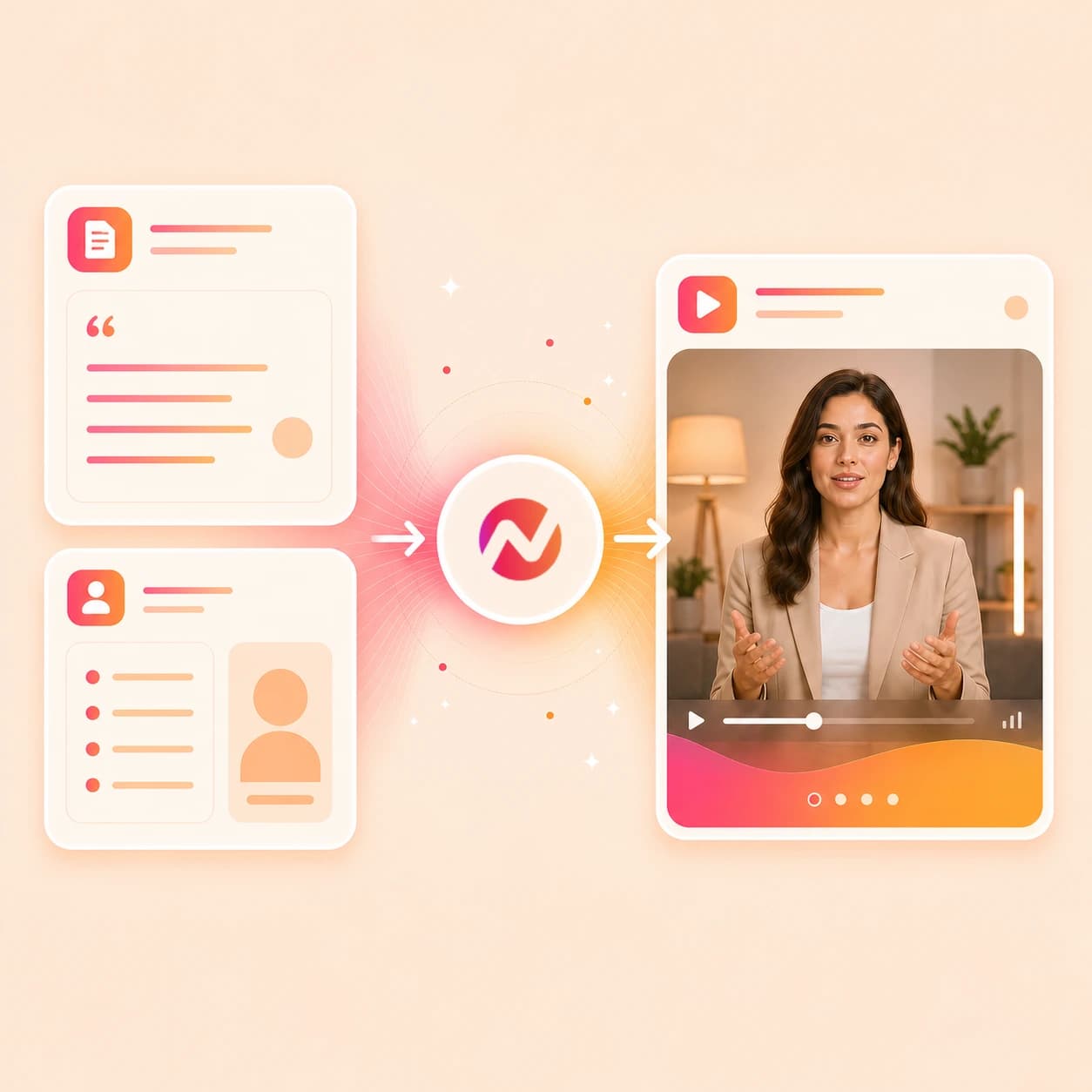
Create an announcement video from the memo, release note, or leadership message your company has already approved. ngram plans the story, applies your brand, and keeps each version editable.
Trusted by teams at












How it works
From announcement source to editable video.
Give ngram the approved message and source context, review the story plan, then refine the generated announcement video inside the same project.
Add the announcement source
Start with a prompt, PDF, image, source URL, approved memo, script, storyboard, release note, feature brief, or executive talking points.
Source ready
Review the script and storyboard
ngram turns the source into a hook, scene order, narration plan, visual direction, callouts, timing, and CTA before the first video draft renders.
Plan reviewed
Generate the announcement draft
The draft can include AI visuals, motion graphics, voiceover, captions, product callouts, background music, branded intro treatment, and a branded outro.
Draft generated
Edit and export the right version
Revise the message, regenerate scenes, adjust captions, tune callouts, update brand styling, and download the finished MP4.
Ready to export
What it can do
What this ai announcement video maker can create.
Use ngram when a company update, feature release, HR note, product launch, or executive message needs to become a clear video asset that teams can review and revise.
Script and storyboard from the update
Turn prompts, PDFs, URLs, scripts, storyboards, release notes, and memo copy into a reviewable announcement plan before any scene renders.
Learn more about script generationAI visuals for announcement scenes
Generate scene imagery, title frames, product visuals, and supporting backgrounds that match the announcement source and selected brand direction.
Learn more about AI visualsVoiceover and captions for approved scripts
Generate narration from the announcement script, choose a voice, set pronunciation guidance, burn captions into the video, and revise wording before export.
Learn more about AI voiceoverBrand kit for company consistency
Apply logos, colors, fonts, motion style, screenshot style, tone preferences, approved phrases, blocked phrases, intros, outros, and CTAs.
Learn more about brand kitCallouts for what changed
Add arrows, labels, lower thirds, highlights, and product callouts around the exact policy detail, feature change, launch point, or next step viewers need to notice.
Learn more about motion graphicsEditable drafts and MP4 export
Revise the announcement through chat, script edits, visual controls, scene regeneration, or the timeline, then download the finished MP4.
Learn more about video editingBuilt for announcement video assets and editable drafts, not distribution automation or outcome guarantees
When it matters
Announcement video workflows this tool supports.
These pages match the company update, feature release, HR note, product launch, and executive announcement jobs this page turns into video.
Feature Announcement Video
Use the ai announcement video maker to turn release notes, product pages, screenshots, and feature briefs into a video that explains what changed and why it matters.
Open AI video use caseHR Company Announcement Video
Draft HR announcement videos from approved memos, leadership notes, dates, and action items without claiming employee notification or HRIS automation.
Open AI video use caseInternal Communication Video
Create internal announcement cuts from written updates, source URLs, screenshots, or talking points, then keep the narration, captions, and brand treatment editable.
Open AI video use caseProduct Launch Video Maker
Turn launch briefs, release pages, PDFs, and product visuals into announcement videos for launches, website handoff, social handoff, and customer education.
Open AI video use caseChangelog Video
Convert several release entries into one announcement video that groups updates, explains impact, and gives viewers a clear next step.
Open AI video use casePM Feature Announcement
Help product managers turn a shipped feature, PRD summary, or customer-facing note into an announcement video with storyboard, callouts, and captions.
Open AI video use casePMM Feature Announcement
Use PMM positioning, launch notes, and product context to create external announcement drafts that stay tied to the approved message.
Open AI video use caseFounder Product Update
Turn founder or executive update notes into a concise announcement video with narration, captions, brand treatment, and editable scenes.
Open AI video use caseHR Policy Update Video
Explain a policy change from an approved PDF, memo, or handbook excerpt with dates, action items, captions, and branded overlays.
Open AI video use caseProduct stack
Product features behind announcement video creation.
These ngram features support the planning, generation, review, brand control, captioning, callout, editing, and export work behind an ai announcement video maker workflow.
Planning
Script generation for announcement structure
Convert a memo, release note, script, storyboard, PDF, or URL into the hook, scene plan, narration, visual direction, CTA, and timing for the announcement.
Plan the announcement scriptVisuals
AI visuals for update scenes
Generate title frames, supporting imagery, product frames, and visual fills that match the update source and approved announcement message.
Create announcement visualsNarration
AI voiceover for narrated updates
Create narration from the approved announcement script, choose a voice, set pronunciation guidance, and regenerate audio after wording changes.
Add announcement voiceoverCaptions
Captions for company updates
Add burned-in captions for silent viewing, then adjust line breaks, names, dates, product terms, and CTA wording before export.
Caption announcement videosBrand
Brand kit for announcement consistency
Apply logos, colors, fonts, motion style, screenshot treatment, voice and tone preferences, approved phrases, blocked phrases, intros, and outros.
Apply brand kitCallouts
Motion graphics for callouts
Add lower thirds, labels, arrows, product highlights, title cards, transitions, and branded overlays around the details viewers need to retain.
Add motion graphicsEditing
Video editing after the first draft
Use chat, visual chat, script editing, canvas controls, scene regeneration, and timeline edits to refine the announcement before handoff.
Edit the announcementMore tools
Related tools for announcement video workflows.
Use these tools when the announcement needs a launch cut, broader company-video treatment, script work, URL conversion, captions, or editing after the first draft.
Announcement and launch cluster
Connect announcement videos with corporate updates, internal comms, product launches, and brand storytelling.
AI Corporate Video Maker
Use the corporate workflow when an announcement should become a broader company update with business context.
Open toolAI Internal Comms Video Maker
Turn approved company notes into internal announcement videos for teams, departments, or leadership updates.
Open toolAI Product Launch Video Maker
Create a launch video when the announcement centers on a release, feature, or product milestone.
Open toolAI Brand Video Maker
Use the brand workflow when the announcement needs to reinforce company story, tone, and positioning.
Open toolAI Nonprofit Video Maker
Create editable campaign, donor-update, or community announcement videos from approved nonprofit material.
Open toolStart from text, scripts, or URLs
Use these tools when the announcement source needs to become a script or first draft before deeper edits.
AI Video Generator
Use the broad generator for announcement ideas that include scripts, docs, URLs, images, recordings, and follow-on variants.
Open toolVideo Script Generator
Turn an announcement brief, memo, URL, or PDF into a hook-body-CTA video script with scene notes before generating the final draft.
Open toolText to Video
Paste announcement copy or talking points and turn the text into a narrated, captioned, editable video project.
Open toolURL to Video
Paste a release note, product page, help article, or company page and turn the URL context into an announcement video draft.
Open toolPolish and adapt the final cut
Use these after the announcement draft needs captions, format changes, timeline edits, or translated variants.
Add Subtitles to Video
Add readable captions to an announcement cut so the update works in silent-viewing contexts before handoff.
Open toolVideo Editor
Edit announcement clips, audio, captions, effects, scenes, and scripts on the timeline, canvas, or through chat.
Open toolVideo to GIF
Turn an approved announcement moment into a short GIF for docs, changelog pages, release notes, or internal handoff.
Open toolVideo Translator
Create localized announcement variants by translating scripts, captions, on-screen text, and voiceover inside ngram.
Open toolConvert
Convert announcement source material into video.
These converters match the most common announcement inputs: a brief prompt, an approved PDF, a URL, a script, release notes, or a public announcement page.
Prompt to Video
Start the ai announcement video maker from a plain-language brief that names the message, audience, source context, tone, and CTA.
Open converterPDF to Video
Upload an announcement memo, policy note, release PDF, or one-pager and turn the document into a storyboarded video draft.
Open converterURL to Video
Paste a product page, release note, changelog, help article, or company page and generate an announcement video from the page context.
Open converterWho it is for
Teams that use announcement video workflows.
Announcement videos are useful when a team owns the message, source material, and review process, but needs a faster way to create a polished video asset.
HR and internal comms
Turn approved company updates, policy notes, leadership messages, and employee-facing briefs into clear videos without claiming HRIS or notification automation.
See HR workflowsProduct marketing
Use positioning docs, release notes, product URLs, and launch briefs to create announcement videos for customers, website handoff, and sales enablement.
See PMM workflowsProduct managers
Convert feature notes, roadmap context, and product updates into announcement drafts that explain what changed and what stakeholders should review.
See product workflowsFounders
Turn founder notes, executive talking points, and product updates into announcement videos that can be refined before customer or team handoff.
See founder workflowsGrowth and marketing teams
Adapt a campaign update, feature release, or product announcement into video assets for owned channels while keeping distribution decisions separate.
See growth workflowsCustomer success
Create customer-facing update videos from release notes, help docs, or product changes so accounts understand what changed after launch.
See success workflowsEnterprise teams
Produce brand-consistent announcement drafts from approved materials, then route the exported asset through the review and distribution process your company already uses.
See enterprise workflowsRemote teams
Turn async updates into captioned video assets that can be reviewed across time zones without replacing the team's existing communication channels.
See remote workflowsIntegrations
Automation paths for announcement video creation.
Use live ngram integrations to start or track announcement video creation from approved source systems. Keep final review, distribution, and employee communication in your existing workflow.
Zapier announcement intake
WorkflowWhenAn approved announcement brief, form response, release note, or content row is ready in another app.
ThenCreate an ngram video generation request and route the resulting draft back for review before distribution.
Chrome Extension page capture
BrowserWhenA teammate is reviewing a source page, release note, help article, product page, or company announcement in Chrome.
ThenSend the page context to ngram so the announcement video draft starts from the material already on screen.
MCP agent handoff
AgentWhenAn MCP-aware agent has an approved announcement brief, source URL, or script and needs a video draft created.
ThenInvoke ngram as a tool call to create the announcement video request and track the generated asset.
n8n self-hosted workflow
Self-hostedWhenA self-hosted workflow receives approved announcement metadata, a source URL, or PDF context from internal systems.
ThenTrigger ngram generation, monitor job status, and pass the finished draft into your team's review path.
Why ngram
How ngram compares for announcement video creation.
The best fit depends on whether you need a planned, editable announcement project or a simple template, manual edit, or short generated clip.
| Compare | ngram | template video maker | manual video editor | text-to-video generator |
|---|---|---|---|---|
| Workflow fit | Starts from prompts, PDFs, images, URLs, scripts, storyboards, release notes, and approved announcement context. | Useful when a team wants to swap text and visuals into a predefined announcement layout. | Useful when the team already has footage, audio, design assets, and an editor handling the announcement. | Useful for quick visual ideas or short clips from a prompt. |
| How ngram fits | Plans the script and storyboard before generating scenes, voiceover, captions, brand styling, callouts, and exports. | Often leaves the message structure, script, audience framing, and review versioning to the creator. | Usually requires separate work for script planning, storyboard review, voiceover, captions, and brand treatment. | May not cover the full business announcement workflow around source extraction, reviewable planning, brand kit, and export variants. |
| Best use | Keeps the announcement editable through chat, script edits, visual controls, scene regeneration, and timeline edits. | Can work for static or repeatable updates, but may need more manual writing for nuanced company news. | Gives deep control, but can slow down recurring updates that start from memos, URLs, and release notes. | Works best when the source is simple and the team does not need a structured script, storyboard, and editable draft. |
FAQ
ai announcement video maker FAQ
Answers for teams creating company and product announcement videos.
Turn the update into an announcement video
Bring a prompt, memo, PDF, image, source URL, approved script, storyboard, release note, or executive talking points. ngram plans the script and storyboard, generates the draft, applies brand styling, and exports handoff-ready formats.
Use ngram for announcement video creation and edits; keep publishing, employee notifications, HRIS updates, legal approval, and reporting in your existing systems.
CTA opens ngram sign-in. The editable project starts after authentication.