AI Internal Comms Video Maker by ngram
AI Internal Comms Video Maker for company updates people watch

Name the audience, message, source material, tone, review context, and target length.
What it does
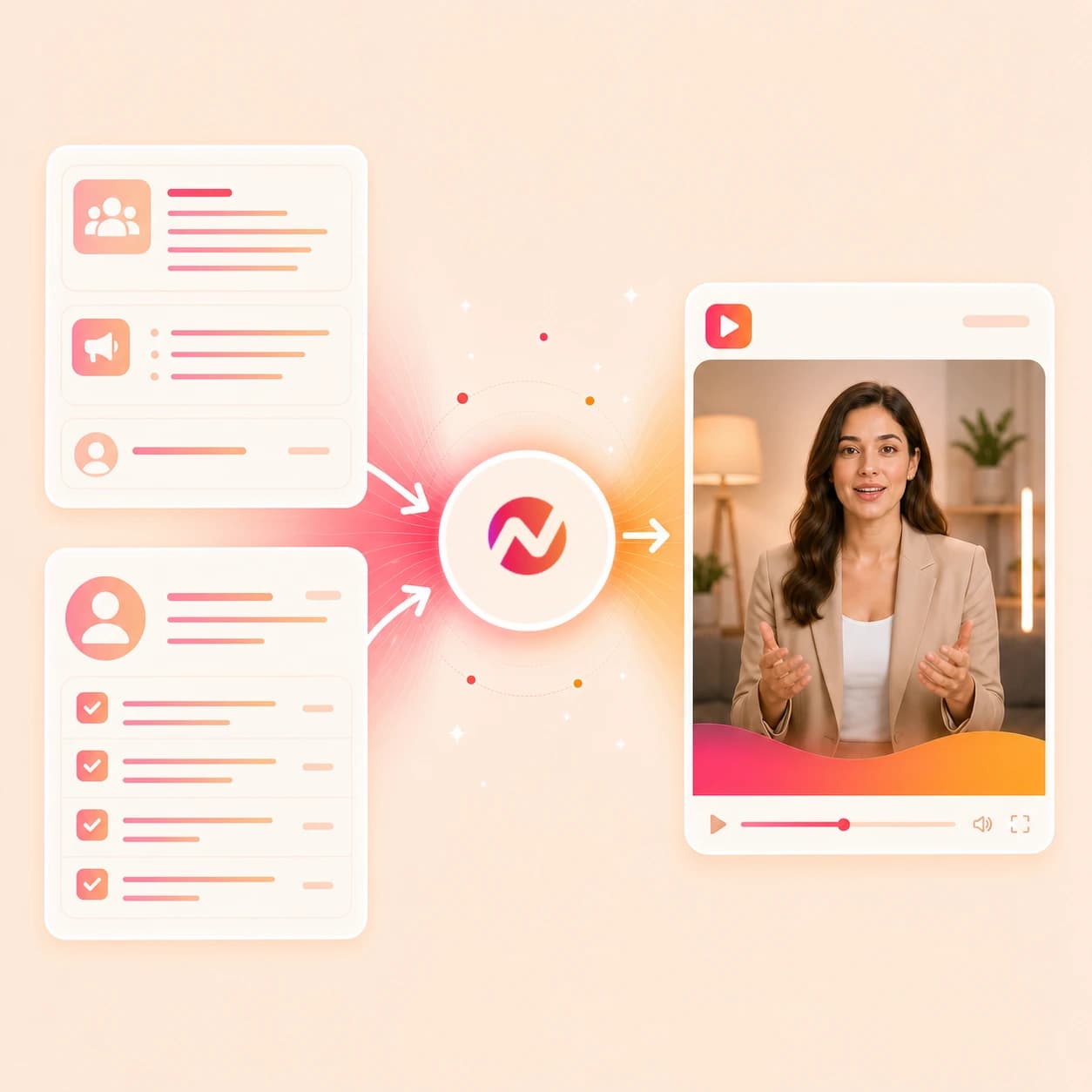
Turn leadership notes, policy changes, and product updates into concise internal videos. Keep the approved message intact and create versions for different teams or locations.
Trusted by teams at












How it works
How the AI internal comms video maker works.
Give ngram the internal message and source context, review the plan, then refine the generated video before your team exports or shares it.
Add the source message
Start with a prompt, PDF, URL, approved script, storyboard, policy note, release note, or leadership talking points. ngram reads the source for audience, intent, tone, and required details.
Source ready
Set the audience and update type
Tell ngram whether the video is for an all-hands recap, product update, policy update, team announcement, internal recap, or company message.
Direction set
Review the script and storyboard
ngram turns the source into a script, scene order, narration plan, timing, visual direction, captions, and CTA before the video draft renders.
Plan reviewed
Edit and export the update
Revise the script, regenerate scenes, tune captions, update callouts, adjust voiceover, and download the finished MP4.
Ready to export
What it can do
What this AI internal comms video maker can create.
Use ngram when an internal message needs a clear video draft instead of another memo, rough recording, or slide-only recap.
Script and storyboard from source material
Turn prompts, PDFs, URLs, scripts, storyboards, policy notes, and product updates into a reviewable video plan before any scene renders.
Learn more about script generationVoiceover and captions for internal updates
Generate narration from the approved script, choose a voice, set pronunciation guidance, and add burned-in captions that follow the message.
Learn more about AI voiceoverBrand kit for company consistency
Apply logos, colors, fonts, motion style, screenshot style, voice, tone, approved phrases, blocked phrases, intros, outros, and CTA treatment.
Learn more about brand kitEditable drafts after generation
Use chat, the script editor, visual chat, scene regeneration, canvas controls, or the timeline to revise the internal comms video after the first draft.
Learn more about video editingMotion graphics for context
Add title cards, lower thirds, callout boxes, product labels, smart zooms, and transitions around the decisions or changes the team needs to understand.
Learn more about motion graphicsBuilt for video assets and editable drafts, with approvals and distribution handled by your team
When it matters
Internal comms workflows this tool supports.
These use cases fit teams turning approved internal source material into videos employees can review on their own time.
Internal Communication Video
Create an internal communication video from announcement copy, a leadership note, or a rough recording while keeping the script, storyboard, captions, and brand treatment editable.
Open AI video use caseHR Company Announcement Video
Use the AI internal comms video maker to turn company messages, all-hands notes, or leadership talking points into a branded announcement draft.
Open AI video use caseHR Policy Update Video
Explain a policy update with source-backed narration, dates, action items, captions, and branded overlays while keeping the output to an editable video asset.
Open AI video use casePM Internal Update
Turn sprint notes, roadmap bullets, product decisions, or a rough walkthrough into an internal update video for stakeholders and partner teams.
Open AI video use casePM Roadmap Update
Convert roadmap context into a narrated update with scene-level tradeoffs, captions, and visuals for teams that need the decision path on record.
Open AI video use casePM Feature Announcement
Create an internal feature announcement from release notes, screenshots, and product context before the update becomes a customer-facing launch asset.
Open AI video use caseChangelog Video
Turn release notes into an internal product update video that explains what changed, why it matters, and where teams should look next.
Open AI video use caseMeeting Recap Video
Use meeting notes or exported recordings as source context for a recap video with decisions, next steps, captions, and a shorter watch path.
Open AI video use caseEvent Recap Video
Create a company event recap from approved clips, keynote notes, or a recap brief, then adapt the same project for internal and external cuts.
Open AI video use caseProduct stack
Product features behind the internal comms workflow.
These ngram features help turn internal source material into a planned, branded, editable company update video.
Planning
Script generation for internal messages
Convert a memo, policy note, URL, or product update into a script with scene breaks, narration, visual direction, and a clear closing action.
Learn more about script generationAudio
AI voiceover for company updates
Generate narration from the approved internal comms script, choose a voice, preview pronunciation, and update the audio when wording changes.
Learn more about AI voiceoverAccessibility
Captions for async viewing
Add burned-in captions that follow the voiceover, match the brand kit, and keep the update usable when viewers watch without sound.
Learn more about captionsBrand
Brand kit for internal channels
Keep all-hands recaps, policy videos, and product updates aligned with approved logos, colors, fonts, tone, phrases, intros, and outros.
Learn more about brand kitEditing
Video editing after the first draft
Revise the internal update with chat, the script editor, visual chat, scene regeneration, canvas controls, or the timeline.
Learn more about video editingVisuals
Motion graphics for decisions and dates
Use lower thirds, title cards, callouts, smart zooms, and transitions to make product changes, policy dates, and next steps easier to follow.
Learn more about motion graphicsWorkspace
Collaboration in team workspaces
Keep internal comms projects, shared brand kits, assets, and team roles in one workspace so reviewers can return to the same draft.
Learn more about collaborationMore tools
More tools around internal comms video.
Use these when the source is narrower than a full internal comms prompt, or when the draft needs planning, captions, edits, or localization.
Internal communication cluster
Use adjacent workplace tools when the message is corporate, HR-specific, announcement-led, or needs final editing.
AI Corporate Video Maker
Create a broader corporate video when internal comms need leadership context, business framing, or company storytelling.
Open toolAI Announcement Video Maker
Turn approved notes into crisp announcement videos for product updates, policy changes, or team messages.
Open toolAI HR Video Maker
Use the HR workflow when internal communication includes people-team guidance, policy context, or employee enablement.
Open toolVideo Editor
Refine the internal comms draft with timeline edits, caption checks, scene changes, and export settings.
Open toolPlan and polish the update
Use these when the internal comms video needs tighter wording, overlays, subtitles, or sound.
Video Script Generator
Draft the internal update script, scene beats, and CTA before sending the message into the video generation workflow.
Open toolVideo Editor
Trim the generated update, revise scenes, adjust captions, and keep the final cut tied to the same project.
Open toolAdd Text to Video
Layer dates, owners, policy labels, roadmap milestones, and closing actions on top of the internal comms video.
Open toolAdd Subtitles to Video
Add or revise subtitles for an internal update so the message is readable in async and low-audio viewing contexts.
Open toolAdd Music to Video
Place background music under a recap or announcement while keeping narration clear and editable.
Open toolAdjacent business video workflows
Use these when the internal update becomes a broader business video, recording, or localized variant.
AI Corporate Video Maker
Create a broader company video from prompts, PDFs, URLs, scripts, and SOPs when the audience extends beyond an internal comms update.
Open toolScreen Recorder
Record a quick walkthrough for a product update or process change, then turn the capture into a polished internal recap.
Open toolVideo Translator
Localize an approved internal comms video with translated script, captions, on-screen text, voiceover, and lip sync when needed.
Open toolConvert
Converters that feed internal comms video.
If the source already lives in a doc, PDF, URL, release note, meeting recording, or deck, start from a converter and keep editing in ngram.
Docs to Video
Turn an internal memo, SOP, handbook section, or announcement draft into a storyboarded internal comms video.
Open converterPDF to Video
Upload a policy PDF, all-hands packet, one-pager, or internal brief and convert it into a narrated video draft.
Open converterURL to Video
Paste a release note, product update page, help article, or company page and turn the source into an internal update video.
Open converterWho it is for
Teams that use internal comms video.
These teams already have the messages. The AI internal comms video maker turns them into reviewable video drafts without starting a production cycle.
HR & Internal Comms
Turn policy updates, company announcements, onboarding notes, culture moments, and all-hands recaps into branded internal video drafts.
See internal comms workflowsProduct Managers
Create internal product updates from sprint notes, roadmap docs, release notes, and rough walkthroughs so partner teams can review the same context.
See product manager workflowsRemote Teams
Use internal comms video for async updates, handoffs, process changes, and all-hands recaps that teammates can watch in their own workday.
See remote team workflowsEnterprise
Keep internal update videos tied to shared brand kits, team workspaces, approved phrases, blocked phrases, and export paths.
See enterprise workflowsProduct Marketing Managers
Pair external launch messaging with internal enablement, product update, and feature announcement videos drawn from the same source material.
See product marketing workflowsFounders
Create founder-led company messages, investor-adjacent updates, and product progress recaps from notes, decks, and quick recordings.
See founder workflowsIntegrations
Trigger internal comms video work from your stack.
Live integrations can start or route an ngram video draft from approved source material. Final review, distribution, and employee notifications stay in your existing internal comms process.
Approved request to internal video draft
ZapierWhenAn internal comms request, company update brief, or approved form submission lands upstream.
ThenSend the prompt, audience, source URL, and owner context into ngram so the AI internal comms video maker creates a draft.
Policy doc to reviewable video
n8nWhenA policy note, release note, or internal source doc moves to an approved state in a self-hosted workflow.
ThenTrigger ngram to create the internal comms video draft and pass the render status back into the workflow.
Agent-authored update to video
MCPWhenAn approved AI agent has the internal message, supporting context, and audience notes ready for a video request.
ThenInvoke ngram through MCP to create an internal comms video draft from the prompt and attached source context.
Page context to update video
ChromeWhenYou are reviewing a release note, product page, help article, or company page that should become an internal update.
ThenSend the page context into ngram from the browser and continue the internal comms draft in the editor.
Use these surfaces when internal comms video creation needs to start from approved workflows, agents, or browser context.
Why ngram
How internal comms video workflows differ.
Some tools start from a script, a template, or a meeting recording. ngram is built for source-backed internal updates that stay editable from plan to export.
| Compare | ngram | Avatar video platform | Template video editor | Meeting recap workflow |
|---|---|---|---|---|
| Workflow fit | Accepts prompts, PDFs, images, URLs, scripts, storyboards, policy notes, release notes, and internal update source material. | Useful when the internal comms video should center on a consistent presenter or avatar reading an approved script. | Useful when the team already has copy, assets, layout direction, and time to assemble scenes by hand. | Useful when the source is a meeting recording and the target output is a shorter recap or summary clip. |
| How ngram fits | Plans the script and storyboard before rendering, then generates voiceover, captions, motion graphics, brand treatment, and export-ready files. | Usually starts once the script direction is already chosen, so message planning may happen in a separate document. | Gives direct layout control, but the comms owner still decides the structure, narration, captions, and update variants. | Narrower than a full internal comms workflow when the source is a policy PDF, product update URL, or written company message. |
| Best use | Stays editable through chat, visual chat, scene regeneration, script editing, timeline controls, team workspaces, translation, and MP4 export. | Works best for speaker-led announcements, training modules, and executive notes where the presenter is the main visual system. | Fits recurring formats where the visual template matters more than source-to-storyboard planning. | Fits post-meeting summaries, while ngram also handles prompts, docs, URLs, scripts, storyboards, captions, brand kit, and exports. |
FAQ
Common questions about internal comms videos
Still curious?
AI Internal Comms Video Maker for the next company update
Turn a prompt, PDF, URL, script, storyboard, or internal update note into a branded video draft with voiceover, captions, editable scenes, and MP4 export.
Start from the source material your team already approved.
Create from a prompt, file, or URL.