Everything you need to create professional videos
ngram has all the tools you need to transform your ideas into polished, professional videos.
Explore every feature
Browse by what you want to do — or search to jump straight to a tool.
22 of 22 features
Create with AI
Generate every asset — visuals, voiceover, avatars, scripts, music — straight from a prompt.
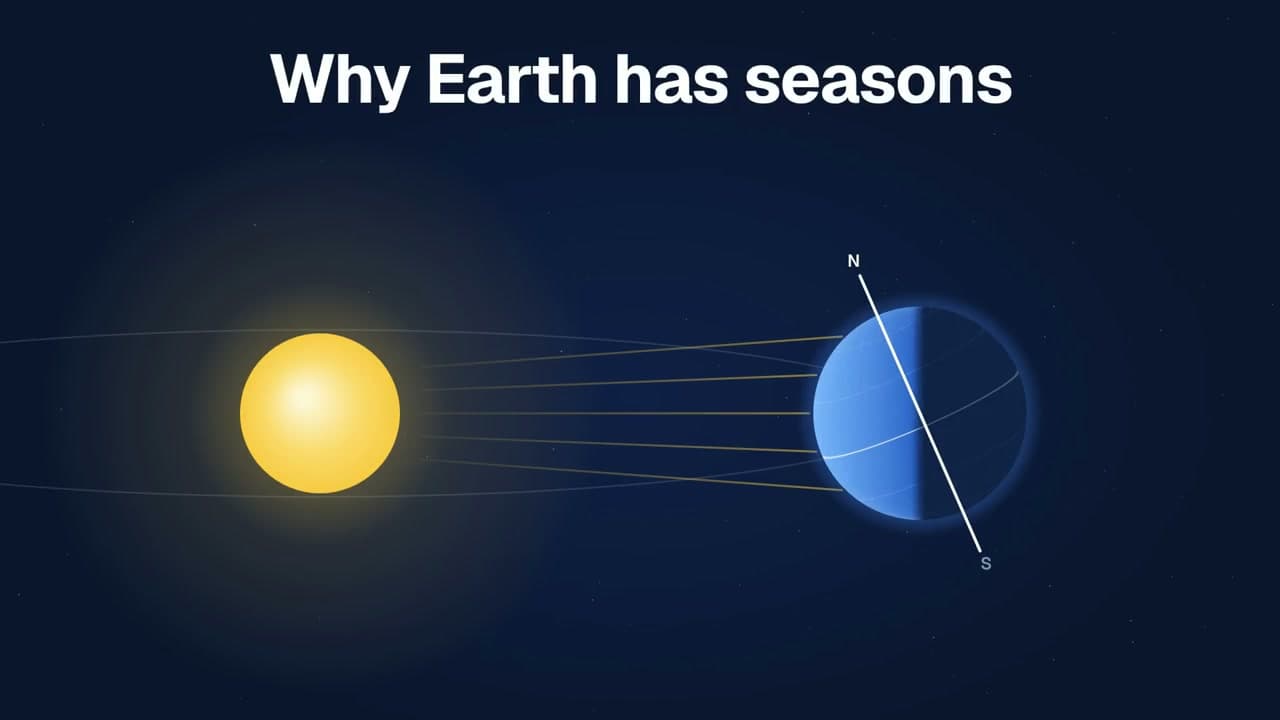
AI Explainer Video Maker
Create narrated videos from research papers, slides, documentation, and more with ngram’s AI explainer video maker. Bring your material and choose the depth.
AI Video Generation
Use an AI video generation platform to turn a prompt or source material into a reviewable script, storyboard, rendered video, and editable project.
Explore
AI Visuals
Use an AI visual generator to create scene imagery, animate stills, and shape reference-led video fills inside an on-brand ngram project.
Explore
AI Voiceover
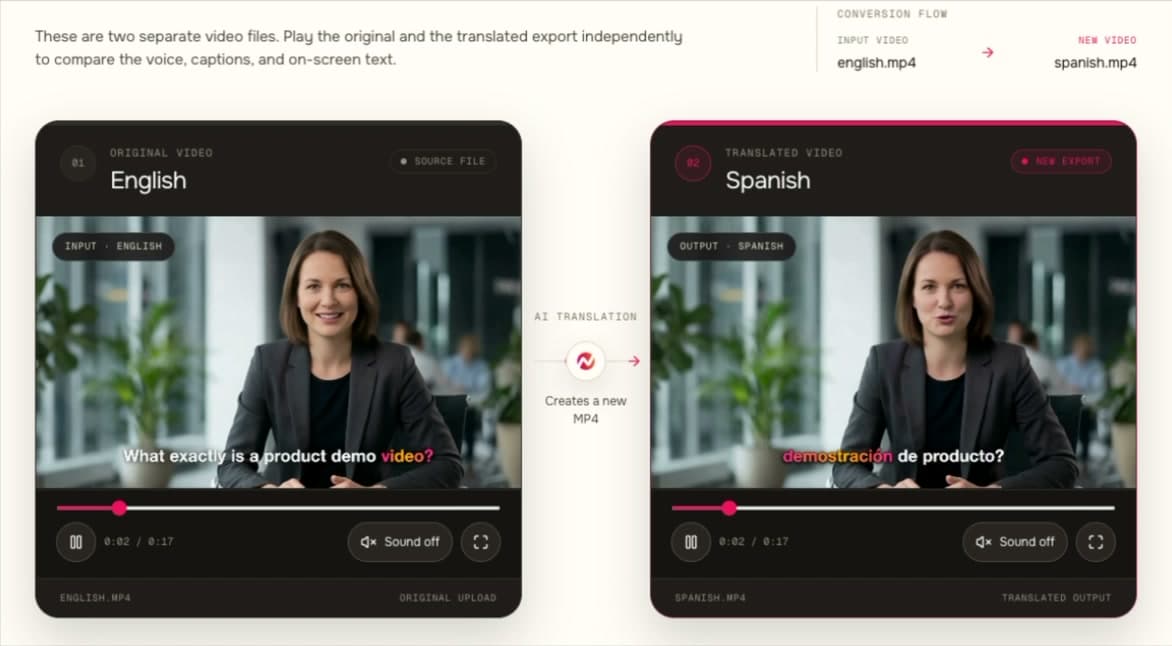
AI voiceover video generator for narrated business videos. Choose a speaker, tune pronunciation, localize voiceover, and patch scenes in ngram.
Explore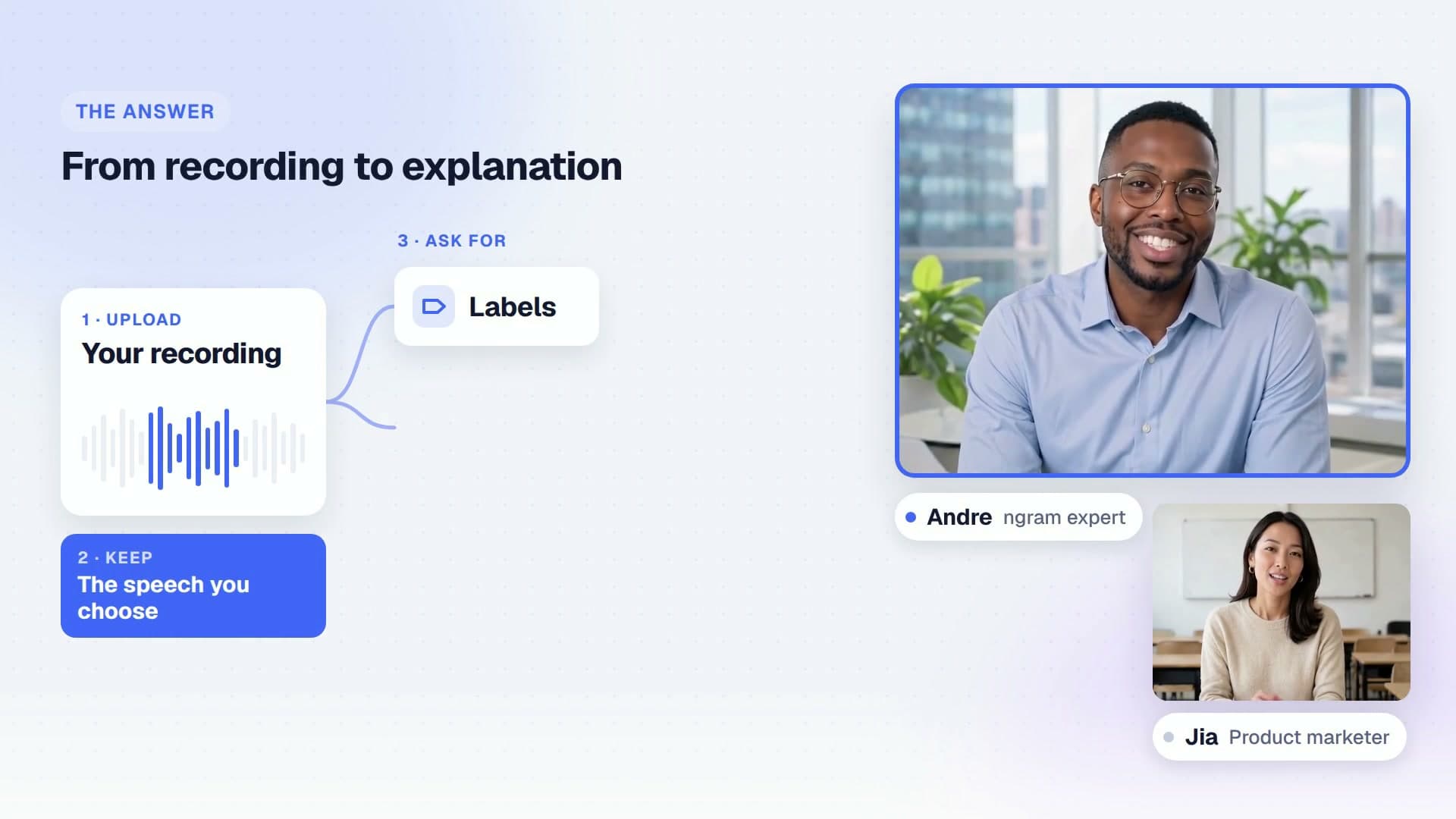
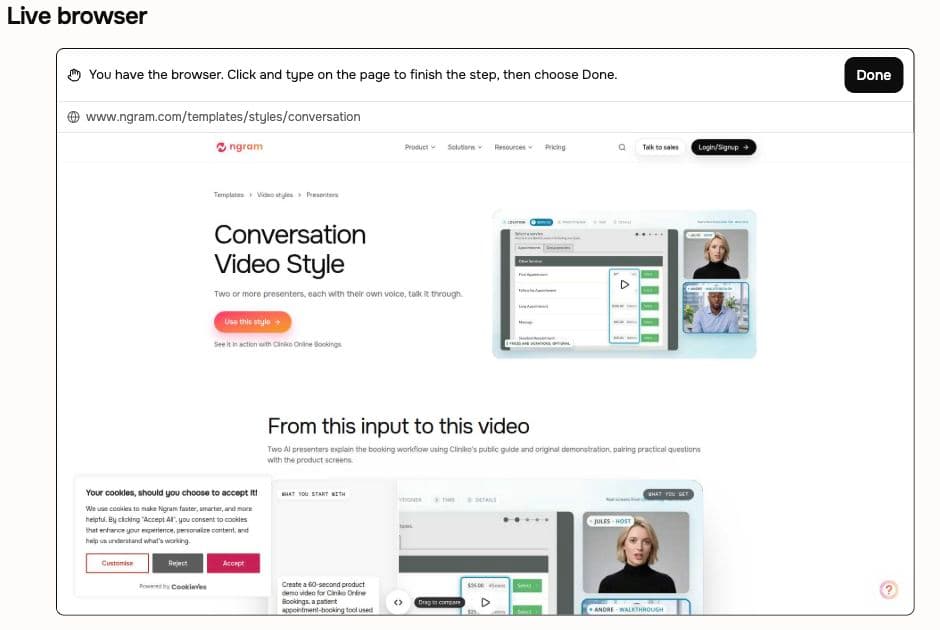
Conversation Mode
Create an AI conversation video with distinct voices and optional presenters. Turn product questions or lessons into a scripted, source-grounded exchange.
Explore
Dynamic AI Avatar Talking Head
Create AI avatars that speak a script with generated voiceover and synced lip movements. Choose a pre-built avatar or an approved team face in ngram.
Explore
Image Lab
Use Image Lab, ngram's AI image generator, to create and edit branded campaign stills, thumbnails, and product cards from a prompt or reference image.
Explore
Motion Graphics
Create motion graphics for business videos with branded overlays, product callouts, animated text, smart zooms, and scene transitions in ngram.
Explore
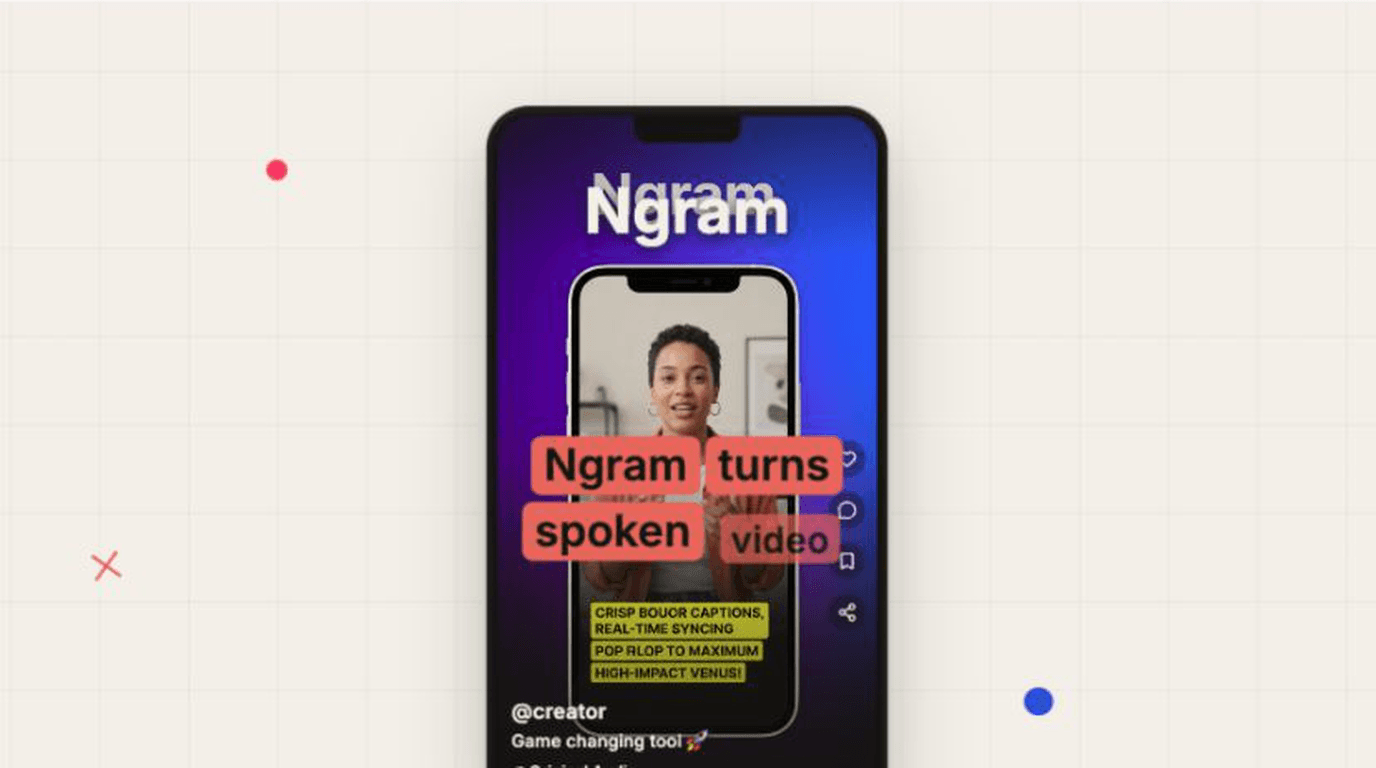
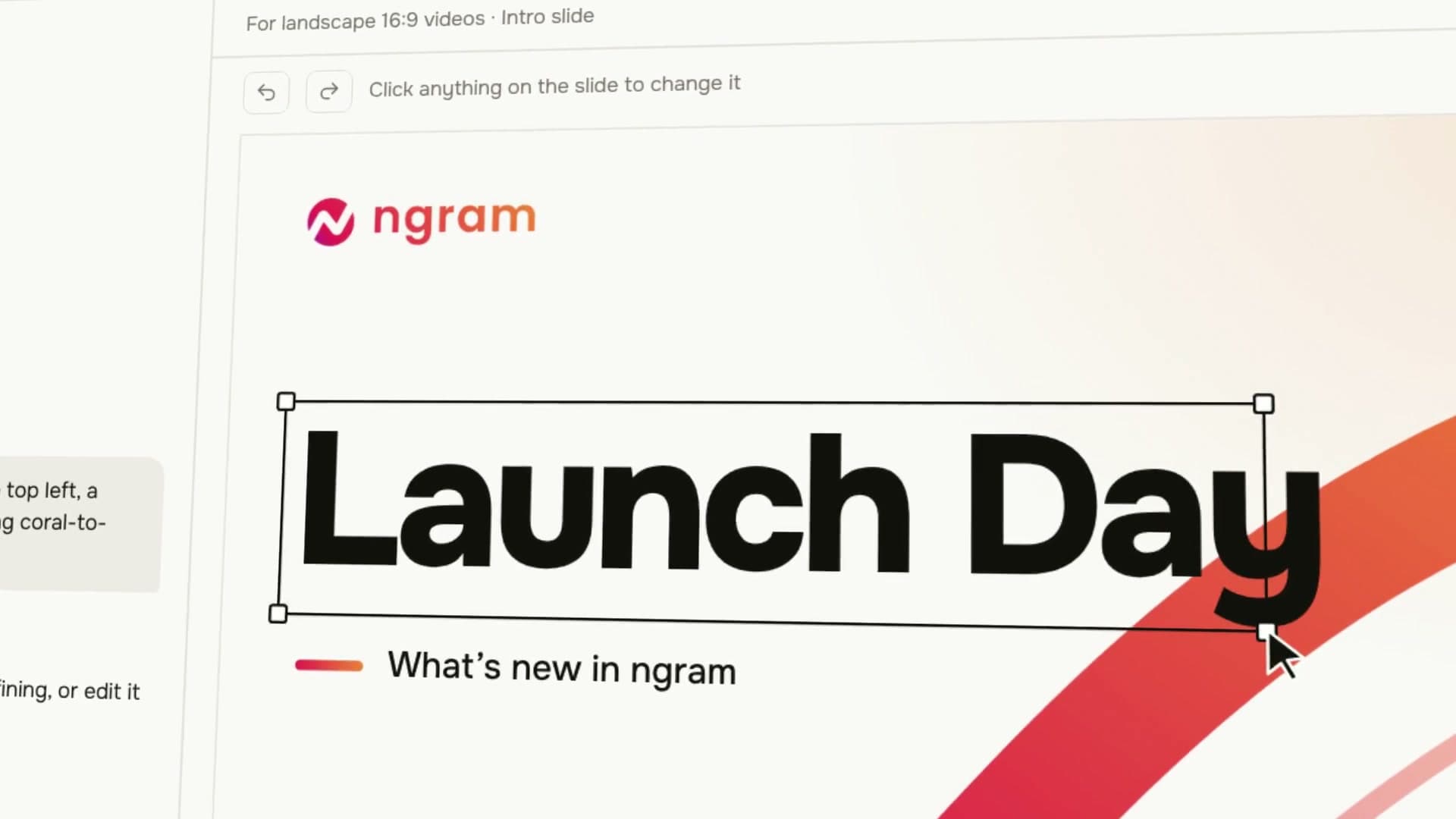
ngram
Create videos with ngram. Turn your brief into a launch film or visual explainer, see finished examples, and start your own video in Studio.
Explore
Script Generation
Use ngram as an AI script generator that turns prompts, PDFs, URLs, decks, recordings, and source material into video scripts and storyboards.
Explore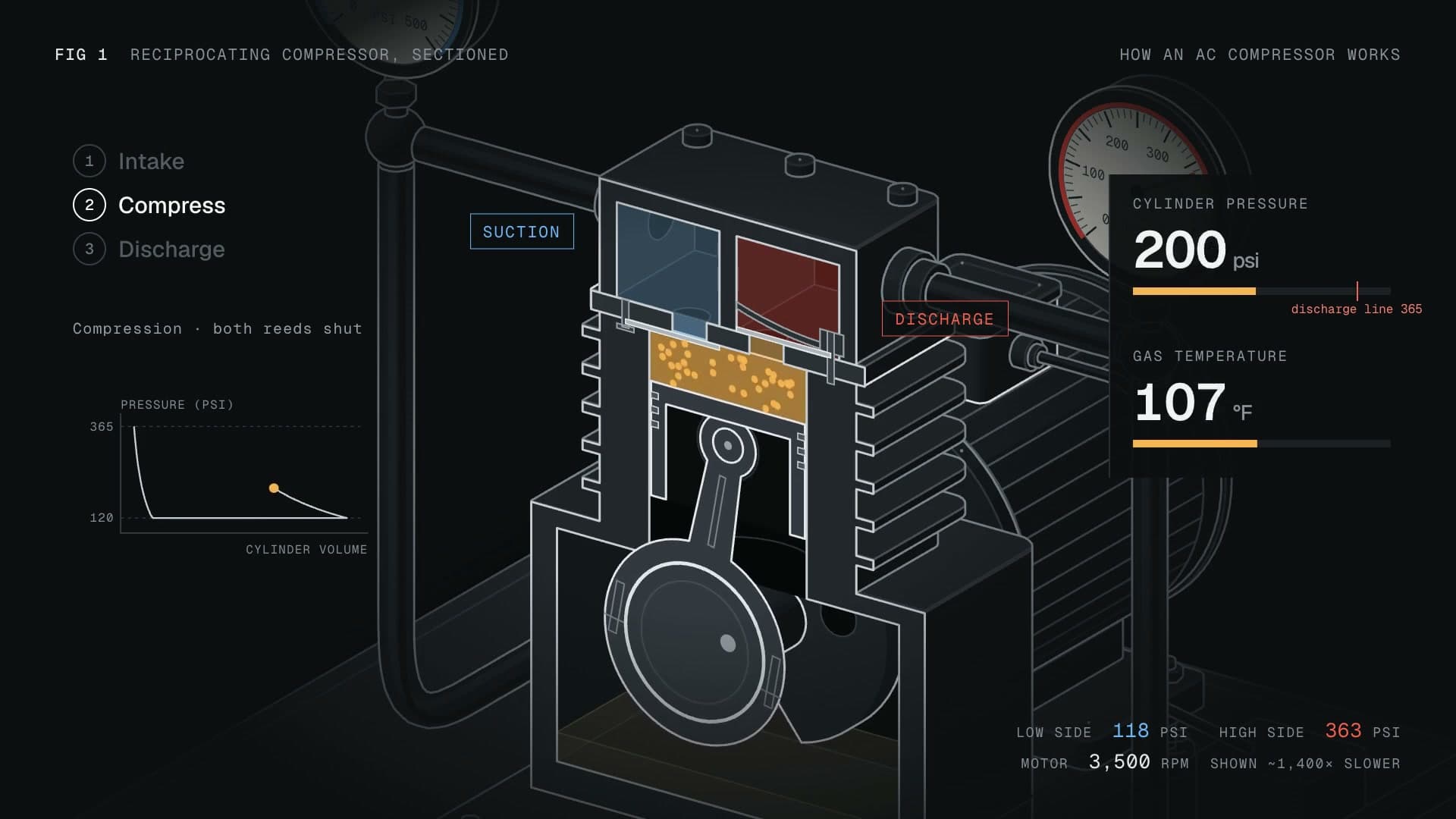
Technical Animation
Create technical animation with Machine anatomy. Explain moving parts, cutaways, and working cycles using labels and narration grounded in your sources.
Explore
Ready to create your first video?
Start turning your ideas into professional videos in minutes.