Product Update: Clip Studio, Independent Editor Copies, and Embed Branding Controls — August 1, 2026
Clip Studio is a new standalone tool for generating a single short AI video clip with direct model and start/end-frame control. Opening a video in the full timeline editor now creates its own independent copy instead of sharing the conversation's project, embedding a video now goes through a modal with logo and title toggles, and video previews can go fullscreen. Plus faster generation and 10 bug fixes.
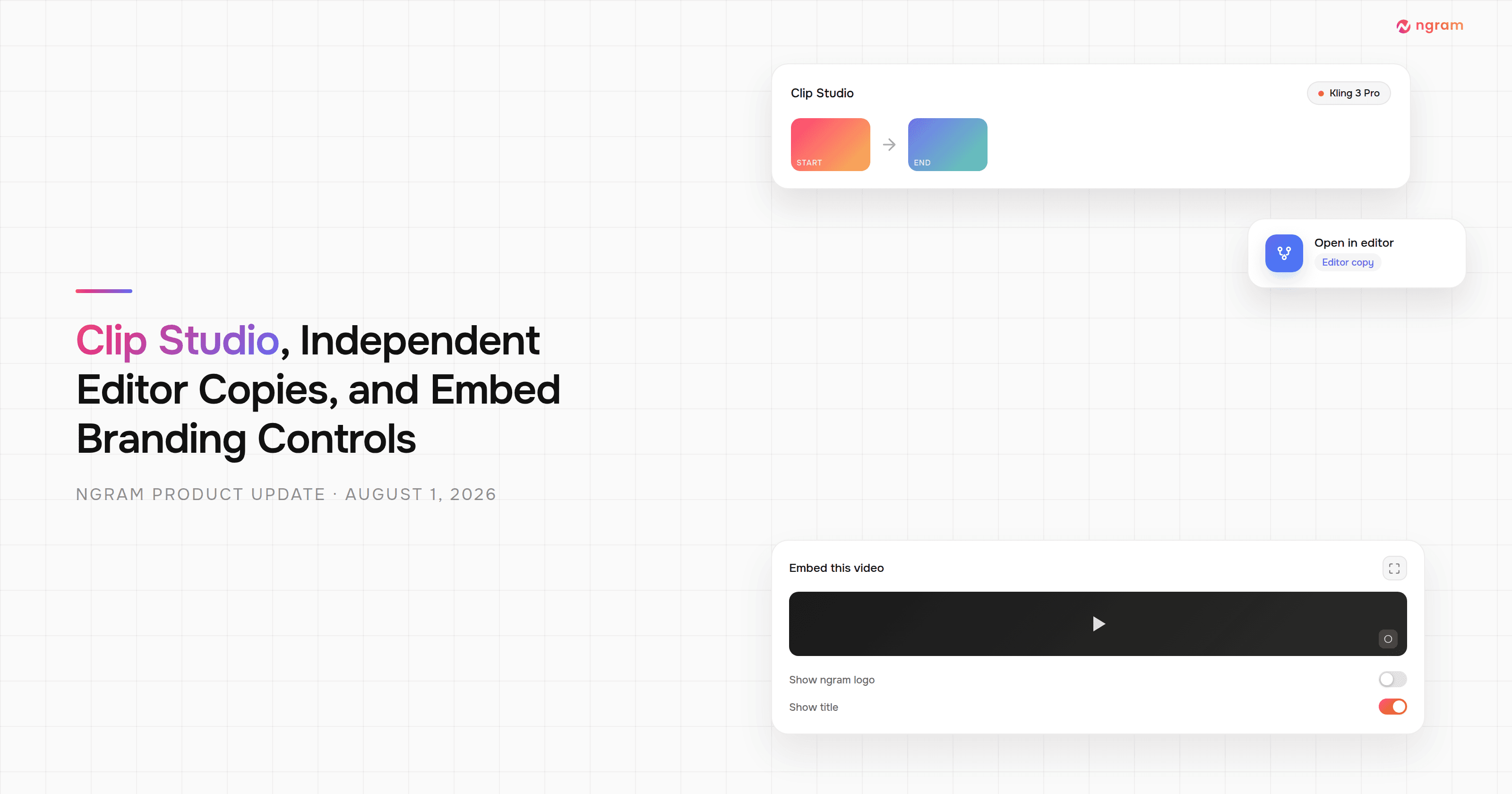


This release adds Clip Studio, a standalone tool for generating one short AI video clip with direct model and frame control instead of the full multi-scene pipeline. Opening a video in the full timeline editor now creates its own independent copy, so editor edits can no longer affect — or get overwritten by — the conversation's own preview. Embedding a video now opens a modal with logo and title toggles instead of copying a fixed snippet, and video previews (combined and per-scene) can go fullscreen. Video generation is also faster for multi-scene avatar and UGC videos, and there are fixes for 10 bugs across chat, playback, and editing.
What's New
Clip Studio
Clip Studio is a new standalone tool for generating a single short video clip, separate from the full agentic pipeline — the same idea as Image Lab, for video. Instead of a chat conversation, you pick a video model directly and drive it with a text prompt, a starting frame, an ending frame, or reference images, then generate and iterate from a simple composer. Find it in the App Library as "Generate AI clip," or go straight to /app/clip-studio.
Independent Editor Copies
Clicking "Open in editor" on an agentic video now creates its own independent copy of the project instead of opening the conversation's own backing timeline. That copy opens in a new tab and shows up in your Projects dashboard tagged "Editor copy." The first click creates the copy; reopening the editor later reuses the same one. This means an edit you make in the full timeline editor can no longer be overwritten by a later chat turn, and a later chat turn can no longer change what the editor copy shows — the two stay independent.
Embed Modal with Branding Controls
Embedding a video now opens a modal with a live preview instead of copying a fixed iframe snippet. Paid plans that can already remove the watermark get a "Show ngram logo" toggle for the embed, plus options to show or hide the title and share button. Published renders are also now served from a CDN for faster, more reliable playback wherever you embed them.
Fullscreen Video Previews
The combined video preview and individual ready-scene previews now support fullscreen. Audio (voiceover, music, and any narration playing alongside the visual) stays in sync when you enter or exit fullscreen.
Improvements
Faster Video Generation
Avatar and UGC videos with more than one scene now generate presenter footage for every scene in parallel instead of one after another, and the backend workflow that runs each chat turn has fewer scheduling round-trips. Together these cut wait time on multi-scene avatar and UGC generations and shave time off the start of most conversations.
Bug Fixes
- The agent could wrongly say it couldn't find a logo when a brand kit was selected — with a brand kit selected, its logo was already showing up correctly in the video, but the agent could still ask you to upload one and pause the run. Fixed.
- A video model could silently ignore your keyframe edits — a text-only video model accepted keyframe-driven scenes but generated from the text prompt alone, discarding the edits without warning and still charging credits. That model is removed from the picker, and every generation path now checks that the selected model can actually use the images you give it.
- Clicking a storyboard tile before pressing play could be undone — jumping to a specific point in the video and then pressing the center play button restarted playback from the very beginning instead of where you'd clicked. Fixed.
- Motion-graphics results in chat could show a frozen preview instead of a playable one — a generated motion-graphics scene's result card in chat showed a static, non-interactive thumbnail rather than a player you could actually watch. Fixed.
- Combining scenes in the full video preview could scramble their timelines — when several motion-graphics scenes played back together, one scene's internal timeline could get overwritten by another scene's, throwing off the preview's timing. Fixed.
- Avatar previews could not match what actually exported — avatars and watermarks could render behind other scene content instead of on top of it, and a non-looping video clip could be placed in a scene slot longer than its own source footage, so the exported video didn't match what the preview showed. Both are fixed so preview and export line up.
- Accepting a team invite could fail on the very first try — a brand-new invitee accepting an invite could hit a "not approved" error before their account finished setting up, forcing them to reopen the invite link. Fixed.
- Failed tool calls didn't clearly show they weren't charged — a failed step in the "Thought" panel simply hid its credit badge instead of showing it wasn't billed, and some failed tools kept showing a completed checkmark instead of a failure mark after you reloaded the page. Both now show clearly.
- Closing the video editor could leave chat broken — returning to the conversation after closing the full timeline editor could leave the chat panel not displaying properly. Fixed.
- Pinned edit requests could lose track of which moment they were about — pinning a specific point on the finished video to request a change didn't always tell the editor which moment in the scene it was looking at, so an edit could land on the wrong part of the animation. Fixed.
Past issues
Product Update: Video Version History, Self-Serve Subscription Pause, and Repurpose Kits — July 25, 2026

Product Update: Multi-Speaker Voiceover, Custom Video Thumbnails, and On-Demand Background Music — July 18, 2026

Product Update: Lip-Synced Video Translation, Screencast + Avatar for Everyone, and Background Remover Backdrops — July 11, 2026
Product Update: New AI Models, Logo Animation Creator, and Live n8n/MCP Integrations — July 4, 2026
Product Update: Message Queue, Delete Uploads, and Brand Kit in the Wizard — June 27, 2026
Product Update: App Library Expansion, Auto Top-Up, and Reference Video — June 20, 2026
Product Update: Hyperframes Motion Graphics, Zapier, and Annual Credits Upfront - June 13, 2026
Product Update: MCP Fixes, Sequential Voiceover, and Smarter Scene Editing - June 7, 2026