Product Update: Intent-First Onboarding, Tool Continuations, and Publish Fixes — August 8, 2026
A redesigned signup flow asks what you're here to do — agentic chat, Tools, Image Lab, or Video Lab — and takes you straight there instead of assuming everyone wants a full multi-scene video. Screencast videos can now be sourced from an in-browser screen recording, and finishing a standalone tool result lets you continue straight into Agentic Chat with that result already attached as context. Plus a fix for Publish crashing for paid subscribers, and 8 more bug fixes.
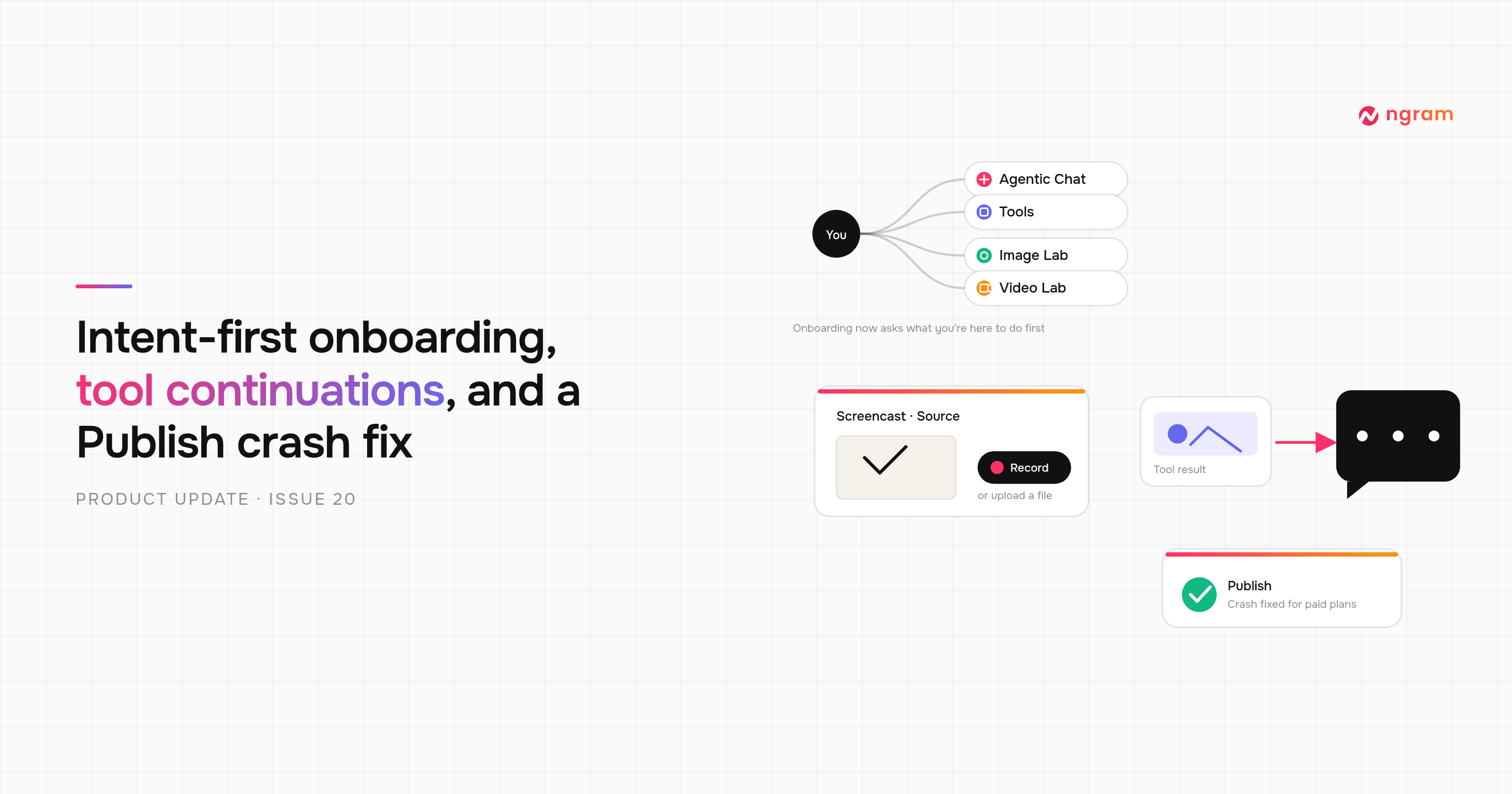


Signup now leads with a redesigned, intent-first questionnaire that asks what you're here to do and takes you straight there, instead of assuming you want a full multi-scene AI video. Screencast and Screencast + Avatar videos can be sourced from an in-browser screen recording as well as an upload, and finishing a standalone tool — Background Remover, Logo Animation Creator, a screen recording, or a YouTube title/description generator — now lets you continue straight into Agentic Chat with that result already attached as context. There's also a fix for a bug that could crash Publish for paying subscribers, plus 8 more bug fixes across chat, editing, and Screencast.
What's New
Intent-First Onboarding
Signup now opens with a redesigned questionnaire that asks what you're here to do and takes you straight there — agentic chat, Tools, Image Lab, or Video Lab — rather than routing everyone into the full multi-scene video flow by default. If you arrived through a link for a specific tool, onboarding skips the goal and destination questions entirely and drops you straight into that tool.
Screen Recording for Screencast
When starting a Screencast or Screencast + Avatar video, you can now record your screen directly in the browser instead of only uploading a pre-recorded file — click "Record screen" on the source-video step.
Continue Tool Results into Chat
Finished a standalone tool — Background Remover, Logo Animation Creator, a screen recording, or a YouTube title/description generator — and you can now continue straight into Agentic Chat with that result already attached as context, instead of starting from scratch. (Not available for the audio-only tools.)
Improvements
Unified Recents Sidebar
Your chat history and standalone Tools results now live together in one "Recents" list in the sidebar, sorted newest first, instead of two separate lists.
In-Place Script Rewrites
Asking the agent to rewrite your script no longer forks into a new conversation — the rewrite now happens in the same conversation, with a confirmation dialog first, so you don't lose the surrounding context. Changing the narration voice cast on an existing storyboard still starts a fresh copy.
Screencast Setup and Output Polish
The Before Start setup for Screencast now shows a quick preview of the source video you added, so you can confirm it's the right one before generating. Generated Screencast scenes also no longer show a generic "Product walkthrough" label above the title.
Bug Fixes
- Publish could crash for paying subscribers — clicking Publish in the agentic or classic editor could throw an error before the render started, because the value used to look up your watermark setting wasn't in the format the lookup expected. Fixed for Basic, Premium, and Pro on any billing cycle.
- Screencast customization could silently drop or overwrite edits — three related issues in the Screencast customization panel: "apply to all scenes" could drop a scene's logo, validation errors didn't say which scene failed or why, and saving with stale data could silently overwrite a more recent edit instead of asking you to refresh and retry. All fixed.
- Editing an intro or outro Slide inside a Screencast video wouldn't save — Fixed.
- A bad brand-kit logo could fail every scene in a video — brand kits auto-imported from certain website favicons stored the logo in an unsupported image format, which could make the AI provider reject the whole generation request instead of just the one asset. Fixed.
- Choosing an existing brand kit didn't always work in Before Start — skipping the product-URL step could block you from continuing even after selecting a brand kit. Fixed.
- A quiz on a scene could lock up the editor's own preview, and first-time publishing could leave quizzes non-functional — a quiz gate on a scene blocked scrubbing or switching scenes in the editor's own preview, and publishing a project for the first time could reuse an old render, leaving any quiz or CTA you'd added not actually wired up until a later re-publish. Both fixed.
- Input Params could go missing from shared or read-only conversations — team-shared and deleted conversations could lose their "Input Params" panel entirely, or show only a partial list of what was selected. The panel now always appears (view-only where appropriate) and shows every picked parameter — format, quality, language, avatar, music, captions, brand kit, and more.
- A couple of small editor glitches — the toast notification close button could render outside the notification's rounded edge, and opening a scene to edit it could sometimes cause the video preview to unexpectedly resume playing. Both fixed.
- A zoom effect could bleed onto the wrong clip — an AI-applied zoom on one video clip in the editor timeline could sometimes appear on an overlapping clip instead. Fixed.
Past issues
Product Update: Clip Studio, Independent Editor Copies, and Embed Branding Controls — August 1, 2026
Product Update: Video Version History, Self-Serve Subscription Pause, and Repurpose Kits — July 25, 2026

Product Update: Multi-Speaker Voiceover, Custom Video Thumbnails, and On-Demand Background Music — July 18, 2026

Product Update: Lip-Synced Video Translation, Screencast + Avatar for Everyone, and Background Remover Backdrops — July 11, 2026
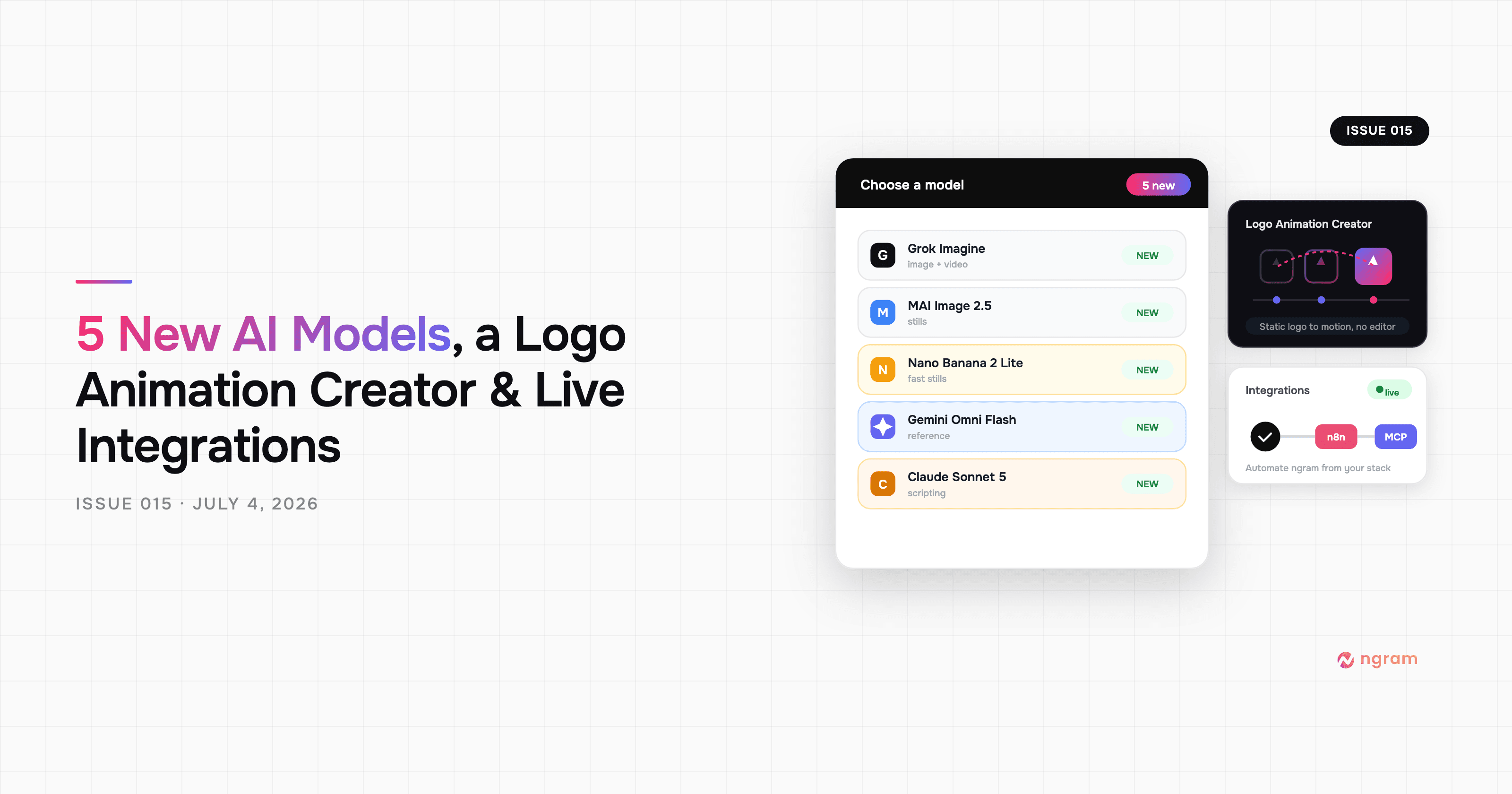
Product Update: New AI Models, Logo Animation Creator, and Live n8n/MCP Integrations — July 4, 2026
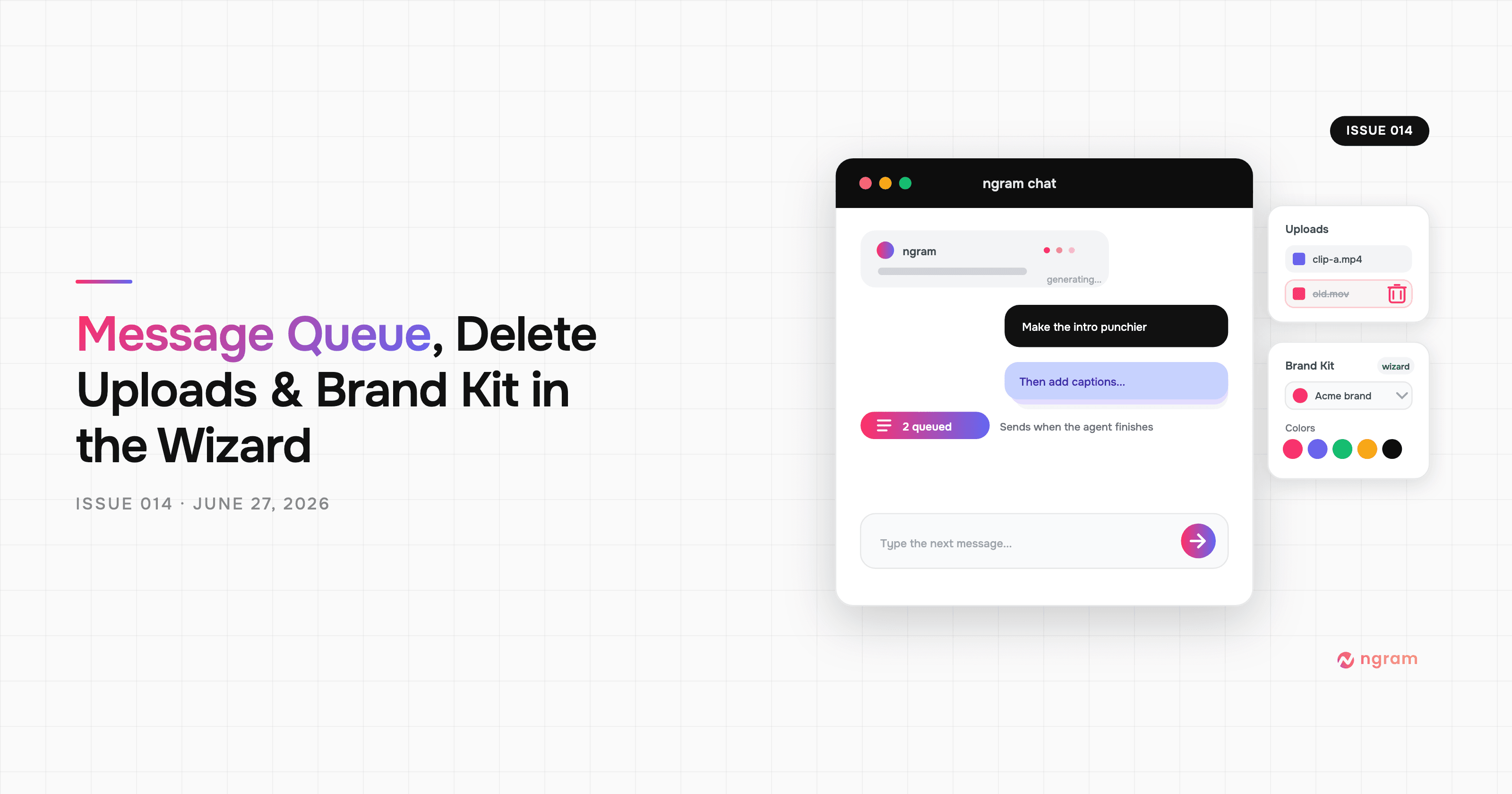
Product Update: Message Queue, Delete Uploads, and Brand Kit in the Wizard — June 27, 2026
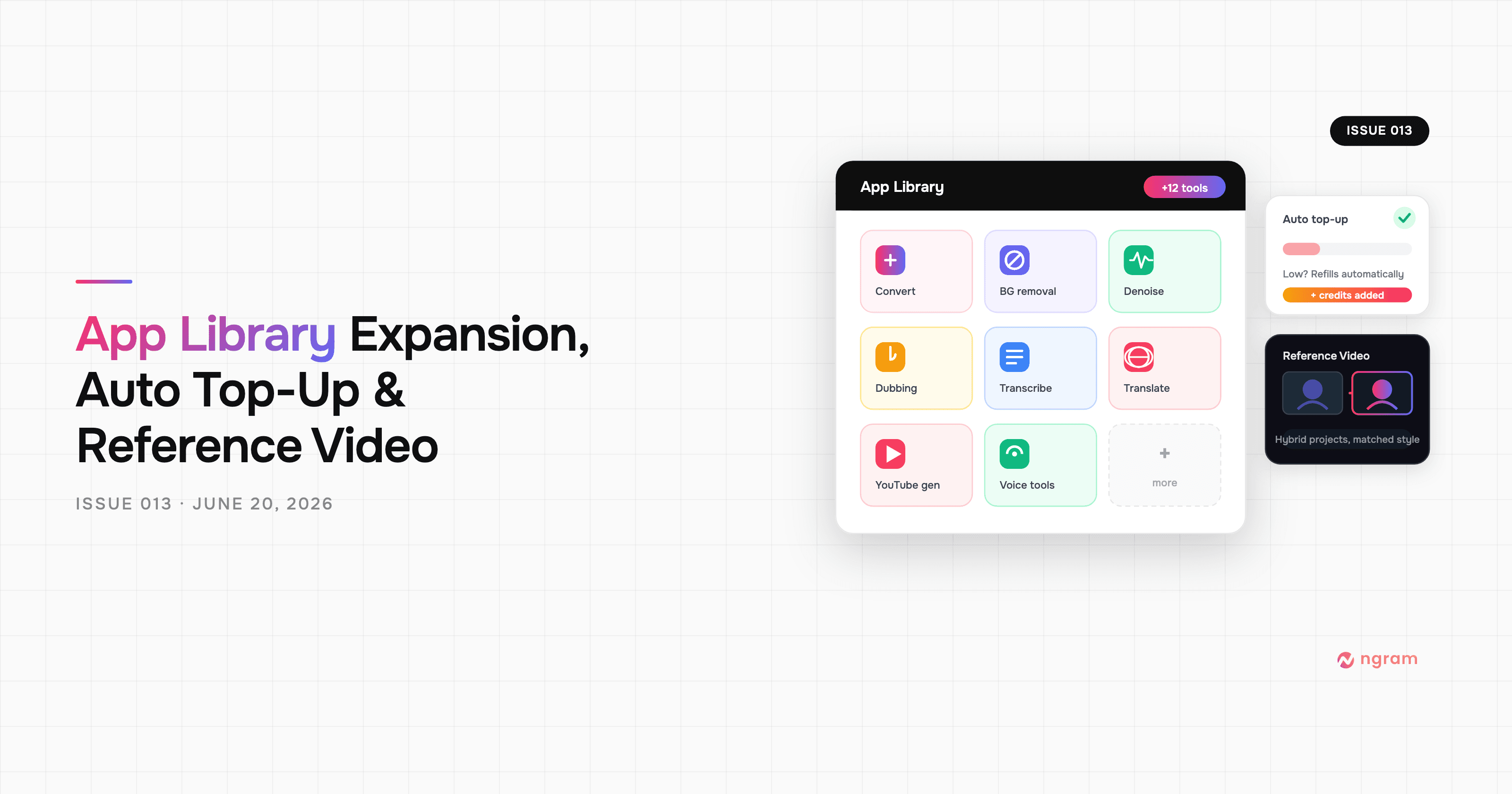
Product Update: App Library Expansion, Auto Top-Up, and Reference Video — June 20, 2026
Product Update: Hyperframes Motion Graphics, Zapier, and Annual Credits Upfront - June 13, 2026