Product Update: Video Version History, Self-Serve Subscription Pause, and Repurpose Kits — July 25, 2026
Every agentic video now has a version history gallery so you can preview earlier renders and edits. You can also pause your subscription instead of canceling outright, and download a Repurpose Kit — the individual scenes, stems, captions, and keyframes behind any video — from the Share menu. Plus live export progress, updated billing plan names, a less intrusive watermark, and 13 bug fixes.
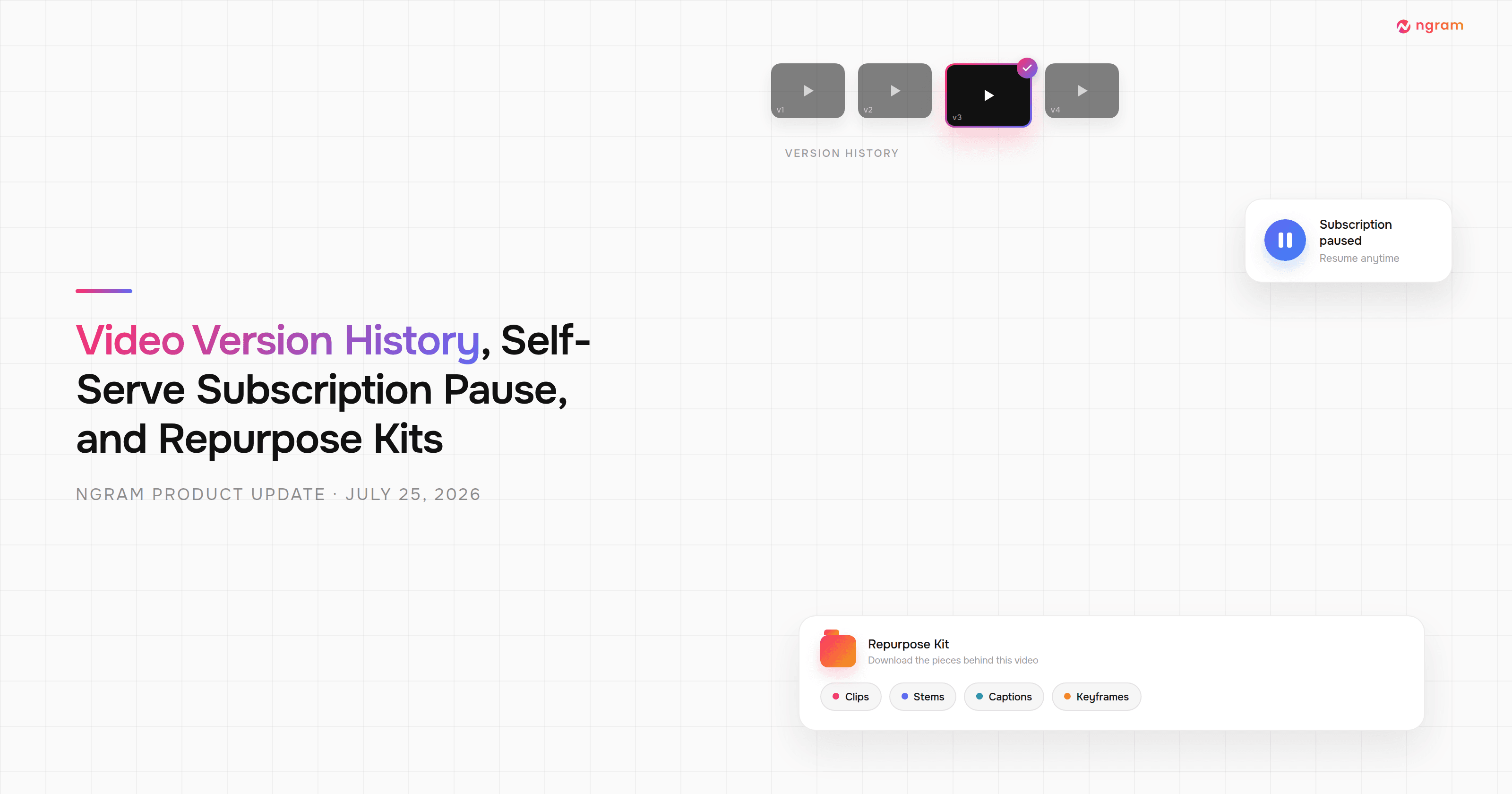


This release adds a version history gallery to every agentic video, a self-serve way to pause your subscription instead of canceling, and Repurpose Kits — downloadable scenes, stems, captions, and keyframes for any video, straight from the Share menu. Exports now show real render progress instead of sitting at 0%, the billing page's plan names now match our pricing page, and the free-plan watermark is less intrusive. There are also fixes for 13 bugs across chat, editor, and playback — including Make-Changes pins landing on the wrong scene and downloads that opened a new tab instead of saving.
What's New
Video Version History Gallery
Every agentic video now has a version history gallery. A new "Versions" control on the video shows thumbnails of every prior render or edit, so you can preview an earlier version instead of only ever seeing the current one. Forking a conversation or opening a shared link now reliably carries that history along too.
Self-Serve Subscription Pause
If you're on a monthly or annual plan, you can now pause your subscription from Settings → Billing instead of canceling outright. On monthly plans, your access and credits continue until the current billing period ends, then your plan drops to Free with a 90-day window to resume before it auto-cancels. Annual plans pause more simply — the plan just stops renewing at the end of the current term, with no impact to your remaining credits.
Repurpose Kit
Paid-plan users can now download a Repurpose Kit for any agentic video from the Share menu — the individual pieces behind it, not just the finished export. Grab per-scene video clips, voiceover and music stems, captions in SRT, VTT, TXT, or word-level JSON, keyframe images, and the script and chapter list, one at a time or as a single ZIP.
Improvements
Live Export Progress
Exporting a video now shows real, moving progress instead of sitting at 0% while it renders. You'll see distinct "Rendering" and "Stitching" phases with their own percentages, and the export only times out after three minutes of true silence rather than a fixed deadline, so long but healthy exports don't fail early.
Updated Billing Plan Names
Your billing page now shows the same plan names as our pricing page — Basic, Premium, and Ultimate, plus a new Enterprise option — instead of the older Plus/Pro naming, and lists your plan's export resolution cap and custom voice/avatar slot limits directly on the page.
Less Intrusive Free-Plan Watermark
The ngram watermark on free-plan videos now appears as two smaller logos placed diagonally in opposite corners of the frame, instead of one large corner badge — for both landscape and portrait exports.
Bug Fixes
- Make-Changes pins could land on the wrong scene — clicking a pin on the finished video to request a change could record a timestamp that actually belonged to the next scene, so the edit sometimes landed on the wrong one. Fixed.
- Text could disappear in the combined multi-scene preview — if two scenes reused the same element ID, one scene's text animation could freeze another scene's text invisible in the full preview, even though each scene looked fine on its own. Fixed.
- The final video preview could lose its voiceover — a background sync could occasionally revert your chosen voice or drop narration from the finished preview. Fixed.
- Forking or opening a shared conversation could drop scene version history — earlier versions of HTML/motion-graphics scenes weren't always carried over when you forked a conversation or opened a shared link. Fixed.
- Motion-graphics scenes didn't show a preview in chat — generated motion-graphics results stopped showing a thumbnail preview directly in the chat, though the scene itself generated correctly. Fixed.
- Icons inside motion-graphics scenes could render broken — icons placed inside SVG-based scenes could render incorrectly or throw off the layout around them, in both the preview and the export. Fixed.
- Downloading an older video version could open a new tab instead of saving it — clicking Download on a cached version from the Versions gallery could open the video in a browser tab instead of downloading the file. Fixed.
- Certain sound effect descriptions could break exports — a sound effect prompt containing words like "looping" or "muted" could corrupt part of the export. Fixed.
- Use-case tabs could get stuck or become unreachable — switching between use cases on the agentic landing page could leave stale selection state behind, and overflowing tabs could become unreachable on narrower screens. Fixed.
- Avatar videos could show two people instead of one — when an avatar presenter was already part of your video, ngram could still generate an extra human figure, resulting in two people on screen. Fixed.
- Embedded footage in Motion Graphics scenes could play from the wrong point — uploaded footage embedded in a Motion Graphics scene ignored its intended start time and always played from the beginning of the source file. Fixed.
- Changing your voiceover language could wipe rendered scenes without warning — regenerating a voiceover in a way that shifted scene timing, most often changing the voiceover language after rendering, used to overwrite already-rendered visuals automatically. ngram now asks you to confirm before touching rendered scenes. Fixed.
- Accepting a team invite could get stuck — a timing issue could leave the invite-acceptance page stuck instead of completing or showing a retryable error. Fixed.
Past issues

Product Update: Multi-Speaker Voiceover, Custom Video Thumbnails, and On-Demand Background Music — July 18, 2026

Product Update: Lip-Synced Video Translation, Screencast + Avatar for Everyone, and Background Remover Backdrops — July 11, 2026
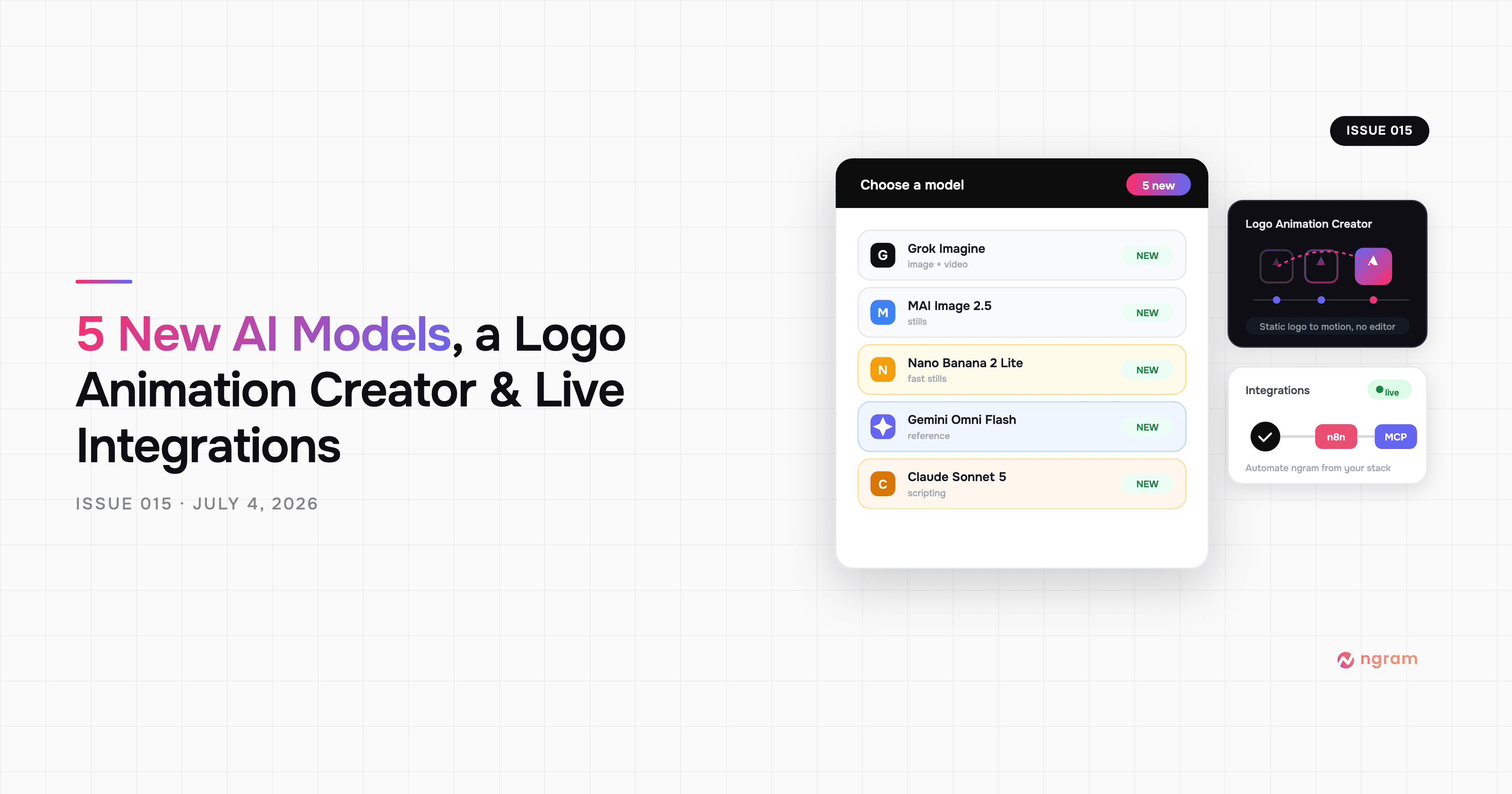
Product Update: New AI Models, Logo Animation Creator, and Live n8n/MCP Integrations — July 4, 2026
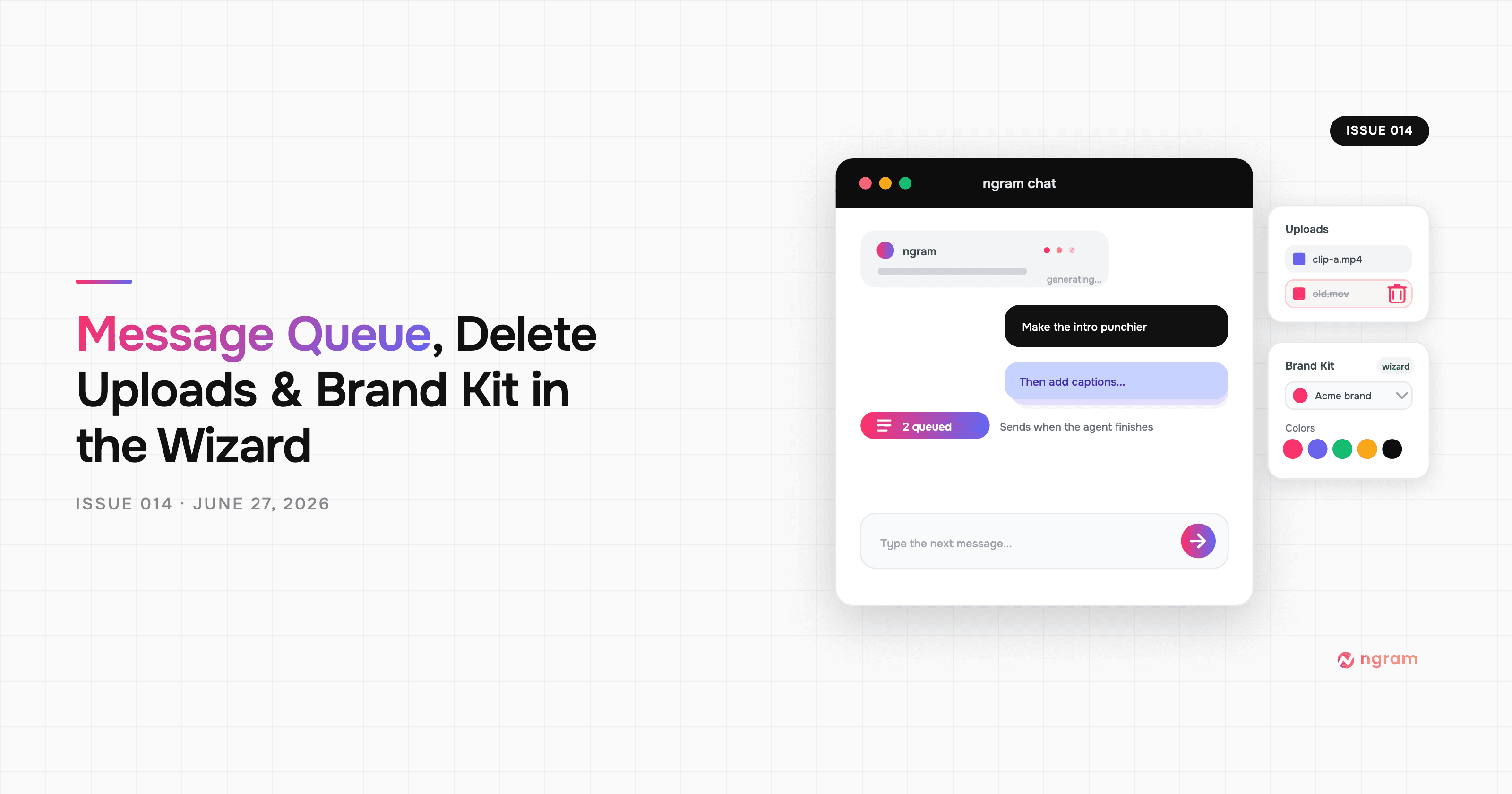
Product Update: Message Queue, Delete Uploads, and Brand Kit in the Wizard — June 27, 2026
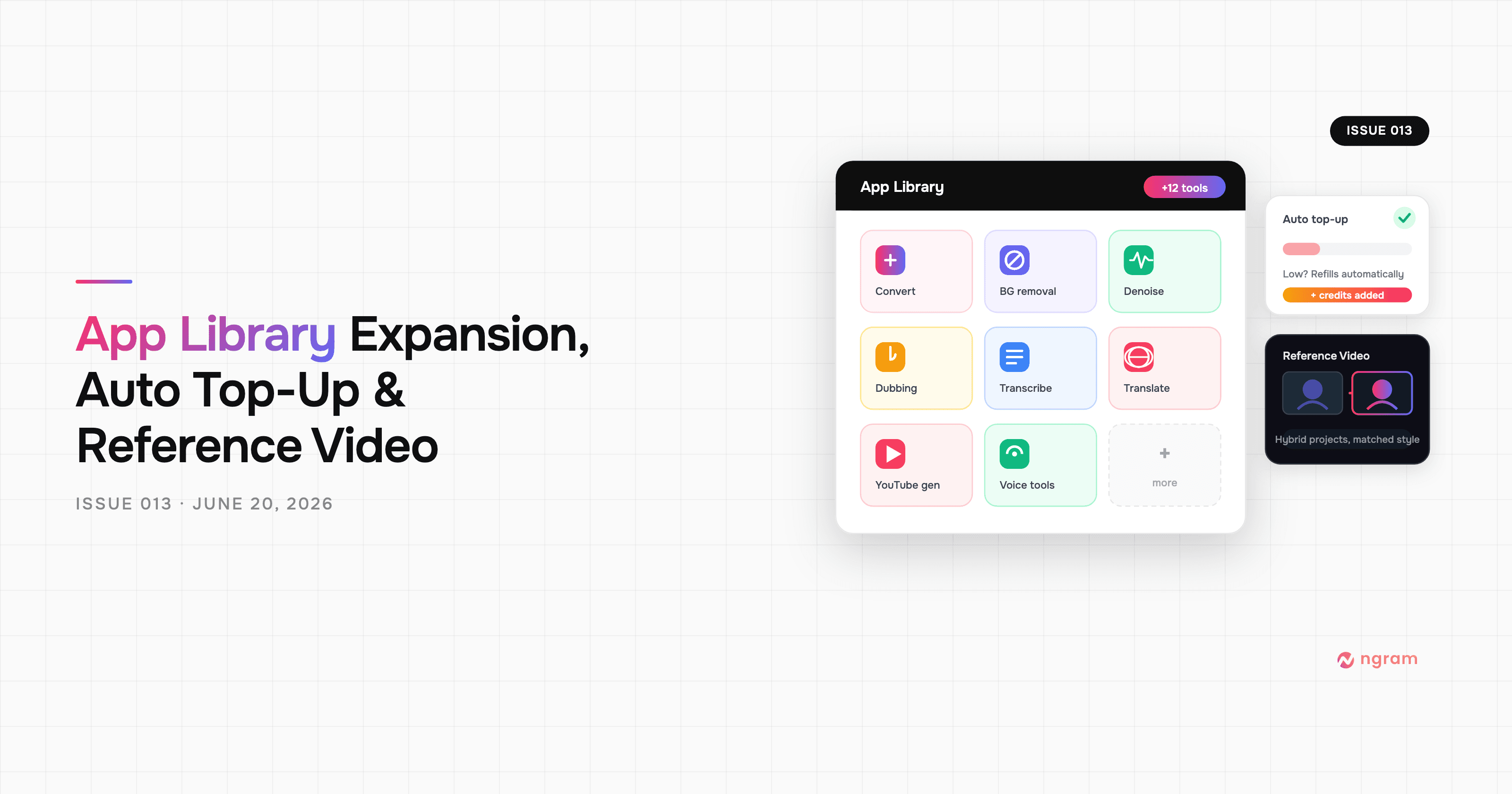
Product Update: App Library Expansion, Auto Top-Up, and Reference Video — June 20, 2026
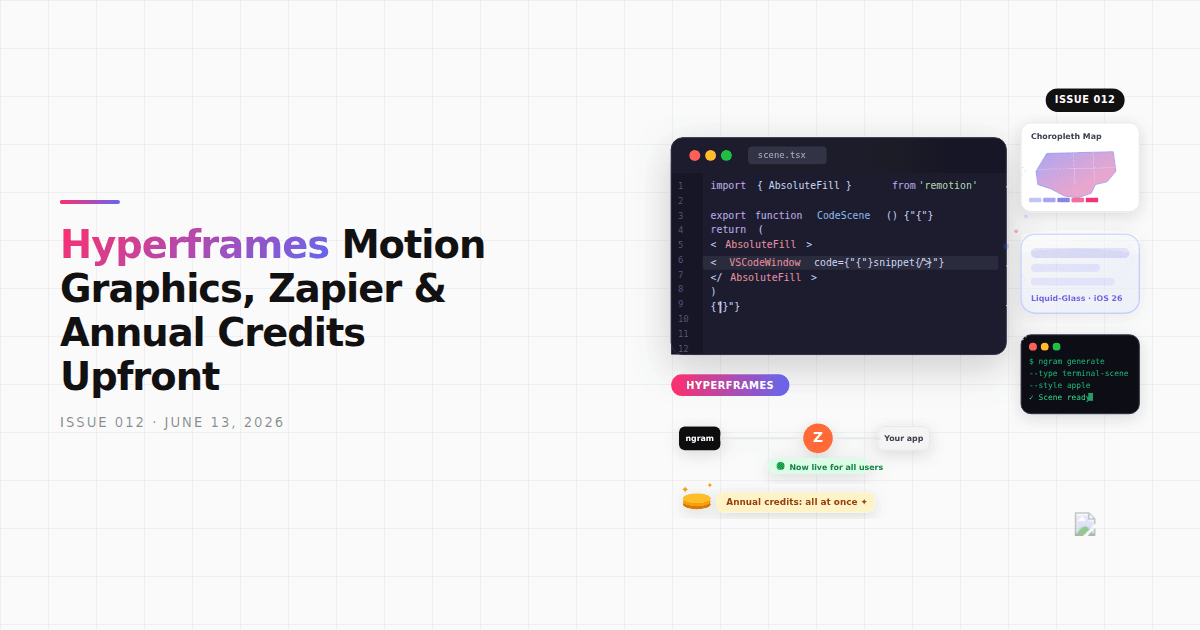
Product Update: Hyperframes Motion Graphics, Zapier, and Annual Credits Upfront - June 13, 2026
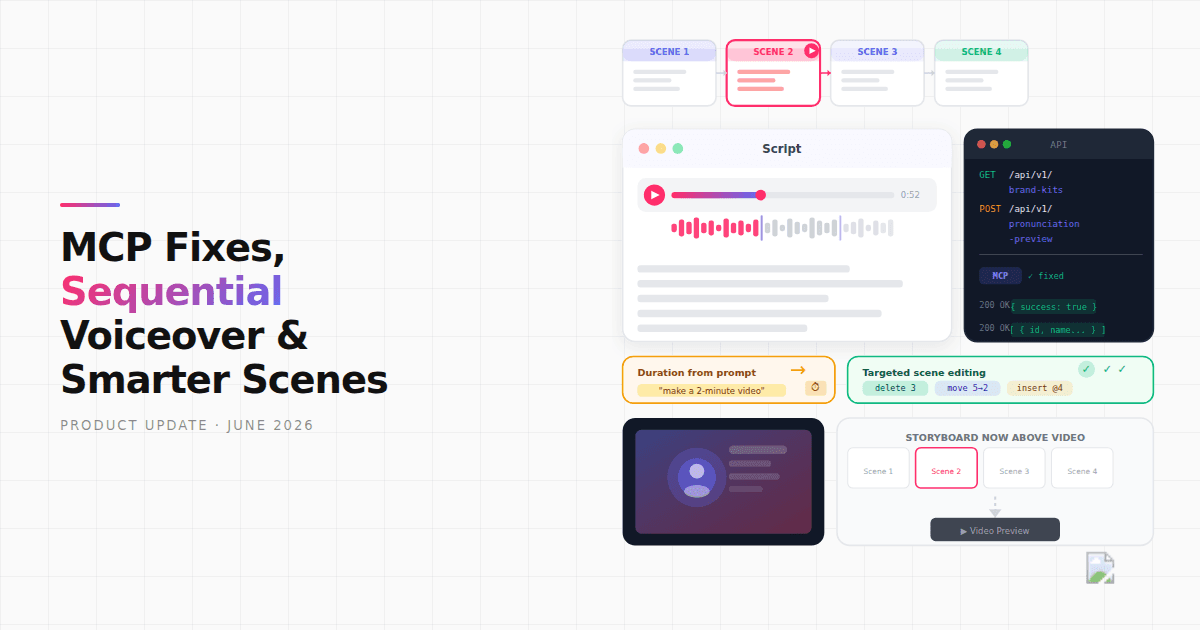
Product Update: MCP Fixes, Sequential Voiceover, and Smarter Scene Editing - June 7, 2026
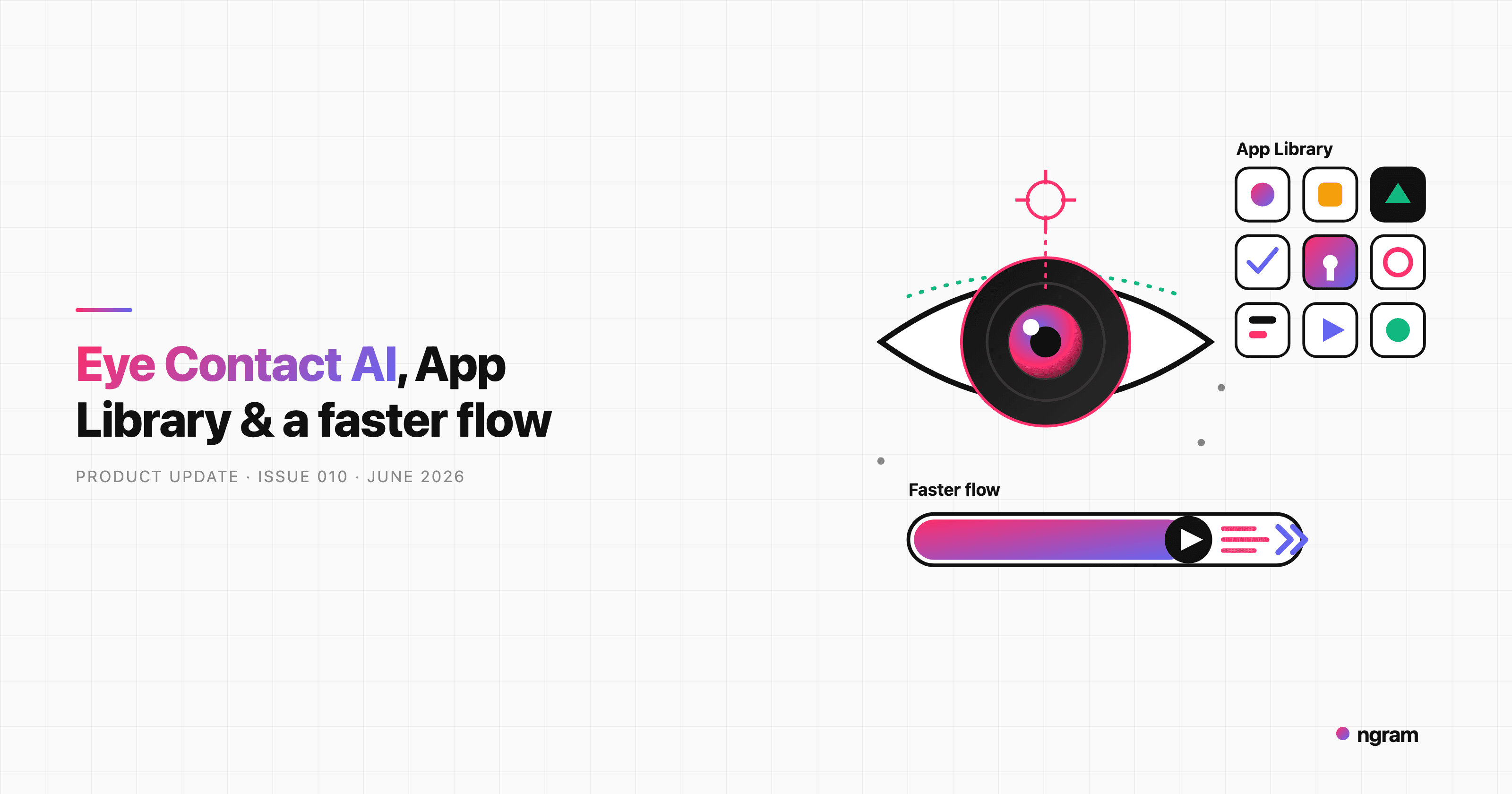
Product Update: Eye Contact AI, App Library, and a Faster Video Flow - June 4, 2026
