Product Update: Multi-Speaker Voiceover, Custom Video Thumbnails, and On-Demand Background Music — July 18, 2026
Multi-speaker conversation voiceovers let you write videos with two distinct speakers, each with their own voice. You can now upload custom video thumbnails, change the background music on a finished video without regenerating it, and mute sound effects independently. Plus Markdown file uploads, a verified n8n community node, faster agent responses, and nine bug fixes.


This release adds multi-speaker conversation voiceovers — two speakers, each with their own voice and avatar — plus custom video thumbnails, on-demand background music changes on a finished video, an independent sound effects mute toggle, and Markdown file uploads in chat. ngram's n8n integration is now a verified community node, installable straight from n8n's Nodes panel. There are also fixes for nine bugs across chat, editor, and playback — including downloads that could get stuck on "Submitted" and animated text that could render as a broken vertical stack in scene previews.
What's New
Multi-Speaker Conversation Voiceover
Choose "Conversation" narration mode to write a video with two speakers instead of one. Each speaker gets their own voice and, if you want, their own avatar — ngram alternates between them with proper timing, and translation and script edits work the same way they do for single-narrator videos.
Custom Video Thumbnails
You can now upload your own thumbnail for a generated video from the editor's Share menu, replacing the frame ngram auto-captures. The custom thumbnail shows up on your project card, in shared links, and on the video's watch page.
Change Background Music on a Finished Video
The "Edit video" dropdown on the final video preview now has a "Change background music" option that opens the music library so you can swap the soundtrack without regenerating the video. If music was muted, picking a new track turns it back on automatically.
Sound Effects Mute Toggle
A third audio toggle — Sound effects — joins the existing Background music and Voiceover toggles in the "Edit video" dropdown, so you can mute the effects layered into generated scenes independently of the music and narration.
Markdown File Uploads
You can now upload Markdown (.md) files into a video conversation, alongside the existing PDF support — ngram reads them the same way it reads a PDF, and the upload modal shows a live preview of both file types.
n8n Integration Now a Verified Community Node
ngram's n8n integration is now a verified community node in n8n's own directory. Install it directly from the Nodes panel on a self-hosted or Cloud instance — no separate setup steps required.
Improvements
Faster Agent Responses
Agentic chat turns now run through fewer internal processing steps, cutting the time between sending a message and seeing the agent start working. Conversations should feel snappier, especially on turns that touch multiple scenes.
Clearer Sign-In Recovery
If a magic sign-in link expires, ngram now prefills your email and offers a one-click "Send a new link" button instead of asking you to retype it. Error messages are clearer when something like an ad or privacy blocker is preventing sign-in, and you'll see a hint to try Google sign-in if your email is already registered under a different method.
Bug Fixes
- Downloads could get stuck on "Submitted" — clicking Download on a finished video could hang for minutes if the connection between the page and the editor silently dropped. Fixed with an automatic recovery that resets the button within seconds.
- Exported videos sometimes needed a page reload — a finished export could sit undownloaded until you manually reloaded the page. Fixed.
- Notification bell wasn't clickable — the notification bell in the editor navbar stopped opening when clicked, with no error shown. Fixed.
- Animated text could render as a broken vertical stack — character-by-character text animations in motion-graphics scene previews could stack vertically instead of animating correctly. Fixed.
- Motion-graphics previews could miss your avatar or watermark — generated scene previews didn't always show your avatar or the free-tier watermark, so the preview didn't match what you'd actually get in the export. Fixed.
- Reopening a Video Editor, Cutter, or Add Text/Music project could land you in the wrong place — reopening one of these projects from your Projects page could fail to take you back into the editor. Fixed.
- Deleting your brand kit could block you from creating a new one — a removed brand kit could still count against your plan's limit, blocking a replacement. Fixed.
- Custom voice selection could silently reset to the default voice — picking a custom voice for single-narrator scripts could revert to the default voice without warning. Fixed.
- Some session settings, like your chosen voiceover, could fail to save — a permissions issue could prevent certain in-chat setting changes from persisting. Fixed.
Past issues

Product Update: Lip-Synced Video Translation, Screencast + Avatar for Everyone, and Background Remover Backdrops — July 11, 2026
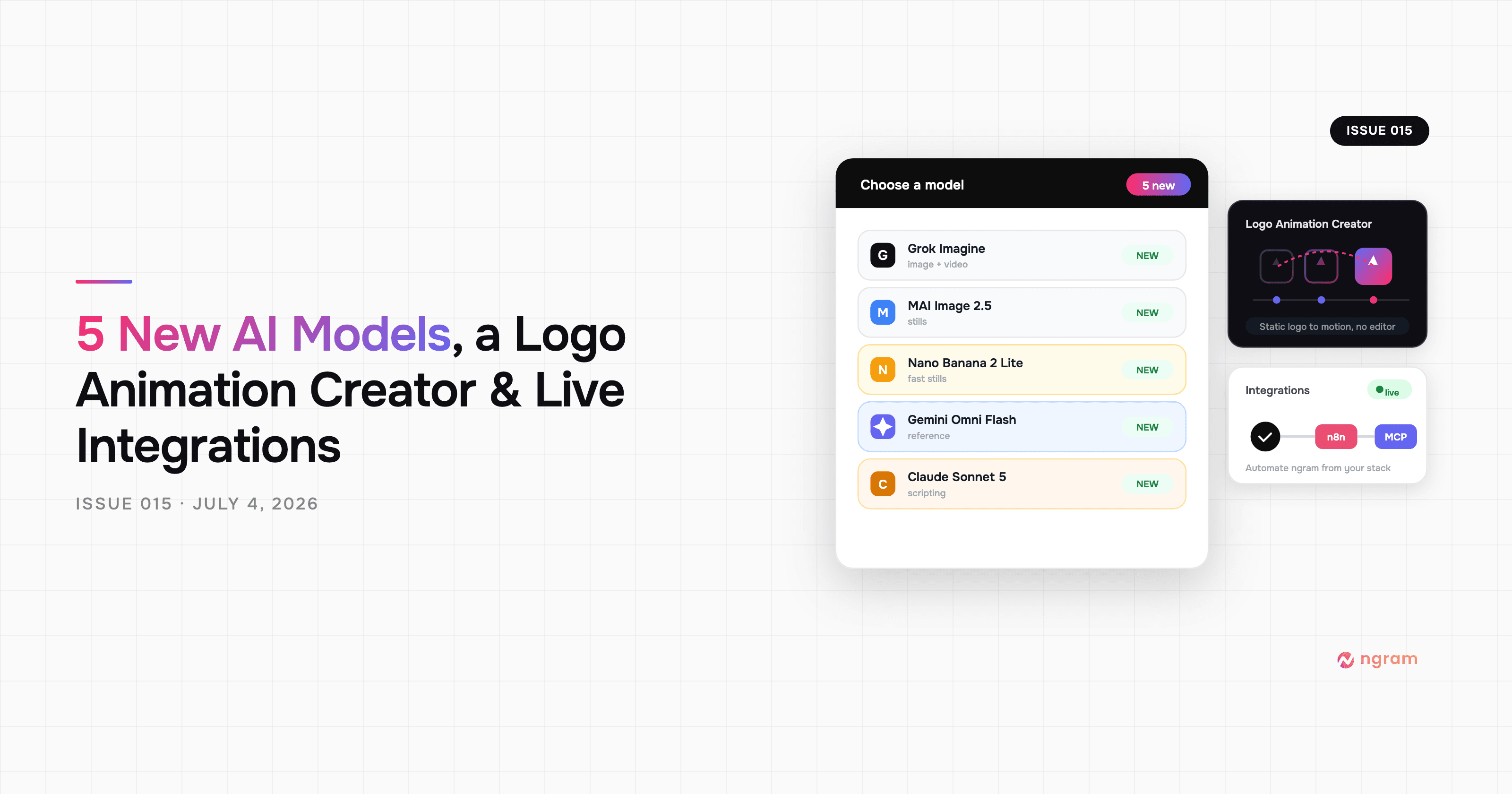
Product Update: New AI Models, Logo Animation Creator, and Live n8n/MCP Integrations — July 4, 2026
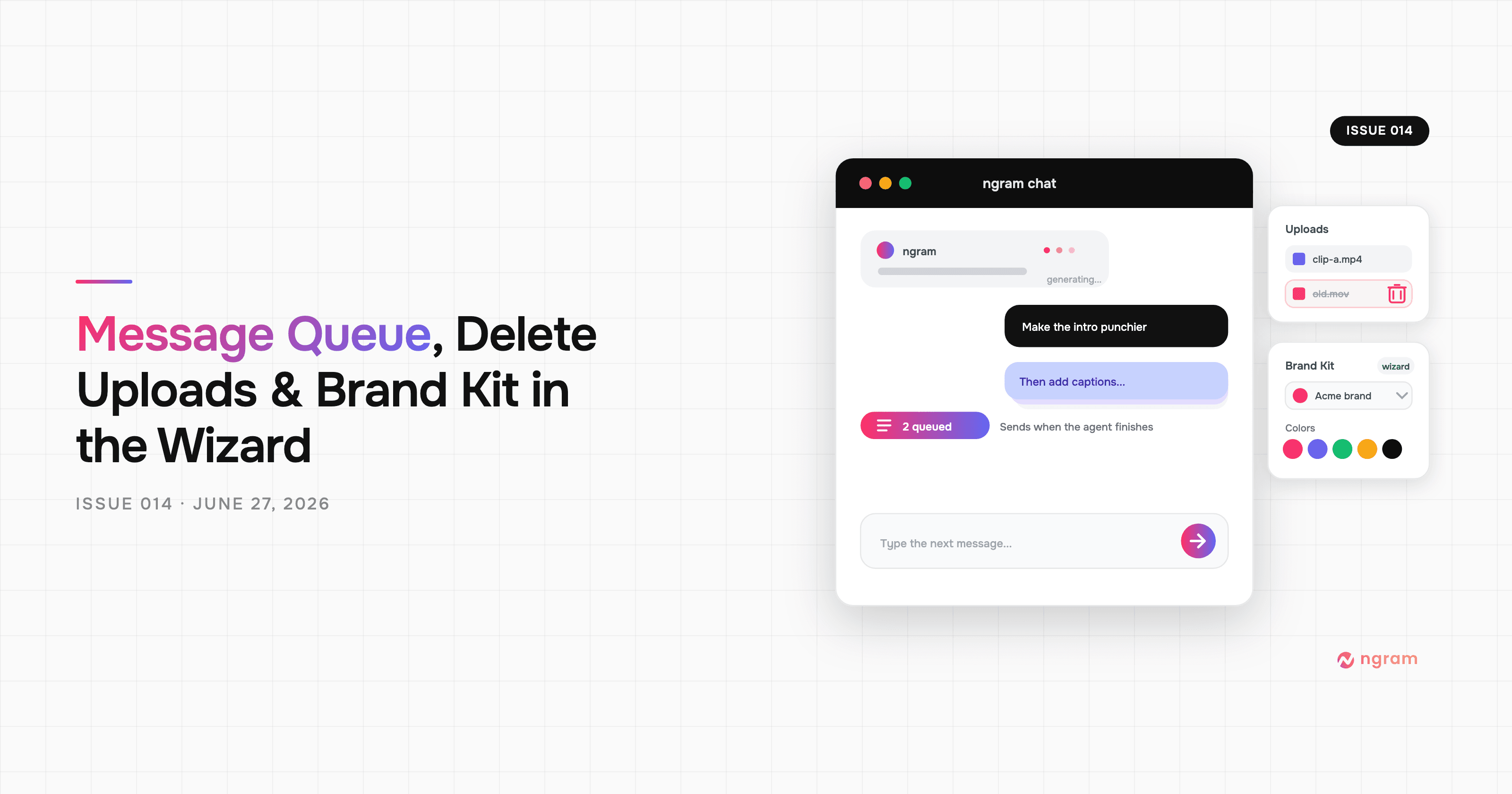
Product Update: Message Queue, Delete Uploads, and Brand Kit in the Wizard — June 27, 2026
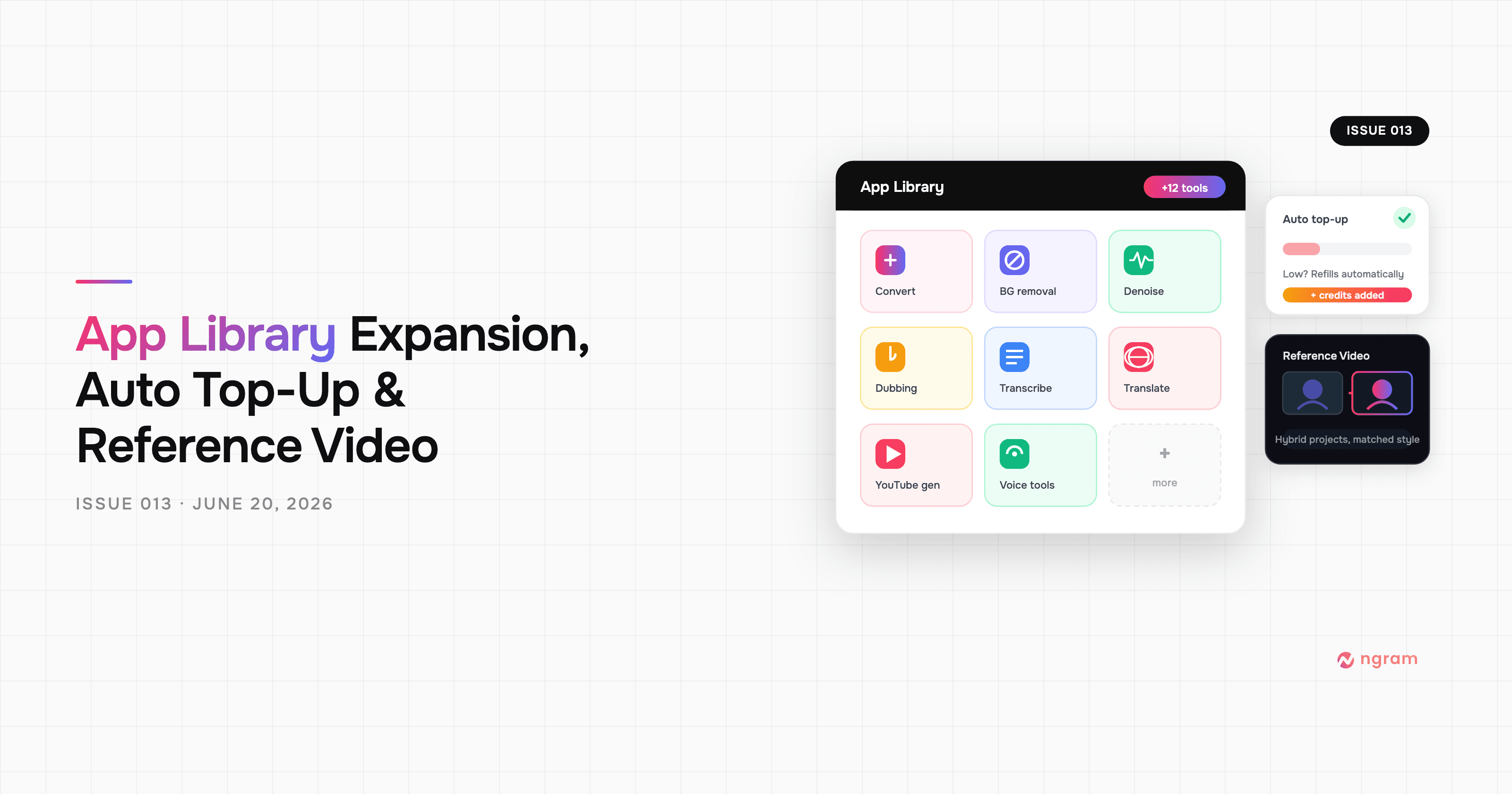
Product Update: App Library Expansion, Auto Top-Up, and Reference Video — June 20, 2026
Product Update: Hyperframes Motion Graphics, Zapier, and Annual Credits Upfront - June 13, 2026
Product Update: MCP Fixes, Sequential Voiceover, and Smarter Scene Editing - June 7, 2026
Product Update: Eye Contact AI, App Library, and a Faster Video Flow - June 4, 2026

Product Update: Image Lab, Avatar Videos, and Automation APIs - May 5, 2026