Product Update: Hyperframes Motion Graphics, Zapier, and Annual Credits Upfront - June 13, 2026
Hyperframes adds 17 new motion graphics visual types. Zapier is now publicly live. Annual plans get their full year of credits at subscribe time. Destructive script rewrites fork instead of clearing in place. Plus Telugu narration, MCP improvements, and fixes for music, captions, and eye contact AI.
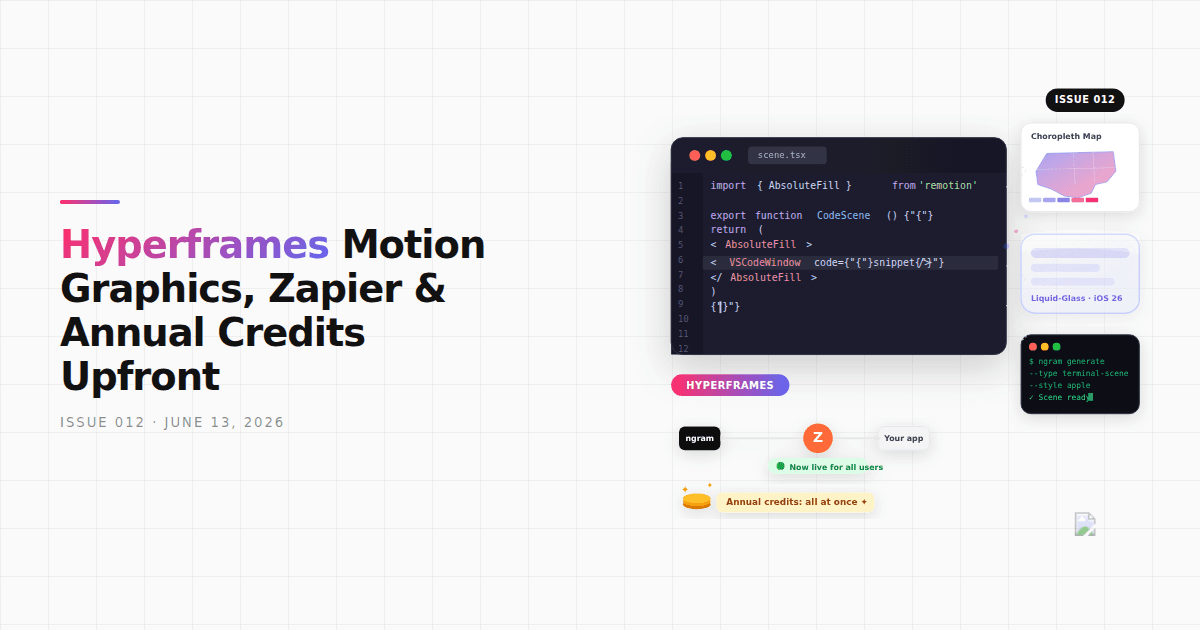


Since issue 011, we've shipped the Hyperframes motion graphics catalog (17 new visual types), opened Zapier to everyone, changed annual plans to release credits upfront, and changed how the agent handles major script rewrites — it forks now instead of clearing your conversation. There's also a new narration language, MCP improvements, and fixes for music selection, caption previews, eye contact AI, and a handful of other spots.
What's New
17 New Motion Graphics Visual Types
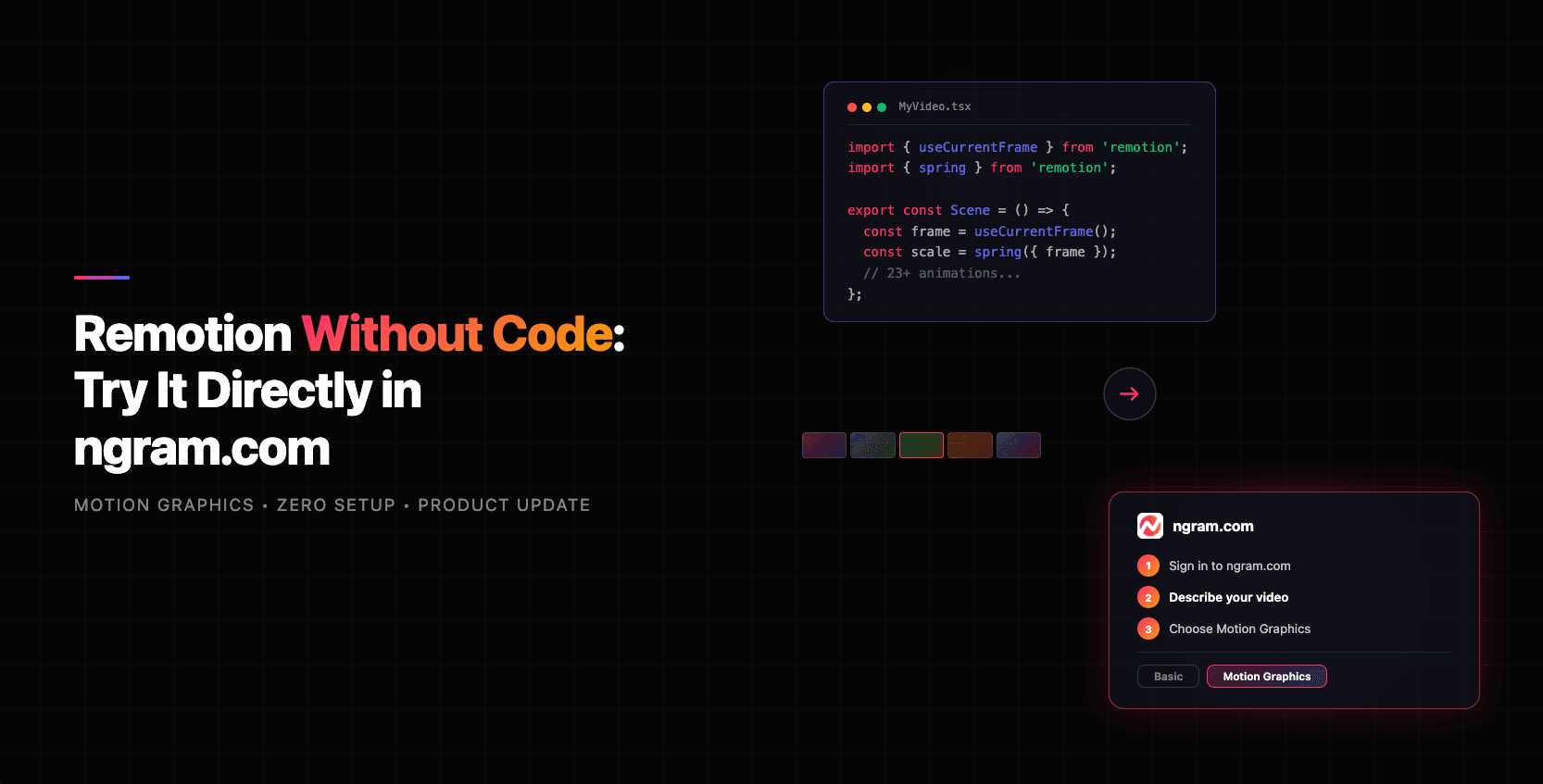
The Hyperframes catalog is now live in the motion graphics pipeline. You'll get 17 new types of scenes on request: VS Code-style code snippet windows, Apple Terminal scenes, choropleth maps (US, World, Spain), hex-grid maps, iOS 26 / macOS Tahoe liquid-glass surfaces, parallax zoom and unzoom grids, gooey morphing text, velocity motion blur, cinematic vignette, and more. Ask for any of these by description in chat — the generator now recognizes and produces them where it previously had no equivalent.
Telugu Narration Language
Telugu is now available in the narration language picker. Select it when starting a video or switch to it mid-project in the voice settings.
Zapier Integration Now Live
The Zapier integration is now publicly available to all users. Find it in the Integrations section of the app to connect ngram to your existing workflows.
Partner Rewards and Starter Posts
You can now earn credits by referring others through the partner rewards program. Open your Earn Credits page (sidebar → Earn Credits) and look for the Partner Rewards section. When you go to share, the app generates AI-written starter posts so you're not starting from a blank field.
MCP: Cancel Videos, Per-User Capabilities, and a Richer Confirm Gate
Three additions for MCP users. cancel_video lets you stop a generation in progress. Per-user capability gating means the options surfaced through MCP now match what your plan actually supports — no more seeing model or style options that aren't available to you. And the confirm gate (shown before generation kicks off) now includes content knobs, scenario coherence checks, and a settings-bound token for richer pre-generation review. prepare_video also now returns inline option lists with display labels and counts, making it easier to build selection UIs on top of the API.
Improvements
Script Rewrites Fork Instead of Clear
When you ask the agent to do a major script overhaul, it now forks your conversation from the script phase and runs the rewrite in the new branch, preserving the original. Previously it cleared in place — no way back. This applies specifically to large rewrites that would have changed the overall direction; smaller edits still apply in place.
Background Music Spans the Full Video
Music now runs through the entire video, including any visual padding after the narration ends — fixing videos where the track cut out before the last frame. The music selection modal also filters tracks by your video's length, so you no longer see options that are too short to cover the runtime.
Caption Style Changes Reflect in the Editor Immediately
Changing a caption style in the picker now updates the editor preview right away. Before this fix, the preview stayed on the old MP4 snapshot until you triggered a re-render.
Uploaded Images and Videos Now Inform Script and Storyboard
When you upload images or video clips, descriptions of those assets are now passed into the script writer, researcher, and storyboard generator during planning. If you've uploaded source material and noticed the output didn't seem to account for it, this is the fix.
Recurring Subjects Stay Visually Consistent
The system already maintained visual consistency for human protagonists across scenes. That same treatment now extends to products, characters, and other recurring objects — so a product shown in scene 2 looks the same when it reappears in scene 5.
Annual Credits Now Granted Upfront
Annual plan subscribers now get their full year of credits the moment they subscribe or upgrade — not drip-fed monthly. A banner in billing settings explains the change and highlights what annual plans include.
Live Billing Card
The billing settings page now shows a live current-plan card with your actual price, auto-renewal date, and plan status. Paid and free users see different layouts. Previously this was a static display that didn't always reflect what you were actually on.
Bug Fixes
- Eye Contact AI — corrections are now correctly post-processed and applied. Guest users are blocked from applying corrections (which was causing errors for that case).
- Narration language from landing-page context — the language you chose on the landing page is now correctly carried through when the app picks up your session context. It was being silently dropped before.
- UGC avatar consistency — UGC talking-head generations now go through a dedicated avatar resolver that picks or generates a presenter reference image first, producing more consistent results across takes.
- Conversation recovery — stuck or expired conversations now correctly enter the in-place recovery flow instead of dead-ending on a blank error state.
- Realistic art direction removed — the Realistic option has been removed from all style pickers (conversation controls, Template Wizard, and the home style modal). It was a legacy option that no longer worked.
- Parallel tool progress — when the AI runs multiple tools at the same time, each tool's progress indicator in chat now resolves as it finishes, rather than all snapping to done at once.
Past issues
Product Update: MCP Fixes, Sequential Voiceover, and Smarter Scene Editing - June 7, 2026
Product Update: Eye Contact AI, App Library, and a Faster Video Flow - June 4, 2026

Product Update: Image Lab, Avatar Videos, and Automation APIs - May 5, 2026
Product Update: Video Commenting, Earn Credits, and Team Enhancements - April 13, 2026
Product Update: Slides Animation, Scene Transitions, and Team Billing - April 6, 2026
Product Update: Teams, Video References, and Smarter Editing - March 30, 2026
Product Update: Slides Mode, Talking Heads, and a Redesigned Template Catalog - March 23, 2026
Remotion Without Code: Try It Directly in ngram.com