Product Update: Message Queue, Delete Uploads, and Brand Kit in the Wizard — June 27, 2026
Type your next message while ngram is still generating — it queues and sends automatically. Delete files from an ongoing conversation. Choose your brand kit before the first generation runs. Plus a merged Voiceover and Avatar control, a scene edit bug that silently generated empty videos (56 conversations affected), lower Seedance reference video credit cost, and three more bug fixes.
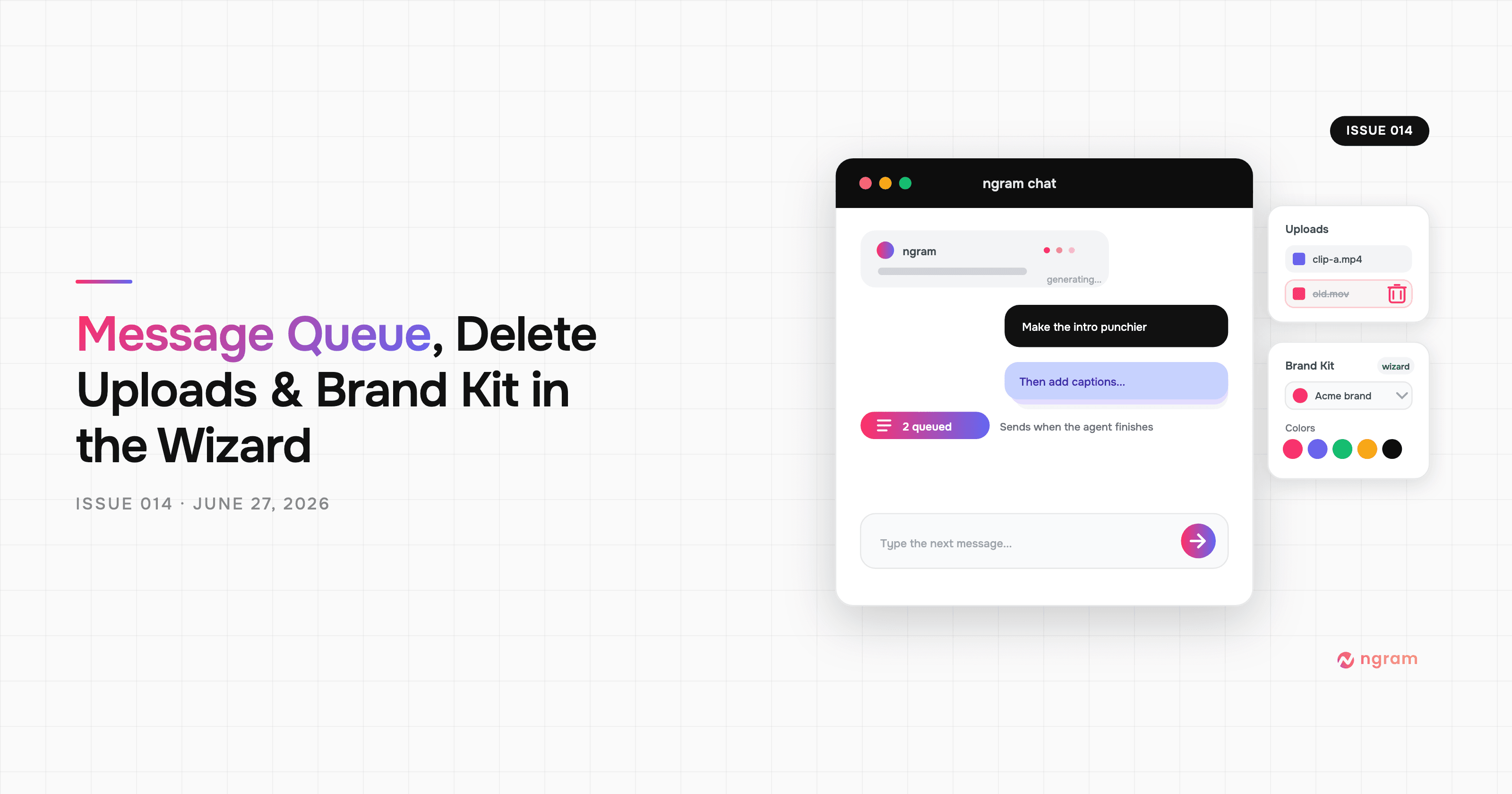


Since issue 013, you can type your next message while ngram is still generating. It holds in a queue — a pill in the composer shows it's waiting — and runs as soon as the agent finishes. This release also lets you delete uploaded files mid-conversation, adds a brand kit picker to the creation wizard, and merges the Voiceover and Avatar settings into one control. There's also a fix for a bug that silently generated empty videos on scene edits (56 conversations affected), broken links in translated video outputs, and a lower credit rate for Seedance reference video generation.
What's New
Message Queue in Chat
When ngram is generating, you can now type and send your next message — it won't be lost. A Queue pill appears in the composer to confirm the message is waiting. Once the agent finishes its current turn, your message goes next automatically. Useful for multi-turn sessions where you already know what change you want before the render completes.
Delete Uploaded Files Mid-Conversation
Files attached in chat can now be deleted directly from the attachment tray. The documents tray works the same way — add a file, change your mind, remove it without starting over. Upload limits are also now enforced by subscription tier, so your plan's file quota is reflected in the product.
Brand Kit Selection in the Creation Wizard
The before-start wizard now has a brand kit dropdown. Pick the kit you want applied before the first generation runs — no need to change it after the fact or rely on the default being correct.
Improvements
Voiceover and Avatar Merged into One Control
The Video Settings menu had separate Voiceover and Avatar entries. They're now a single Voiceover & Avatar control. Same settings, one fewer tap.
All Fonts Now Visible in the Brand Kit Editor
The font picker in the brand kit editor was only showing a subset of supported fonts. It now shows all of them.
Lower Credits for Seedance Reference Video
Seedance 2.0 Fast reference video generation is now billed at 10 credits/second. Hybrid projects that use reference video cost less to generate.
Bug Fixes
- Scene edits generated empty videos — a type error in the scene edit tool caused 56 conversations between June 17–24 to generate videos with zero scenes and show a "contact support" error. Scene edits now work correctly.
- Duplicate turns after reconnecting — reconnecting or recovering from a dropped connection could show duplicate assistant turns in conversation history. Turns now have stable IDs.
- Translation output had broken links — translated videos were dropping working links. The translation pipeline now preserves and renders them correctly.
- Asset selection showed a red ring instead of a tick — items marked in the attachment tray showed a red ring. They now show a checkmark, as intended.
- File uploader gave no visual feedback — the dropzone showed nothing after selecting or dropping a file. Selected and rejected files now appear correctly in the uploader.
Past issues
Product Update: App Library Expansion, Auto Top-Up, and Reference Video — June 20, 2026
Product Update: Hyperframes Motion Graphics, Zapier, and Annual Credits Upfront - June 13, 2026
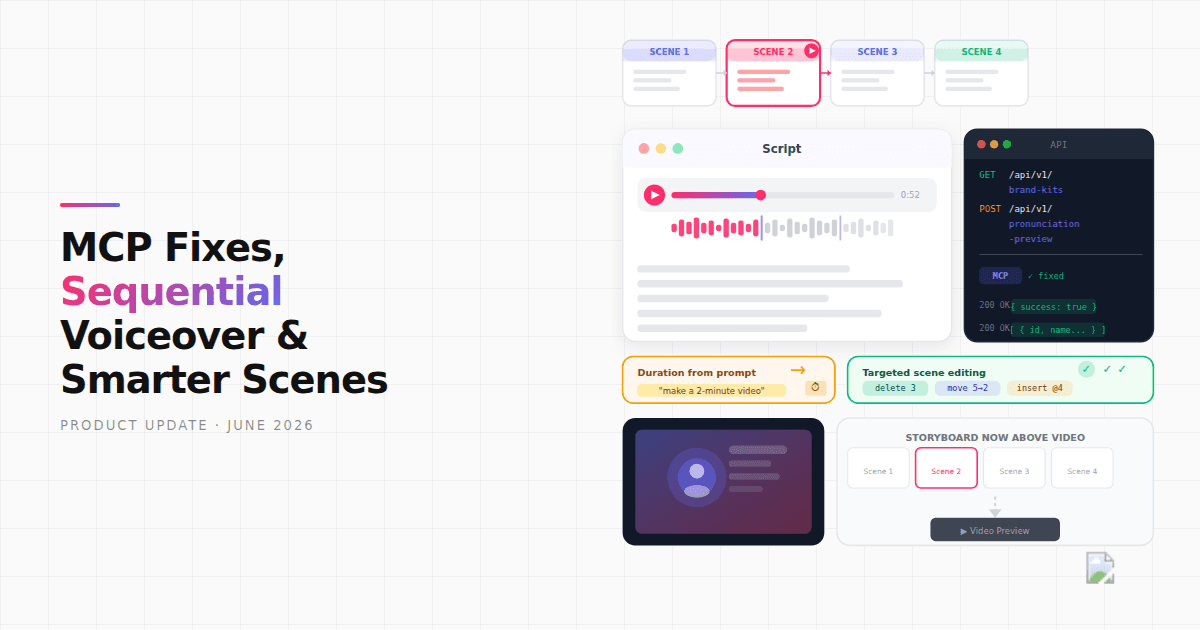
Product Update: MCP Fixes, Sequential Voiceover, and Smarter Scene Editing - June 7, 2026
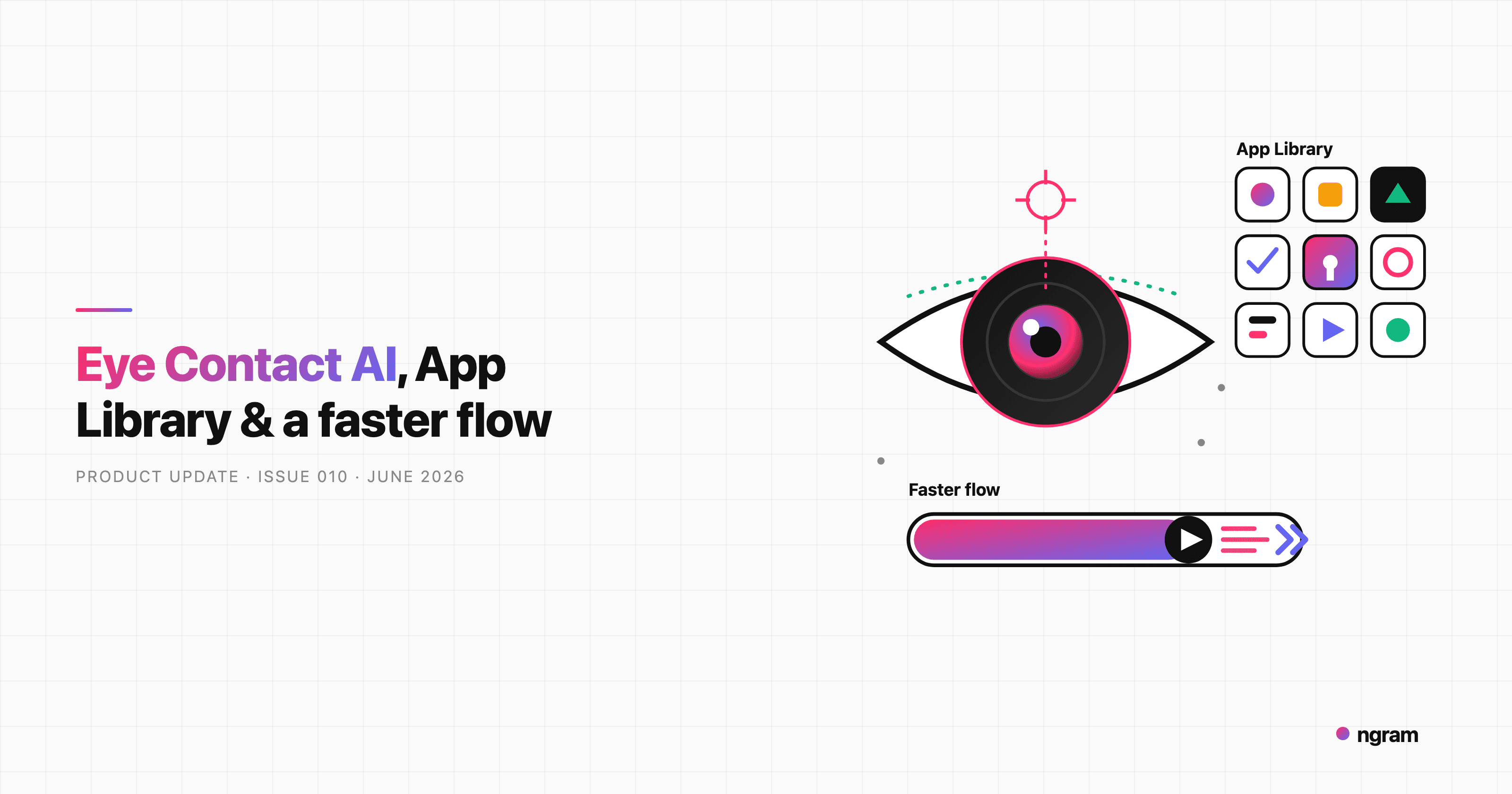
Product Update: Eye Contact AI, App Library, and a Faster Video Flow - June 4, 2026

Product Update: Image Lab, Avatar Videos, and Automation APIs - May 5, 2026
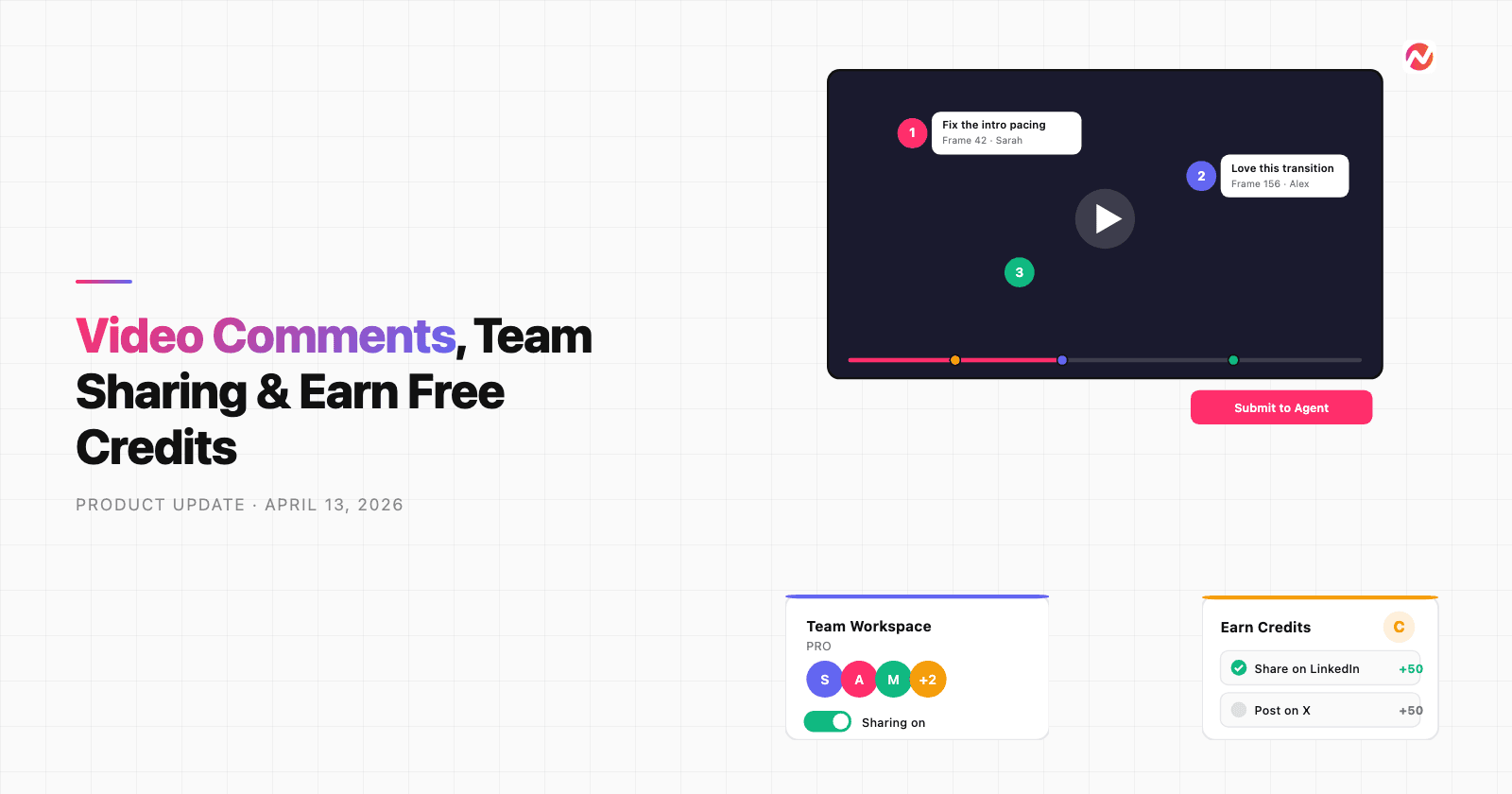
Product Update: Video Commenting, Earn Credits, and Team Enhancements - April 13, 2026
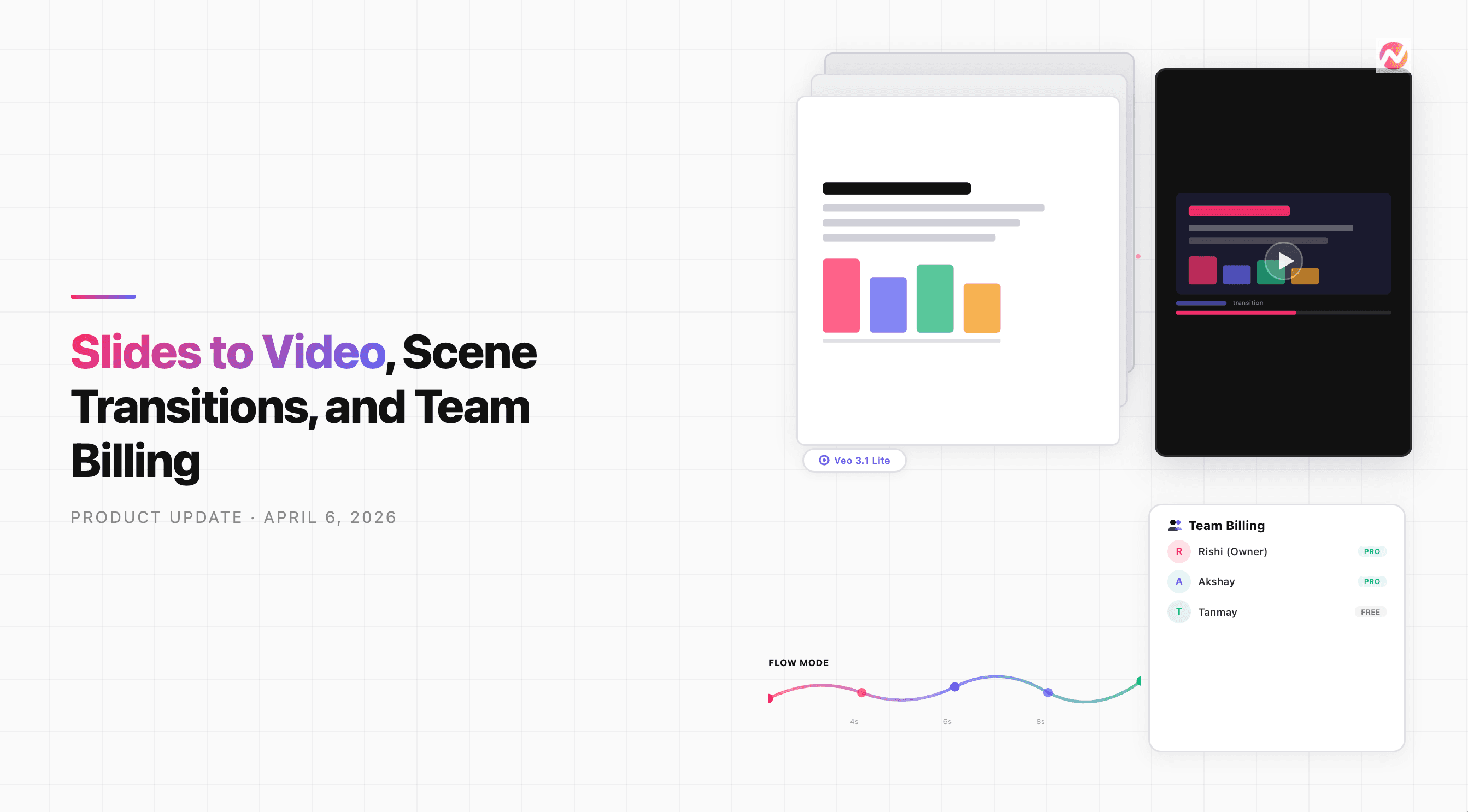
Product Update: Slides Animation, Scene Transitions, and Team Billing - April 6, 2026
Product Update: Teams, Video References, and Smarter Editing - March 30, 2026