Product Update: New AI Models, Logo Animation Creator, and Live n8n/MCP Integrations — July 4, 2026
Five new AI models across image, video, and text. A new Logo Animation Creator tool. n8n and MCP Server integrations are live (previously coming soon), with a standalone Integrations page. Chat can now hand off to a dedicated Studio tool when that's the better fit. Plus the 200MB video upload limit is gone, and a dozen chat, playback, and generation bugs are fixed.
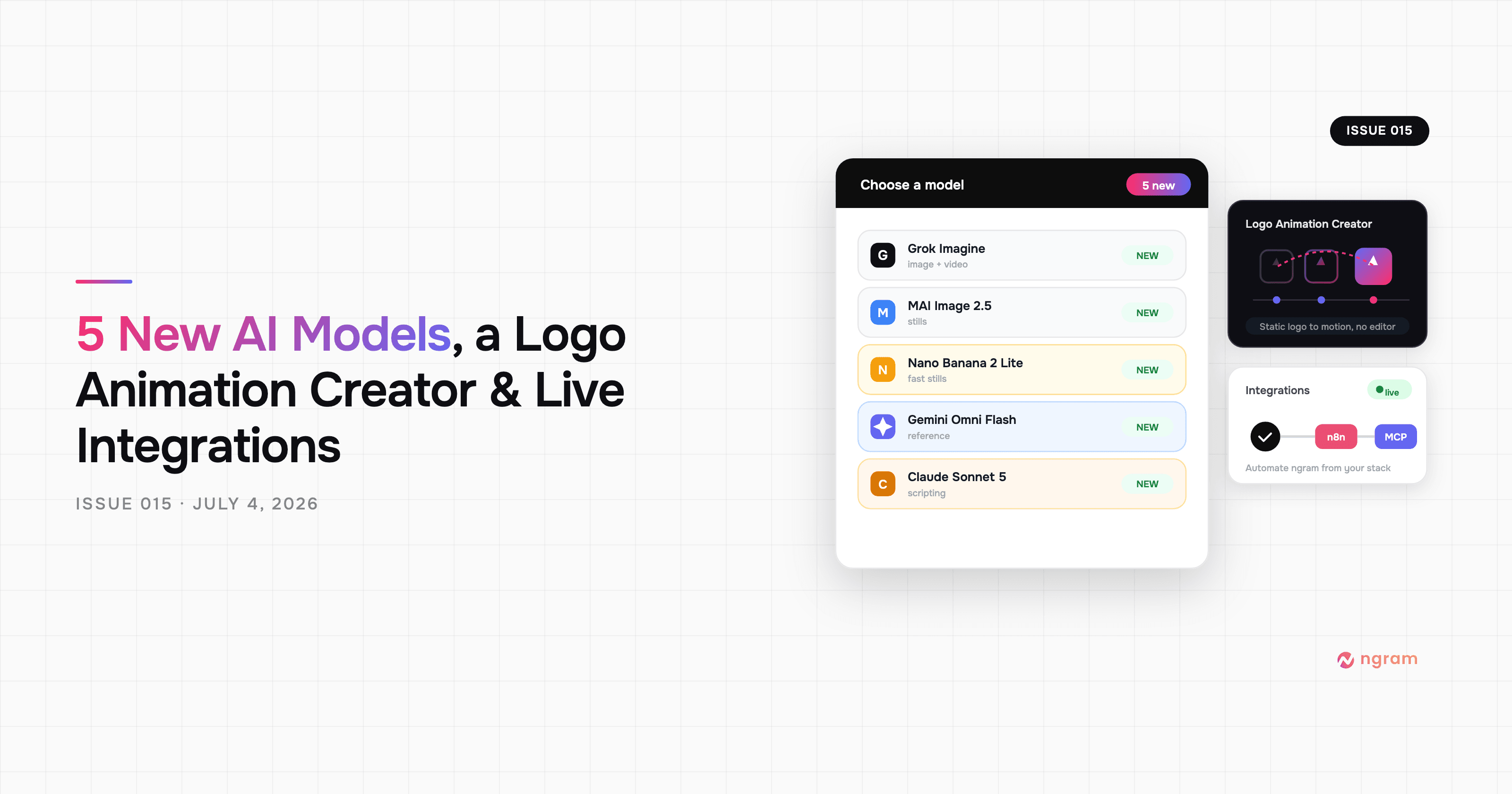


This release adds five new AI models across image, video, and text, a new Logo Animation Creator tool, and live n8n and MCP Server integrations (previously listed as coming soon) with their own standalone Integrations page. Chat now offers to hand you off to a dedicated Studio tool when your request is a better fit for one, and the 200MB video upload limit is gone. There's also a dozen fixes across chat reliability, video playback, and generation — including a stuck loading state, an ignored 'No voiceover' selection, and a visual style that could get silently overridden.
What's New
Five New AI Models
New options across the model selector:
- Grok Imagine — now selectable as an image generation model in the main model picker.
- MAI Image 2.5 — Microsoft's image generation model, added as a selectable option.
- Nano Banana 2 Lite — a new selectable image generation model.
- Gemini Omni Flash Reference — a new reference-video model, for turning reference images into video.
- Claude Sonnet 5 — a new selectable model for text steps like script writing and narration updates.
Logo Animation Creator
A new tool in the App Library: upload your logo and get AI-generated animation options for intros and social clips. Upload limits across App Library tools are now enforced per tool, so oversized files are rejected with a clear message before you upload instead of failing partway through.
n8n and MCP Server Integrations Are Live
n8n and the MCP Server integration card — both previously shown as coming soon in the in-app Integrations list — are now available. Integrations also moved out of Settings into their own page, reachable directly from the sidebar, with a new Connect flow for MCP that shows your server URL and client config for pasting into an MCP-compatible client. There's also a new Chrome Extension promo card in the same place.
Smart Tool Handoff in Chat
When you ask the AI chat for something a dedicated Studio tool already does best — fixing eye contact, adding captions, and similar single-purpose jobs — it now offers to send you straight to that tool instead of building a full video from scratch. You can still choose to keep building a video if that's what you actually wanted.
Improvements
Clearer "Agent Is Processing" State
The AI chat now clearly shows "Agent is processing your request…" while it's working, replacing a small pulsing dot that was easy to miss — so it's obvious the assistant is still going instead of looking stuck.
No More 200MB Upload Limit
You can now upload videos of any size — the previous 200MB cap on uploaded video files has been removed.
Screencast Auto Duration No Longer Cuts Off
Screencast videos created with Auto duration no longer get cut short — the script now covers the full walkthrough instead of stopping partway through.
Consistent Recurring Characters Across Scene Types
A recurring character or mascot now stays visually consistent across motion graphics scenes, not just standard AI-generated scenes, within the same video.
Bug Fixes
- Cloned or imported videos could show a false failure banner — cloning or importing a shared video could briefly show a "video generation failed" message even though the video was fine. Fixed.
- Chat could freeze, stall, or show stale spinners — several related issues where the chat could appear to pause mid-response, get stuck loading after a dropped connection, or leave a stray loading spinner on screen after stopping and continuing. All fixed.
- "No voiceover" selection was ignored — choosing "No voiceover" for your first generation could still add narration to the video. Fixed.
- Forking a screencast could replace your recording with AI visuals — forking or rewriting a screencast video could silently swap your uploaded screen recording for AI-generated visuals. Fixed.
- Selected visual style could be overridden — your chosen visual style (e.g. Paper Cutout Infographic, Doodle, Flat Vector) could get ignored and rendered in a different style instead. Fixed.
- "Use this model inside ngram" CTA didn't apply the model — clicking that CTA from a video-AI-model page didn't actually select the chosen model in the editor. Fixed.
- Choppy playback when previewing uploaded videos — previewing an uploaded video in chat could stutter. Fixed.
- Narration out of sync in scene preview — previewing a single scene's voiceover could play out of sync with that scene. Fixed.
- Creation wizard could skip your brand kit — videos made through the step-by-step creation wizard could come out without your brand colors, fonts, or logo, even when a brand kit or website was provided. Fixed.
- Narration audio and progress logs could briefly disappear — the narration audio preview and live progress logs could vanish from chat mid-generation until you reloaded the page. Fixed.
- Editor page could reload unexpectedly — hovering over toolbar buttons at the wrong moment could crash and reload the video editor page. Fixed.
- Running out of credits mid-generation showed a confusing response — running out of credits partway through a generation could produce a confusing response instead of a clear message with your remaining credits. Fixed.
Past issues
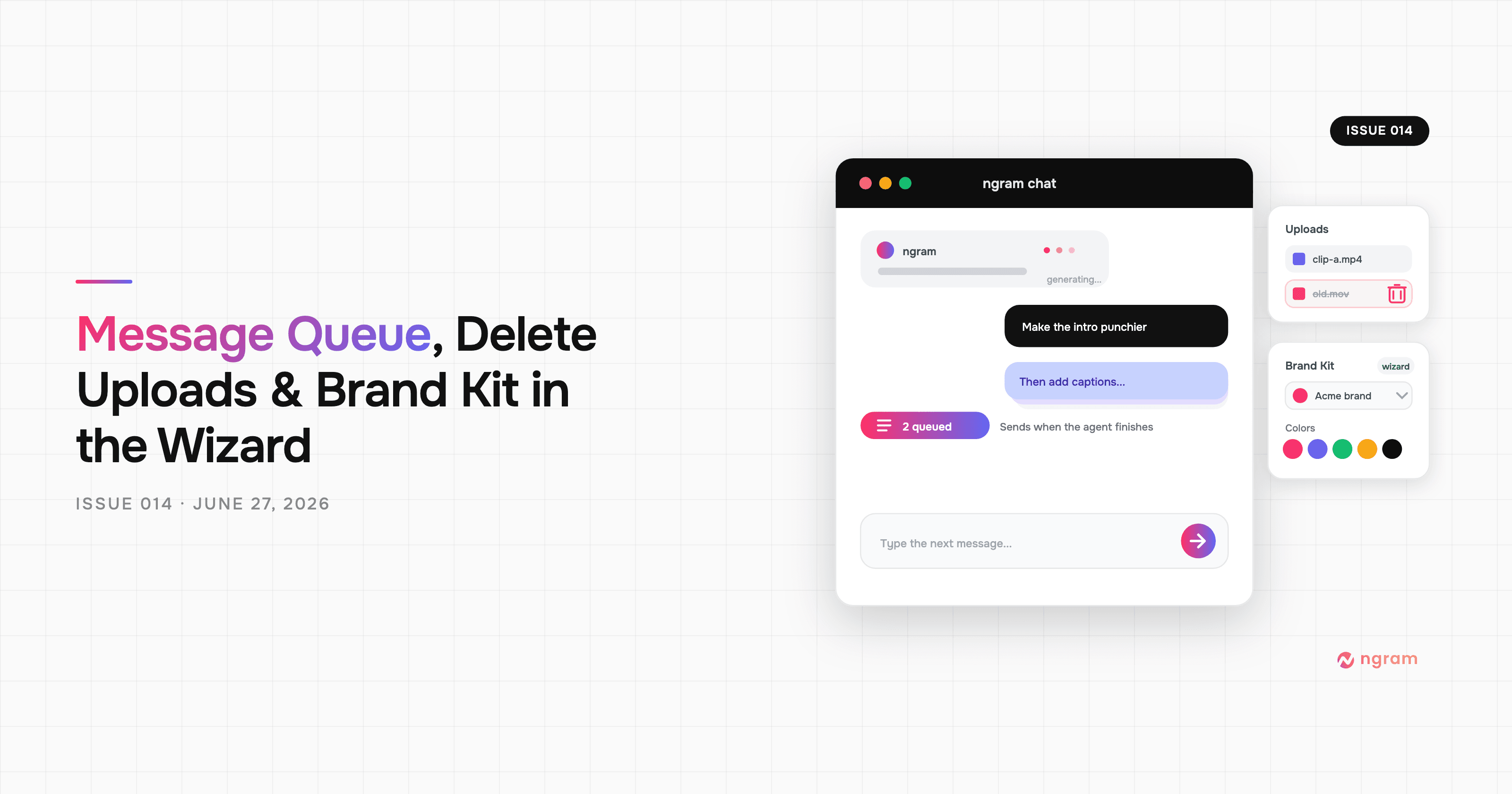
Product Update: Message Queue, Delete Uploads, and Brand Kit in the Wizard — June 27, 2026
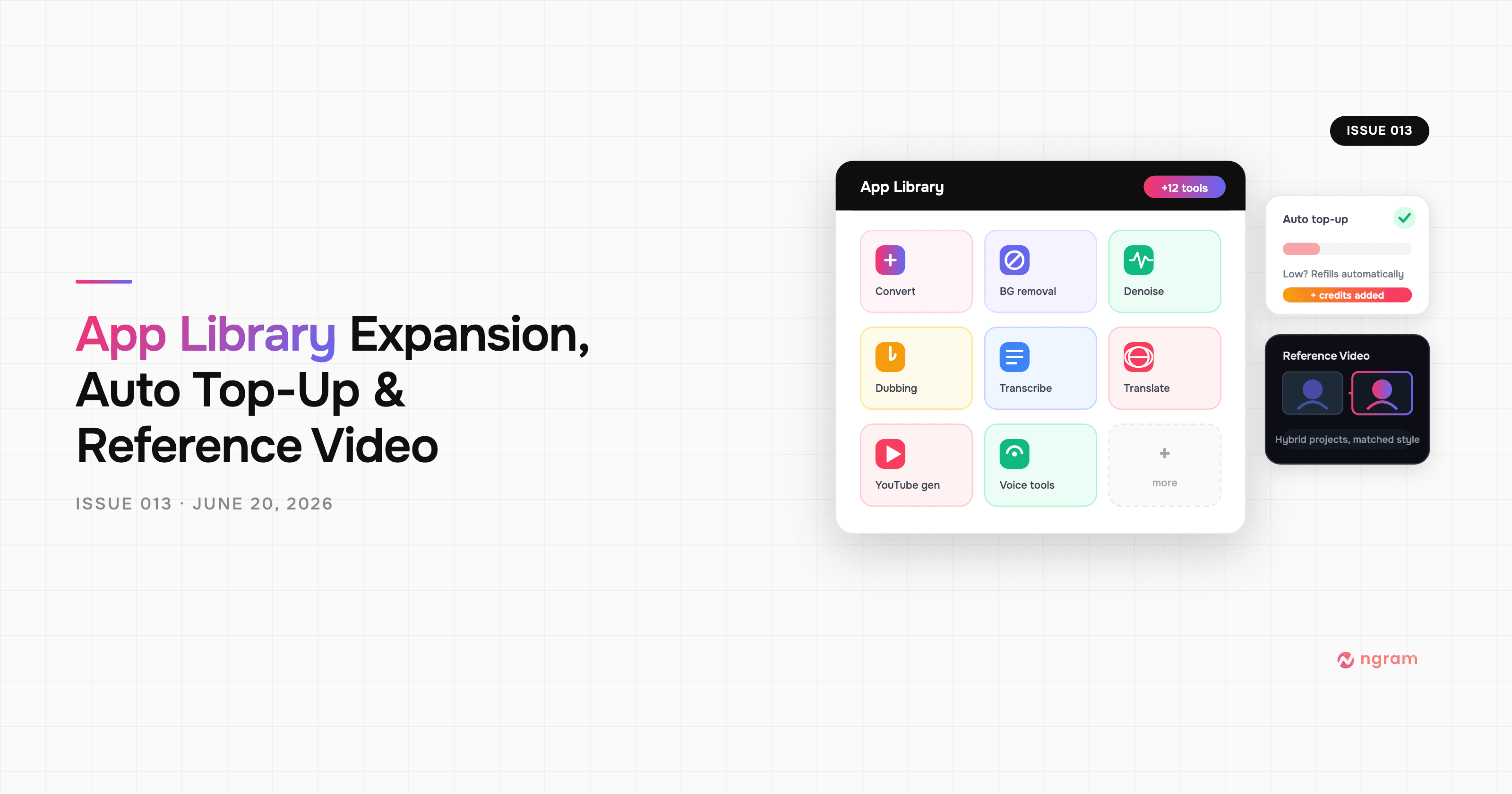
Product Update: App Library Expansion, Auto Top-Up, and Reference Video — June 20, 2026
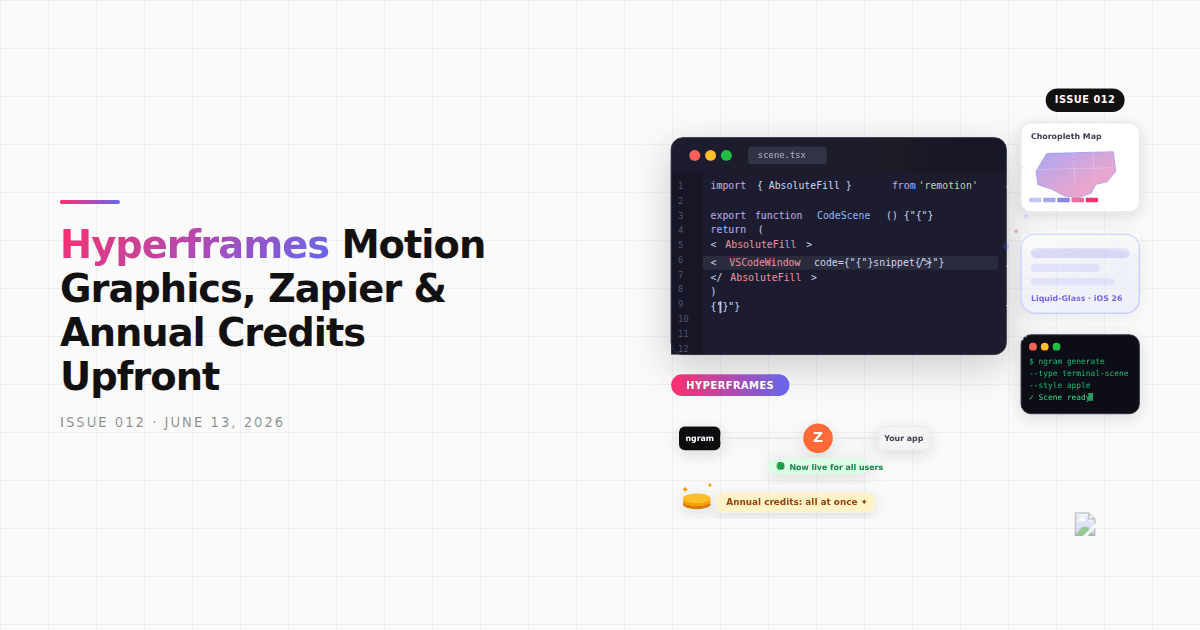
Product Update: Hyperframes Motion Graphics, Zapier, and Annual Credits Upfront - June 13, 2026
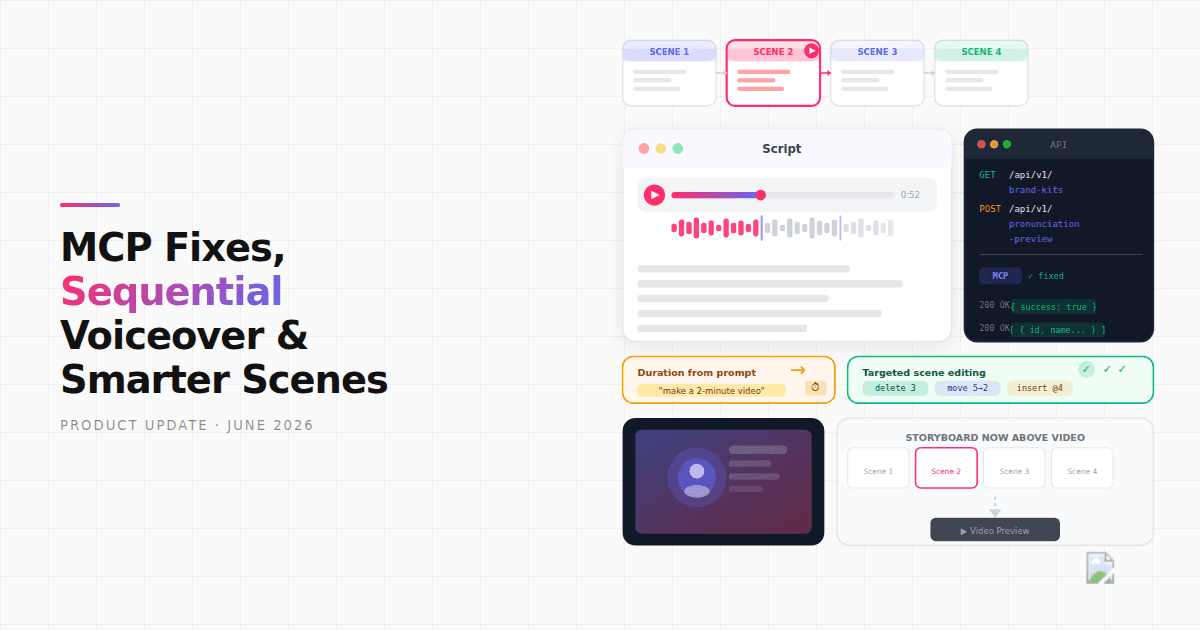
Product Update: MCP Fixes, Sequential Voiceover, and Smarter Scene Editing - June 7, 2026
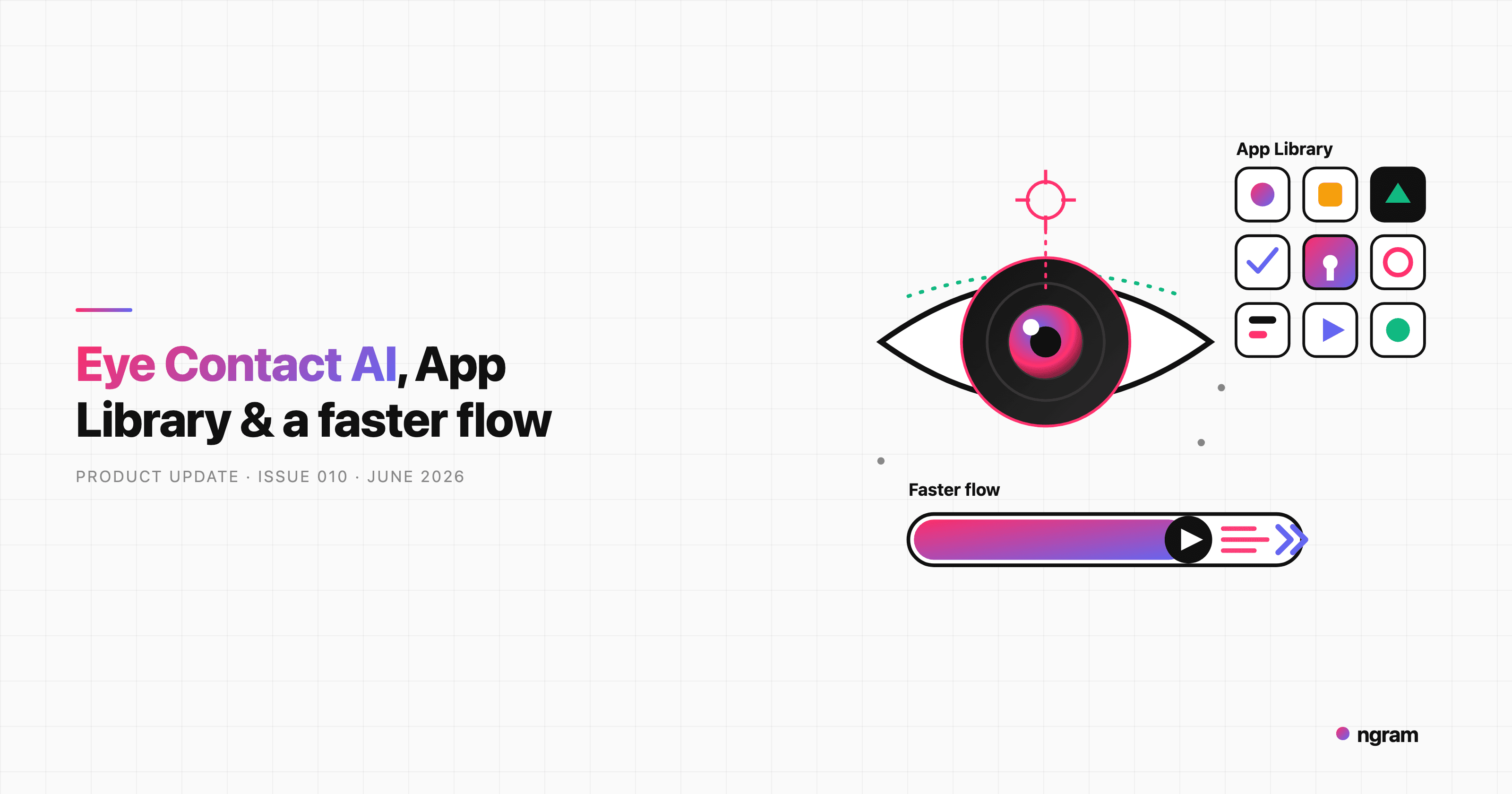
Product Update: Eye Contact AI, App Library, and a Faster Video Flow - June 4, 2026

Product Update: Image Lab, Avatar Videos, and Automation APIs - May 5, 2026
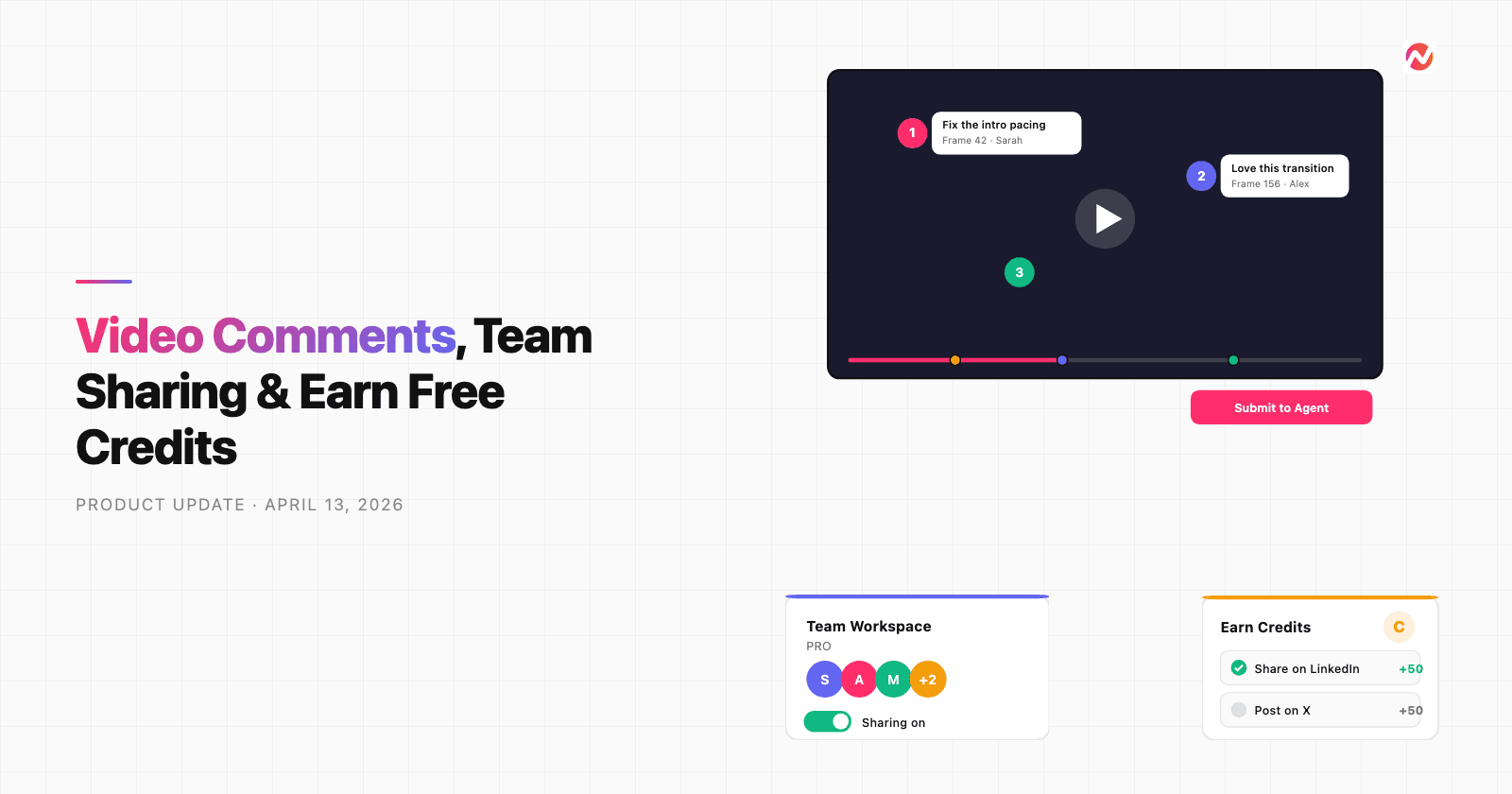
Product Update: Video Commenting, Earn Credits, and Team Enhancements - April 13, 2026
Product Update: Slides Animation, Scene Transitions, and Team Billing - April 6, 2026