
Creatify alternatives serve different jobs: repeatable actor ads, product videos, training courses and broader source-based creation. Creatify itself now offers an agent, editing, automation and campaign tools. Choose another workflow for a concrete need rather than an outdated assumption that it only creates raw clips.
What Creatify offers today
Creatify: Creatify’s current Ad Agent accepts product links and uploaded assets, then creates and revises ads through chat. Ask it to draft the concept and script before generating when you want to review them first. Timestamped comments can be combined into an edit request.
The editor supports text, captions, trims, media swaps and layout changes. Manual edits and re-exports are free; newly generated material uses credits. Pro adds Ad Agent, automation, Ad Tracker and Ad Clone, while Max expands seats and brand spaces.
MCP uses platform credits. The separate API subscriptions have their own monthly allowances, so do not assume a platform subscription includes the same API pool. Platform credits remain valid for two months.
| Plan | Billing reference | Scope |
|---|---|---|
| Creatify | Individual monthly plans: Standard $15 with 55 credits; Pro $55 with 280; Max $95 with 730. Annual monthly equivalents: $12/$44/$76. | Match model, editing, team and delivery requirements |
Free includes 10 credits/month and watermarked output. Paid plans remove the watermark. Credits are valid for two months. Pro adds Ad Agent, automations, Ad Tracker and Ad Clone; Max includes three seats and three brand spaces. Manual editing and re-exporting are free, while new AI generation uses credits. MCP draws from platform credits; separate API Starter/Pro plans are $99/$299 per month with 500/2,000 credits.
Alternatives at a glance
| Tool | Useful starting point | Price reference |
|---|---|---|
| ngram | Source-based business videos with a reusable brief and plan approval | Free; Basic $29/month or $278.40/year |
| Arcads | Choose actors and generation models, direct the creative with Mark, or reuse a workflow for another campaign. | Plans use monthly credits: Starter 8,000; Creator 16,000; Pro 48,000; Scale 96,000; Business 192,000. Check the account offer for dollar pricing. |
| HeyGen | Create, revise and translate with Video Agent | $29/month |
| Synthesia | Develop the outline, scenes and learning experience | $29/month; $18/month equivalent annually |
| InVideo | Agent-led creation from a brief | $9/month |
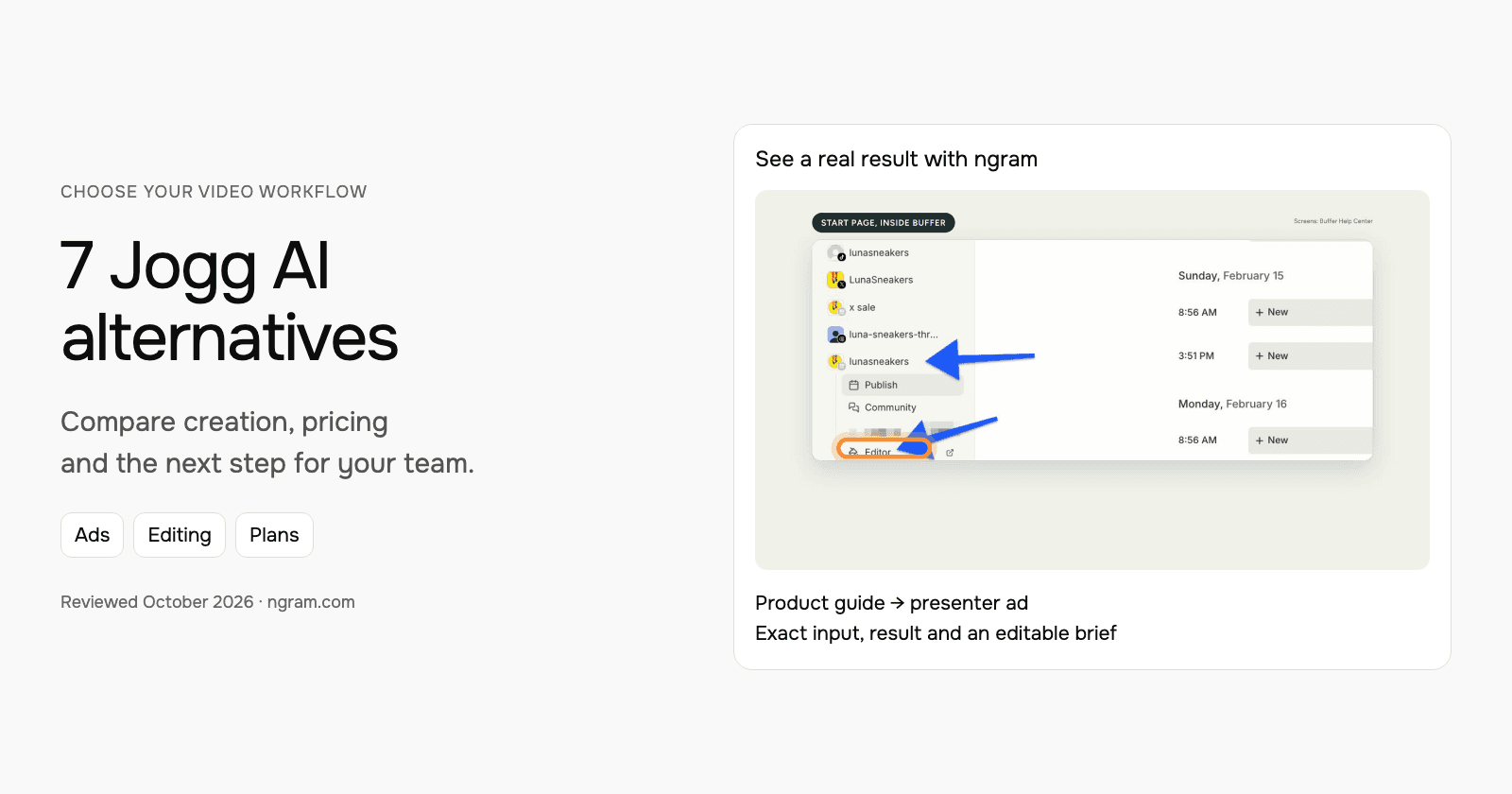
| Jogg AI | Use a product page or brief, choose the presenter and script, then edit the creative or generate campaign variants. | Monthly: Starter $29 with 12,000 credits; Creator $49 with 22,000. Annual selected offers: Starter $24/month equivalent; Creator $40.66/month displayed. |
| Colossyan | Plan the video and build the course | $89/month; $59/month equivalent annually |
| Pictory | Written and recorded content in an editable storyboard | $29/month; $25/month equivalent annually |
Compare the same billing commitment, seats and selected models. Credits, finished-video minutes and editing allowances measure different work.
ngram: turn real product information into a video
The example below is an ngram AI-presenter ad for Buffer Start Page, using its official guide and real product screens. Inspect the exact input, style, transcript and result. The presenter explains the product rather than posing as a customer.
From this input to this video
An AI presenter introduces Buffer Start Page using its official guide, with key phrases behind the speaker and real product screenshots.
Prompt
Create a 30-second ad video for Buffer Start Page, a customizable microsite for a business or creator. Open with: One bio link. Everything you want to share.. Narrate bringing links, images and videos together on one page with Depth captions, with an AI presenter and large key words behind the speaker, supported by official product screenshots from https://support.buffer.com/en-us/articles/using-start-page-with-buffer-vvu8iGZ8Qa visuals. Tone: bright and practical. End with the line: Explore Start Page with Buffer. Use 16:9 format. Voiceover language: English. Preserve real source screens; do not invent traffic numbers, conversions, testimonials or interface states. Use an AI presenter as the narrator, with short key phrases behind the speaker. Present sourced product information, without suggesting that the presenter is a customer or employee.
Selected style
Depth captions
Read the video transcript
One bio link. Everything you want to share. Start Page is a simple, customizable microsite for your business or creator brand, built in Buffer. Pick a template, then add blocks: links to your shop and latest post, images, YouTube videos, and your social channels. Drag to reorder, preview every change live, then publish. Copy your link, add it to your bio. Explore Start Page with Buffer.
Create an ad from your real product information
See an AI-presenter ad for Buffer Start Page, made from its official guide. Inspect the exact input and result, then adapt the brief to your product.
Prepare the product facts
Use a public product page, approved copy, screenshots or authorized footage. Keep the claims and call to action specific.
Shape the ad
Fill in the hook, benefit, audience and call to action below. Choose the style and settings; select your configured Brand Kit in ngram.
Review and share
Approve the plan containing the script. Check the generated result, request changes and share it. Paid plans enable MP4 downloads for your ad channels.
Make it yours
Fill in your details here, or continue and finish your brief in ngram.
Video generation uses credits. Review your estimate in ngram. MP4 downloads require Basic or higher.
How credits workAdapt the starter with your product, one benefit, a hook and a call to action. Provide a public source or authorized assets; choose the style, duration and aspect ratio. Select your configured Brand Kit in ngram and turn captions on when wanted, then approve the plan containing the script.
Review the result and request changes through chat or use the timeline. To make another placement, ask for the next version and choose its duration and aspect ratio. Keep a downloaded copy when you need an earlier version alongside the latest public video.
ngram pricing includes 1,000 credits/month on Free. Basic costs $29/month with monthly billing and includes 3,000 credits per cycle; annual billing is $23.20/month equivalent with 36,000 credits supplied upfront. The base rate for premium AI video generation is 10 credits per second, with a cheaper model at 3. Share publicly or embed on Free; use a paid plan for MP4 downloads and Basic or above for unlisted links.
Arcads: choose actors and generation models, direct the creative with Mark, or reuse a workflow for another campaign.
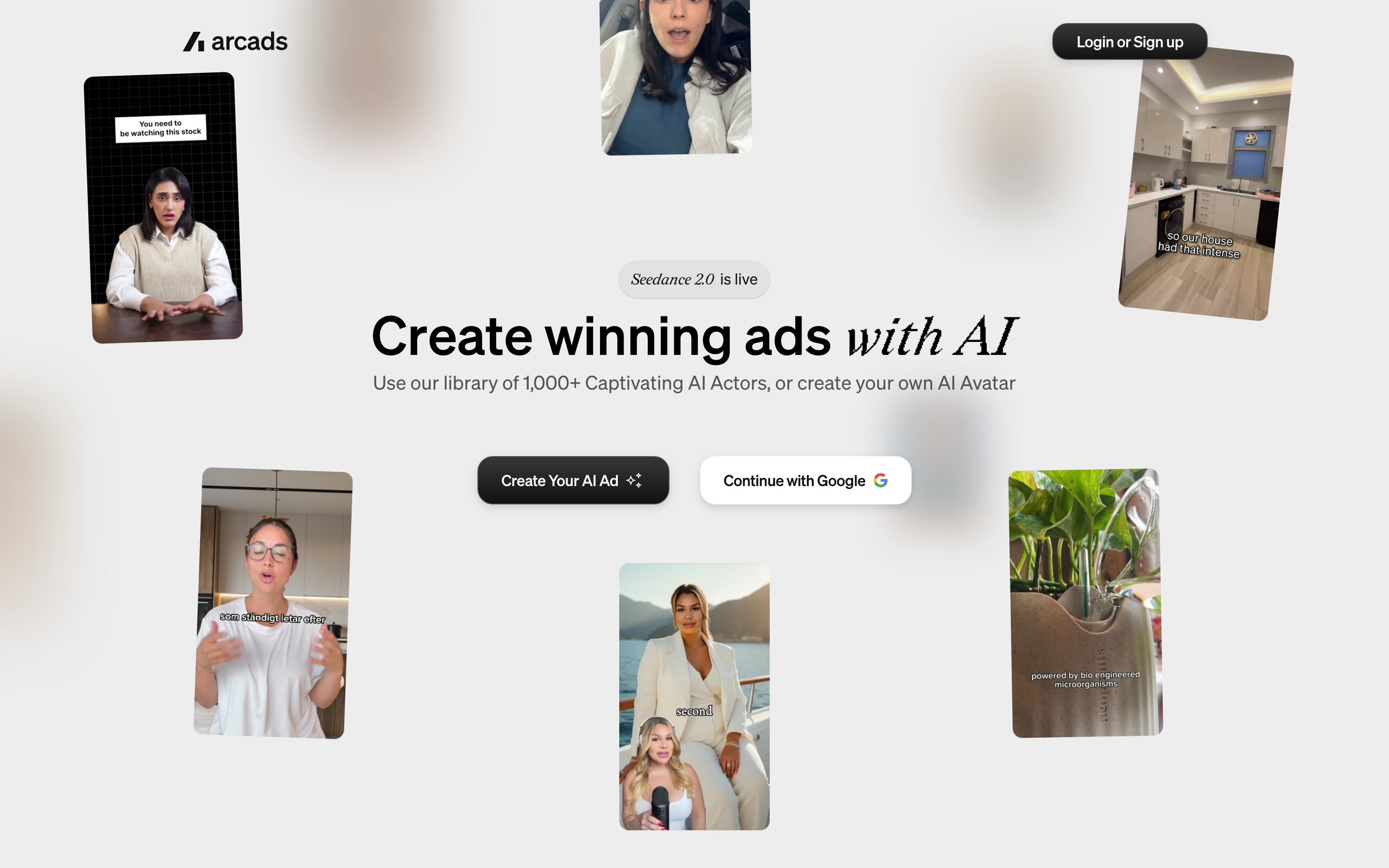
Arcads: Arcads combines actor generation, creative models and Mark in one studio. Its editing operations include trimming, stitching, layers, resizing and text overlays; it also offers translation and model-based editing.
Creator and higher plans add Workflows. Pro adds API access, team seats and custom actors; MCP is included across plans. Generation cost is shown before running, with an optional confirmation setting. Compare those controls with the approval step your team needs.
Starter and Creator stop at the monthly allowance and do not roll credits forward. Pro and higher include rollover and usage overages, with optional spending limits. Model and operation rates differ, so a credit pool is not a fixed number of finished ads.
| Plan | Billing reference | Scope |
|---|---|---|
| Arcads | Plans use monthly credits: Starter 8,000; Creator 16,000; Pro 48,000; Scale 96,000; Business 192,000. Check the account offer for dollar pricing. | Match model, editing, team and delivery requirements |
The pricing guide documents a 20% annual discount. Starter and Creator credits reset monthly and stop at the allowance; Pro and higher include rollover and usage overages, with optional spend limits. Mark and MCP are included across plans; Workflows starts at Creator and API access at Pro. The documented trial provides 1,000 credits for 72 hours, requires a card and converts to Starter unless canceled.
HeyGen: create, revise and translate with Video Agent
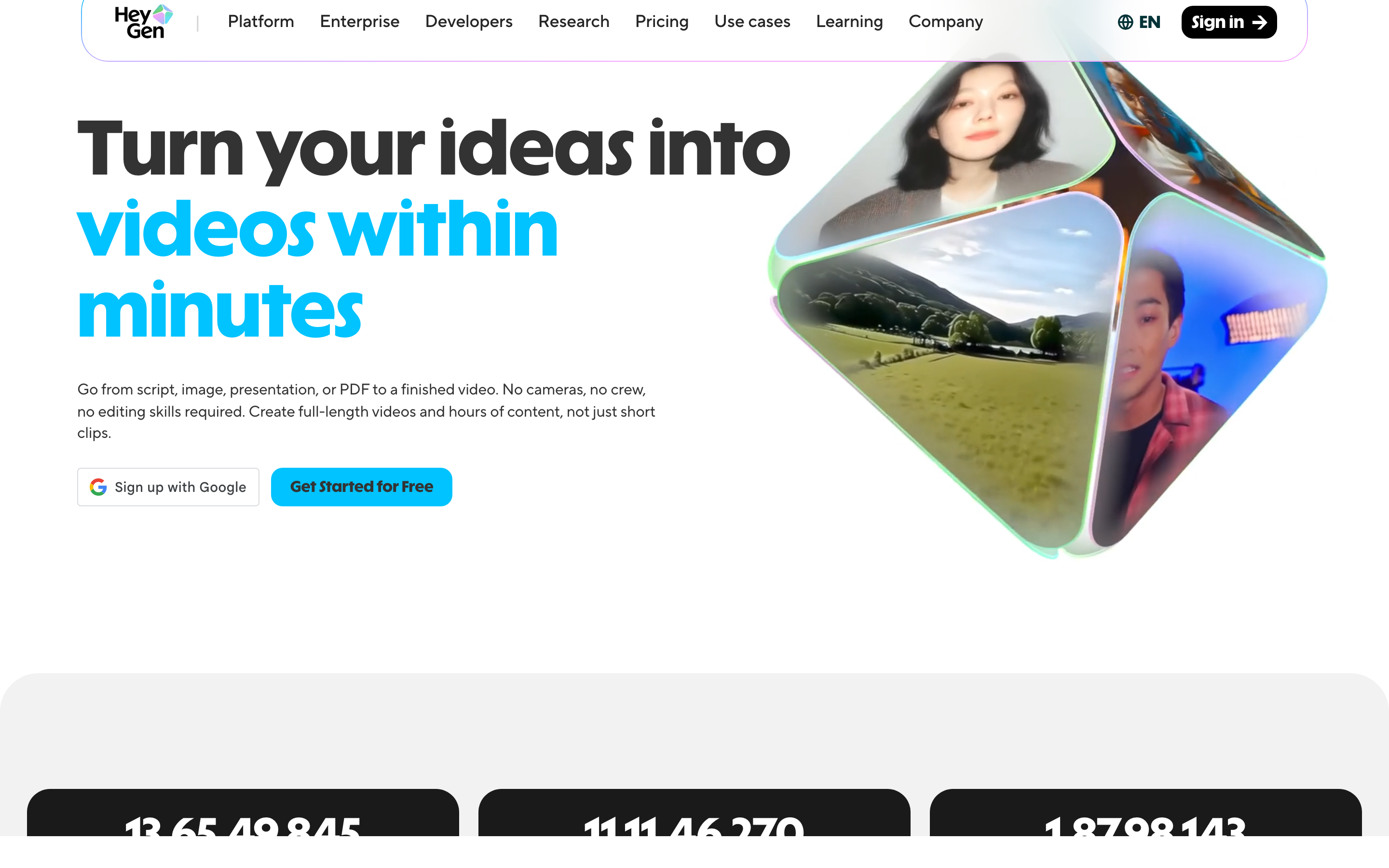
HeyGen Video Agent accepts uploaded documents, images and video. Chat Mode offers plan review; Autopilot is a different creation path. You can revise through chat or edit a copy in AI Studio. It is broader than a presenter reading text.
Its July release describes HyperFrames motion graphics and website/Figma-based workflows. Avatar and translation features remain useful reasons to evaluate HeyGen, but source-based creation and planning are no longer distinctions that belong only to another tool.
Current pricing includes Brand Kit on Creator and Pro, with SCORM/LMS and interactive features listed on Business. Its developer platform covers REST, CLI and MCP operations; API pricing is separate from the web subscription.
LiveAvatar is HeyGen’s separate platform for real-time interaction, with its own credits and models. A Creator video plan is not a LiveAvatar allowance, and the avatar assets are not automatically cross-compatible. The current setup guide says Starter stopped accepting new customers on September 25, 2026; use its current plans for a new deployment.
| Plan | Billing reference | Scope |
|---|---|---|
| HeyGen Creator | $29/month | 600 monthly credits; videos up to 30 minutes; 1080p |
| HeyGen Pro, entry allowance | $49/month | 1,000 monthly credits; 4K |
| HeyGen Business | $149/month; additional seats $20/month | 1,500 shared credits; learning and collaboration features |
HeyGen Free allows three videos/month of up to one minute. Monthly unused web credits roll over one additional cycle; annual credits follow the annual renewal terms. Model and operation determine usage, so use the current generation estimate rather than a single per-minute conversion. API allowance and pricing are separate.
Synthesia: develop the outline, scenes and learning experience
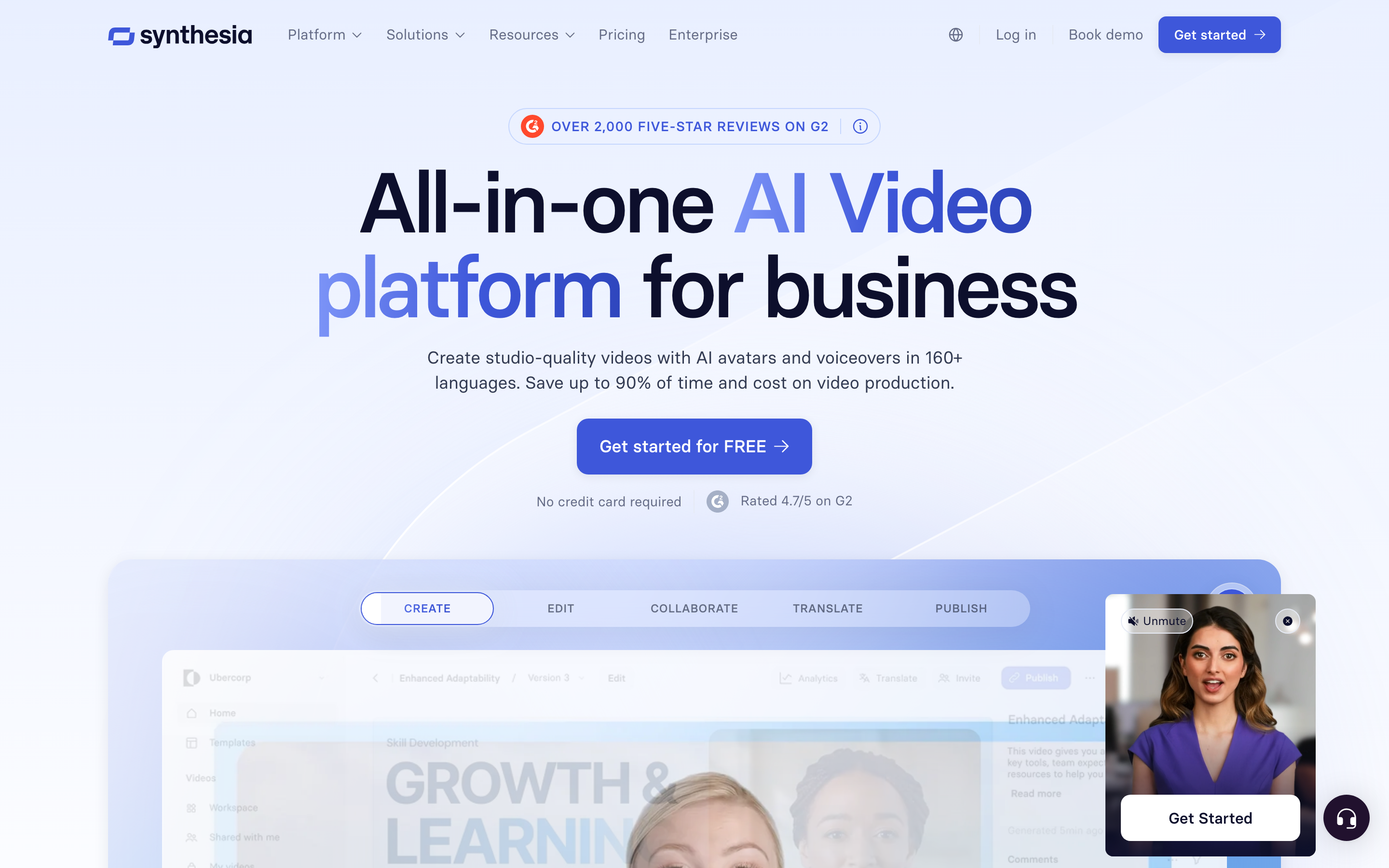
Synthesia Assistant accepts a prompt, files and URL context, then creates an editable outline. Storyboard and Canvas views support scene authoring, and chat can revise scripts and visuals. Its creation workflow includes generated assets and motion graphics.
The AI Screen Recorder provides recording, transcription and scene editing. Recorded product steps can accompany a presenter, so it should not be characterized as a script-only avatar tool.
Current plans meter generated assets with credits. Pro includes interactivity, while Enterprise lists SCORM and Brand Kits. Roleplay learner seats have separate pricing. For training, compare creation, practice and course delivery as distinct requirements.
Sessions includes live avatar roleplays and conversational surveys. The Interactive Avatars API supports real-time experiences in your own product: you bring the language model and speech-to-text, and Synthesia renders the avatar, with optional text-to-speech. Evaluate these separately from recorded-video generation.
| Plan | Billing reference | Scope |
|---|---|---|
| Synthesia Starter, US list | $29/month; $18/month equivalent annually | 1,250 monthly paid credits, plus free allowance |
| Synthesia Pro, US entry tier | $89/month; $64/month equivalent annually | 6,000 monthly paid credits, plus free allowance |
Synthesia prices vary by region. Its current cards use Pro, even where legacy signup parameters still say Creator. Generated assets consume credits; a credit total does not guarantee a fixed finished-video duration. Annual allowances and paid roleplay seats are separate from the monthly figures shown here.
InVideo: agent-led creation from a brief

InVideo uses Agent Two to create and revise videos from instructions. Its current workflow combines source context, generated visuals, narration and editing; the older description of a stock-template assembler is incomplete.
Pricing uses credits, with Basic at $9/month for 190 and Pro at $30 for 1,000 in the checked monthly configuration. Model and task affect consumption. Check the renewal amount on promotional offers and the allowance for your chosen workflow.
Remote Agents connects the creation workflow to supported AI clients. Evaluate the actual source, edit and publishing task; the presence of an agent does not establish a measured quality or speed advantage.
| Plan | Billing reference | Scope |
|---|---|---|
| InVideo Basic | $9/month | 190 monthly credits |
Creation models and actions use different credits. Compare the selected tier, renewal terms and complete brief.
Jogg AI: use a product page or brief, choose the presenter and script, then edit the creative or generate campaign variants.
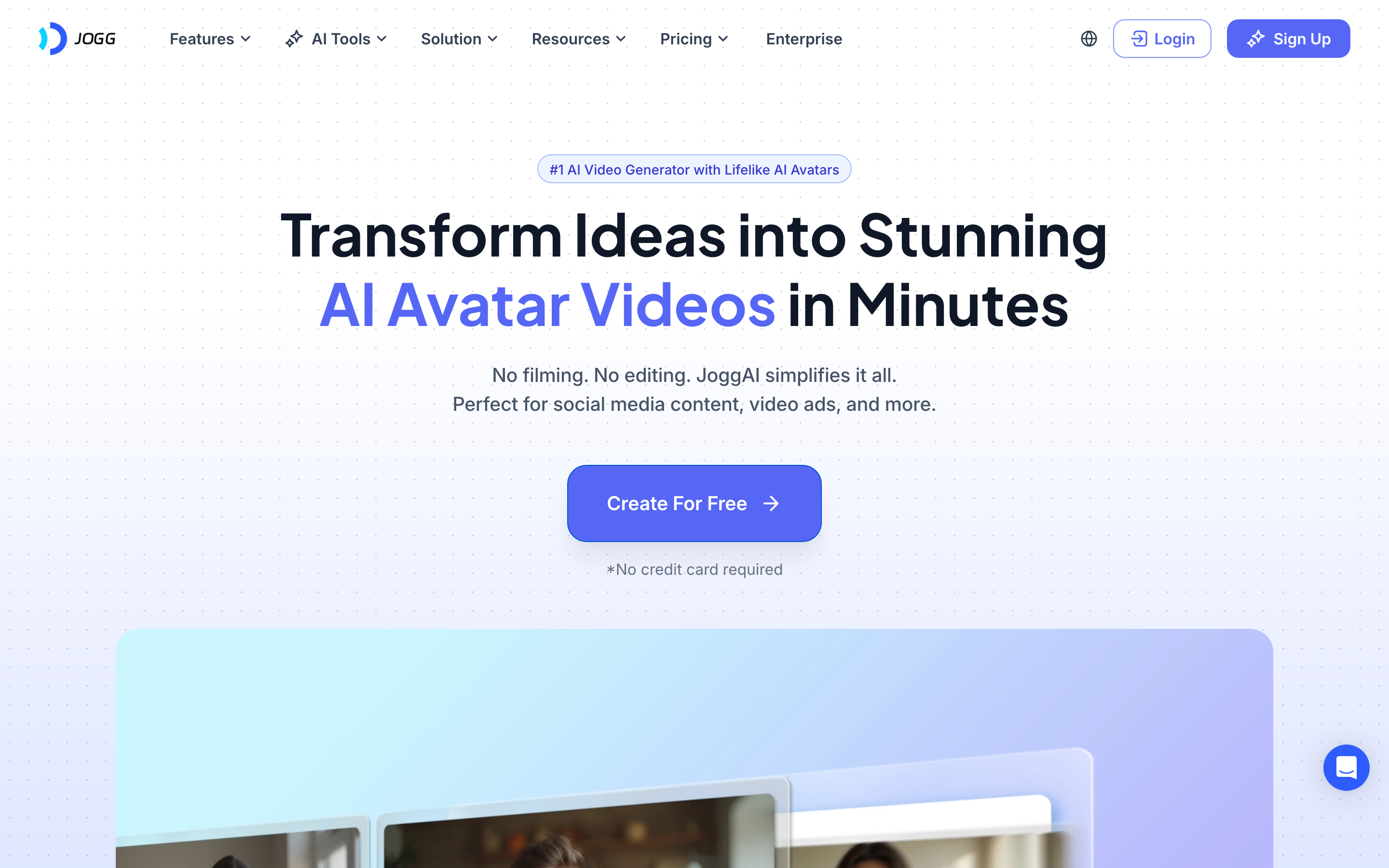
Jogg AI: JoggAI accepts a product URL, lets the user edit extracted information and select a script, then supports preview and editing. The Video Agent also creates from an idea, while batch production varies voices, templates and creative angles.
AI Pro Editor supports transcript commands and scene, media, text, voice and music changes. Paid plans include AI Screen Recorder. Creator adds Brand Kit, and Team adds shared workspace assets and templates.
Platform, API and MCP share credits, with plan-based rate limits. Monthly paid credits can roll over for up to three months; annual plans supply the credit allowance upfront. Source duration and Avatar X generation length are separate limits.
| Plan | Billing reference | Scope |
|---|---|---|
| Jogg AI | Monthly: Starter $29 with 12,000 credits; Creator $49 with 22,000. Annual selected offers: Starter $24/month equivalent; Creator $40.66/month displayed. | Match model, editing, team and delivery requirements |
Annual credits are supplied upfront: 144,000 for Starter and 264,000 for Creator. The selected annual Team offer is $215/month equivalent, includes three seats and 1,320,000 annual credits. Monthly paid credits can roll over for up to three months. Free provides 200 credits valid for 31 days. Creator adds Brand Kit; Team adds shared workspace assets. Source-video limits and Avatar X generation lengths are different allowances; confirm both for your chosen model.
Colossyan: plan the video and build the course
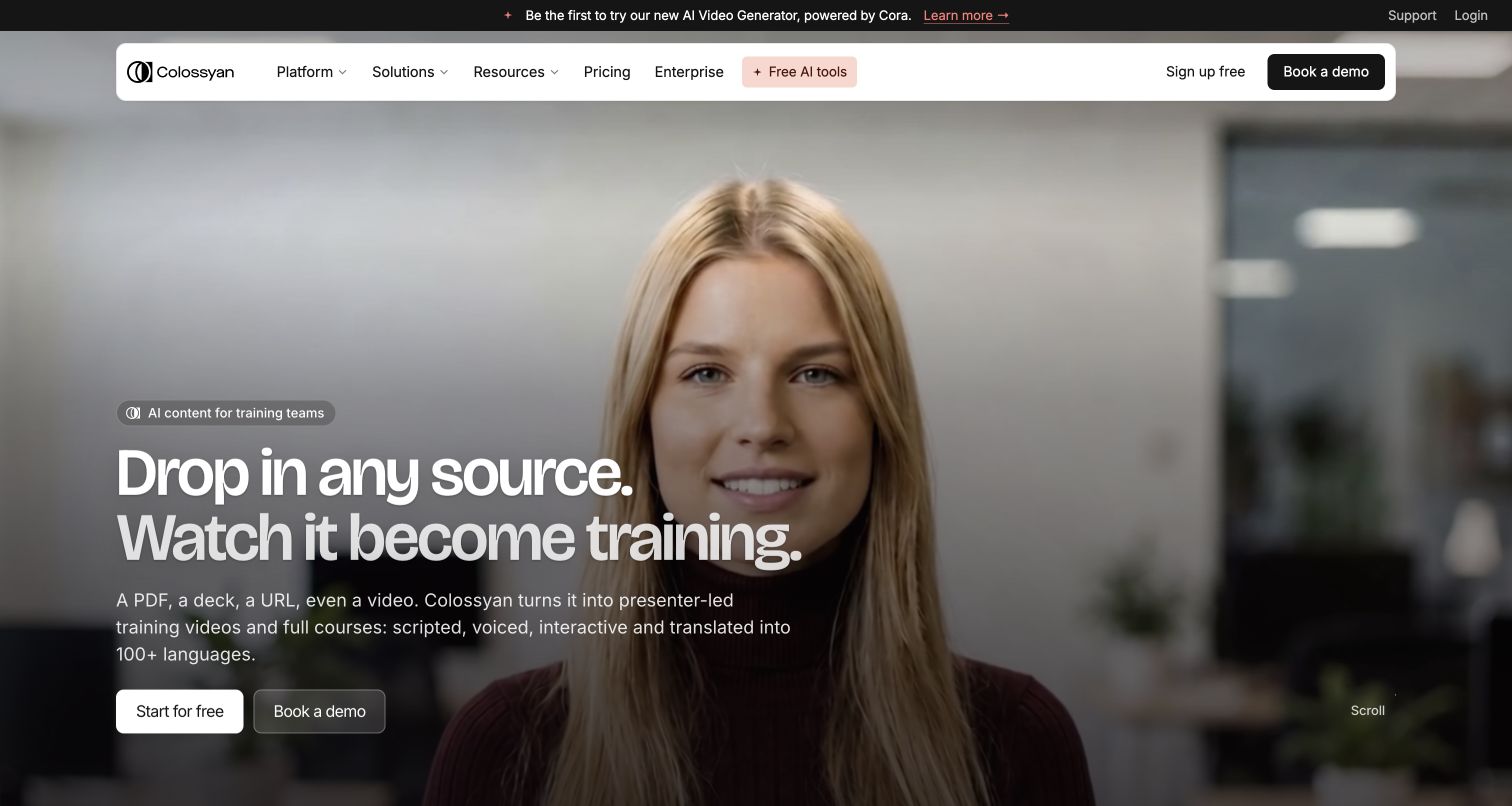
Colossyan’s Cora reads your source, proposes an approach and prepares an editable scene plan. You approve before rendering. Documents, slides, public URLs and scripts can start the process. Planning and source-based creation are central to its current product.
Video sits inside a larger training workflow, with course authoring, learning interactions, localization and SCORM delivery. Current Professional pricing includes five streaming SCORM exports/month; Enterprise also offers self-contained packages. Match that delivery type to the learning platform and course you need.
Brand Kits and course creation appear in current plans, with separate allowances for generation, translation and interactive videos. Cora does not automatically build the interactive elements described on its feature page; add those in the editor after preparing the plan.
| Plan | Billing reference | Scope |
|---|---|---|
| Colossyan Professional | $89/month; $59/month equivalent annually | One editor; monthly 30 NEO + 10 NEO 2 minutes; five streaming SCORM exports/month |
Professional extra editors cost $45/month or $30/month equivalent annually, with up to three editors. Annual video minutes arrive upfront; unused monthly minutes do not roll over. NEO and NEO 2 are separate allowances. Unlimited downloads do not mean unlimited generation.
Pictory: written and recorded content in an editable storyboard
Pictory creates from ideas, scripts, webpages, documents, slides and recordings. Its storyboard combines narration, stock or generated visuals and your media. Highlights and text-based editing also support repurposing longer recordings.
Its current avatar workflow adds a stock or custom presenter to scenes with editable placement and appearance. Professional includes custom avatars and voice cloning. Enterprise Pictory Central adds hosting, chapters, quizzes, calls to action and SCORM; these are not ordinary Starter entitlements.
The API offering also describes an MCP Integrator. Evaluate its separate commercial terms when automating creation. A Studio subscription, premium voice allowance and generative-media balance cover different operations.
| Plan | Billing reference | Scope |
|---|---|---|
| Pictory Starter | $29/month; $25/month equivalent annually | One user; monthly 200 video minutes and 100 AI credits |
| Pictory Professional | $59/month; $35/month equivalent annually | One user; monthly 600 video minutes and 500 AI credits |
| Pictory Team | $199/month; $119/month equivalent annually | 3+ users; monthly 1,800 video minutes and 2,400 AI credits |
Annual offers use annual allowances, including a current Professional credit promotion. Compare the selected card rather than multiplying monthly allowances mechanically. The 14-day trial is watermarked at 720p; paid plans support 1080p.
Market and company context
Fortune Business Insights estimates the AI video generator market at $716.8 million in 2025 and $847 million in 2026, forecasting $3.35 billion by 2034 at an 18.8% CAGR. These are category estimates, not evidence that one editor performs better.
| Market measure | Reported estimate |
|---|---|
| 2025 | $716.8 million |
| 2026 | $847 million |
| 2034 forecast | $3.35 billion |
In its May 28, 2025 Series A announcement, Creatify reported $15.5 million raised, more than 1.5 million users across 10,000 teams and $9 million ARR reached in 18 months. These are dated company-reported figures, rather than a current customer count or output-quality ranking.
Choose by the work you repeat
For actor-led creative and reusable model workflows, compare Arcads. For product-URL ads with script selection, inspect JoggAI. Keep Creatify when its creative agent and campaign tools fit your production.
For presenter creation and translation, compare HeyGen and Synthesia. For interactive courses and learning-system delivery, inspect Colossyan’s current export plans. For storyboard repurposing, compare Pictory; for prompt-led creative, compare InVideo.
For recurring source-based videos across marketing, product and training, adapt ngram’s real Buffer brief. Inspect the actual input and result before deciding how the workflow fits.
Prepare the next creative
Use approved product information and actual photographs or screens when the product needs to look exact. Decide what the viewer should understand and do next. Review presenter delivery, product details, on-screen wording and the final call to action before sharing.
Keep editable originals in their source tool. Export footage you have permission to reuse and upload it to ngram when it supports the new message. The export supplies source footage; original layers, comments and campaign settings stay with that project. When your source changes, tell ngram what changed and ask it to revise the video.
Continue with ngram vs Creatify, the marketing ad brief, the product-photo ad example, URL-to-video conversion or ad creative workflows.
How this roundup was reviewed
Recommendations use official product, pricing, help and developer documentation and describe workflow fit. They are not numerical quality scores or a timed competitor-output test. The ngram example provides its actual source, prompt and result.
Frequently asked questions
Which Creatify alternative should I choose?
For actor-led creative and reusable model workflows, compare Arcads. For product-URL ads with script selection, inspect JoggAI. Keep Creatify when its creative agent and campaign tools fit your production. For presenter creation and translation, compare HeyGen and Synthesia. For interactive courses and learning-system delivery, inspect Colossyan’s current export plans. For storyboard repurposing, compare Pictory; for prompt-led creative, compare InVideo.
Can I use Creatify alongside ngram?
Yes. Keep the original project and export authorized footage when you want to build another video in ngram. Add your source, audience and intended message, then approve the plan containing the script.
How should I compare prices?
Use the same billing term, seats, selected models, final duration and number of variants. Include custom-avatar access, editing, developer usage and rollover rules. A larger credit number does not necessarily buy more finished ads.
How do I create another aspect ratio?
After reviewing the first ngram video, request another version and select its aspect ratio and length. Keep a downloaded copy if both versions need to remain available; the public link shows the latest version.
Can I share an ngram video for free?
Free includes 1,000 credits/month with public sharing and embeds. Paid plans enable MP4 downloads; unlisted links start with Basic.
Create your first video with ngram, or talk to sales.
Sources
Synthesia Interactive Avatars API
Fortune AI video generator market