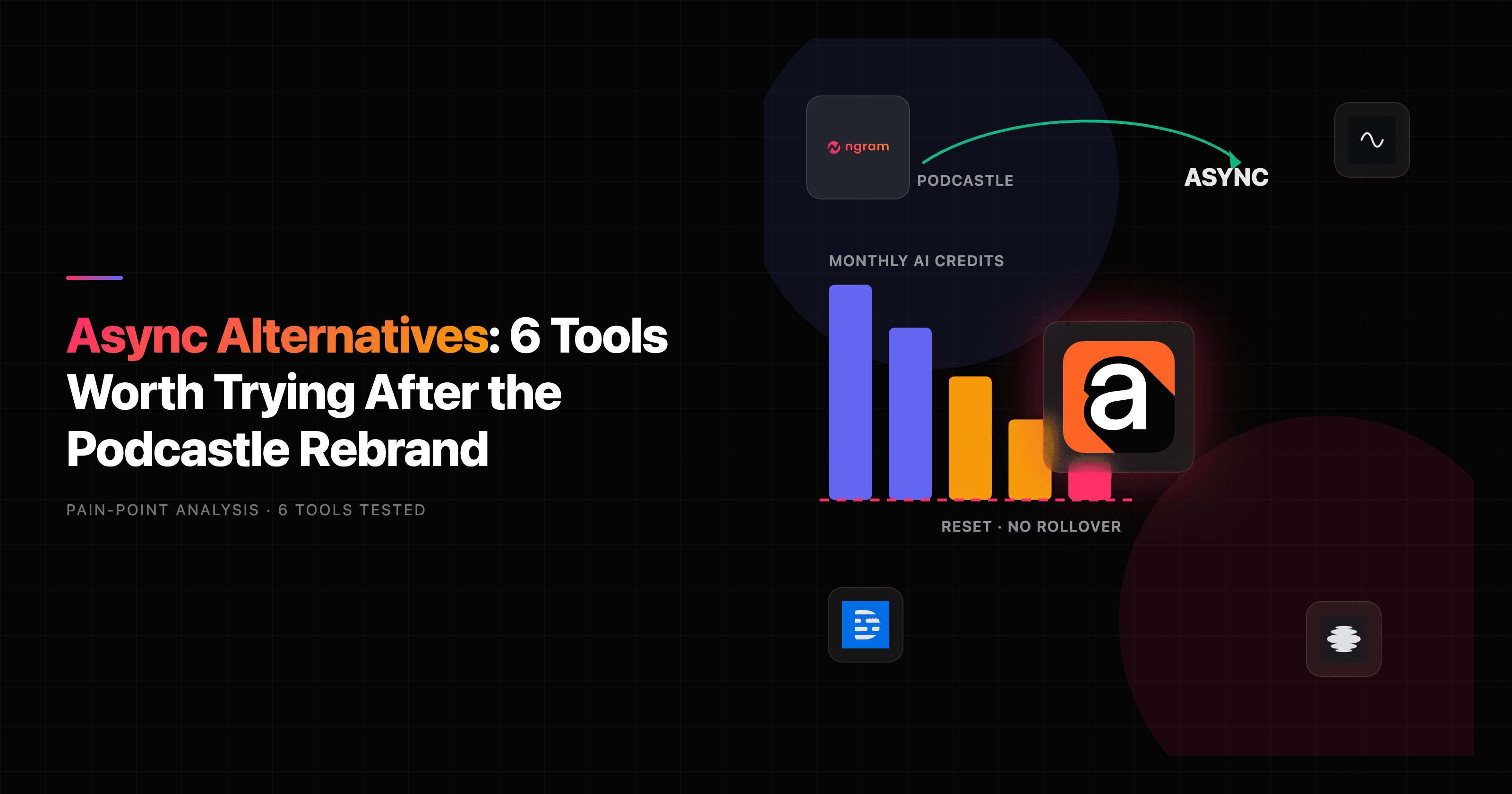

On January 28, 2026, Podcastle rebranded as Async and rolled every tool it had into one credits-based studio: remote recording, AI voice cloning, dubbing, 30+ video generation models, Topaz upscaling, and a developer voice API. The marketing calls it "the all-in-one AI creator studio." The pricing table calls for a spreadsheet. If you have spent an afternoon trying to figure out how many credits a single AI video burns, you are exactly the person searching for Async alternatives.
Here is the fair version first. Async is genuinely good at the thing Podcastle was always good at: getting clean, multitrack, studio-quality audio and video out of a remote recording session with up to 10 participants, then cleaning it up with Magic Dust and shipping it as a podcast or set of clips. That is a real workflow and a real strength.
But "all-in-one" has a cost. Reviewers in 2026 flag that monthly AI credits do not roll over, that the free plan tops out at 150 lifetime credits and a single export per file, that AI Dubbing is locked behind the Pro tier, and that the per-generation credit model for AI video "can deplete monthly allocations quickly." One reviewer summed up the friction as a learning curve that makes you study a pricing table of 30+ video models before you generate a clip. There are also older G2 threads describing billing disputes from the Podcastle era, so the rebrand has not erased every trust question.
So the right Async alternative depends entirely on the job. If you need a remote recording studio, you want a recording specialist. If you need a voice agent, you want a voice API. And if what you actually need is a finished, on-brand business video built from a doc, a URL, a deck, or a rough recording, that is a different tool category altogether. This guide tests 6 alternatives across all three jobs so you can match the tool to the work instead of the logo.
Where Async frustrates teams in 2026
Async is capable. The friction shows up in how you pay for that capability and where the workflow stops.
Credits that vanish at reset. Async runs on monthly AI credits, and reviewers confirm they do not roll over at the billing cycle. Generate less than you paid for and the balance is gone. The free Basic plan is stricter still: 150 lifetime AI credits, 2 hours of lifetime transcription, and one export per file, which is barely a trial.
A pricing table you have to study. Async exposes 30+ AI video models (Kling v3, Sora 2, Veo 3.1 and more), each with its own credit cost per generation. The flexibility is real, but reviewers describe a learning curve where the per-generation credit model "can deplete monthly allocations quickly" and you end up budgeting clips instead of making them.
Features gated by tier. Voice cloning (Revoice) and AI Dubbing with Lipsync only appear on the Pro plan at $23.99 per month. If dubbing is your main reason for showing up, you are on the top self-serve tier from day one.
It records, it does not strategize the video. Async assumes you start by recording or by picking a model. It is not built to take "here is our release-notes doc, make a 60-second launch video for prospects" and return a scripted, storyboarded, on-brand cut. That gap is exactly where a video-generation tool fits.
Lingering trust questions. The Podcastle-era G2 reviews include billing complaints described as a "dishonest and predatory experience," with some users escalating to the Better Business Bureau. The rebrand is new, so it is worth reading recent reviews before committing annually.
None of this means Async is a bad tool. It means the search for an alternative is usually a search for either a cleaner price model or a different output. Let's match tools to both.
Quick comparison
| Tool | Best For | Starting Price | Key Differentiator |
|---|---|---|---|
| ngram | Finished business video from a doc, URL, deck, or recording | Free / $29/mo | Generates the script, storyboard, and on-brand cut for you |
| Riverside | Studio-quality remote recording up to 4K | Free / $15/mo | Local separate-track capture, recording-first |
| Zencastr | Remote podcast and video recording | Free / $20/mo | Audio-first recording with simple publishing |
| Descript | Editing recordings by editing the transcript | Free / $16/mo | Transcript-based editor plus Studio Sound |
| Adobe Podcast | Audio cleanup and enhancement | Free / $9.99/mo | Best-in-class speech enhancement |
| ElevenLabs | Voice cloning, TTS, and a developer voice API | Free / $5/mo | Frontier voice models and an API |
| Captions | AI talking-head and short-form social video | Free / $9.99/mo | Mobile-first AI video creation |
Starting prices tell part of the story (the credit math is the other part). Here is where each tool's entry paid plan lands per month:
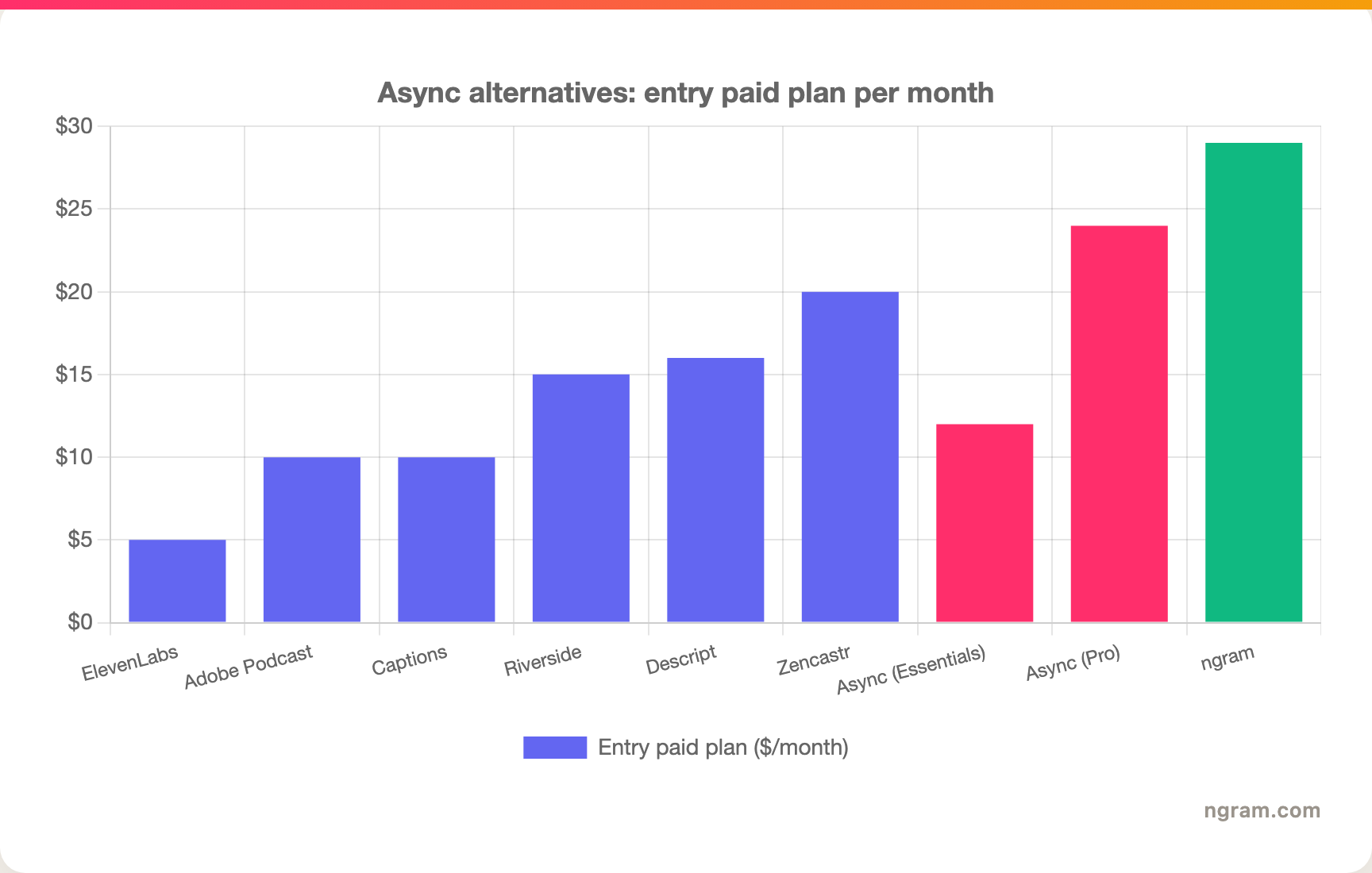
Price alone is misleading here. ngram's $29 buys finished video generation, while the cheaper tools each cover one slice (voice, cleanup, or recording). Async's two paid tiers sit in the middle, but the credit model is what most reviewers actually push back on.
1. ngram
Watch how ngram turns an idea into a finished video:
Let's be precise about where ngram fits, because it is not a like-for-like Async swap. Async is a recording-and-repurposing studio. ngram is an AI video engine: you hand it the material you already have, a doc, a PDF, a URL, a deck, or a rough recording, and it writes the script, plans the storyboard, generates the voiceover and visuals, and returns a finished, on-brand video you can refine in plain language. If your real goal is "I need a polished video for customers, prospects, or my team," ngram is the alternative to test first. If your goal is "I need to record a podcast with three remote guests," it is not, and the recording tools below are the better call.
What makes ngram stand out
The difference is where the work starts. With Async you record first, then edit and repurpose. With ngram there is nothing to record: you describe the video, or point it at source material, and review a plan before anything renders. That plan-first model is the thing teams who do not want to live in a timeline keep coming back for.
It also adapts to context. Tell ngram the audience and channel ("a LinkedIn cut aimed at prospects") and it adjusts script length, pacing, and the call to action automatically. From one source you can prepare a launch video and separately reviewed channel or localized cuts without rebuilding each from a blank script or timeline. For a head-to-head on the recording-versus-generation split, our ngram vs Descript comparison walks through it in detail.
Key features:
- Start from what you have - Text, docs, PDFs, URLs, decks, screenshots, screen recordings, and raw video all become source material.
- Plan first, generate second - Review the script and storyboard before rendering and fix direction early.
- Context-aware adaptation - One message reshaped for audience, channel, and format automatically.
- AI voiceover and translation - Studio voices, multilingual variants, and translated captions and on-screen text.
- Screen-recording polish - Cursor smoothing, dead-air trimming, smart zooms, and callouts on raw captures.
- Brand kits and MP4 export with separate channel-cut preparation - Logo, colors, and fonts applied automatically, exported as MP4 export.
Pros
- ✅ You get a finished, on-brand video without recording first or assembling a timeline
- ✅ Plan-first workflow means you approve the script and storyboard before anything renders
- ✅ One source becomes many audience, channel, and language variants
Cons
- ❌ Web-based with no native desktop or mobile app today
- ❌ Not a remote recording studio for multi-guest podcasts, and not a developer voice API
Who is ngram best for?
Product marketing, growth, sales enablement, and customer success teams who need polished video out the door from material they already have, not a recording booth. ngram has a generous free plan, with paid plans starting at $29 per month.
Ready to try ngram? Create your first video in under 5 minutes. Start free
2. Riverside
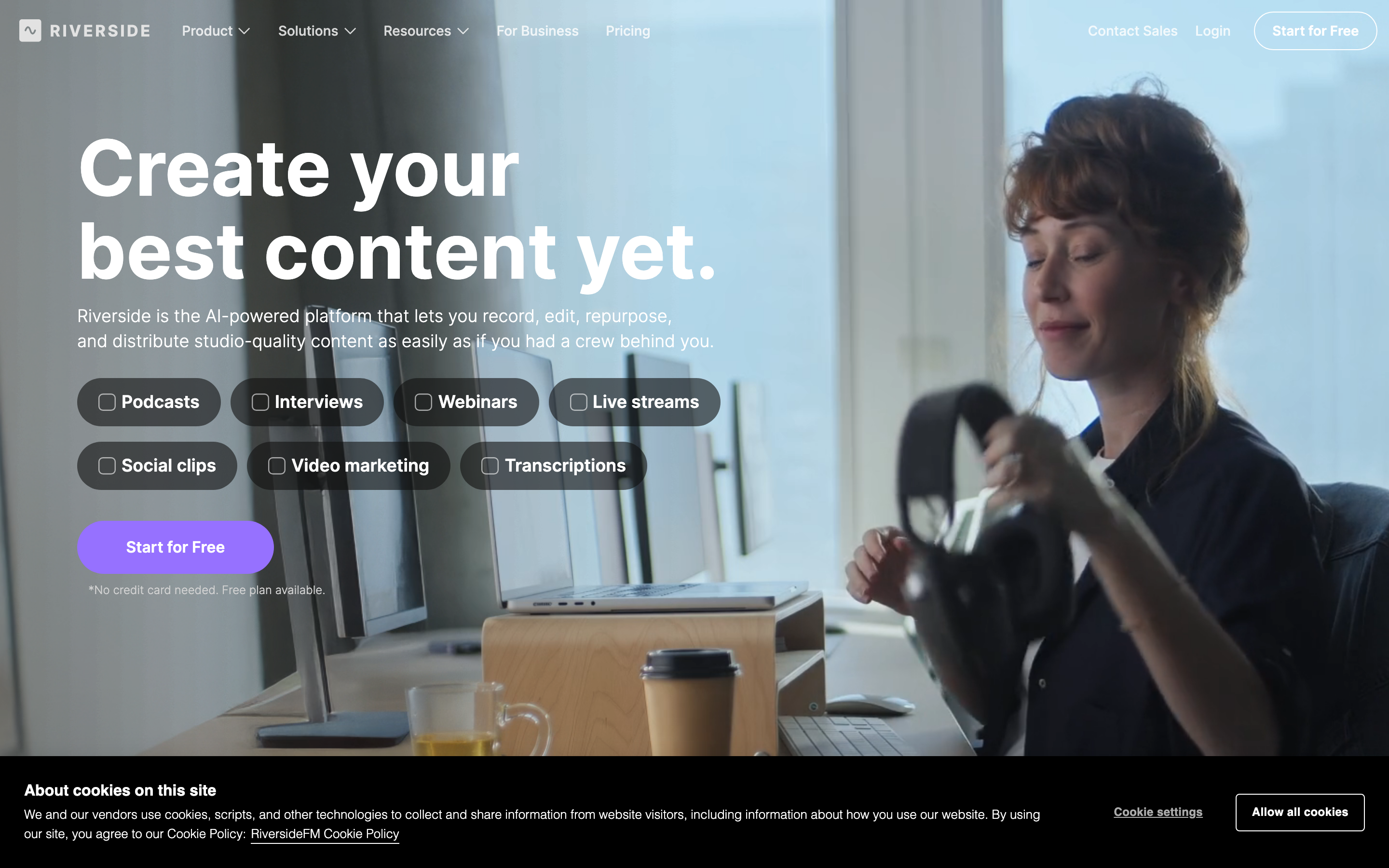
Riverside is the closest match for the part of Async that people actually loved as Podcastle: remote recording. It captures up to 4K video and separate local audio tracks for each participant, so a guest on shaky WiFi still lands a clean file. It then layers AI editing, a Magic Clips feature for short-form, and transcription on top.
Riverside has built a strong reputation among podcasters and video creators precisely because the recording quality holds up when the internet does not. Users consistently praise the local-recording reliability and the speed of going from a session to publishable clips. The common gripe is that the editor, while improving, is lighter than a dedicated editing app, so power users sometimes finish in another tool.
Key features
- Local separate-track recording - Up to 4K video and 48kHz audio captured per participant.
- Magic Clips - AI pulls short, social-ready moments out of a long recording.
- Transcription and text-based editing - Edit by transcript and translate in many languages.
- Live streaming - Stream a session while you record it.
What users say
Reviewers describe Riverside as the tool they trust when a recording absolutely cannot fail, with the separate-track capture singled out as the reason. Creators like that a finished episode and a batch of clips come out of the same session. The honest knock is that heavier post-production still benefits from a dedicated editor, and a few users find the higher tiers pricey once they need more recording hours.
Pros
- ✅ Reliable local recording that survives bad connections
- ✅ One session produces a full episode plus social clips
Cons
- ❌ Editing is lighter than a dedicated NLE for complex projects
- ❌ Recording-hour limits push heavy users to higher tiers
Best for
Podcasters and video creators who want studio-quality remote recording as the foundation. Pricing starts free, with paid plans around $15 per month billed annually. If recording reliability was your favorite Podcastle feature, see our ngram vs Riverside comparison for where each tool actually fits.
3. Zencastr
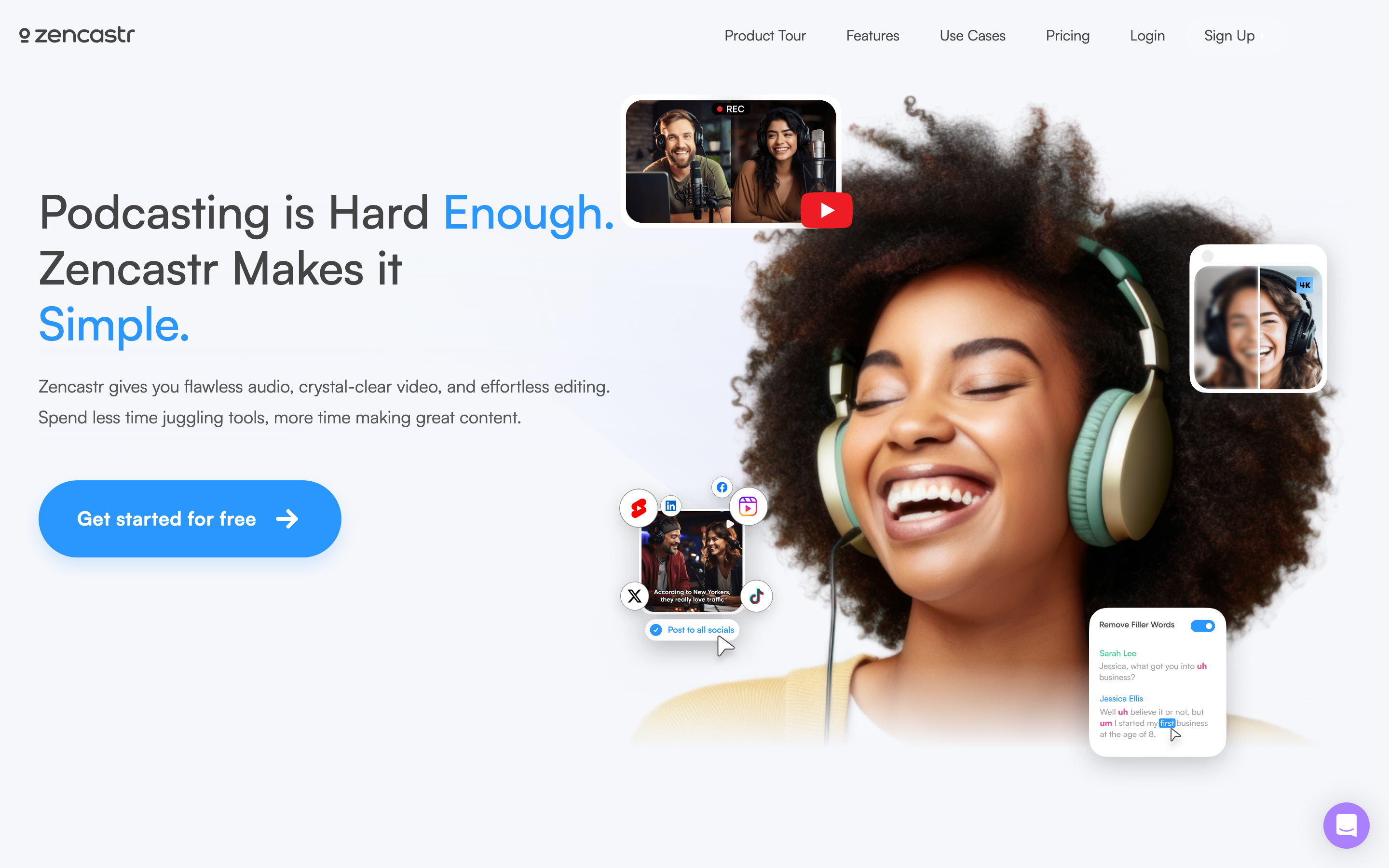
Zencastr is the audio-first answer for podcasters who want recording and publishing without a steep learning curve. It records remote conversations in separate tracks, adds video recording, post-production and transcription, and offers podcast hosting and distribution so a show can live entirely inside one tool.
It built its name on browser-based, no-download recording for guests, which removes the single biggest point of friction in remote interviews. Users describe it as dependable for the core job of capturing a clean conversation. The trade-off is that its AI and video features are less expansive than Async's, which is the point: it does fewer things and keeps them simple.
Key features
- Separate-track remote recording - Each guest recorded locally in their own track.
- Podcast hosting and distribution - Publish to Spotify, Apple, and more from inside Zencastr.
- Post-production tools - Automatic leveling, noise reduction, and transcription.
- Video recording - Add a video track to the conversation.
What users say
Podcasters appreciate that guests join from a browser with no install, and that the recording-to-published-episode path is short. The sentiment leans toward "reliable and uncomplicated." Reviewers who want heavy AI generation or polished marketing video say they outgrow it, but for capturing and shipping a show it earns repeat use.
Best for
Podcasters and interview hosts who want recording plus hosting in one place. Pricing starts free, with paid plans around $20 per month. For the recording-studio-versus-finished-video split, our ngram vs Zencastr comparison lays it out.
4. Descript

If the part of Async you used most was editing, Descript is the strongest dedicated alternative. Its whole editor runs on the transcript: delete a sentence in the text and the footage cuts with it. For long interviews, podcasts, and webinars, that precision is hard to beat. Descript also ships Studio Sound for audio cleanup, Overdub voice cloning, AI editing through its Underlord assistant, and dubbing in many languages.
Descript has a large, loyal base among podcasters and video creators who think in words rather than waveforms. Compared to Async, it trades the all-in-one breadth for a deeper, more refined editing surface. The common feedback after the 2025 pricing change is that its media-minute and AI-credit limits can be hard to predict, which, ironically, is the same complaint people bring to Async.
Key features
- Transcript-based editing - Edit video and audio by editing the words.
- Studio Sound - Isolates and rebuilds a voice rather than just EQ-ing noise out.
- Overdub voice cloning - Fix a flubbed line by typing it.
- AI editing and dubbing - Filler removal, clip finding, and multilingual dubbing.
What users say
The transcript editor is the feature people rave about: it makes cutting an hour of audio feel like editing a doc. Studio Sound gets specific praise from audio-first creators. The recurring frustration is the metered pricing, with several reviewers saying media minutes and AI credits run out faster than expected, so budgeting matters here too.
Best for
Creators and teams editing long-form recorded content who want transcript-level control. Pricing starts free, with paid plans from $16 per month per seat. We break down the generate-versus-edit difference in our ngram vs Descript comparison.
5. Adobe Podcast
If the single Async feature you cannot live without is audio cleanup, Adobe Podcast is the specialist. Its Enhance Speech tool is widely regarded as the best speech enhancement on the market, turning a recording made on a laptop mic into something close to studio quality. It also offers browser-based recording, simple editing with a Mic Check tool, and AI-assisted transcript editing.
Adobe Podcast is narrower than Async on purpose. It does not try to be a full creator studio with video generation and a voice API; it does cleanup and basic production extremely well, often for free. For people who came to Async (or Podcastle) mainly for Magic Dust, Adobe's Enhance is the closest pure-play substitute.
Key features
- Enhance Speech - Removes noise and reverb and rebuilds vocal clarity.
- Browser recording - Record locally in the browser, no install.
- Transcript editing - Edit audio by editing the text.
- Mic Check - Diagnoses mic and room issues before you record.
What users say
The Enhance tool draws near-universal praise, with creators calling the before-and-after "borderline magic" on rough recordings. The honest limit is scope: people note it is not a place to build a finished marketing video or manage a multi-guest production, and that heavier processing can occasionally over-smooth a voice. As a focused cleanup tool, though, it is hard to top.
Best for
Anyone whose main need is rescuing audio quality. The core tools are free, with Creative Cloud plans starting around $9.99 per month for the broader suite.
6. ElevenLabs
If your reason for using Async was voice (cloning, text-to-speech, or the developer voice API), ElevenLabs is the dedicated alternative. It is the reference point for AI voice in 2026: lifelike text-to-speech across many languages, fast and high-fidelity voice cloning, dubbing, and a well-documented API that developers use to build voice agents and applications.
Async's own pitch includes a developer voice API and 1,000+ TTS voices, but ElevenLabs is the specialist that the rest of the industry benchmarks against. If you are choosing a voice layer for a product, or you just want the most natural-sounding narration available, this is the tool that shows up on every shortlist.
Key features
- Lifelike text-to-speech - Natural narration in many languages.
- Voice cloning - Clone a voice from a short sample, with consent controls.
- AI dubbing - Translate and re-voice content while preserving the speaker's tone.
- Developer API - Build voice agents and apps on top of the voice models.
What users say
Developers and creators consistently rate ElevenLabs at the top for voice realism, and the API is praised for being straightforward to integrate. The friction people mention is cost at scale, since heavy generation usage adds up, and the usual ethical care required around cloning consent. For voice quality specifically, it sets the bar.
Best for
Developers building voice features and creators who want the most realistic AI narration or dubbing. Pricing starts free, with paid plans from around $5 per month.
---
Looking for the fastest way to turn what you already have into a finished video? ngram builds a scripted, on-brand video from a doc, URL, deck, or recording in minutes. Try ngram free
---
7. Captions
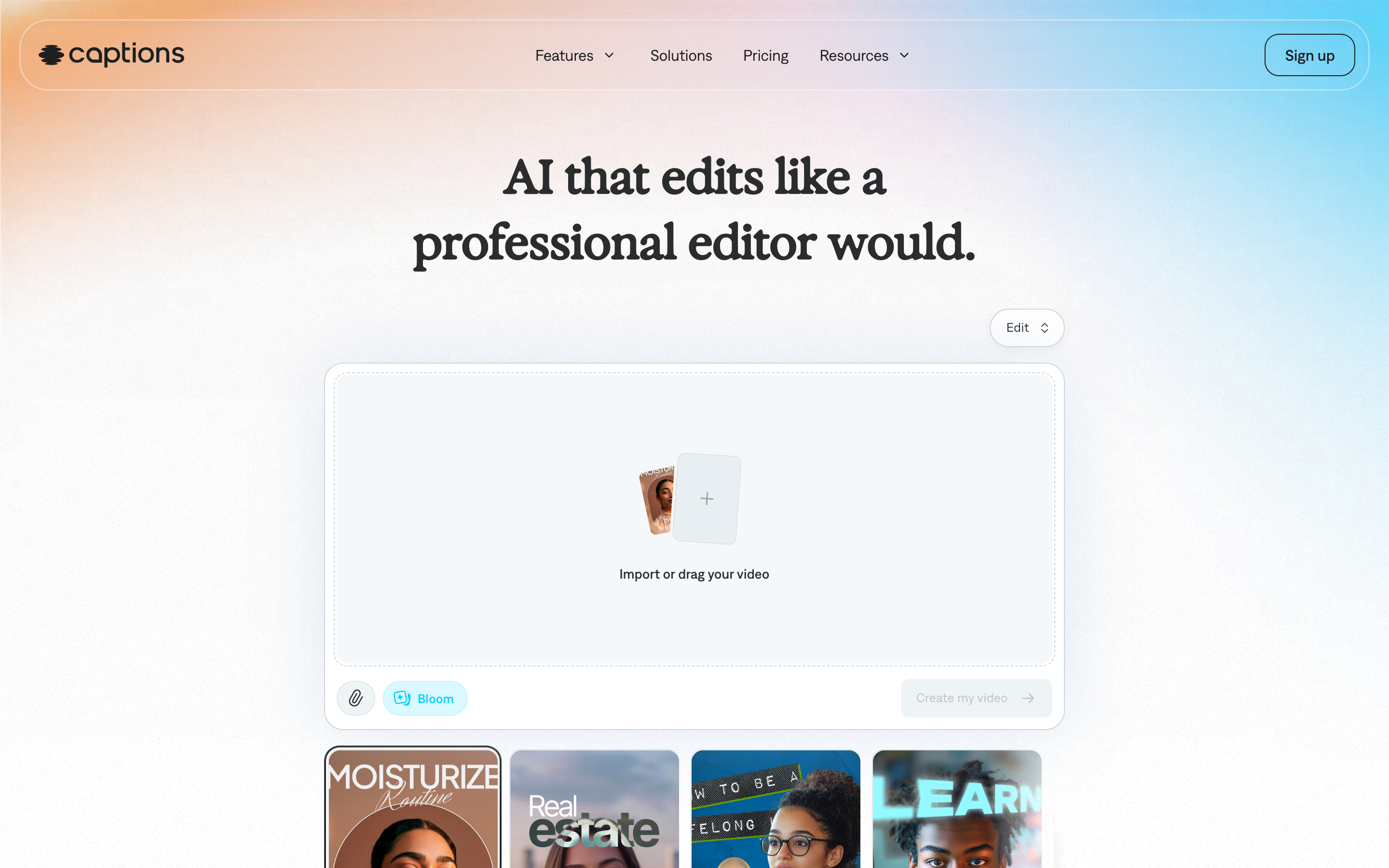
Captions sits closest to the short-form, social-first slice of Async's video features. It is a mobile-first AI video app for creating talking-head clips, adding animated captions, dubbing, and generating AI presenters, aimed squarely at creators shipping content to TikTok, Reels, and Shorts.
Where Async asks you to assemble across many tools, Captions optimizes for one outcome: a polished vertical video made quickly, often from your phone. Creators like the speed and the auto-captioning quality. The trade-off is focus: it is not built for long-form podcasts, multi-guest recording, or business explainer videos, so it complements rather than replaces a full studio.
Key features
- AI talking-head video - Generate or polish a presenter-led clip.
- Animated captions - Auto-styled captions tuned for social.
- AI dubbing - Translate and lip-sync short clips.
- Mobile-first creation - Make and edit on a phone.
What users say
Creators praise how fast Captions turns a raw selfie video into something post-ready, with the caption styling getting specific love. The honest limits, per reviewers, are that it is short-form by design and that the AI presenters can feel uncanny on longer scripts. For quick social video it is a strong, focused pick.
Best for
Solo creators and social teams making short vertical video. Pricing starts free, with paid plans around $9.99 per month.
How we compared these tools
We did not just list tools, we tested them, read user reviews across G2, Reddit, and Product Hunt, and matched each one to the specific job it actually does. Because "Async alternative" spans recording, editing, voice, and video generation, we weighed the criteria for an adjacent-tools category:
| Criteria | Weight | What we looked at |
|---|---|---|
| Features | 25% | Depth in the tool's core job, not breadth for its own sake |
| Ease of Use | 25% | Time from sign-up to a usable output, and how legible the pricing is |
| AI Capabilities | 20% | Quality of voice, editing, dubbing, or generation |
| Value | 20% | Whether the credit or seat model is predictable, not just cheap |
| Support & Community | 10% | Docs, responsiveness, and review sentiment |
We also factored in:
- Real user reviews from G2, Capterra, Reddit, and Product Hunt (qualitative sentiment, not numerical scores)
- Market presence and stability (Async carries $23.5M in funding from Andrew Ng's AI Fund and others)
- Integration and output fit with how teams actually publish
- Pricing transparency, which is the whole reason many people are reading this in the first place
Because Async spreads across so many jobs, the most useful thing we can do is point you at the specialist for yours rather than crown a single "winner."
Frequently asked questions
What happened to Podcastle?
Podcastle rebranded as Async on January 28, 2026. The product expanded from a podcast-focused tool into an all-in-one AI creator studio covering recording, voice, dubbing, video generation, and a developer voice API. Existing Podcastle accounts and reviews carry over, so older G2 feedback still reflects the same company.
Is there a free Async alternative?
Yes, several. Riverside, Zencastr, Descript, Adobe Podcast, ElevenLabs, and ngram all offer free plans. Adobe Podcast's core Enhance Speech tool is free and excellent for cleanup, and ngram's free plan lets you generate a finished video before paying anything.
What is the best Async alternative for recording podcasts?
Riverside and Zencastr are the closest matches for remote recording. Riverside leads on recording quality with up to 4K and local separate-track capture, while Zencastr pairs simple recording with built-in podcast hosting and distribution.
What is the cheapest Async alternative?
ElevenLabs starts around $5 per month for voice, Adobe Podcast around $9.99, and Captions around $9.99. ngram is free to start with paid plans from $29 per month, and is the value pick when the output you need is a finished business video rather than a recording.
Is ngram a good Async alternative?
Only for one specific job: turning a doc, URL, deck, or recording into a finished, on-brand business video. ngram generates the script, storyboard, voiceover, and cut for you. It is not a remote recording studio or a developer voice API, so if those are your core needs, pick a specialist above instead.
The bottom line
The honest answer is that "Async alternative" is really four different searches wearing one query. If you loved the remote recording, go to Riverside or Zencastr. If you lived in the editor, Descript is deeper. If it was the audio cleanup, Adobe Podcast does that one thing best. If it was voice or the API, ElevenLabs sets the bar. And if what you actually need is a finished video built from a doc, a deck, or a rough recording without living in a timeline, ngram is the one to test, especially if you are a marketing, sales, or CS team tired of budgeting credits per clip. A five-minute trial of whichever tool matches your job is the fastest way to stop paying for nine you do not use.
---
Try ngram free, your first video in under 5 minutes. Turn a doc, URL, deck, or rough recording into a polished, on-brand video without touching a timeline. Start free