
Quick comparison
| Tool | Best for | Starting price | Key differentiator |
|---|---|---|---|
| ngram | Turning a script, URL, PDF, or brand brief into a finished, on-brand video | Free / $29/mo | Plans the script and storyboard, then generates captions, voiceover, and channel cuts |
| Creatify | High-volume UGC ads from a product URL | Free / $19/mo | Product-link-to-ad workflow with an AI actor library |
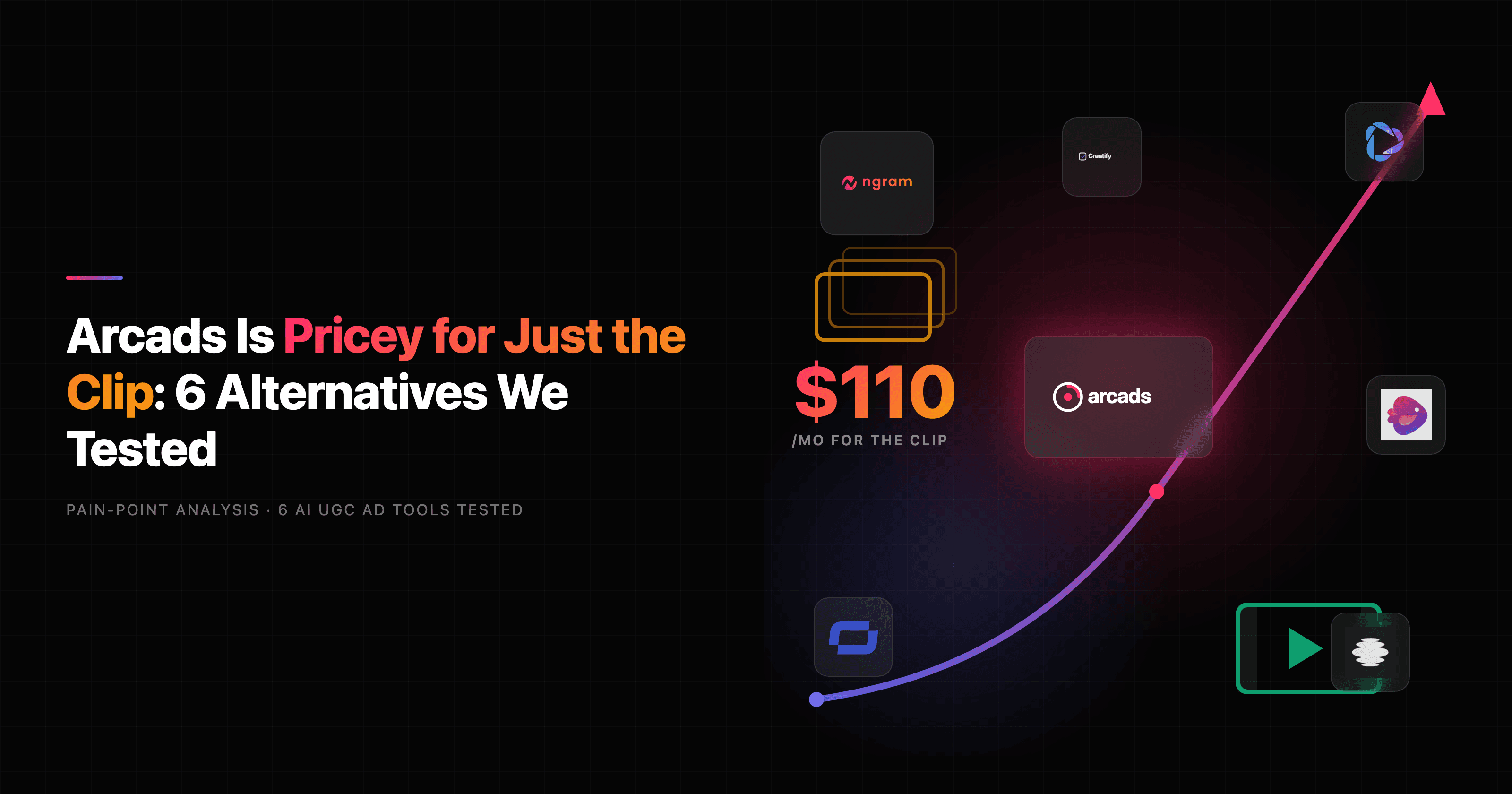
| Arcads | Performance creatives fronted by AI actors | $110/mo | Large actor roster tuned for paid-social hooks |
| HeyGen | AI avatar spokesperson videos | Free / $29/mo | Studio-grade avatars and 175+ language dubbing |
| Synthesia | Avatar training and explainer videos | $18/mo | 230+ avatars, enterprise governance |
| Captions | Mobile-first creator clips and edits | Free / $9.99/mo | AI editing, eye contact, and auto B-roll on phone |
| Submagic | Auto-captions and short-form repurposing | Free / $16/mo | Viral-style captions and clip repackaging |
| Colossyan | Interactive L&D and onboarding courses | $27/mo | Avatar courses with SCORM export |
What MakeUGC actually does well
Let us start by being fair, because the right alternative depends on what you are actually using MakeUGC for. MakeUGC built one thing and built it sharply: scripted UGC-style ad clips fronted by AI actors. You write a script, pick from a library it markets as 1,000+ realistic AI actors, and get back a short vertical video where someone seems to be talking about your product. Its "product in hand" feature, where an actor naturally holds and presents your product without looking like a green-screen overlay, is genuinely hard to copy and is the reason a lot of DTC teams pay for it.
If your entire job is testing 30 creator-style ad hooks this week for a Shopify store or a mobile app, MakeUGC is a real tool, not a toy. It claims 10,000 companies use it, surfaces case studies in the 3x to 4x ROAS range, and lets you walk in for a $1 trial. So why are people typing "MakeUGC alternatives" into Google at all?
Where MakeUGC falls short in 2026
The pattern in reviews is consistent, and it is not about whether AI UGC works. It is about where the workflow stops.
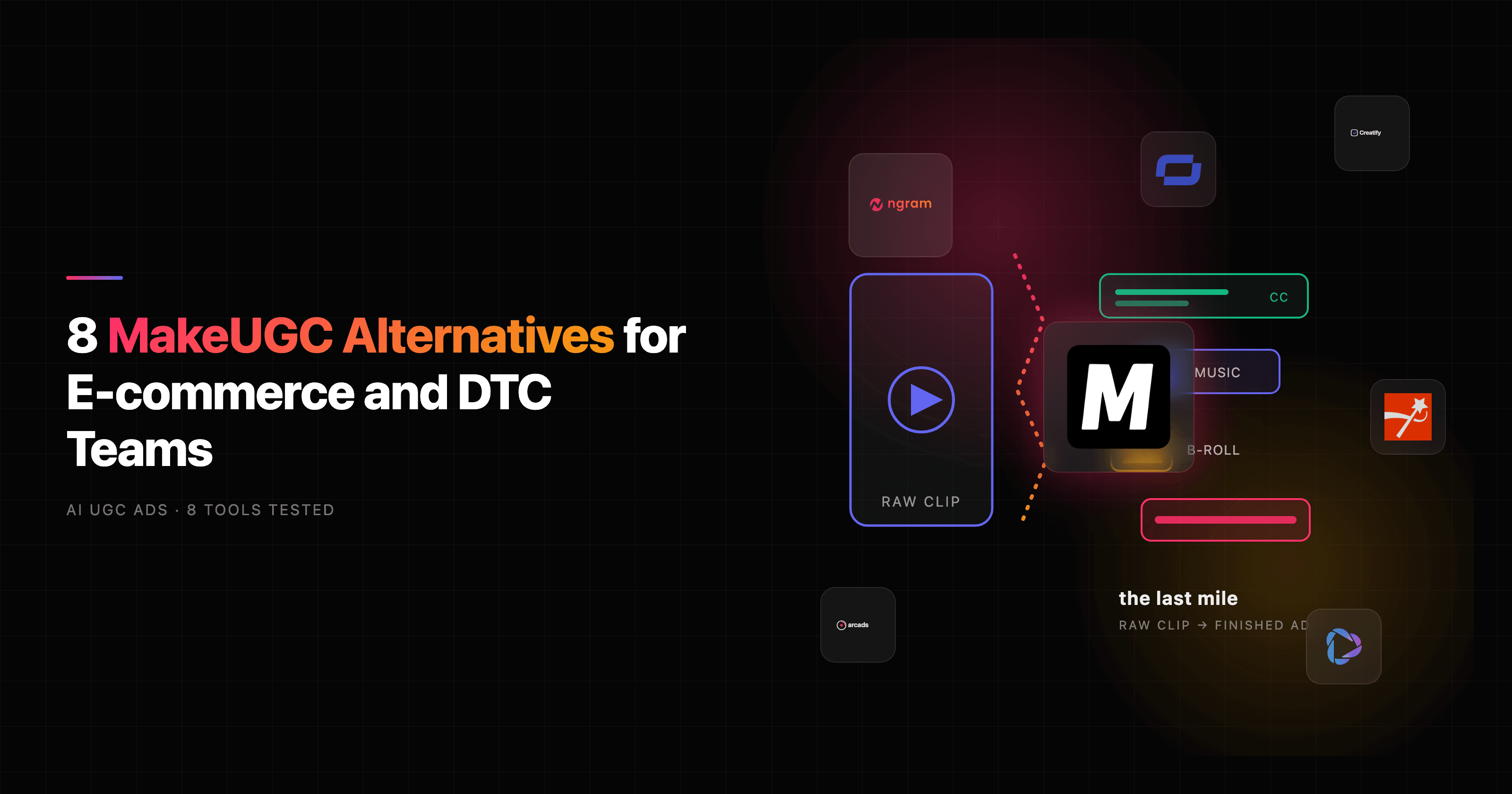
It hands you a raw avatar clip, not a finished ad. This is the loudest complaint. MakeUGC delivers the talking-actor video, and then you open CapCut or Premiere to add the captions, music, B-roll layering, and hook text that actually make the ad convert. For a tool sold on speed, the "last mile" of editing still lands on you.
You cannot fix one word. Reviewers note that if the AI mispronounces your brand name, you re-render the whole clip rather than editing a single line. On a per-video pricing model, re-rendering to fix one syllable burns through your monthly allotment fast.
The actors smile through everything. Several testers flagged that avatars hold a constant pleasant smile even when the script is about debt relief or a medical issue, and you cannot direct them to look concerned or neutral. For serious verticals, that tonal mismatch is a dealbreaker.
Per-video caps add up. The entry Startup plan is $49 a month for 5 videos, Growth is $69 for 10, and Pro is $119 for 20. If you are genuinely testing creative at volume, you either jump to the API tiers ($99 to $299 a month) or watch the per-video math get expensive.
Billing friction. A meaningful slice of public reviews mention surprise charges and difficulty getting refunds after cancelling, despite "risk-free" messaging. That is worth knowing before you commit a card.
None of this means MakeUGC is bad at its one job. It means the job is narrow, and a lot of teams discover they actually need a video that lives beyond the ad account.
The AI UGC category itself is exploding, which is why the field of alternatives is so crowded:
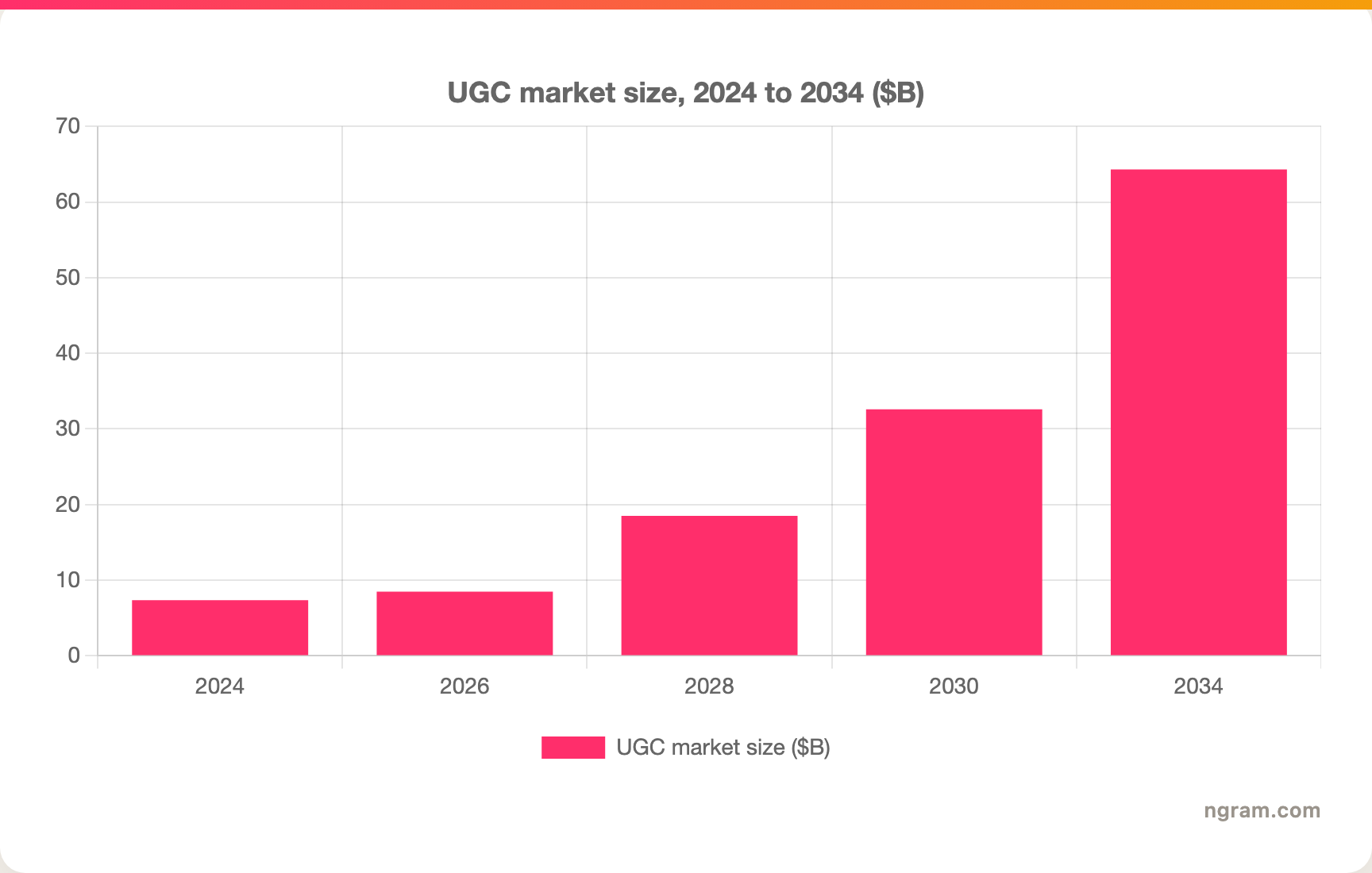
The UGC market is projected to grow from $8.48 billion in 2026 toward $64.31 billion by 2034, a roughly 28.8% CAGR per SkyQuest. AI is the accelerant: 78% of marketing teams now use AI-generated video in at least one campaign per quarter, and AI video ad spend is on track to hit $9.1 billion globally in 2026.
1. ngram
Watch how ngram turns an idea into a finished video:
Here is the honest framing up front, because this is a head-to-head matchup and you deserve a straight answer. ngram is the strongest MakeUGC alternative when your real goal is a finished, on-brand video, not just a raw actor clip you still have to edit. If your only need is a dedicated actor-library ad generator with a "product in hand" shot, MakeUGC keeps that lane. For almost everything else around the ad, ngram covers more of the workflow.
The difference is where each tool starts and stops. MakeUGC starts at a script and stops at a talking-actor clip. ngram starts at whatever you already have, a script, a product URL, a PDF, a deck, a screen recording, or a brand brief, then writes the script, plans the storyboard you approve before anything renders, and generates the voiceover, burned-in captions, B-roll, motion graphics, and export variants in one pass.
What makes ngram stand out
ngram has a UGC Animator that produces native-feeling, social-first content from a short brief, so the creator-style angle MakeUGC sells is on the table here too. The bigger gap is everything that surrounds it. ngram applies your brand kit automatically (logo, colors, fonts, intros), so the output is ready to ship rather than ready to edit. You can point it at a Shopify product URL and get a product video without filming.
Because ngram plans before it renders, you fix direction in plain language up front instead of re-rendering a whole clip to change one word, which is the exact friction MakeUGC users complain about. And one source becomes many cuts: ask for a channel-specific cut of the same message; prepare each final cut separately
Key features:
- Start from anything - Script, product URL, PDF, deck, screen recording, or Shopify product.
- Plan first, generate second - Review the script and storyboard before render, no wasted credits.
- Finished, not raw - Captions, voiceover, B-roll, music, and brand kit applied automatically.
- UGC Animator - Native-feeling social content from a short brief.
- MP4 export - Finished videos export as MP4; prepare channel-specific cuts separately.
- API and MCP - Generate videos programmatically inside your own stack.
Pros
- ✅ Delivers a ship-ready ad, not a clip you finish in CapCut
- ✅ Edit by chat and re-plan before render instead of re-rendering to fix a word
- ✅ One source becomes TikTok, feed, and landing-page cuts automatically
- ✅ Generous free plan and a flat $29/month entry instead of per-video caps
Cons
- ❌ Not a dedicated 1,000-actor casting library, and no "product in hand" actor shot
- ❌ Web-based only, no native mobile app yet
Who is ngram best for?
E-commerce and DTC teams, growth marketers, product marketers, and agencies that want the same message as a polished ad, a social cut, and a website video, all on brand. ngram has a generous free plan, with paid plans starting at $29 per month. For a detailed head-to-head, see our ngram vs MakeUGC comparison.
Ready to try ngram? Create your first video in under 5 minutes. Start free
2. Creatify
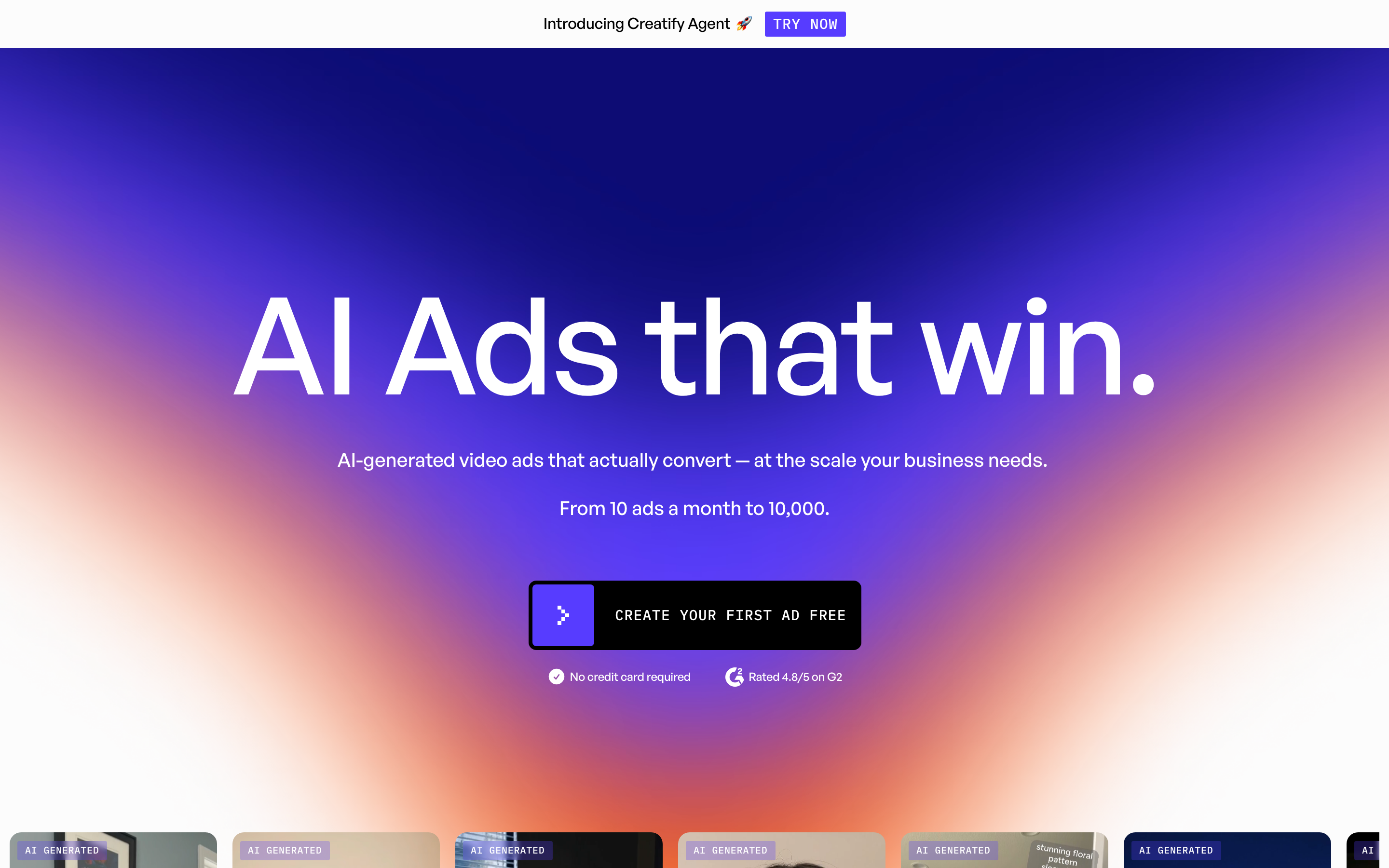
Creatify is the closest like-for-like MakeUGC competitor: it turns a product URL or a script into UGC-style video ads, fast, with its own AI actor library. It is best for e-commerce brands, app marketers, and growth teams pushing many short paid-social ads each week.
Creatify has raised venture funding and leans hard into the product-link-to-ad workflow, including a "Product Avatar" feature similar in spirit to MakeUGC's product-in-hand shot. Marketers like that it can spin up a batch of hooks from a single URL.
Key features
- URL-to-video - Paste a product link and Creatify generates ad scripts and clips.
- AI actor library - A roster of avatars across demographics and styles.
- Batch mode - Generate many variations to test hooks quickly.
- Built-in editor - Trim, caption, and add music inside the platform.
- Product Avatar - Avatars that present your product.
What users say
Reviewers consistently call Creatify fast and well-suited to high-volume ad testing, and the URL-to-ad path saves real time versus briefing a freelancer. The recurring criticisms echo the category: avatar realism and lip sync are hit or miss, some outputs feel generic, and the credit-based plans get pricey once you scale testing. Compared to MakeUGC, several users find Creatify's editor a bit more capable, though both still expect you to polish elsewhere for the highest-stakes ads.
Pros
- ✅ Strong URL-to-ad workflow built for paid-social volume
- ✅ Batch generation makes hook testing fast
Cons
- ❌ Avatar realism and lip sync can be inconsistent
- ❌ Credit-based pricing climbs quickly at scale
Best for
E-commerce and app-install marketers testing creative at volume. Creatify has a free plan with paid plans from $19 a month. See our ngram vs Creatify comparison for the full breakdown.
3. Arcads
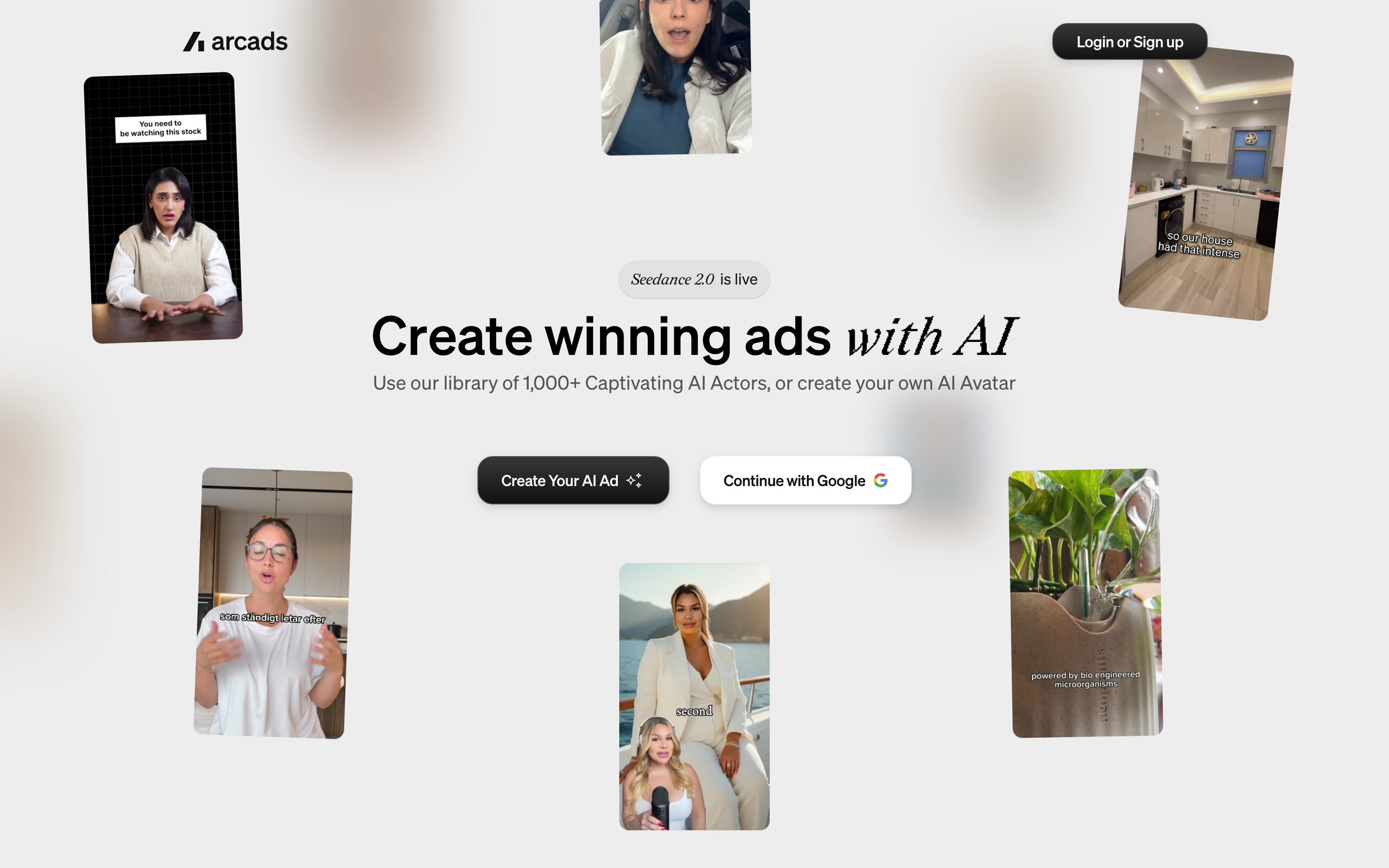
Arcads is the AI-actor ad tool that performance marketers reach for most. It generates UGC-style videos fronted by realistic AI actors from a script, with a roster built specifically around paid-social hooks and direct-response angles.
Arcads is widely cited in growth and DTC circles for actor quality, and its library is tuned for the kind of casual, hook-first delivery that performs on TikTok and Meta. It is best for agencies and growth teams running creative testing as a core motion.
Key features
- Large AI actor roster - A deep library optimized for ad-style delivery.
- Script-to-ad - Paste a script and choose an actor to deliver it.
- Hook variations - Generate multiple openings for the same product.
- Ad-focused workflow - Built around direct-response creative, not corporate video.
What users say
Marketers rate Arcads' actors among the more believable in the category, and the hook-variation workflow fits how performance teams actually test. The honest limitations are familiar: it is squarely an ad generator, so you still assemble the finished ad (captions, B-roll, music) in another tool, and the entry price is steep relative to the broader avatar tools. Versus MakeUGC, Arcads is often preferred for actor realism, while MakeUGC's product-in-hand shot remains a differentiator.
Best for
Agencies and growth teams whose whole job is creative testing. Pricing starts around $110 a month. See our ngram vs Arcads comparison.
4. HeyGen
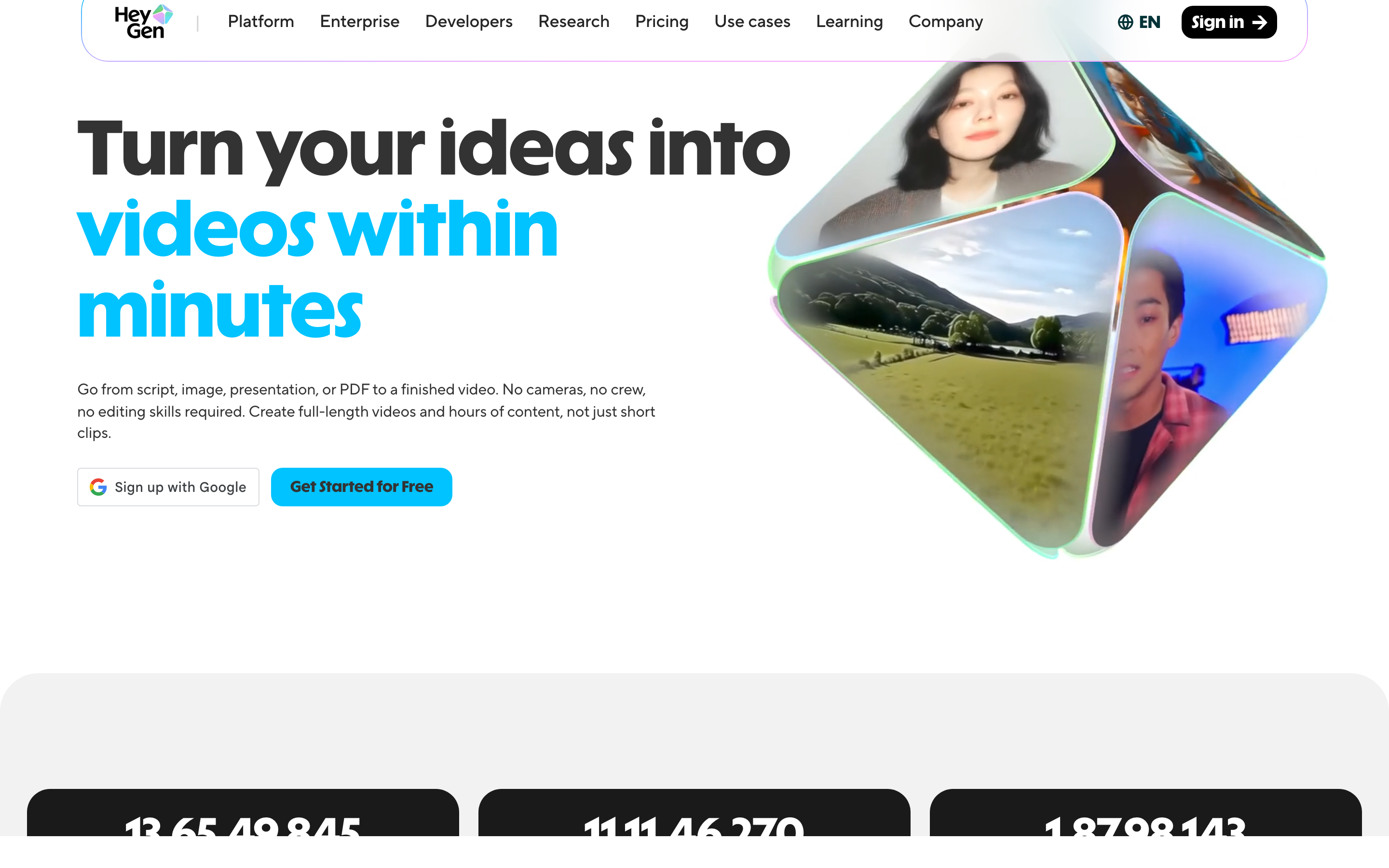
HeyGen is the heavyweight in AI avatar video. It generates studio-grade talking-head videos from a script, with a large avatar library, custom avatars from your own footage, and dubbing across 175+ languages.
HeyGen is best when you want a polished spokesperson video, a localized product explainer, or an avatar that represents a real person, rather than a scrappy creator-style ad. It is used widely across marketing, sales, and L&D.
Key features
- High-fidelity avatars - Among the most realistic talking heads available.
- Custom avatars - Clone yourself or a team member from a short recording.
- 175+ language dubbing - Localize one video across global markets.
- Interactive and streaming avatars - Real-time avatar use cases.
- Brand and template support - Reusable looks for repeatable output.
What users say
HeyGen earns praise for avatar realism and the breadth of its language support, and teams like that one script can become dozens of localized versions. The flip side: HeyGen is a spokesperson tool, not a UGC-ad factory, so the output skews polished rather than native-feeling, and heavy use can get expensive. Compared to MakeUGC, HeyGen wins on avatar quality and localization but is less tuned for casual, hook-first paid-social creative.
Best for
Teams that want a believable spokesperson or multilingual explainer. HeyGen has a free tier with paid plans from $29 a month. See our ngram vs HeyGen comparison.
5. Synthesia
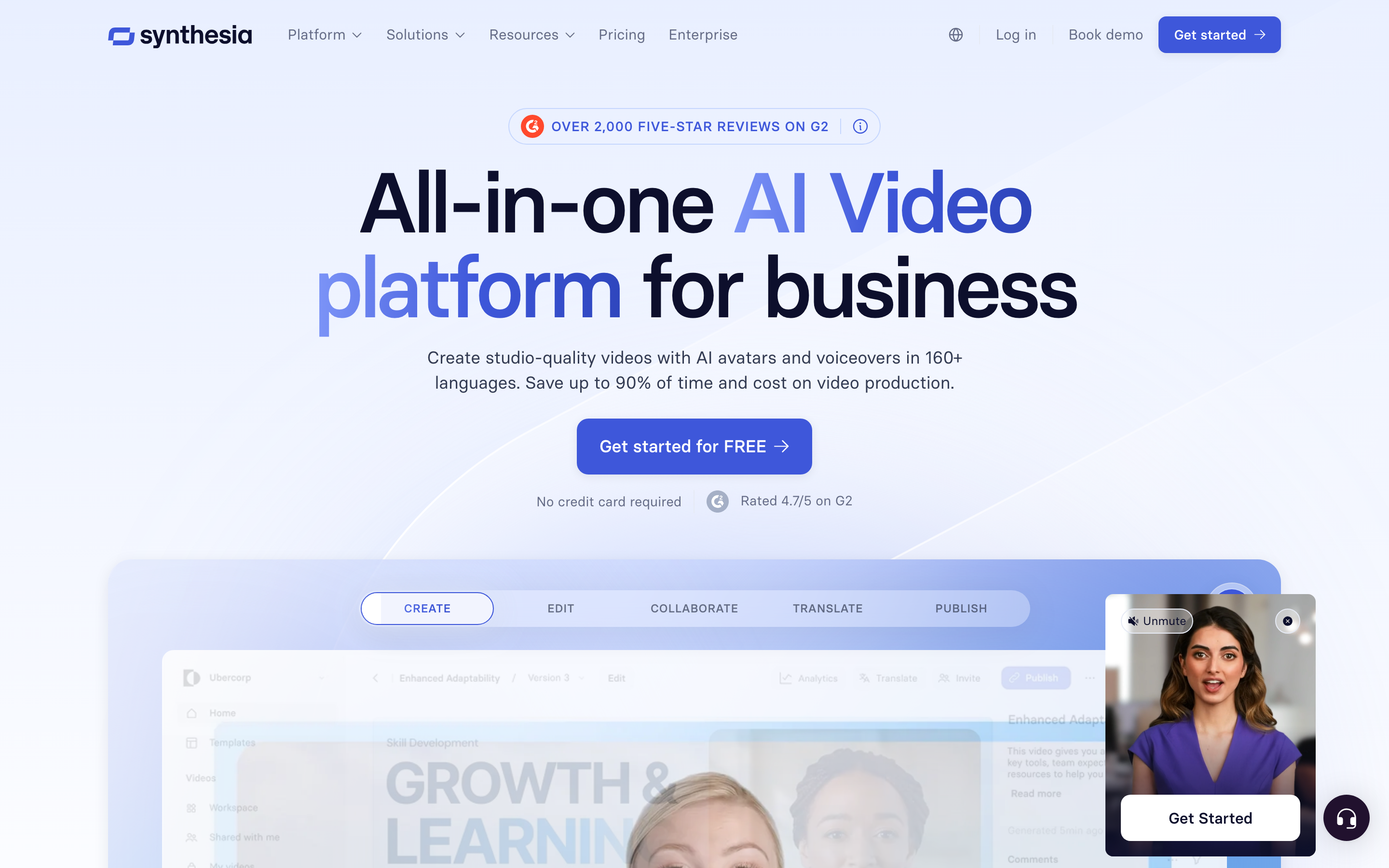
Synthesia is the enterprise standard for avatar-led training and explainer video. It turns a script or document into a talking-head video using 230+ avatars across 140+ languages, with the governance and security features large organizations require.
Synthesia shines for onboarding, compliance, and internal-comms content at scale, less so for snackable paid-social ads. It is the safe pick when IT and legal are in the room.
Key features
- 230+ stock avatars - Plus custom avatars on higher tiers.
- 140+ languages - One-click translation of an entire video.
- Template library - Structured layouts for training and explainers.
- Brand kit and collaboration - Team workflows and approvals.
- Enterprise security - SOC 2, SAML SSO, and governance controls.
What users say
Synthesia is repeatedly described as reliable, polished, and easy for non-editors to produce training video at volume, which is exactly its sweet spot. The limitations: avatars can feel formal, the workflow is built for corporate explainers rather than native UGC ads, and entry pricing climbs once you need custom avatars or higher minutes. Against MakeUGC, Synthesia is the wrong tool for TikTok hooks but the right one for a 12-language compliance course.
Best for
Enterprise L&D, HR, and enablement teams. Pricing starts at $18 a month. See our ngram vs Synthesia comparison.
---
Looking for the fastest way to ship a real ad, not just a clip? ngram turns a product URL, script, or brand brief into a captioned, on-brand video in minutes. Try ngram free
---
6. Captions
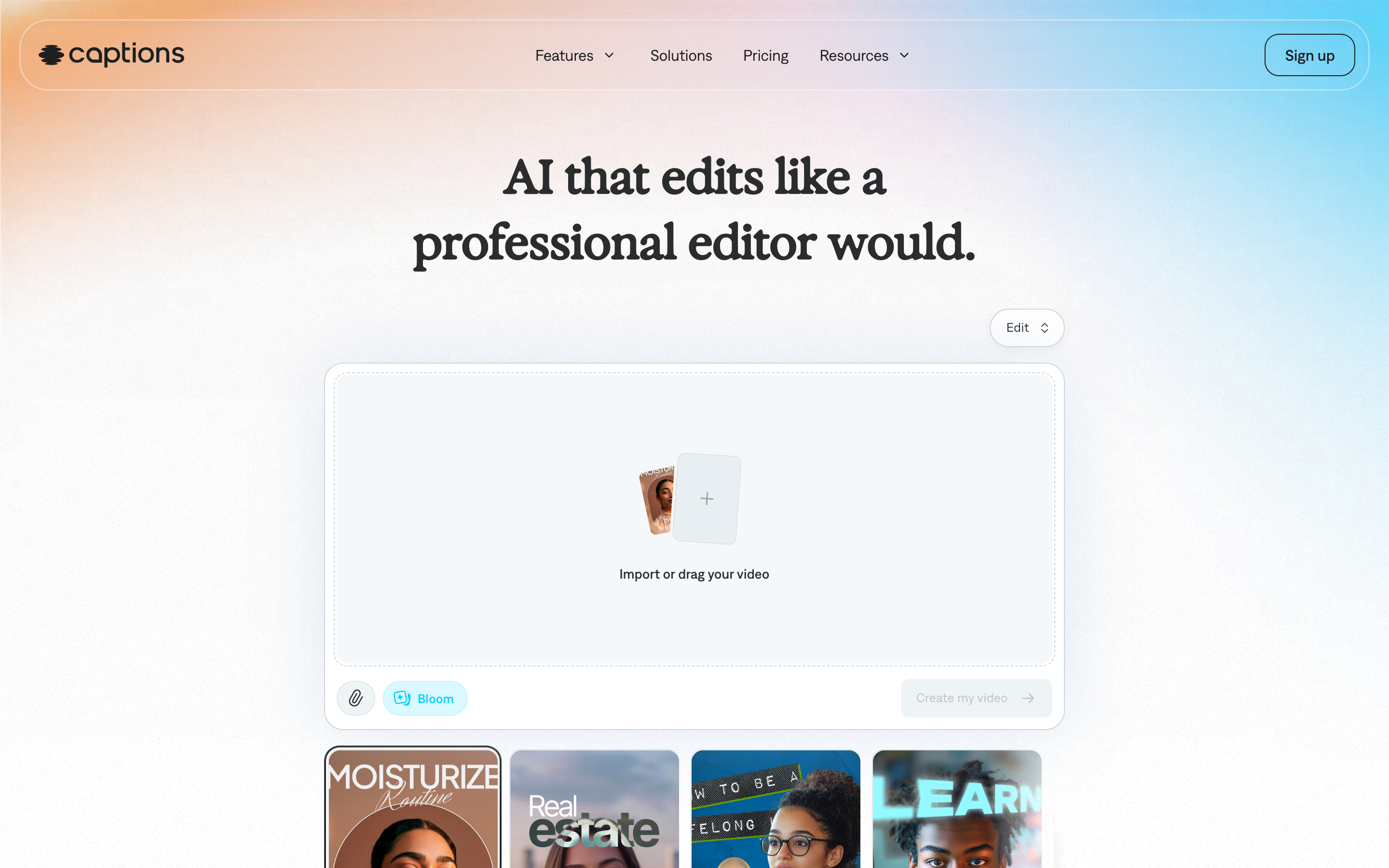
Captions (also known as Captions AI) is a mobile-first creator studio. It records, edits, captions, and polishes short-form video on your phone, with AI features like eye contact correction, auto B-roll, and an AI Creator that generates UGC-style ads from a prompt.
Captions is best for solo creators and lean social teams who shoot on a phone and want the edit done for them. Its AI Ads product pushes it into MakeUGC's lane directly.
Key features
- AI Creator and AI Ads - Generate UGC-style ad videos from a prompt.
- Mobile editing - Caption, trim, and polish on your phone.
- Eye contact correction - Fixes off-camera gaze automatically.
- Auto B-roll and effects - Adds visuals to match the script.
What users say
Creators love how much editing Captions automates on mobile, and the eye-contact and auto-caption features are standouts. The criticisms: the AI-generated actors can feel uncanny, the app pushes upsells, and serious teams outgrow the phone-first workflow. Versus MakeUGC, Captions bundles more editing into the output, so you are closer to a finished clip, though brand control is lighter.
Best for
Solo creators and small social teams editing on mobile. Captions has a free tier with paid plans from $9.99 a month.
7. Submagic
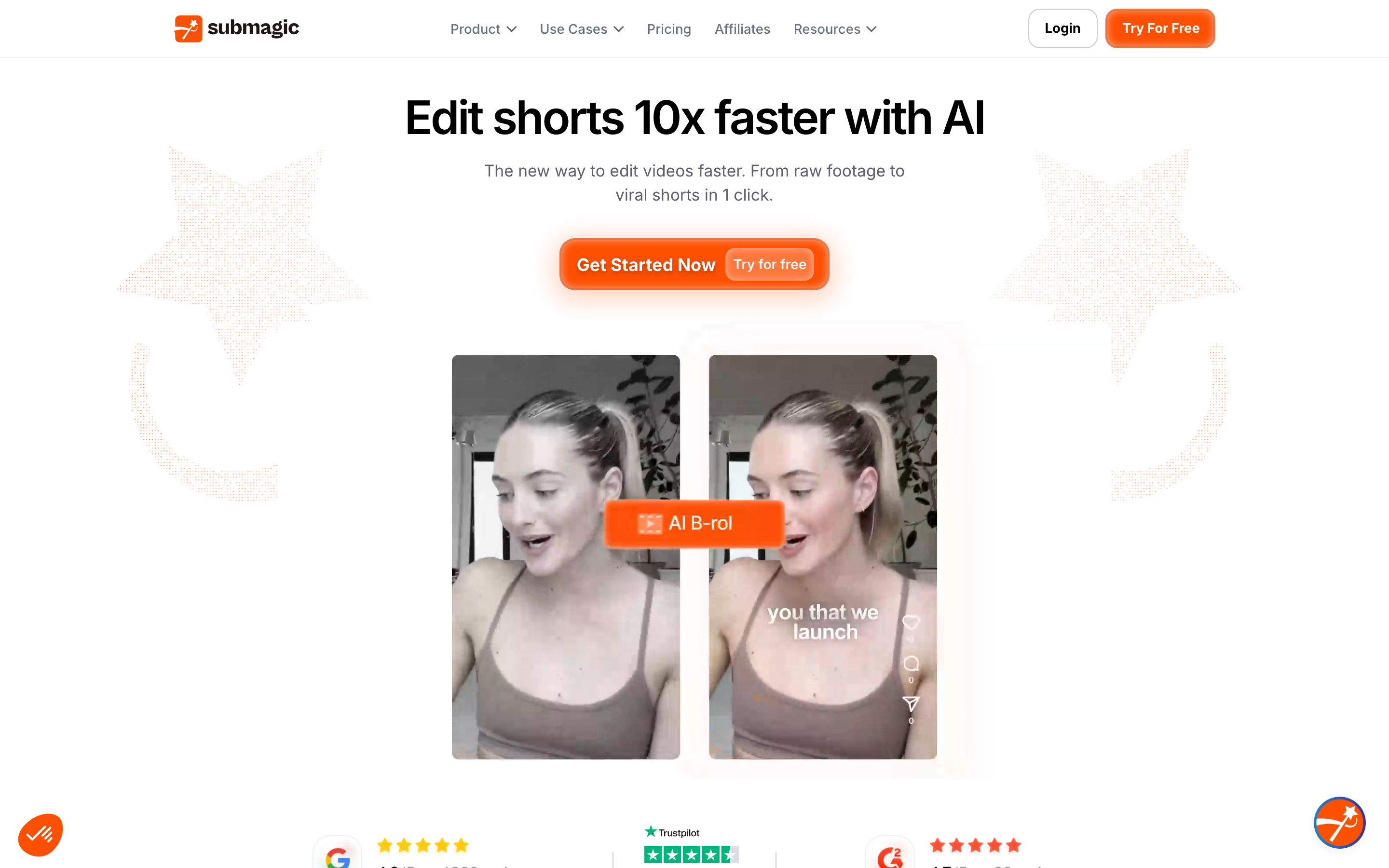
Submagic is a short-form repurposing and auto-captioning tool. It takes a longer clip or a talking-head recording and adds viral-style captions, B-roll, zooms, and sound effects to package it for TikTok, Reels, and Shorts.
Submagic is best as the polish layer many UGC tools lack: if MakeUGC or Arcads hands you a raw actor clip, Submagic is one of the tools people use to finish it. It is popular with creators and clip-heavy social teams.
Key features
- AI auto-captions - Trendy, animated caption styles.
- Auto B-roll and zooms - Adds visual interest to talking-head clips.
- Clip repurposing - Turn long content into short vertical videos.
- Templates - Repeatable looks for a consistent channel.
What users say
Submagic is praised for fast, good-looking captions and for saving the manual editing that creator-style ads usually require. The limits are scope: it is a finishing and repurposing tool, not a video generator, so you still need source footage from somewhere else. In a MakeUGC stack, Submagic is the "fix the last mile" step, which is telling about where standalone ad generators stop.
Best for
Creators and social teams finishing short-form clips. Submagic has a free tier with paid plans from $16 a month. See our ngram vs Submagic comparison.
8. Colossyan
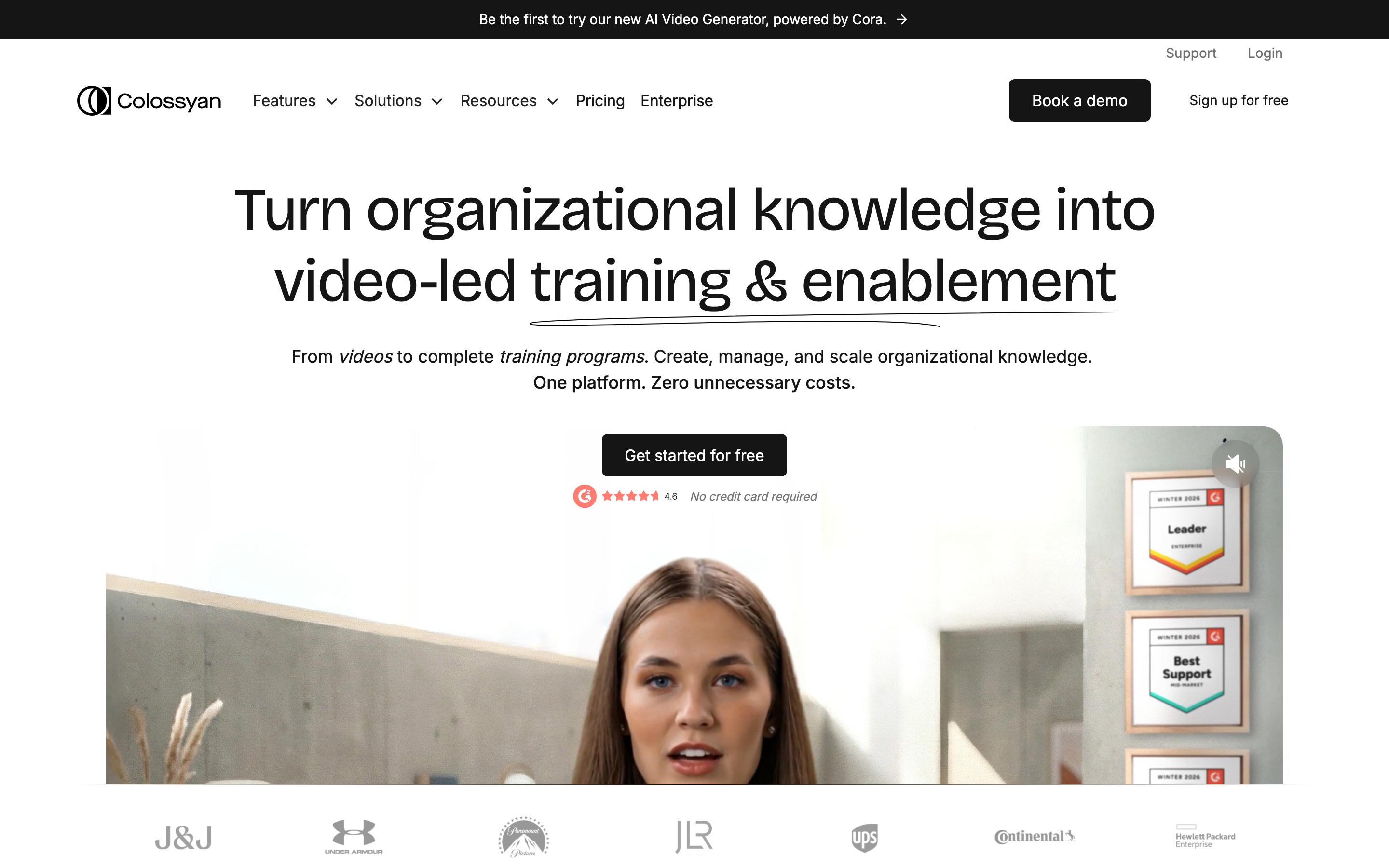
Colossyan is an avatar-led video tool focused on interactive learning. It turns a script or document into a talking-head training video and can extend into SCORM-exportable courses with quizzes and branching, which sets it apart from the ad-focused tools.
Colossyan is best for L&D and enablement teams that want training content with measurable interactivity, not paid-social creative. It is the odd one out in a UGC roundup, which is precisely why it is useful to name: if your "ad" need is actually a training need, this is the better category.
Key features
- Avatar training video - Script or document to talking-head course.
- Interactive courses - Quizzes, branching, and SCORM export.
- 70+ languages - Localize training at scale.
- Templates and brand kit - Consistent course look.
What users say
Colossyan is well-reviewed for making training video approachable for non-editors and for its interactive export options that LMS-driven teams need. The caveats: it is built for L&D, so it is a poor fit for casual ad creative, and advanced features sit on higher tiers. It belongs on this list mainly to redirect buyers who confused "UGC video" with "training video."
Best for
L&D and enablement teams building interactive courses. Pricing starts at $27 a month. See our ngram vs Colossyan comparison.
How we evaluated these MakeUGC alternatives
We did not just list tools. We tested the workflows, read public reviews across Trustpilot, G2, Reddit, and Product Hunt, and compared each option across five weighted criteria:
| Criteria | Weight | What we looked at |
|---|---|---|
| AI capabilities | 30% | Actor realism, lip sync, how natural the UGC-style output feels |
| Features | 30% | How much of the finished ad each tool produces versus how much you finish elsewhere |
| Ease of use | 20% | Time from input to a usable video, and how editing changes are made |
| Value | 15% | Pricing model (per-video vs flat), free tier, and cost at volume |
| Support and community | 5% | Docs, responsiveness, and billing transparency |
We also weighed real user sentiment (qualitative, not star scores), market presence, and where each tool stops in the pipeline. The honest takeaway: most tools in this space are sharp at one slice. The differences that matter are how natural the actor feels and how much of the finished ad you get without opening a second editor.
Frequently asked questions
What is the best MakeUGC alternative?
It depends on the job. For a finished, on-brand video from a script, URL, or brand brief, ngram is the strongest pick because it plans the script and storyboard, then generates captions, voiceover, B-roll, and channel cuts in one pass. For pure paid-social ad testing with the most realistic actors, Arcads and Creatify are the closest like-for-like tools.
Is there a free MakeUGC alternative?
Yes. ngram, HeyGen, Captions, and Submagic all have free tiers, while MakeUGC starts at a $1 trial then $49 a month. ngram's free plan exports at 720p with a watermark and is the most generous for actually producing full videos rather than short ad clips.
Why do people look for MakeUGC alternatives?
The most common reasons in reviews: MakeUGC hands you a raw avatar clip that you still finish in CapCut or Premiere, you cannot edit a single word without re-rendering, the avatars smile through serious scripts, per-video caps get expensive, and several users report billing and refund friction.
How does ngram compare to MakeUGC?
ngram and MakeUGC overlap on AI UGC-style video, but they stop in different places. MakeUGC specializes in a 1,000+ actor library and a product-in-hand shot, then hands you a raw clip. ngram covers the whole pipeline: script and storyboard you approve, brand kit, captions, B-roll, and MP4 export. Pick MakeUGC for a dedicated actor casting library; pick ngram for a ship-ready video.
What is the cheapest MakeUGC alternative?
Among paid plans, Captions ($9.99/mo) and Synthesia ($18/mo) have the lowest entry prices, and several tools (ngram, HeyGen, Captions, Submagic) offer free tiers. ngram's $29 a month is flat rather than capped per video, which is often cheaper than MakeUGC once you test at any real volume.
Can MakeUGC make a full ad or just the actor clip?
Mostly the actor clip. MakeUGC has an in-platform editor for captions, music, and B-roll, but reviewers consistently say the highest-converting ads still get finished in CapCut or Premiere. Tools like ngram and Captions bundle more of the finishing into the output.
Which one should you pick?
The AI UGC space in 2026 is crowded because the category is growing fast, and most of these tools are excellent at one narrow slice. If your only need is a casting library of AI actors and a product-in-hand shot, keep MakeUGC or test Arcads and Creatify for actor realism. If your real goal is a finished, on-brand video that works as an ad, a social cut, and a website hero from one source, ngram is the alternative to test first. The fastest way to know which fits is to run the same brief through both and see which one ships something you can post without opening a second editor.
---
Try ngram free, your first video in under 5 minutes. Turn a product URL, script, or brand brief into a captioned, on-brand video without finishing it in another editor. Start free