
FlexClip earned its 5 million users honestly. If you need to drag a few clips onto a timeline, drop in a template, and export a social cut before lunch, the browser editor gets you there fast. It is the tool I would hand a marketing intern on day one. But here is the pattern we kept seeing in reviews: people love FlexClip right up to the moment the job stops being "edit these clips" and becomes "turn this doc, recording, or product page into a finished video." That is a different job, and it is where most FlexClip alternatives in this roundup actually earn their place.
This is not a "FlexClip is bad" post. It is a "FlexClip is great at one slice and not built for the next slice" post. We tested the tools people switch to when they outgrow template editing: the ones that script, narrate, and produce a video from source material instead of asking you to assemble one clip by clip. We pulled pricing from each vendor's own page, read through hundreds of reviews on Capterra, G2, AppSumo, and Trustpilot, and matched every tool to the specific reader it actually fits.
A quick note on where FlexClip's free plan trips people up, since pricing is a top reason people start looking. The free tier caps exports at 720p with a watermark, limits you to 12 saved projects, and gives you one stock video and one stock audio file per project. That is enough to test the waters and not much more. The paid Plus plan starts at $11.99 per month billed annually, which is genuinely cheap, but the AI credits (300 a month on Plus) run out faster than you would expect once you lean on the AI tools.
Where FlexClip falls short in 2026
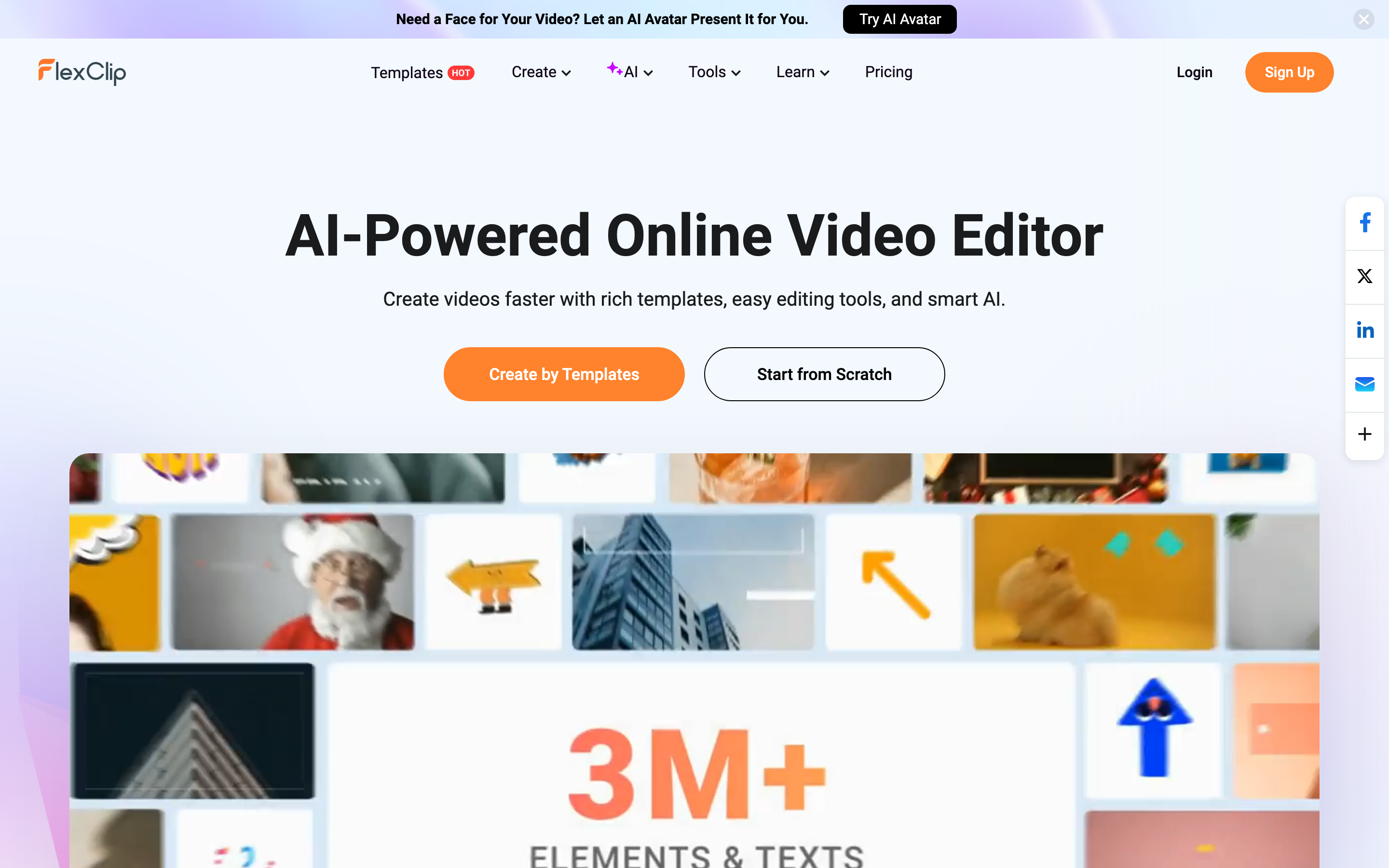
FlexClip is a capable lightweight editor. These are the walls users hit, pulled straight from public reviews.
You still have to make the video yourself. FlexClip hands you a canvas, templates, and stock media, then leaves the hardest part to you: deciding what to say, writing the script, recording or sourcing the narration, and assembling scenes in the right order. Reviewers who came in expecting "AI makes my video" often discover FlexClip is an editor with AI features bolted on, not a system that produces a video from a brief.
The free plan limits stack up fast. One stock video per project, one stock audio file, a cap of 12 saved projects, five minutes of auto-subtitling a month, and three background removals a month. As one AppSumo reviewer put it, "I love it when it works, but then the bugs have cost me." The limits are fine for a hobbyist and frustrating for anyone shipping weekly.
Single video track and missing advanced controls. Multiple reviewers flag that FlexClip gives you one main video track, so layered or complex edits are off the table. Users wanting "more complex or highly customized edits" report that the controls just aren't there. It is built for speed and simplicity, which is a feature until it isn't.
AI credits run dry. The AI generation features (text-to-video, AI scripts, voiceover) draw from a monthly credit pool: 300 on Plus, 600 on Business. Teams that lean on AI for more than a couple of videos a month burn through credits and either upgrade or queue up.
Bugs and slow exports on big files. Reviews mention slow export speeds, lag when editing large files, and playback glitches where a segment replays a few seconds early. The lack of a support phone line comes up too.
The 8 best FlexClip alternatives at a glance
Here is the short version before the deep dives. ngram is our top pick for the slice FlexClip users most often outgrow: turning source material into a finished, narrated video. The rest of the list covers everything from pro timelines to free template editors so you can match the tool to your real job.
| Tool | Best For | Starting Price | Key Differentiator |
|---|---|---|---|
| ngram | Finished video from docs, URLs, and recordings | Free / $29 per mo | Plans and produces, not just edits |
| VEED | Browser editing with strong subtitles | Free / $18 per mo | Subtitle and clip workflow |
| InVideo | Text-to-video from a prompt | Free / $20 per mo | Prompt-to-video with stock library |
| Canva | Design-led social video | Free / $15 per mo | Video inside a full design suite |
| Pictory | Long-form to short clips | $19 per mo | Script and article to video |
| CapCut | Mobile-first short-form | Free / $9.99 per mo | Trend-ready phone editing |
| Clipchamp | Windows and Microsoft 365 users | Free / $11.99 per mo | Built into Windows |
| Animoto | Drag-and-drop marketing clips | Free / $16 per mo | Simple template assembly |
1. ngram
Watch how ngram turns an idea into a finished video:
Here is the honest framing: if your job is to drag clips around a timeline, ngram is not the FlexClip replacement you want. ngram is the pick for the job FlexClip leaves to you. You bring a doc, a URL, a screen recording, or a few screenshots, tell ngram who the video is for and where it is going, and it writes the script, builds a storyboard, generates the voiceover, lays in captions, and produces a finished video. You review the plan before anything renders, so the direction stays yours.
That is the categorical difference from FlexClip. FlexClip starts with a blank canvas and a template library. ngram starts with your source material and a brief, and the heavy lifting (what to say, in what order, with what narration) happens before you ever touch an editor.
What makes ngram stand out
ngram is built around an agentic chat workflow. You describe what you need in plain language, and the agent picks the right tools, generates the output, and surfaces it for review. The control point is the storyboard: you approve the script and scene plan before rendering, which is exactly the part FlexClip asks you to do by hand.
Key features:
- Start from what you already have - Text, PDFs, URLs, screenshots, screen recordings, and decks all become source material. Paste a product page and get a video.
- Plan first, generate second - Review the script and storyboard before rendering, so you fix direction early instead of re-editing a finished cut.
- AI voiceover and captions - Narration is generated from the script using ElevenLabs and MiniMax voices, with auto-captions burned in and styled to your brand kit.
- Screen-recording polish - Drop in a raw recording and ngram adds cursor smoothing, click emphasis, dead-air trimming, and step labels automatically.
- Brand kits applied automatically - Logo, colors, fonts, and intros or outros land on every video without manual setup.
- MP4 export and localization - Export finished videos as MP4; prepare channel-specific cuts separately, and generate multilingual voiceover and translated captions for localized variants.
Pros
- ✅ Produces a finished, narrated video from source material instead of leaving the assembly to you
- ✅ Storyboard review keeps you in control of the message before rendering
- ✅ Turns raw screen recordings into polished walkthroughs automatically
Cons
- ❌ Web-based only, with no dedicated desktop or mobile app
- ❌ Overkill if all you need is a quick clip trim or a template tweak
Who is ngram best for?
Product marketing, growth, sales, and customer success teams who need polished, on-brand videos from docs, release notes, recordings, and product pages, without hiring a freelancer or learning a timeline. If you came to FlexClip wanting AI to make the video and found yourself editing it instead, ngram is the closer fit. For a side-by-side on the exact tradeoffs, see our ngram vs FlexClip comparison. ngram has a generous free plan, with paid plans starting at $29 per month.
Ready to try ngram? Create your first video in under 5 minutes. Start free
2. VEED
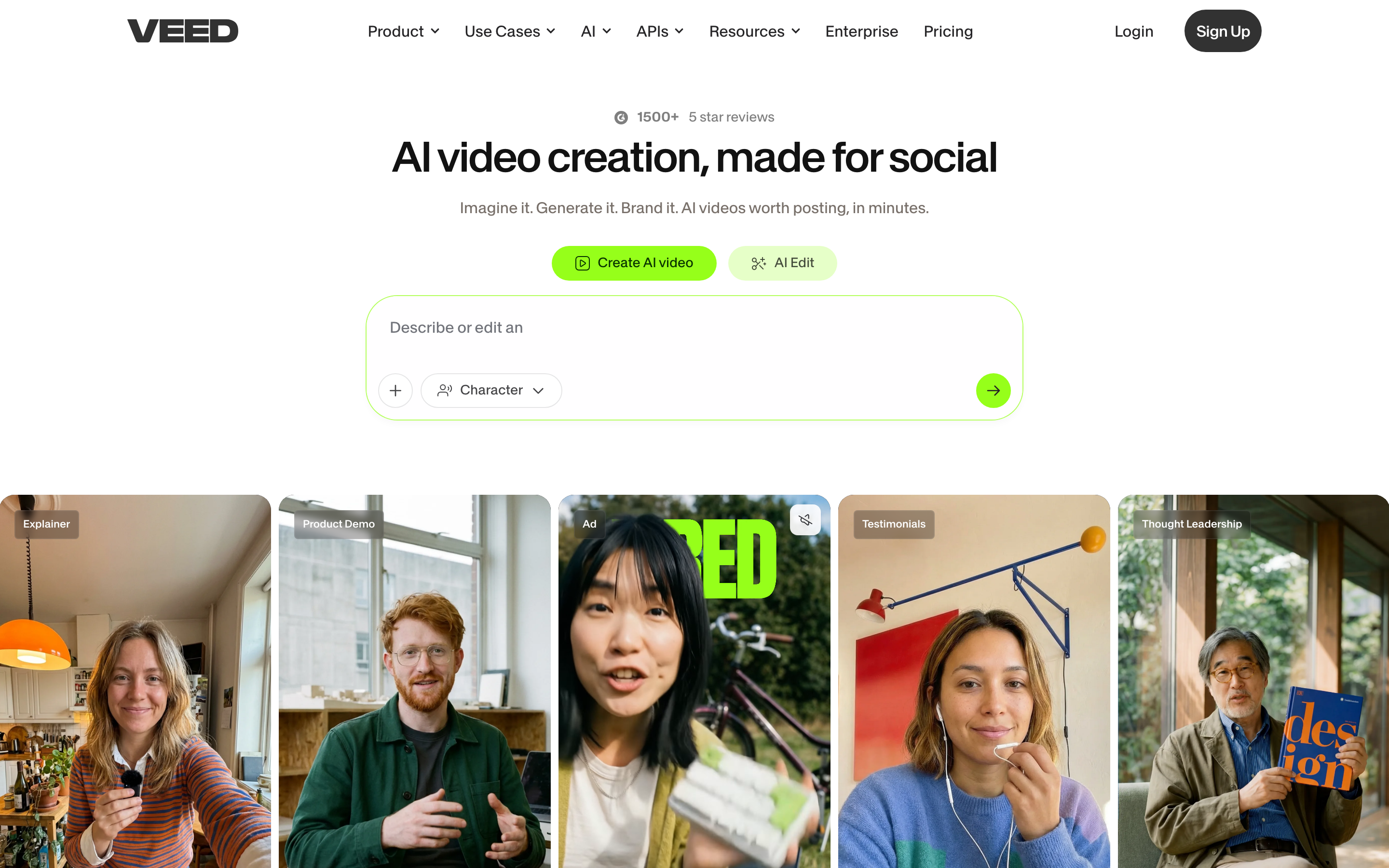
VEED is a browser-based video editor that, like FlexClip, lives entirely in your tab. It is the closest like-for-like swap on this list if you want a familiar editing surface with a deeper feature set and especially strong subtitle tooling.
VEED has grown into one of the most recognized online editors, with a large user base across creators, marketers, and remote teams. Users consistently praise how quickly they can add accurate auto-subtitles, clean up audio, and repurpose long recordings into clips.
Key features
- Auto-subtitles and translation - Fast, accurate captions with one-click translation into dozens of languages.
- Browser-based editing - No install, works on most machines, with cloud project storage.
- Screen and webcam recording - Record directly in VEED and edit in the same place.
- Clean audio tools - Background noise removal and audio cleanup that reviewers single out.
- Brand kit and templates - Reusable brand assets and a template gallery for social formats.
What users say
Reviewers describe VEED as the tool that finally made subtitles painless, with the auto-caption accuracy getting repeat praise across G2 and Capterra. People like that it is genuinely browser-based and quick to learn. The common gripe is pricing: the cheaper plans gate features and export quality, and a few users mention render times on longer projects. Compared to FlexClip, VEED is the better pick when subtitles and audio cleanup are central to your workflow.
Pros
- ✅ Best-in-class auto-subtitles with reliable translation
- ✅ Genuinely browser-based with a short learning curve
- ✅ Strong audio cleanup tools praised in reviews
Cons
- ❌ Useful features are gated behind higher tiers
- ❌ Still a manual editor, you assemble the video yourself
Best for
Creators and marketers who repurpose recordings and need subtitles to be effortless. Pricing starts free, with paid plans around $18 per month.
3. InVideo
InVideo leans harder into AI than FlexClip, with a prompt-to-video flow that drafts a video from a text idea using its stock library and templates. It sits between a template editor and a generative tool.
InVideo is used by millions of creators and small businesses, and its big draw is the speed of getting a rough video out of a single prompt. It pulls from a large stock media library so you are not starting from a blank screen.
Key features
- Prompt-to-video - Describe your video and InVideo drafts scenes, text, and stock footage.
- Large stock library - Millions of stock clips, images, and music tracks included.
- Text-based editing - Edit the generated video by changing the script.
- Templates for every format - Social, ads, explainers, and more.
- AI voiceover - Generated narration in multiple voices and languages.
What users say
Users like that InVideo gets them from idea to draft fast, and the stock library saves real sourcing time. The honest knock from reviewers is that the AI output usually needs cleanup, the generated scenes can feel generic, and the editor gets fiddly on longer edits. Several mention watermarks and export limits on the free plan. Versus FlexClip, InVideo is the better starting point when you want AI to draft the first cut rather than build from a template.
Best for
Solo creators and small teams who want a fast AI first draft they can refine. Free to start, with paid plans around $20 per month.
4. Canva
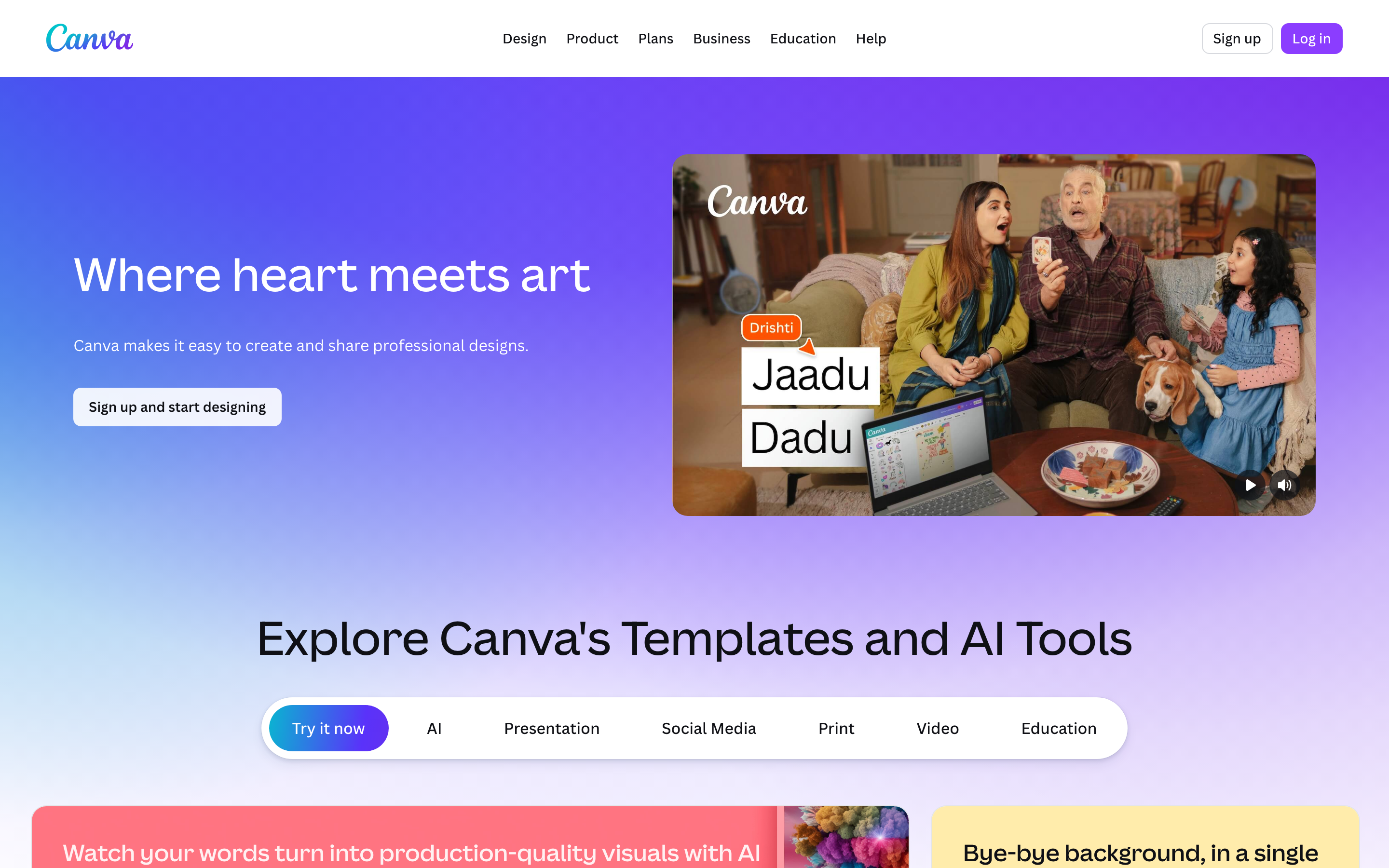
Canva is the design tool millions already have open, and its video editor is a natural step up from FlexClip if your work is design-led and social-first. The same drag-and-drop simplicity, but inside a full creative suite.
With a massive global user base, Canva is often the path of least resistance for teams already using it for graphics. The video editor shares the same template library, brand kit, and asset ecosystem.
Key features
- Design-led video editor - Drag-and-drop on a familiar canvas with a deep template gallery.
- Brand kit - Shared colors, fonts, and logos across every asset.
- Huge template and stock library - Social formats, presentations, and marketing clips.
- Magic Studio AI tools - Text-to-image, background removal, and AI writing built in.
- Real-time collaboration - Multiple people editing the same project.
What users say
People love that Canva video feels like the design tool they already know, so the learning curve is near zero. Teams praise the brand consistency across graphics and video. The limitation reviewers raise is that the video editor is lighter than dedicated tools, with less timeline precision and fewer advanced controls. For FlexClip users whose work is mostly social graphics that occasionally need motion, Canva is the more versatile home.
Best for
Social and marketing teams who already live in Canva and want design and video in one place. Free to start, with paid plans around $15 per month.
---
Looking for the fastest way to create professional videos? ngram turns your screen recordings, docs, and images into polished videos in minutes, no timeline required. Try ngram free
---
5. Pictory
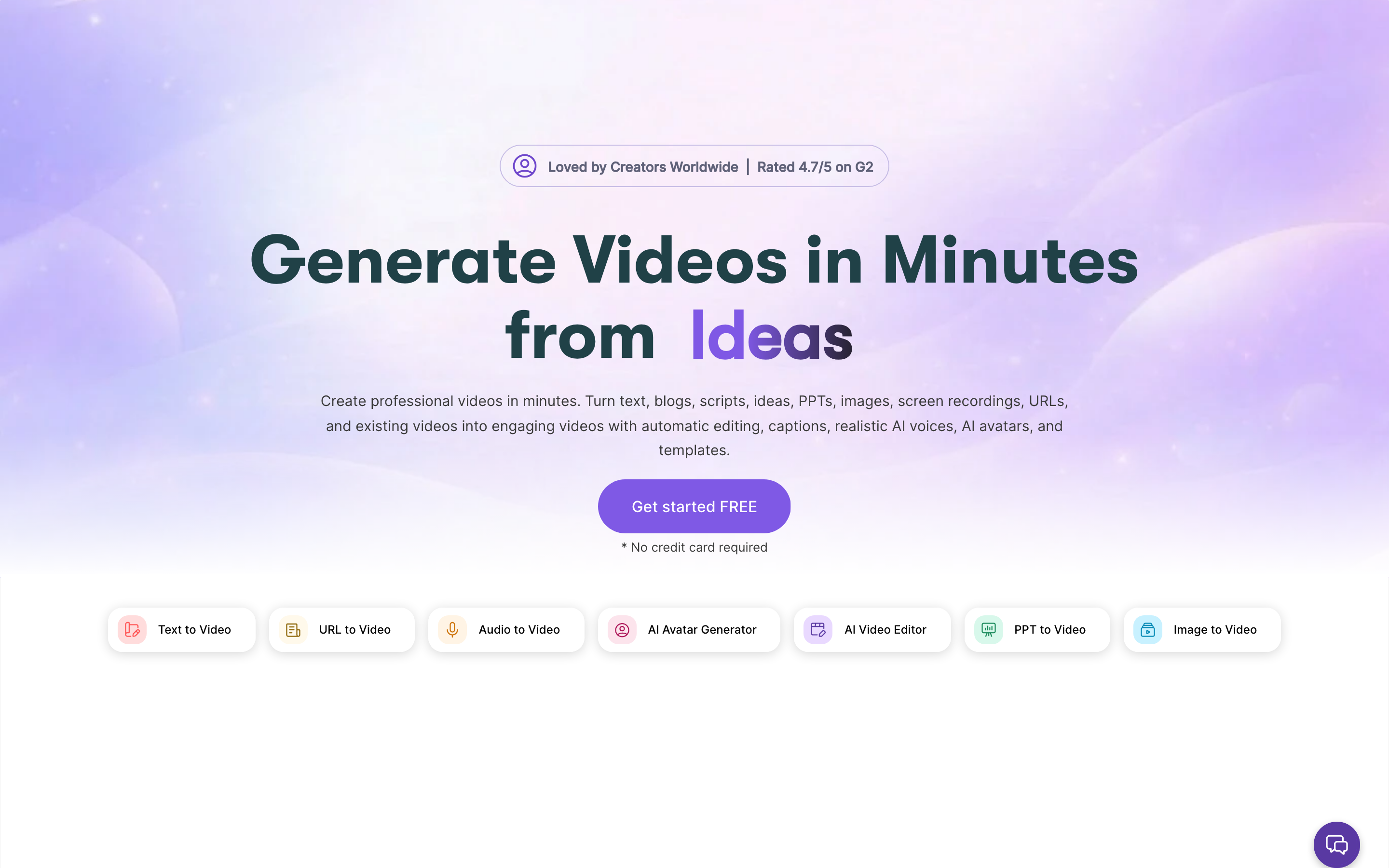
Pictory specializes in turning long-form content into short, captioned videos. If your FlexClip use case is chopping a webinar, podcast, or blog post into clips, Pictory automates the part FlexClip makes you do by hand.
Pictory is widely used by content marketers and course creators for its script-to-video and article-to-video flows. It auto-matches stock footage to your text and captions everything for social.
Key features
- Script and article to video - Paste a URL or script and get a captioned video.
- Long-form to shorts - Auto-extract highlight clips from webinars and recordings.
- Auto-captions - Burned-in captions tuned for social feeds.
- Stock matching - Automatically pairs visuals to your words.
- Voiceover options - AI voices or your own narration.
What users say
Reviewers like how fast Pictory turns a blog post or webinar into something postable, and the auto-captioning gets consistent praise. The honest limitation is that visual customization is shallow, the stock matches can miss, and the output looks templated unless you intervene. Compared to FlexClip, Pictory is the better fit when your raw material is text or long recordings rather than clips you want to arrange.
Best for
Content marketers repurposing articles, webinars, and podcasts into social clips. Pricing starts around $19 per month.
6. CapCut

CapCut is the mobile-first editor that dominates short-form creation. If FlexClip feels too desktop-bound for how you actually shoot and post, CapCut meets you on your phone.
Owned by ByteDance, CapCut has a massive global user base and is the default editor for a huge share of TikTok and Reels creators. It is free, fast, and stacked with trend-ready effects.
Key features
- Mobile-first editing - Full editor on iOS and Android, with a desktop version too.
- Trend templates and effects - Auto-captions, transitions, and viral effect packs.
- Auto-captions - Quick, accurate captions for short-form.
- Background removal and AI tools - On-device effects without a green screen.
- Direct social export - Built for posting straight to TikTok and Reels.
What users say
Creators love that CapCut is free, fast, and always current with trends, which is hard to beat for short-form. The trade-offs reviewers note are commercial-use and licensing questions, occasional watermarks on certain assets, and a feature set tuned for social rather than polished business video. For FlexClip users making phone-shot social content, CapCut is the more natural tool.
Best for
Creators making short-form social video on their phone. Free, with a Pro tier around $9.99 per month.
7. Clipchamp
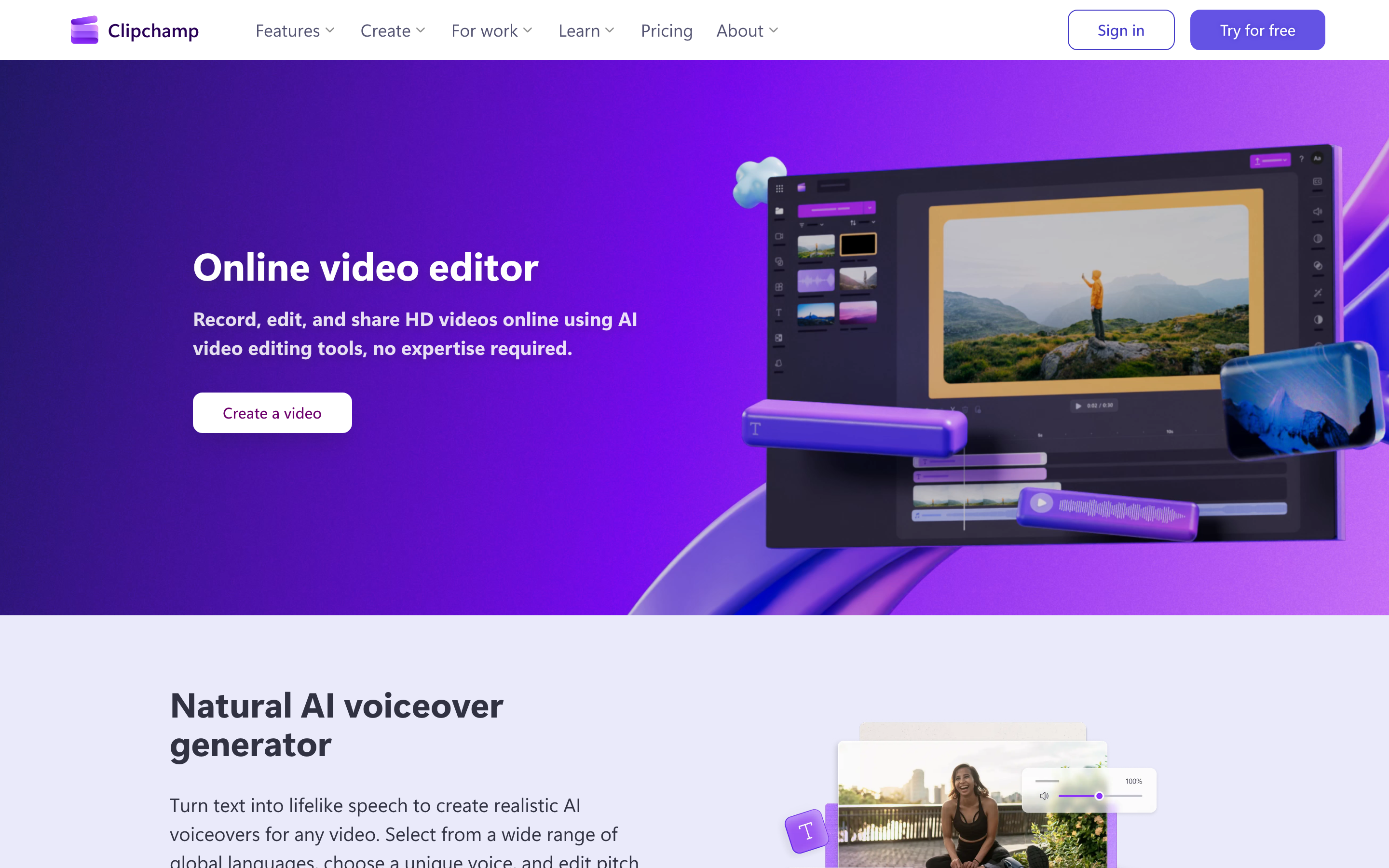
Clipchamp is Microsoft's browser-based video editor, built into Windows 11 and tied to the Microsoft 365 ecosystem. For FlexClip users who live in Microsoft tools, it is the frictionless option.
Now owned by Microsoft, Clipchamp ships with Windows and integrates with OneDrive and the broader 365 suite. It offers templates, stock media, and a text-to-speech feature.
Key features
- Built into Windows - Pre-installed on Windows 11, no separate signup needed.
- Microsoft 365 integration - Pulls from OneDrive and connects to the 365 ecosystem.
- Templates and stock - A library of templates, stock footage, and music.
- Text-to-speech - Generated narration in multiple voices.
- Screen and webcam recording - Capture and edit in one place.
What users say
Windows users appreciate that Clipchamp is just there, with no install and a clean, approachable interface. Reviewers note it covers the basics well. The limitations they flag: it is lighter on advanced editing, some features and higher-resolution exports require a paid plan or a Microsoft account, and it leans casual rather than professional. Against FlexClip, Clipchamp wins mainly on the Microsoft integration and zero-setup convenience.
Best for
Windows and Microsoft 365 users who want a built-in editor with no extra signup. Free, with paid features around $11.99 per month.
8. Animoto
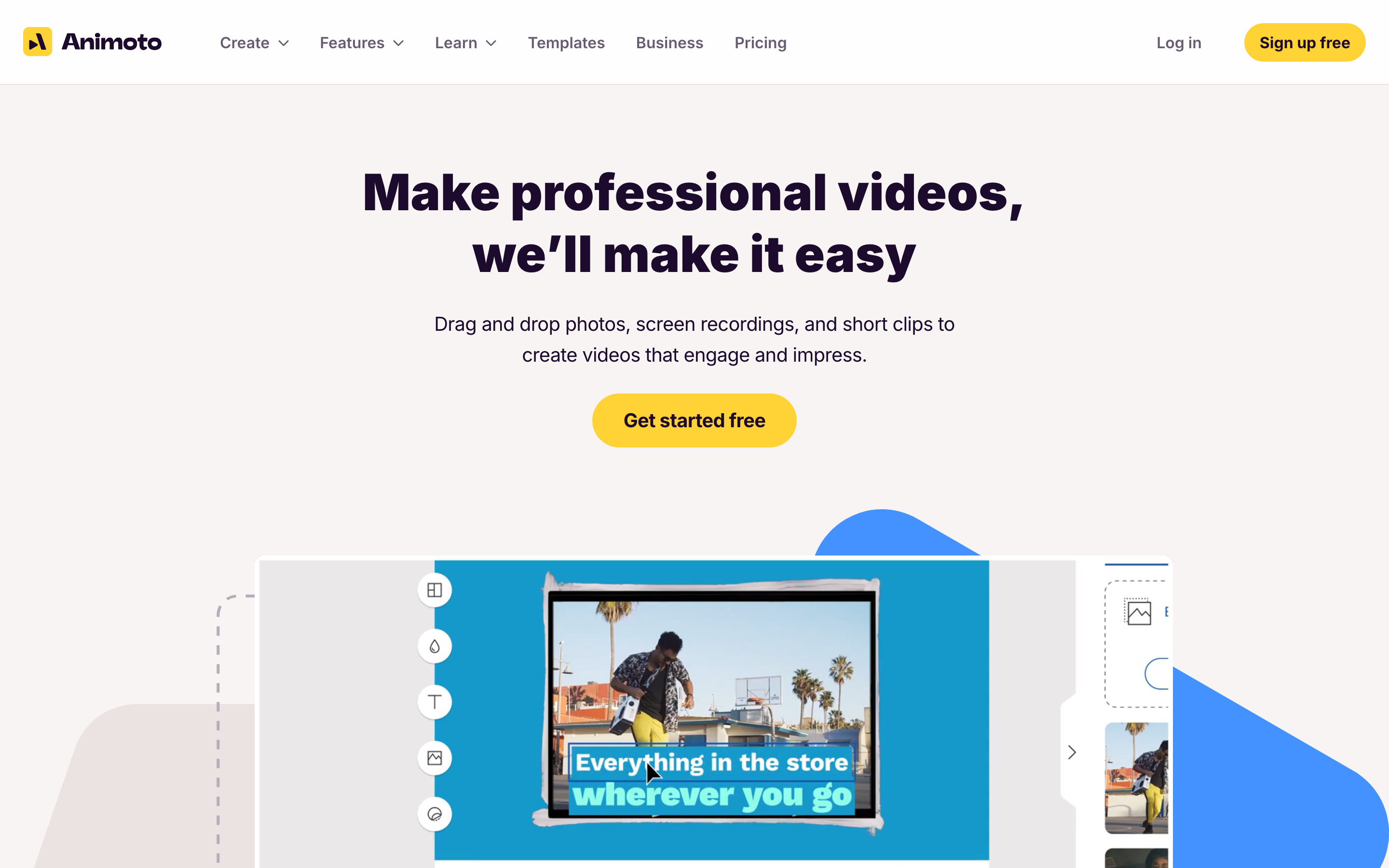
Animoto is one of the original drag-and-drop video makers, aimed squarely at marketers who want simple, template-based clips without a learning curve. It is the most FlexClip-like tool on this list in spirit.
Animoto has been around since 2006 and is trusted by a large base of small businesses for marketing and social videos. Its appeal is straightforwardness: pick a template, swap in your media, export.
Key features
- Drag-and-drop builder - Assemble videos from templates in minutes.
- Marketing templates - Pre-built layouts for ads, promos, and social.
- Licensed music and stock - Built-in library of tracks and footage.
- Brand customization - Add your logo, colors, and fonts.
- Social-ready exports - Formats sized for each platform.
What users say
Long-time users like how dependable and simple Animoto is, especially for quick marketing clips. The common critique is that it can feel dated next to newer AI tools, the template style is recognizable, and advanced editing is limited. For FlexClip users who only want easy template assembly, Animoto is a fine lateral move, though it shares FlexClip's core limitation: you still build the video yourself.
Best for
Small businesses making simple, template-driven marketing videos. Free to start, with paid plans around $16 per month.
How we compared these tools
We didn't just list tools. We tested them, read hundreds of user reviews, and compared them across five weighted criteria tuned for adjacent video tools like FlexClip:
| Criteria | Weight | What we looked at |
|---|---|---|
| Features | 25% | Depth of editing, AI generation, stock, captions, and export options |
| Ease of Use | 25% | How fast a non-editor gets from blank project to finished video |
| AI Capabilities | 20% | Whether the tool drafts, scripts, and narrates, or just edits |
| Template Library | 20% | Breadth and quality of templates and stock for fast assembly |
| Support & Community | 10% | Docs, responsiveness, and community resources |
We also factored in:
- Real user reviews from G2, Capterra, AppSumo, Trustpilot, and Reddit (qualitative sentiment, not numerical scores)
- Market presence and company stability (user base, years in market, ownership)
- Integration ecosystem with common business and social tools
- Industry trends and where AI video is heading
For a category where the line between "editor" and "generator" is blurring, we weighted AI capabilities and the template library evenly so the ranking reflects both the FlexClip-style assembly job and the produce-it-for-me job that more buyers now expect.
To put the trade-off in context, here is how the AI video market is growing against the broader video editing software category:
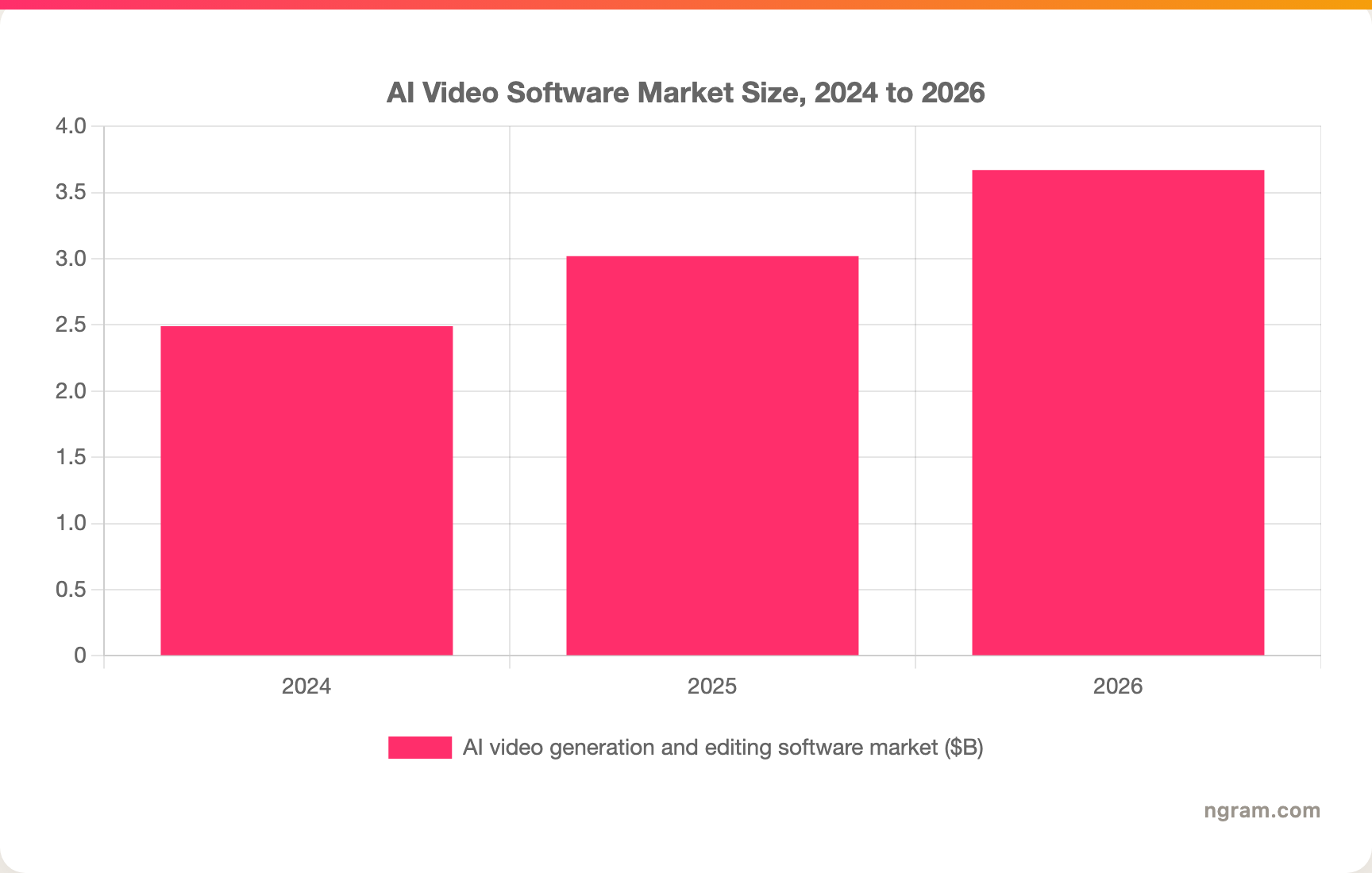
The AI video generation and editing segment is projected to reach $3.67 billion in 2026 and grow at roughly a 21% compound annual rate through the next decade, per Meticulous Research, which is why so many former template editors now ship AI-first features.
Free plans are a big part of why people choose tools in this category, so here is how the entry paid tiers stack up on price:
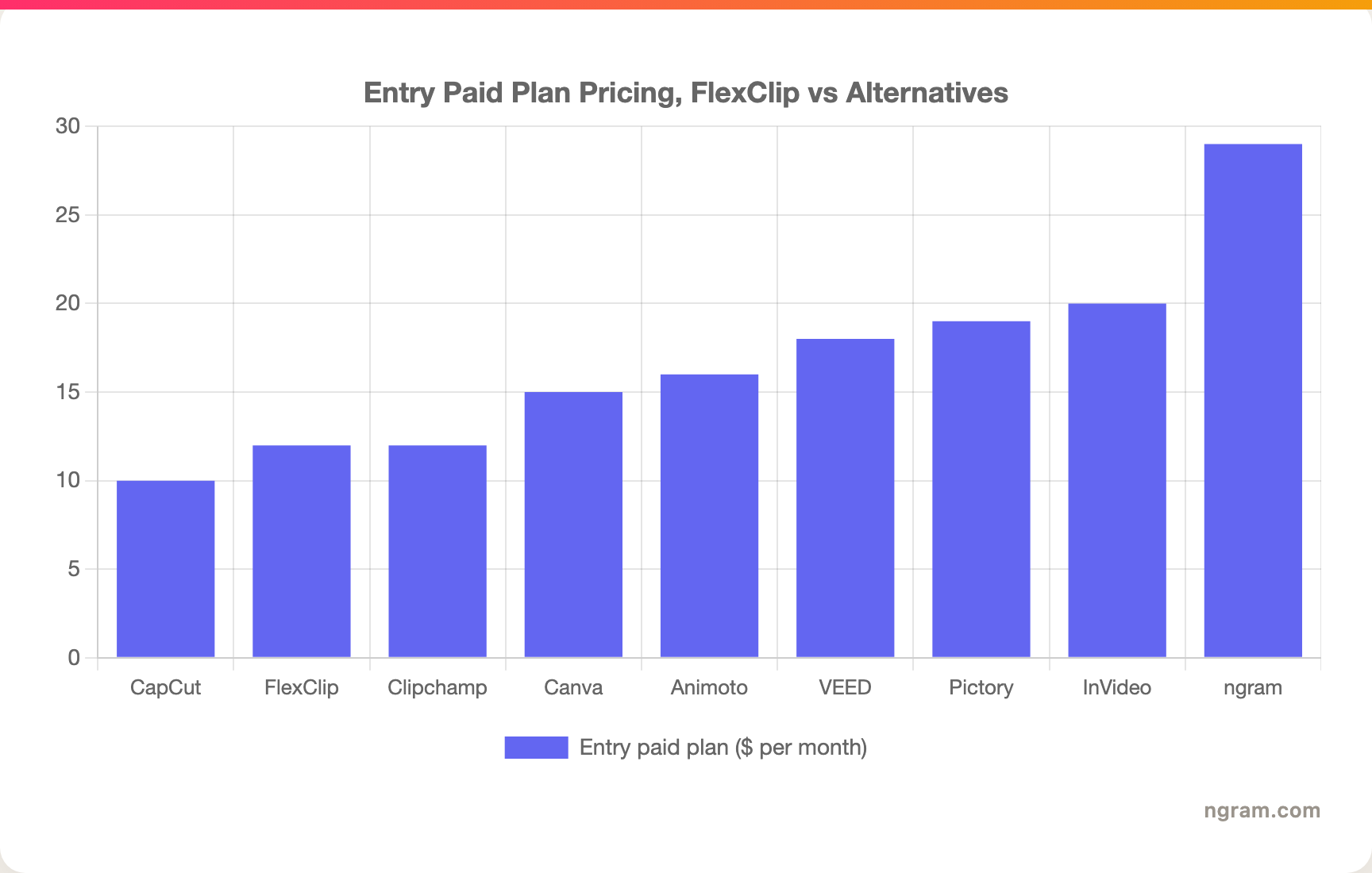
FlexClip is one of the cheapest paid tools here at $11.99 a month, which is exactly why it wins on price for hands-on editing. The pricier tools charge more because they do more of the work for you.
Frequently asked questions
Is there a free alternative to FlexClip?
Yes, several. VEED, InVideo, Canva, CapCut, and Clipchamp all have free tiers, and ngram has a free plan with 600 starter credits. CapCut is the most generous free option for short-form, while Clipchamp is free and built into Windows. Most free tiers limit export quality or add a watermark, the same trade-offs FlexClip's free plan carries.
What is the best FlexClip alternative for making videos from documents or recordings?
ngram is the strongest fit here. Where FlexClip gives you a canvas to assemble clips, ngram takes a doc, URL, screen recording, or deck and writes the script, builds a storyboard, generates voiceover, and produces a finished video you approve before rendering. That is the job FlexClip leaves to you.
How does FlexClip compare to VEED?
Both are browser-based editors with templates and stock media. VEED pulls ahead on subtitle accuracy and audio cleanup, while FlexClip is cheaper at the entry tier and has a slightly simpler interface. If captions and audio are central to your work, VEED is the better pick. If you want the lowest-cost template editor, FlexClip holds up.
Who should still pick FlexClip?
If your job is genuinely hands-on editing, dragging clips onto a timeline, swapping templates, and exporting quick social cuts on a tight budget, FlexClip is a strong, affordable choice and you probably don't need to switch. The tools above matter when you want the video planned, scripted, and produced for you rather than assembled by hand.
What is the cheapest FlexClip alternative?
CapCut is effectively free for most short-form work, and Clipchamp is free and pre-installed on Windows. Among paid tiers, CapCut Pro (around $9.99 per month) undercuts FlexClip's $11.99 Plus plan. For the value calculation, weigh the price against how much of the video the tool actually builds for you.
Which one should you pick?
The video tooling space in 2026 is crowded, and most of these tools nail one slice of the problem. If you are a marketing, growth, or sales team that needs polished, on-brand videos out of docs, recordings, and product pages without a freelancer or a timeline, ngram is the strongest fit because it plans and produces rather than just edits. If your actual job is hands-on template editing on a tight budget, stick with FlexClip or try Canva or Clipchamp, ngram is more than you need for that. Either way, a five-minute test on a real project is the fastest way to know which side of the line you are on.
---
Try ngram free, your first video in under 5 minutes. Turn docs, URLs, screen recordings, or product pages into polished, on-brand videos without touching a timeline. Start free