
A content lead has a useful technical article and wants a short video companion for readers who are new to the subject. The job is to decide which questions the article can answer, give the two hosts different roles and leave the detailed procedure in the original source. You need a readable article or approved source text, permission to repurpose it and access to ngram’s Conversation mode.
Step 1. Choose the question the episode will answer
Our example starts with GitHub’s guide to building a CI/CD pipeline with GitHub Actions. The audience is a developer setting up a first workflow. The short discussion answers “Where do I start, and how do I see what went wrong?” It is an introduction that sends viewers to the full guide.
That boundary matters. A broad article can support several useful episodes, but a short conversation cannot carry every prerequisite and implementation detail. Write down what a viewer should understand afterward and what they still need the original article to do. Here, the video introduces the workflow; the source contains the steps and code.
If you are deciding how to present other written material, the article-to-video workflow covers a direct summary as well as the discussion format. Use a conversation when the audience’s next question changes what deserves explaining.
Step 2. Select the source facts before writing host banter
We selected three bounded points: a CI pipeline builds and tests code changes; the repository’s Actions tab offers workflow templates; and the workflow visualizer and live logs help identify failed jobs. Each point has a place in the source. We left out performance claims, deployment guarantees and a comparison of continuous delivery with continuous deployment.
For your article, keep a small source note beside the script. Record the passage supporting each answer and any condition that must survive compression. A sentence that sounds natural can still change the claim: “offers a template” and “sets up everything for you” ask the viewer to believe different things.
| Host question | What the answer needs | What to leave for the source |
|---|---|---|
| Where do I start? | The central action or concept | Full prerequisites and configuration |
| Do I need to create this myself? | The documented starting option | A promise that it fits every project |
| What if something goes wrong? | The supported way to investigate | An invented diagnosis or guaranteed fix |
Step 3. Give each host a reason to speak
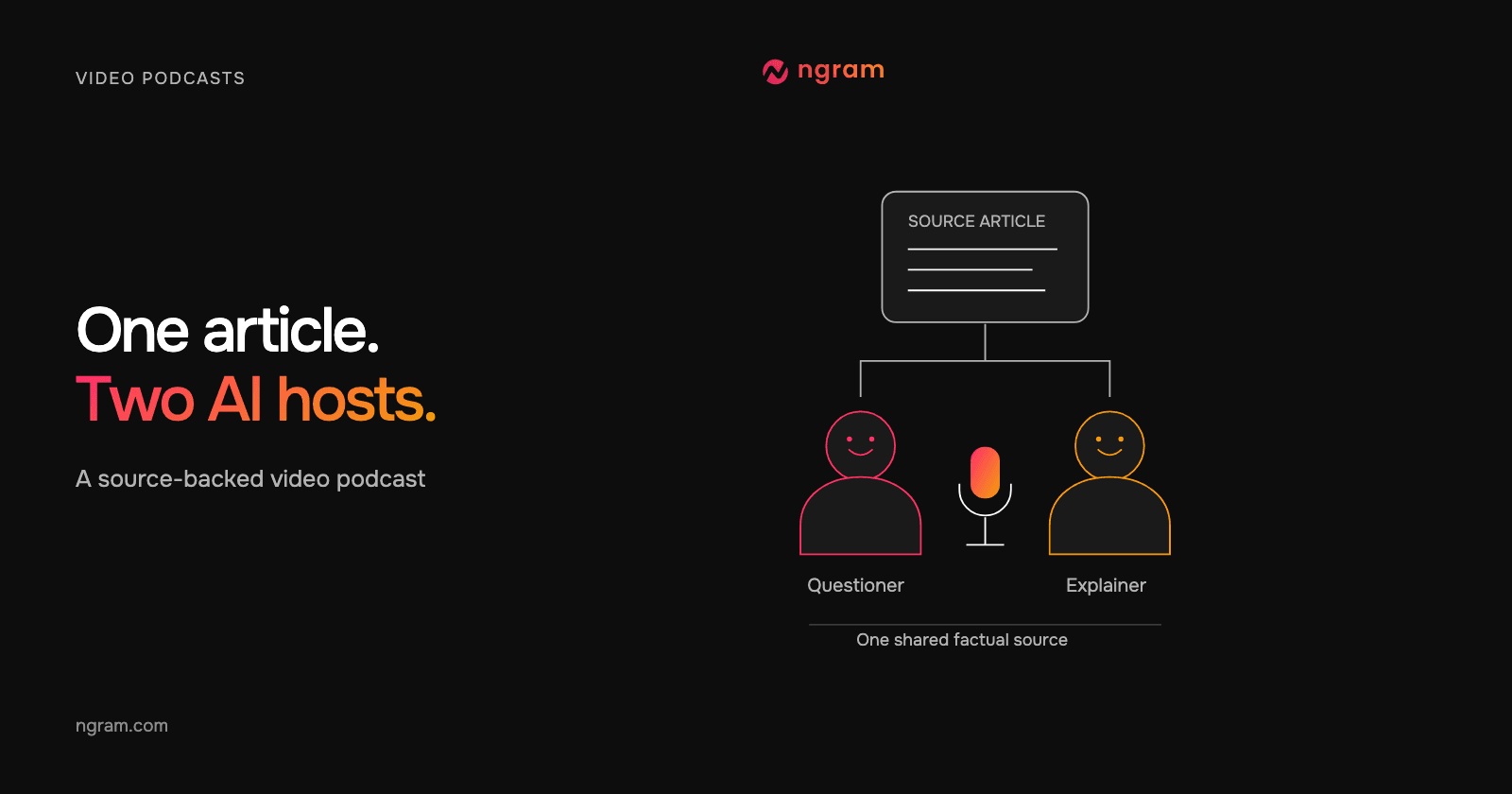
Nia plays the questioner. Tevita explains. Nia’s follow-up asks about the next uncertainty, so the dialogue moves from an introduction to a starting option and then troubleshooting. Neither host pretends to be the article’s author or a real interview guest.
Draft the answer first, then write the question that makes that answer necessary. Remove a turn if it only says “Exactly” or repeats the previous line. Keep a short reaction when it changes the next question or makes a qualification easier to hear. Distinct voices help readers track the roles, but the script still needs to make sense without seeing the names.
Step 4. Make the discussion and check it against the source
Use the two-host video podcast template to adapt the same reusable brief. It carries the article URL, audience, selected takeaways and closing action into an editable starter. The Conversation creation guide covers the Studio setup and plan review; the important editorial work is checking what each host is allowed to say.
The example requested 30 seconds in 16:9 and finished at about 31 seconds. Nia and Tevita are fictional AI hosts with distinct voices. Repository, workflow and log graphics illustrate the topic; they are not captured GitHub screens or a demonstration inside a real repository.
From this input to this video
Nia asks practical questions and Tevita explains three takeaways from the public GitHub Blog guide. The repository, workflow and log graphics are illustrations, not captured GitHub screens; this is an independent fictional-host summary.
Prompt
Create a 30-second landscape 16:9 scripted video podcast with two fictional AI hosts visible on screen, each with a distinct voice. Use this public article as the factual source: https://github.blog/enterprise-software/ci-cd/build-ci-cd-pipeline-github-actions-four-steps/. Audience: developers setting up their first CI/CD workflow. One host asks practical questions and the other explains these three source-backed takeaways: a CI pipeline builds and tests code changes; the repository's Actions tab offers workflow templates; the workflow visualizer and live logs help identify failed jobs. Use at most 65 spoken words and a natural back-and-forth. Paraphrase the source without invented quotations, guests, benchmarks, or guarantees. End by inviting viewers to read the full GitHub guide. Show me the plan and dialogue for review before production.
Selected style
Conversation
Read the video transcript
Nia: First CI/CD workflow. Where do I start? Tevita: When code changes, a CI pipeline builds it and runs your tests. Nia: Do I write that from scratch? Tevita: You can, but your repository's Actions tab offers workflow templates. Nia: And when a job fails? Tevita: The workflow visualizer shows which job failed, and live logs help you find out why. Nia: Want the details? Read GitHub's full guide.
Adapt the source and watch the discussion
Read the exact brief and source, watch the finished ngram example, then edit the starter for your own article.
Choose the source and question
Supply the public article, audience and bounded takeaways the hosts should discuss.
Review the host exchange
Use Conversation with Opus 5.5, Presenter Auto and Voice Auto. Review the cast and dialogue in the plan before production.
Watch and revise
Play the complete result, compare the answers with the source and request any corrections before sharing.
Make it yours
Fill in your details here, or continue and finish your brief in ngram.
Video generation uses credits. Review your estimate in ngram. MP4 downloads require Basic or higher.
How credits workWatch the exchange with the article beside it. Can you find support for every answer? Does the questioner ask something the intended audience needs? Does the closing line send viewers to the promised next step? Check captions when enabled, including technical names, and request a revision if a line overstates the source.
Step 5. Revise the next episode around a new question
Suppose your next article is more advanced. Keep the questioner and explainer roles, but change the question the episode answers. An experienced audience may need a trade-off explained rather than a definition. Select the relevant passage first, then shorten or expand the script around that decision.
When the video needs to show actual product actions, add your own recording or approved screenshots. An illustrative workflow graphic can explain a relationship, but the viewer needs the real interface to follow a precise click sequence. Review both the words and the visual’s purpose before publishing the revised episode.
Questions about article-based AI video podcasts
Can I use a private or unpublished article?
Paste source text you are allowed to use when the URL cannot be read. Identify the facts the hosts may discuss and check the proposed answers against the same text. A link to a private page does not guarantee that the content can be read.
Do the hosts need to read the article word for word?
Use paraphrased dialogue when the goal is to explain selected takeaways. Keep actual quotations attributed and preserve their meaning. Do not turn a paraphrase into a claim that the author or a real guest said those words.
What should I change if the discussion feels like a split essay?
Give the questioner a specific uncertainty and make the answer resolve it. Cut repeated introductions, filler agreement and answers that do not follow the question. Review the revised plan before producing the next version.
Where should I start with my own source?
Open the AI Video Podcast Generator when you have an article or discussion brief and want a new scripted show segment. Bring the source, the audience’s question and the facts the hosts should explain.