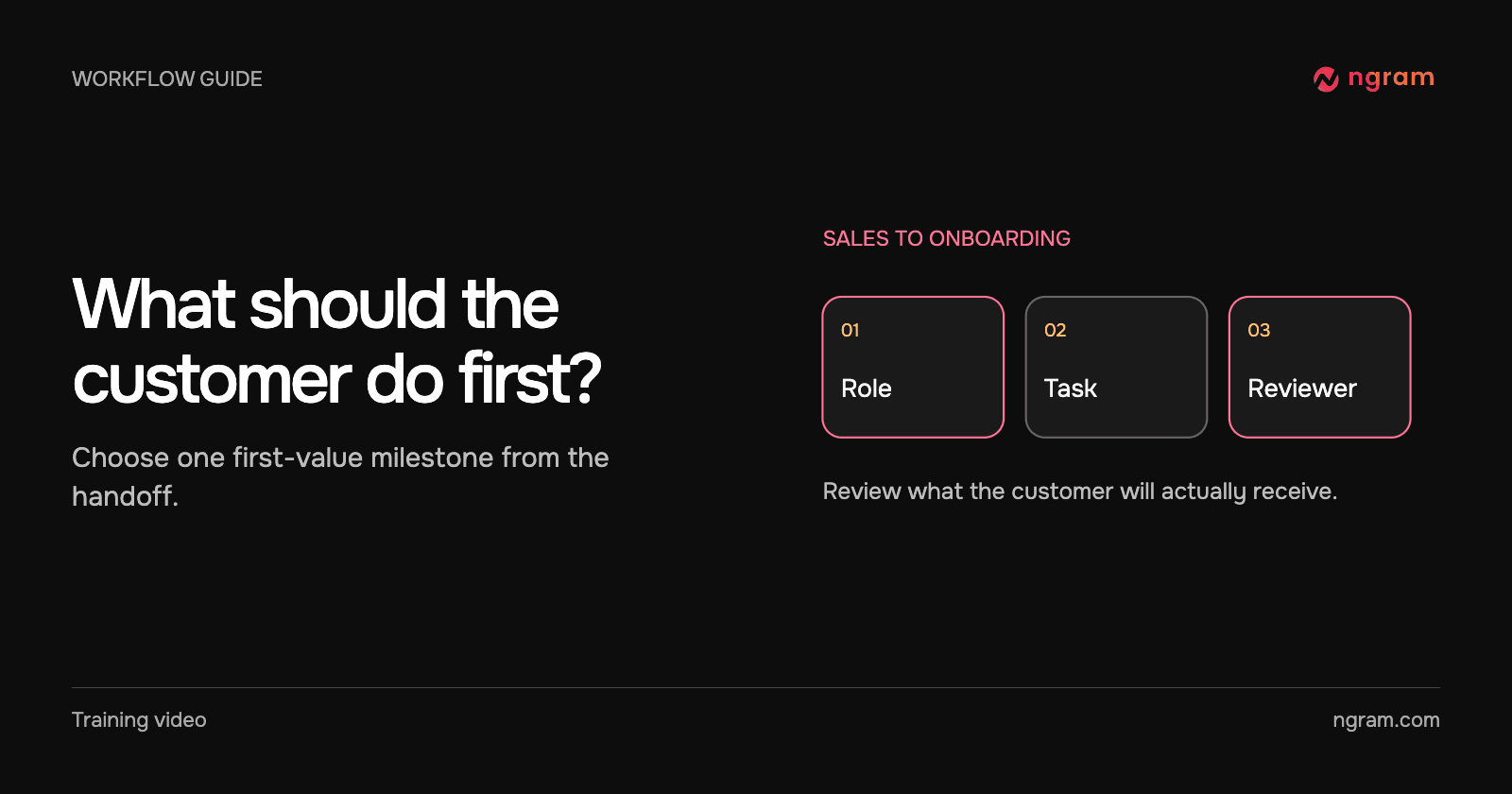

A deal moves to “Closed won.” Sales knows who signed, but onboarding needs a different answer: what can the person setting up the account accomplish first? A generic welcome clip may be friendly and still leave the administrator wondering what to do next.
Ask for four fields before choosing a video
Ask for the viewer’s role, first task, current setup state and the customer success owner. Use approved product material for the instructions. If sales says “get them activated” without explaining the task, clarify the handoff before generating a video.
For example, an account owner who must assign a teammate needs the action, the required permissions and a way to recognize success. Someone who has already assigned that teammate needs the next step instead. Keep the account’s private commercial notes out of both briefs.
Reuse a maintained lesson when the steps match
The example shows a revised handoff instruction playing through the original hosted embed after the owner replaces the live version. If the lesson has the right audience and current steps, send its existing destination with a short note naming the customer’s next action. Test it from a recipient’s session.
If a plan, permission or starting screen changes the task, use the customer onboarding video workflow to create a draft for that path. Avoid sending a familiar video whose first step the customer cannot perform.
Use the CRM event to route a draft for review
When handoffs repeat, mark the record ready only after the required fields are complete. A Zapier workflow can map those fields into the brief and return a video ID. Keep the ID on the source record. Route a completed result to the CSM, and route a failed result to the workflow owner. Check with a test record that the video reaches the person you chose.
Confirm delivery from the recipient’s side
The CSM should open the actual destination and compare the first action with the handoff. Include who to contact if the expected screen is missing. The sharing guide helps decide whether to send the hosted link, embed the maintained lesson in an article or deliver a separate file. Record which path the customer actually received.