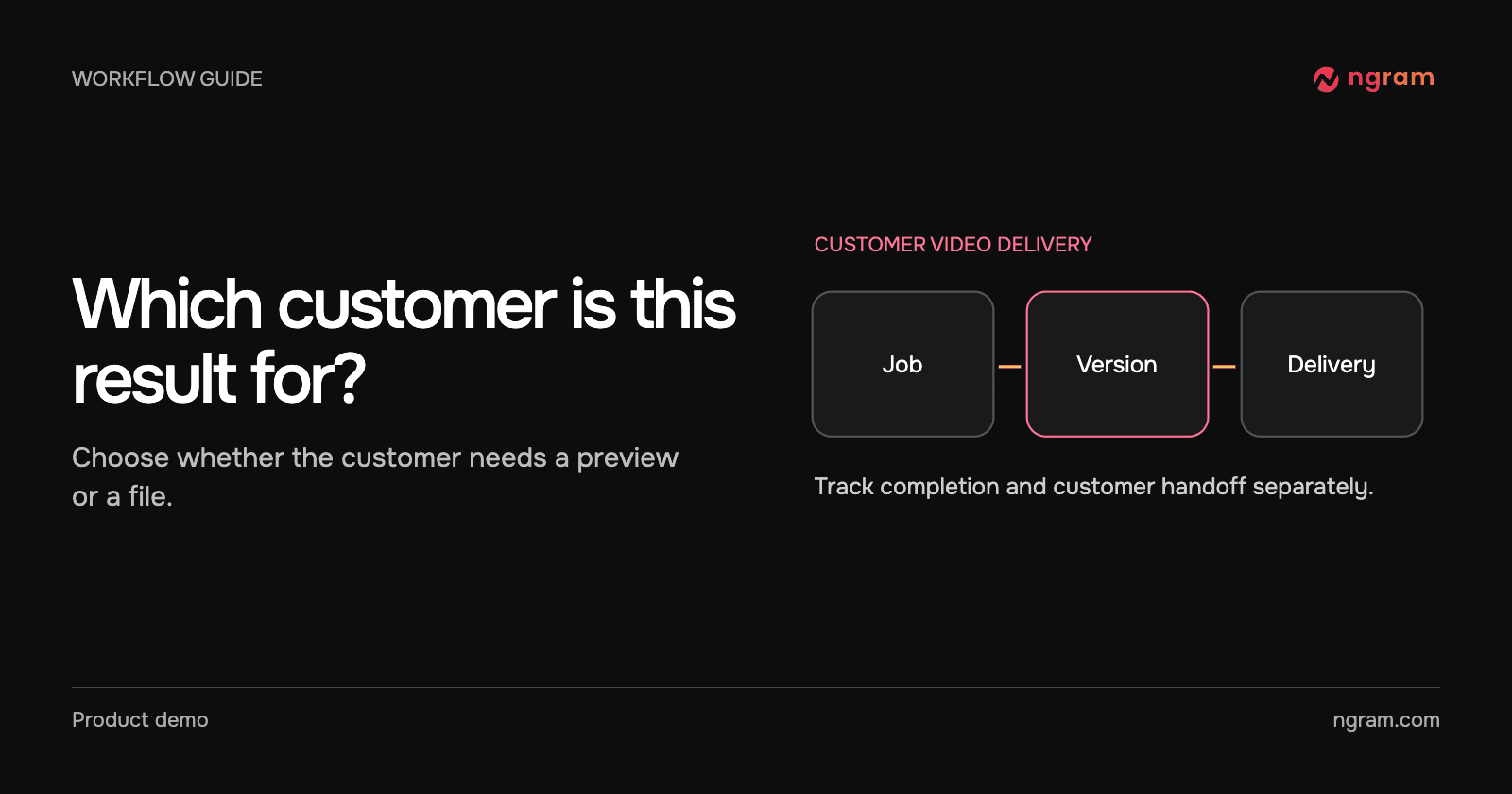

A customer success team requests a quarterly onboarding update for one account. The request has been accepted, but the file is still being made. If the portal marks it delivered immediately, the next person will click an empty link. Track the request and delivery separately.
Decide what the customer should receive
A reviewer may need a project or preview. A portal that accepts a file needs the MP4 for a particular reviewed version. Record the customer’s internal ID, source brief, delivery destination, review owner and file requirement before creating the job. Avoid placing private customer details in an example or exposing a credential in a browser.
The public API can create from approved text or a public page. For an API-key create, use a paid Basic-or-higher account with credits. Send one Idempotency-Key for this logical request and save the returned video ID on the customer record. Reuse that key after a transport timeout rather than starting another chargeable job.
Match the incoming result to the request
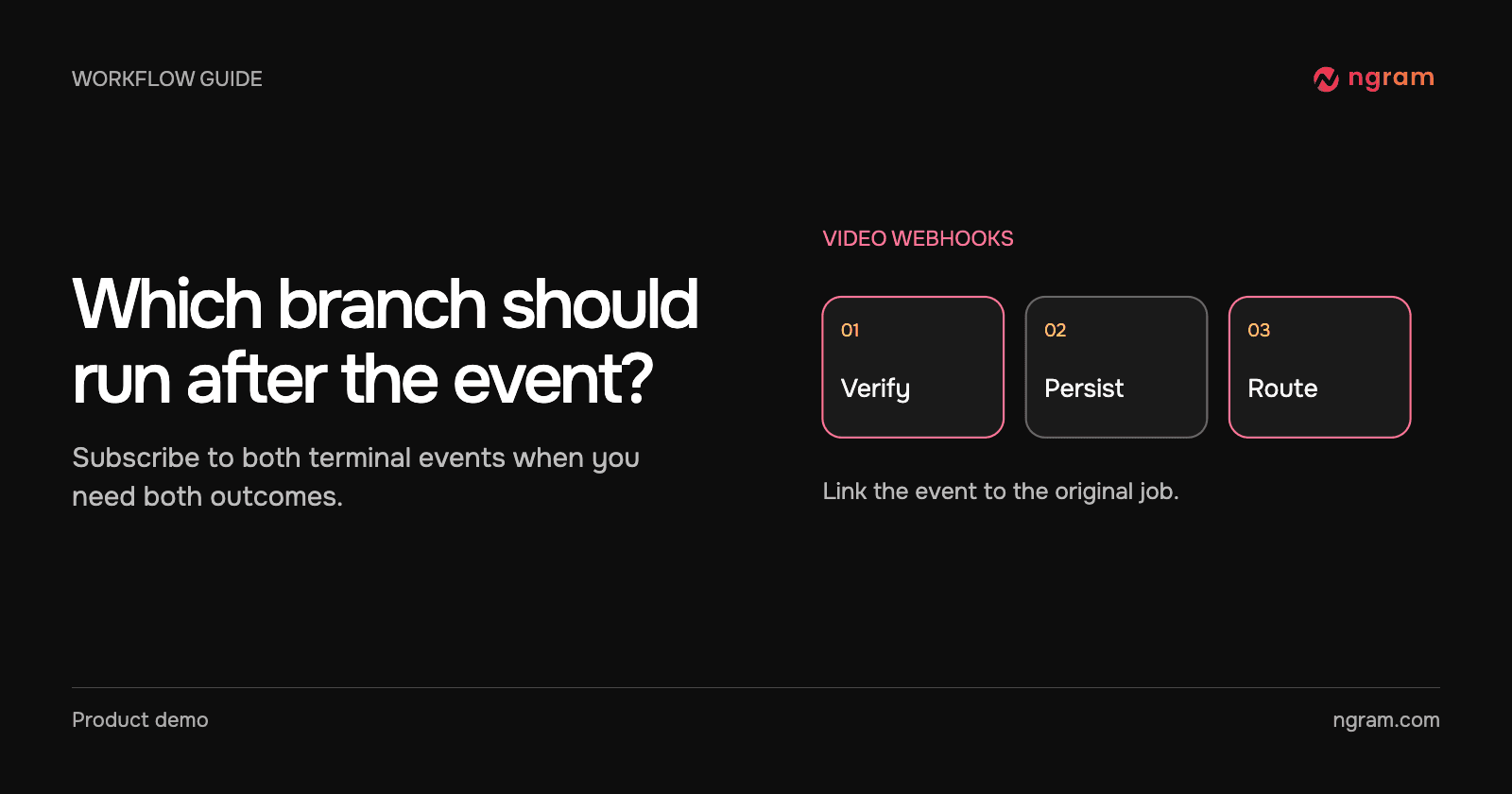
The example completion includes vid_release_brief, a version identifier and a 13.2-second MP4 result. Treat the URL as the result to inspect, not as proof that the customer portal already received it. Verify the signature, locate the record that created the job and compare the event version with the version the owner approved. The webhook workflow covers signing and deduplication.
Open the file in the example result. The finished Studio update reports 100 onboarding completions in Q1 and 120 in Q2, a 20% increase. It is labeled Sample data. The receiving service can use this file to check playback and the customer-facing content before marking the destination delivered.
If the result lacks a file because you requested preview delivery, read the job and use its live_preview for review. Do not send that temporary preview as a permanent downloadable file. For a file destination, request an export of the approved version at an allowed resolution.
Confirm the export and update the destination
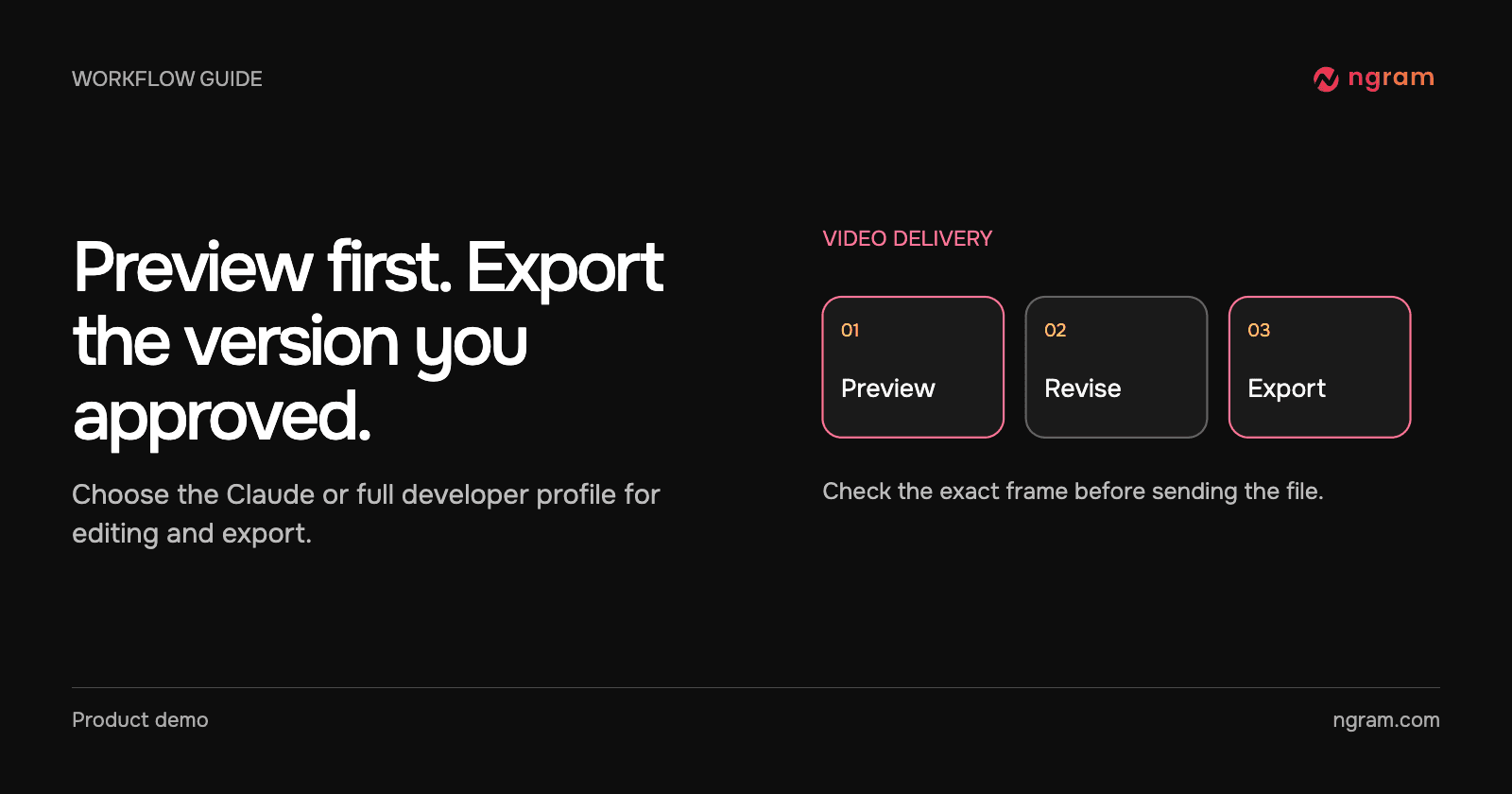
The export example uses the selected version_id. The initial export may still be processing. Read the exports list for that job, match the export ID and continue only when that export is ready with a URL. Choose the processing key for this delivery from the customer record, video ID and version.
Update the portal or notify the reviewer once. Open the customer-facing destination under the appropriate viewer access and check playback and the intended version. Record the time, version and destination. If the destination refuses the upload, retry that downstream operation rather than recreating the source video.
Give failures and revisions a different outcome
For video.failed, store the error and send it to the operator; the customer has no finished file from that event. For a completed edit, the same video ID can arrive with a different version. Decide whether the customer should receive that revision automatically or whether the reviewer must approve it again.
Keep the original record as the place to reconcile delayed or repeated events. See the API getting-started guide for account, creation and status checks while troubleshooting.