Back to How to
How to

How to Give Customer Tutorials a Consistent Look Across Authors

Give customer tutorials a consistent opening, closing and review standard across authors, while leaving each lesson free to demonstrate its own task clearly.

How to Give Customer Tutorials a Consistent Look Across Authors
3 min read•Updated at November 2, 2026
Written and edited by
Rishikesh Ranjan
Rishikesh Ranjan
all thing growth @ ngram.com

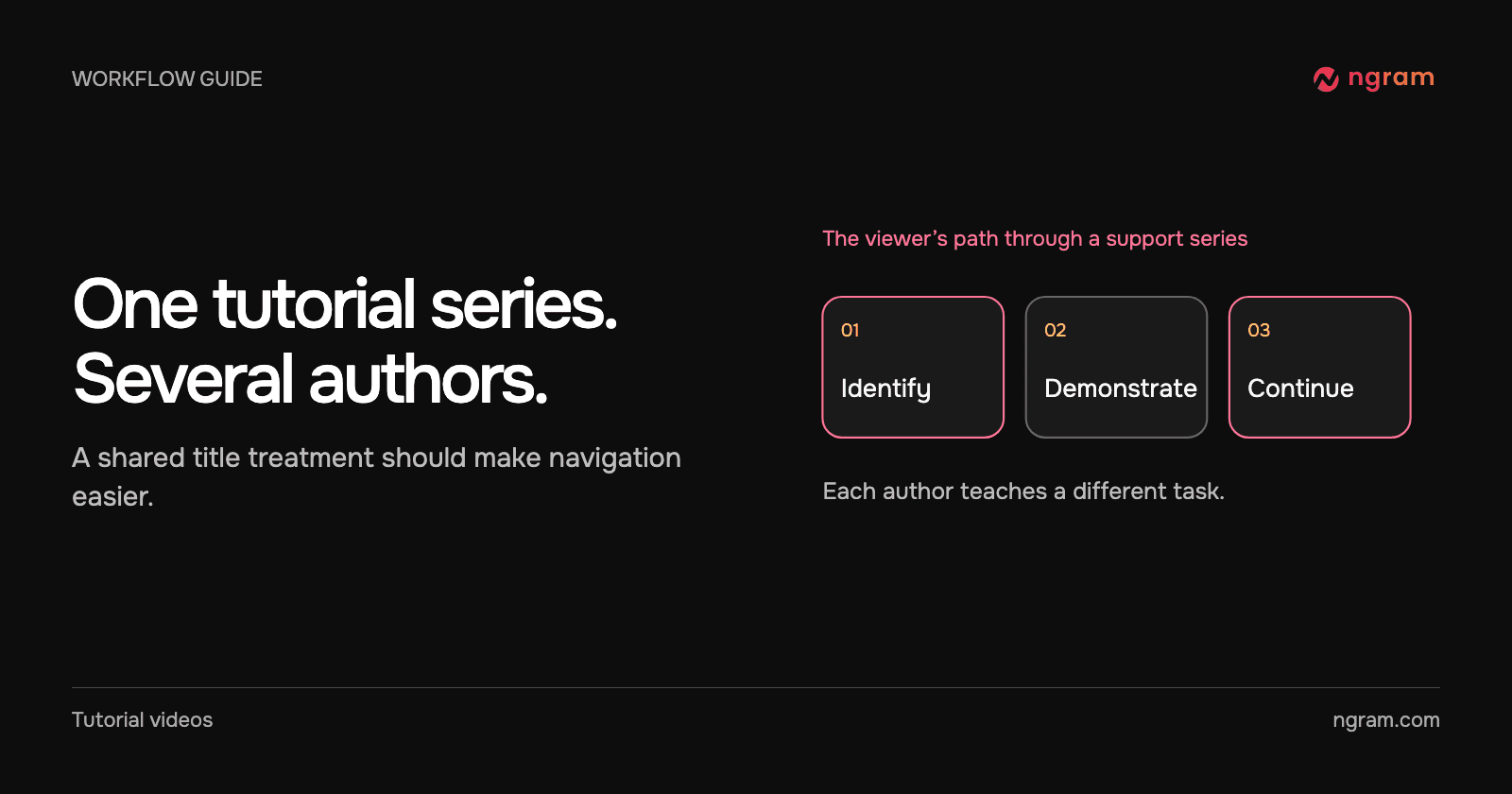
A customer watches one tutorial about inviting teammates and another about finding invoices. Both are accurate, yet they look as if they came from different companies. The useful fix is narrower than making every scene look identical. Give the customer a reliable way to recognize the series, locate the task and know where to go afterward.

Separate the series identity from the lesson

Choose what repeats: the product name, a short series label, logo treatment and closing destination. Decide what changes: the lesson title, screen recording, narration and the evidence of success. If the first video is a series introduction and the second is an urgent troubleshooting clip, the second may need to start directly on the screen.

Create one reference pair for authors. For example, the opening in both videos can say “Workspace essentials,” while the task line changes from “Invite a teammate” to “Find an invoice.” The closing points to the current help collection. Ask one owner to confirm the URL and terminology when the product changes.

Give authors named assets and one instruction

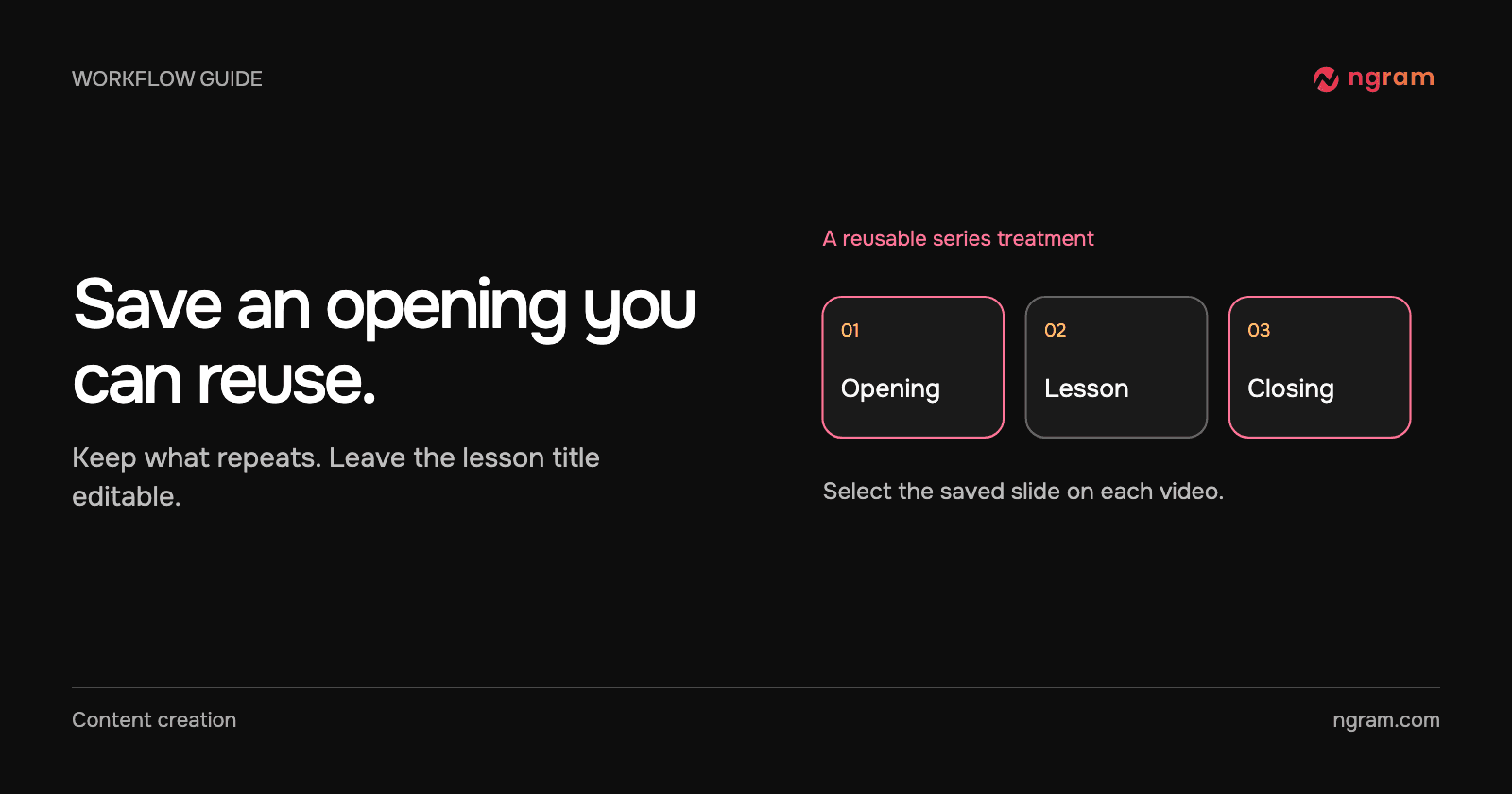
Save the reusable opening and closing in a Brand Kit. Give them names that distinguish the audience and purpose. In the author checklist, write which kit to select and when to leave a slide off. Simply choosing a kit does not add its intro and outro to every video.

The Brand Kit demonstration shows multiple editable designs. A collection of choices makes it easy to start, but it does not decide which design belongs to a customer education series. Make that choice before authors produce their cuts. The slide template guide explains how to save and select it.

Review a pair, not just an isolated video

Open two actual tutorials side by side. Pause at the opening. Are the series name and lesson title easy to distinguish? Then compare the closing frames: do they point to the same appropriate next step? Finally, watch the demonstrations themselves. The invoice tutorial may need a close-up of a date selector; the invitation tutorial may need to linger on the pending-invitation status. A shared template should leave both choices available.

For help center videos, check the page where each customer sees the result. An opening that works in a course may feel repetitive inside a written help article. Revise the shared treatment when it distracts from the task, and keep the actual product evidence specific to each lesson.
Related articles

How to Make a Software Tutorial Video in 2026 (Step-by-Step)
How to14 min read

How to Make a Software Tutorial Video in 2026 (Step-by-Step)

Learn how to create professional software tutorial videos from scratch. Step-by-step guide covering planning, recording, editing, and publishing - with real data and pro tips.

ngramTutorial Videos
Rishikesh Ranjan
Rishikesh Ranjan
Growth Lead
Sep 15, 2026
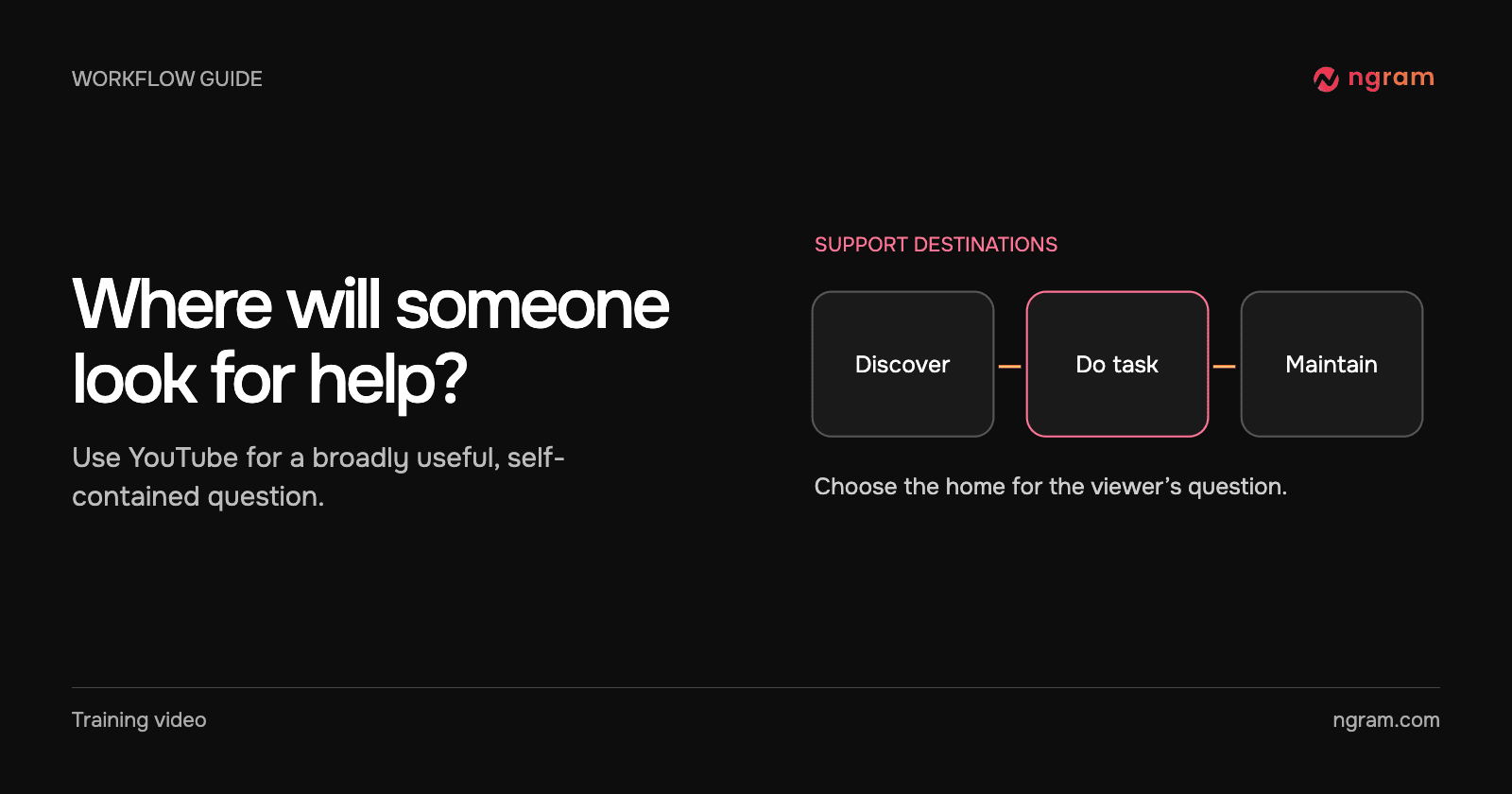
Should Your Support Tutorial Live on YouTube or in Your Help Center?
How to3 min read

Should Your Support Tutorial Live on YouTube or in Your Help Center?

Choose between a public YouTube tutorial and an embedded help-center video by checking the viewer’s starting point, privacy needs and how often the instructions change.

How Tongram
Rishikesh Ranjan
Rishikesh Ranjan
Growth Lead
Nov 2, 2026
How to Make Reusable Intro and Outro Slides for Your Videos
How to3 min read

How to Make Reusable Intro and Outro Slides for Your Videos

Create editable intro and outro slides in Brand Kit, save them as templates and select the right opening or closing for each new video.

How Tongram
Rishikesh Ranjan
Rishikesh Ranjan
Growth Lead
Nov 2, 2026
How to Create an AppSumo Promo Video From a Deal Page
How to12 min read

How to Create an AppSumo Promo Video From a Deal Page

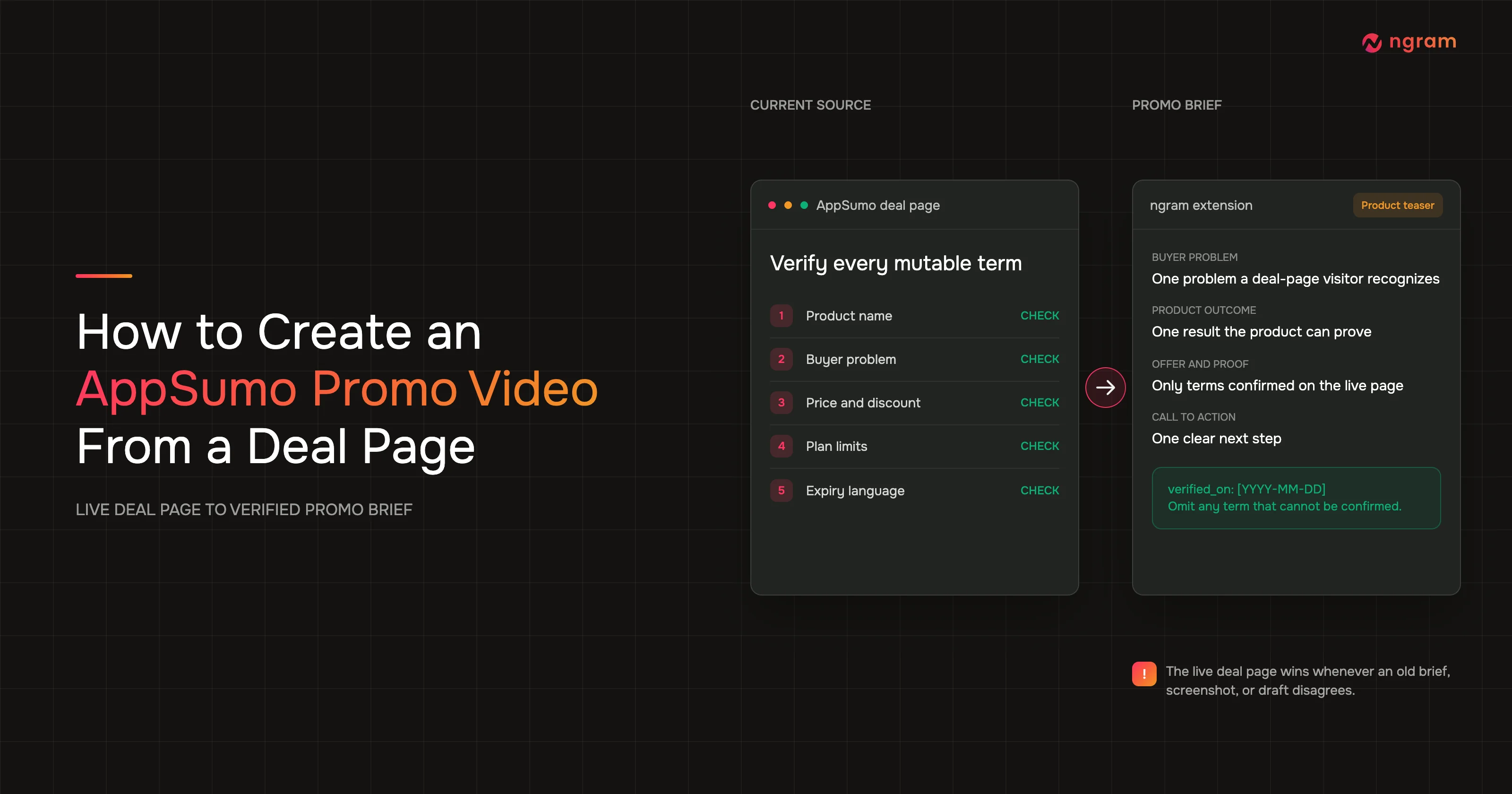
Create an AppSumo promo video from a live deal page with verified offer details, a focused teaser brief, render monitoring, and a final deal-term review.

ngramHow To
Rishikesh Ranjan
Rishikesh Ranjan
Growth Lead
Jul 20, 2026
How to Use Chapters to Make a Long Training Video Easy to Navigate
How to3 min read

How to Use Chapters to Make a Long Training Video Easy to Navigate

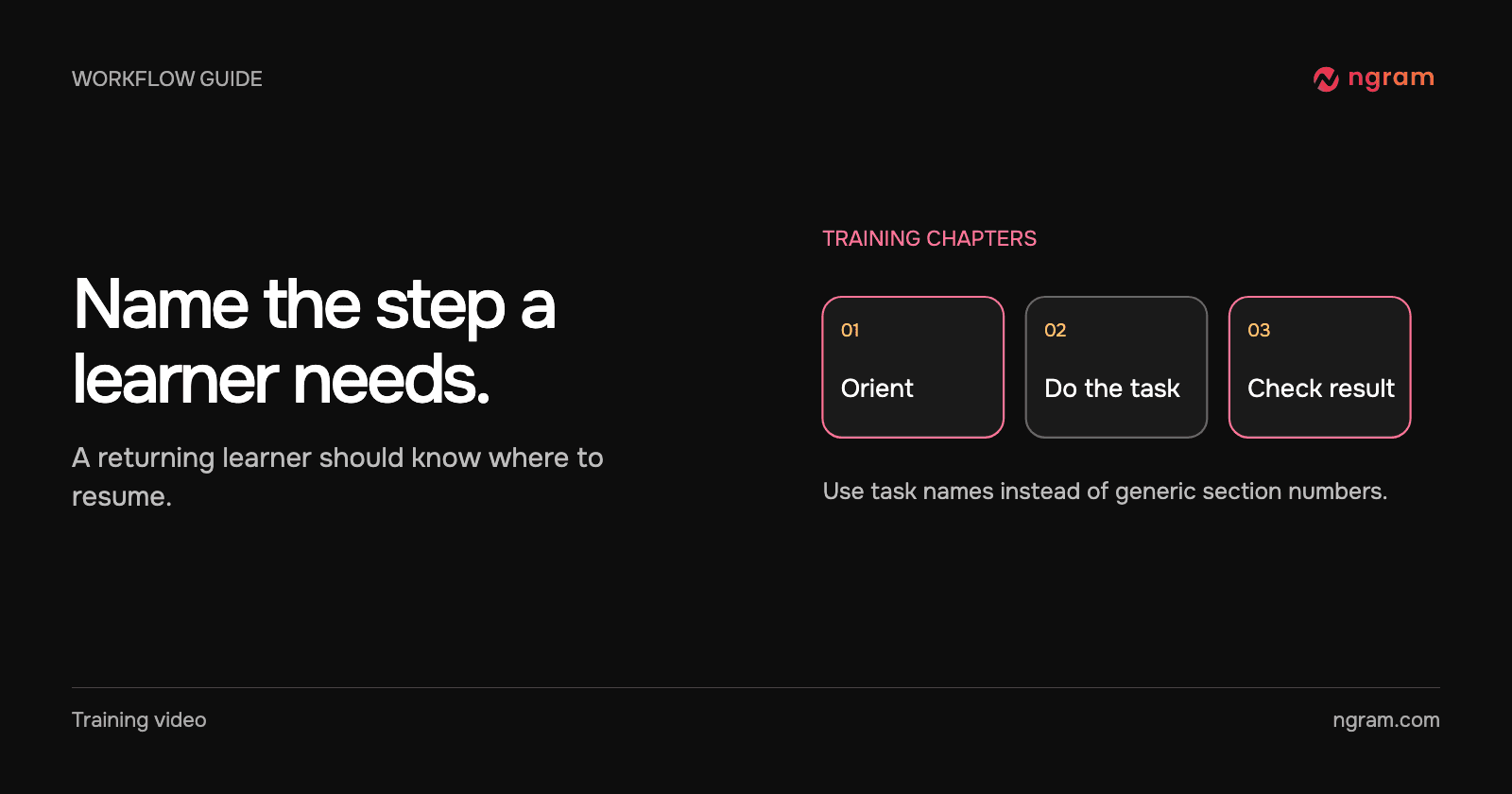
Add useful chapter titles and timestamps to a hosted training video. Name procedures learners return to, verify their start times and recheck the list when the cut changes.

How Tongram
Rishikesh Ranjan
Rishikesh Ranjan
Growth Lead
Nov 2, 2026
How to Turn a Help Article Into a Video That Shows the Actual Product
How to3 min read

How to Turn a Help Article Into a Video That Shows the Actual Product

Turn one step from a help article into a product walkthrough. Pair the written instruction with the real interface, use attended browser handoff and verify what the viewer sees.

How Tongram
Rishikesh Ranjan
Rishikesh Ranjan
Growth Lead
Nov 2, 2026

Ready to create your first video?

Turn your source material into a video. Shape the brief, review the plan and make it yours.