Team and roadmap update video templates
Share progress, priorities and decisions with the people who need them.
Visual direction
Choose a visual style
Preview the composition, motion and pacing, then choose the style for your video.
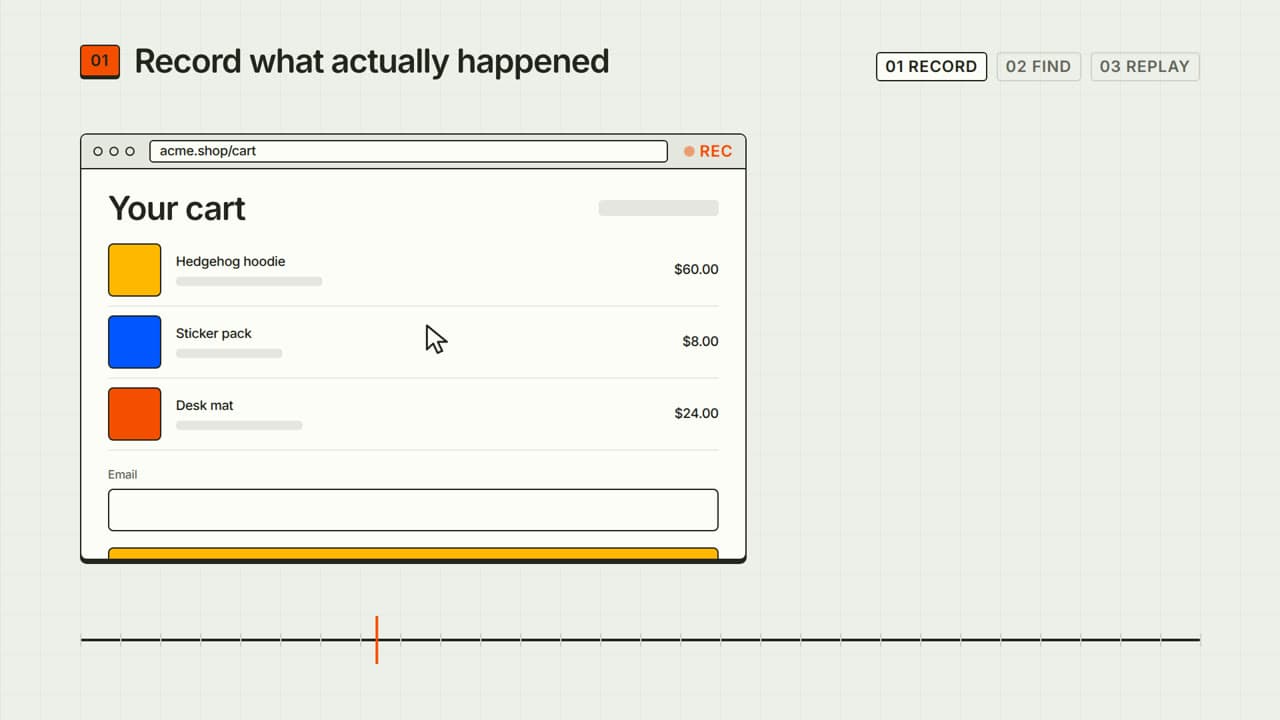
Type & layout
Kinetic type
Bold words, rhythmic motion and a memorable hook.
Preview style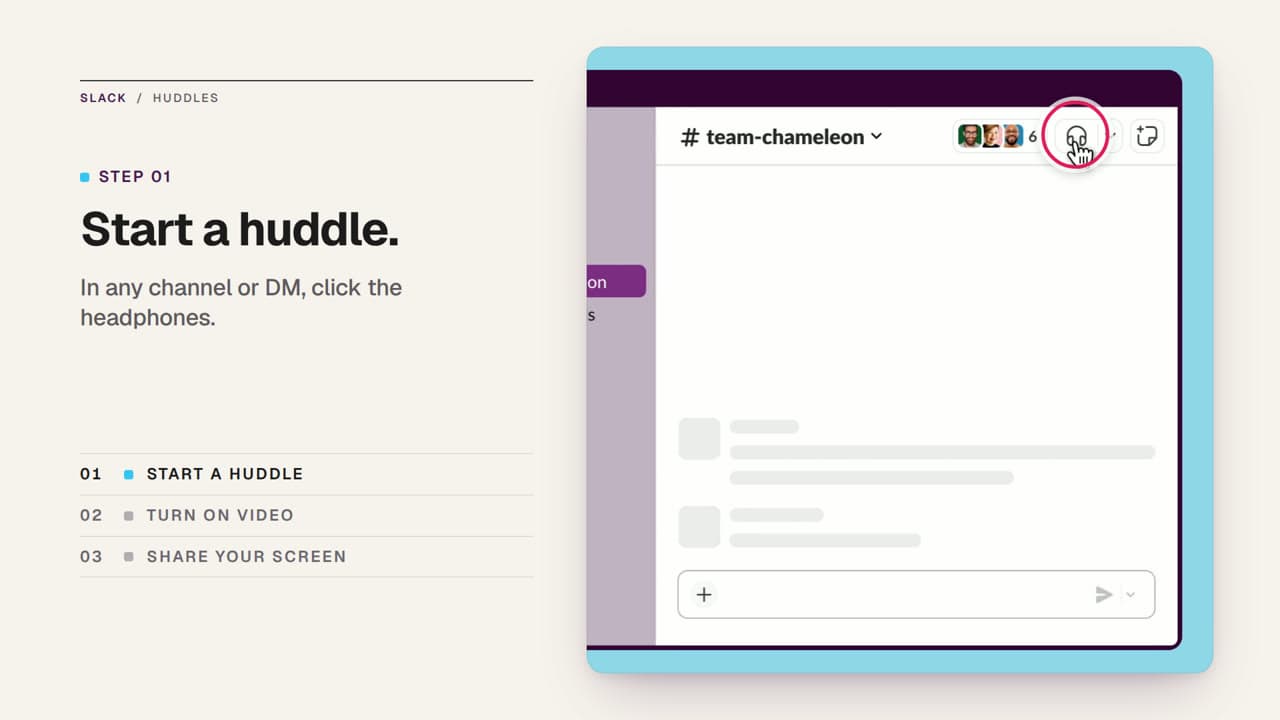
Type & layout
Editorial
Considered typography, imagery and room to breathe.
Preview style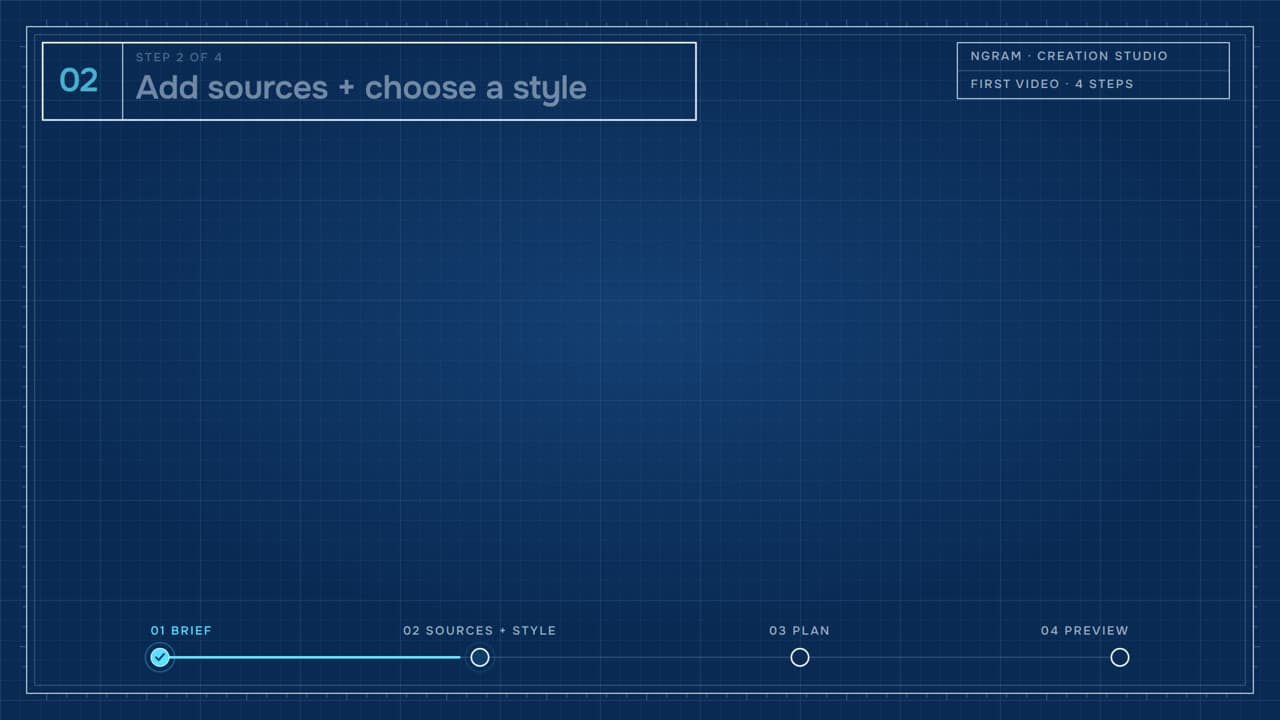
Technical & data
Blueprint
Technical line drawings on a grid, built piece by piece.
Preview style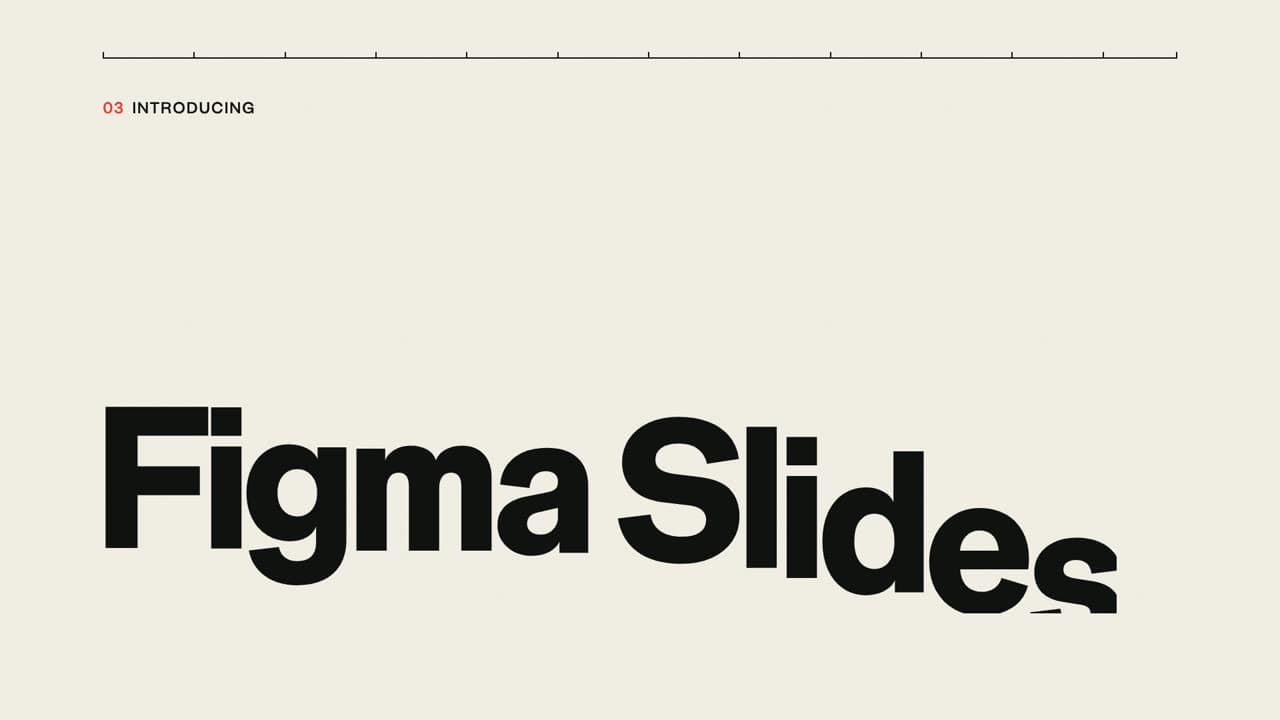
Type & layout
Swiss poster
Strict grid, giant grotesk type and one bold accent color.
Preview style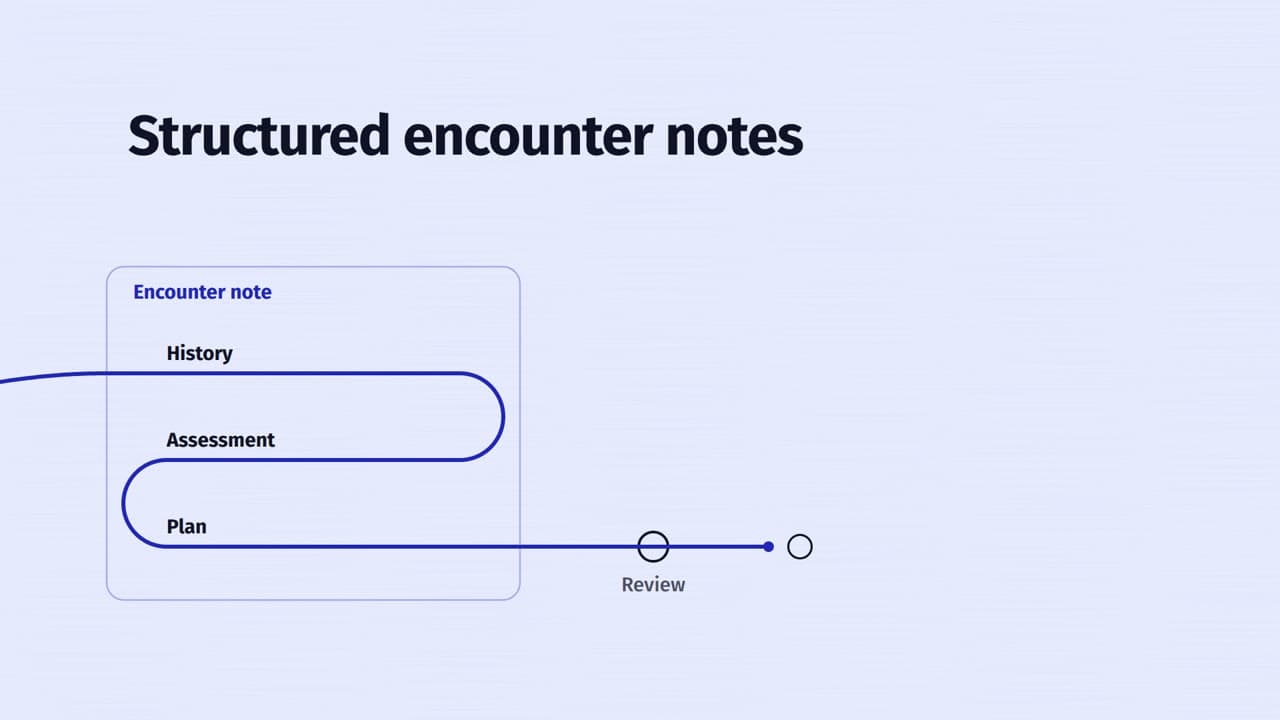
Type & layout
Single line
One continuous drawn line that carries and shapes the type.
Preview style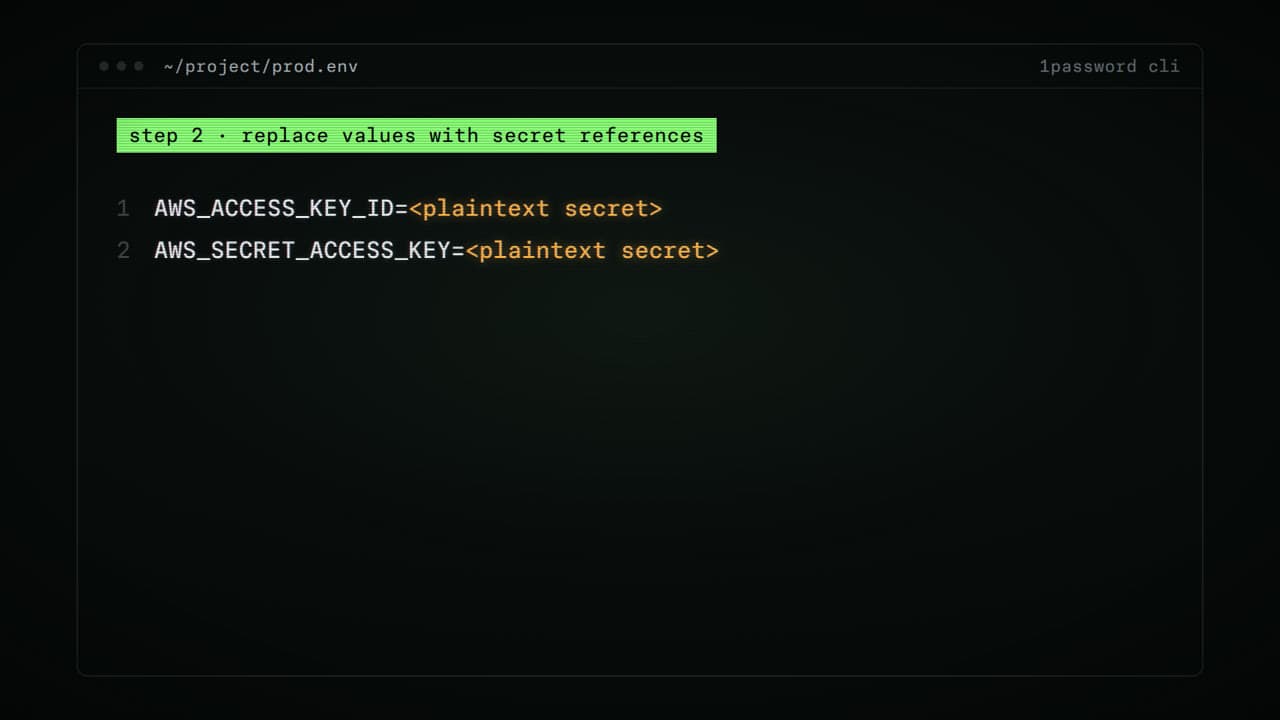
Technical & data
Terminal
Monospace commands on a dark screen with soft phosphor glow.
Preview style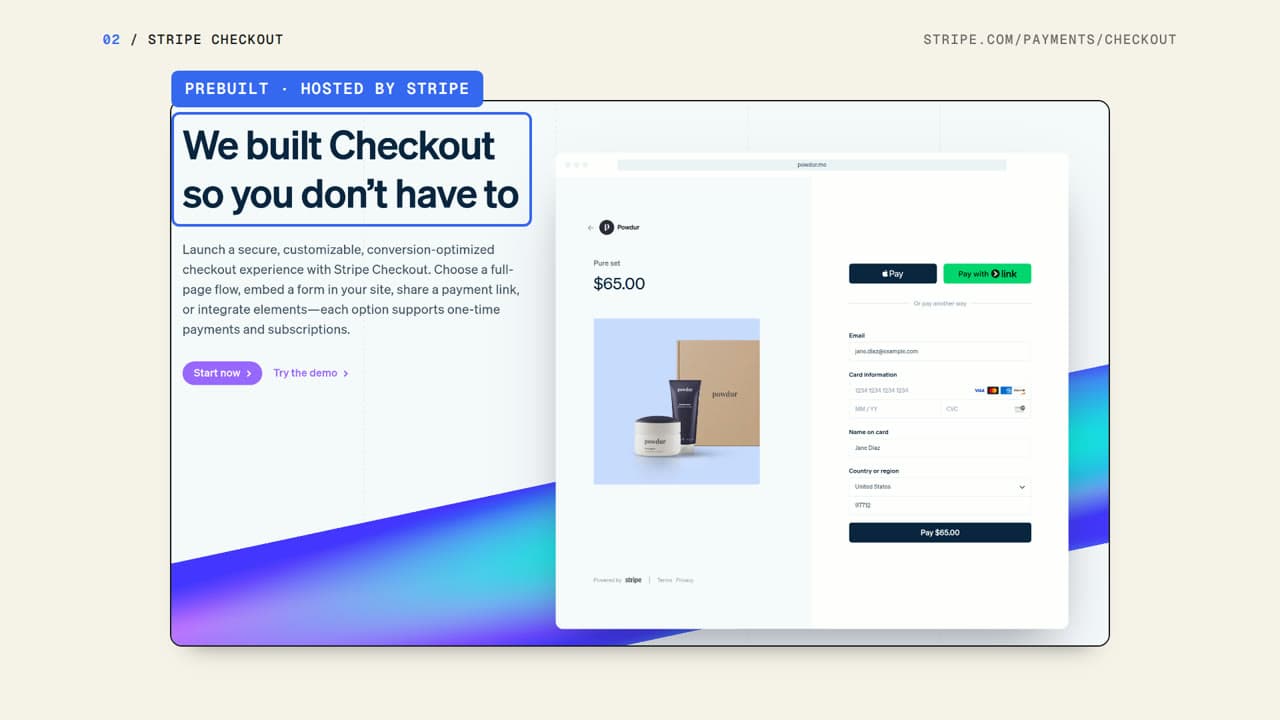
Technical & data
Morphing interface
One clean interface shape that folds, splits and reforms.
Preview style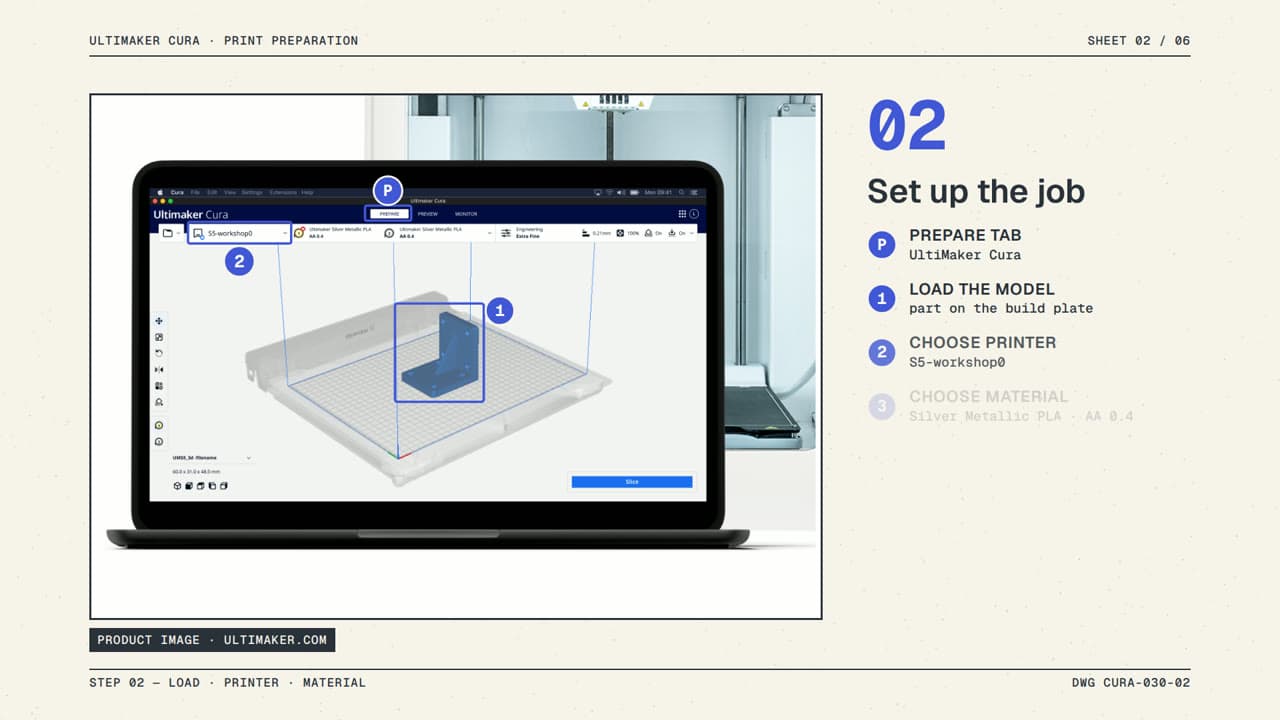
Technical & data
Exploded view
Flat-shaded 3D parts pulled apart like an assembly manual.
Preview style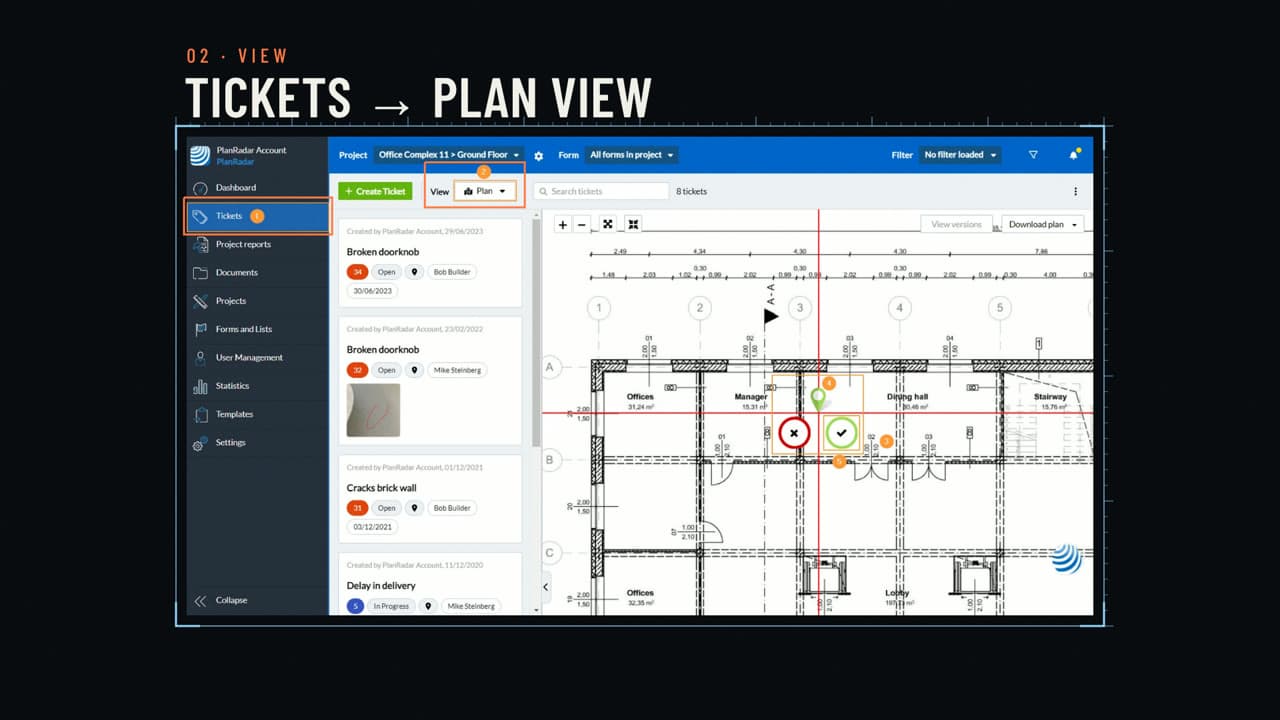
Technical & data
Wireframe cutaway
One object shown solid, as wire outline and in cross-section.
Preview style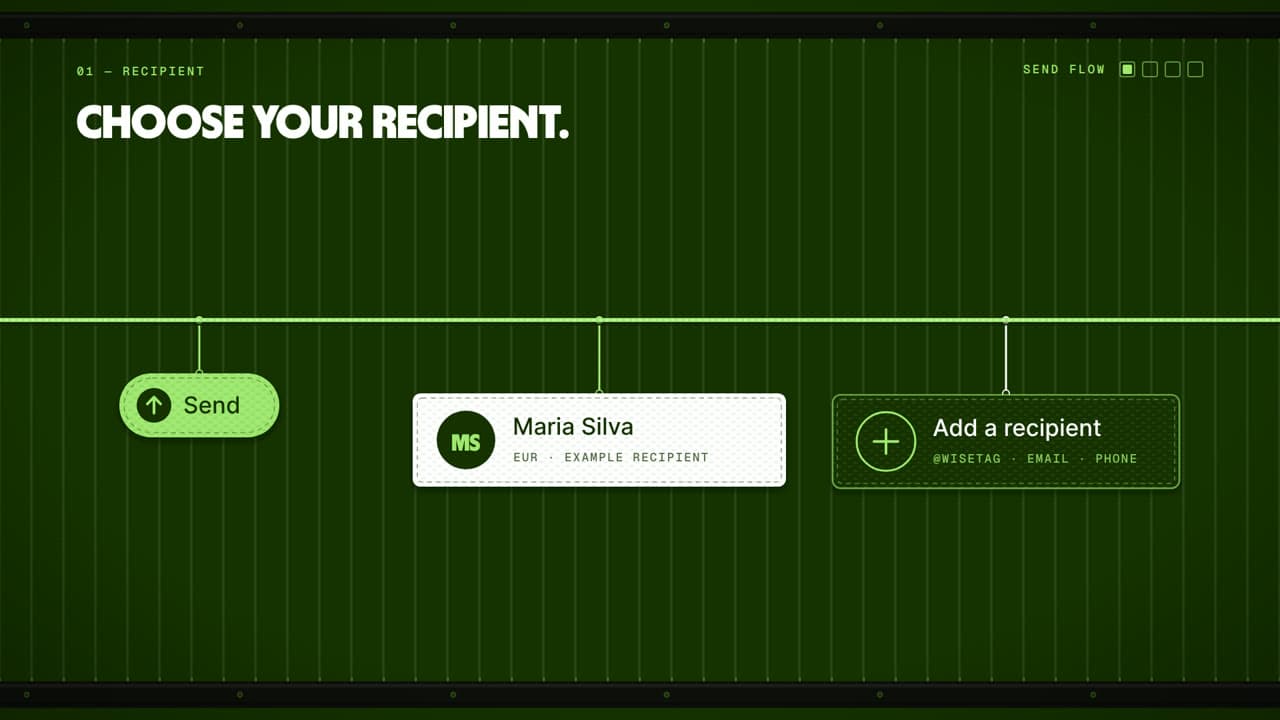
Technical & data
Woven threads
Colored threads weaving into bands, knots and fabric patterns.
Preview style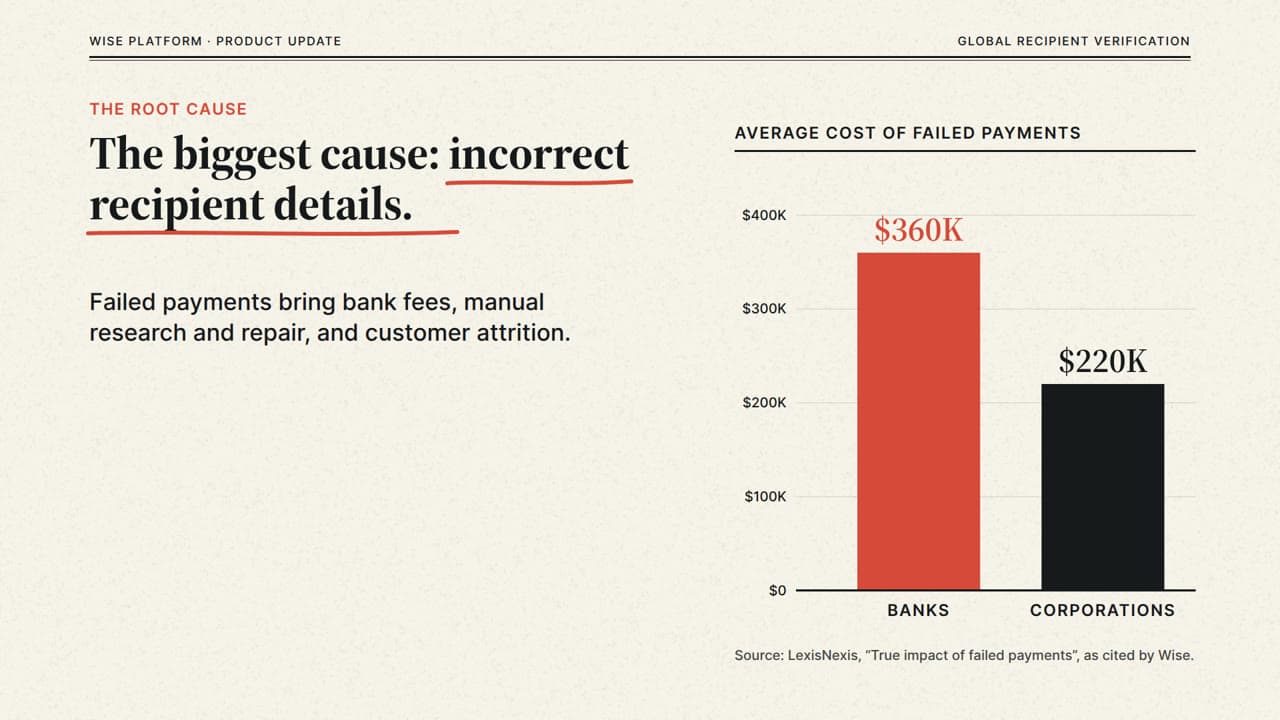
Technical & data
News charts
Newspaper-style charts with serif headlines and clear annotations.
Preview style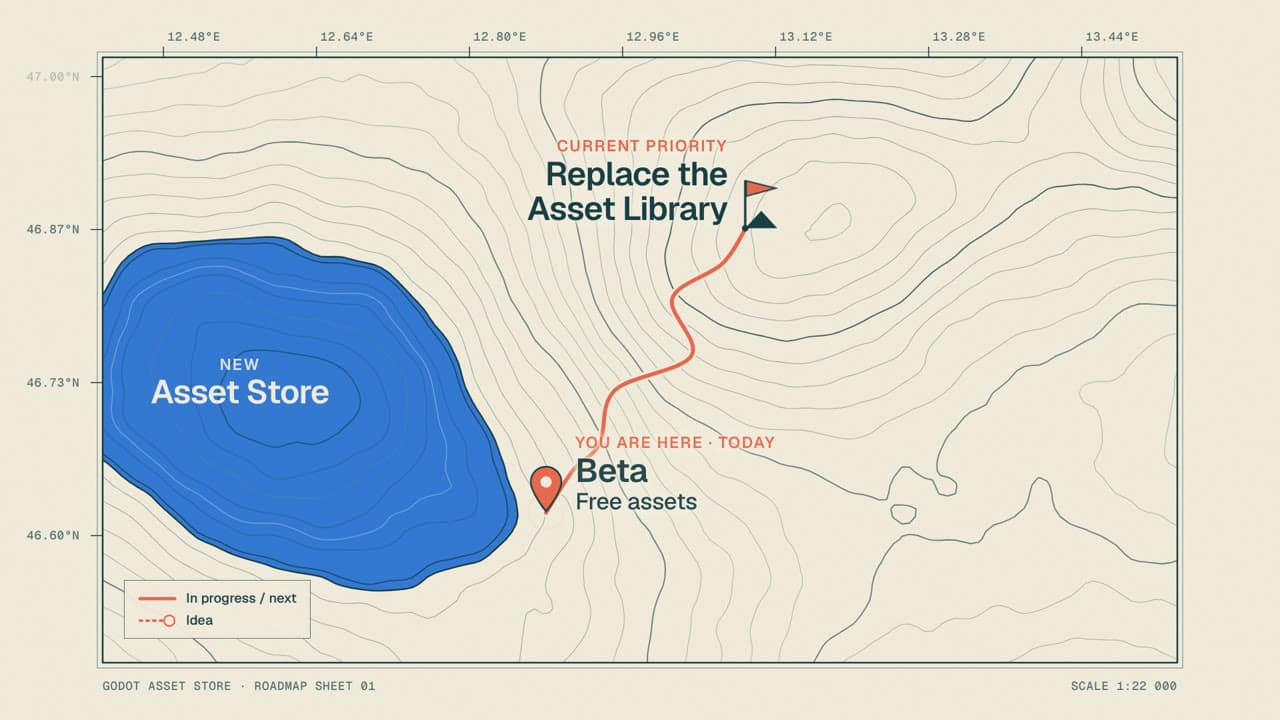
Technical & data
Contour map
Topographic contour lines on paper with routes and markers.
Preview style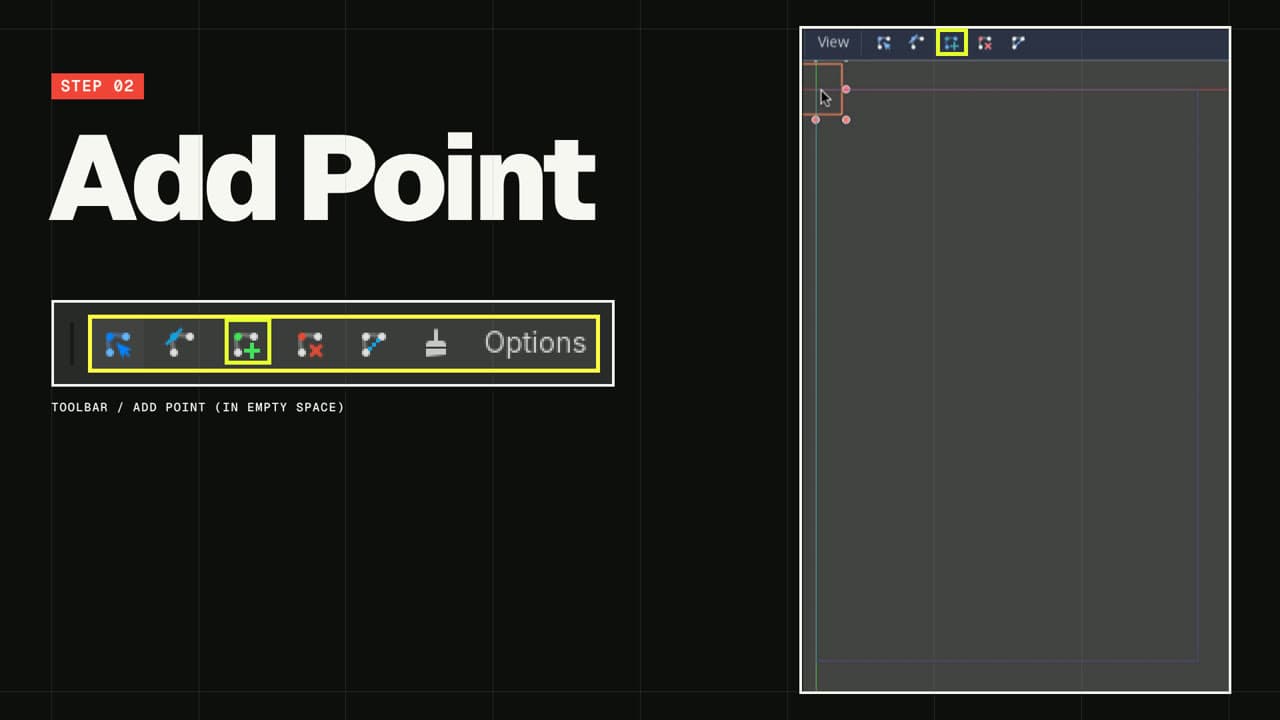
Type & layout
Brutalist
Raw grids, massive type and hard, abrupt layout shifts.
Preview style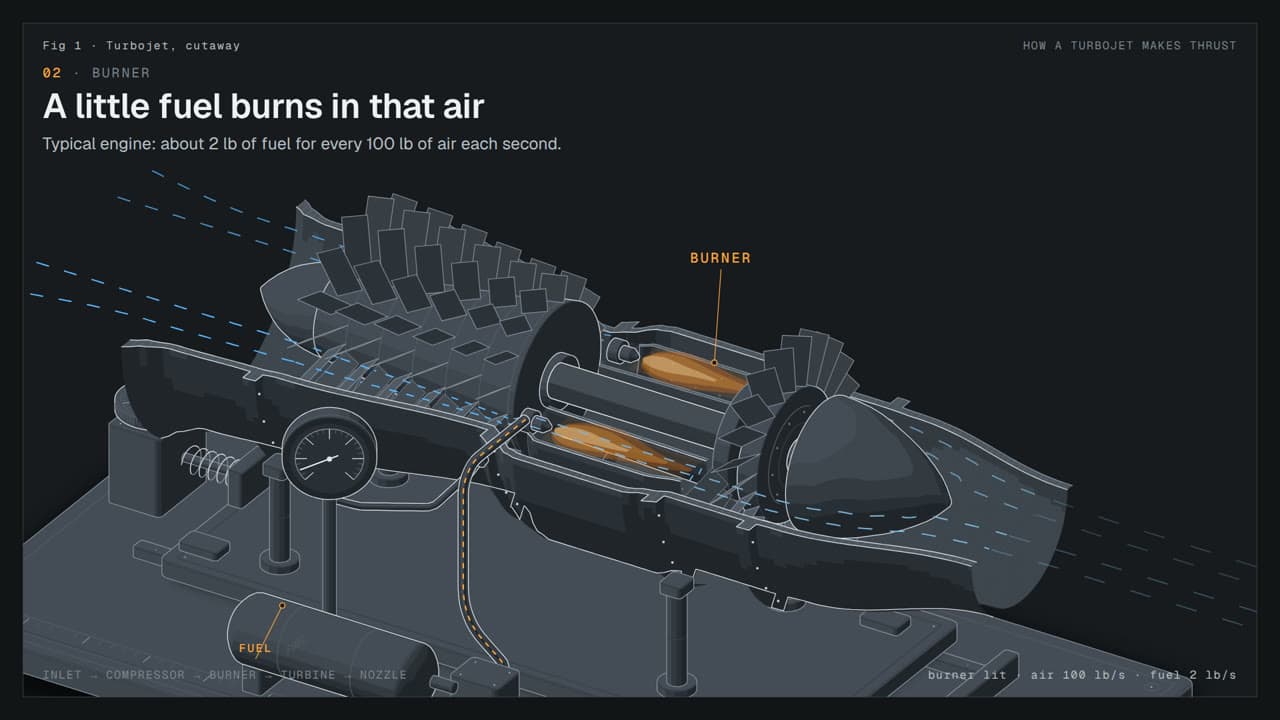
Technical & data
Machine anatomy
Detailed isometric machines whose moving parts show how it works.
Preview styleStory structure
Choose a starting template
Start from a reusable brief, then adapt the audience, source material, duration and call to action.
44sRoadmap Update Video Template
Explain where a product is heading and why. Give stakeholders a clear view of priorities, dependencies and the feedback you need next.
Use this template 42s
42sTeam Update Video Template
Turn a weekly status note into a short video with progress, priorities and clear asks. Give colleagues the context they need before the next meeting.
Use this templateReady to make your version?
Open Studio with a template or style, then add your own topic and source material.